
Get any PDF form from the DocHub library of ready-made templates - Page 417
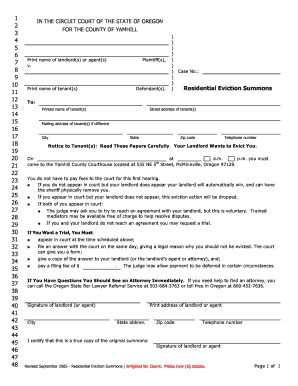
Eviction summons

Soul cycle waiver

Insolvency determination worksheet

Hold the flag high reading street pdf

TRUCK # DRIVER NAME DATE

Certificate of Dependent Eligibility Attestation

Sole Child Custody Agreement - Free Court Order Template

Nc department of health and human services referralfollowup forms
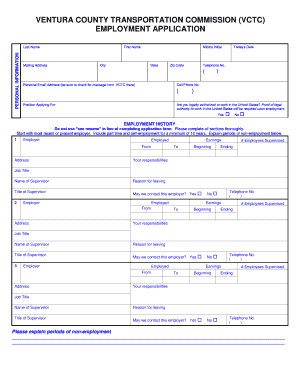
Employment Application (California) LNSS Birthday - goventura
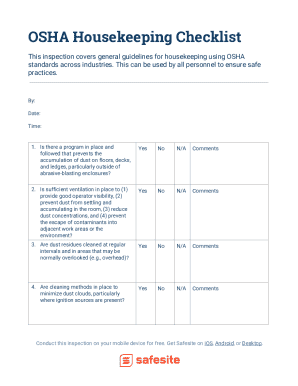
Housekeeping plan for construction site pdf

File review template

Psa authorization letter for japan visa

Please Print Name Please Sign Name

Free Tax Client Intake Form Template

Client Tax Information Sheet - Brookwood Tax Service

Staff training log

Request for Official CCM Transcript - County College of Morris

Project information sheet

Testing Accommodation Decision-Making Tool for Tests Read

Cdcc bristol
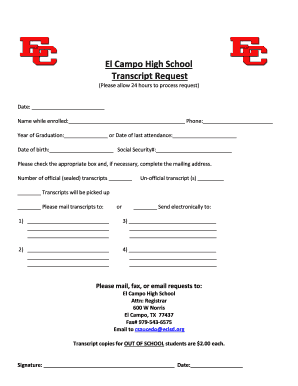
El Campo High School Transcript Request - echs ecisd

Drone pre flight checklist pdf

Quiz bowl score sheet

Petinsure claim form
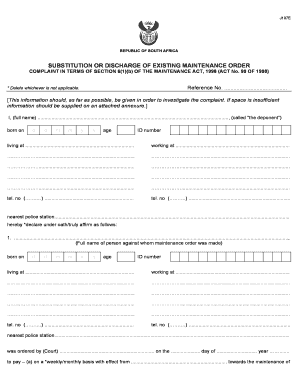
J107 maintenance form
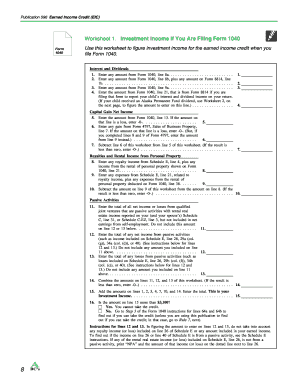
Pub 596 worksheet 1

CERTIFICATE OF STILLBIRTH (FETAL DEATH)

Price List Order Form
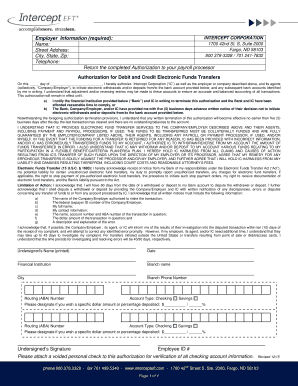
Service - Pay-Per Payroll

PARENT CHOICE STUDENT TRANSFER FORM

Allergy Questionnaire - Kaiser Permanente - mydoctor kaiserpermanente

CERTIFICATE OF NON-SEGREGATED FACILITIES

Communication Release Form - Advanced Urgent Care
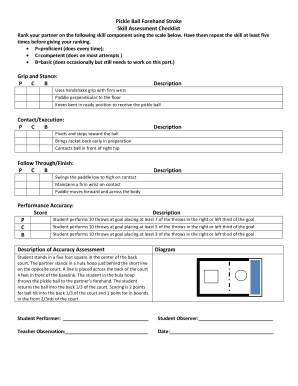
Pickleball skills assessment worksheet

Eviction Form 7 - Day Notice to Pay or Quit

Airtime waiver

Simple Permission Slip Templates Can Take the Guess

New CD Account Form - MY Safra Bank

Financial identification form

Personal Credential Disclosure Form - CrimCheck
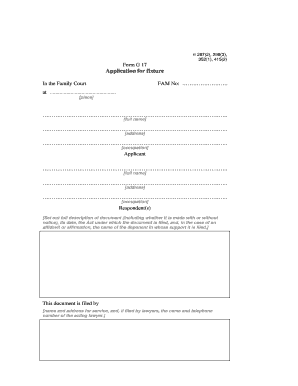
Form G 17

Long-Term Care Acute Gastroenteritis Surveillance Line List and Outbreak Summary

Axa equitable withdrawal form

Vendor set up checklist

Window order form

Affidavit to a fact
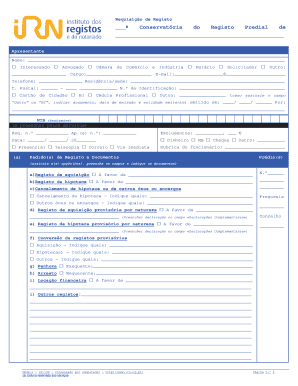
Impressos registo predial

Sutter health doctors note

WOODSTOVE WOOD BURNING FIREPLACE INSERT ADDENDUM
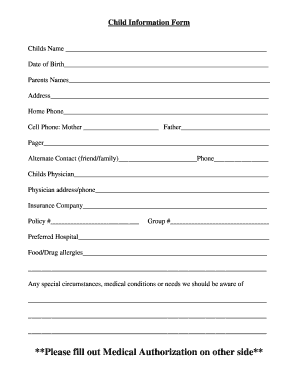
Child details form

Head-to-Toe Examination: The Adult Checklist

WX1GYX SKYWARN Severe Weather Report Form - QSLnet - qsl

ChexSystems Permanent Opt Out Election Form

Matted dog release form

Casenet mo missouri
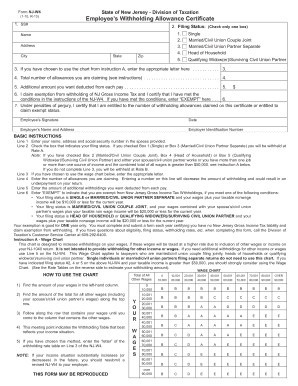
Form nj w4
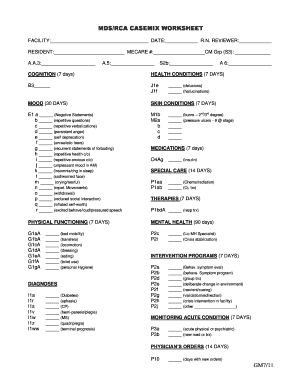
Mds 3 0 data collection worksheet

This Water Quality Assurance Plan (WQAP) guidance note, with the associated WQAP template, will faci

Duke energy medical form

Unit 41 Test Review Thermal Energy Transfer - SharpSchool

Faxemail123

Sepa lastschriftmandat formular pdf

Export Declaration Form2 F2B - Hong Kong General Chamber of

Employment offer letter template - Edit, Fill, Print and Download Best
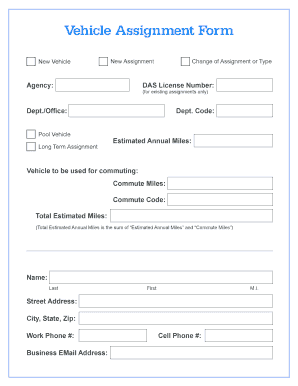
Vehicle assignment form

Customer Data Sheet - Jackson Hewitt Tax ServiceEmployee Portal

Form 43 Aspect certificate (QBCC licensee) Form 43 Aspect certificate (QBCC licensee)
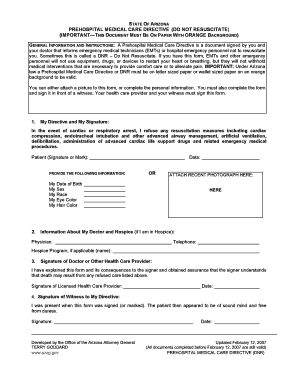
Arizona do not resuscitate form

Concussion doctors note

Tg21 form

Formato para Examen Toxicol gico

Do not duplicate key authorization letter
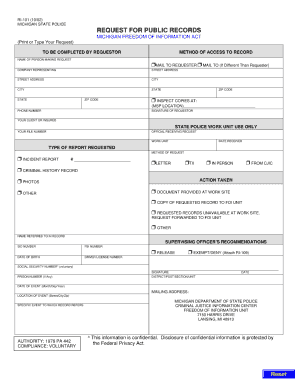
Msp foia

Fill, Edit and Print Legal Services Agreement - Retainer Form

Child-Care Business Form For Taxes - Daycare Match

Form BP-A459 073, Pass Request and Approval - Federal Bureau of - bop

Sample California Immunization Record - cdph ca

Rbkc council tax

Qbcc contract template

Grooming questionnaire

Addie worksheet

Waiver Shortening of Cooling off Period by a Proposed Buyer

Mahatma gandhi university meghalaya degree certificate online

Temple university letterhead
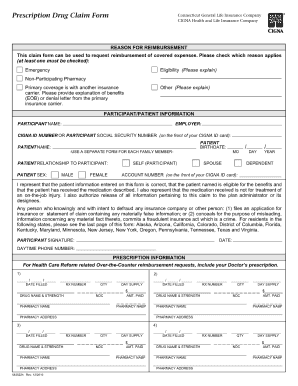
ID Number Member ID Group Number Date of Birth Date of Birth
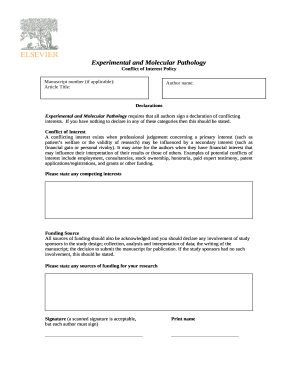
What is a conflict of interest? - Author Services

Erdungsprotokoll f r Erdungsanlagen von Umspannanlagen (pdf 0 - nrm-netzdienste

Af form 1297
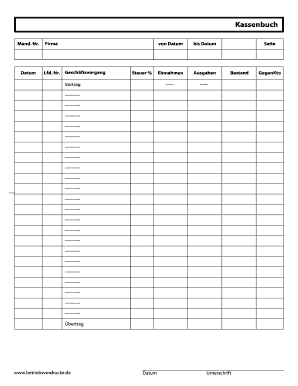
Kassenblatt vorlage pdf kostenlos
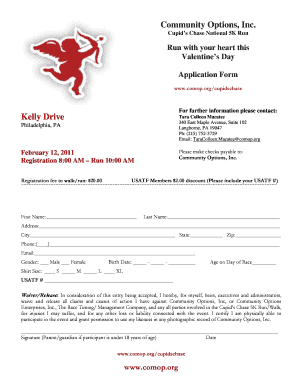
Valentine application

Ufs residence application form 2023
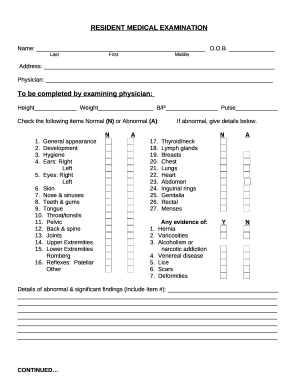
ANNUAL RESIDENT MEDICAL EXAMINATION

Lebanese birth certificate sample
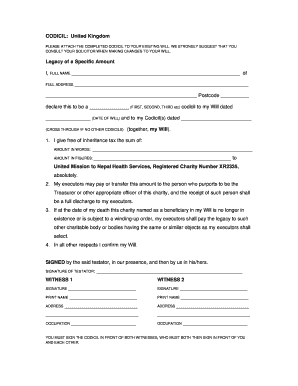
Will codicil template uk

Paratransit westchester online

COMBAT LIFESAVER (CLS) TACTICAL COMBAT CASUALTY CARE SKILLS ASSESSMENT

Daycare inquiry email template
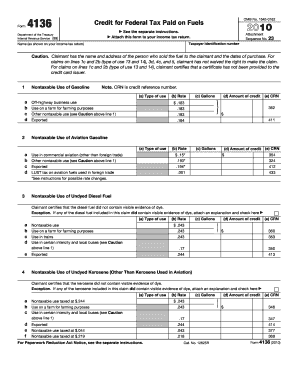
Form 4136

Form 61 Self-Assessment of Counseling Performance Skills

Admit card generator
Benefit from the DocHub online library of fillable PDF forms
Searching the PDF forms doesn't have to be a tedious and time-consuming process. With the DocHub online library, it has become easier to find the fillable PDF forms and modify them in your browser. The service allows you to adjust the document to your needs using powerful editing tools.
You can use online document editing features to modify almost any type of document with ease. You just need to find the template of your choice, open it in the editor, and use the toolbar to make the necessary corrections.
Follow this guide to get your document done with DocHub:
- Find the PDF template you need.
- Click the Get Form button to open the file in the editor.
- Use the toolbar to fill out and edit the document.
- Easily add and highlight text, insert images, checkmarks, and symbols.
- Drop new fillable fields, and rearrange or delete pages from your file.
- Save changes and download your record.
DocHub empowers everyone to streamline document editing, signing, and distribution, and form completion. Create an account and benefit from our well-organized PDF Forms library and comprehensive editor.