
Get any PDF form from the DocHub library of ready-made templates - Page 2244
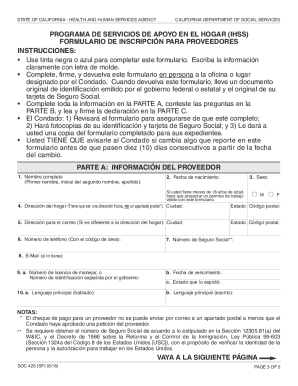
Soc426a
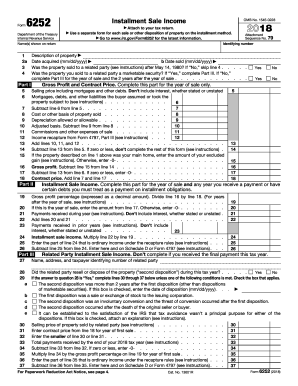
Irs form 6252

Yvcc transcripts

Pa 1671 form

Teeth whitening consent form
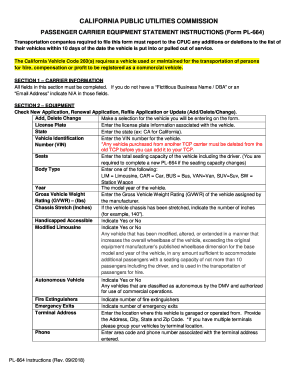
California form carrier
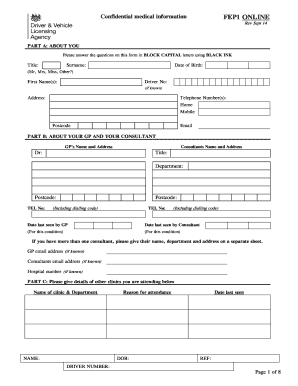
Fep1 form
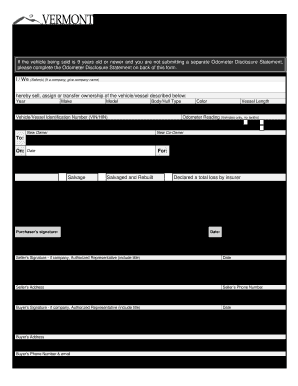
Vt 005 form
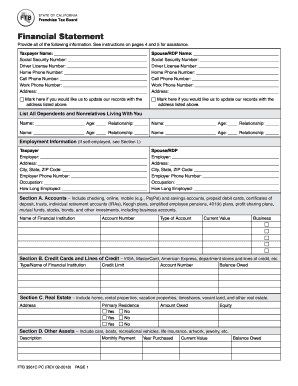
Tax financial 3561c form
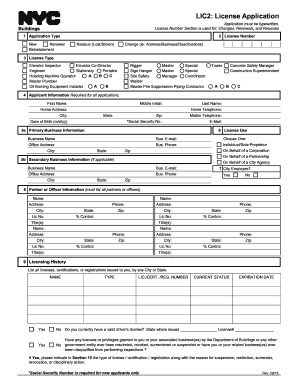
Lic2
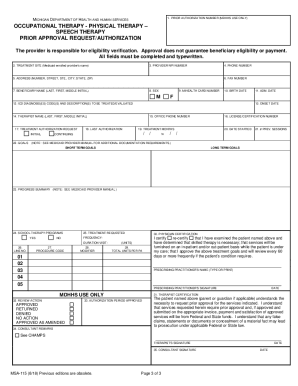
Msa 115 form
Unemployment request form fill
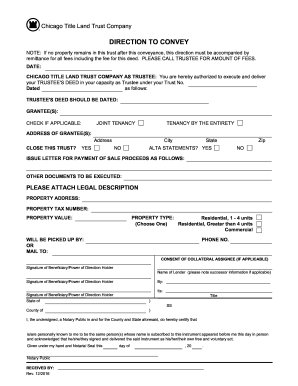
Direction to convey chicago title
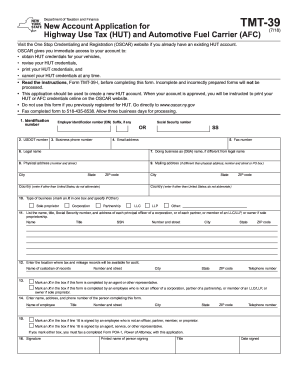
Tmt 39
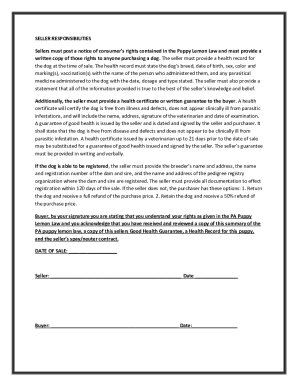
Pa puppy lemon law printable
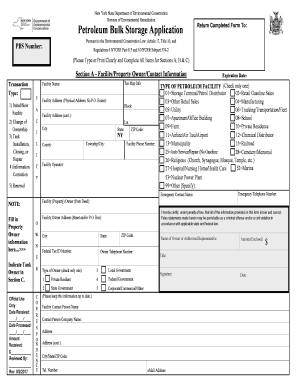
Petroleum bulk storage application
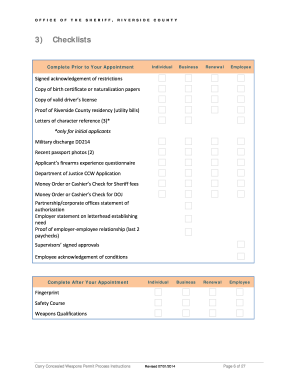
Riverside ccw
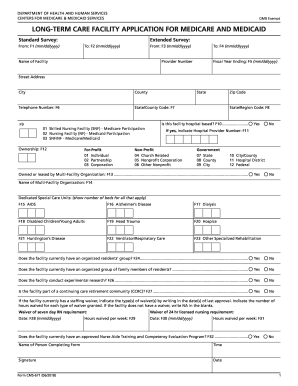
Cms 671

Akc registration application

Dwc form 85

N426

Hqp slf 066 form 2020

D906 form
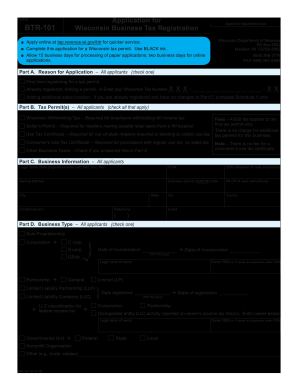
Btr 101

De4
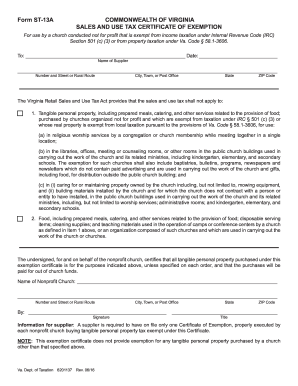
Form st 13a
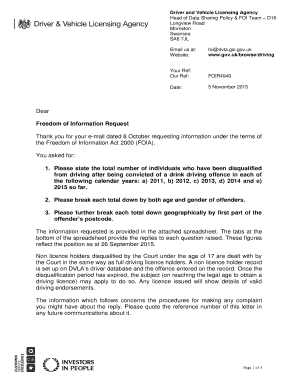
Dvla letter template

Ri 030
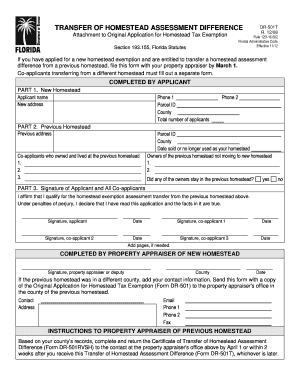
Transfer homestead
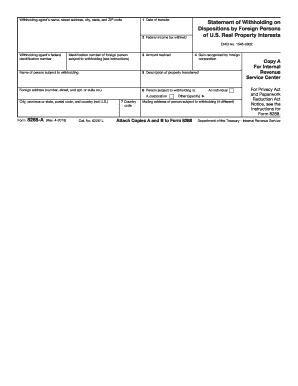
8288 a
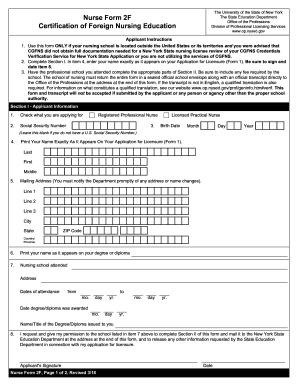
2f
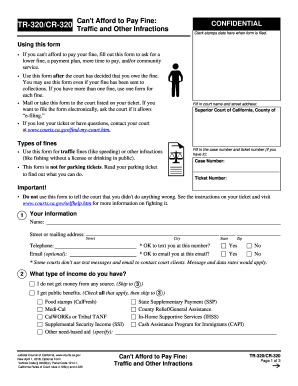
Tr 320 cr 320

Form mv 82
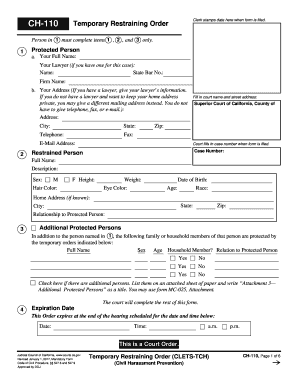
Ch110 form
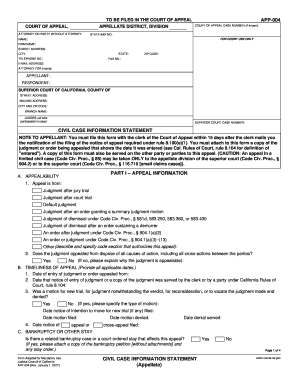
Information civil california

Information nps special form

Merit badge counselor application
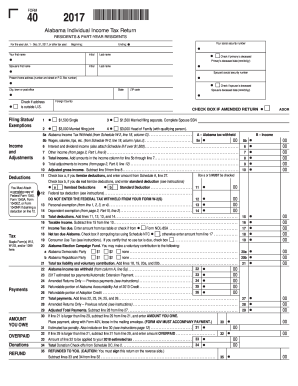
17000140 - Alabama Department of Revenue
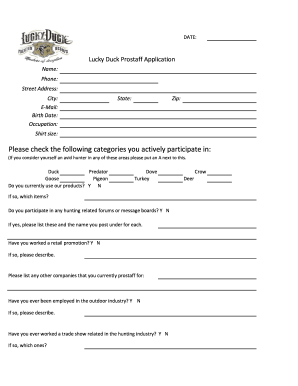
Lucky duck pro staff

Tc 721 form

500EZ Form - Department of Revenue
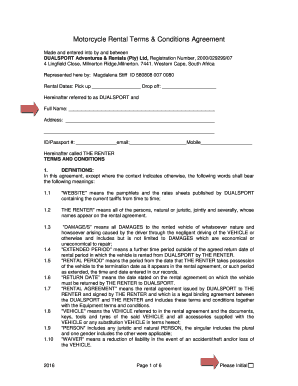
Motorcycle rental agreement pdf
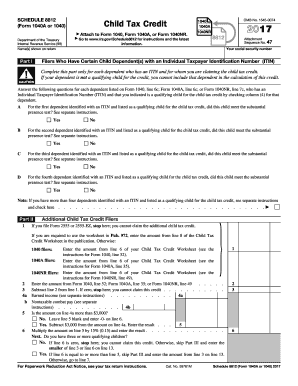
Form 8812 2017
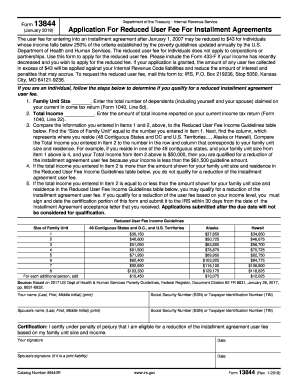
Form 13844 irs form
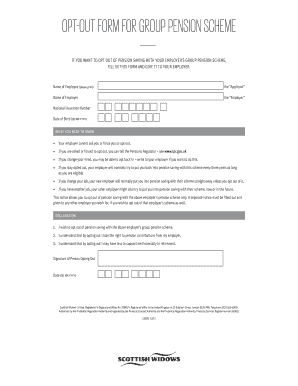
Scottish widows opt out form
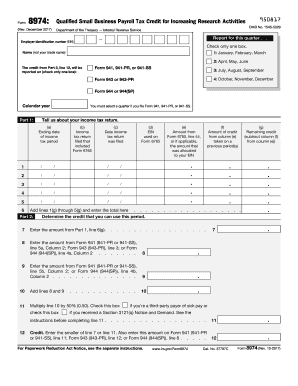
Form 8974
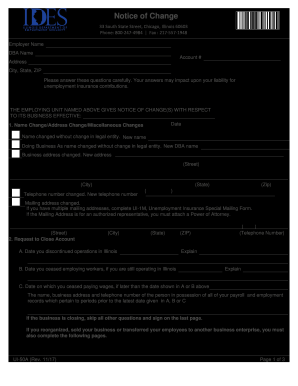
Ui 50a
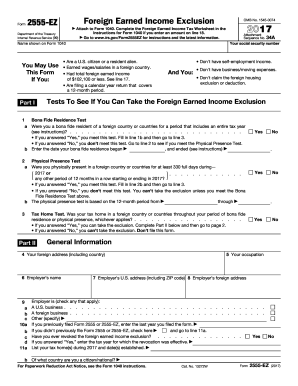
Ez 2017 form
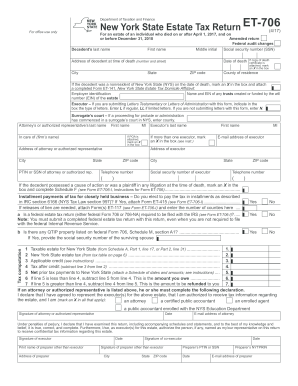
Et 706
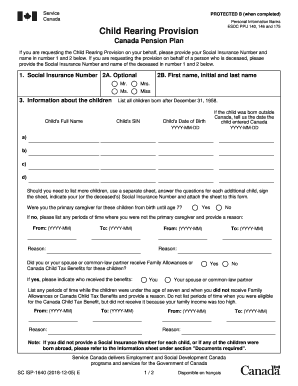
Child rearing provision form
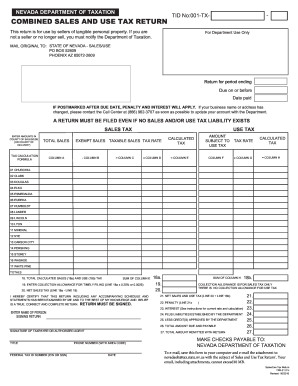
Nevada sales tax form
Form 4681
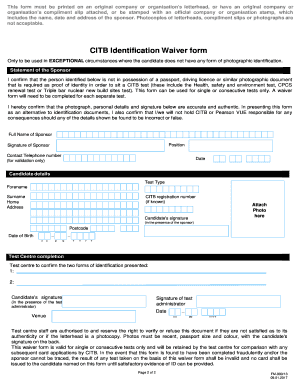
Citb waiver form
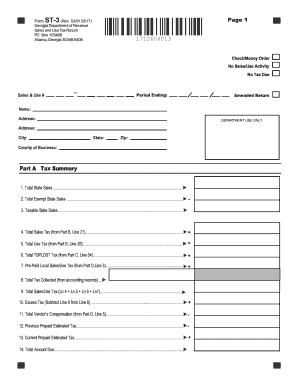
St 3
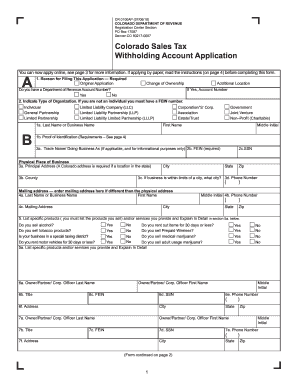
Cr0100ap

Dtf 505
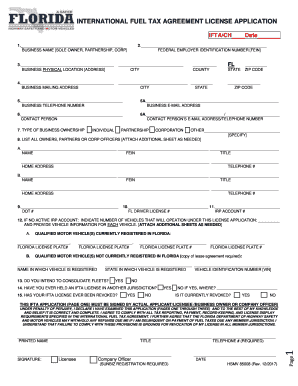
Ifta application florida
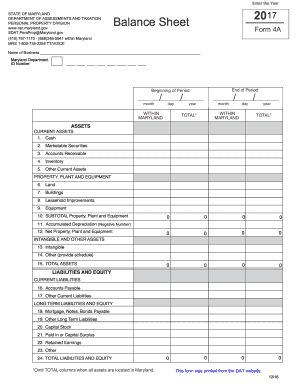
Intangible retained maryland online

2017 w 2 template No Download Needed
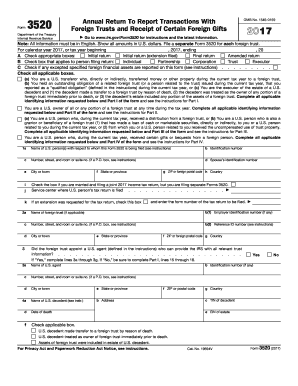
Form 3520 2017
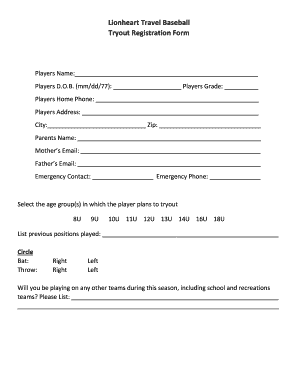
Baseball tryout evaluation form
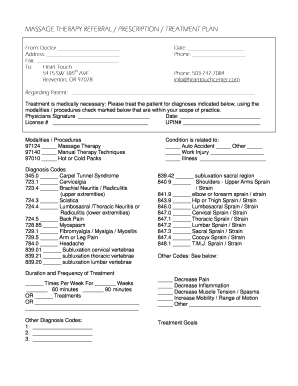
Massage prescription template
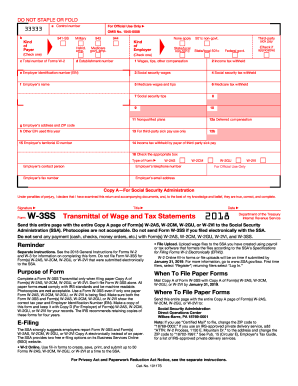
Blank w3 form 2017
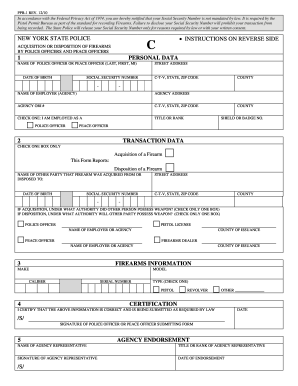
Ppb 1 c form
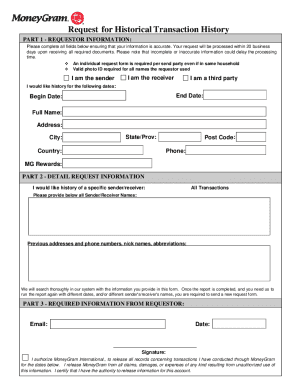
How to delete moneygram transaction history
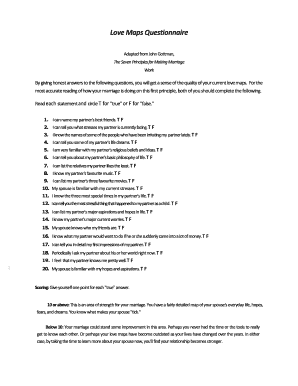
Gottman love maps questionnaire
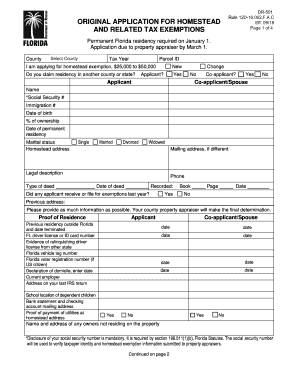
Can i apply for homestead extemption for highlands county fl online
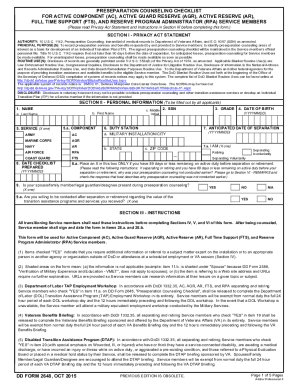
Dd form 2648

Shootathon
33 109f4
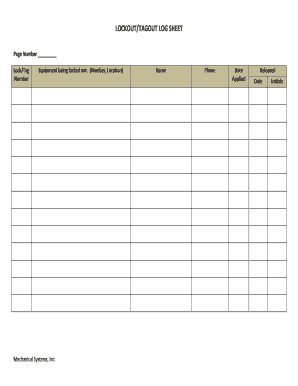
Lockout tagout sheet

Cerfa 47 0162 excel
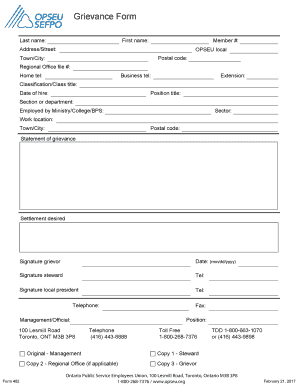
Grievance opseu
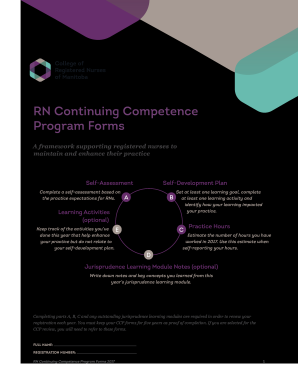
RN Continuing Competence Program Forms - crnm.mb.ca
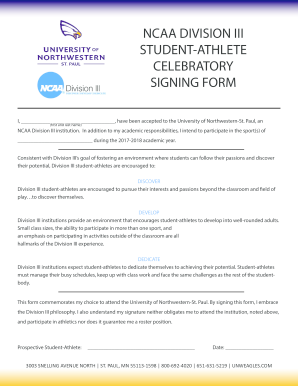
D3 celebratory signing form pdf
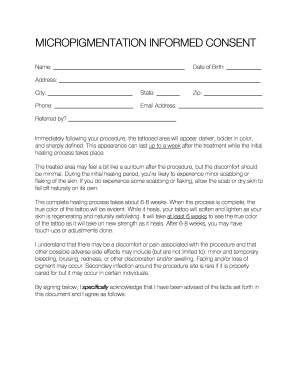
Micropigmentation consent

Ost form 4507
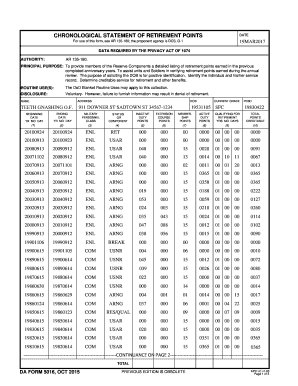
Da 5016

Kentucky medicaid disclosure of ownership form

Form 618136

Dunkin donuts donation request
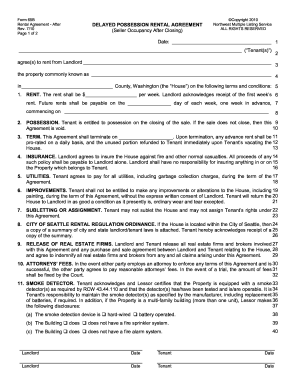
Form 65b
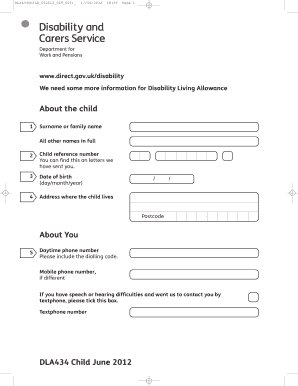
Dla434 pdf
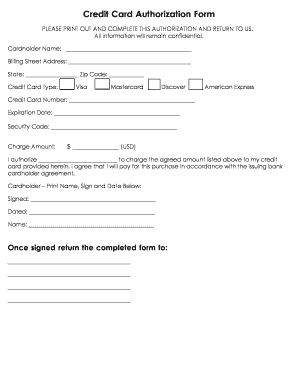
Credit card authorization form
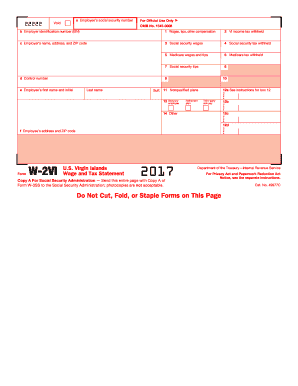
W2 2017 vi form
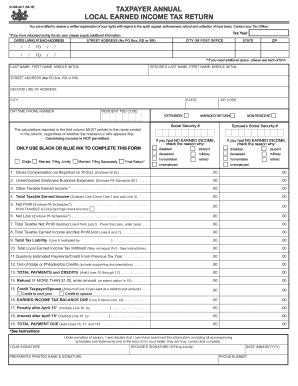
Clgs 32 1
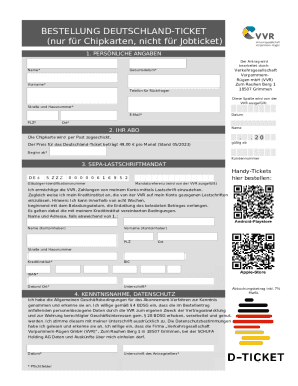
Bus ticket format

Form spf 100 2016
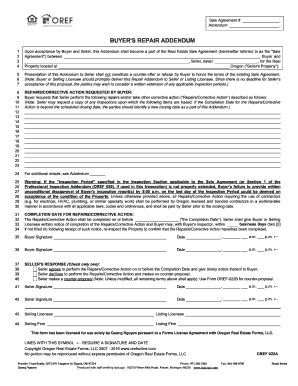
Real estate repair addendum
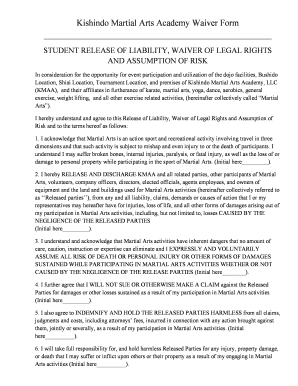
Martial arts waiver template
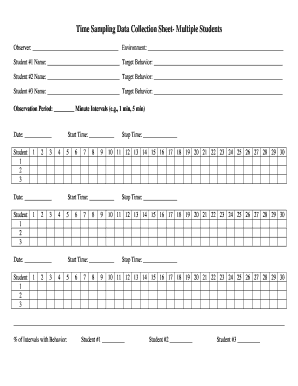
Time sampling example
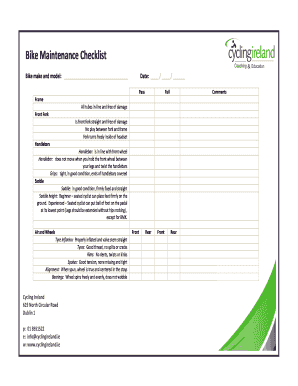
Bike maintenance checklist pdf

Nhif hospital selection
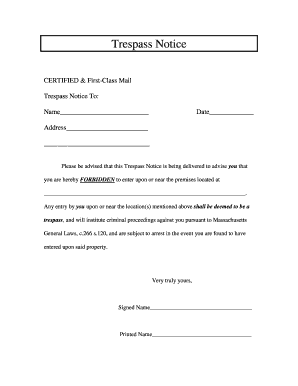
Printable no trespassing letter
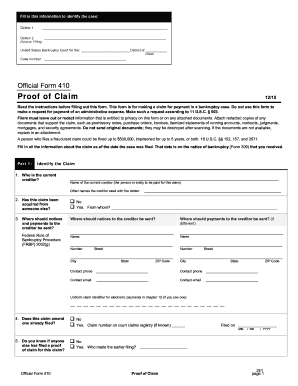
Bankruptcy 410a instructions
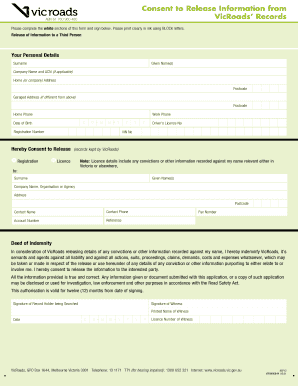
Consent to release information from vicroads records

Pennsylvania qualified association
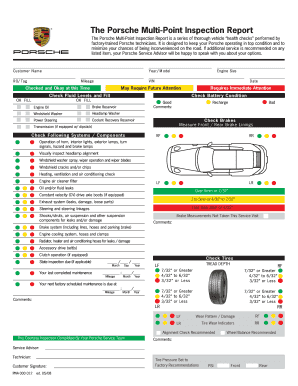
The Porsche Multi-Point Inspection Report - DPS
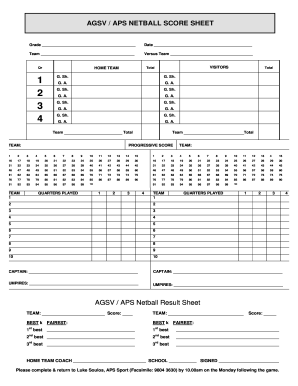
Netball score sheet
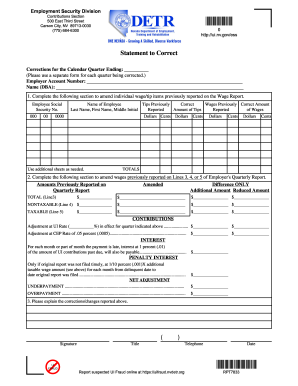
Rpt7833
Benefit from the DocHub online library of fillable PDF forms
Searching the PDF forms doesn't have to be a tedious and time-consuming process. With the DocHub online library, it has become easier to find the fillable PDF forms and modify them in your browser. The service allows you to adjust the document to your needs using powerful editing tools.
You can use online document editing features to modify almost any type of document with ease. You just need to find the template of your choice, open it in the editor, and use the toolbar to make the necessary corrections.
Follow this guide to get your document done with DocHub:
- Find the PDF template you need.
- Click the Get Form button to open the file in the editor.
- Use the toolbar to fill out and edit the document.
- Easily add and highlight text, insert images, checkmarks, and symbols.
- Drop new fillable fields, and rearrange or delete pages from your file.
- Save changes and download your record.
DocHub empowers everyone to streamline document editing, signing, and distribution, and form completion. Create an account and benefit from our well-organized PDF Forms library and comprehensive editor.