




Here's how it works

01. Edit your pennsylvania information online
Type text, add images, blackout confidential details, add comments, highlights and more.

02. Sign it in a few clicks
Draw your signature, type it, upload its image, or use your mobile device as a signature pad.

03. Share your form with others
Send pa 1671 form via email, link, or fax. You can also download it, export it or print it out.
How to use or fill out pa 1671 form with our platform

- Click ‘Get Form’ to open the PA 1671 form in the editor.
- Begin by entering the CAO name and address, along with case identification details such as record number and date.
- In the applicant/recipient section, fill in the name of the individual requiring health-sustaining medication.
- Indicate whether the applicant/recipient needs health-sustaining medication by selecting 'Yes' or 'No'. If 'No', simply sign and date the form.
- If 'Yes', provide a detailed diagnosis and list all necessary medications that enable employment. Be specific about how these medications impact employability.
- Complete the medical provider's information, including their name, telephone number, and address. Ensure they sign and date the form.
- Finally, authorize medical providers to release relevant information by signing at the bottom of the form.
Start filling out your PA 1671 form for free today using our platform!
Fill out pa 1671 form online
It's free
See more pa 1671 form versions
We've got more versions of the pa 1671 form form. Select the right pa 1671 form version from the list and start editing it straight away!
| Versions | Form popularity | Fillable & printable |
|---|---|---|
| 2019 | 4.8 Satisfied (98 Votes) | |
| 2019 | 4.3 Satisfied (36 Votes) | |
| 2019 | 4.8 Satisfied (69 Votes) | |
| 2017 | 4.8 Satisfied (108 Votes) | |
| 2016 | 4.8 Satisfied (238 Votes) | |
| 2016 | 4.8 Satisfied (145 Votes) | |
| 2016 | 4.8 Satisfied (114 Votes) | |
| 2016 | 4.3 Satisfied (176 Votes) | |
| 2016 | 4.5 Satisfied (54 Votes) | |
| 2016 | 4.1 Satisfied (20 Votes) | |
| 2014 | 4.8 Satisfied (178 Votes) | |
| 2011 | 4.2 Satisfied (51 Votes) | |
| 2011 | 4.8 Satisfied (61 Votes) | |
| 2011 | 4.8 Satisfied (86 Votes) | |
| 2010 | 4.9 Satisfied (481 Votes) |
Security and compliance
At DocHub, your data security is our priority. We follow HIPAA, SOC2, GDPR, and other standards, so you can work on your documents with confidence.
Learn more


Related forms

Pilot Test Agreement Template
The Pilot Test Agreement outlines the terms and conditions between a Test Sponsor and a Test Participant for conducting ...
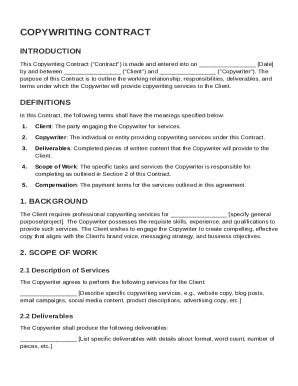
Copywrit Contract Template
The document is a Copywriting Contract between a Client and a Copywriter, outlining the terms of their working relations ...
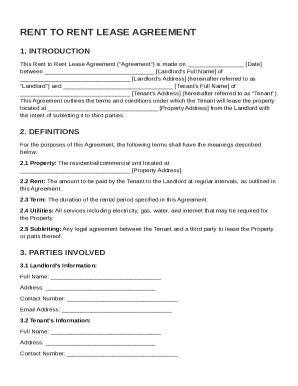
Rent to Rent Lease Agreement Template
The Rent to Rent Lease Agreement outlines the terms under which a Tenant leases a property from a Landlord with the inte ...
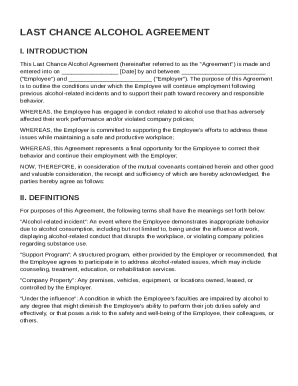
Last Chance Alcohol Agreement Template
The Last Chance Alcohol Agreement is a formal contract between an Employee and Employer aimed at addressing alcohol-rela ...
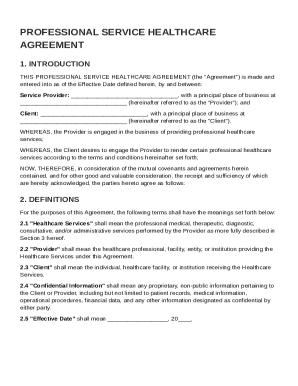
Professional Service Healthcare Agreement Template
The document is a Professional Service Healthcare Agreement between a service provider and a client, outlining the terms ...

Loan and Promissory Note Agreement Template
The document is a Loan and Promissory Note Agreement between a Lender and a Borrower, outlining the terms of a loan incl ...
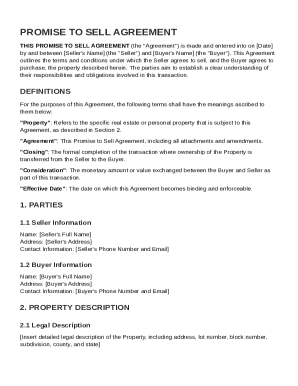
Promise to Sell Agreement Template
The document is a Promise to Sell Agreement between a Seller and a Buyer, outlining the terms and conditions for the sal ...
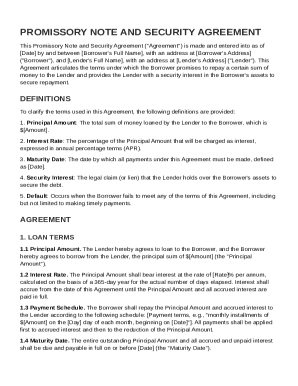
Promissory Note and Security Agreement Template
The document is a Promissory Note and Security Agreement between a Borrower and a Lender, outlining the terms of a loan ...