
Get any PDF form from the DocHub library of ready-made templates - Page 2242
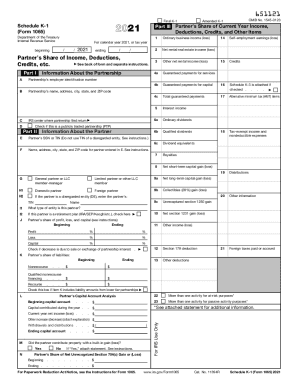
K 1
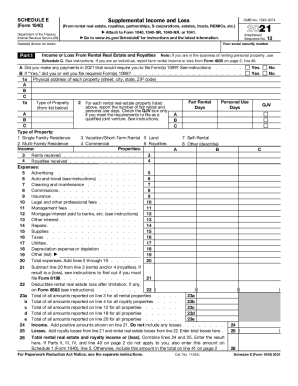
Schedule e
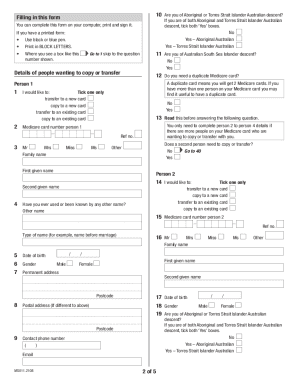
Ms011
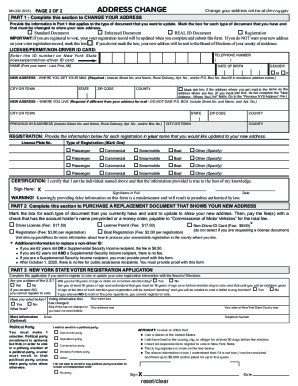
Ny gov mv
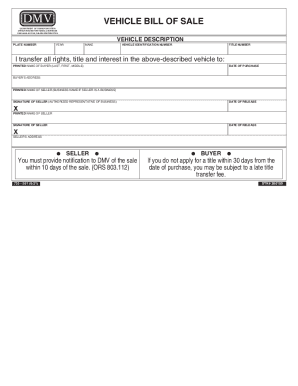
Oregon dmv 735 226
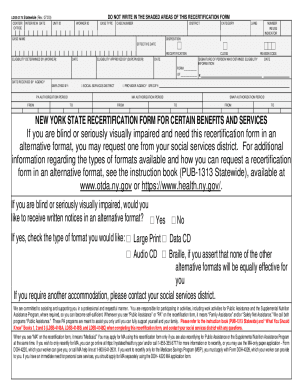
Ldss 3174
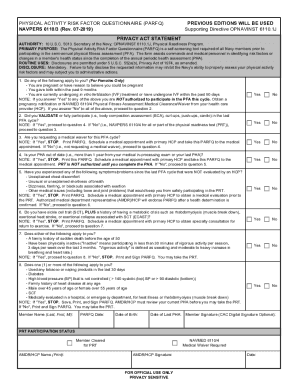
Navy parfq 2021
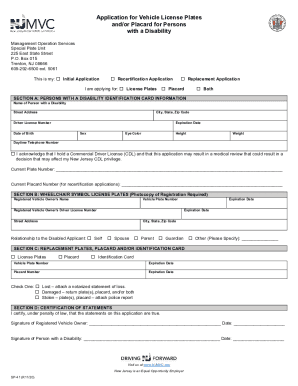
Handicap parking permit nj

Kentucky birth certificate online

Alberta birth certificate application form
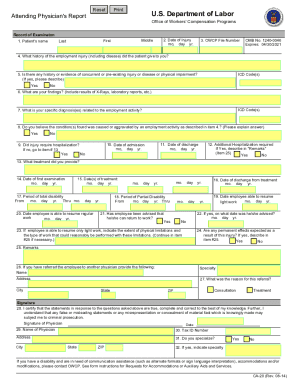
Ca 20
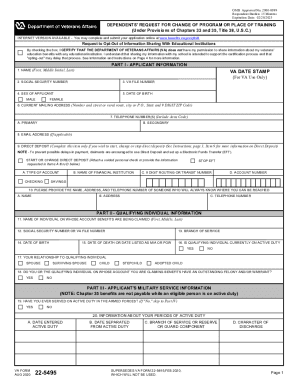
Va form 22 5495 online
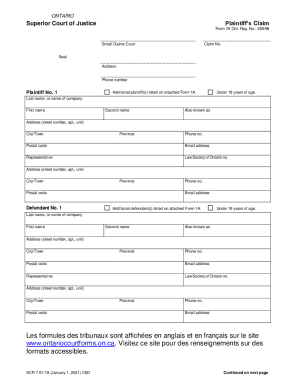
7a claim form download
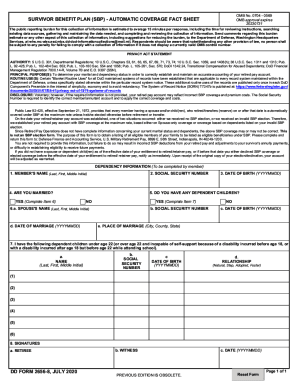
Dd 2656 8 fillable
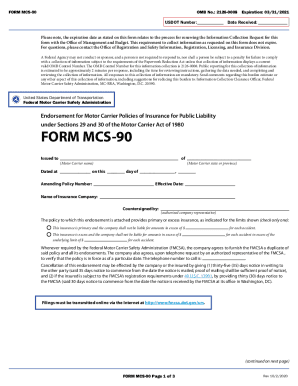
Mcs 90
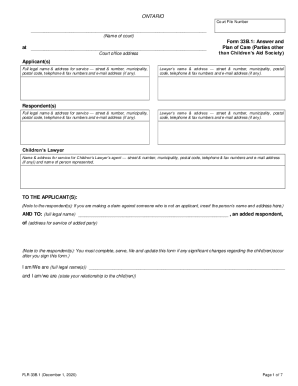
Form 33b
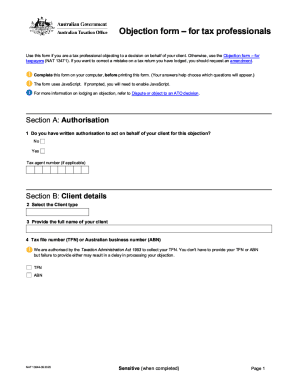
Nat 13044
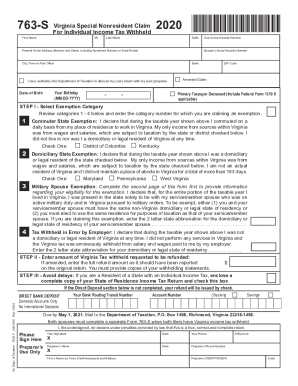
763s tax
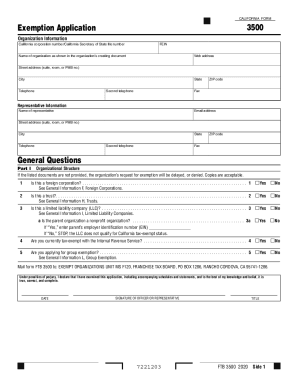
Form exemption
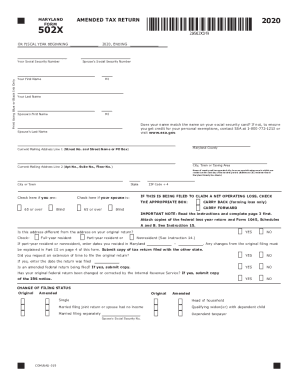
Maryland form 502x
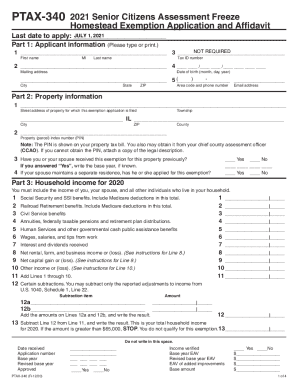
Ptax 340 illinois 2021
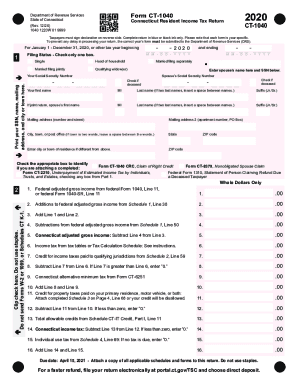
Form ct 1040
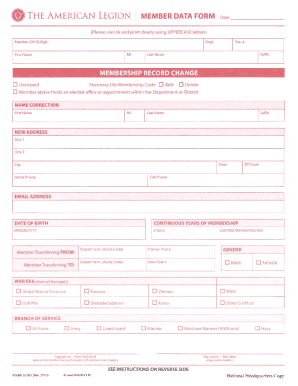
American legion transfer form
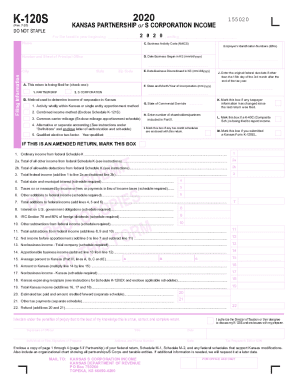
Kansas 120s
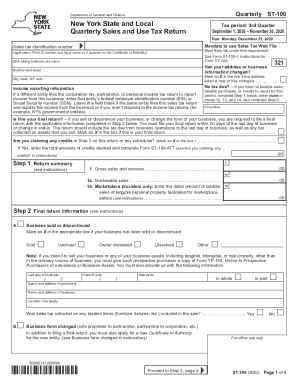
St 100
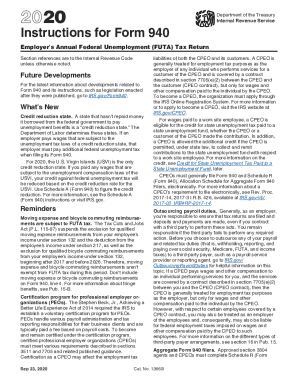
Form 940
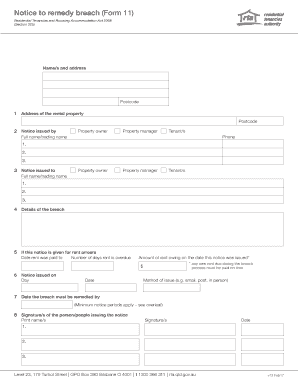
11 notice breach form

Schedule b
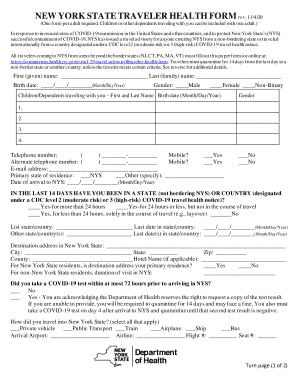
Traveler health form ny online
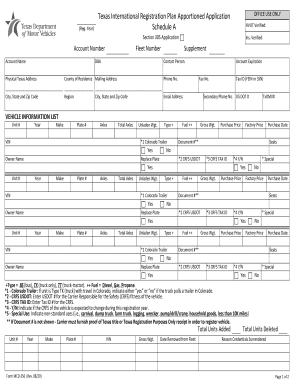
Form mcd 356
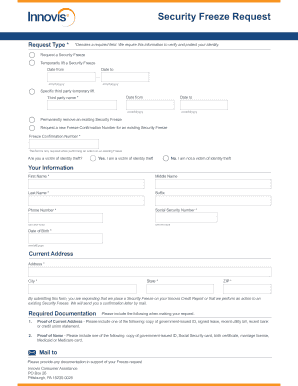
Innovis security ze
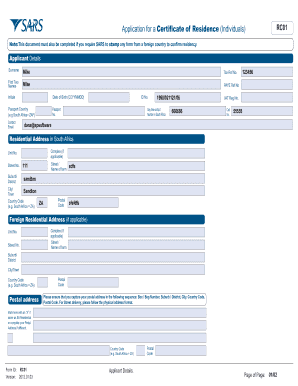
Rc01 form
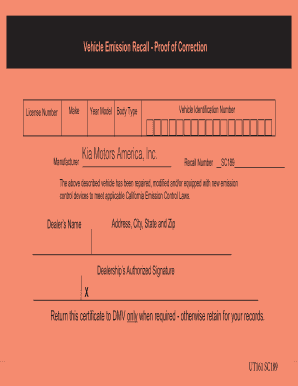
Proof of correction certificate dmv
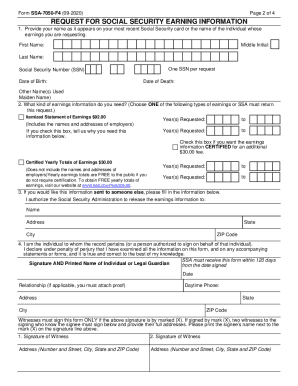
Social security earning statement
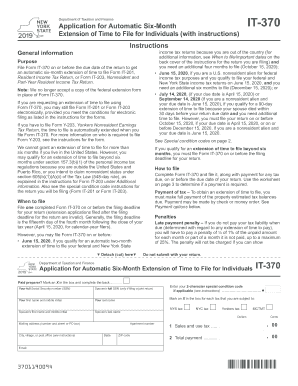
It 370 pdf 2020
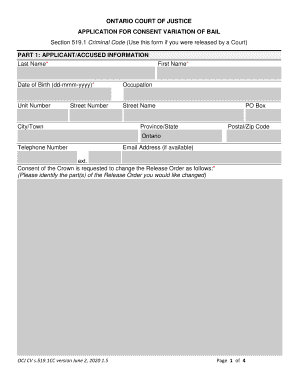
Consent variation

Puerto rico w2
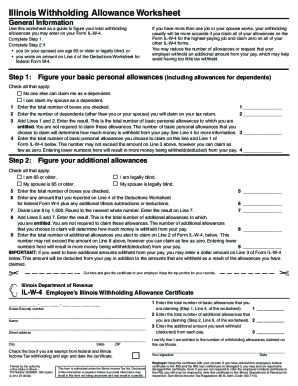
Federal withholding form w 4
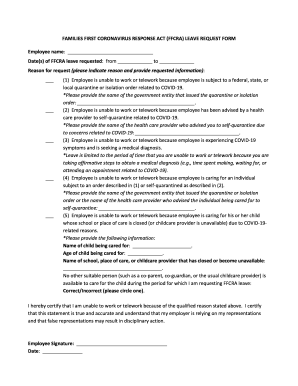
Ffcra form
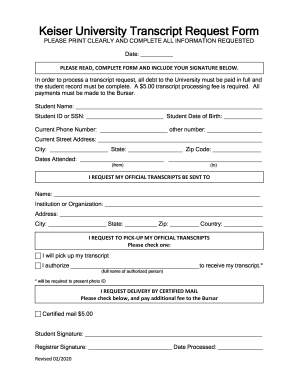
Keiser university transcript
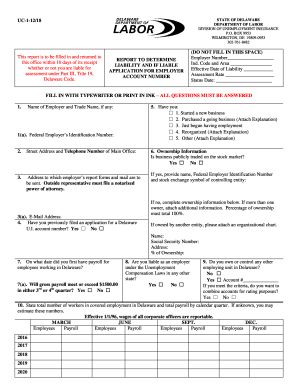
Uc 1 delaware
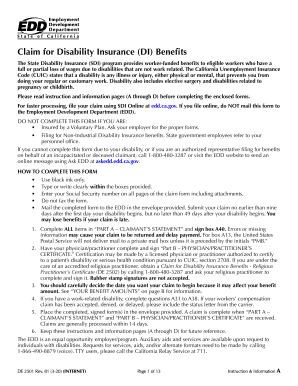
California state disability forms

Sis move form
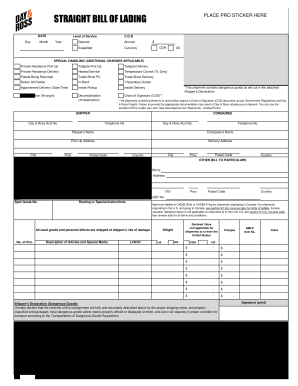
Day and ross bol

Gpcsf 3 instructions

Nc 5500
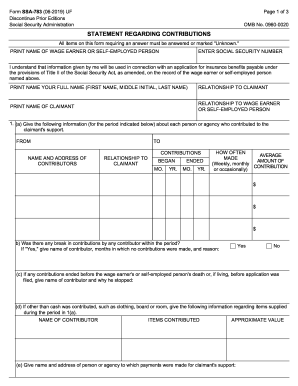
Ssa statement regarding
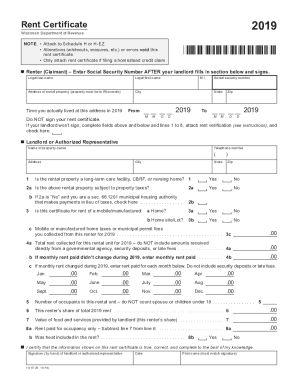
Fillable Online 2018 I-017 Rent Certificate - lwwcpa.com ...
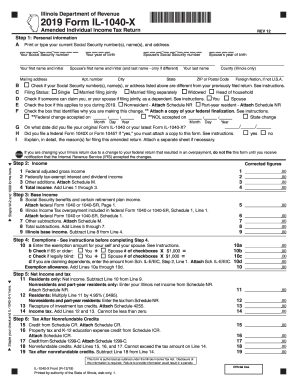
2019 IL-1040-X, Amended Individual Income Tax Return
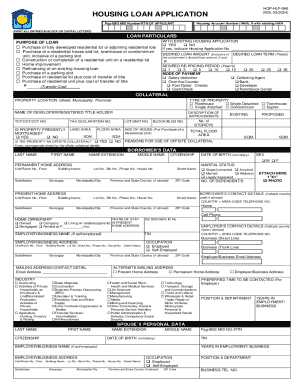
Bvs form pag ibig

Form 140x 2018
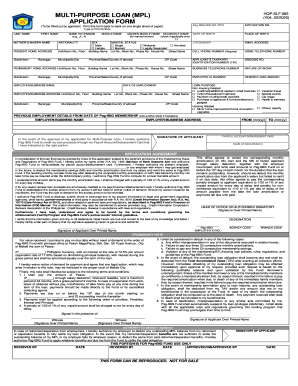
Hqp slf 065
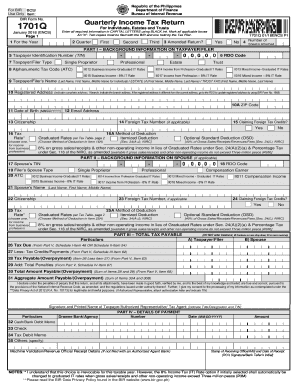
1701q
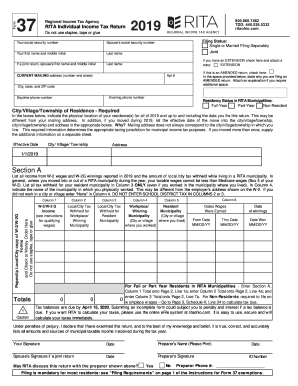
Ohio rita form 37
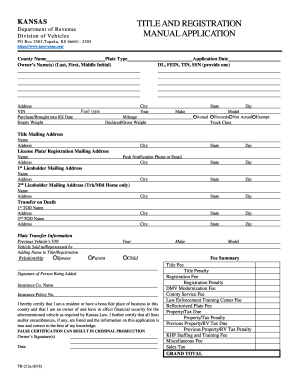
Ks forms titlr application
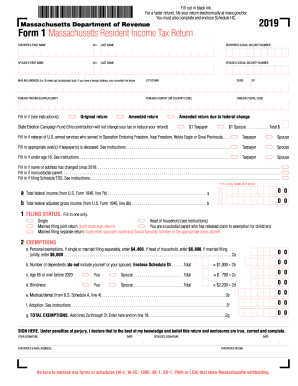
Ma form
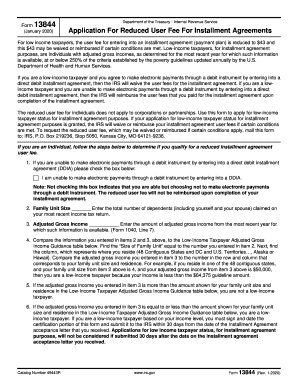
Irs form 13844

Scdor 111
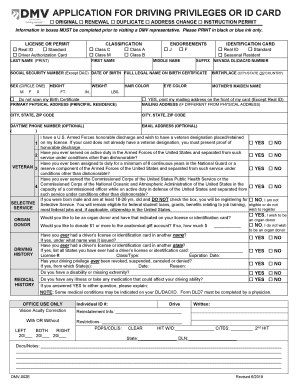
Nevada dmv application

Johnson county kansas domestic relations affidavit

Oklahoma state income tax forms
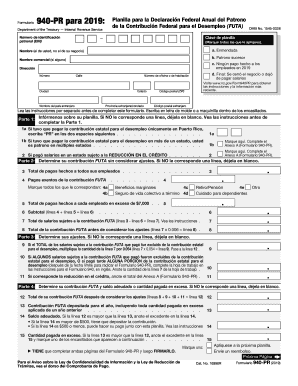
940 pr
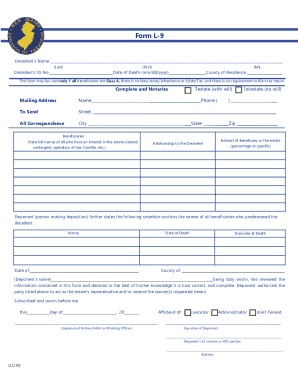
Nj form l 9

2016 1094 c
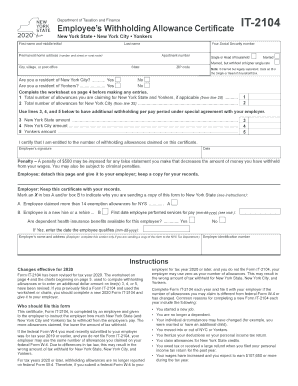
Ny it 2104

Nys 45 att
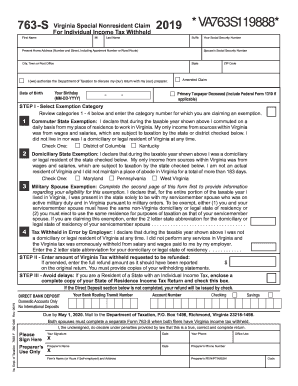
Va 763 s

Form 4809
Otc 901 tax year 2021
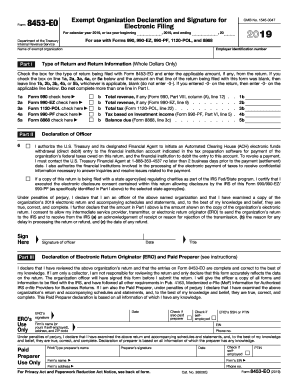
8453 eo signature form 2019

Utah workforce rev

Erie county ppa 4r
Calfresh application

Varo bank statement
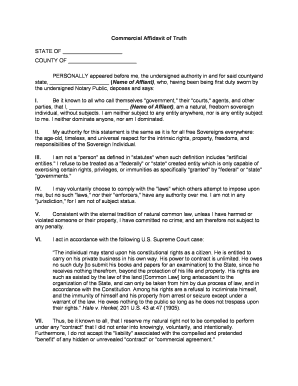
Affidavit
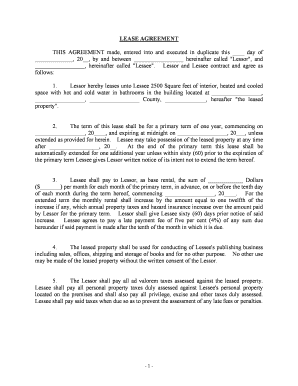
Lease agreement
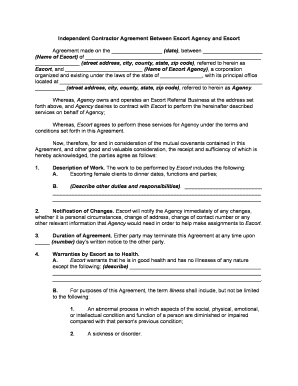
Escort service employment

Quiet title action

Canadian citizenship checklist

Lic41
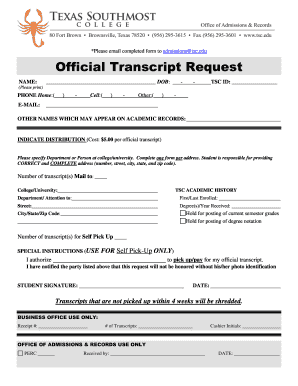
Tsc official request

Bull lease agreement
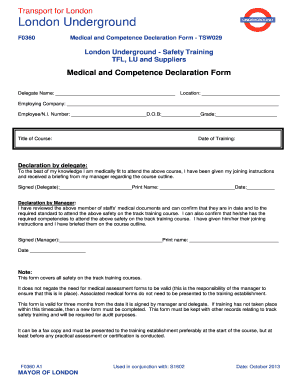
Tsw029
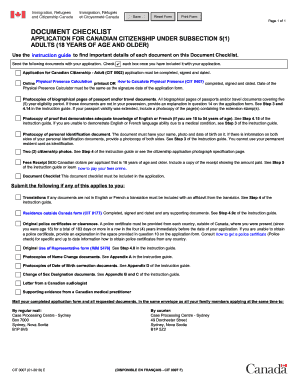
Cit 0007
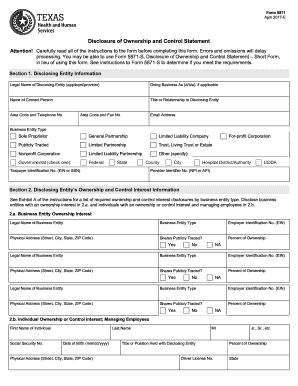
Form 5871
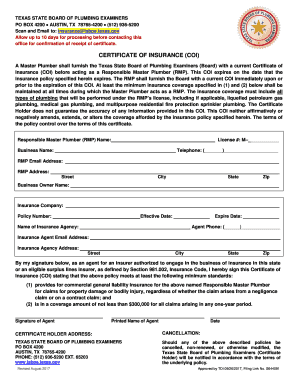
Texas certificate insurance
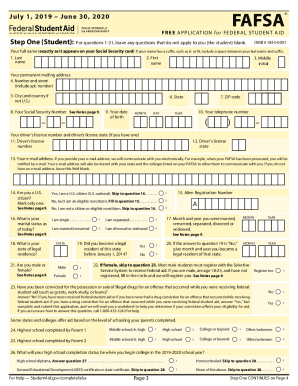
Fafsa application
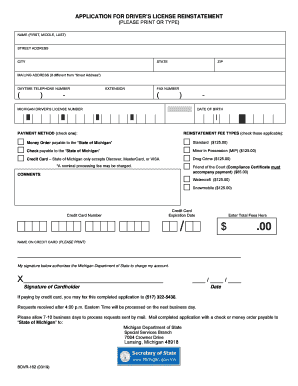
Residency Classification Change Request Form PDF document
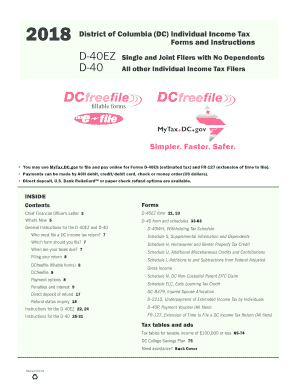
D 40
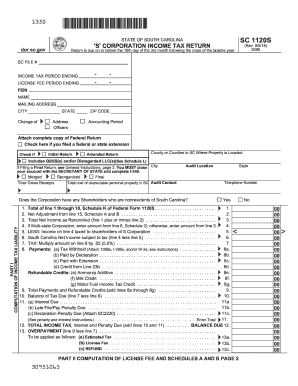
Sc 1120s
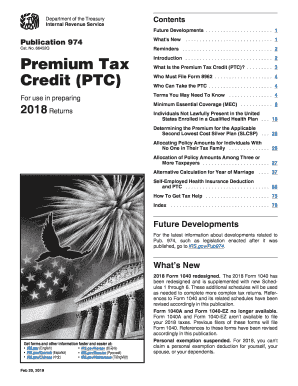
Publication 974
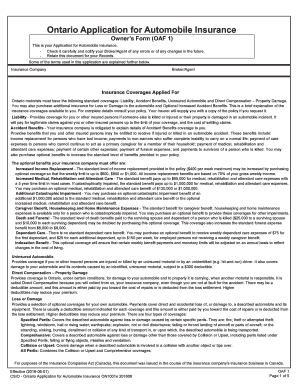
Ontario application form

Fillable 2108 sc 1041
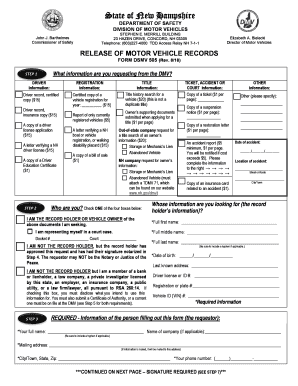
Dsmv 505
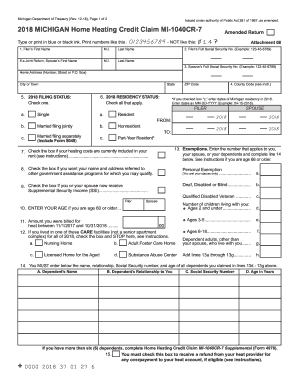
2018 michigan homestead credit form
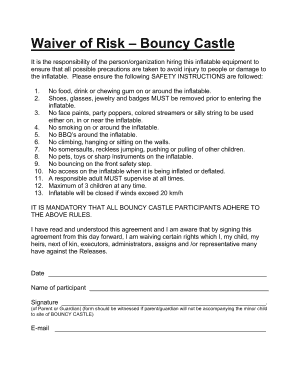
Bouncy castle waiver
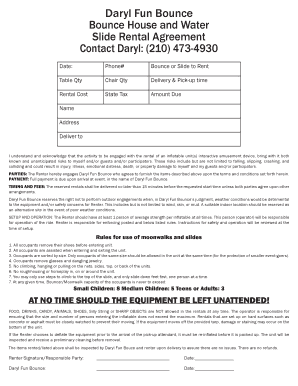
Bounce rental agreement template
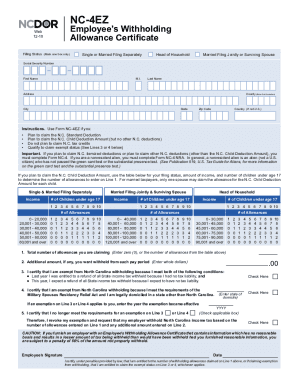
Nc 4 ez 2020

Apps state or us forms served de0415f pdf
401s
Benefit from the DocHub online library of fillable PDF forms
Searching the PDF forms doesn't have to be a tedious and time-consuming process. With the DocHub online library, it has become easier to find the fillable PDF forms and modify them in your browser. The service allows you to adjust the document to your needs using powerful editing tools.
You can use online document editing features to modify almost any type of document with ease. You just need to find the template of your choice, open it in the editor, and use the toolbar to make the necessary corrections.
Follow this guide to get your document done with DocHub:
- Find the PDF template you need.
- Click the Get Form button to open the file in the editor.
- Use the toolbar to fill out and edit the document.
- Easily add and highlight text, insert images, checkmarks, and symbols.
- Drop new fillable fields, and rearrange or delete pages from your file.
- Save changes and download your record.
DocHub empowers everyone to streamline document editing, signing, and distribution, and form completion. Create an account and benefit from our well-organized PDF Forms library and comprehensive editor.