




Here's how it works

01. Edit your pl664 online
Type text, add images, blackout confidential details, add comments, highlights and more.

02. Sign it in a few clicks
Draw your signature, type it, upload its image, or use your mobile device as a signature pad.

03. Share your form with others
Send pl 664 via email, link, or fax. You can also download it, export it or print it out.
How to use or fill out California Form Carrier with our platform

- Click ‘Get Form’ to open the California Form Carrier in the editor.
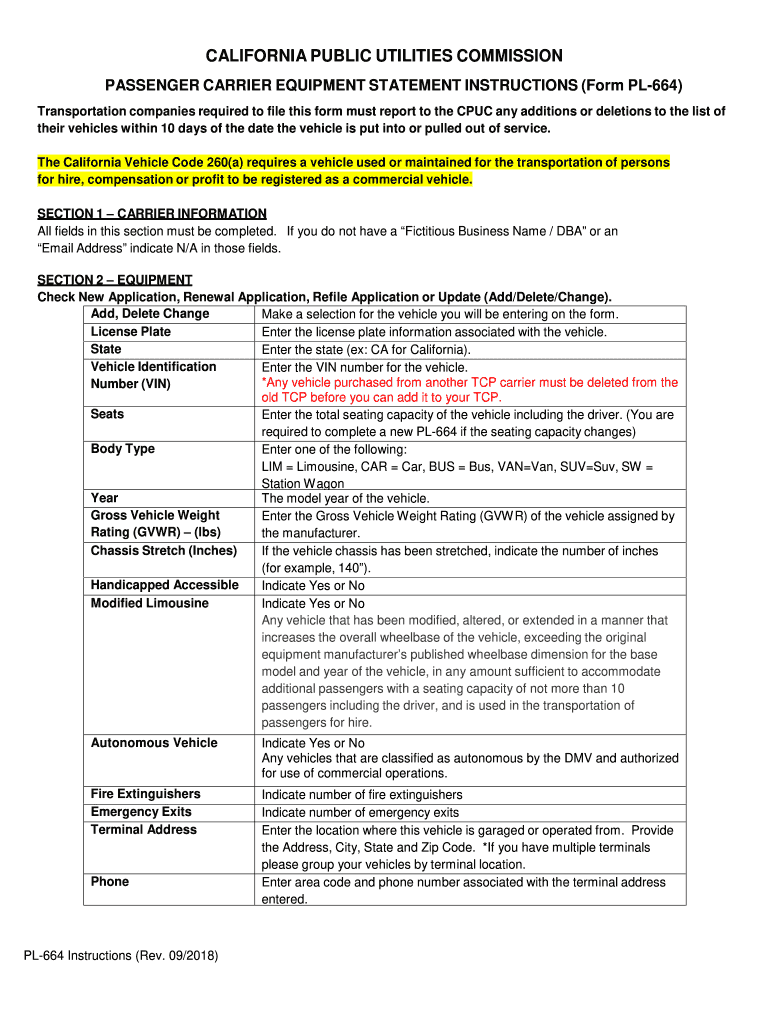
- In Section 1, complete all fields under Carrier Information. If you lack a Fictitious Business Name or Email Address, enter 'N/A'.
- Move to Section 2 and select the appropriate application type: New, Renewal, Refile, or Update. Fill in the License Plate, State, and Vehicle Identification Number (VIN) for each vehicle.
- Indicate the total seating capacity in the Seats field and specify the Body Type from the provided options (e.g., LIM for Limousine).
- Complete additional fields such as Year, Gross Vehicle Weight Rating (GVWR), Chassis Stretch, and indicate if the vehicle is Handicapped Accessible or a Modified Limousine.
- In Section 3, sign and print your name before dating the form. Ensure all information is accurate before submission.
Start using our platform today to streamline your form completion process for free!
Fill out california form carrier online
It's free
See more california form carrier versions
We've got more versions of the california form carrier form. Select the right california form carrier version from the list and start editing it straight away!
Security and compliance
At DocHub, your data security is our priority. We follow HIPAA, SOC2, GDPR, and other standards, so you can work on your documents with confidence.
Learn more


Related forms
Fedramp Interconnection Security Agreement Template
The document outlines the Interconnection Security Agreement (ISA) between two organizations, detailing security require ...
Fee Agreement Template
The Fee Agreement outlines the terms and conditions between a service provider and a client for the provision of service ...
Football Team Contract Template
The Football Team Contract Agreement outlines the terms and conditions governing the relationship between a football tea ...
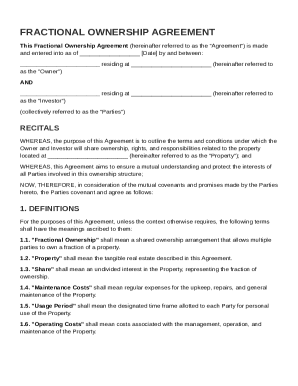
Fractional Ownership Contract Template
The Fractional Ownership Agreement outlines the terms and conditions for shared ownership of a property between an Owner ...
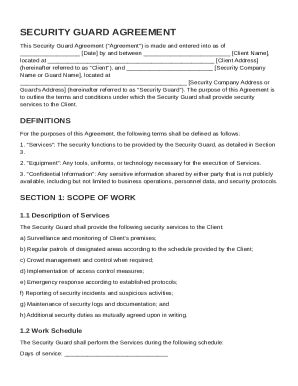
Security Guard Agreement Template
The Security Guard Agreement outlines the terms and conditions for security services provided by a Security Guard to a C ...
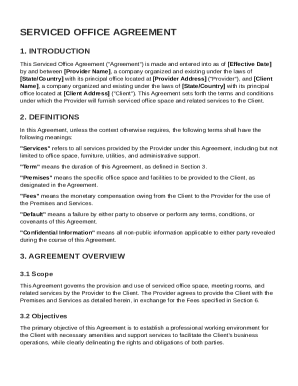
Serviced Office Agreement Template
The Serviced Office Agreement outlines the terms and conditions between a service provider and a client for the provisio ...

ISO 9001 Review Contract Template
This document outlines a formal agreement between a Client and a Consultant to conduct a comprehensive review of the Cli ...
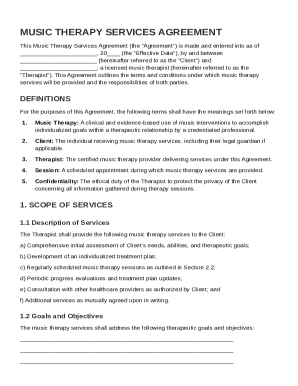
Music Therapy Contract Template
The Music Therapy Services Agreement outlines the terms and conditions for music therapy services between a licensed the ...