
Get any PDF form from the DocHub library of ready-made templates - Page 2243

Check printing software print checks online any printer or

Cra t2202a form
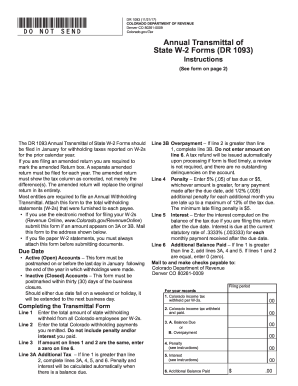
Dr 1093
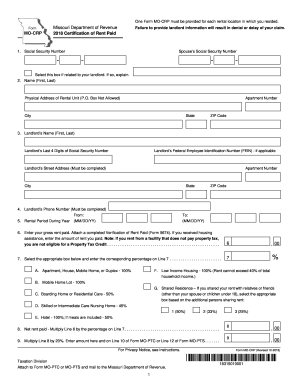
Missouri rent rebate 2018
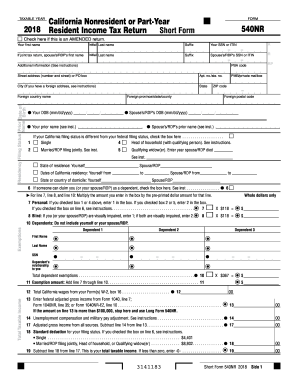
Ca 540 nr
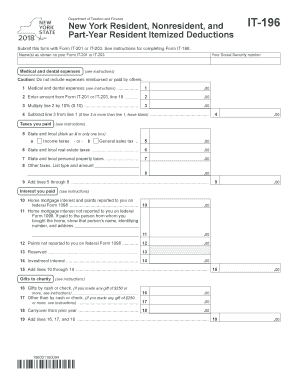
Form it 196
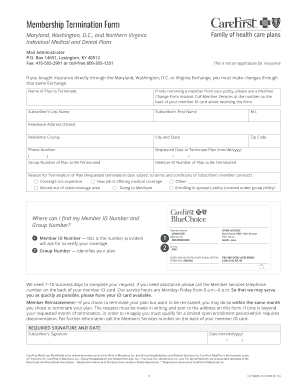
Mitfcu routing number
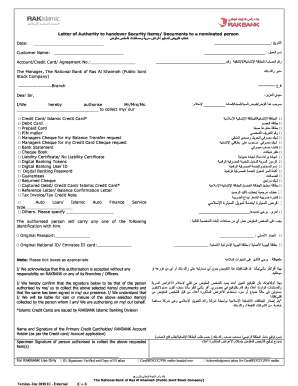
Bank clearance certificate format pdf
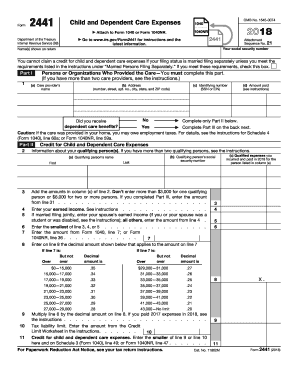
Form 2441
Oklahoma form 200
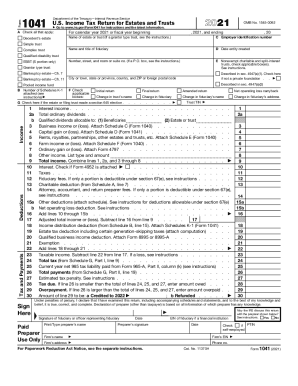
Form 1041
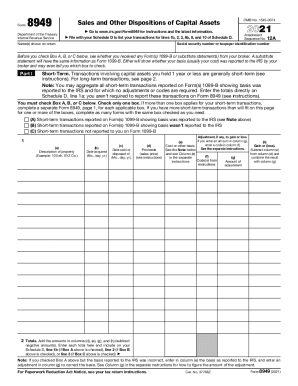
Tax form 8949 for form
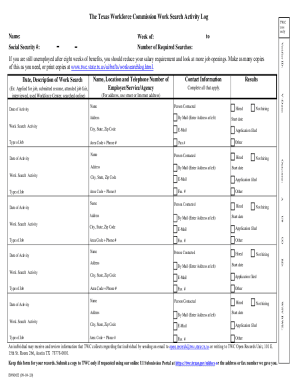
Texas workforce commission

Ds106 form
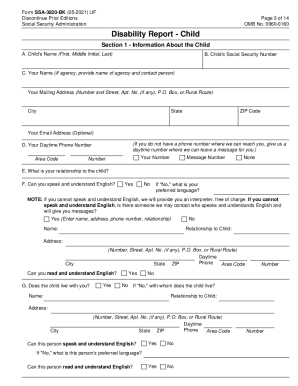
Filing disability for a child
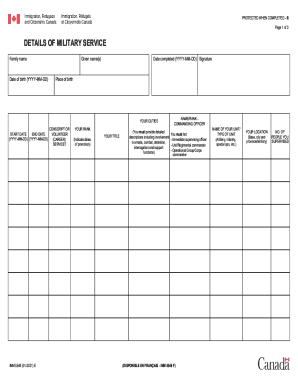
Imm 5546
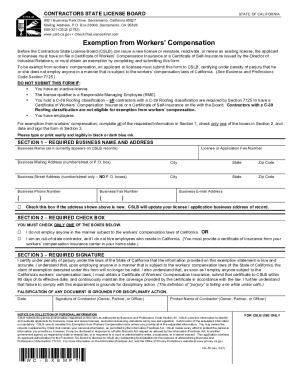
Workers exemption
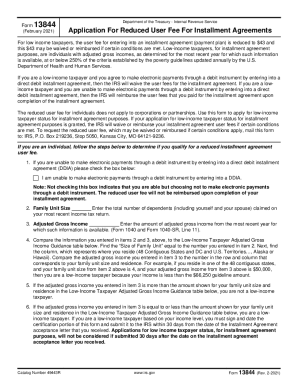
Irs form 13844

Nj ptr
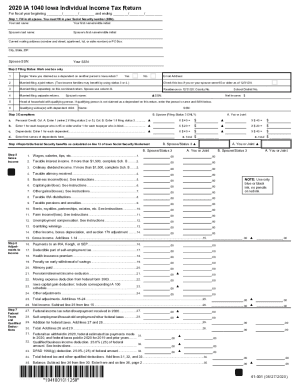
Iowa fillable tax forms 2020
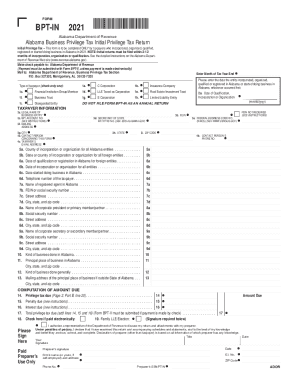
Alabama form bpt in
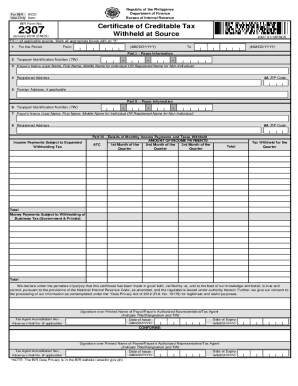
Bir form 2307
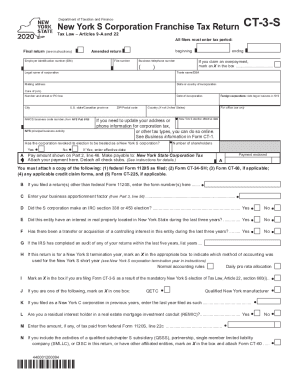
New york state form ct 3 s
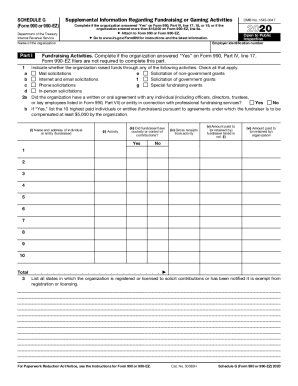
Schedule g
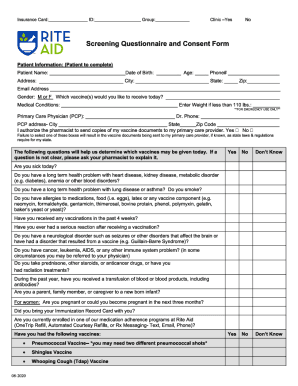
Rite aid screening questionnaire and consent form
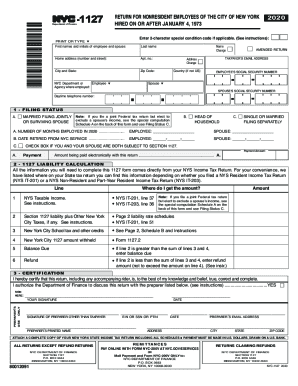
Nyc 1127 2020 fillable
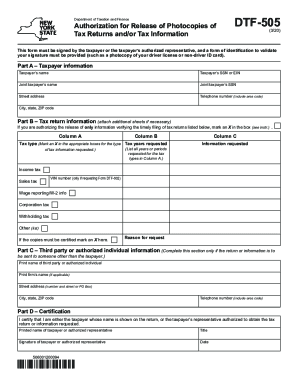
Dtf 505
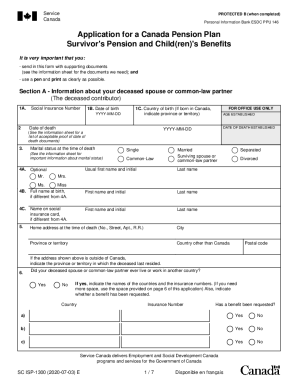
Isp1300
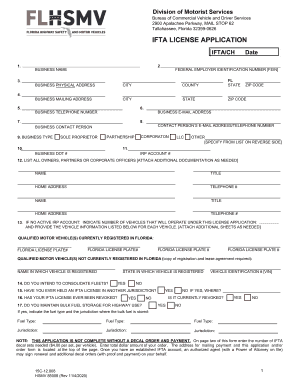
Ifta application

Form afps 8
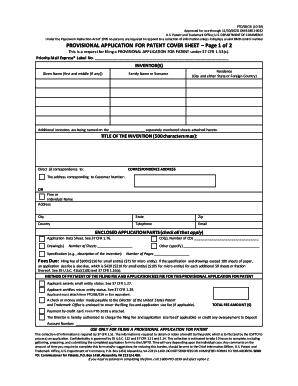
Patent form

Form 3508s pdf
Wells fargo bank statement 2020 pdf

New york traveler health form
Form g 1450
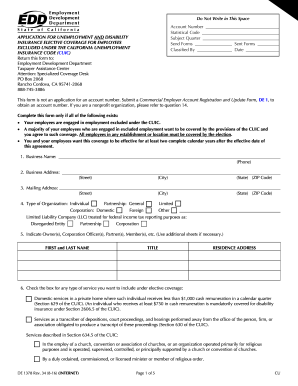
Edd application pdf
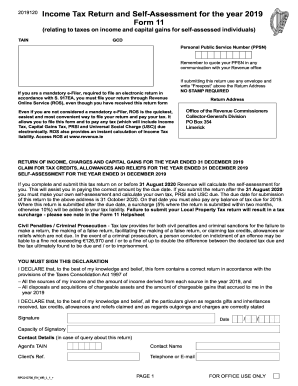
Form 11 2020 download

Washington affidavit successor
Ptr 1 nj
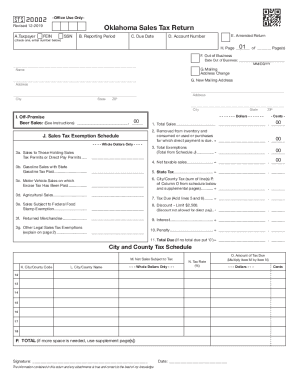
Oklahoma sales tax return form

Dl 80cd
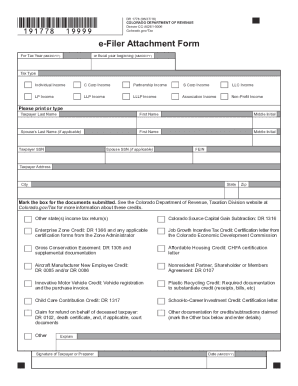
Colorado e filer
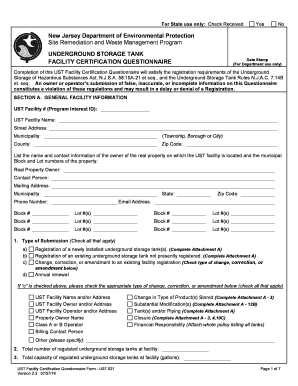
Njdep questionnaire nj form
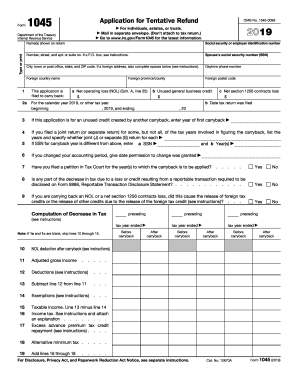
2015 form 1045
Form dv 115
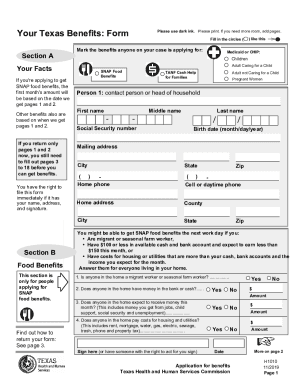
H1010

Register to vote california
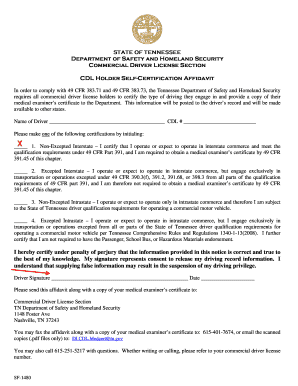
Cdl holder self certification affidavit
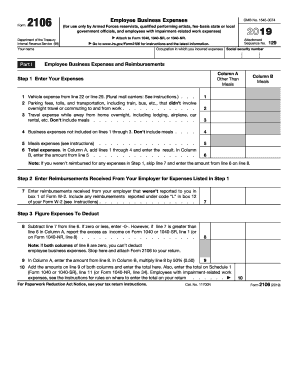
2106

Cbp form 4457
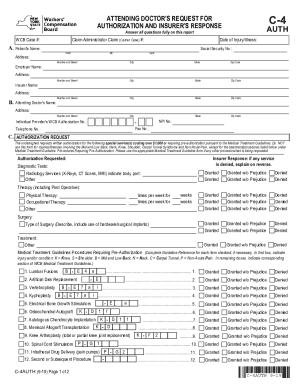
C4 auth form

30c form
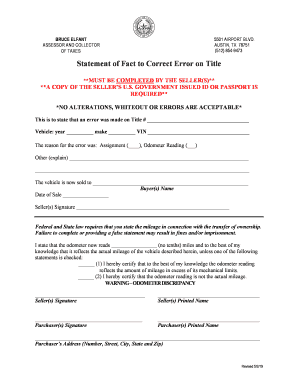
Statement of fact to correct error on title
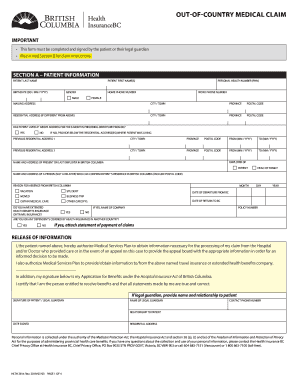
Hlth 2814
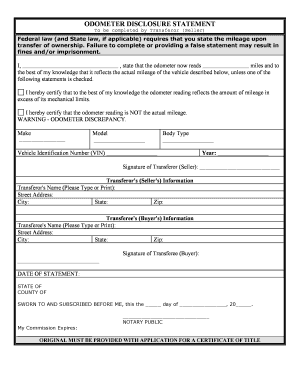
Odometer statement

Default judgment procedure
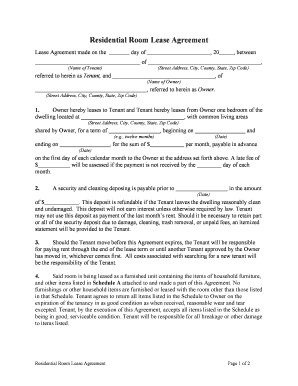
Room lease agreement
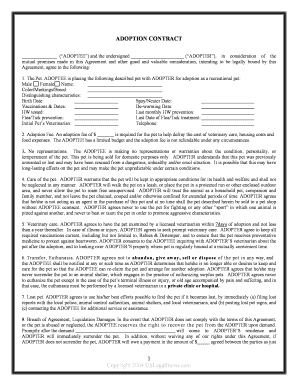
Dog rehoming contract

Motion to stay proceedings

Partition action forms
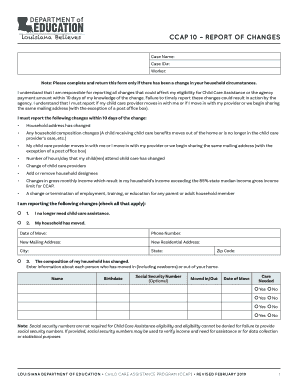
Ccap 10

Ssa 8000 bk 06 2019
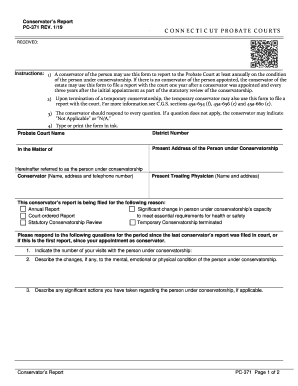
Pc 371 conservator's report
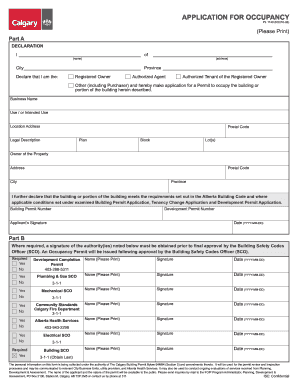
Occupancy permit calgary
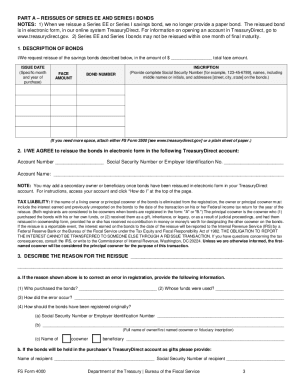
Fs form 4000
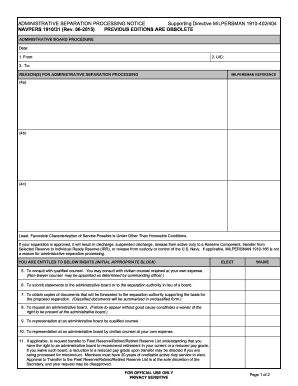
Navpers 1910 31
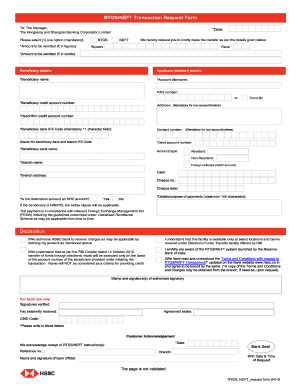
Hsbc rtgs form

Usda form wa 51 2
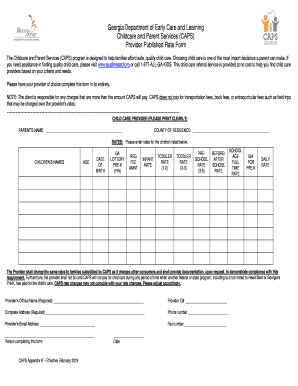
Caps rate sheet
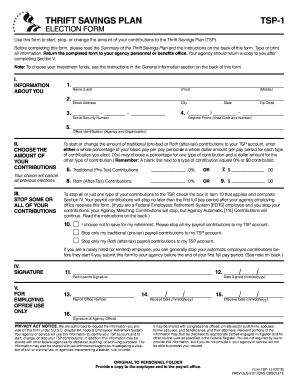
Tsp 1 form
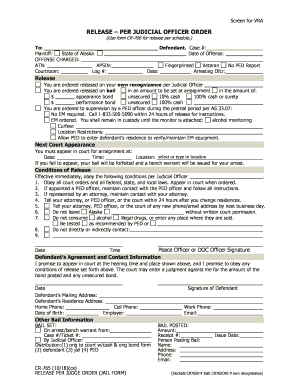
RELEASE PER JUDICIAL OFFICER ORDER

Aoc 856
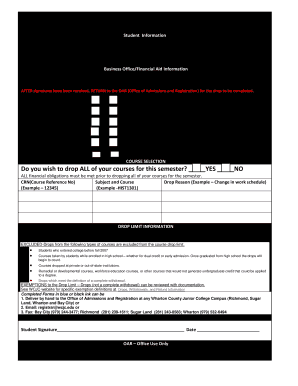
Student drop form
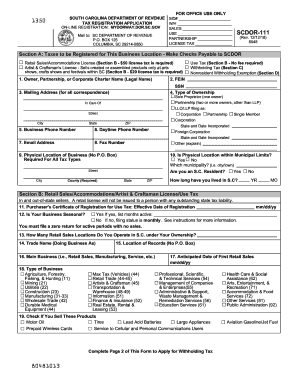
Scdor 111
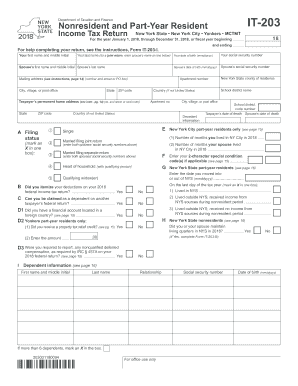
It 203

Form eoir 33 ic

Sss r1
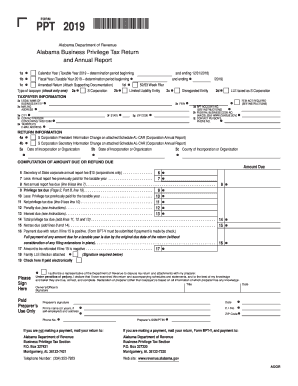
Alabama business privilege tax form ppt 2019

Mw506ae

Ssa 21

Cr 181

Form 8606
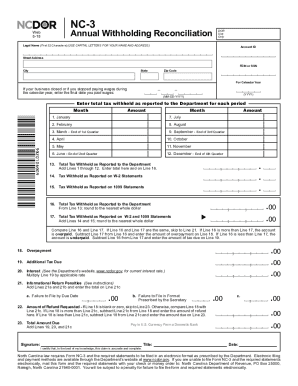
Nc3 form
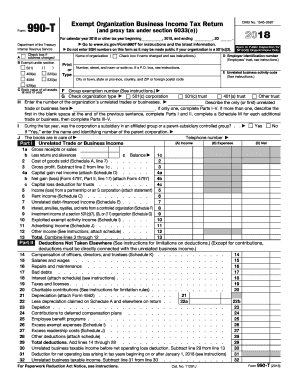
2018 irs form 990 ez
Missouri tax registration 2018-2019 form
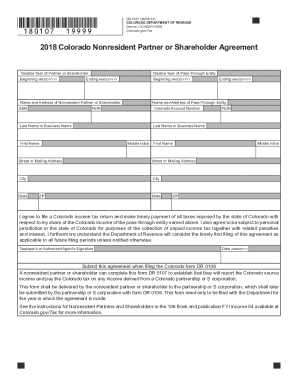
Colorado form 106

Temp tag tennessee

540 2019
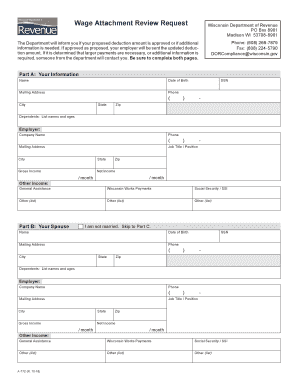
A772
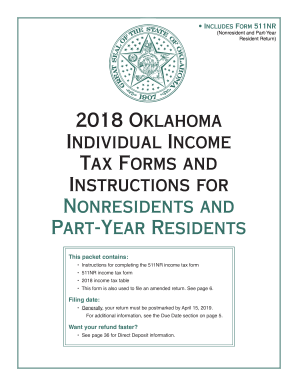
Oklahoma state taxes for 511nr 2018
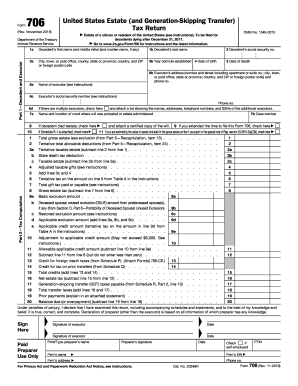
Irs form 706
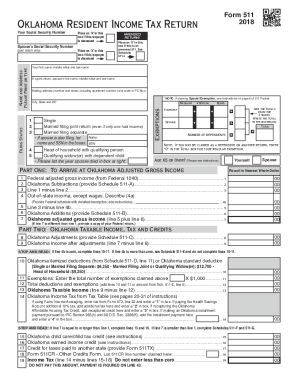
Oklahoma state tax form 511 for 2018
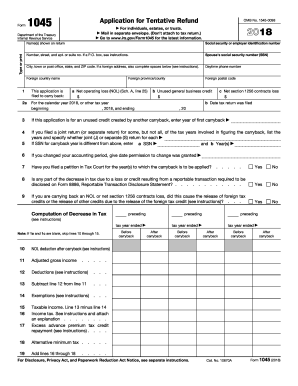
Form 1045
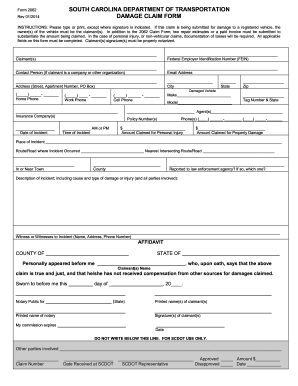
Scdot form
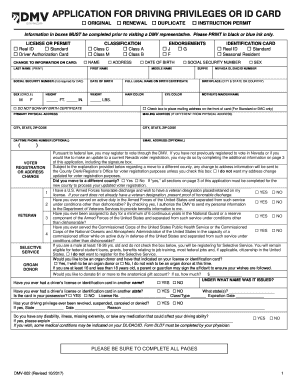
Dv 002

Via trans application

Soonerride reimbursement form
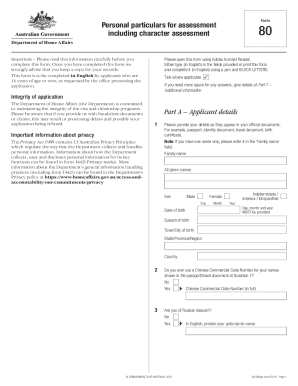
Form 80

I290b
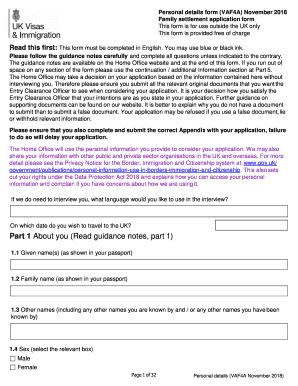
Appendix 2 vaf4a august 2018
Benefit from the DocHub online library of fillable PDF forms
Searching the PDF forms doesn't have to be a tedious and time-consuming process. With the DocHub online library, it has become easier to find the fillable PDF forms and modify them in your browser. The service allows you to adjust the document to your needs using powerful editing tools.
You can use online document editing features to modify almost any type of document with ease. You just need to find the template of your choice, open it in the editor, and use the toolbar to make the necessary corrections.
Follow this guide to get your document done with DocHub:
- Find the PDF template you need.
- Click the Get Form button to open the file in the editor.
- Use the toolbar to fill out and edit the document.
- Easily add and highlight text, insert images, checkmarks, and symbols.
- Drop new fillable fields, and rearrange or delete pages from your file.
- Save changes and download your record.
DocHub empowers everyone to streamline document editing, signing, and distribution, and form completion. Create an account and benefit from our well-organized PDF Forms library and comprehensive editor.