
Get any PDF form from the DocHub library of ready-made templates - Page 2246
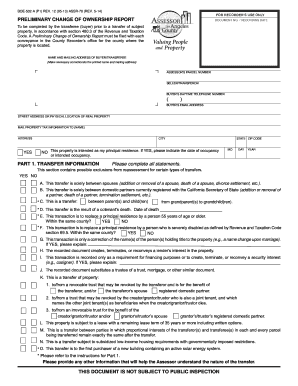
Preliminary change of ownership report los angeles county
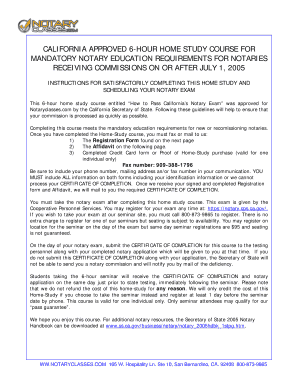
Notary practice test california 2020 pdf
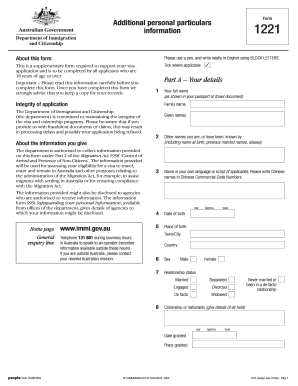
Form 1221 - Australian Embassy - Australian Mission - iran embassy gov
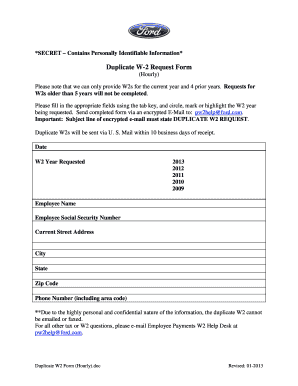
Hpay ford com
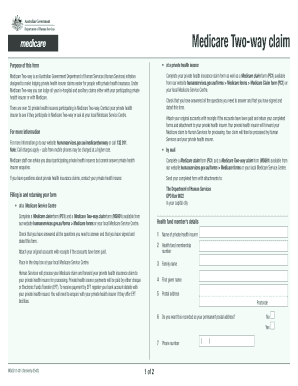
Medicare two way claim form
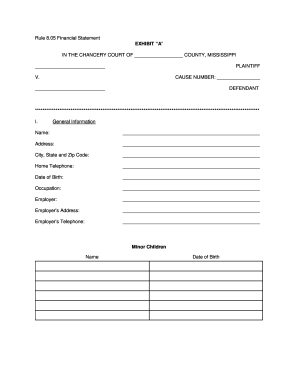
RULE 8.05 FINANCIAL DISCLOSURE - 2nd Chancery Court - 2ndchancerycourtdistrictms

Form 568 - 2006 Limited Liability Company Return of Income
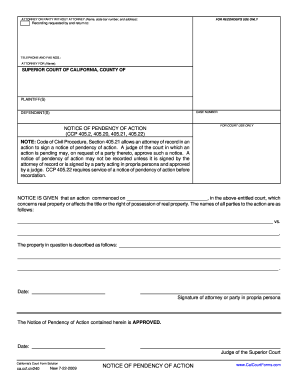
Notice of pendency of action california form
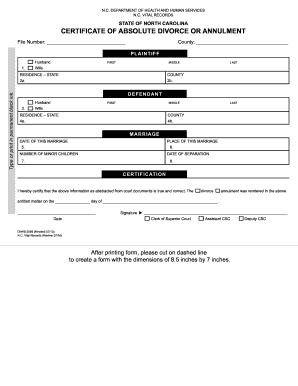
Dhhs 2089

Pregnancy Test Request Form - Colorado.gov
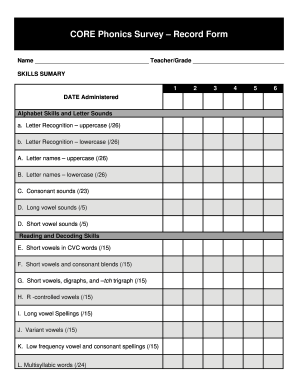
Core survey record form

What is saws 2 plus 2013 form
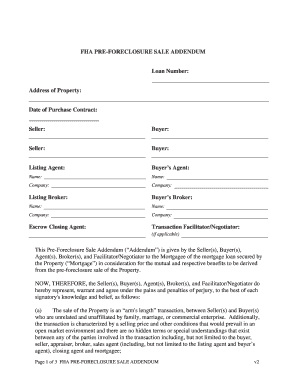
Wells fargo pre foreclosure sale addendum

Hph online forms

Police report philippines

Child care subsidy claim forms
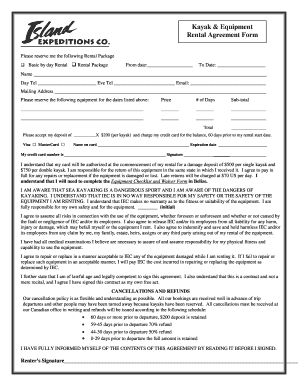
Kayak rental agreement form
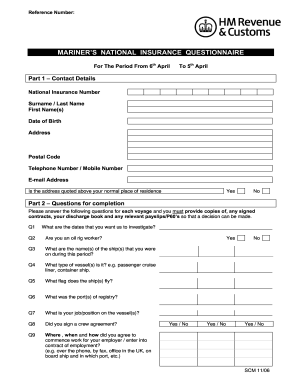
Mariners questionnaire pdf
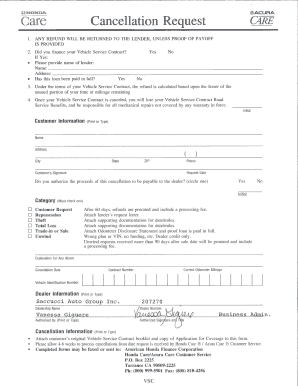
Honda care cancellation form

Angel one poa form pdf

Resurgens medical records

Personal net worth statement template form

Deutsche bank account opening form pdf
Delta airlines skymiles registration
Lambtoncollege
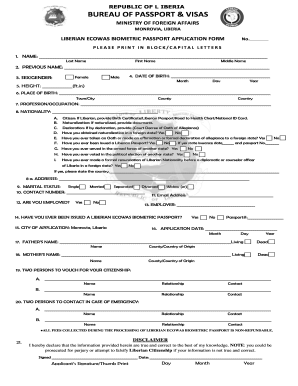
Liberia passport
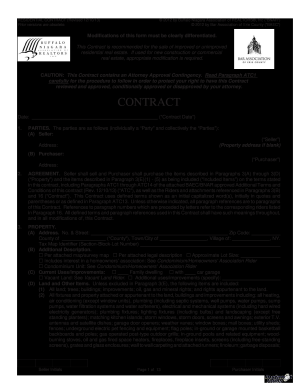
S:Real Estate, BAEC FormsContract, 2010-12Contract_2012.12.12_v4_2013.01.04.wpd
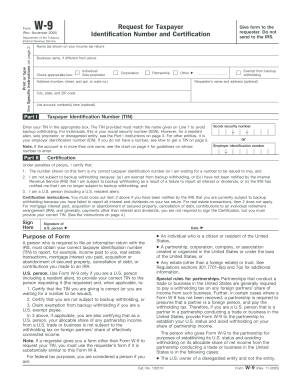
Ascap registration form
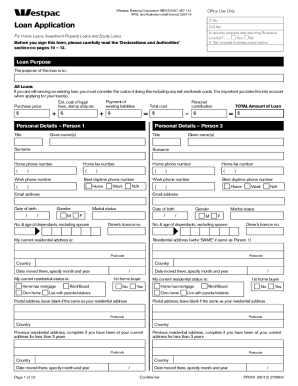
Westpac discharge authority

Tropicana win loss statement
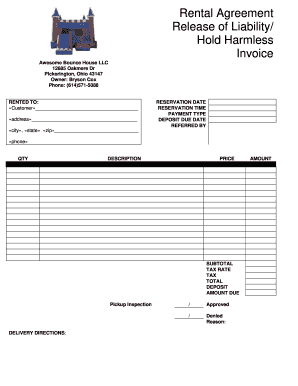
Rental agreement leability invoice sample
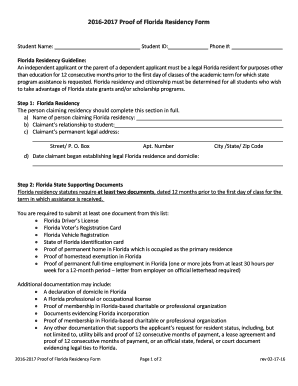
Proof of address generator
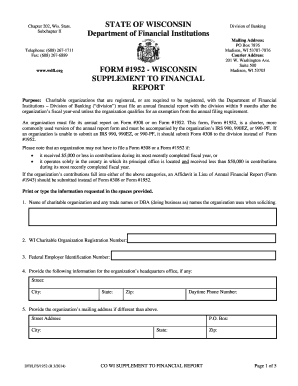
Wisconsin form report
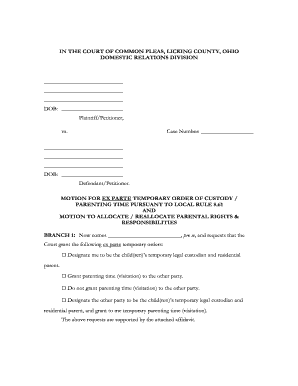
Ohio court common pleas

Alcpt vocabulary list pdf

How to fill out 103 form
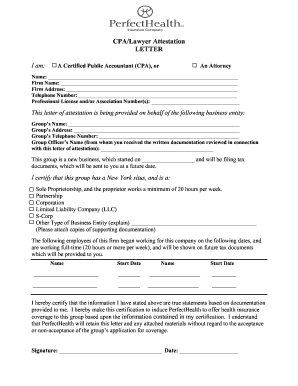
Attorney attestation letter

Acknowledgment ninth circuit

Will worksheet form
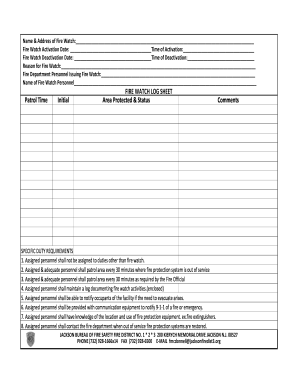
Firewatch form
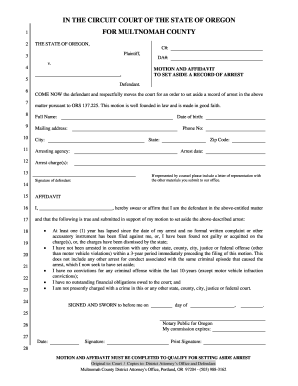
Oregon expungement forms
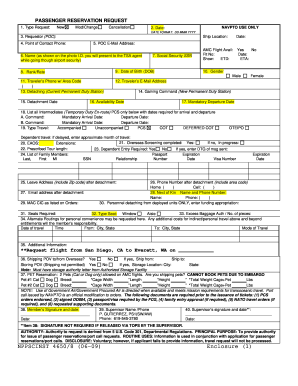
Nppsc 4650 1

4355 construction floridas form

Lvhn fap

Social services referral form
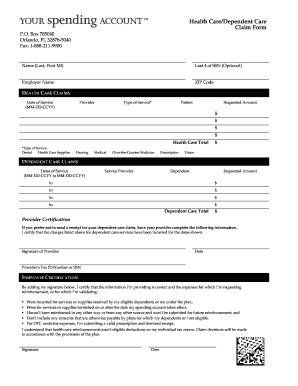
Ysa claim form
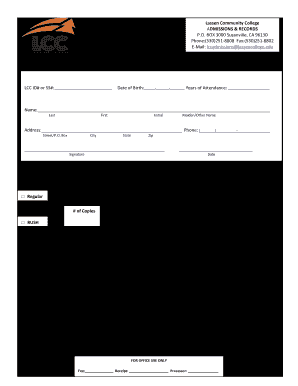
Lassen community college transcripts

Walk a thon fundraiser template
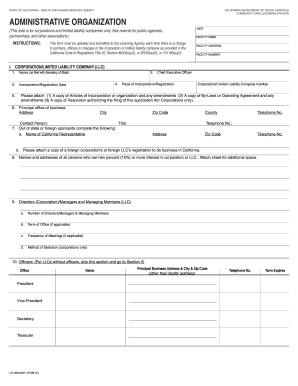
Lic 309
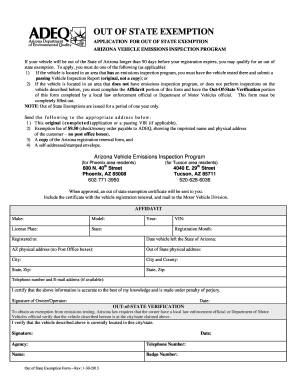
Out of state exemption

Gift affidavit

Grand absence request
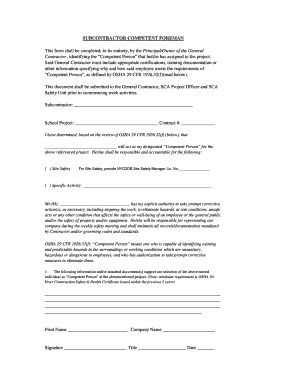
Nyc dob competent person letter
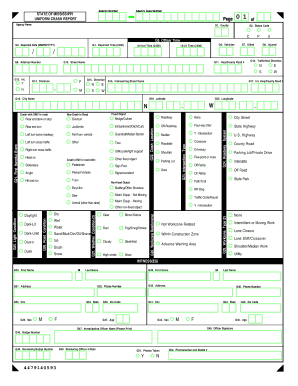
Mississippi uniform crash report
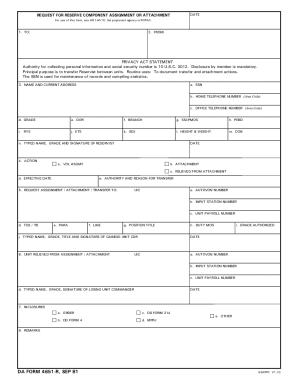
Da form 4651
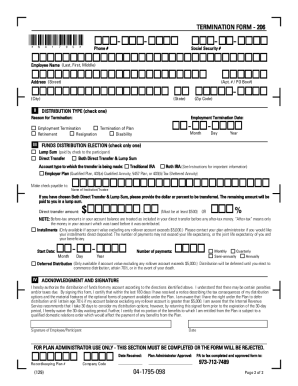
Adp termination form
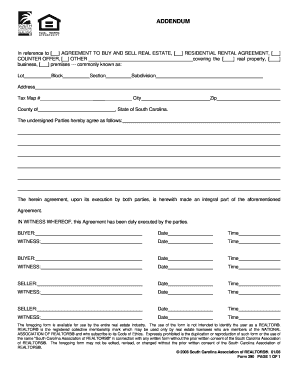
South carolina real estate contract addendum 2006 form
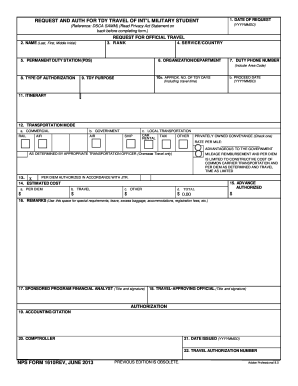
Dd form 1610
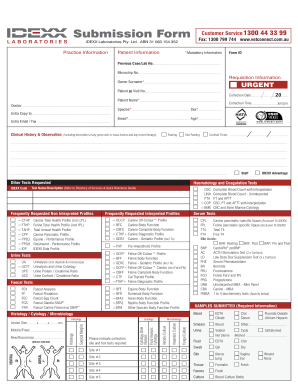
Idexx requisition form pdf
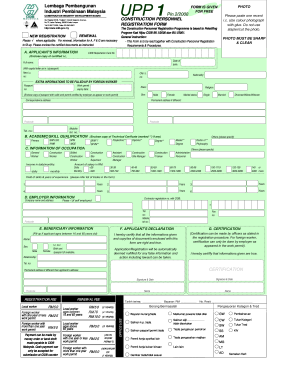
Cidb green card renewal form
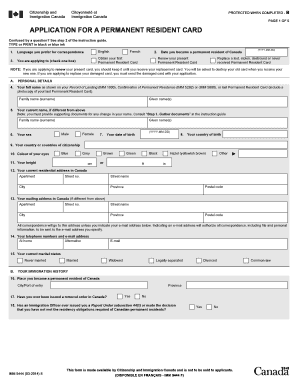
IMM 5444 E : Application for a permanent Resident Card - cic gc
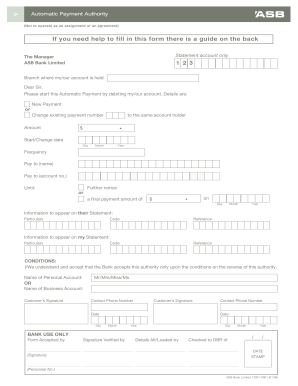
Asb direct debit form
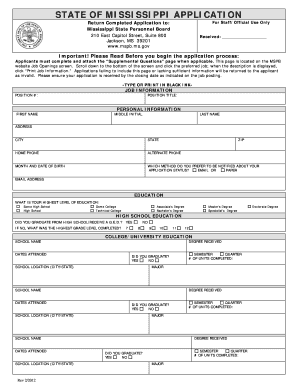
Ms job application form
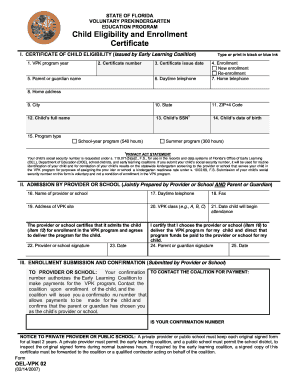
Florida child eligibility certificate
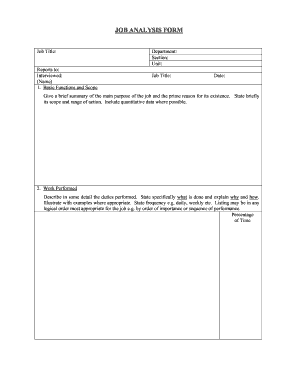
Job analysis form
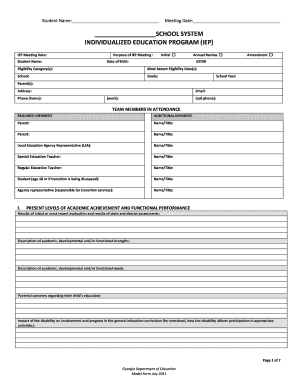
Georgia iep form
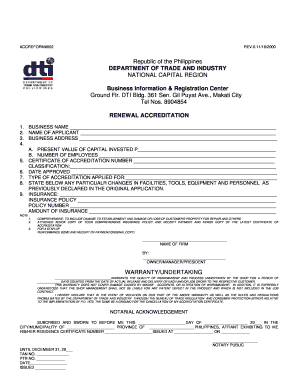
Dti renewal
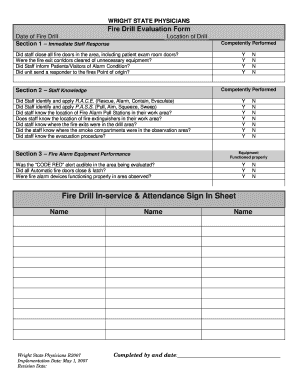
Fire drill sign in sheet
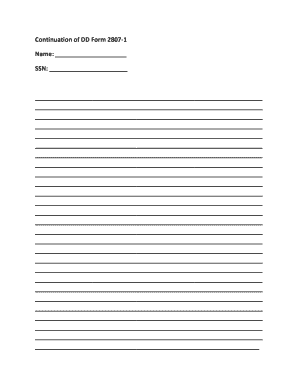
Dd form 2807 1 continuation sheet
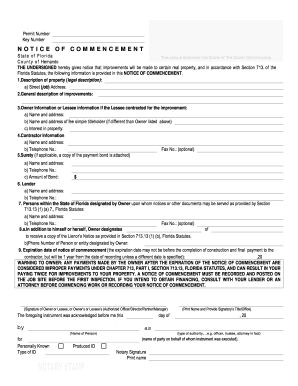
Florida notice commencement form
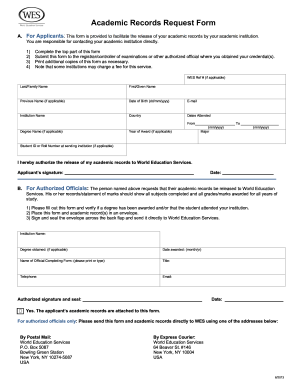
Wes academic request form
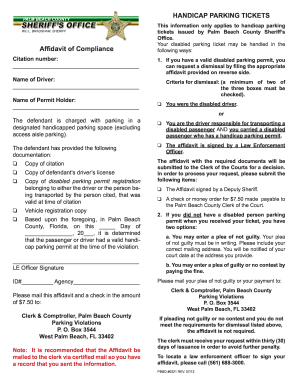
Affidavit of compliance for handicap parking

Dba rochester ny
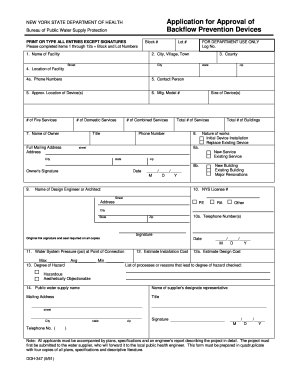
Doh 347
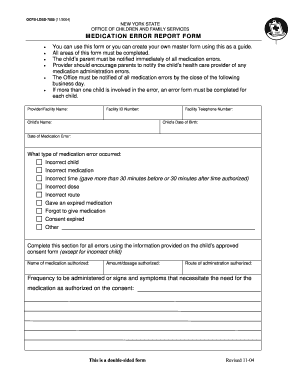
Medication error reporting form pdf
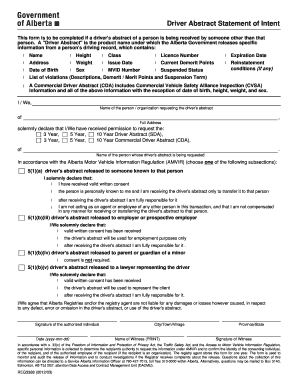
Alberta drivers abstract online

Pk2 plus

Dekalbcounty gov
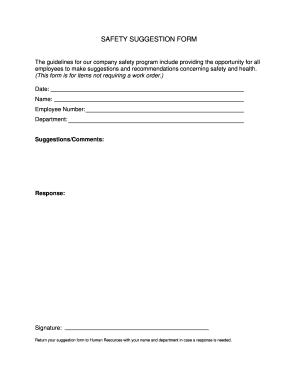
Safety suggestion form

2018 Form NY OP-175 Fill Online, Printable, Fillable, Blank -...
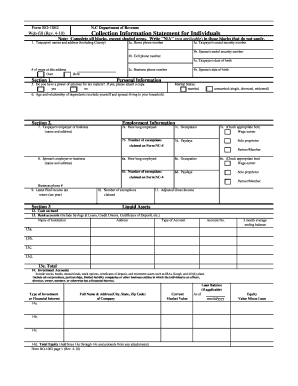
Fillable ncdor form ro 1062
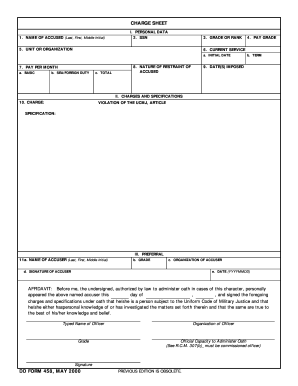
Dd form 458
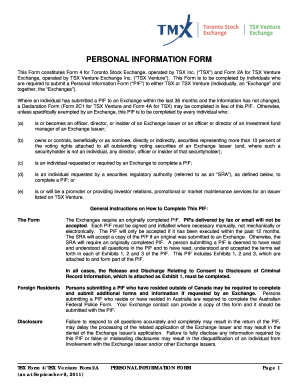
Tsx form personal
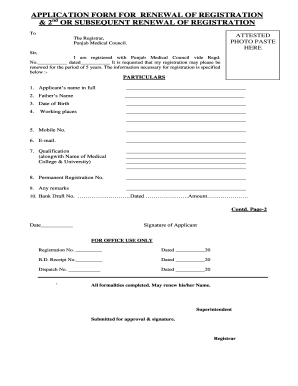
Punjab medical council registered doctors list

Companies office of jamaica forms
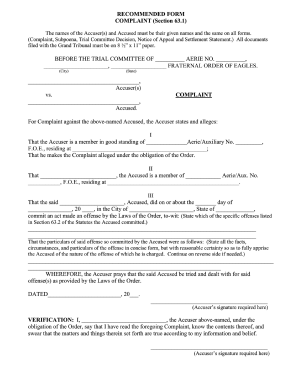
The fraternal order of eagles philippine eagles application form
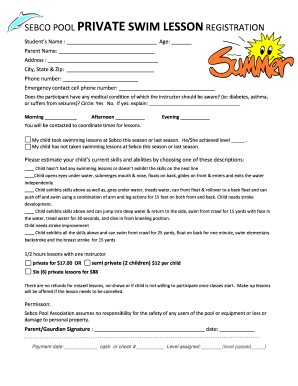
Swim lesson registration form template

Iowa damage disclosure

Spoa 2602b form
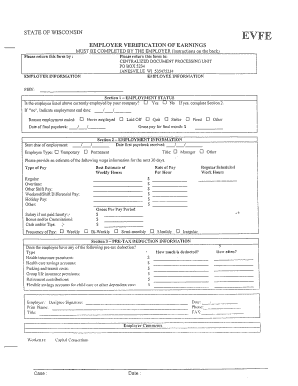
Employment verification wi 2008 form
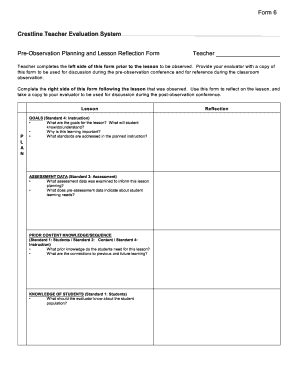
Crestline evaluation form

Faa form aircraft bill of sale ac 8050 2 pdf 1992
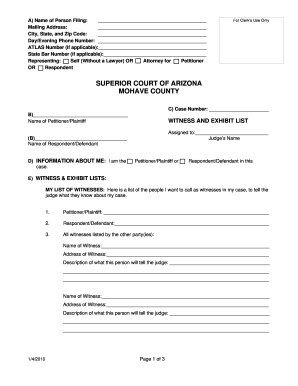
Witness and exhibit list

Publix covid vaccine form
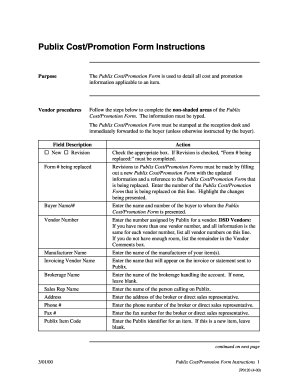
Promotion form
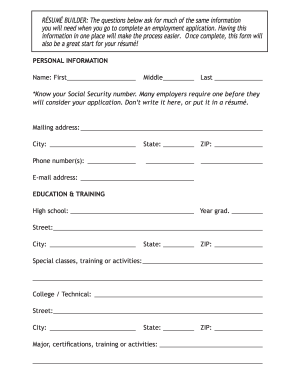
Publix application pdf
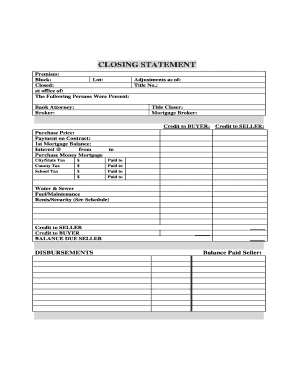
Closing statement real estate
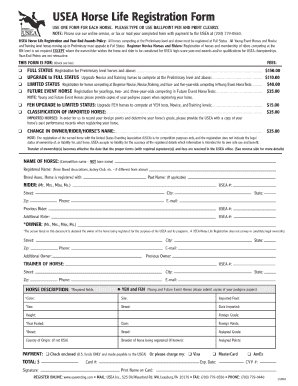
Usea horse registration
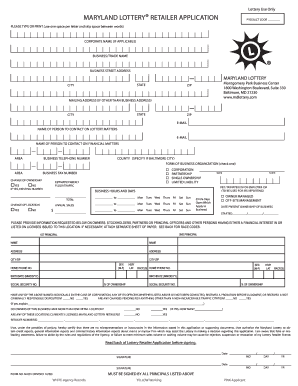
Maryland lottery retailer application online
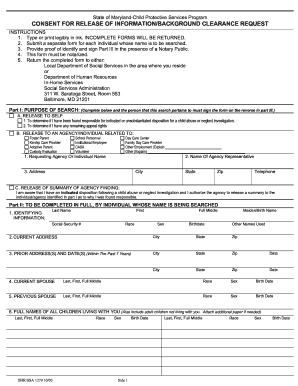
Maryland clearance
Benefit from the DocHub online library of fillable PDF forms
Searching the PDF forms doesn't have to be a tedious and time-consuming process. With the DocHub online library, it has become easier to find the fillable PDF forms and modify them in your browser. The service allows you to adjust the document to your needs using powerful editing tools.
You can use online document editing features to modify almost any type of document with ease. You just need to find the template of your choice, open it in the editor, and use the toolbar to make the necessary corrections.
Follow this guide to get your document done with DocHub:
- Find the PDF template you need.
- Click the Get Form button to open the file in the editor.
- Use the toolbar to fill out and edit the document.
- Easily add and highlight text, insert images, checkmarks, and symbols.
- Drop new fillable fields, and rearrange or delete pages from your file.
- Save changes and download your record.
DocHub empowers everyone to streamline document editing, signing, and distribution, and form completion. Create an account and benefit from our well-organized PDF Forms library and comprehensive editor.