
Get any PDF form from the DocHub library of ready-made templates - Page 464

Non discrimination and anti-harassment eff - Arizona Department of - azdvs

ADOT-MPD-Aeronautics Group 2009 Environmental Grant Check List

Archaeology Multiphase - Arizona Department of Transportation

Transportation Enhancement Round 16 Workshop, Right-of-Way Certification Memo - azdot

ADOT Good Faith Certificate - Arizona Department of Transportation

Superceded ADOT Noise Abatement Policy Addendum - Arizona

Mexican Visitors to Arizona: - Arizona Office of Tourism

Veterans, Military and

Revised - 02 15 11 revised - 02 15 11 revised - 02 15 11 addendum #1 - azleg

Revised - 02 01 10 revised - 02 01 10 revised - 02 01 10 - azleg

State Land Department - Arizona State Legislature - azleg

Soda - Arizona State Legislature

Revised - 02 17 09 revised - 02 17 09 revised - 02 17 09 - azleg

FY 2008 Appropriations Report - Detailed List of FY 2008 and FY 2008 Changes by Agency
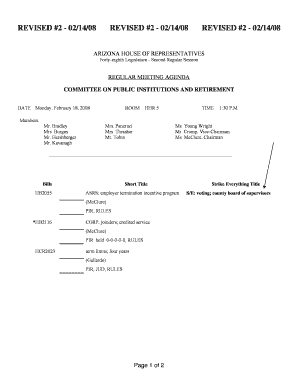
Revised #2 - 02 14 08 revised #2 - 02 14 08 revised #2 - 02 14 08 - azleg

Emergency Disclosure of Participant Information Form - azsos

REFERENCE TITLE: probation; facilities; safe communities act

2015 September Arizona and US Constitution for pdf pub - azsos

FOR THE DEAF AND THE BLIND

House Engrossed State of Arizona House of Representatives Forty-eighth Legislature First Regular Ses

Revised - 01 31 05 revised - 01 31 05 revised - 01 31 05 - azleg

Revised - 02 18 05 revised - 02 18 05 revised - 02 18 05 - azleg

Show Low, Arizona - azsfb

Arizona State Land Department - Arizona School Facilities Board
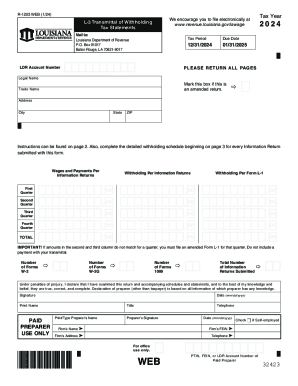
32423 - Louisiana Department of Revenue

CIFT-620ES (2024) WEB - Louisiana Department of Revenue

2024 WEB

Louisiana Disabled Individuals Employment Deduction Application

IRS alienta a contribuyentes a prepararse para temporada

2024 Form 1120-S U S Income Tax Return for an S Corporation

El Club de Trabajo de Progreso Latino est aqu para ayudarlo a

2024 Form 990-PF Return of Private Foundation or Section 4947(a)(1) Trust Treated as Private Foundat

2024 Schedule J Form and Instructions - Income Tax Pro

Schedule K-1 Form PTE

Form911 (Rev 10-2024) Request for Taxpayer Advocate Service Assistance (And Application for Taxpayer

Draft of Form 8962

2024 Form 940 Employer's Annual Federal Unemployment (FUTA) Tax Return

2024 Form 1099-R

2024 Form 1041 U S Income Tax Return for Estates and Trusts
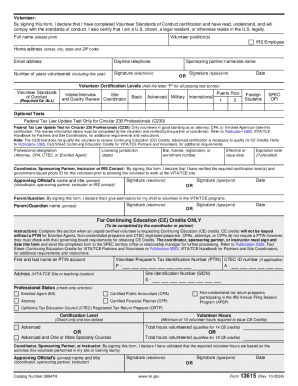
Form 13615Fill Out and Use This PDF

Form 433-A (OIC) (Rev 4-2024) Collection Information Statement for Wage Earners and Self-Employed In

2023 M1CWFC, Minnesota Child and Working Family Credits

About Form 6198, At-Risk Limitations

Form 941-X (Rev April 2024) Adjusted Employer's QUARTERLY Federal Tax Return or Claim for Refund

Form W-7 (COA) (Rev 7-2023) Certificate of Accuracy for IRS Individual Taxpayer Identification Numbe

Form W-7 (sp)

2024 Form 990 Return of Organization Exempt From Income Tax

Annual Application for Exemption from Collection of Louisiana Sales

Publication 6292-A (Rev 6-2024) Fiscal Year Return Projections for the United States

City of New Orleans Tax Clearance Authorization

Payroll Tax Forms

2024 Payroll Tax Forms

Wholesale

2023 Kentucky Individual Income Tax Forms

National Association of Tax Professionals Seminar June 24

Legal Name Business Name

2024 I-017 Rent Certificate (fillable) Rent Certificate

Form 4972, Tax on Lump-Sum Distributions
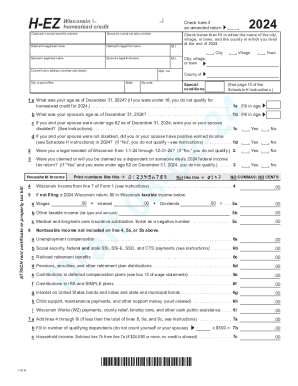
POMS: HI 01120 045 - Use of Amended Income Tax Returns

Blank W2 forms? (to fill and submit)

Instructions for Form IT-204-IP New York Partner's Schedule K

File the Right Government Forms After a Name Change

Form 4506-F Request for Copy of Fraudulent Tax Return

Instructions for Form W-12 IRS Paid Preparer Tax

Form 14234-B (Rev 12-2023) Material Intercompany Transactions Template (MITT)

2022 Motor Vehicle and Watercraft Property Tax Rate

Ohio high school athletic association2024-25 - history form

Nau application
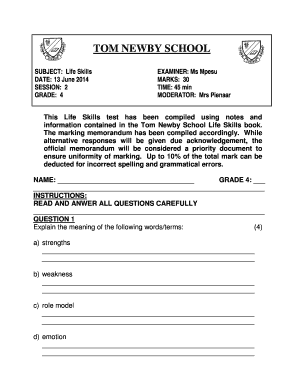
Grade 6 life skills exam papers and memos

ENGCriminal Procedure Forms 14 6 and 14 8 Update

Fillable Online Form 28 Application for a Permit to ?Acquire
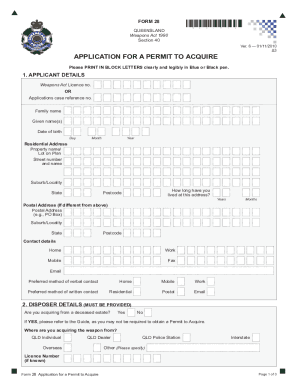
Permit to acquire qld

Manitoba Family Services and Labour
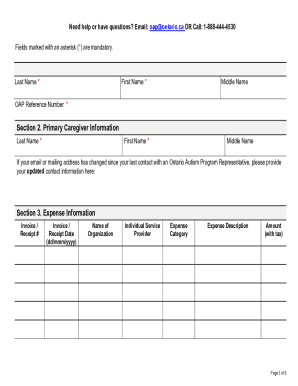
Ontario autism program registration form

PROVIDER WORKWEEK and TRAVEL TIME AGREEMENT - dss cahwnet

Good News Club Registration Form 2023 2024

BARRIERS GLASSES Prescription Order Form
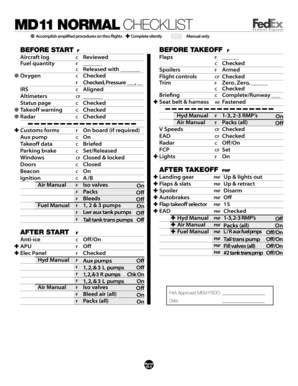
Md11 checklist

STATE RECORDS AND

New York Certificate of Amendment

LICENSE ACTION REQUEST

Health History and Emergency Care Plan, DCF-F-CFS2345-E Division of Early Care and Education

Death Record Form Instructions

Amlactin samples

What is the Earned Income Tax Credit (EITC)?

2022 Estate and Fiduciary Forms

A certificate of death must accompany this document

Endow application

Sta No

Kentucky State Tax Filing

Louisiana Department of Revenue - AUDITOR

The Los Angeles Unified School District (LAUSD) offers a wide range of options to meet the

A separate form must be completed for each (The State of
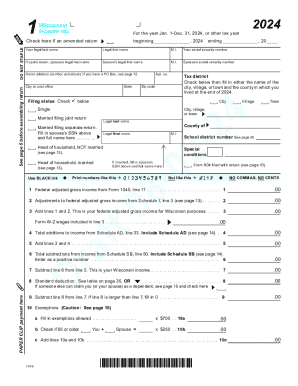
2024 I-010 Form 1-Wisconsin income tax Wisconsin Income Tax Form 1

Wisconsin, Sch CC: Request for a Closing Certificate for

Wisconsin withholding

2024 S-114 Instructions for Wisconsin Sales and Use Tax Return, Form ST-12, and County Sales and Use

2024 I-119 Instructions for Wisconsin Schedule T
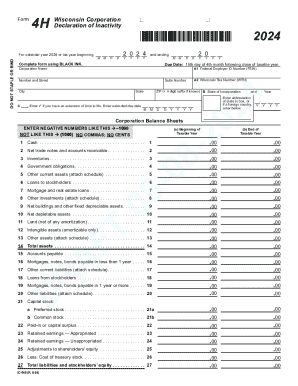
2024 IC-046 Form 4H Wisconsin Corporation Declaration of Inactivity

Schedule Sb
Benefit from the DocHub online library of fillable PDF forms
Searching the PDF forms doesn't have to be a tedious and time-consuming process. With the DocHub online library, it has become easier to find the fillable PDF forms and modify them in your browser. The service allows you to adjust the document to your needs using powerful editing tools.
You can use online document editing features to modify almost any type of document with ease. You just need to find the template of your choice, open it in the editor, and use the toolbar to make the necessary corrections.
Follow this guide to get your document done with DocHub:
- Find the PDF template you need.
- Click the Get Form button to open the file in the editor.
- Use the toolbar to fill out and edit the document.
- Easily add and highlight text, insert images, checkmarks, and symbols.
- Drop new fillable fields, and rearrange or delete pages from your file.
- Save changes and download your record.
DocHub empowers everyone to streamline document editing, signing, and distribution, and form completion. Create an account and benefit from our well-organized PDF Forms library and comprehensive editor.