
Get any PDF form from the DocHub library of ready-made templates - Page 1974
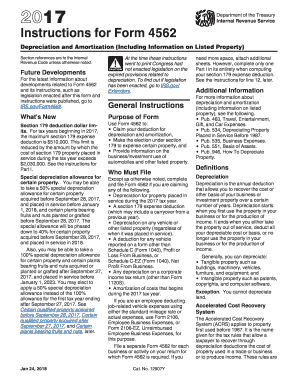
2017 instructions 4562 form
Texas franchise tax ez computation report 2018 form
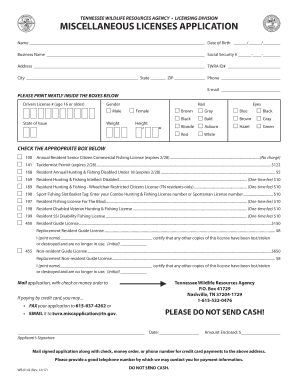
Miscellaneous licenses application - TN.gov
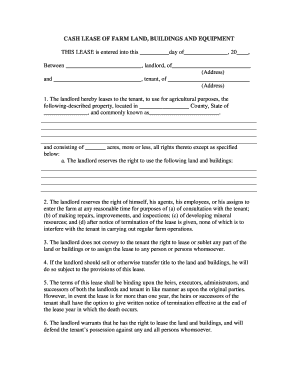
Cash lease of farm land buildings and equipment
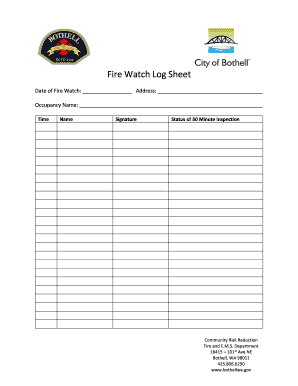
Fire watch form
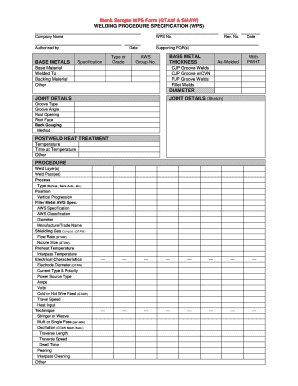
Blank welding procedure specification form
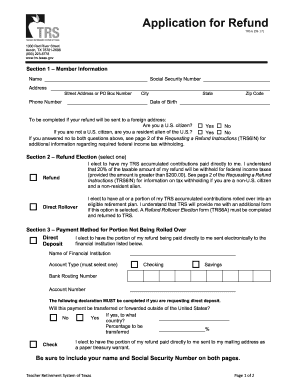
Trs6a form 2019
Ahca form 3100 0008
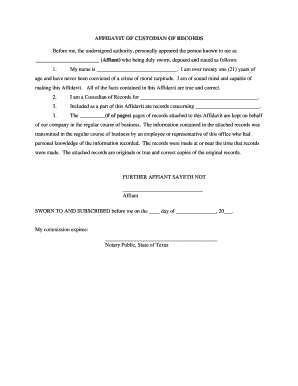
Custodian of records
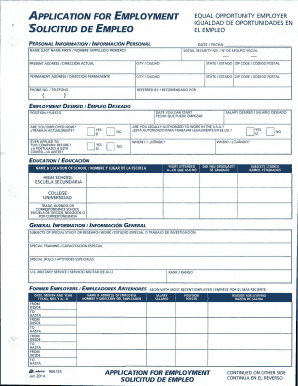
Application for employment solicitud de empleo - MC Janitorial LLC
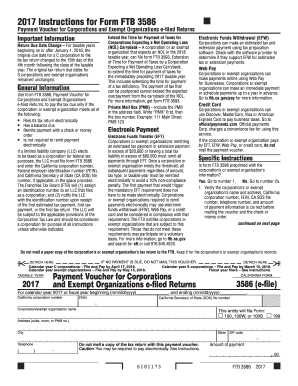
2017 Instructions for Form FTB 3586
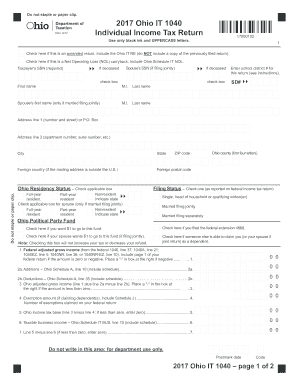
2017 Ohio IT 1040 Individual Income Tax Return - Ohio Department ...
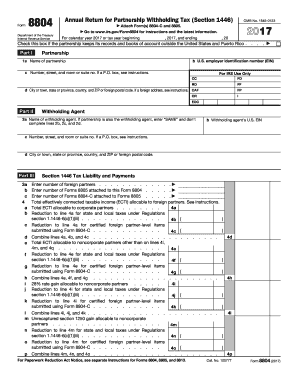
8804 2017 form
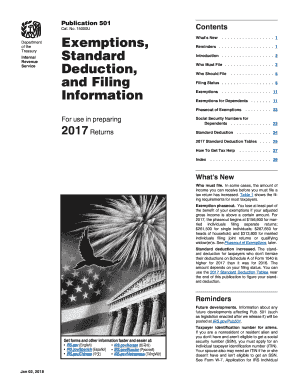
501 2017 form
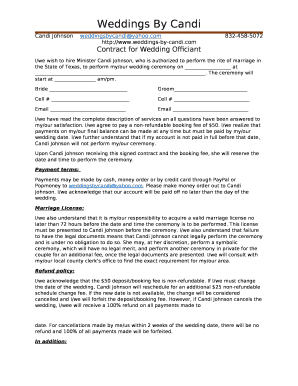
Wedding officiant contract
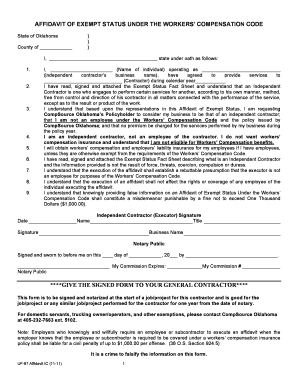
AFFIDAVIT OF EXEMPT STATUS UNDER THE WORKERS COMPENSATION CODE
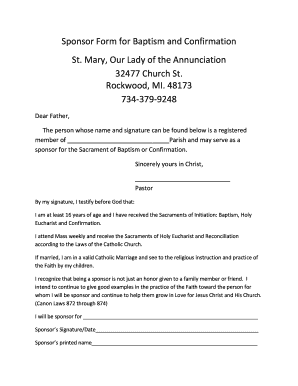
How to get a sponsor letter for baptism online
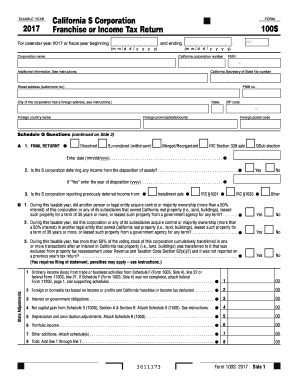
Form 100s 2017

Form bureau cannabis control
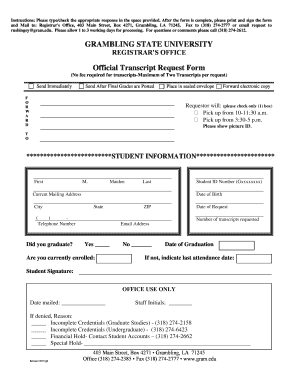
Grambling state university transcript request

TOGHOTTHELE SCHOLARSHIP APPLICATION
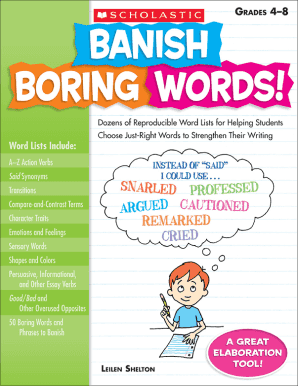
Banish boring words pdf
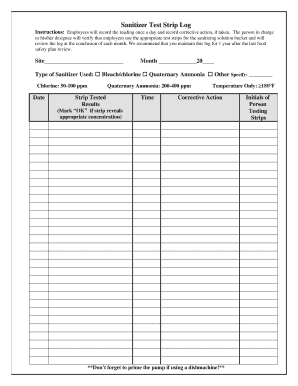
Sanitizer log sheet
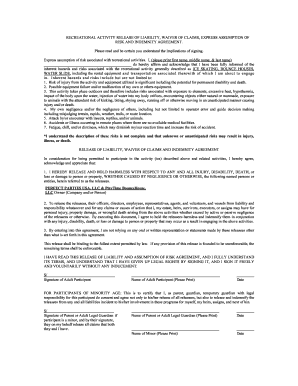
Release liability risk agreement
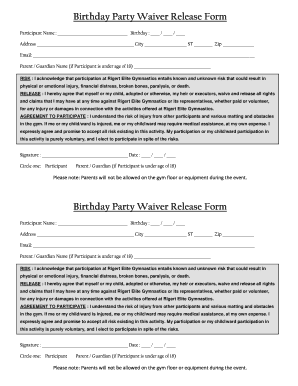
Birthday Party Waiver Release Form
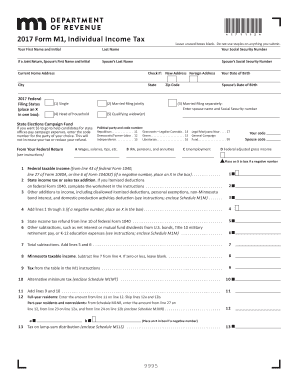
Mn form m1 2017

Hoa covenant violation notices form
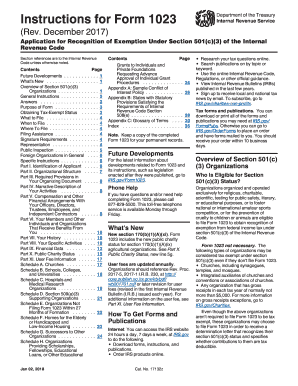
Form 1023
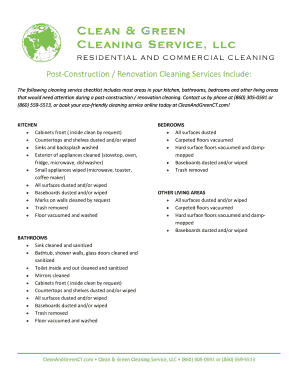
Post construction cleaning checklist pdf
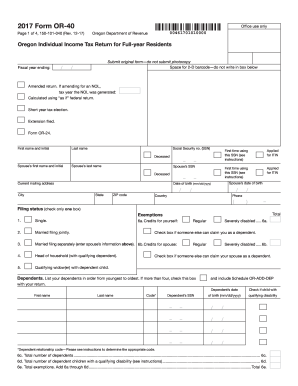
Oregon 40 income tax form
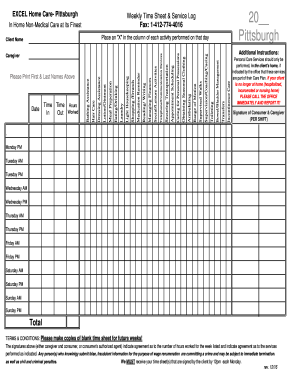
Excel home care

Wisconsin 3k 1 2017-2019 form
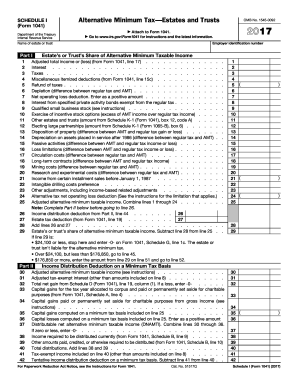
1041 i form 2017
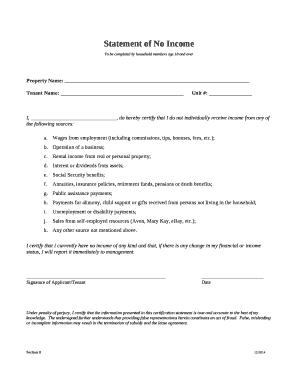
Proof of no income letter doc

CLAY FIRE TERRITORY
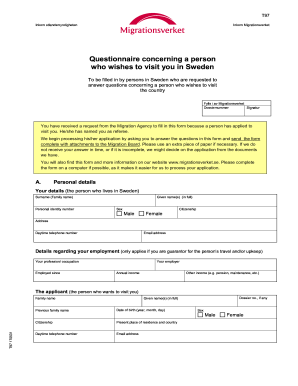
90 na18210201744 91 241011

Bi form cgaf 001 rev 2
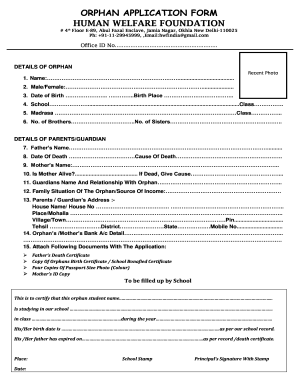
Orphan certificate online maharashtra
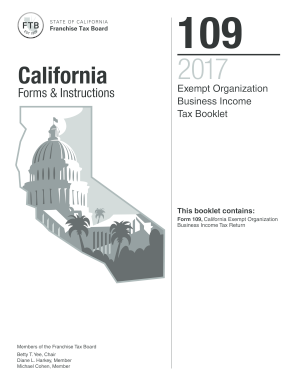
2017 Form 109 -California Forms & Instructions Exempt Organization Business Income Tax Booklet. 2017 Form 109 -California Forms & Instructions Exempt Organization Business Income Tax Booklet
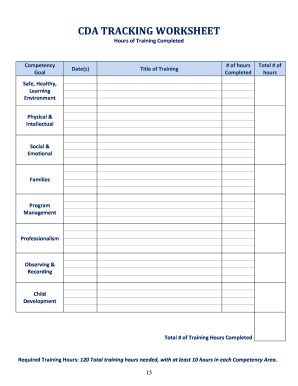
Cda worksheet
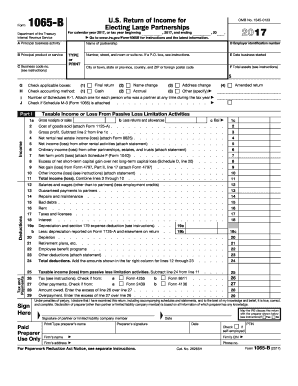
Irs 1065 return income form
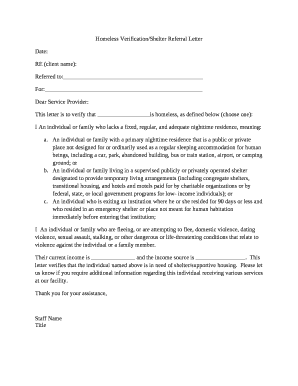
Who can write a homeless letter
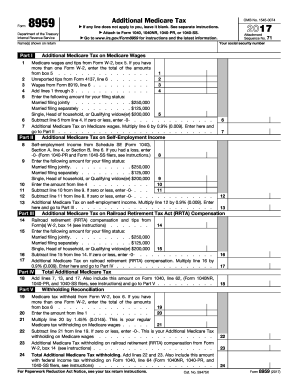
8959 tax 2017 form
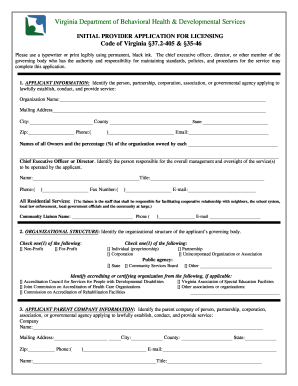
Virginia provider application
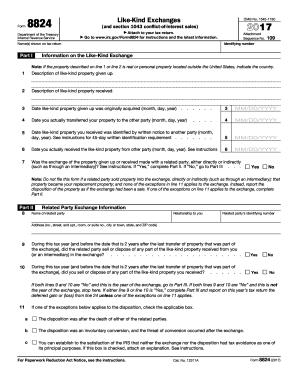
Irs 8824 2017 form

Per11
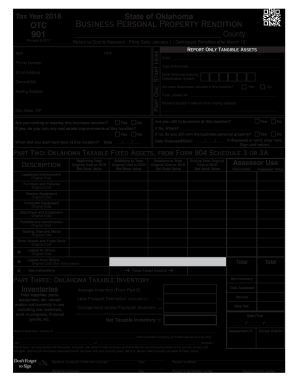
Otc 901 2018 form

Hall rental contracts
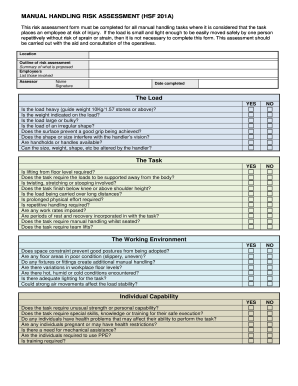
Manual handling assessment template
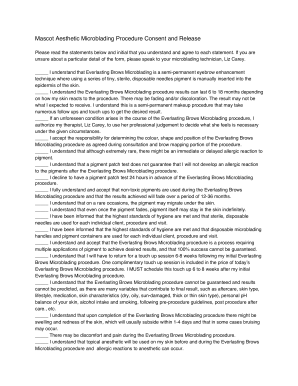
Mascot Aesthetic Microblading Procedure Consent and Release

NEW CLIENT GENERAL INFORMATION FORM

Is this your first facial treatment
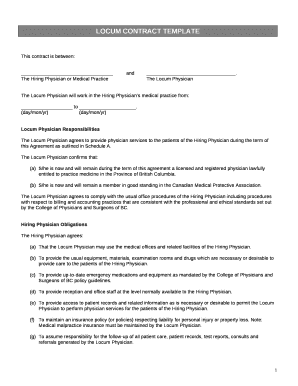
Locum contract template
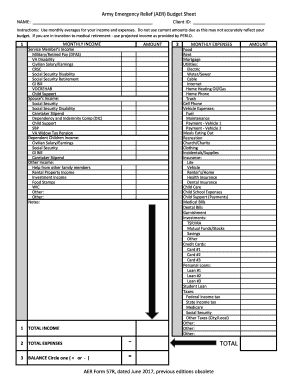
Form budget sheet
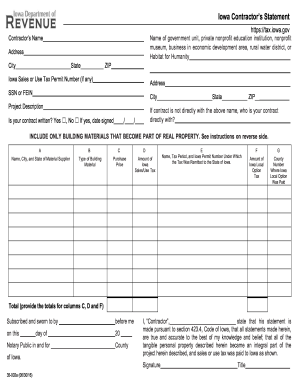
Fill in iowa contractors statement
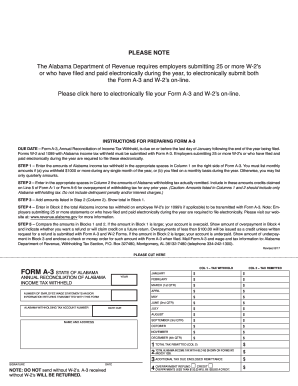
Al form

Wh 1605 2019
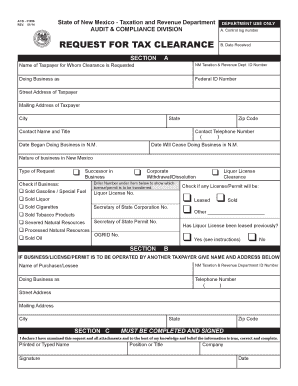
New mexico tax clearance

Inv 26 15 2017-2019 form
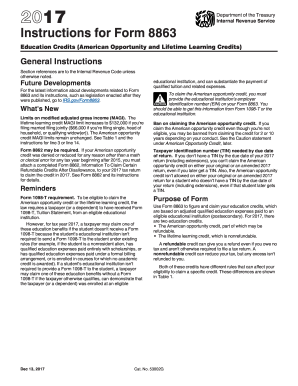
8863 instructions 2015 2017 form
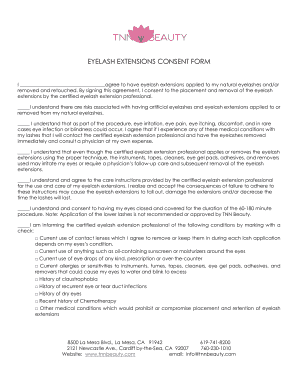
I agree to have eyelash extensions applied to my natural eyelashes and/or
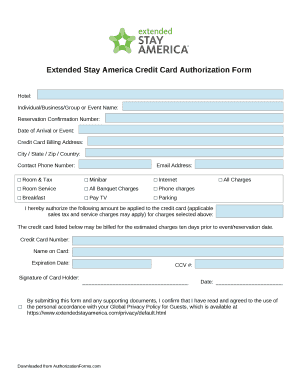
Extended stay authorization form
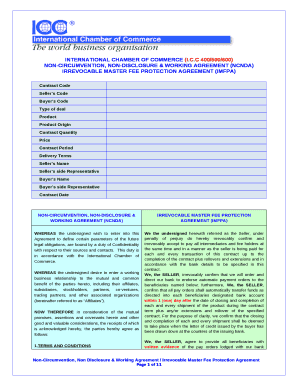
Imfpa template
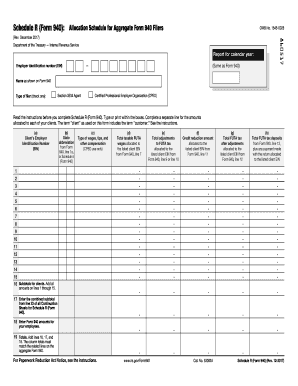
R 940
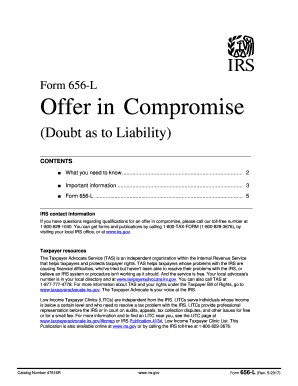
Irs form 656 lDocHubcom 2017
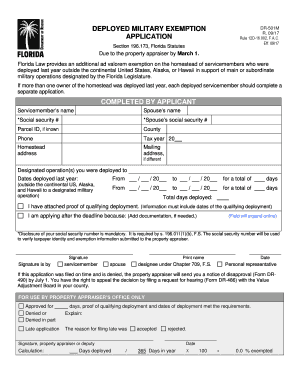
Florida deployed exemption

8128 Mercury Court, San Diego, CA 92111

Farm and ranch purchase agreement
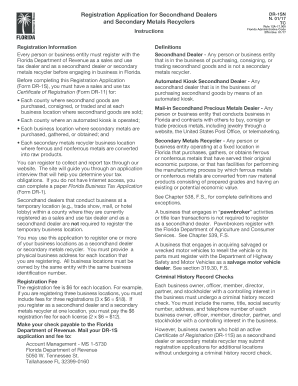
Dr 1s
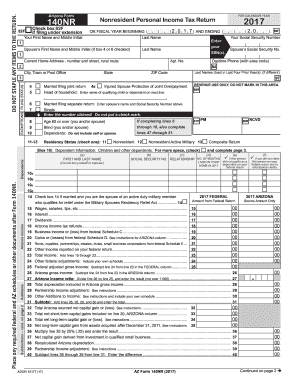
Arizona 140nr fillable form
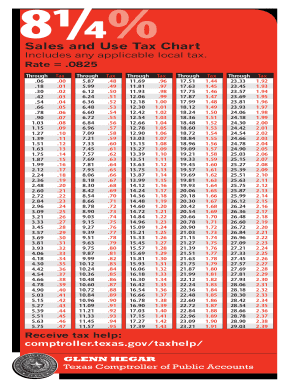
Texas sales tax chart
Ifta form 2016
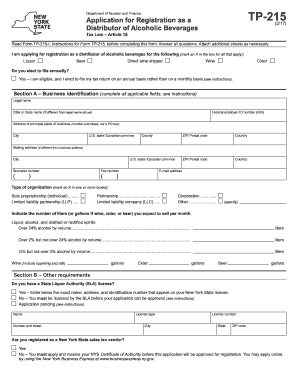
Tp 215
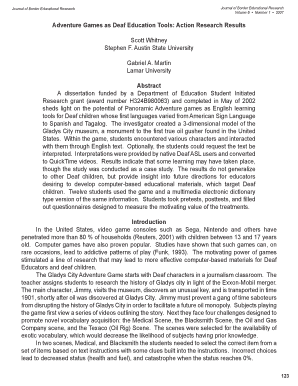
Adventure Games as Deaf Education Tools: Action Research Results
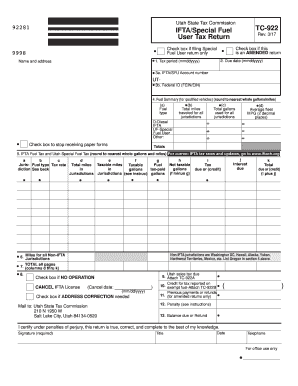
Utah ifta form
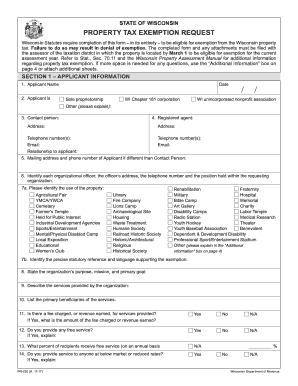
Pr 230
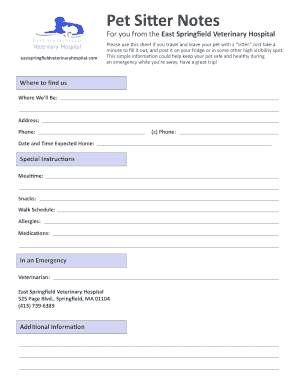
Springfield veterinary sitter notes

Black history cereal box project
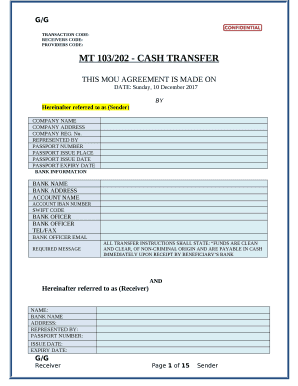
Mt103 202 cash transfer
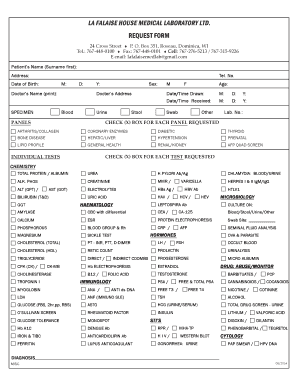
Lafalaise

Libero tracking sheet
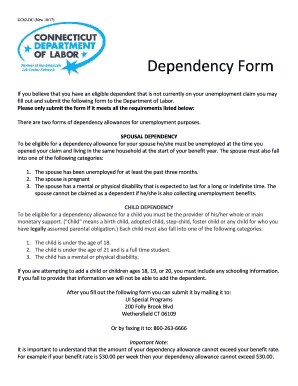
Uc62
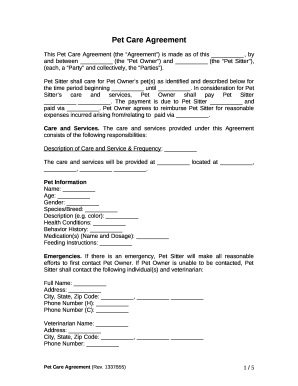
Dog purchase agreement form
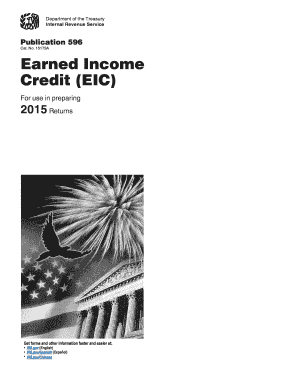
2015 earned income form
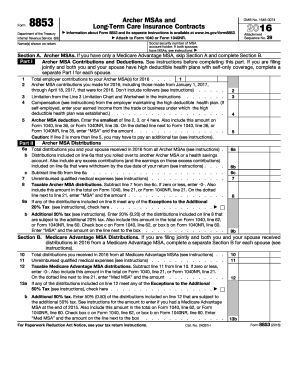
2016 8853 form
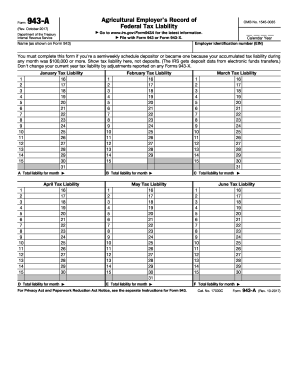
943 form 2017 fillable
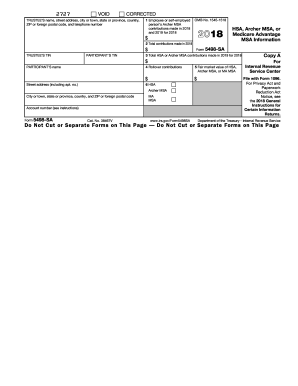
Irs 5498 sa form
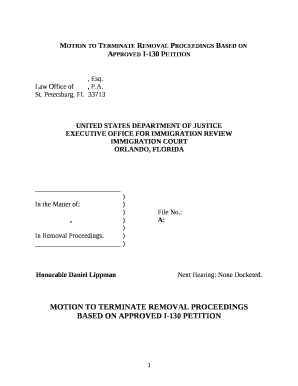
Sample motion to terminate removal proceedings 2021
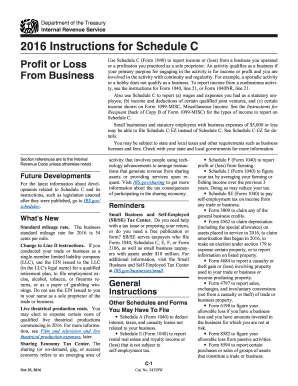
2016 instructions for schedule c 2016 irsgov form
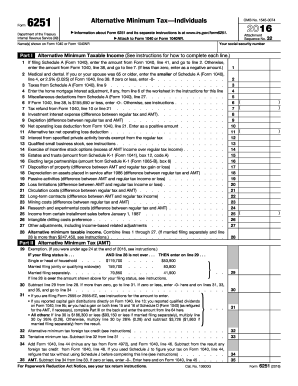
Form 6251 2016
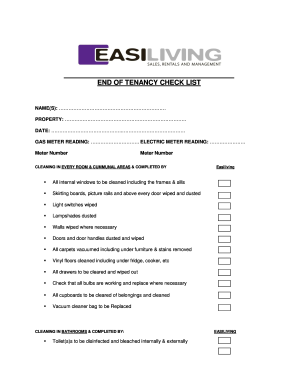
End of tenancy checklist
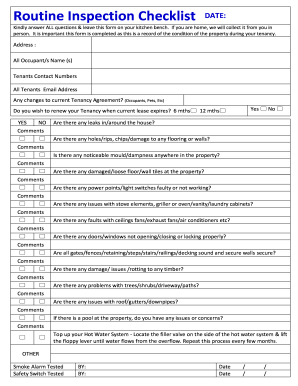
Routine Inspection Checklist
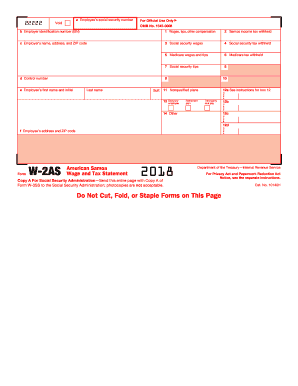
2018 w2 form
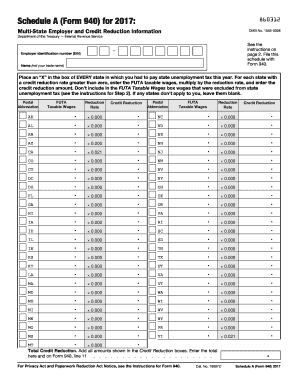
Irs form 940 schedule a 2017
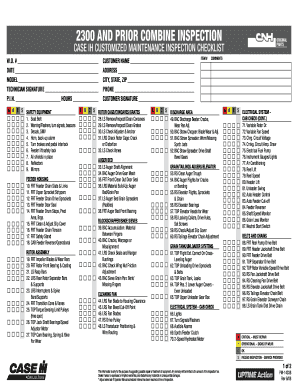
2300 AND PRIOR COMBINE INSPECTION

Security deposit authorization form
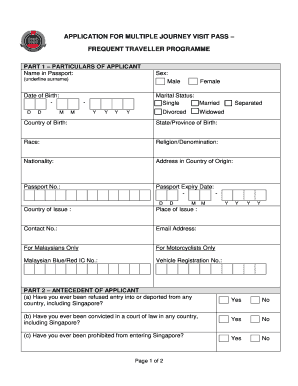
Singapore form no No Download Needed needed
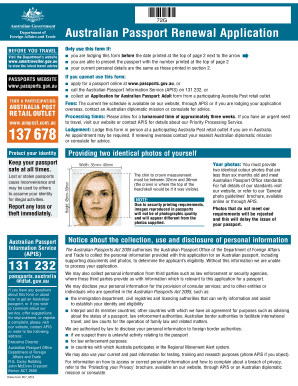
Australian 71g form
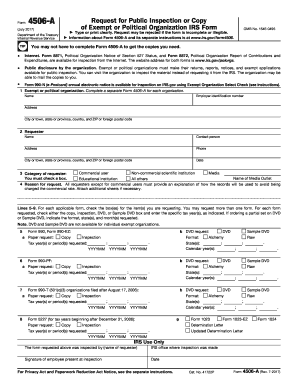
Form 4506 a 2017
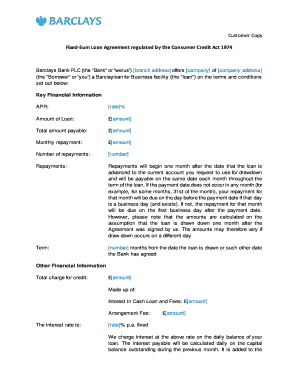
Fixed-Sum Loan Agreement regulated by the Consumer Credit Act 1974
Benefit from the DocHub online library of fillable PDF forms
Searching the PDF forms doesn't have to be a tedious and time-consuming process. With the DocHub online library, it has become easier to find the fillable PDF forms and modify them in your browser. The service allows you to adjust the document to your needs using powerful editing tools.
You can use online document editing features to modify almost any type of document with ease. You just need to find the template of your choice, open it in the editor, and use the toolbar to make the necessary corrections.
Follow this guide to get your document done with DocHub:
- Find the PDF template you need.
- Click the Get Form button to open the file in the editor.
- Use the toolbar to fill out and edit the document.
- Easily add and highlight text, insert images, checkmarks, and symbols.
- Drop new fillable fields, and rearrange or delete pages from your file.
- Save changes and download your record.
DocHub empowers everyone to streamline document editing, signing, and distribution, and form completion. Create an account and benefit from our well-organized PDF Forms library and comprehensive editor.