
Get any PDF form from the DocHub library of ready-made templates - Page 1975
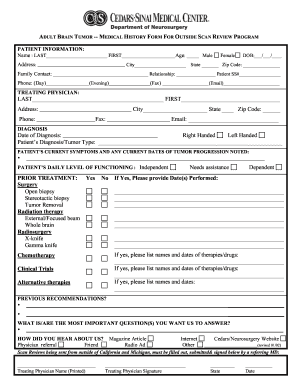
ADULT BRAIN TUMOR -- MEDICAL HISTORY FORM FOR OUTSIDE SCAN REVIEW PROGRAM
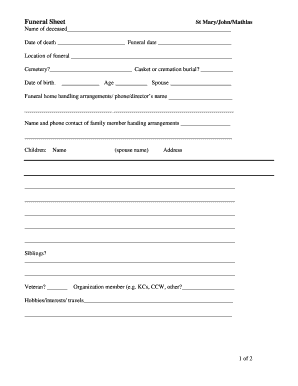
Mary ellen hooper obituary
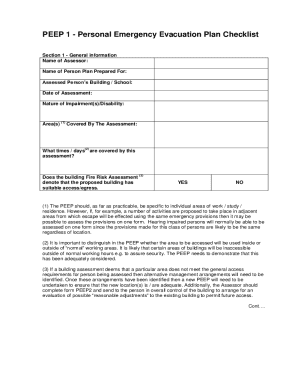
Personal Emergency Evacuation Plans
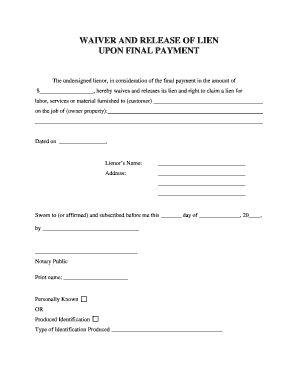
The undersigned lienor, in consideration of the final payment in the amount of
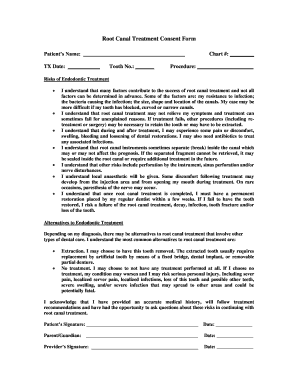
Root canal consent form
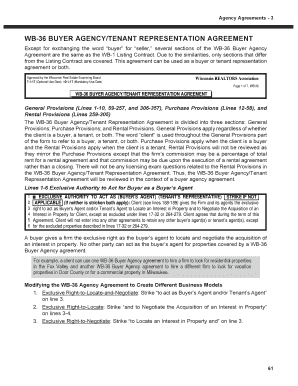
Wb 36

Dl4 form
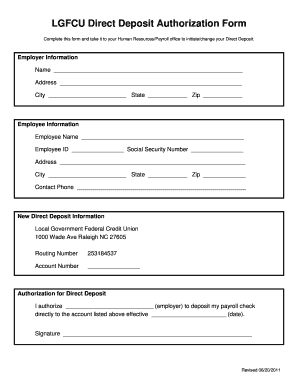
Lgfcu direct deposit form
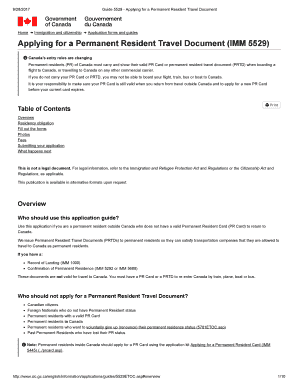
Imm5529
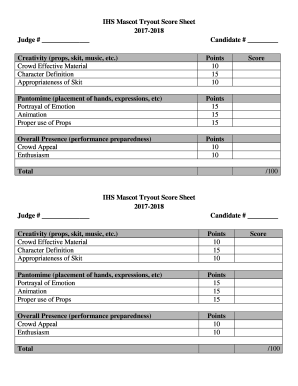
Mascot tryout score sheet
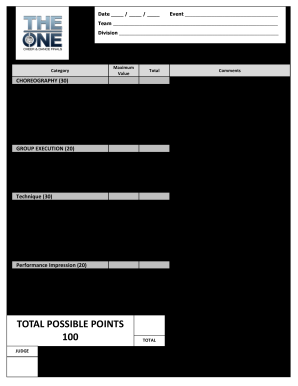
USA Dance Northern California State Dance Classic
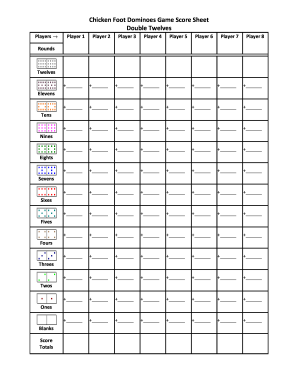
Chicken foot score sheet
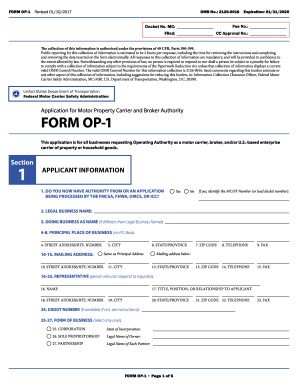
Op 1 form
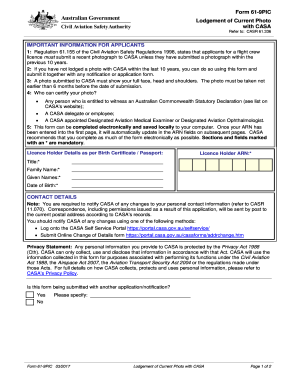
61 9pic
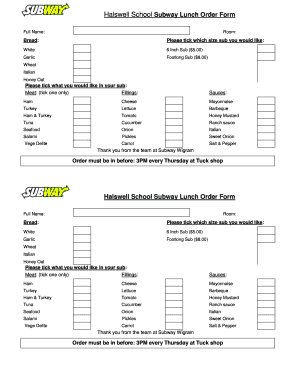
Lunch order form template word
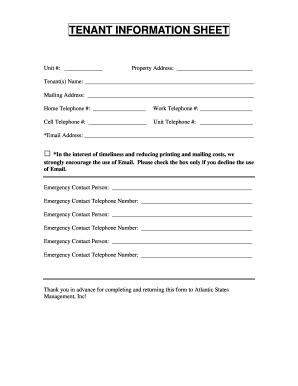
Tenant(s) Name:

Scatterplot Data Sheet
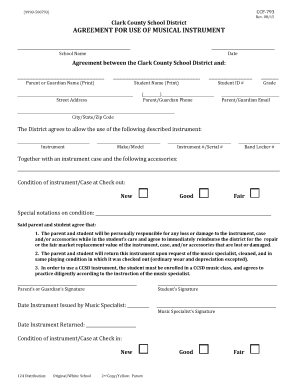
AGREEMENT FOR USE OF MUSICAL INSTRUMENT
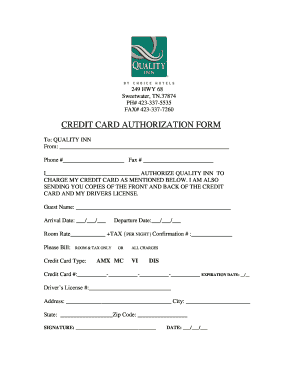
Credit card authorization template
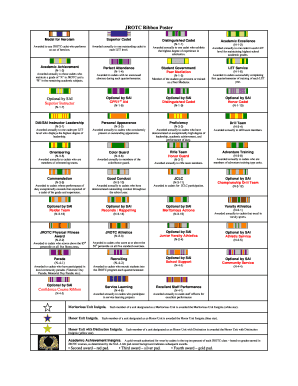
Jrotc ribbons

3 on 3 basketball sign up
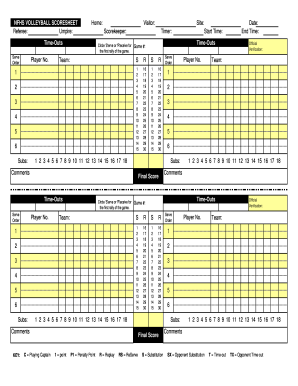
Nfhs volleyball score sheet
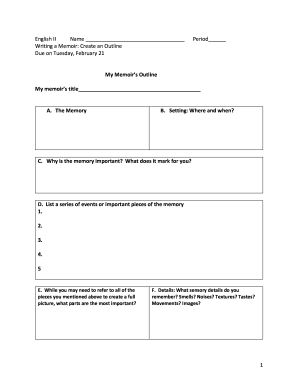
Writing a Memoir: Create an Outline
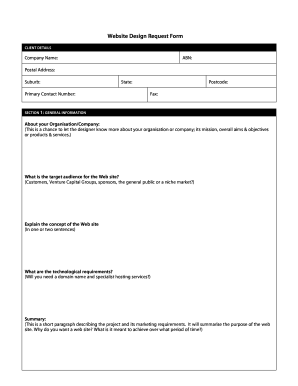
Website update request form template
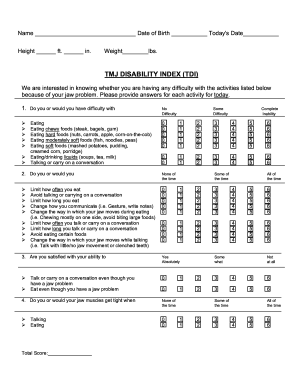
Tmj index tdi

Bbl consent form

Wv residency proof

Sc resale certificate 2016 form
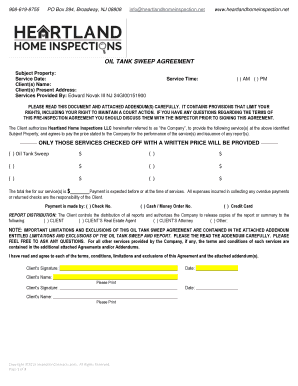
OIL TANK SWEEP AGREEMENT
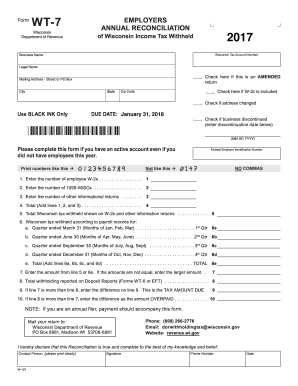
Wt 7 form
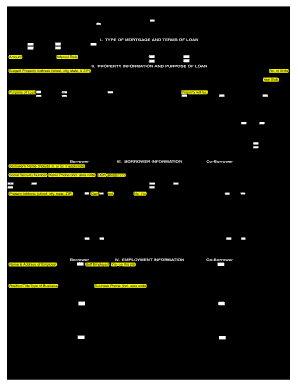
1003 loan application form pdf
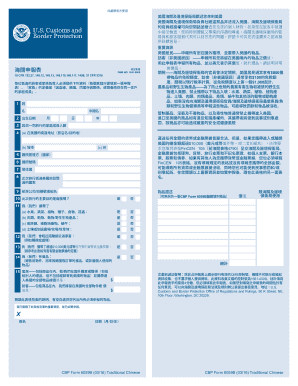
4 (a) /
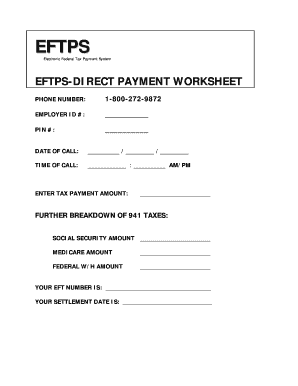
Eftps 940 worksheet
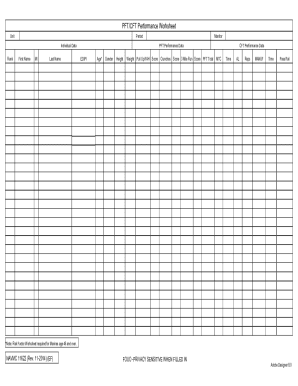
Cft performance worksheet example
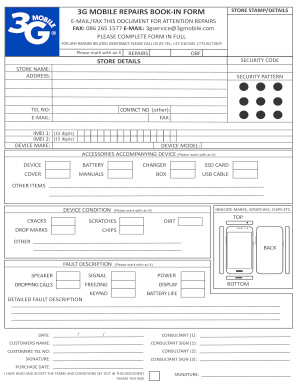
3G MOBILE REPAIRS BOOK-IN FORM
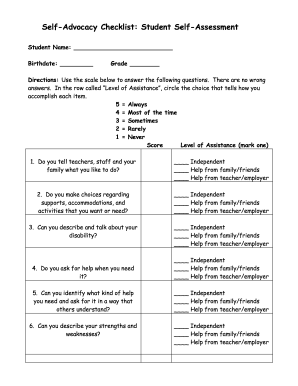
Self advocacy worksheets pdf
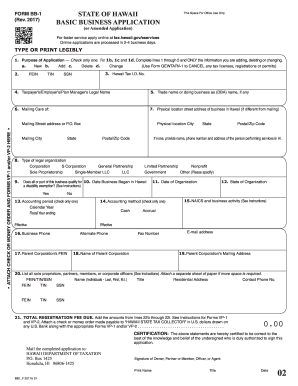
Bb1 form
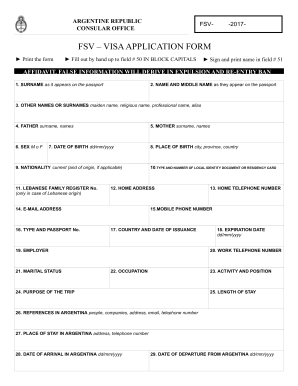
Fsv form
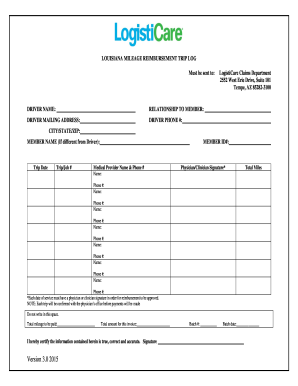
Louisiana mileage form
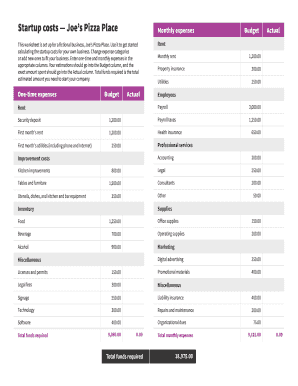
Startup costs Joes Pizza Place
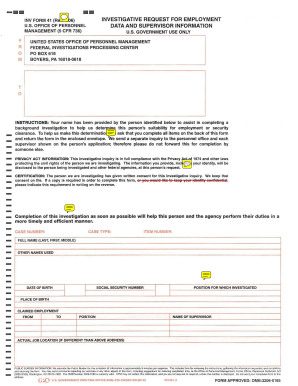
Inv form 41
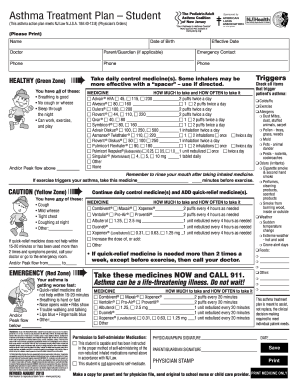
(This asthma action plan meets NJ Law N
Sea scout spar pdf
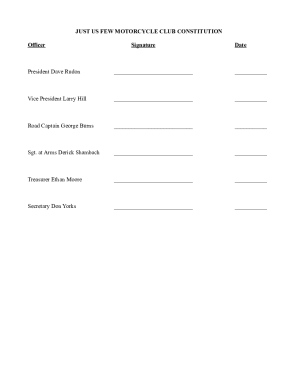
Motorcycle club bylaws example
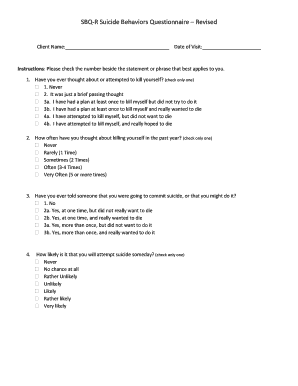
Sbqr
PHOTOGRAPHS AND FINGERPRINTS AS PER SECTION 32A

Form 2350 2017
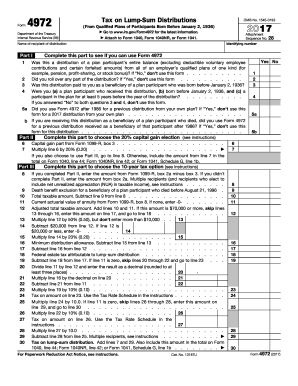
Form 4972 2017
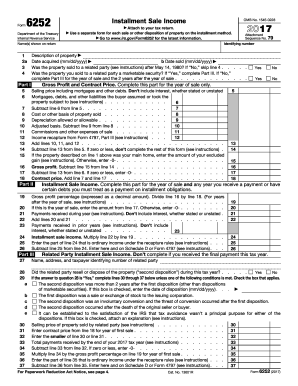
Irs form 6252 2017

Telkom cancellation form pdf download

Katrinas TheraSpa Chair Massage Client Intake Form
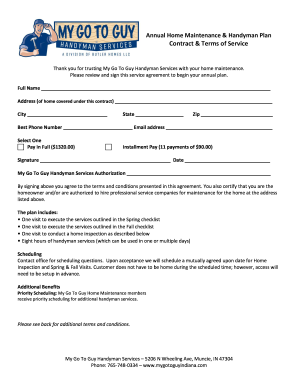
Home maintenance contract

Susie tweed cranbrook
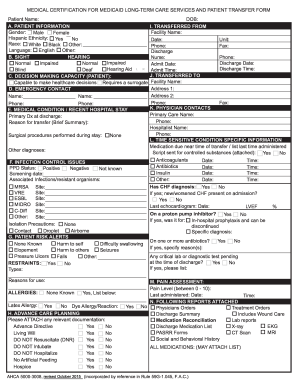
3008 form

Transfer designation of personal representative
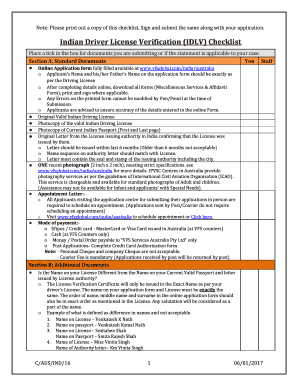
Idlv checklist
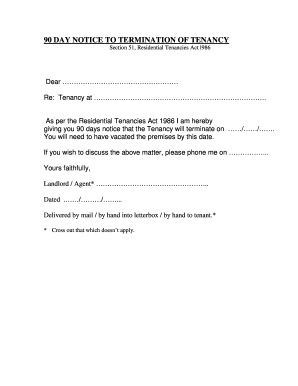
Notice to end tenancy sample letter nz
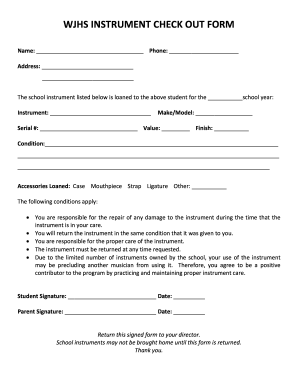
Musical instrument checkout form

TENANCY AGREEMENT ENGLAND & WALES
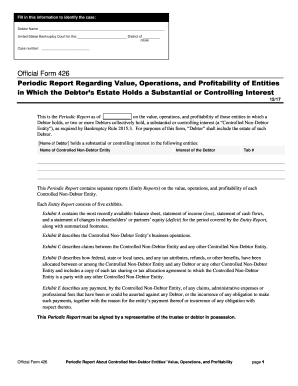
Official 426
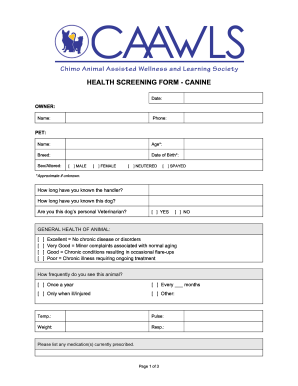
HEALTH SCREENING FORM - CANINE
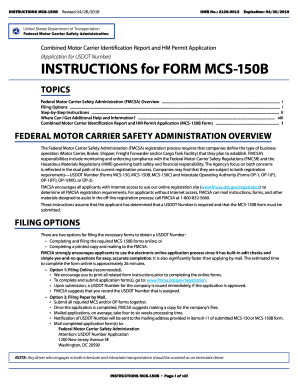
What is an mc150 form 2016
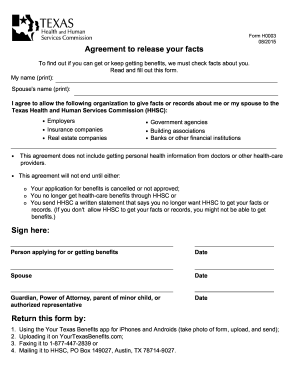
Agreement to release your facts form h0003
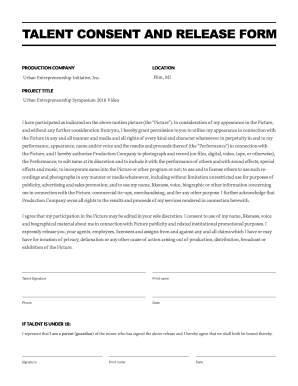
Talent consent trial
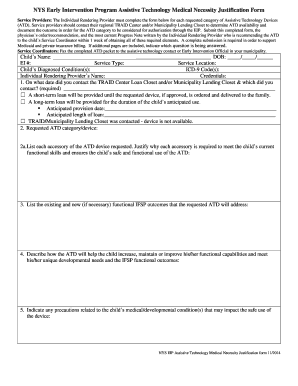
NYS Early Intervention Program Assistive Technology Medical Necessity Justification Form
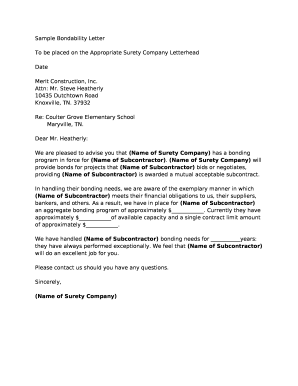
Sample Bondability Letter
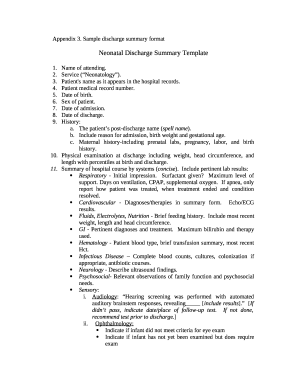
Sample discharge summary format

National vendor declaration and waybill form

Cl 500 form
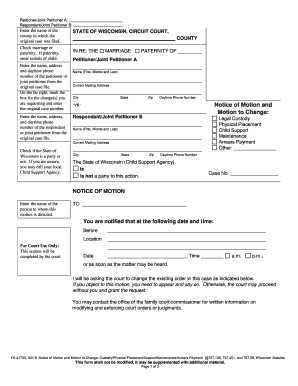
Fa 4170v

OMB Collection No: 2120-0724
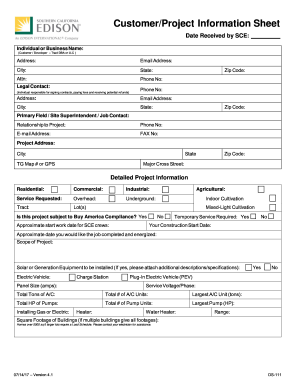
Project information sheet template
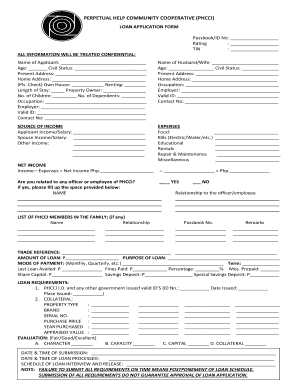
Phcci salary loan requirements
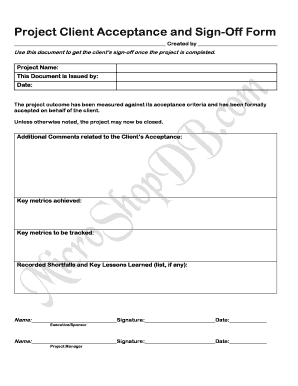
Acceptance approval sign off template
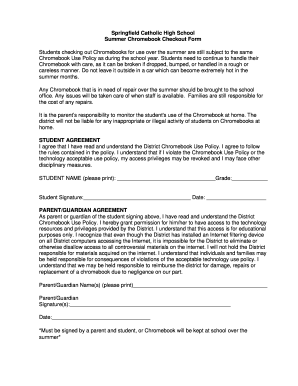
Chromebook checkout form

Omni efh application

Rfid online application

Fitness Boot Camp

Gym waiver form pdf
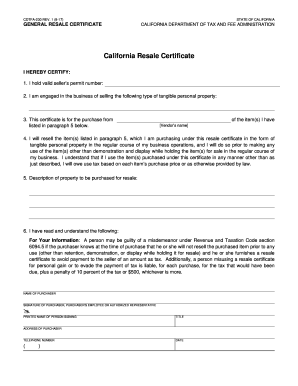
Cdtfa 230 rev 1 8 17
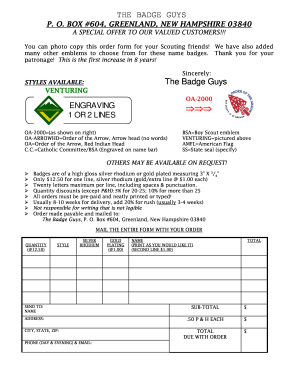
The badge guys
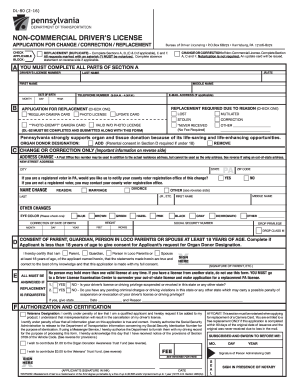
Dl80 form
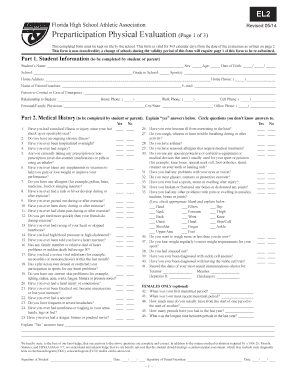
Florida el2 form 2014
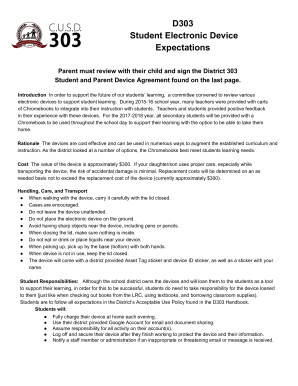
D303 student electronic device
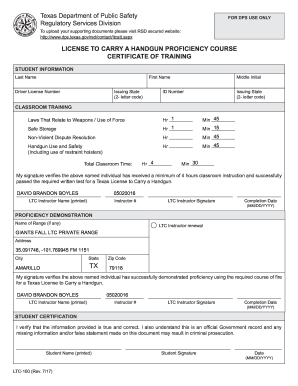
Rsd secured website
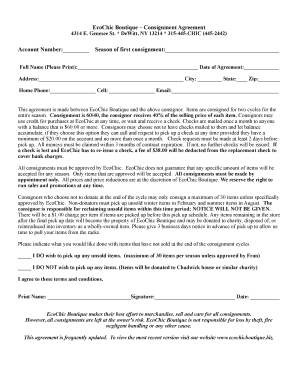
Boutique consignment agreement
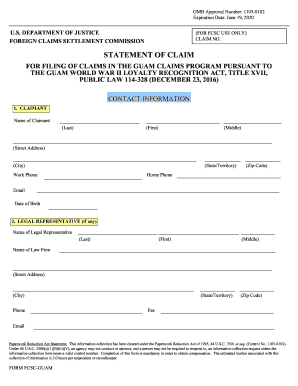
OMB Approval Number: 1105-0102
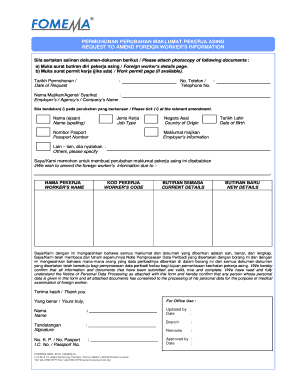
Fomema passport online

Agreement to Assign

Ds 5528
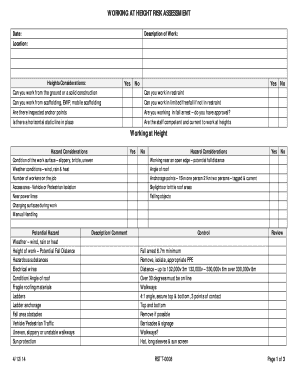
Work at height risk assessment
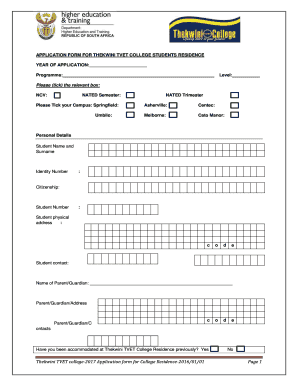
Centec
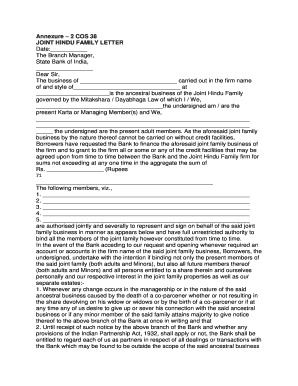
Cos 38 form
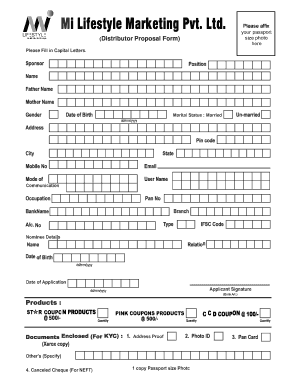
Mi lifestyle login
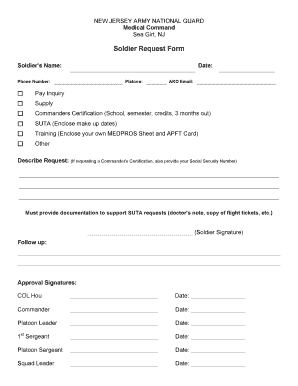
Suta request form
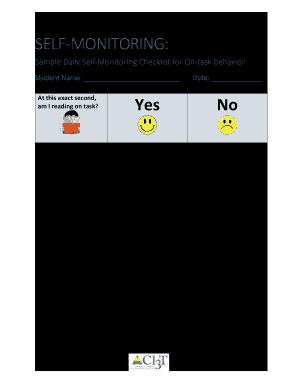
SELF-MONITORING:

ALAMEDA ALLIANCE PROVIDER DISPUTE RESOLUTION REQUEST
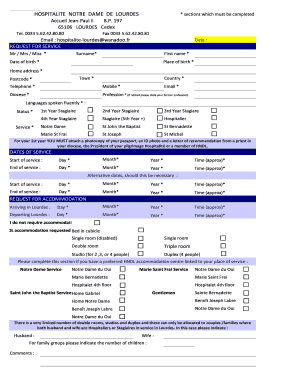
Hospitalité notre dame de lourdes
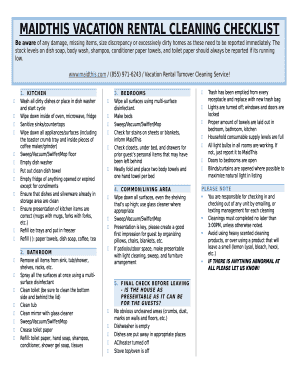
MAIDTHIS VACATION RENTAL CLEANING CHECKLIST
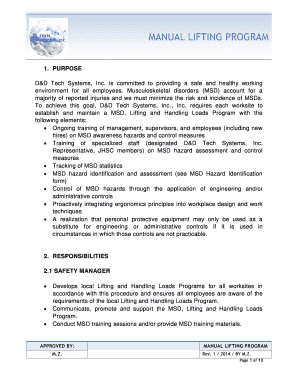
MANUAL LIFTING PROGRAM
Benefit from the DocHub online library of fillable PDF forms
Searching the PDF forms doesn't have to be a tedious and time-consuming process. With the DocHub online library, it has become easier to find the fillable PDF forms and modify them in your browser. The service allows you to adjust the document to your needs using powerful editing tools.
You can use online document editing features to modify almost any type of document with ease. You just need to find the template of your choice, open it in the editor, and use the toolbar to make the necessary corrections.
Follow this guide to get your document done with DocHub:
- Find the PDF template you need.
- Click the Get Form button to open the file in the editor.
- Use the toolbar to fill out and edit the document.
- Easily add and highlight text, insert images, checkmarks, and symbols.
- Drop new fillable fields, and rearrange or delete pages from your file.
- Save changes and download your record.
DocHub empowers everyone to streamline document editing, signing, and distribution, and form completion. Create an account and benefit from our well-organized PDF Forms library and comprehensive editor.