
Get any PDF form from the DocHub library of ready-made templates - Page 1972
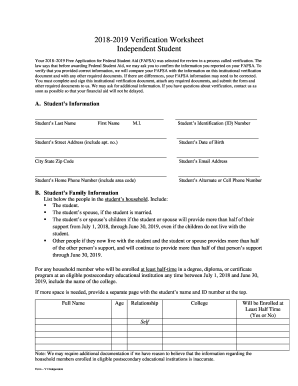
Fafsa dependent student verification worksheet
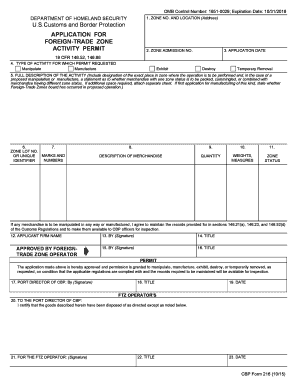
Cbp form 216
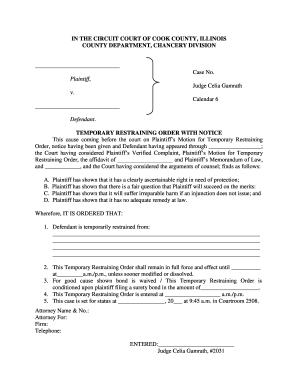
Temporary Restraining Order With Notice - Circuit Court of Cook ...
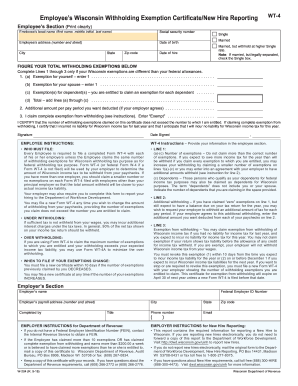
Wt 4
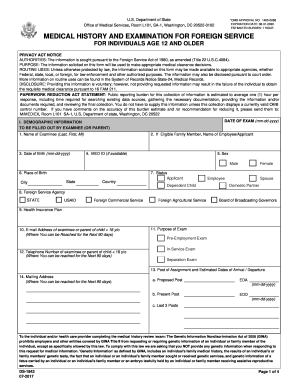
Ds 1843 form
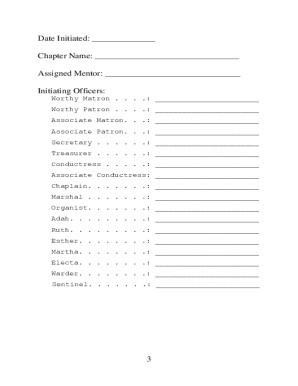
Worthy matron handbook pdf
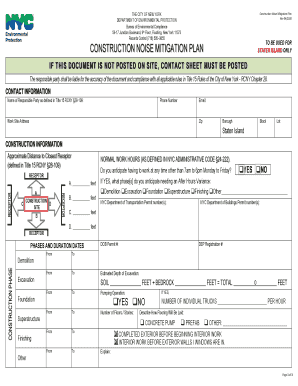
A Guide to New York City's Noise Code - NYC.gov
Pdfs
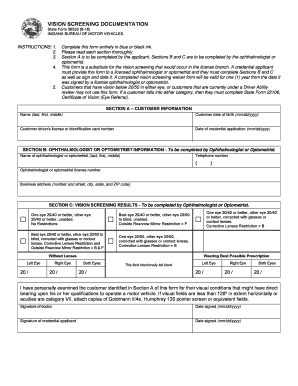
Indiana bmv vision form
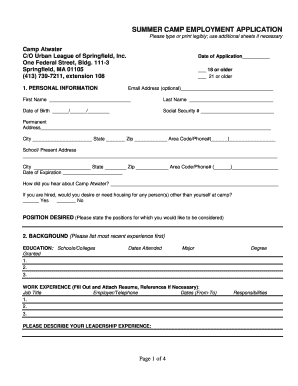
Atwater summer camp application

Fillable va r 1 form
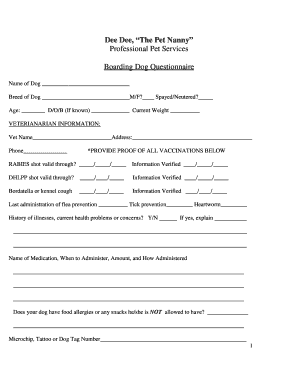
Dog boarding questionnaire
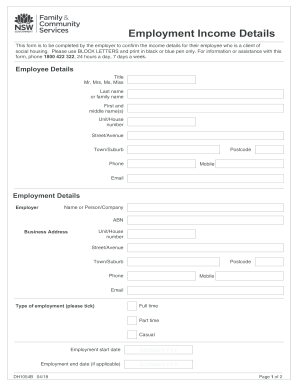
Employment income details form
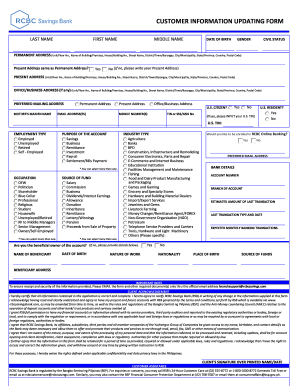
Rcbc change mobile number
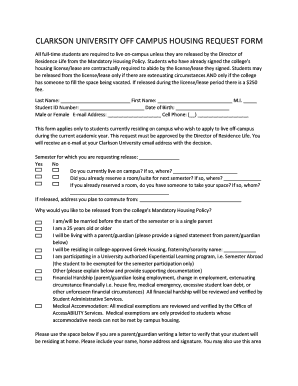
CLARKSON UNIVERSITY OFF CAMPUS HOUSING REQUEST FORM
Cc dr 004

Consent release obtain information

Ncaeop membership 2016 form
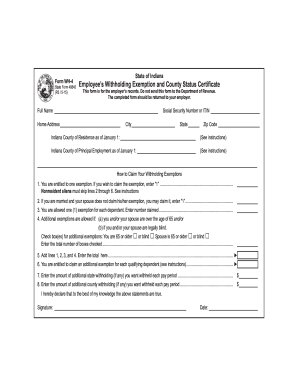
Indiana wh4 form
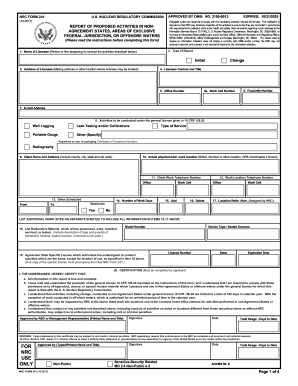
Nrc 241 report non agreement areas federal form
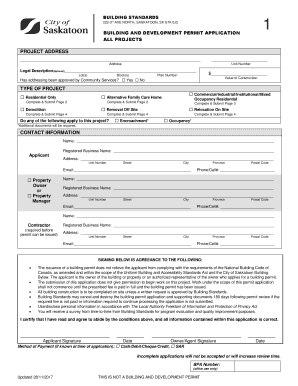
Building permit application saskatoon
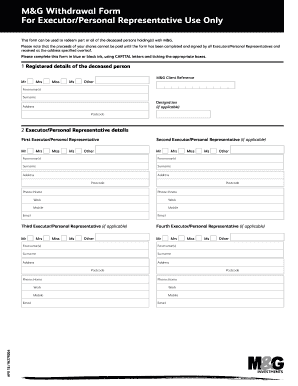
How to print m g withdrawal form for executors
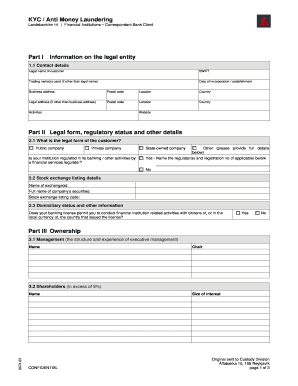
Money laundering forms to print

Letter from therapist confirming treatment
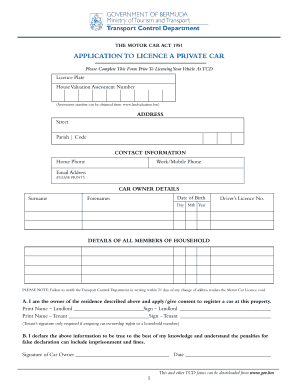
Tcd bermuda
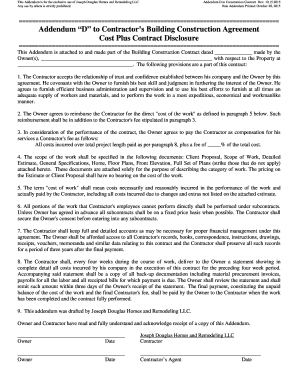
Addendum D Cost Plus Contract 2015.10.15.doc
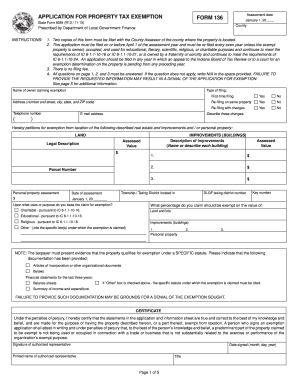
Indiana form property tax exemption
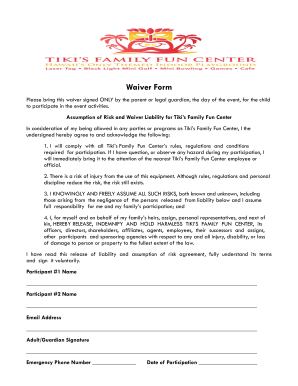
Tiki waiver
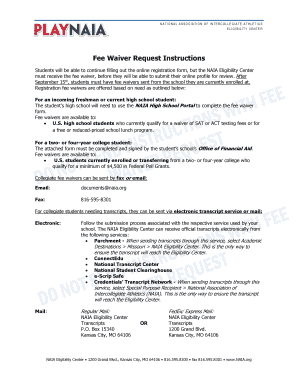
Naia fee waiver
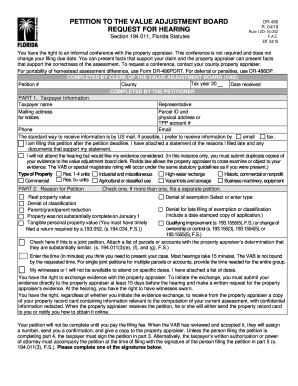
Request for hearing form florida

Fulton county subpoena form

Family information guide - Jatoft-Foti Insurance Agency

Application for original contractor license examination waiver 7065
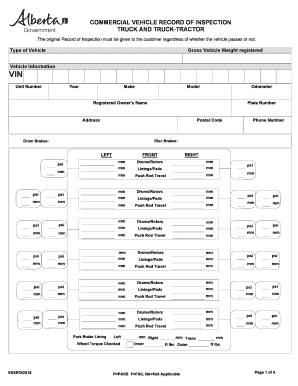
Alberta trailer cvip form
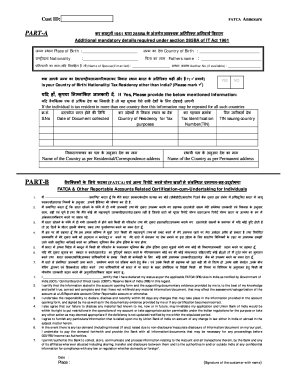
Union bank of india fatca form pdf download

R405 form
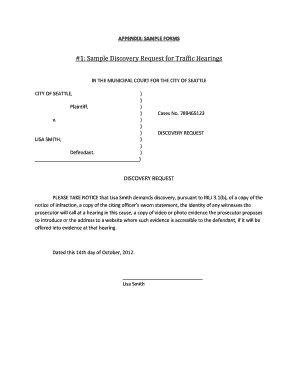
Sample discovery request for traffic hearings
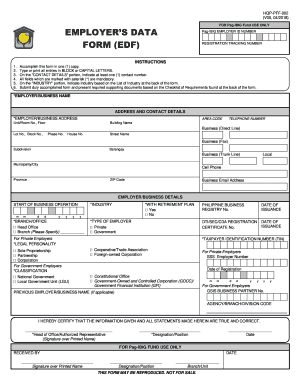
Pag ibig downloadable forms 2020

Cfs 125 cps

Connecticut dsap
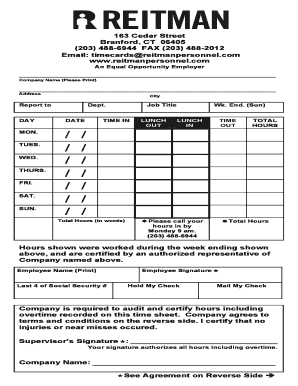
Reitman personnel

MEDICAL HISTORY FORM - Word

5645pd

Ohip reimbursement claim form
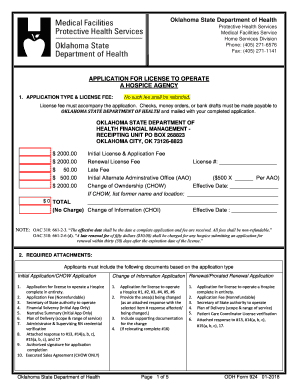
Oklahoma odh

Electronic funds transfer enrollment

Jetblue veterinary health form pdf
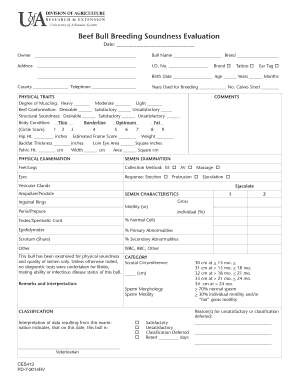
Bull breeding soundness evaluation form

1047 form

Form subject access request
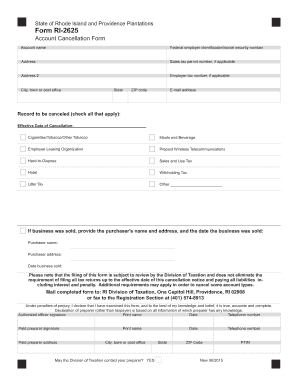
Form ri 2625

Backflow Assembly Test Report - Township of Langley
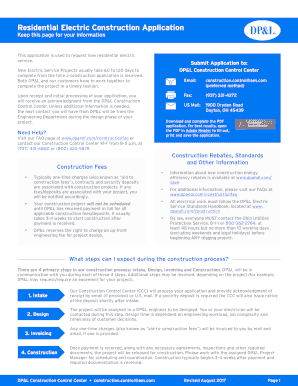
Dp l construction
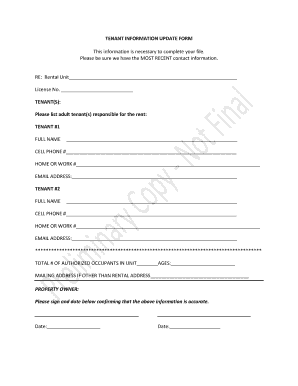
Tenant information update form

Writing checklist grade 2
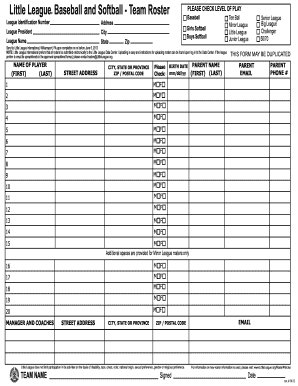
Softball team roster form
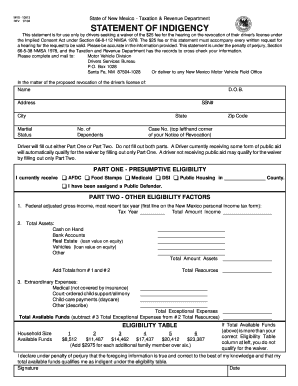
Nm mvd statement form get
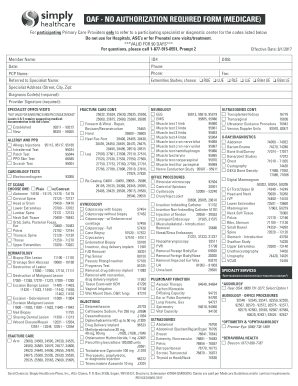
Simply healthcare qaf no authorization required form
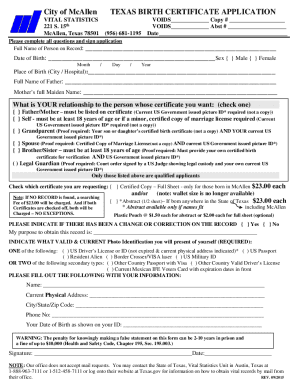
Texas birth certificate formats
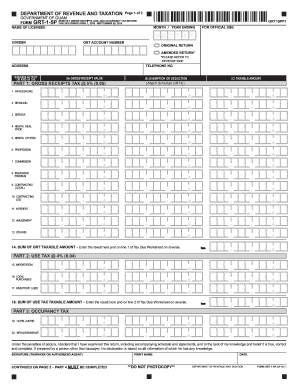
MONTHLY GROSS RECEIPTS, USE, AND OCCUPANCY TAX RETURN

V70 form
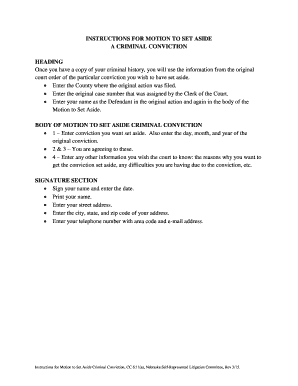
Motion to set aside judgment georgia form

How to fill criminal record verification informed consent form

Dd form 2293

Affidavit of residency massachusetts
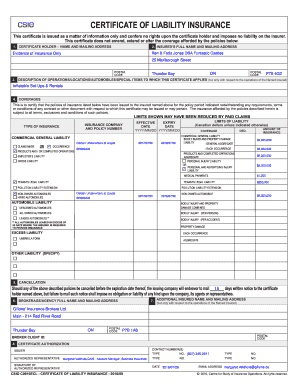
Csio certificate of liability insurance

Oregon form 735 11

Classroom profiling template
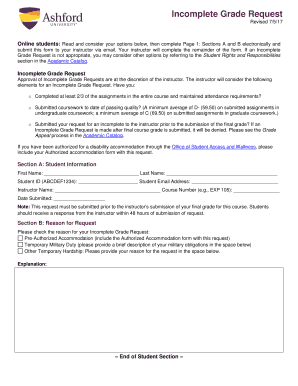
Incomplete Grade Request - Ashford University Student Portal
Terrifying tsunamis answer key
Fossils clues to the past answer key
Usssa softball waiver form

Nc articles incorporation business state

Missouri affidavit exemption
Wisconsin dept of revenue wage assignment reduction request 2017 form
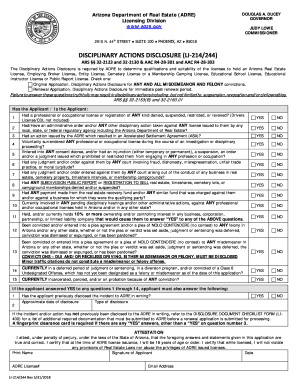
Disciplinary actions disclosure form
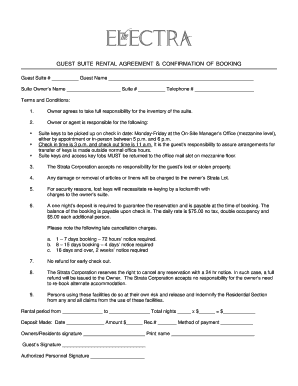
Guest suite rental agreement & confirmation of booking - The Electra

I-693 New forms - i40 First Urgent Care
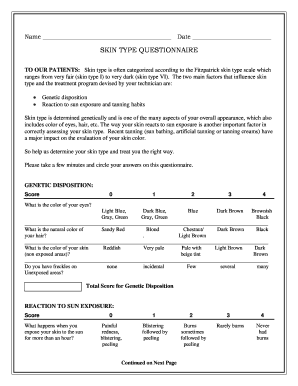
Modern skin type assessment form
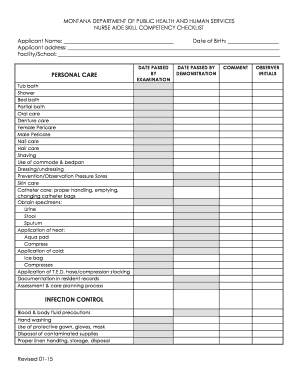
Cna checklist template
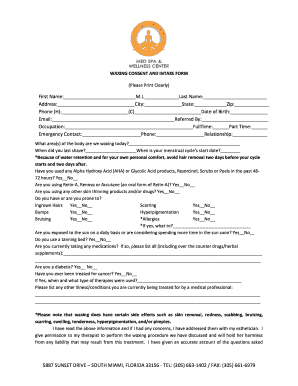
Waxing intake form
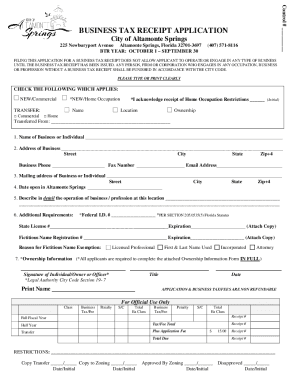
Altamonte springs receipt
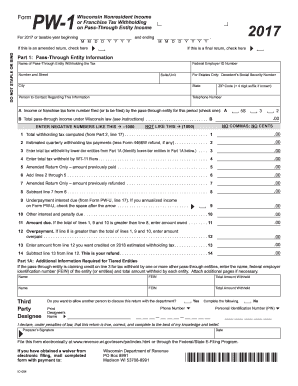
Pw 1 2017-2019 form

Ct probate form pc 264

Motion to reinstate bond form texas

Penn mutual certification trust form
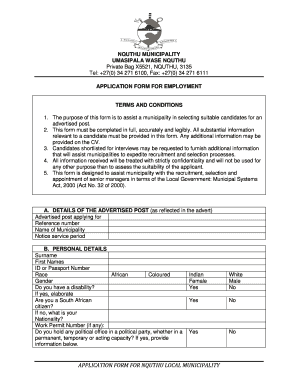
South africa employment conditions
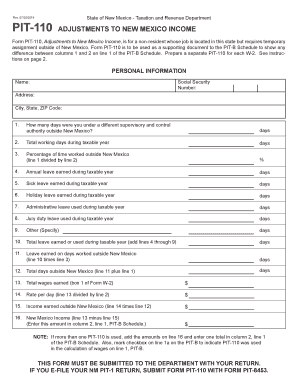
Pit 110
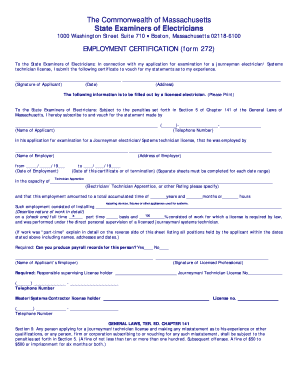
Form 272
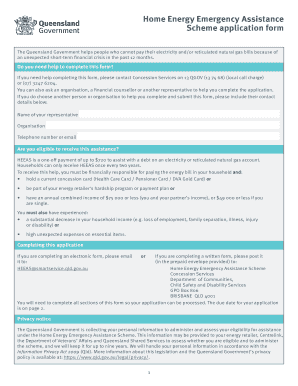
Heeas application form

Pg county divorce forms
Adventurer registration form - Gulf States Conference
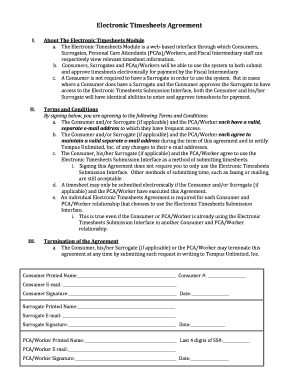
Tempus new hire paperwork
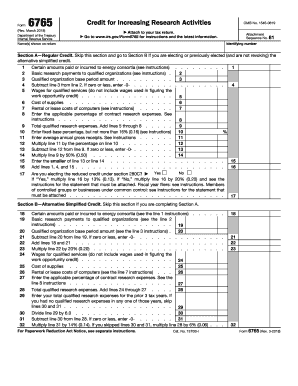
2016 r d tax credit
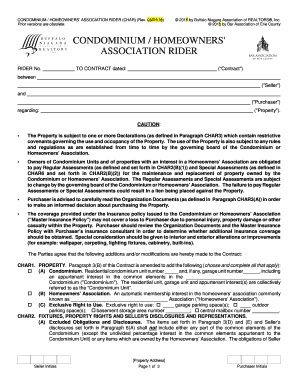
CONDOMINIUM / HOMEOWNERS ASSOCIATION RIDER (CHAR) (Rev
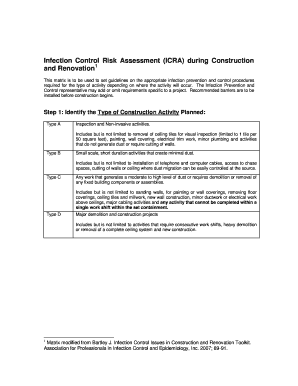
Icra form

Fsi exempt subject

Sc 1040 schedule nr 2016 2017 form
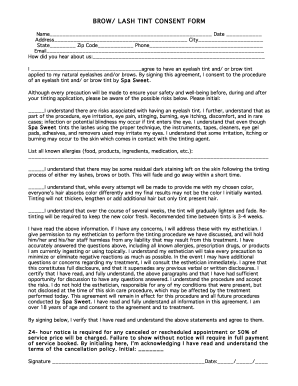
Brow and lash tint consent form
Criminal record suspension company in canada
Benefit from the DocHub online library of fillable PDF forms
Searching the PDF forms doesn't have to be a tedious and time-consuming process. With the DocHub online library, it has become easier to find the fillable PDF forms and modify them in your browser. The service allows you to adjust the document to your needs using powerful editing tools.
You can use online document editing features to modify almost any type of document with ease. You just need to find the template of your choice, open it in the editor, and use the toolbar to make the necessary corrections.
Follow this guide to get your document done with DocHub:
- Find the PDF template you need.
- Click the Get Form button to open the file in the editor.
- Use the toolbar to fill out and edit the document.
- Easily add and highlight text, insert images, checkmarks, and symbols.
- Drop new fillable fields, and rearrange or delete pages from your file.
- Save changes and download your record.
DocHub empowers everyone to streamline document editing, signing, and distribution, and form completion. Create an account and benefit from our well-organized PDF Forms library and comprehensive editor.