
Get any PDF form from the DocHub library of ready-made templates - Page 1976
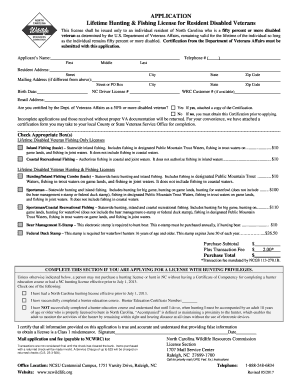
North carolina fishing license online
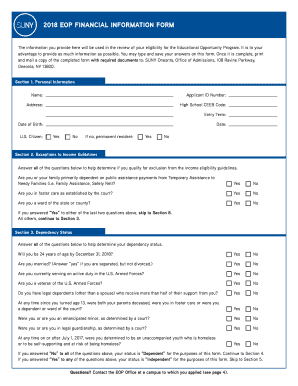
Eop financial form

Endodontic consent form
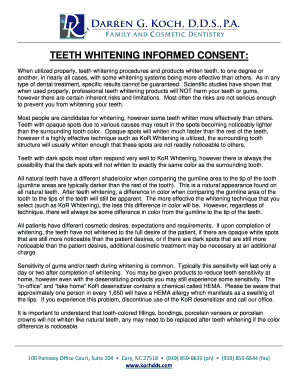
Kor whitening consent form
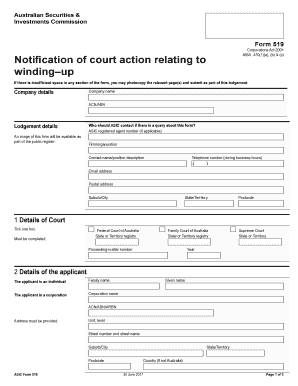
Form 519 asic
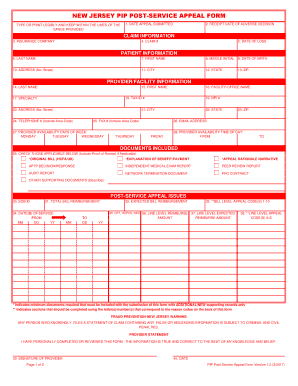
Post service appeal form
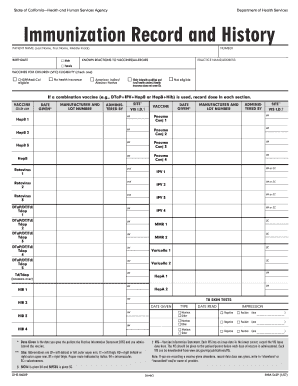
Immunization Record and History
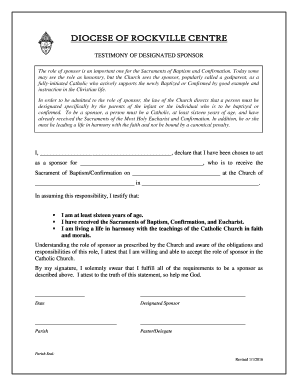
Testimony designated sponsor
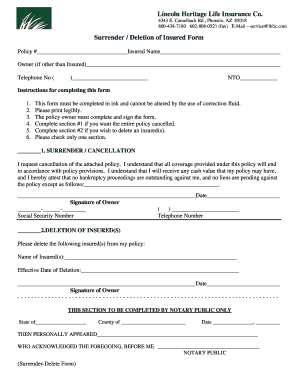
Lincoln Heritage Life Insurance Co

Nrcc mch 03 e
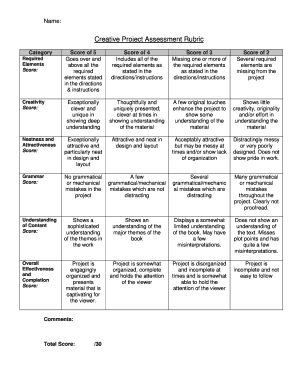
Creative project assessment rubric
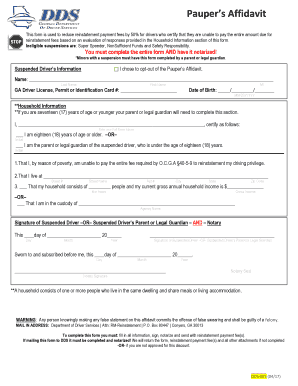
Georgia pauper affidavit

IA Scatterplot Behavioral Data Sheet
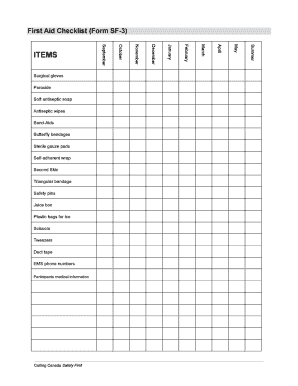
First aid kit checklist template excel
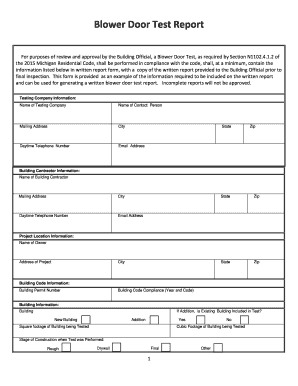
Blower door test report form

Babysitters interview form checklist

Pauline history massage
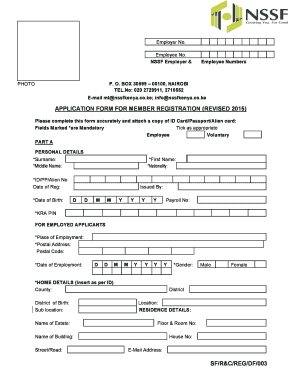
Nssf registration

Emp5398

Notification document for transboundary movements shipments of waste
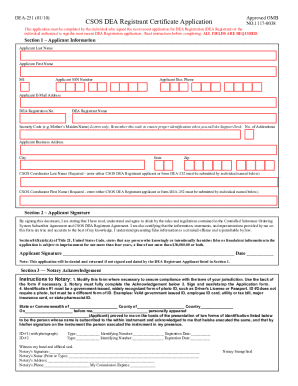
Dea form 251
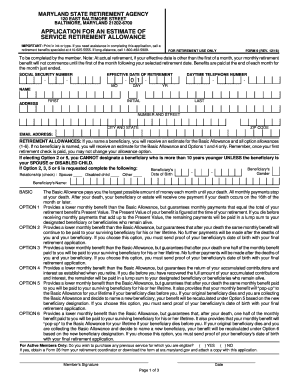
Sra maryland gov

Lmc pid intranet
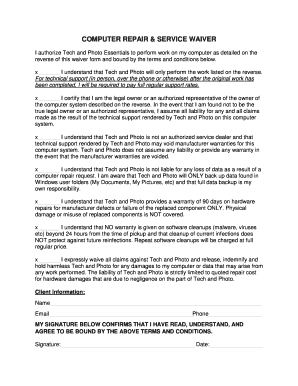
COMPUTER REPAIR & SERVICE WAIVER
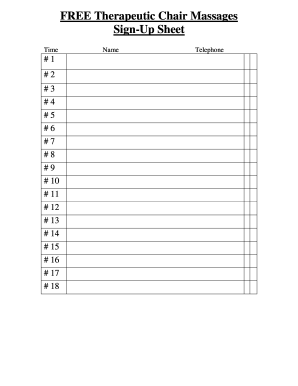
FREE Therapeutic Chair Massages
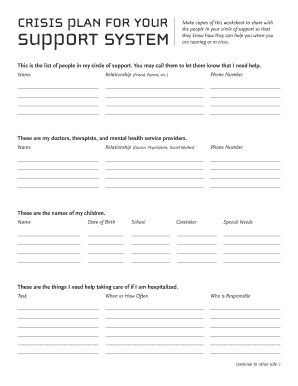
Mental health crisis plan worksheet
Philippine Retail Sales Receipt

Pdub producer wav beat license form
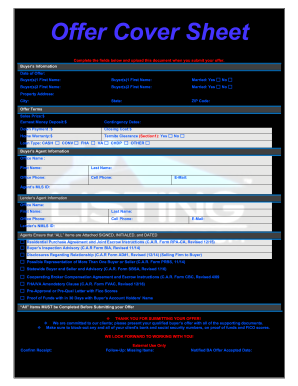
Offer Cover Sheet

Nothing bundt cakes fundraiser order form
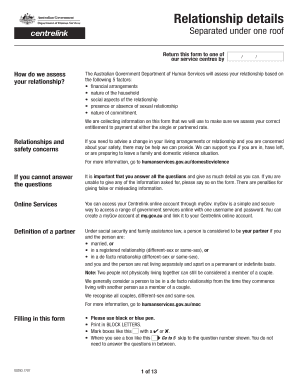
Ss293
Ezpaycheck license key

Irs 1040es v
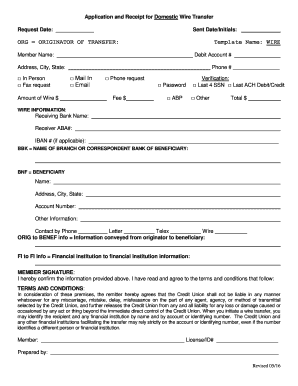
Application and Receipt for Domestic Wire Transfer
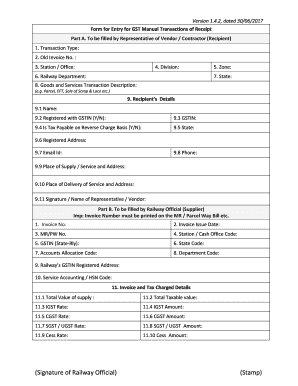
Goods services tax manual
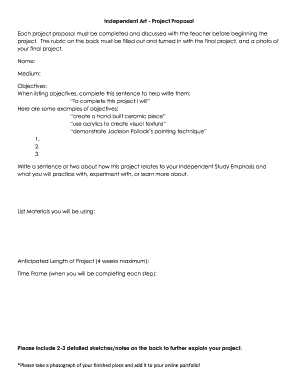
Independent Art - Project Proposal

Antrag eheregister
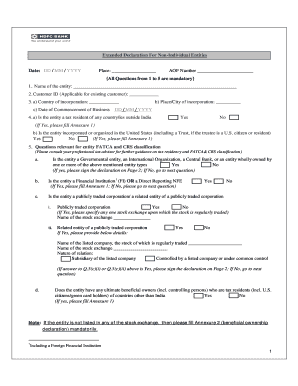
Extended declaration for non individual entities hdfc

(Form A 15-1)

Special incident report sdrc
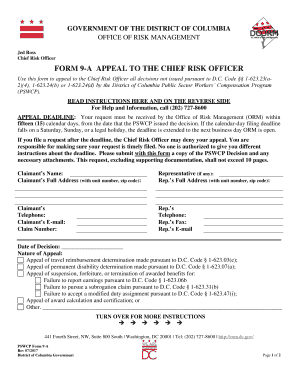
Chief Risk Officer
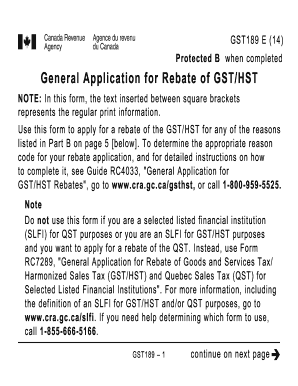
Gst 189e
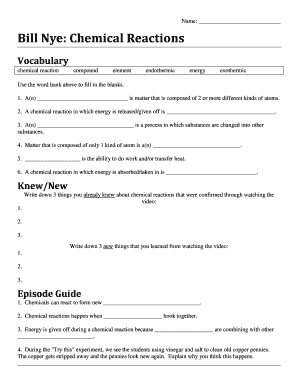
Bill nye chemical reactions
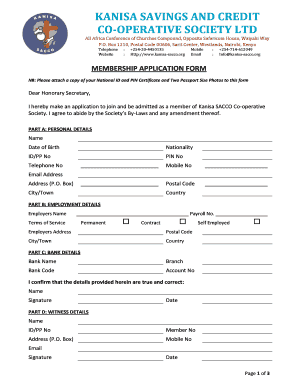
Kanisa sacco
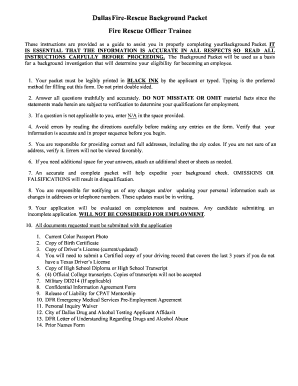
Fire rescue background
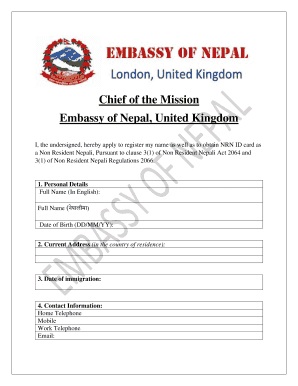
Nrn card uk

CONTRACTORS - EXPERIENCE VERIFICATION FORM

2012 application form fd pdf
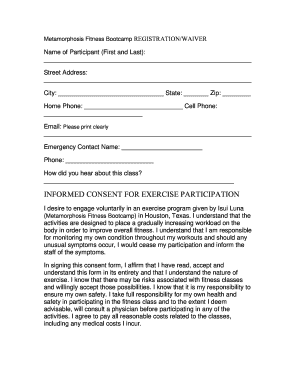
Informed consent for exercise participation - Spring Branch ISD

Cg 1280 form
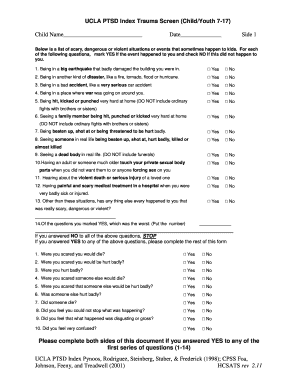
UCLA PTSD Index Trauma Screen (Child/Youth 7-17)
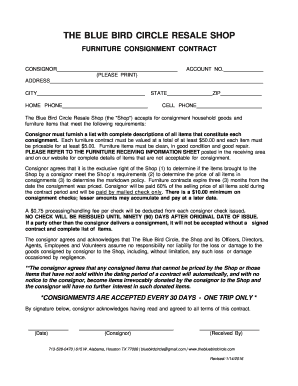
Blue bird consignment forms
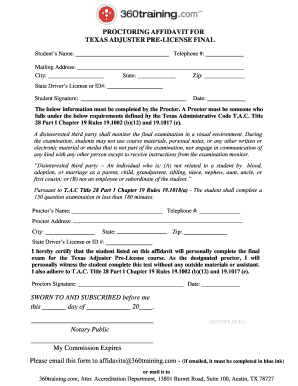
PROCTORING AFFIDAVIT FOR TEXAS ADJUSTER PRE
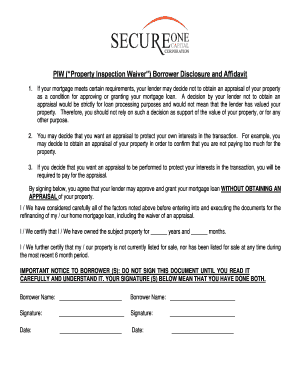
Piw form
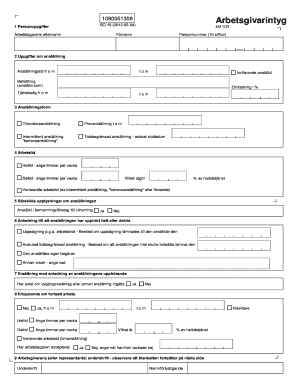
Arbestgivare intyg form
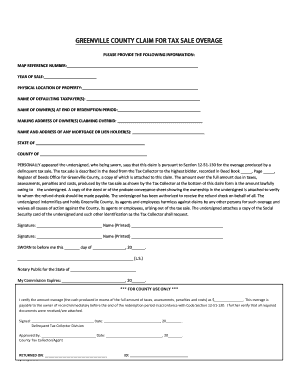
Sc tax overage
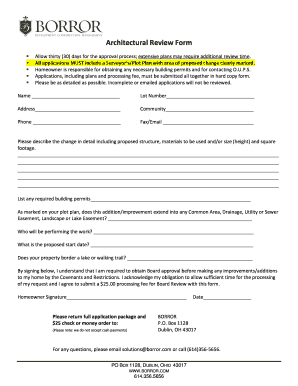
Architectural review form
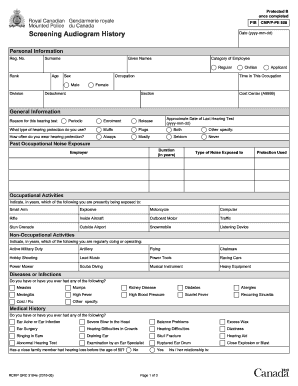
Rcmp hearing test form

Early intervention session notes examples
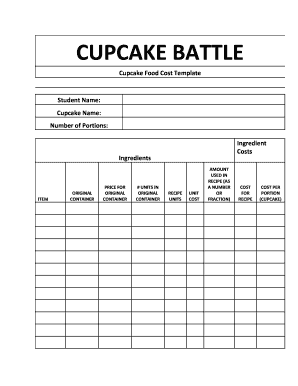
Cupcake food template form printable

Cognitive triangle worksheet
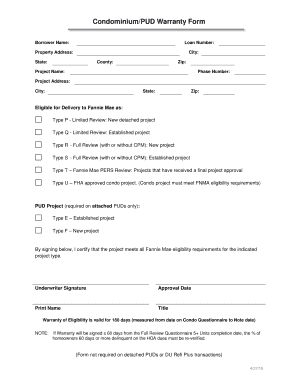
Condo warranty form

Download the ETR Requisition Form V1 - Department of Pathology
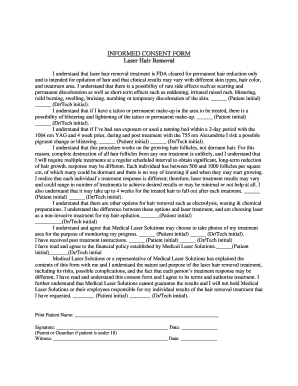
Laser hair removal consent form
Cwi renewal application
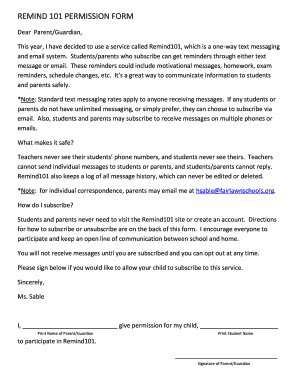
How to upload remind parent permission form

Mental health assessment template

Dharma workbook
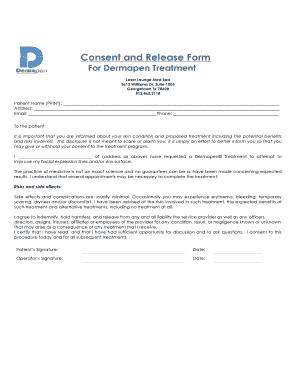
Dermapen consent form
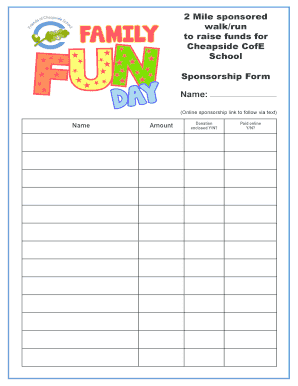
Sponsored walk form template
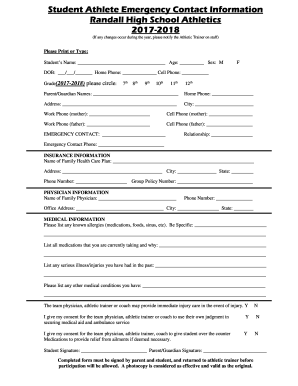
Student Athlete Emergency & Family Healy Insurance Information
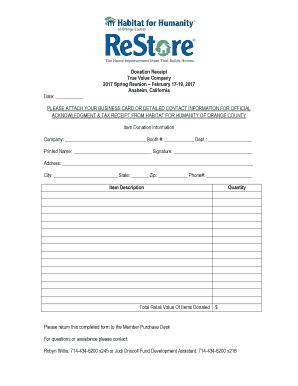
Donation Receipt True Value Company 2017 Spring Reunion ...

Nri annexure lic hfl format
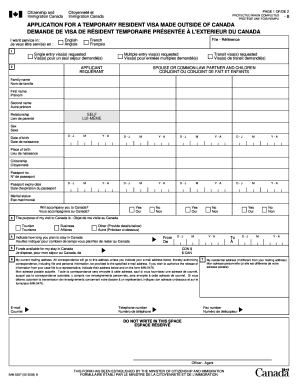
5257b
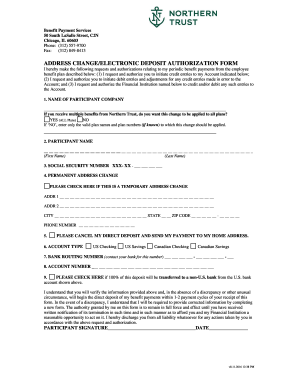
Address change electronic
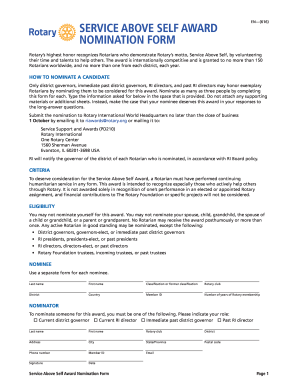
Self nomination letter sample pdf
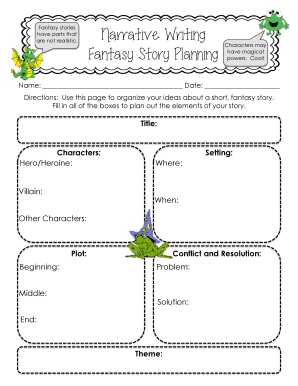
Fantasy graphic organizer
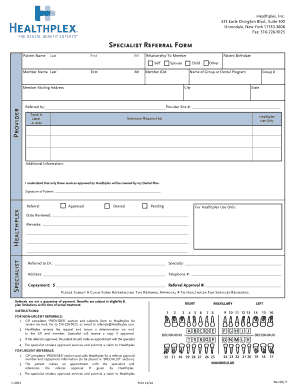
Healthplex specialist referral

Informed consent form for periodontal scaling
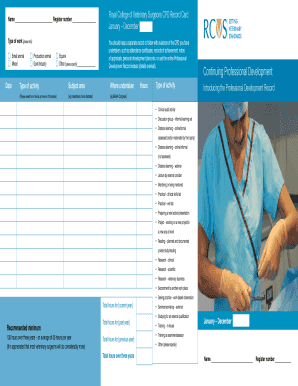
Rcvs pdr
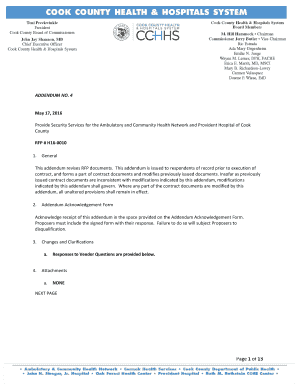
Of 13 - Cook County Health and Hospitals System

Forethought annuity forms
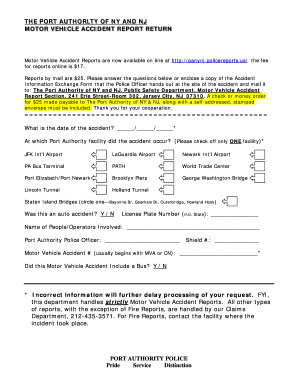
Port authority accident report
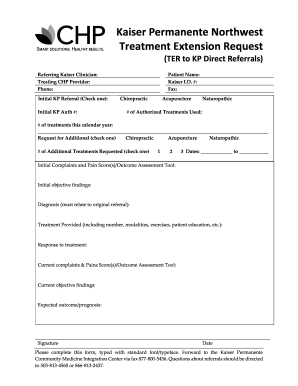
(TER to KP Direct Referrals) - The CHP Group

22 0976
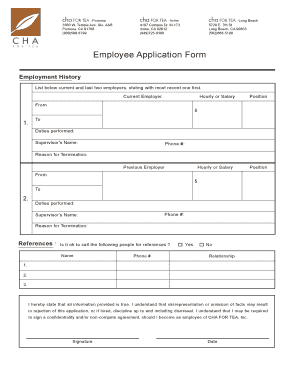
Employee Application Form - Welcome to cha FOR TEA
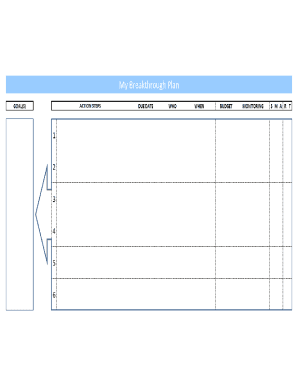
Orbit planning tool
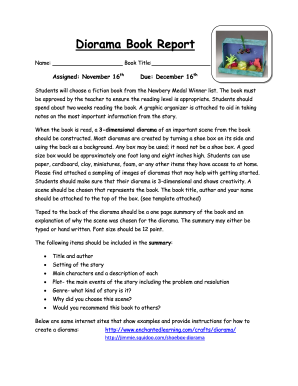
Diorama book report ideas
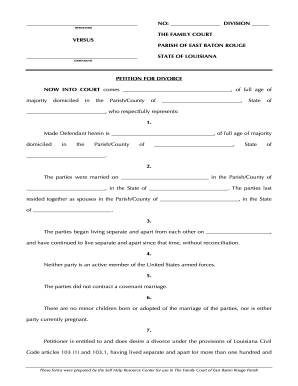
Petition divorce parish

List of bese approved home study program
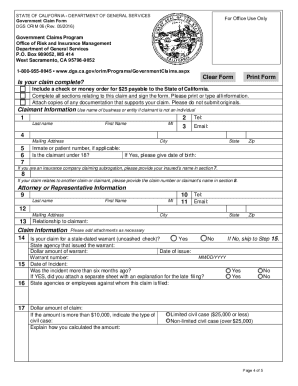
Dgs orim

Group membership authorization form florida medicaid
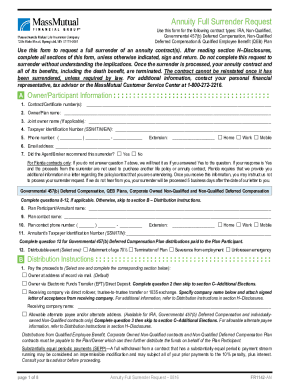
Annuity Full Surrender Request

Nyc doe student verification form
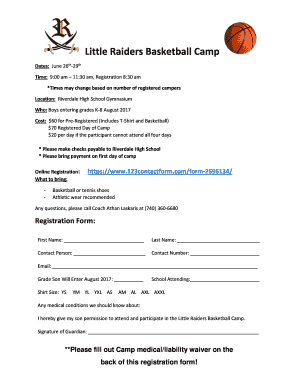
Basketball camp registration form
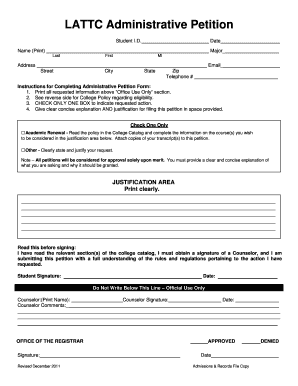
LATTC Administrative Petition - Los Angeles Trade Technical College
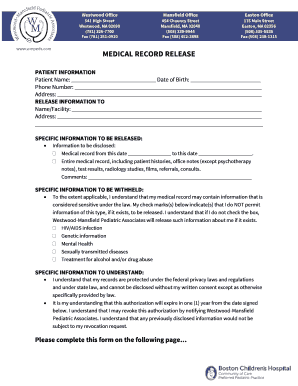
Massachusetts medical record release

Client authorisation form

Il small estate county

California voluntary case
Benefit from the DocHub online library of fillable PDF forms
Searching the PDF forms doesn't have to be a tedious and time-consuming process. With the DocHub online library, it has become easier to find the fillable PDF forms and modify them in your browser. The service allows you to adjust the document to your needs using powerful editing tools.
You can use online document editing features to modify almost any type of document with ease. You just need to find the template of your choice, open it in the editor, and use the toolbar to make the necessary corrections.
Follow this guide to get your document done with DocHub:
- Find the PDF template you need.
- Click the Get Form button to open the file in the editor.
- Use the toolbar to fill out and edit the document.
- Easily add and highlight text, insert images, checkmarks, and symbols.
- Drop new fillable fields, and rearrange or delete pages from your file.
- Save changes and download your record.
DocHub empowers everyone to streamline document editing, signing, and distribution, and form completion. Create an account and benefit from our well-organized PDF Forms library and comprehensive editor.