
Get any PDF form from the DocHub library of ready-made templates - Page 1973

Dp 2848
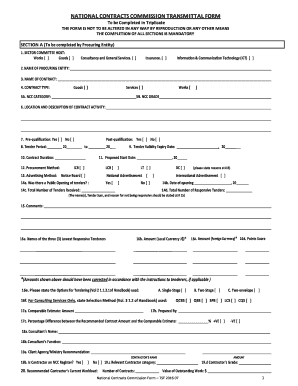
Ncc application
Comeg registration form pdf download
Consent form vfs
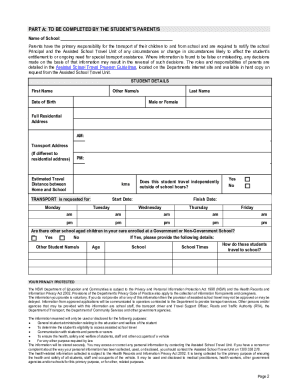
Astp application
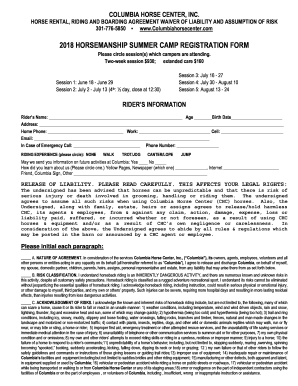
Horse camp registration form

City of mesa wastewater fee adjustment
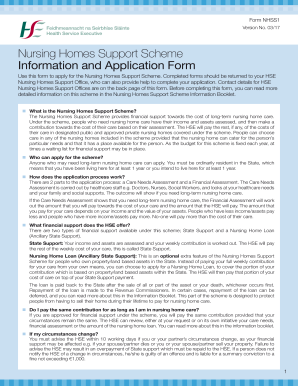
Form nhss1 version no 03 17
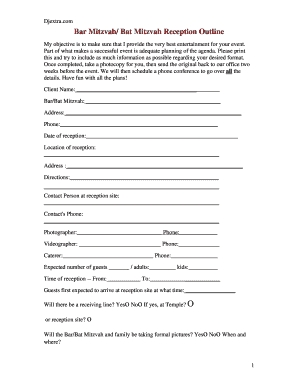
Atlanta DJ - Bar Mitzvah Planning Form - Rob Clark Entertainment - Atlanta Bar Mitzvah DJ/ Bat Mitzvah DJ
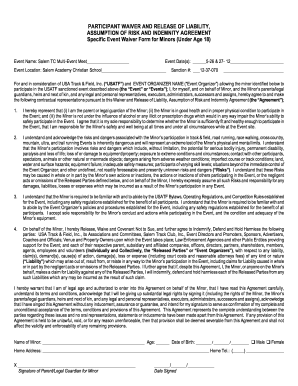
Event waiver agreement
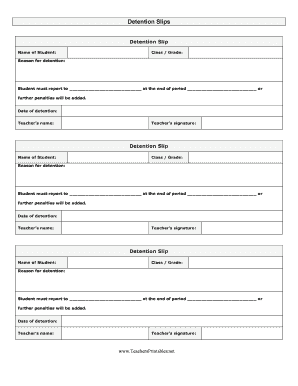
Detention slips
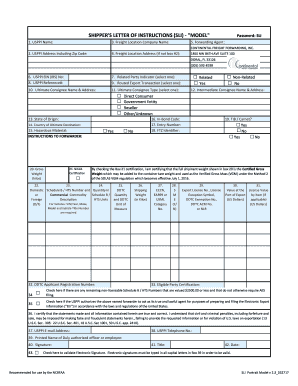
Sli template excel

Usfk form 130ek
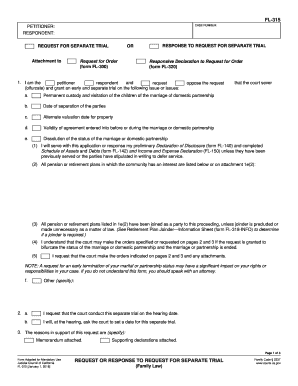
California fl 315

Warringah league count division 2

Cr 161

Ca jv 219

Dv 800 2017-2019 form

Town of islip building permit application
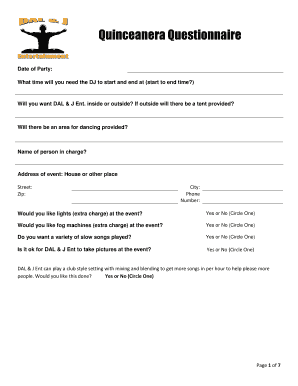
Quinceanera Questionnaire - DJ Arce
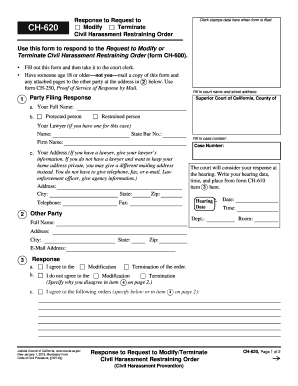
Ch 620
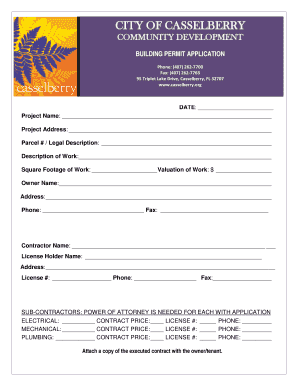
City of casselberry building department
Level i internet safety pledge pdf
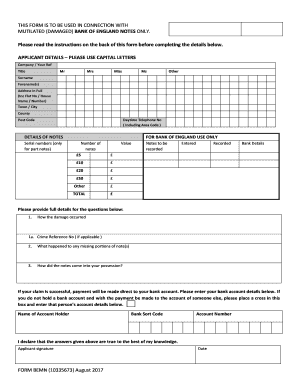
Bank of england damaged notes
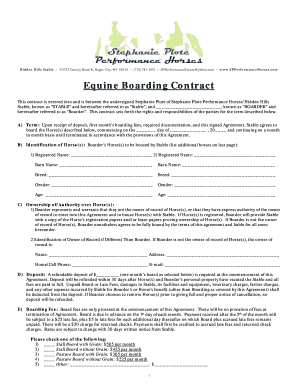
Horse boarding contract
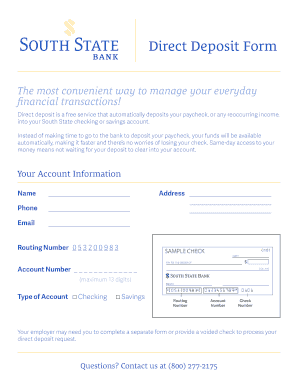
South state bank direct deposit form

Composite Uncontested Divorce Forms
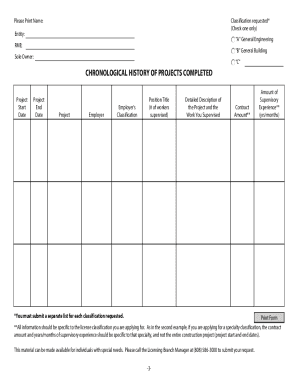
Chronological History of Projects Form
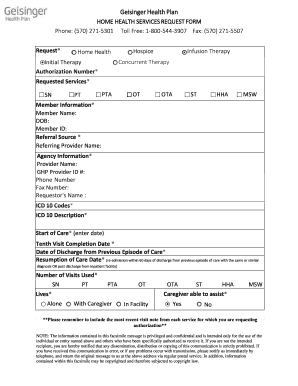
Home Health Services Request Form - Geisinger

Ntc permit online application

Worksheet for home birth in texas
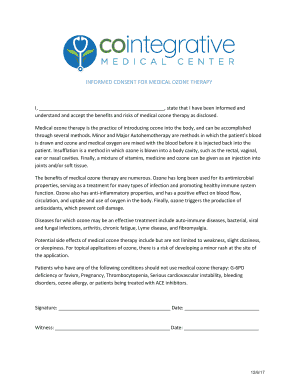
INFORMED CONSENT FOR MEDICAL OZONE THERAPY
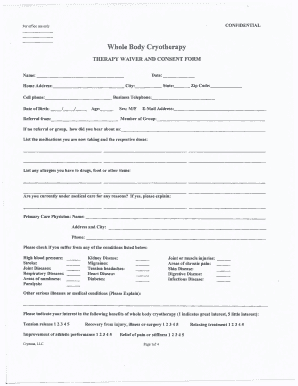
Whole Body Cryotherapy - Central Arkansas Cryotherapy

Printable microneedling consent form

Building Blocks Daycare Center Employment Application Date:
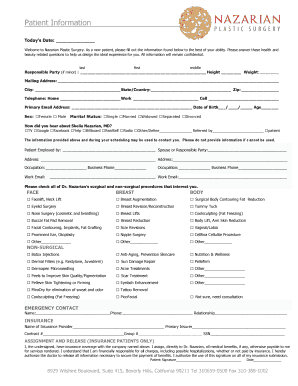
Nazarian plastic surgery prices

Support plus form

Pa inactive llc

Rts form
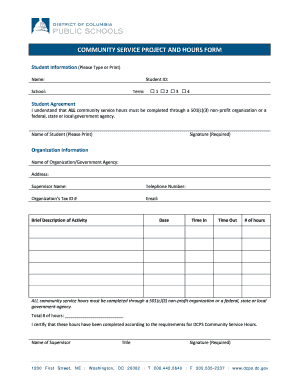
Dcps community service forms

Utah publication 17
Transcript request form - University of Wisconsin Oshkosh
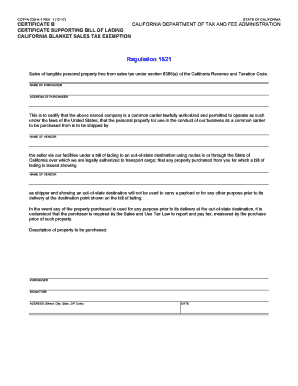
Certificate B - Certificate Supporting Bill of Lading - California Blanket Sales Tax Exemption. CDTFA-230-H-1
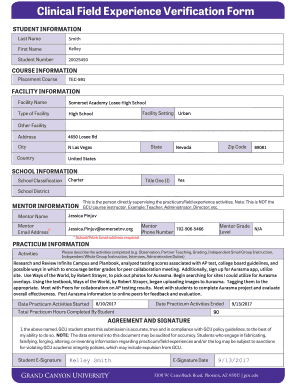
Clinical field experience verification form

Affirmative fair housing marketing plan
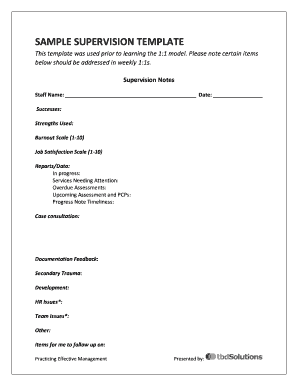
Supervision notes template

Residential Tenancy Application. - Barry Plant
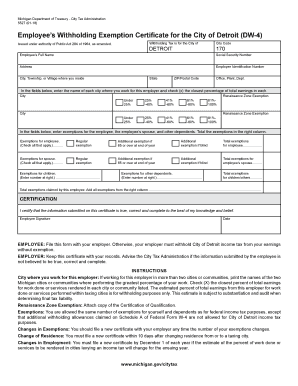
Dw 4 form
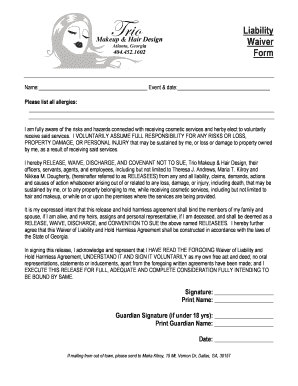
Liability Waiver Form - Trio Hair and Makeup
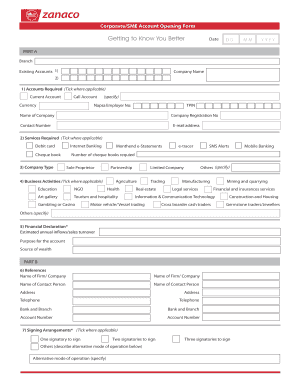
Zanaco account opening forms
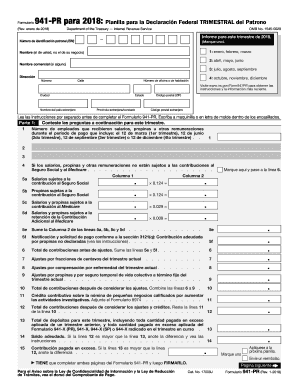
Form 941 printable for 2018
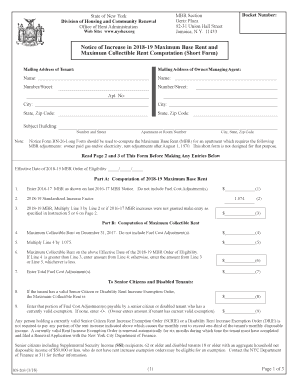
Rn 26s
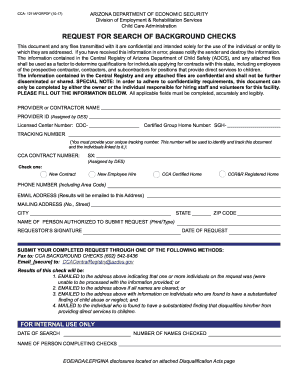
Az background checks form
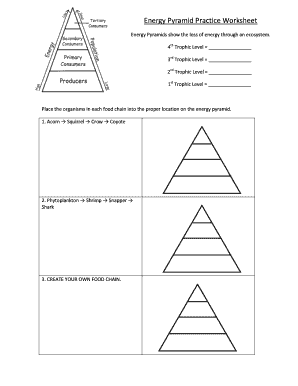
Energy pyramid practice worksheet key
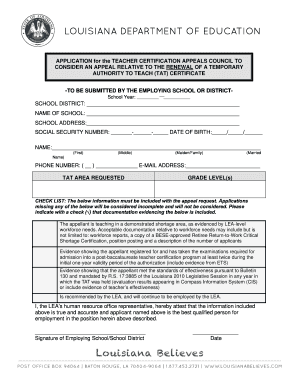
Tat certification louisiana
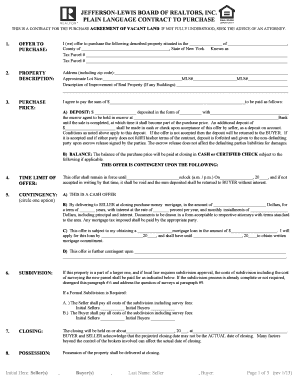
JEFFERSON-LEWIS BOARD OF REALTORS, INC. PLAIN
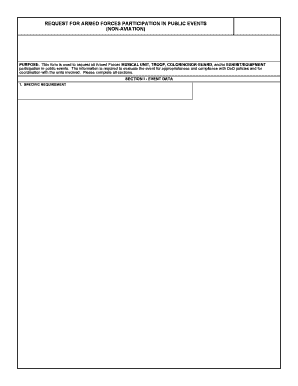
Dd form 2536

Texas state comptroller sales tax form 01 117
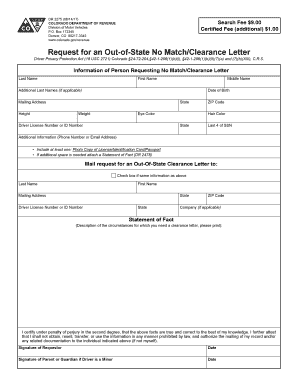
Dr2275
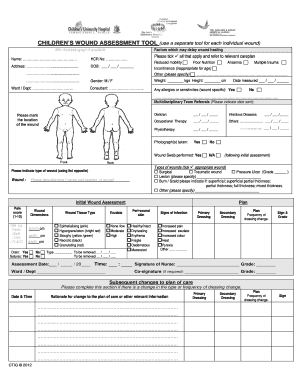
Wound assessment tool
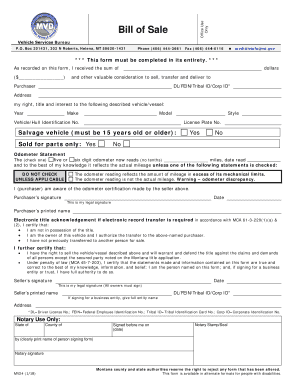
Montana form vehicle
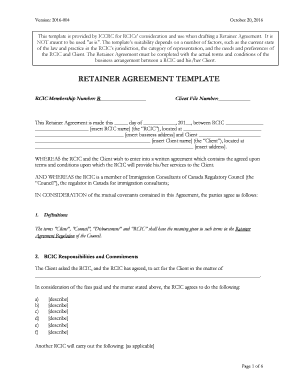
Iccrc retainer agreement template 2020
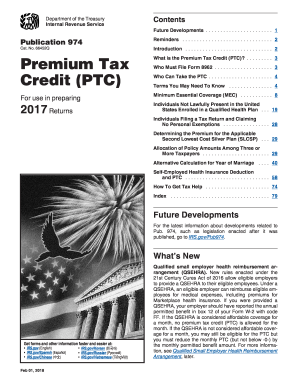
Publication 974
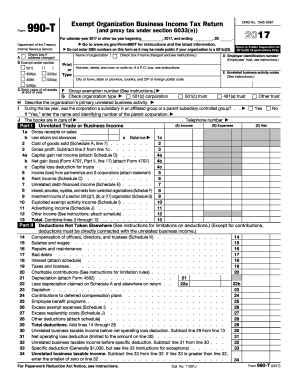
Gov/Form990T for instructions and the latest information
Care worker timesheet

Mega sports form
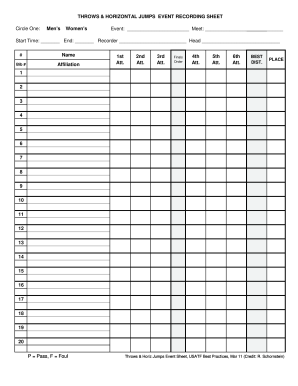
THROWS & HORIZONTAL JUMPS EVENT RECORDING SHEET
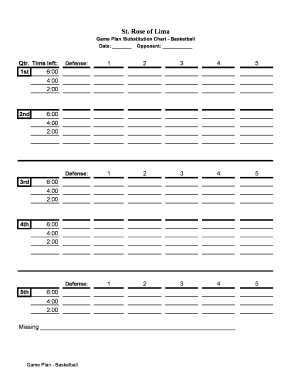
Basketball substitution template

IHSS CARE PROVIDER
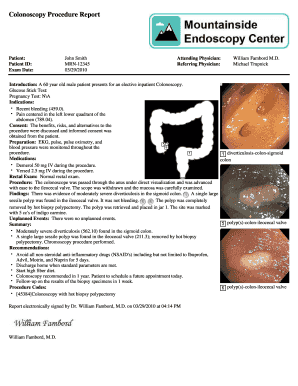
Colonoscopy report sample
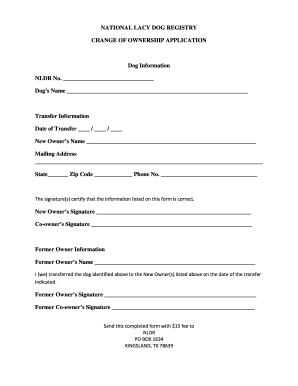
NATIONAL LACY DOG REGISTRY
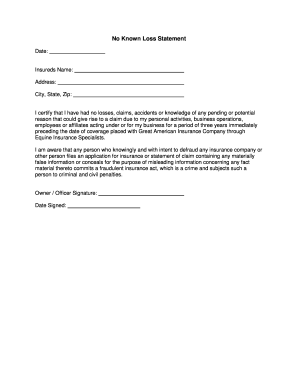
No Known Loss Statement

Chattahoochee tech transcript
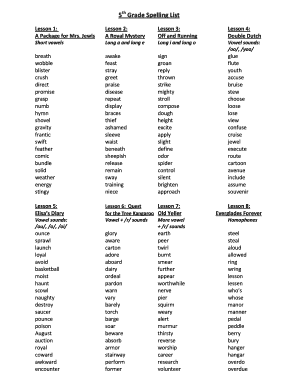
5th grade spelling lesson
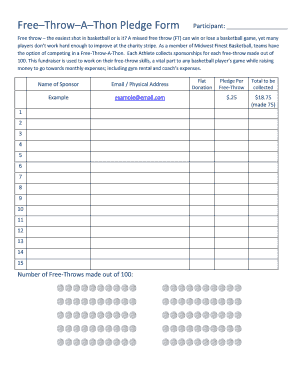
FreeThrowAThon Pledge Form
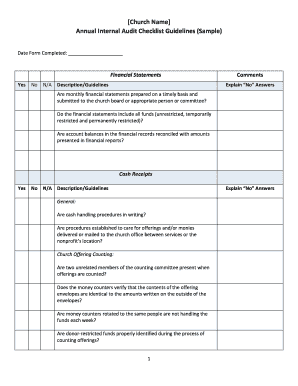
Internal audit checklist

Resilient Spirit Wellness
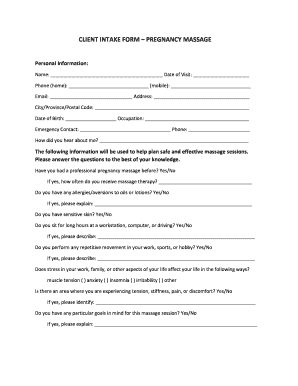
CLIENT INTAKE FORM PREGNANCY MASSAGE
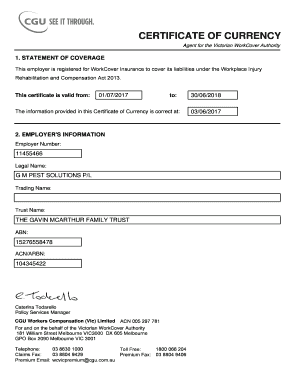
This employer is registered for WorkCover Insurance to cover its liabilities under the Workplace Injury

Army gap analysis example
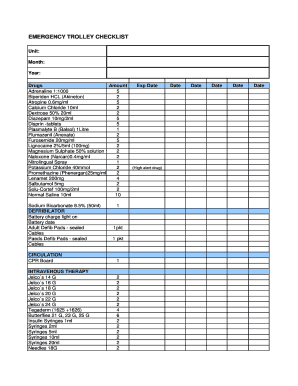
Emergency trolley checklist
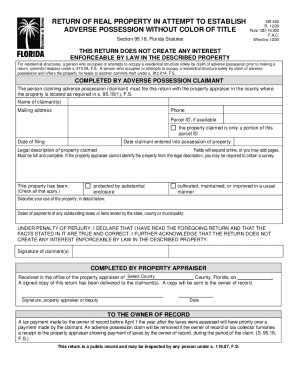
Fl adverse possession form

Texas addendum lead based paint
Blank texas drivers license template
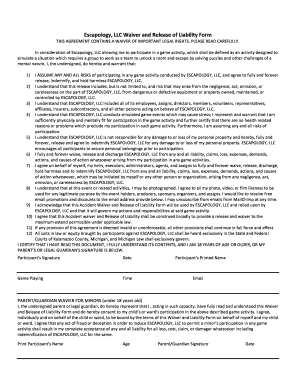
Escapology waiver
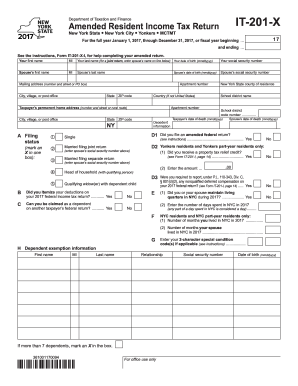
Form 201 x 2017-2019

Nc blue cross blue shield claim form
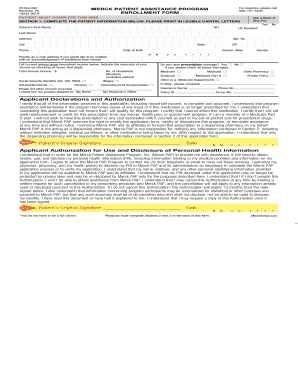
MERCK PATIENT ASSISTANCE PROGRAM

Assessment of lagging skills and unsolved problems
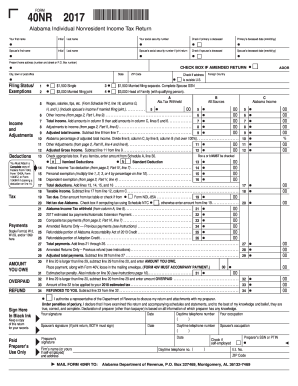
Printable form 40nr 2017
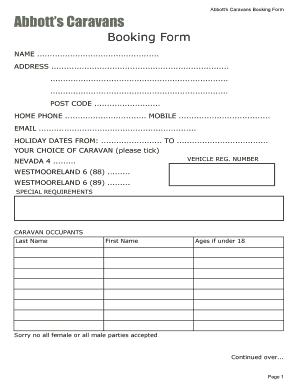
Caravan booking form template
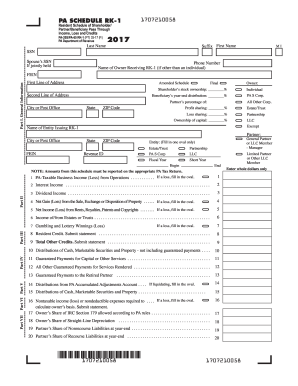
Pa rk1
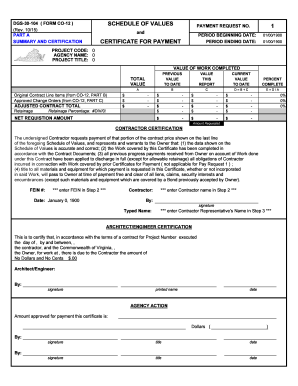
Dgs 30 104 form co 12
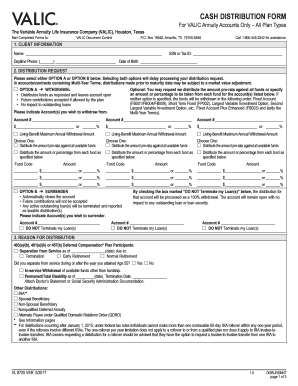
Valic cash distribution form 2021
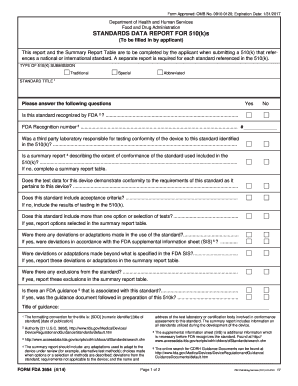
3654
2017 California 540NR Nonresident or Part-Year Resident Booklet Forms & Instructions. 2017 California 540NR Nonresident or Part-Year Resident Booklet Forms & Instructions
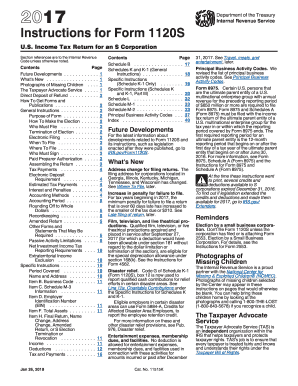
Irs instructions form 1120s 2017
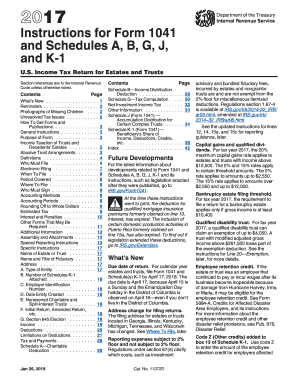
1041 instructions 2017 form
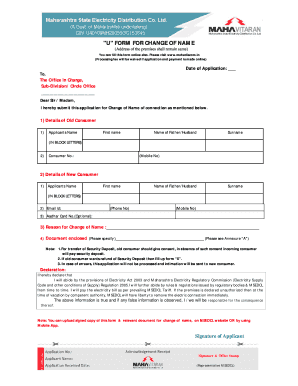
U form for change of name
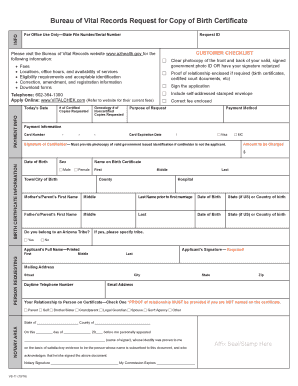
Arizona birth certificate application pdf
Benefit from the DocHub online library of fillable PDF forms
Searching the PDF forms doesn't have to be a tedious and time-consuming process. With the DocHub online library, it has become easier to find the fillable PDF forms and modify them in your browser. The service allows you to adjust the document to your needs using powerful editing tools.
You can use online document editing features to modify almost any type of document with ease. You just need to find the template of your choice, open it in the editor, and use the toolbar to make the necessary corrections.
Follow this guide to get your document done with DocHub:
- Find the PDF template you need.
- Click the Get Form button to open the file in the editor.
- Use the toolbar to fill out and edit the document.
- Easily add and highlight text, insert images, checkmarks, and symbols.
- Drop new fillable fields, and rearrange or delete pages from your file.
- Save changes and download your record.
DocHub empowers everyone to streamline document editing, signing, and distribution, and form completion. Create an account and benefit from our well-organized PDF Forms library and comprehensive editor.