
Get any PDF form from the DocHub library of ready-made templates - Page 1471
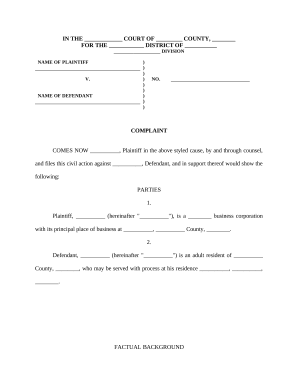
Breach duty
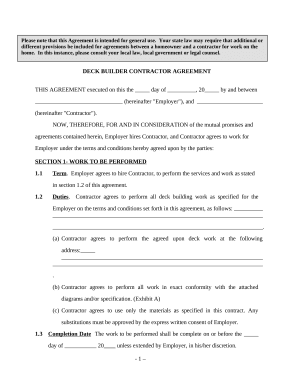
Deck Builder Contractor Agreement - Self-Employed
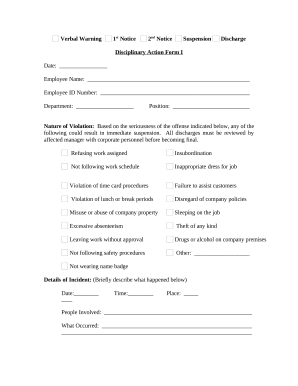
Disciplinary action form
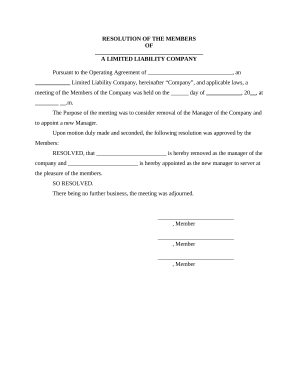
Llc resolution form
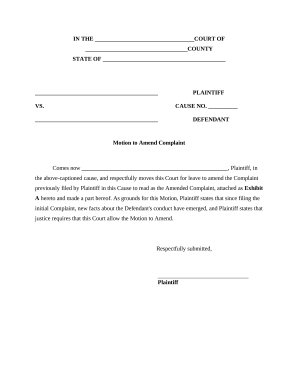
Motion to amend complaint example

Bill sale form pdf
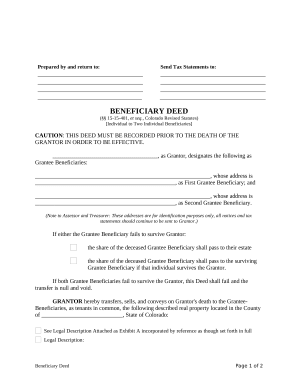
Colorado beneficiary deed

Texas contempt
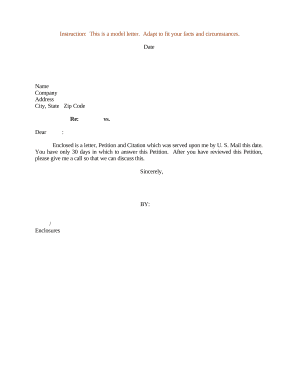
Sample of a request letter
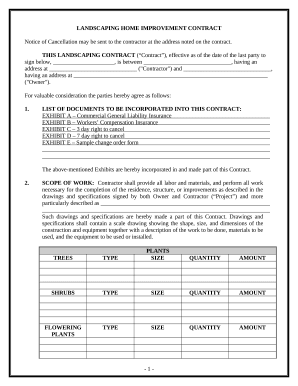
Landscape Contract for Contractor - California

Pet agreement

Affidavit identity form
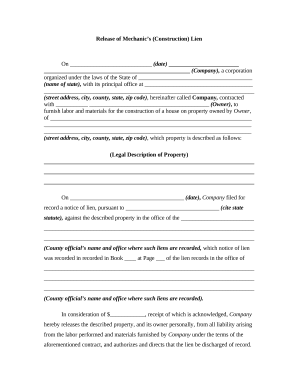
Release construction lien form
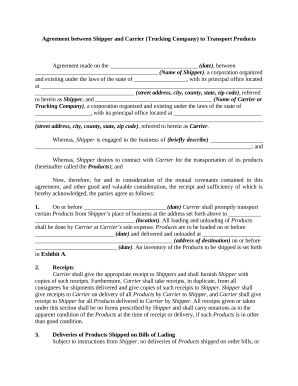
Agreement transport
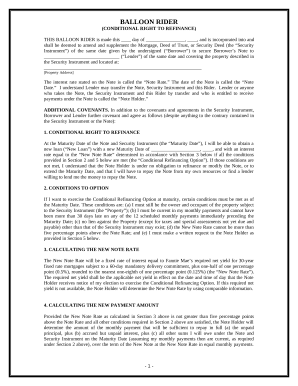
Balloon rider
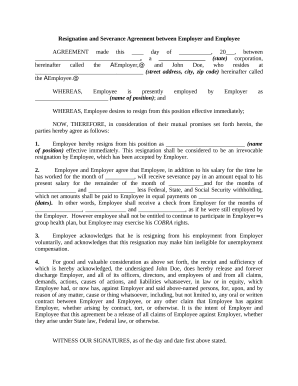
Severance agreement sample
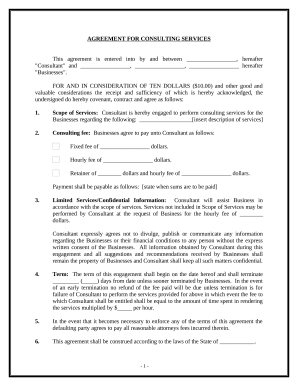
Simple agreement purchase
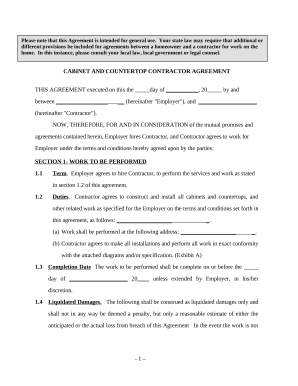
Cabinet contract
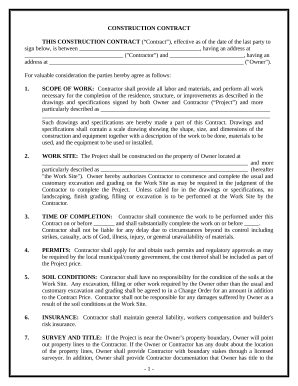
Simple cost plus construction contract template
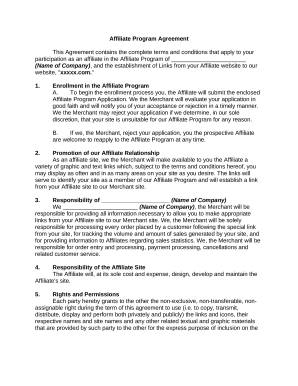
Affiliate contract

Foia request form

Motion dismiss court
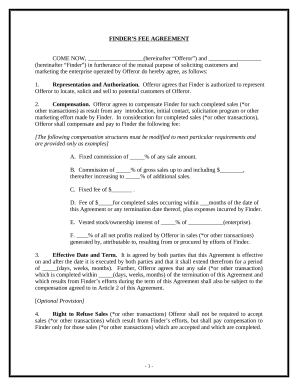
Finders fee agreement
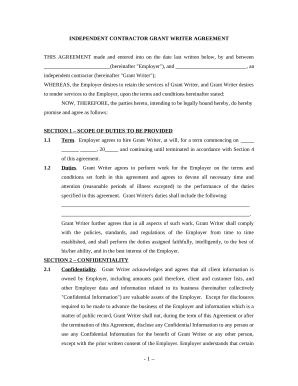
Grant writer agreement
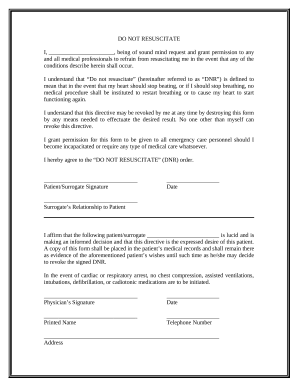
Dnr pdf
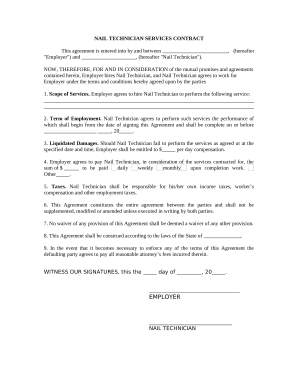
Nail technician employment contract
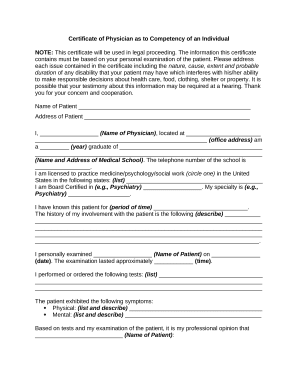
Certificate of Physician as to Competency of an Individual
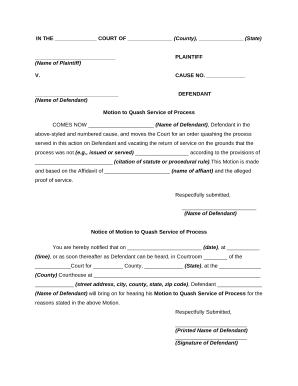
Motion to quash
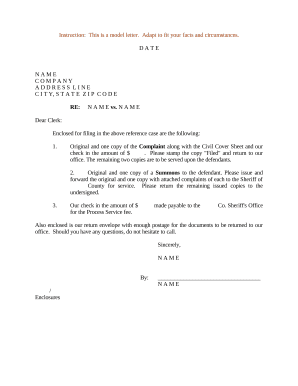
Sample complaint form
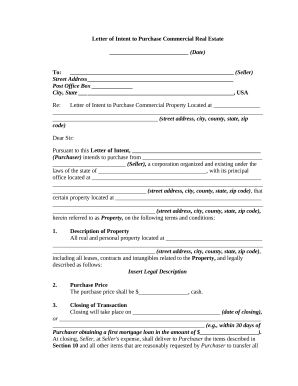
Letter intent real estate
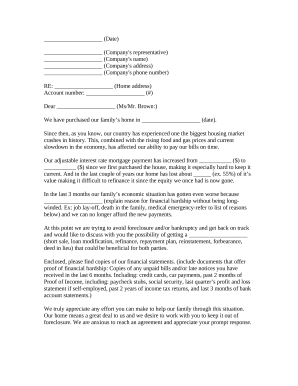
Hardship letter
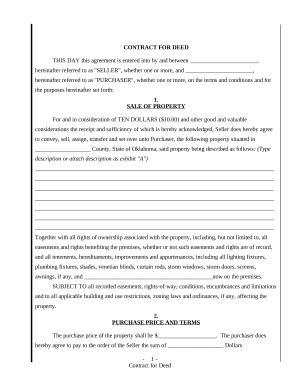
Agreement or Contract for Deed for Sale and Purchase of Real Estate a/k/a Land or Executory Contract - Oklahoma
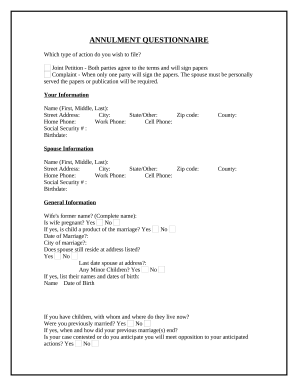
Annulment form pdf
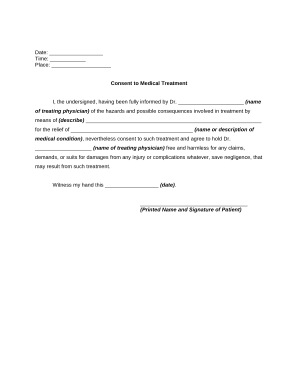
Consent medical treatment
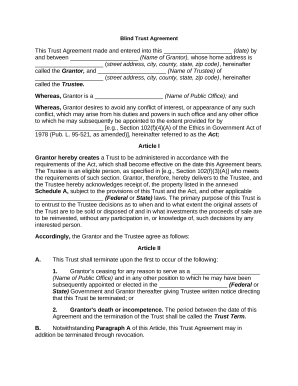
Sample blind trust agreement
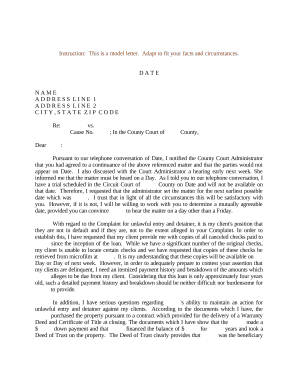
Court date
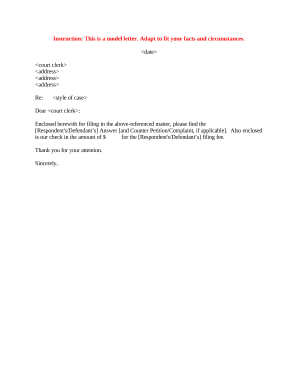
Sample court
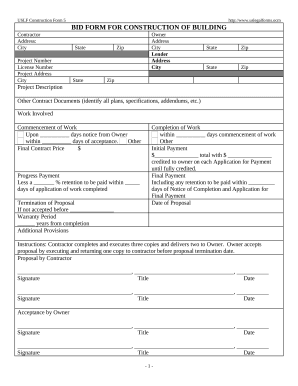
Bid building
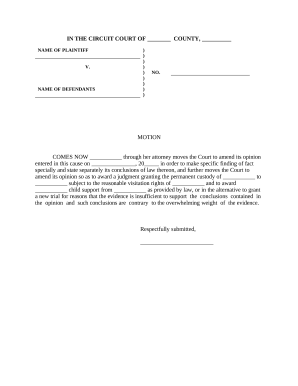
Findings fact
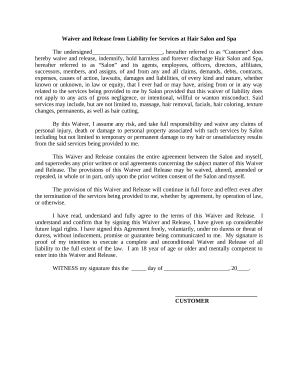
Waiver form
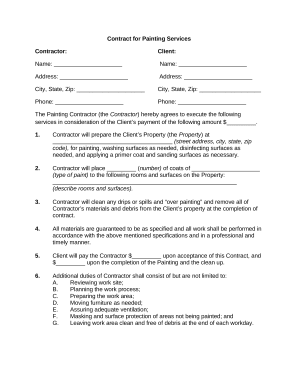
Contract painting
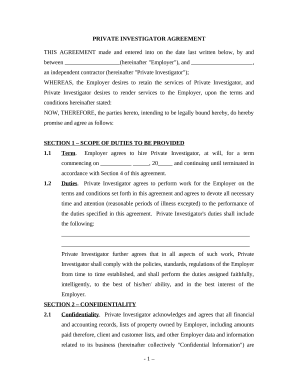
Private investigator form
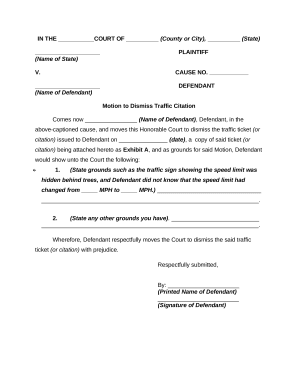
Motion dismiss

Form shipper
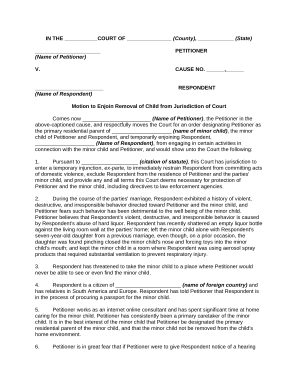
Ex parte
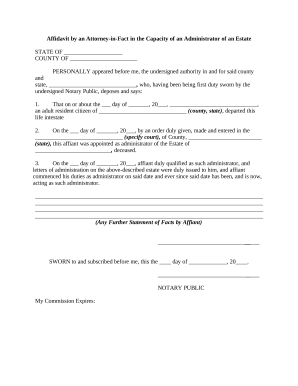
Attorney in fact
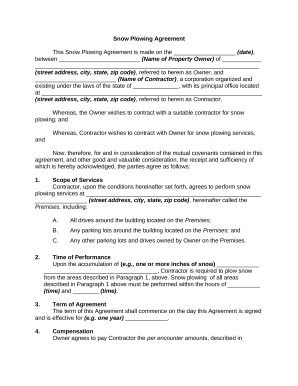
Snow plowing agreement
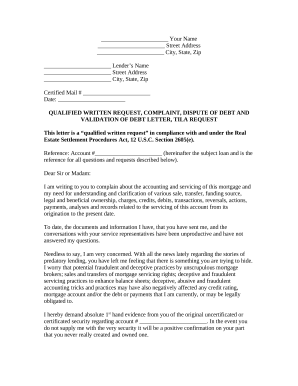
Qualified written request
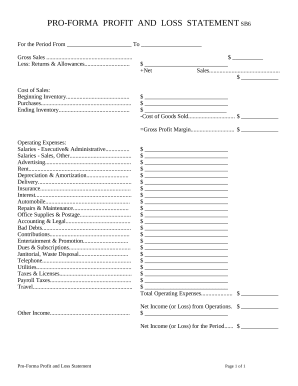
Profit and Loss Statement
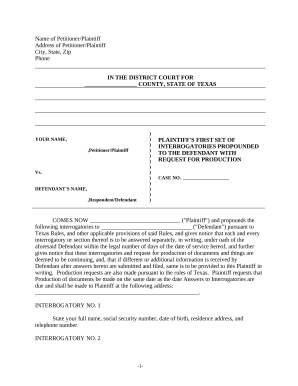
Discovery Interrogatories from Plaintiff to Defendant with Production Requests - Texas
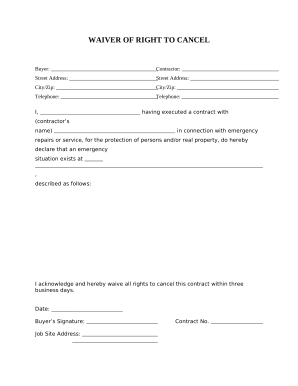
California cancel
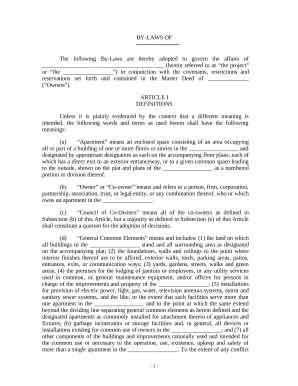
Bylaws condominium

Cleaning contract

Agreement between Owner and Construction Manager for Services in Overseeing a Construction Project
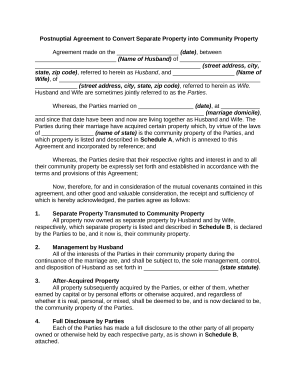
Separate property
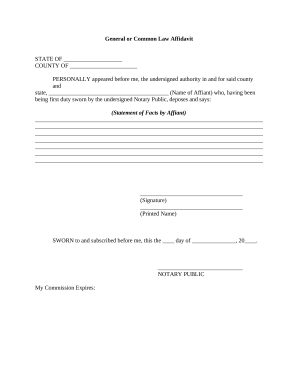
Common law pdf
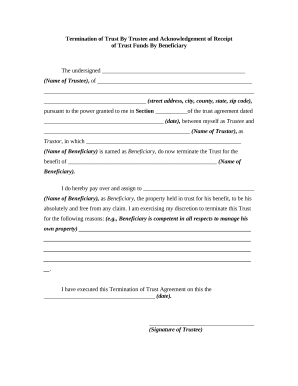
Termination form

Construction Contract Cost Plus or Fixed Fee - Oregon
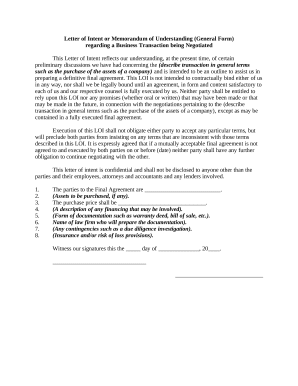
Memo template
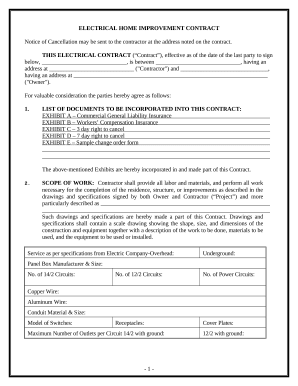
Electrical contract form
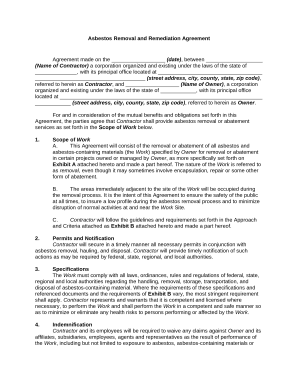
Remediation contracts
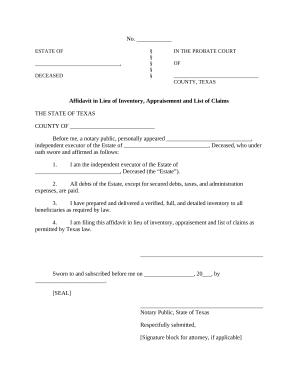
Affidavit in lieu of inventory
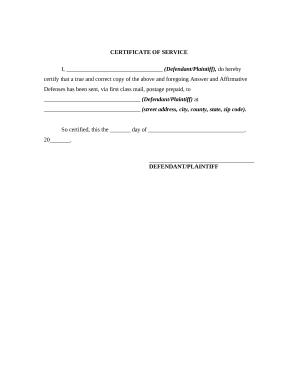
Certificate of Service
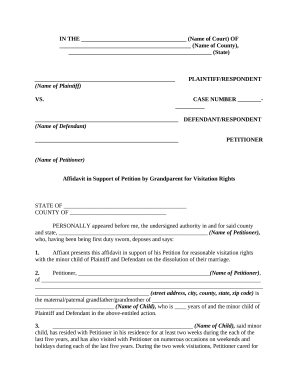
Grandparents petition visitation
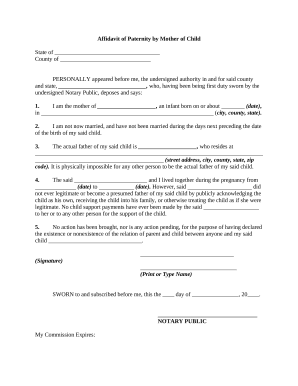
Affidavit paternity form
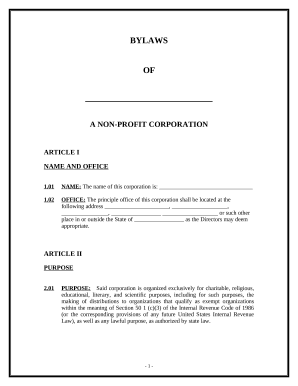
Bylaws nonprofit pdf
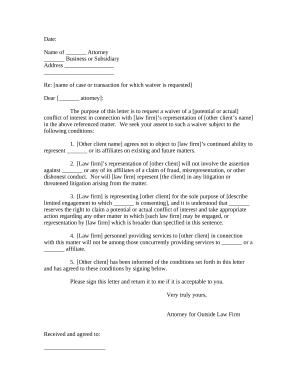
Attorney conflict of interest letter
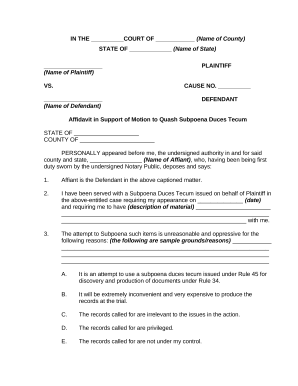
Motion quash subpoena sample
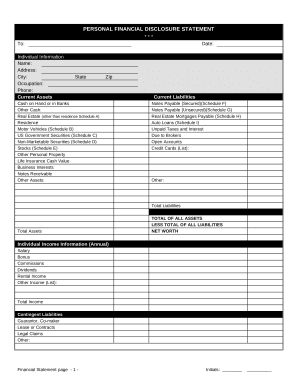
Financial form
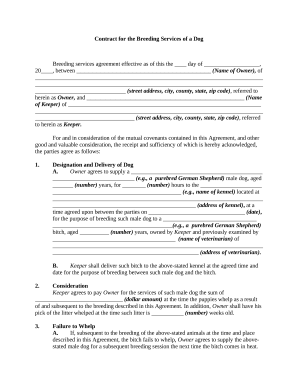
Contract breeding
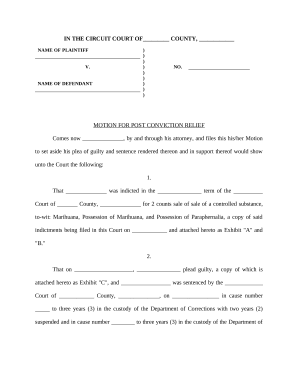
Motion post conviction
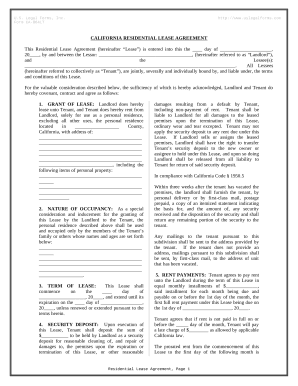
Residential Rental Lease Agreement - California
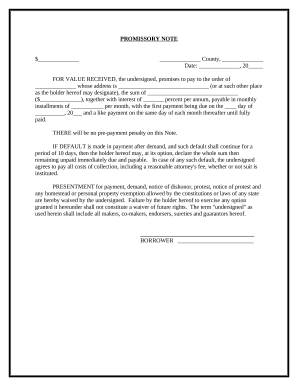
Promissory note installment payments
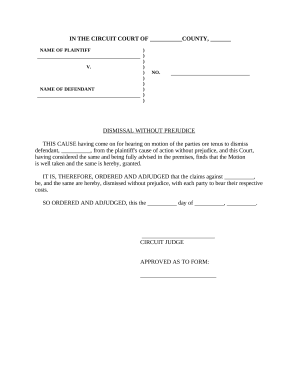
Without prejudice
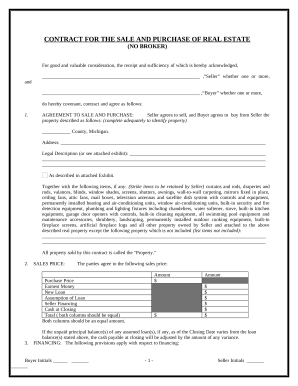
Contract for Sale and Purchase of Real Estate with No Broker for Residential Home Sale Agreement - Michigan
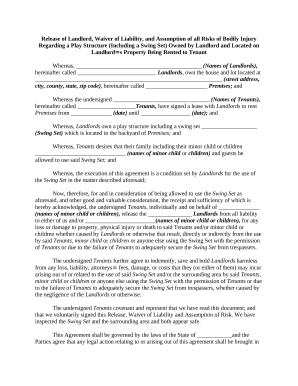
Release of Landlord, Waiver of Liability, and Assumption of all Risks of Personal Bodily Injury Regarding a Play Structure - including a Swing Set - Owned by Landlord and Located on Landlord's Property Being Rented to Tenant

Utility easement agreement
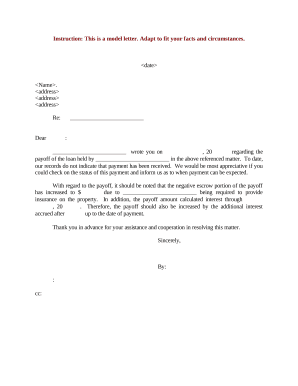
Payoff letter
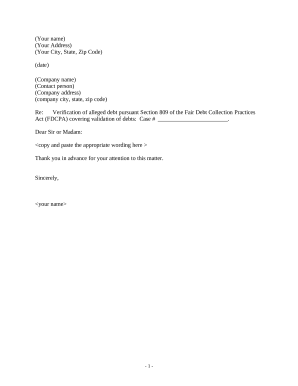
Debt validation letter
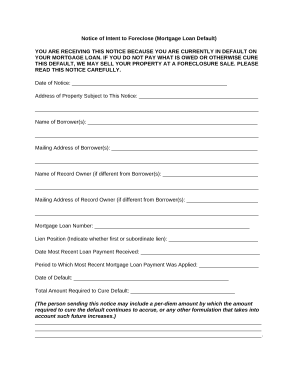
Notice of default letter mortgage
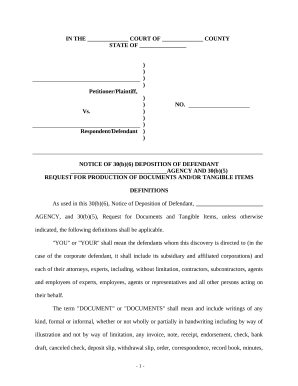
Notice 30 6 b sample
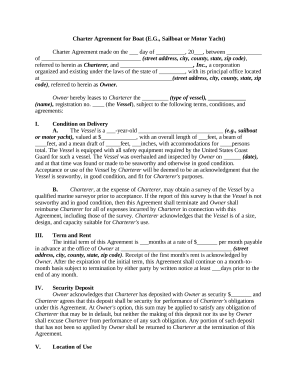
Charter agreement
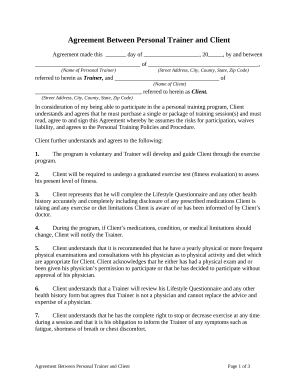
Agreement personal trainer
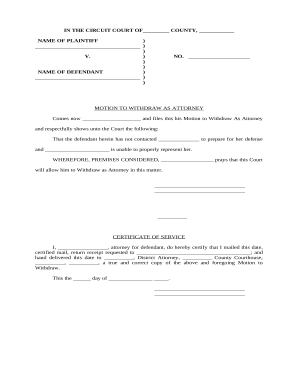
Motion to withdraw

Motion extension
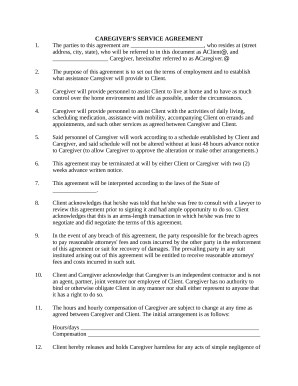
Caregiver form application

Agreement covenants
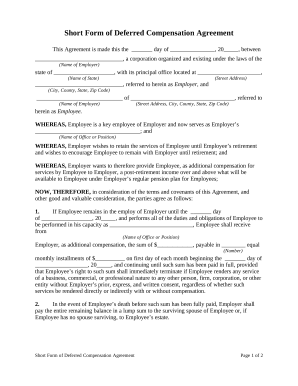
Deferred compensation agreement

Distributorship agreement
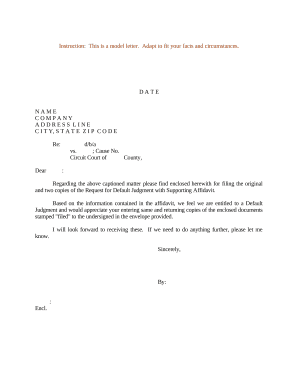
Default judgment

Annulment
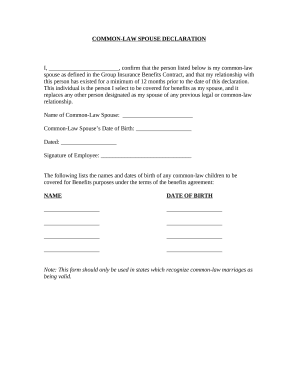
Common marriage form

Section 1031
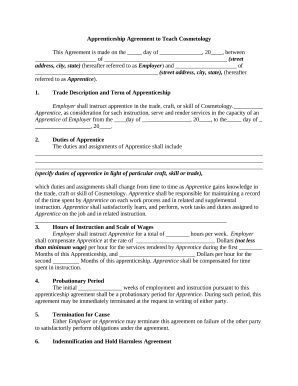
Apprenticeship agreement form
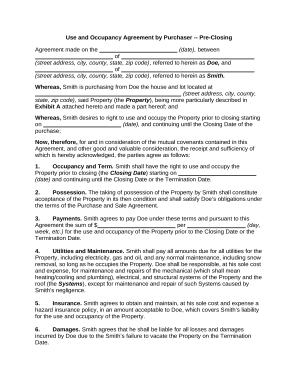
Occupancy agreement form
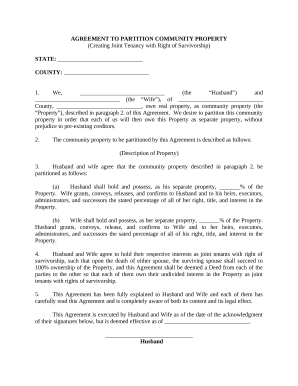
Joint tenancy
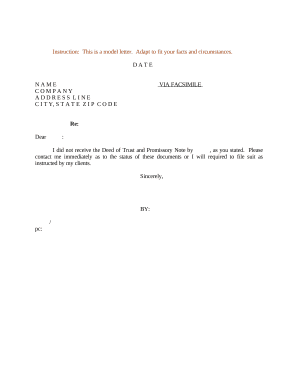
Sample note

New York Prenuptial Premarital Agreement with Financial Statements - New York

Complaint breach contract form
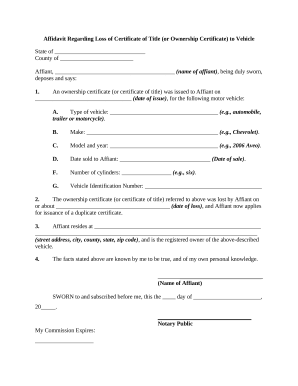
Ownership certificate
Benefit from the DocHub online library of fillable PDF forms
Searching the PDF forms doesn't have to be a tedious and time-consuming process. With the DocHub online library, it has become easier to find the fillable PDF forms and modify them in your browser. The service allows you to adjust the document to your needs using powerful editing tools.
You can use online document editing features to modify almost any type of document with ease. You just need to find the template of your choice, open it in the editor, and use the toolbar to make the necessary corrections.
Follow this guide to get your document done with DocHub:
- Find the PDF template you need.
- Click the Get Form button to open the file in the editor.
- Use the toolbar to fill out and edit the document.
- Easily add and highlight text, insert images, checkmarks, and symbols.
- Drop new fillable fields, and rearrange or delete pages from your file.
- Save changes and download your record.
DocHub empowers everyone to streamline document editing, signing, and distribution, and form completion. Create an account and benefit from our well-organized PDF Forms library and comprehensive editor.