




01. Edit your form online
Type text, add images, blackout confidential details, add comments, highlights and more.

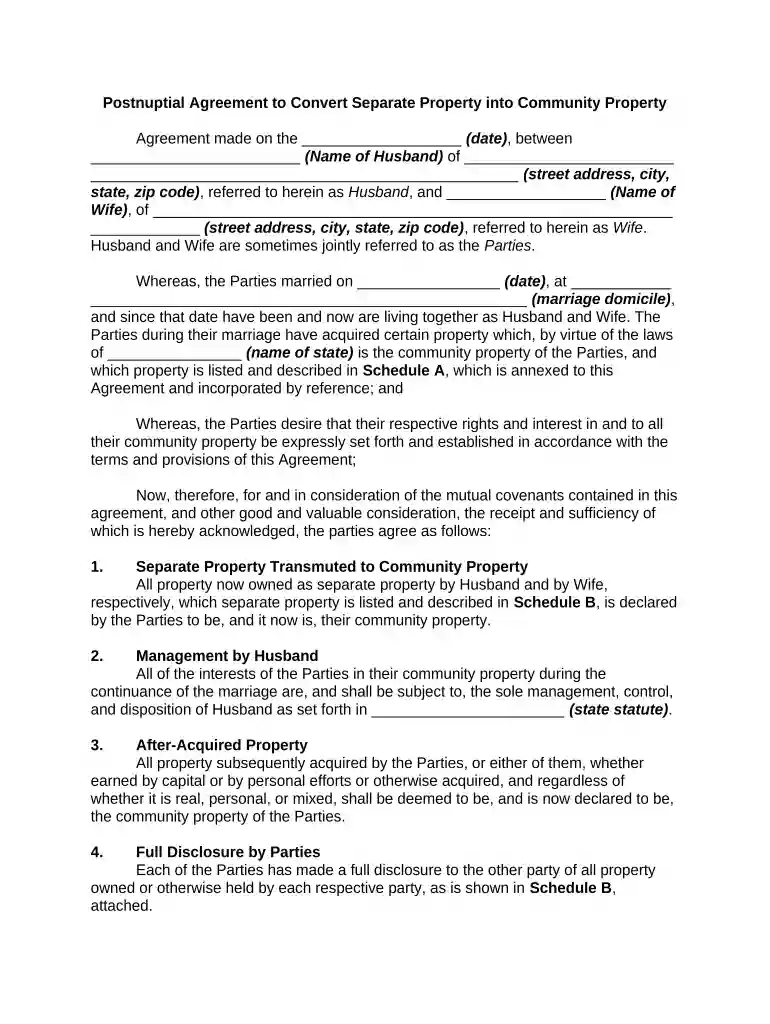
Type text, add images, blackout confidential details, add comments, highlights and more.

Draw your signature, type it, upload its image, or use your mobile device as a signature pad.

Send it via email, link, or fax. You can also download it, export it or print it out.

Start using our platform today to easily complete your separate property agreement for free!
At DocHub, your data security is our priority. We follow HIPAA, SOC2, GDPR, and other standards, so you can work on your documents with confidence.
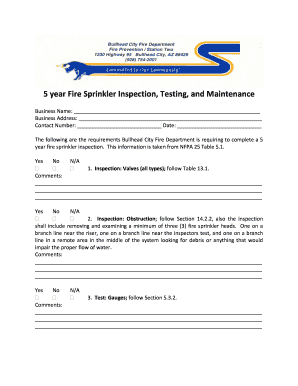



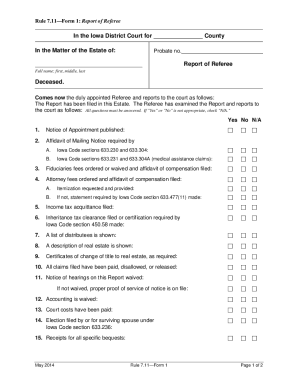
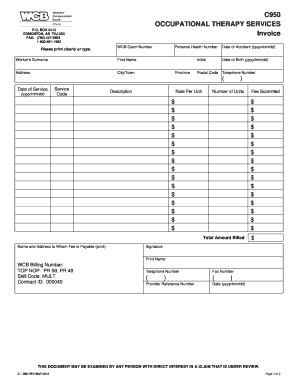
Separate property is property that is owned by one spouse and not the other. There are two categories of marital property; community property, and separateRead more
Private Caucus: After the joint session, the mediator will separate the parties and their respective attorneys into private sessions or caucuses in whichRead more
In general, you keep your separate property and split your community property. What is community property? What you own or owe together during your marriage.Read more


