




01. Edit your form online
Type text, add images, blackout confidential details, add comments, highlights and more.

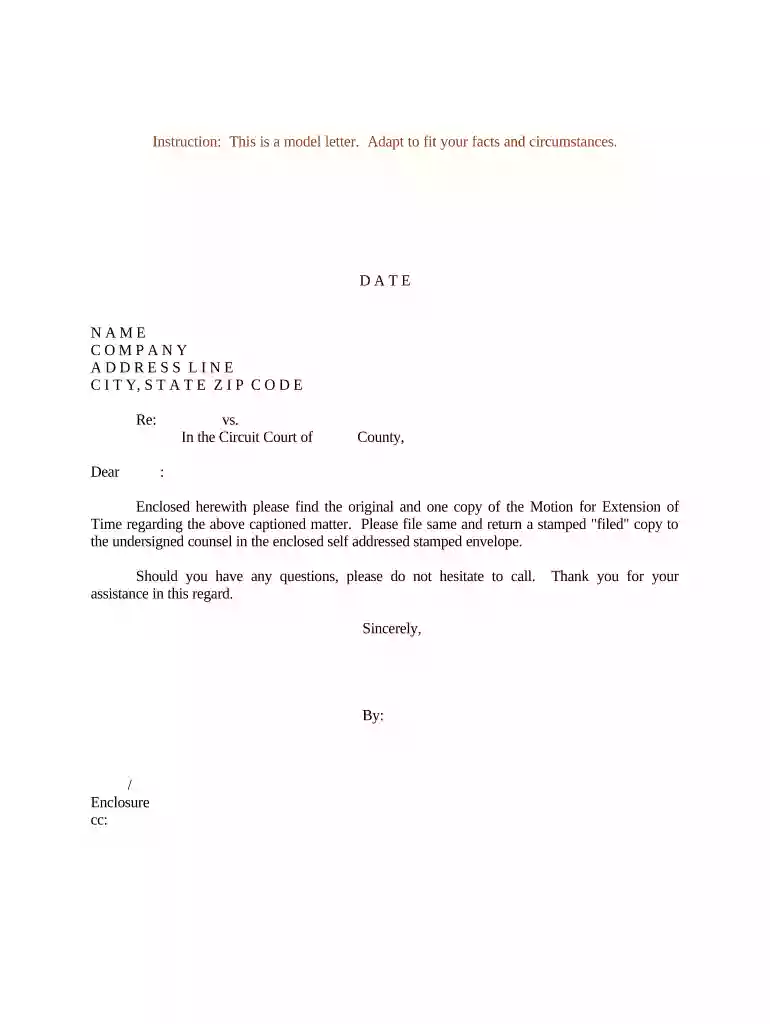
Type text, add images, blackout confidential details, add comments, highlights and more.

Draw your signature, type it, upload its image, or use your mobile device as a signature pad.

Send it via email, link, or fax. You can also download it, export it or print it out.

Start using our platform today to streamline your document editing and ensure your motion extension is completed efficiently!
At DocHub, your data security is our priority. We follow HIPAA, SOC2, GDPR, and other standards, so you can work on your documents with confidence.
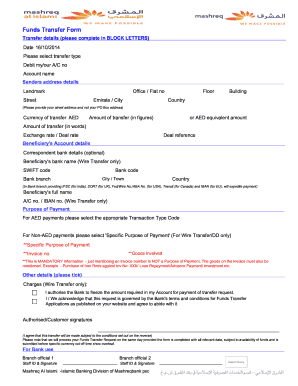


The form may be used by a party to a case who needs more time to perform a certain action. Often, the action may involve responding to the complaint or a motionRead more
Jun 18, 2007 Test: The patient extends the knee through available range of motion but do not allow knee to lock into extension during the test. SampleRead more


