




01. Edit your blind trust example online
Type text, add images, blackout confidential details, add comments, highlights and more.

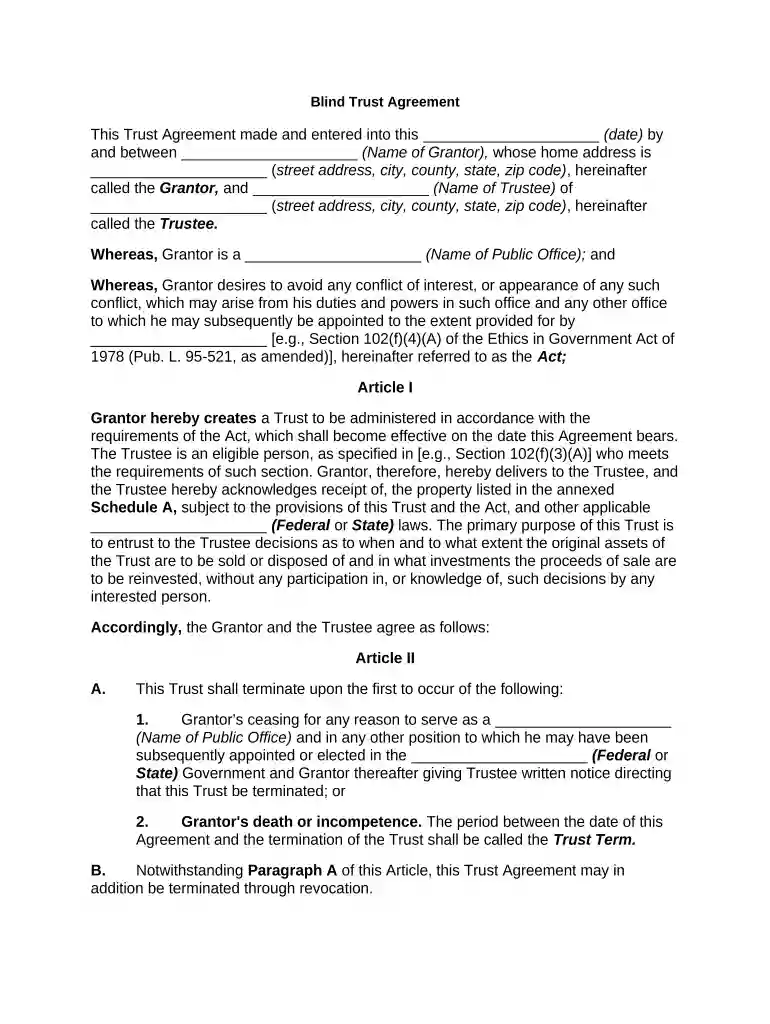
Type text, add images, blackout confidential details, add comments, highlights and more.

Draw your signature, type it, upload its image, or use your mobile device as a signature pad.

Send blind trust agreement via email, link, or fax. You can also download it, export it or print it out.

Start using our platform today for free to streamline your document editing and signing process!
At DocHub, your data security is our priority. We follow HIPAA, SOC2, GDPR, and other standards, so you can work on your documents with confidence.
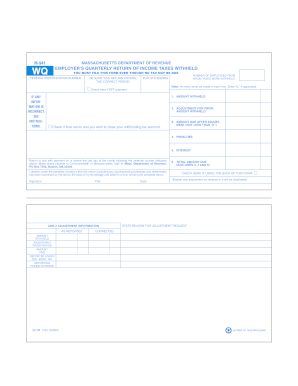



The sample blind trust agreement attached to this memorandum is made available by the staff of the Select Committee on Ethics for use by Senate Members,Read more
Qualified blind trust. Qualified blind trust means a trust in which the interested party has a beneficial interest and which:Read more
Apr 1, 2020 IMPORTANT: This guidance document was developed for use on the web. Please review the following disclaimers before.Read more


