
Get any PDF form from the DocHub library of ready-made templates - Page 1472
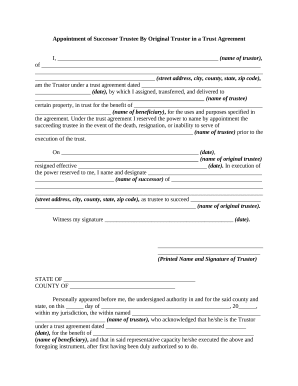
Appointment successor trustee document
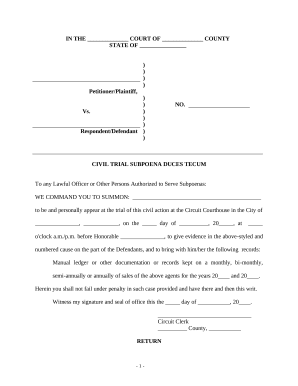
Subpoena duces tecum
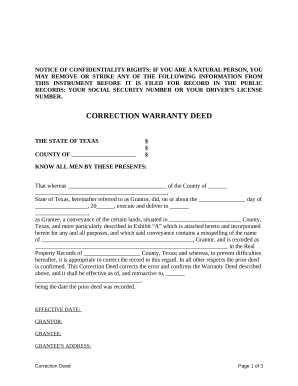
Correction Warranty Deed - Texas
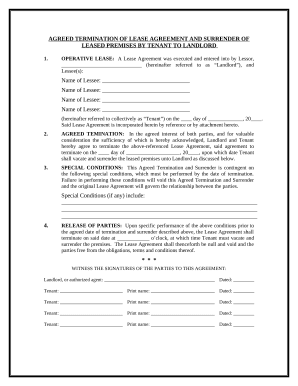
Lease surrender
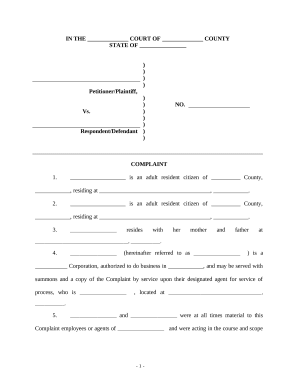
Complaint personal injury sample
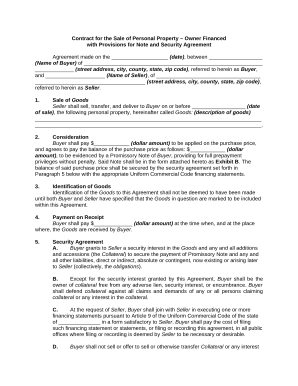
Contract for the Sale of Personal Property - Owner Financed with Provisions for Note and Security Agreement

Services contract agreement sample
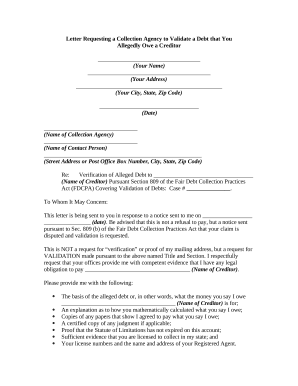
Debt validation letter
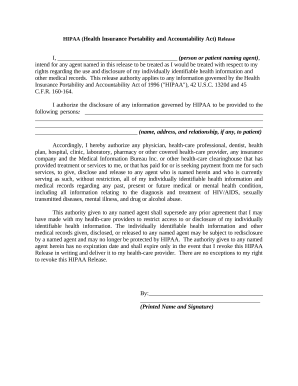
Hipaa form printable

Father out
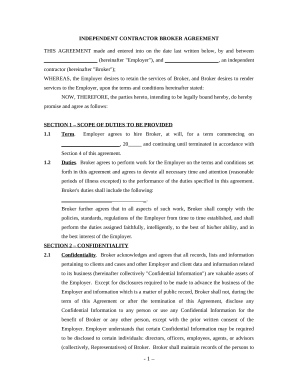
Import export agency agreement template
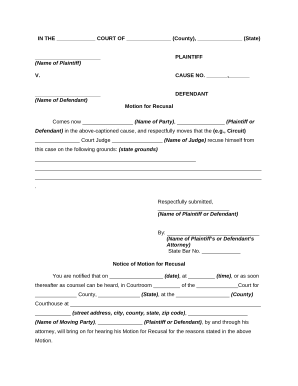
Motion judge
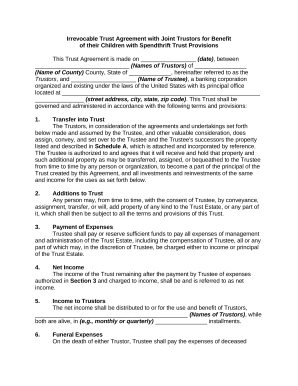
Irrevocable trust spendthrift
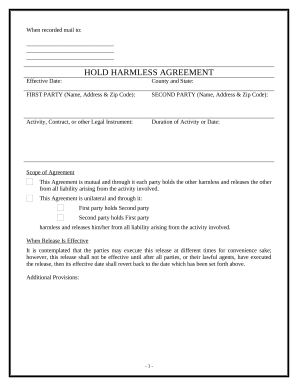
Hold harmless agreement pdf
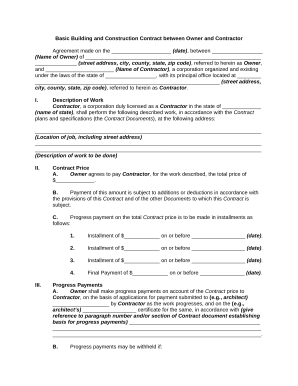
Contractor owner agreement

Nonintervention powers

Demand letters

Phlebotomist Agreement - Self-Employed Independent Contractor
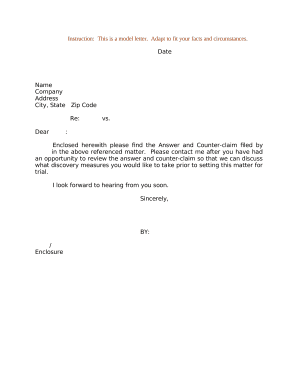
Counterclaim form

Easement utilities
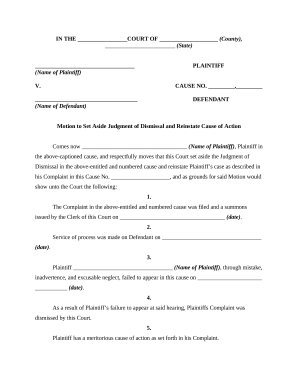
Motion to Vacate or Set Aside Judgment of Dismissal Due to Mistake, Inadvertence, or Excusable Neglect and to Reinstate Cause of Action
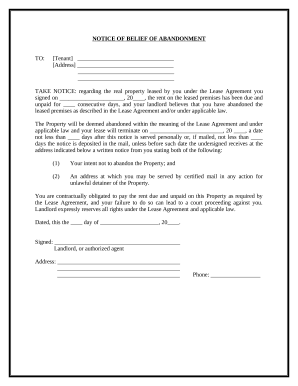
Abandonment tenant
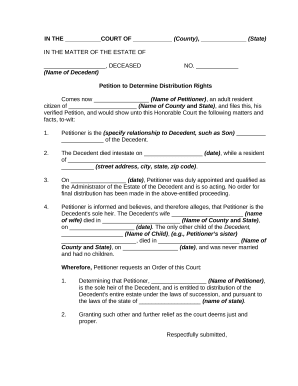
Distribution assets
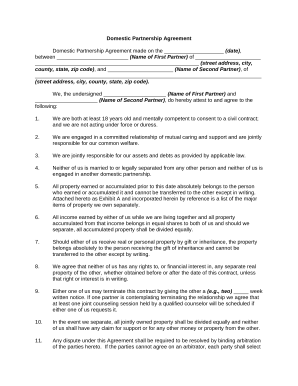
Domestic partnership document
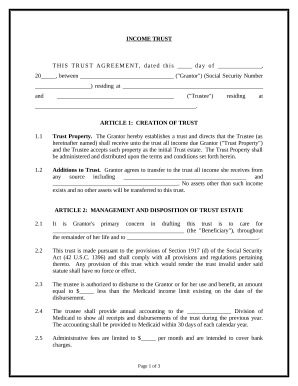
Medicaid income trust
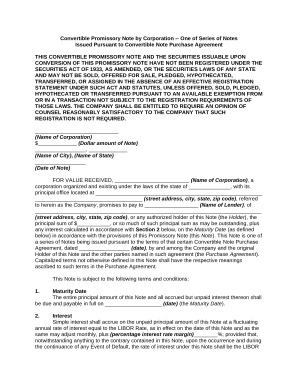
Convertible promissory note

Agreement to Give Temporary Custody of Children to Grandparents

Complaint auto accident
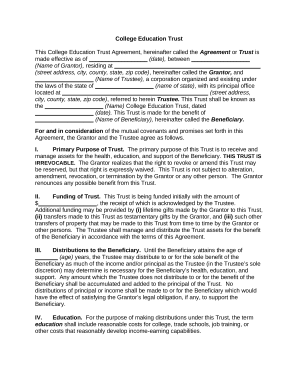
Education trust
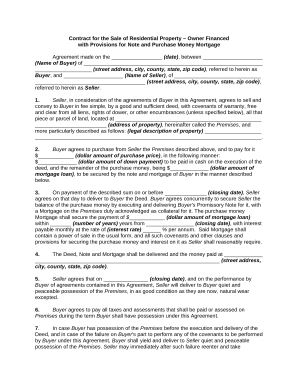
Contract for the Sale of Residential Property - Owner Financed with Provisions for Note and Purchase Money Mortgage
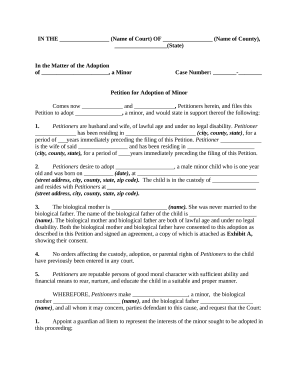
Petition application
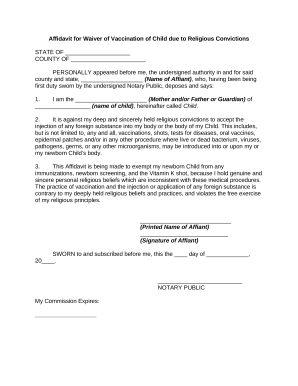
Affidavit vaccination form
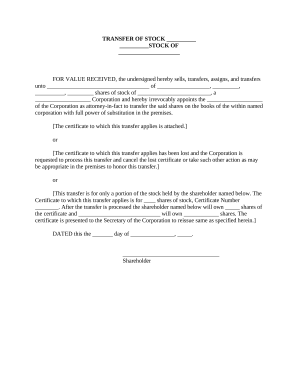
Transfer stock agreement template
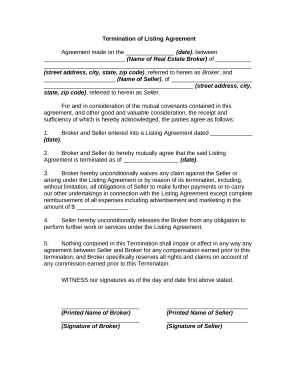
Cancellation form
Il contract deed
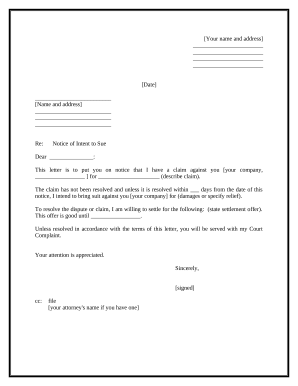
Letter intent sue
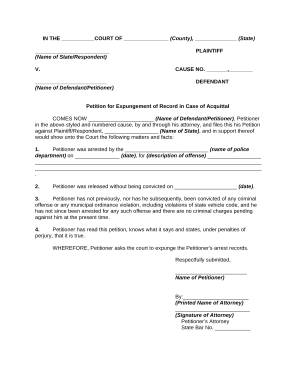
Record release

Rent eviction

Agreement purchase sale form
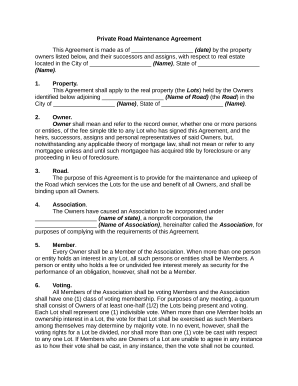
Private road maintenance agreements
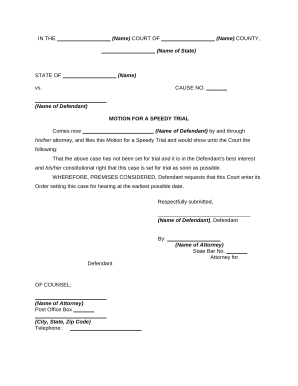
Speedy trial

Texas release pdf
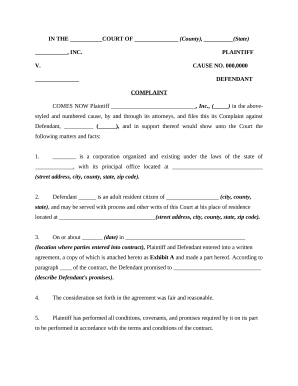
Complaint breach contract
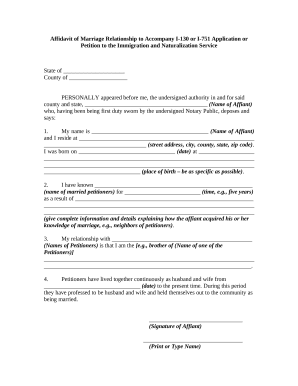
130 i form
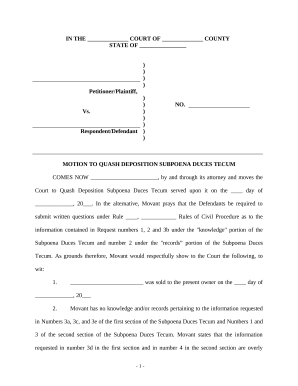
Motion quash
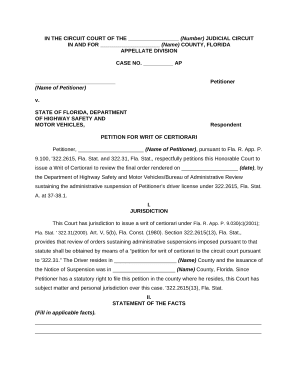
Writ certiorari
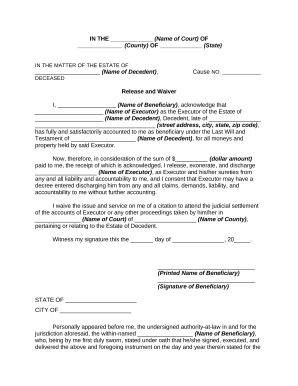
Executor release form
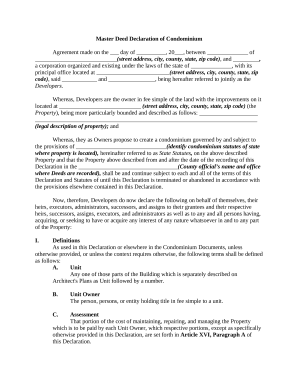
Master deed

Motion to Dismiss Foreclosure Action and Notice of Motion
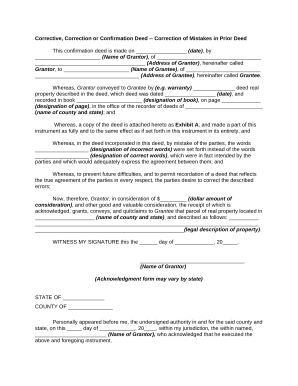
Correction deed template
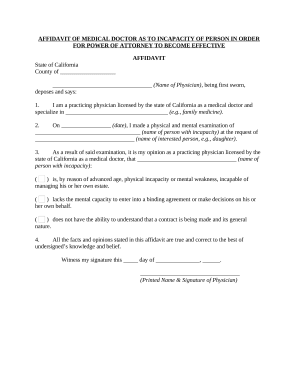
Affidavit of medical doctor as to incapacity
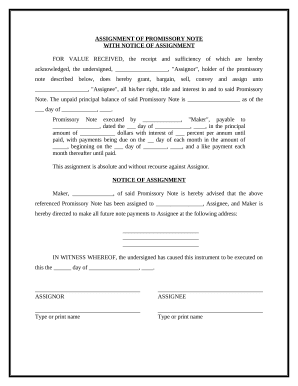
Note assignment
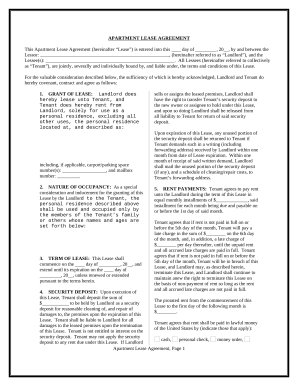
Form for apartment rental
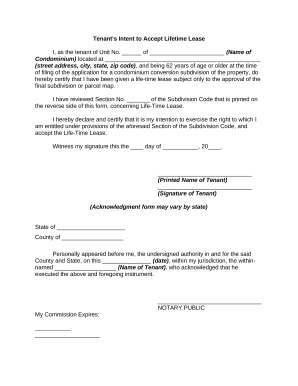
Lifetime lease

Agreement actor contract
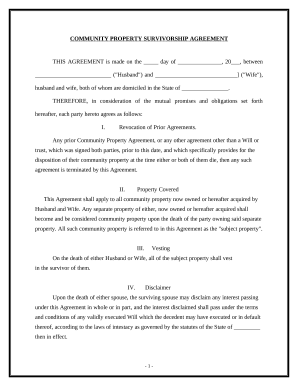
Community property agreement template
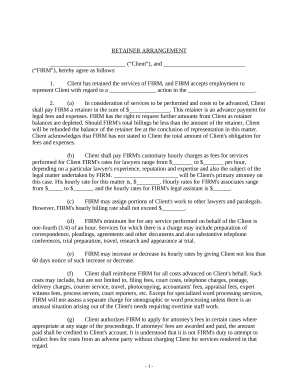
Retainer agreement

Beneficiary deed
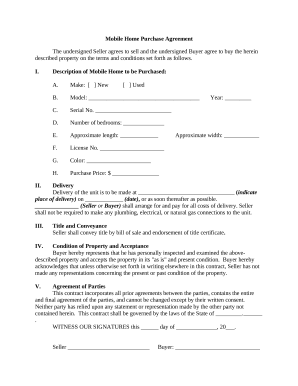
Mobile home purchase agreement
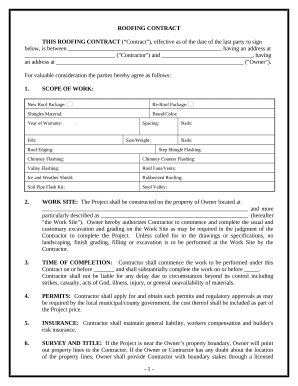
Fill in blank printable roofing contract template
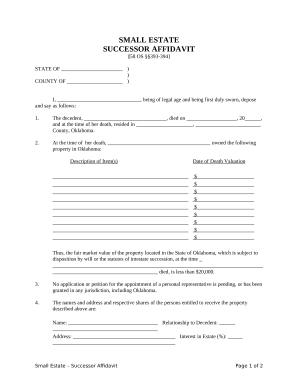
Oklahoma small estate
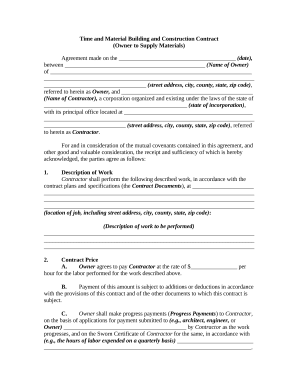
Simple time and materials contract template
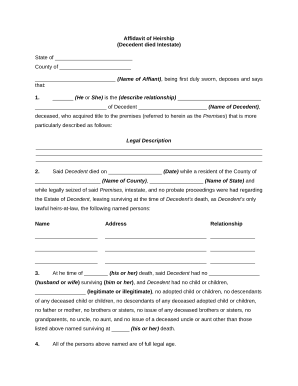
Next kin

Boat agreement
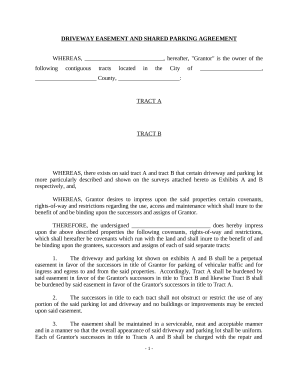
Sample sample
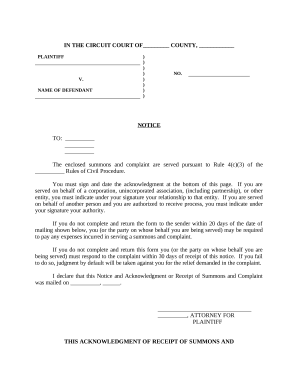
Complaint form civil sample
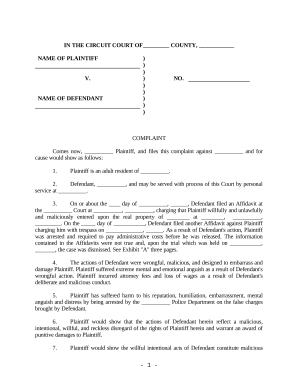
Malicious prosecution nc
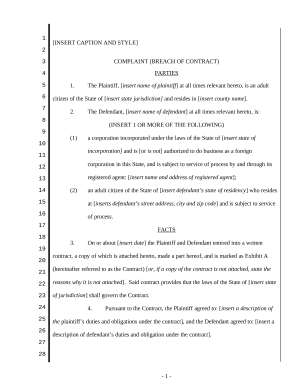
Breach of contract
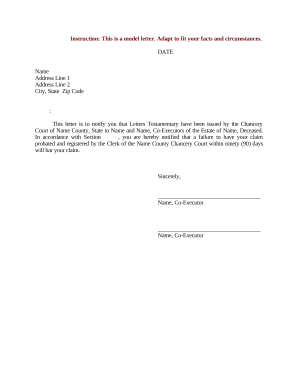
Letter testamentary
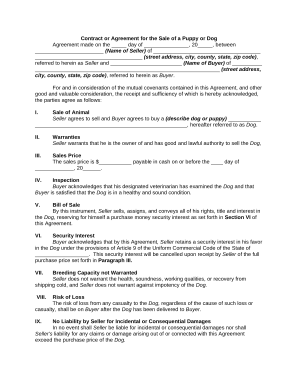
Ckc puppy selling contracts
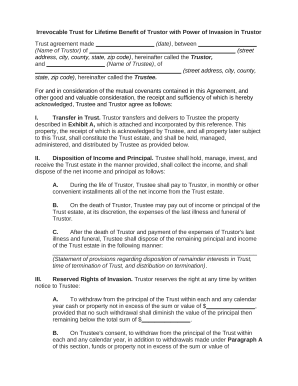
Irrevocable trust sample
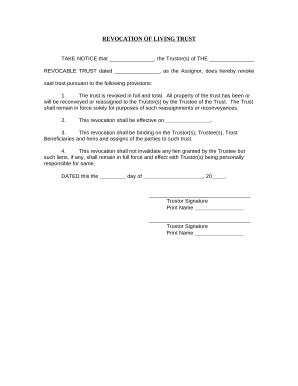
Revocation trust form
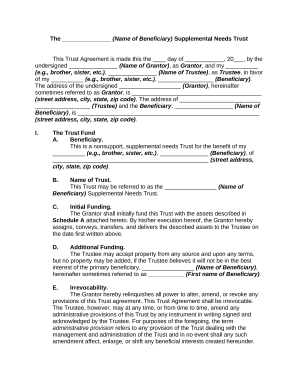
Supplemental needs trust
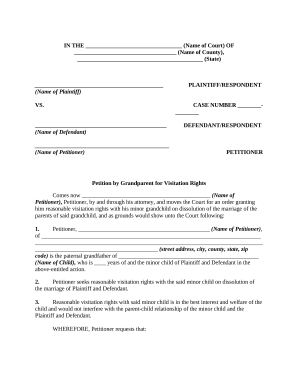
Petition by Grandparent for Visitation Rights With Minor Grandchild on Dissolution of the Marriage of the Parents of Minor Child

Irrevocable trust spendthrift
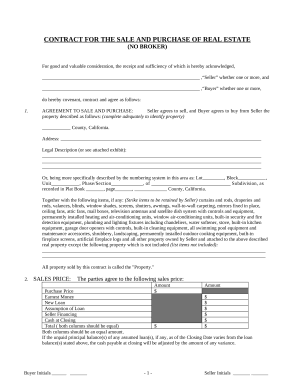
Ca purchase

No trespassing
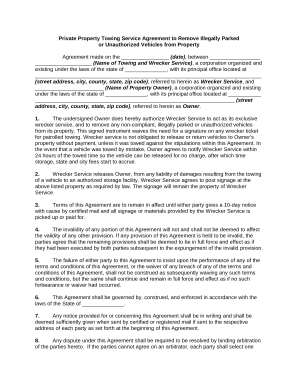
Towing agreement
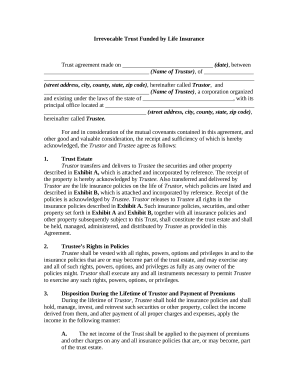
Irrevocable trust form

Transfer death
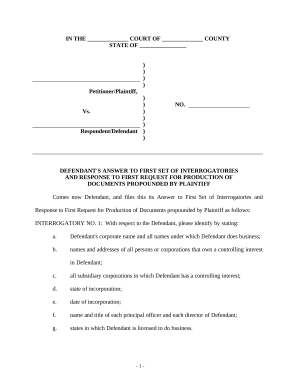
Defendant's Answers to Plaintiff's First Set of Interrogatories and Requests for Production of Documents
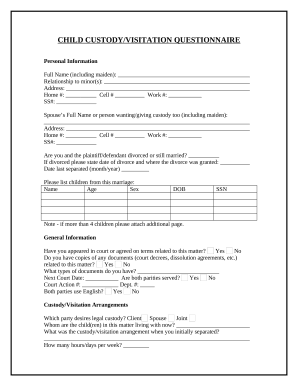
Child custody form
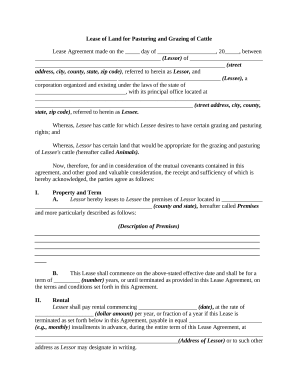
Lease grazing
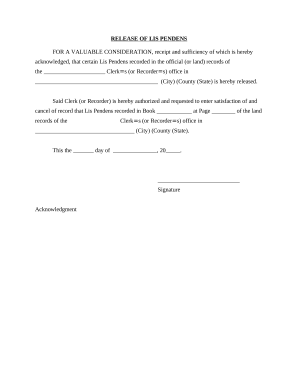
Lis pendens
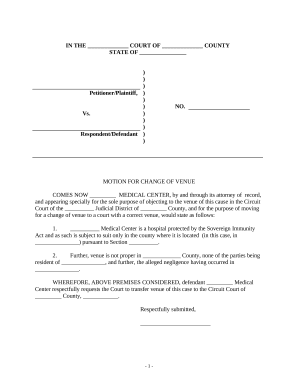
Change of venue email
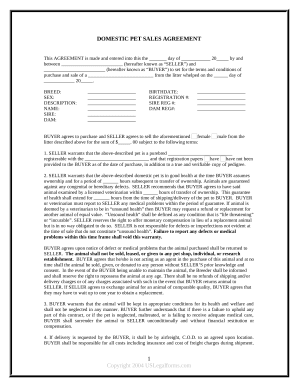
Pet agreement
California professional medical corporation bylaws
Agreement for Home Staging Services
Agreement boat
Successor trustee form

Complaint partition
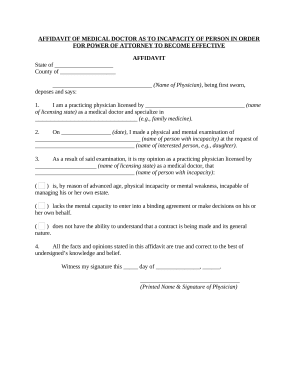
Medical power attorney
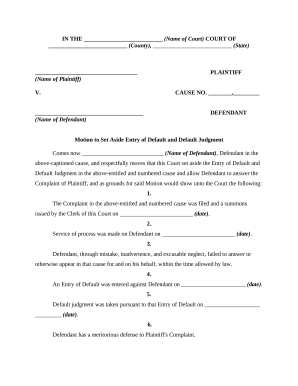
Motion set aside
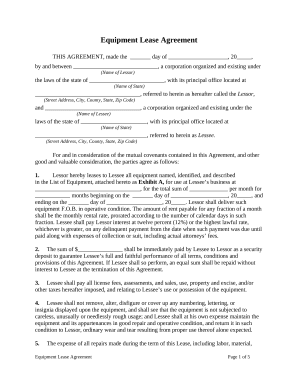
Equipment form
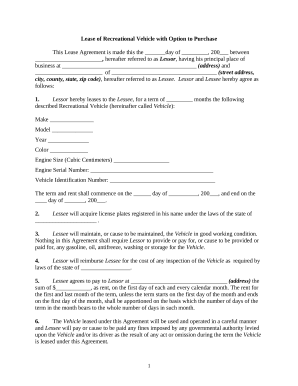
Lease agreement rv
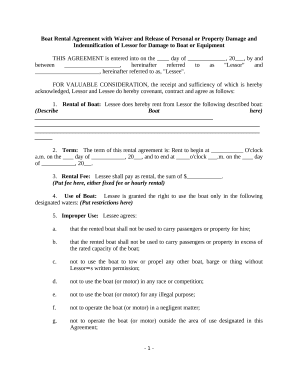
Boat agreement

Amendment to Living Trust - California

General form application
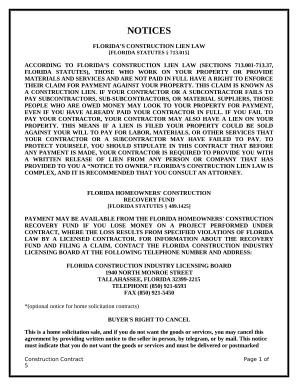
Construction Contract Cost Plus or Fixed Fee - Florida
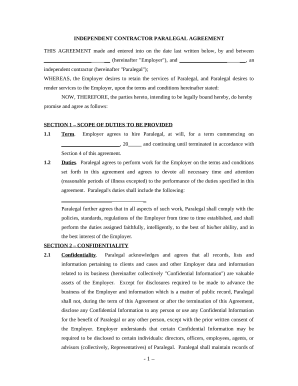
Paralegal independent
Benefit from the DocHub online library of fillable PDF forms
Searching the PDF forms doesn't have to be a tedious and time-consuming process. With the DocHub online library, it has become easier to find the fillable PDF forms and modify them in your browser. The service allows you to adjust the document to your needs using powerful editing tools.
You can use online document editing features to modify almost any type of document with ease. You just need to find the template of your choice, open it in the editor, and use the toolbar to make the necessary corrections.
Follow this guide to get your document done with DocHub:
- Find the PDF template you need.
- Click the Get Form button to open the file in the editor.
- Use the toolbar to fill out and edit the document.
- Easily add and highlight text, insert images, checkmarks, and symbols.
- Drop new fillable fields, and rearrange or delete pages from your file.
- Save changes and download your record.
DocHub empowers everyone to streamline document editing, signing, and distribution, and form completion. Create an account and benefit from our well-organized PDF Forms library and comprehensive editor.