




01. Edit your affidavit in lieu of inventory online
Type text, add images, blackout confidential details, add comments, highlights and more.

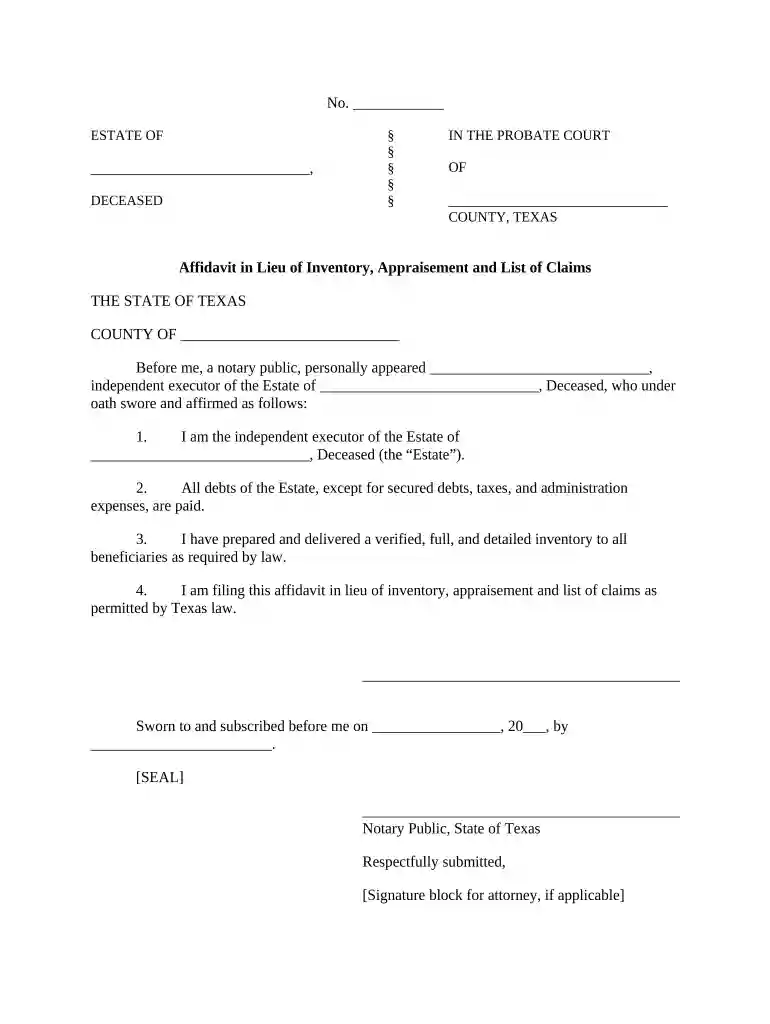
Type text, add images, blackout confidential details, add comments, highlights and more.

Draw your signature, type it, upload its image, or use your mobile device as a signature pad.

Send it via email, link, or fax. You can also download it, export it or print it out.

Start using our platform today to easily fill out your affidavit in lieu of inventory for free!
At DocHub, your data security is our priority. We follow HIPAA, SOC2, GDPR, and other standards, so you can work on your documents with confidence.




by GW Beyer 2014 traditional inventory or the affidavit in lieu of inventory.136. 3. Remedies. A person dissatisfied with an affidavit in lieu of inventory now has the same.Read more
Dec 7, 1999 and return an Affidavit of Eligibility and Release of. Liability within 15 days of notification, via the return mailer providedRead more


