




01. Edit your form online
Type text, add images, blackout confidential details, add comments, highlights and more.

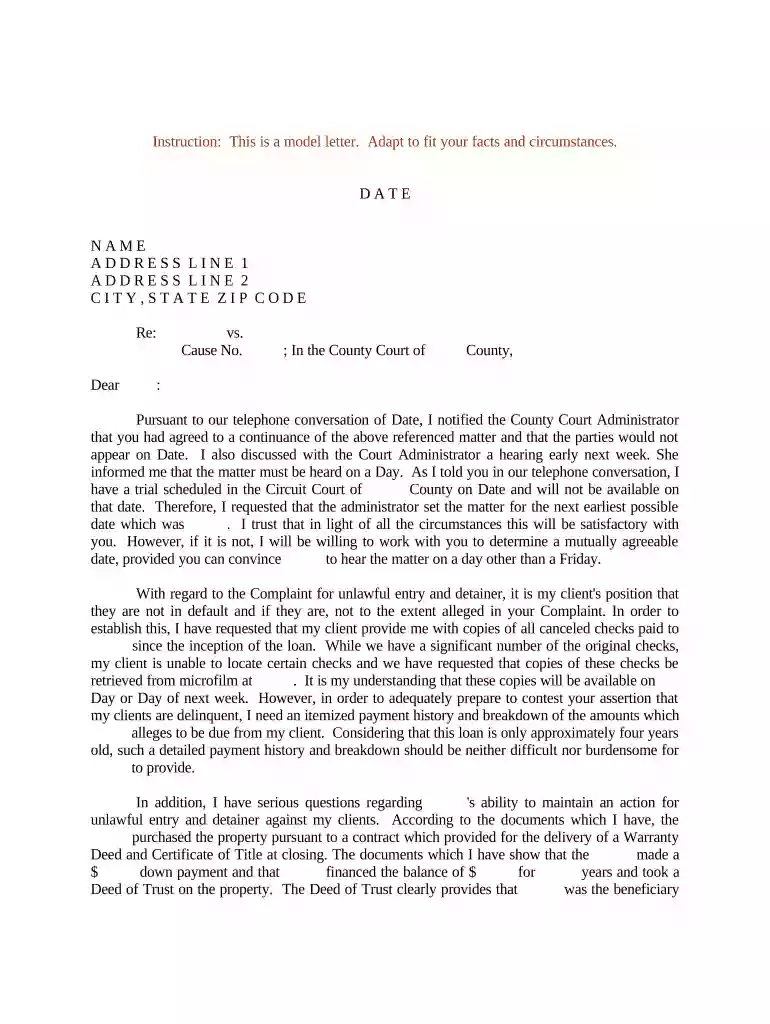
Type text, add images, blackout confidential details, add comments, highlights and more.

Draw your signature, type it, upload its image, or use your mobile device as a signature pad.

Send it via email, link, or fax. You can also download it, export it or print it out.

Start using our platform today for free to streamline your court date documentation!
At DocHub, your data security is our priority. We follow HIPAA, SOC2, GDPR, and other standards, so you can work on your documents with confidence.
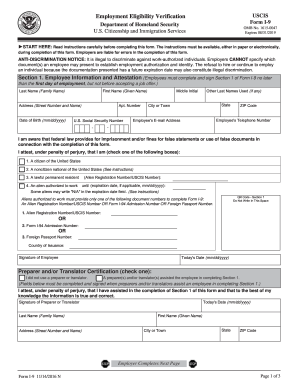




Arrive at least 30 minutes early for your first court appearance if you dont have an attorney - it is first come, first served, so you will get out sooner ifRead more
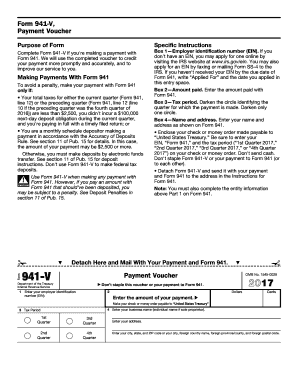
Insert orders of the court. 10. Insert date to which case is continued, if applicable. 11. Date of hearing. 12. Signature of judgeRead more
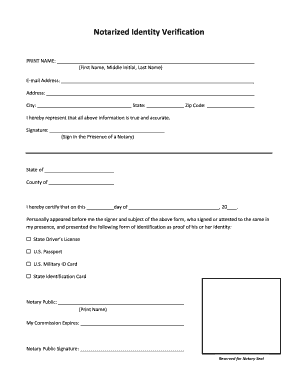
Court Date Calculator Courtroom Information Filing Fees 10.500 Requests Court Date Calculator Court Holidays Courtroom Information RFO HearingRead more


