




01. Edit your form online
Type text, add images, blackout confidential details, add comments, highlights and more.

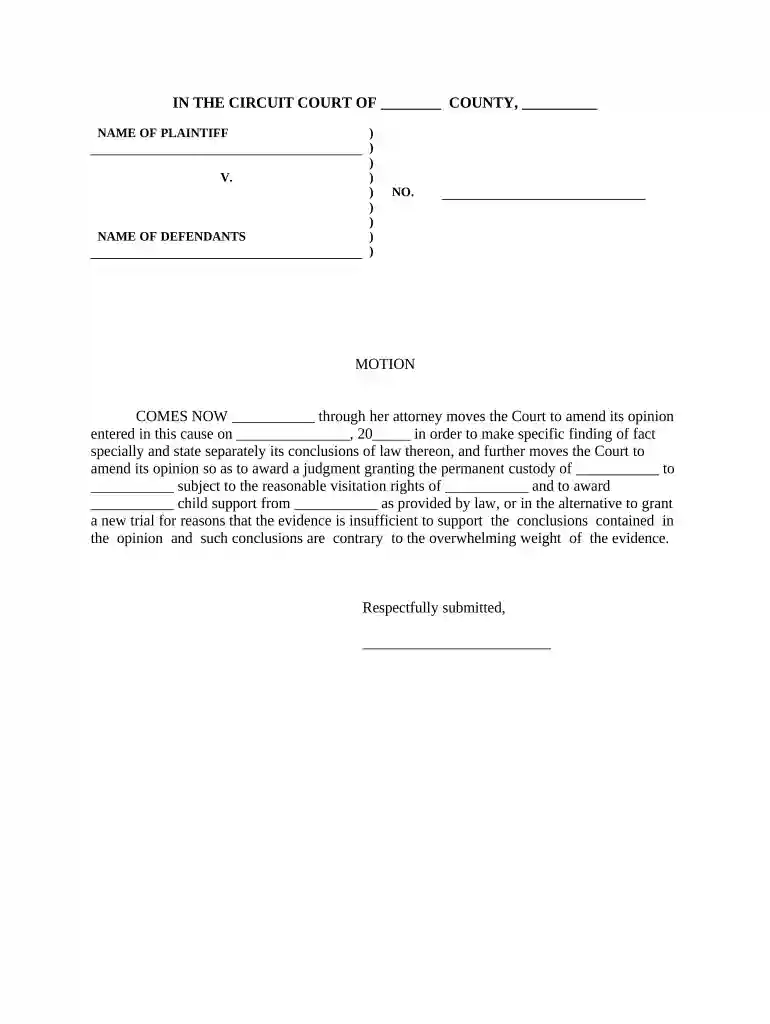
Type text, add images, blackout confidential details, add comments, highlights and more.

Draw your signature, type it, upload its image, or use your mobile device as a signature pad.

Send it via email, link, or fax. You can also download it, export it or print it out.

Start using our platform today for free to streamline your document editing and form completion!
At DocHub, your data security is our priority. We follow HIPAA, SOC2, GDPR, and other standards, so you can work on your documents with confidence.




The matter before the court is a Petition to Modify Parent-time. This matter is being resolved by: [ ] The default of [ ] Petitioner [ ] Respondent.Read more
The arbitrators are not required to make specific findings of fact and conclusions of law, unless the arbitration agreement expressly requires them to do so orRead more
A finding of fact, also known as a conclusion of fact, refers to decisions made by the trier of fact on questions of fact in a case.Read more


