
Slide Canada Forms
Browse through a comprehensive list of Slide Canada Forms and choose the one you require. Download or fill out your documents online, handle them, and collect approvals all in one location.

Create a new Slide Canada Form
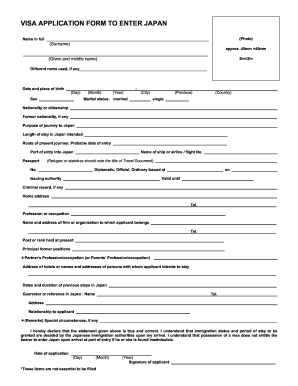
Visa for japan
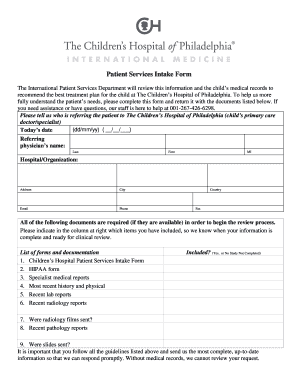
Children's hospital discharge papers
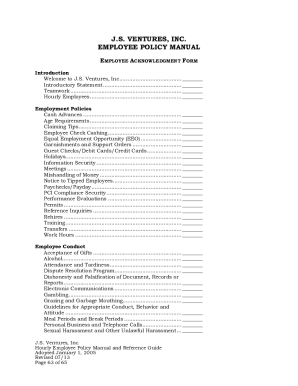
Applebee's employee handbook
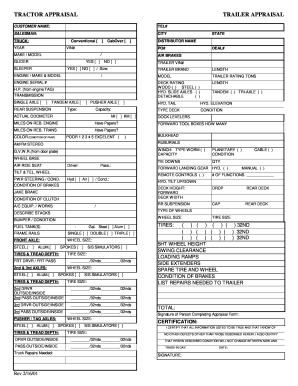
Trailer appraisal

Check register printable
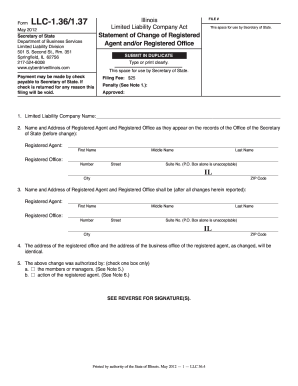
Llc 1 36 1 37
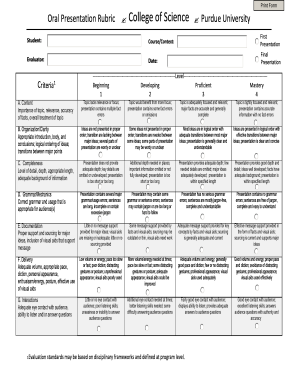
College presentation rubric
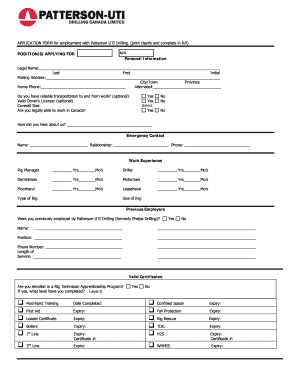
Patterson uti application
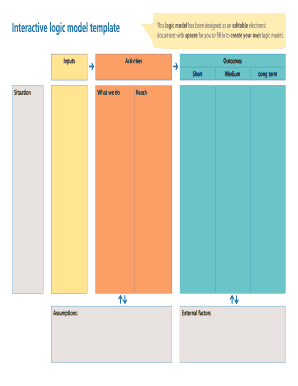
Interactive logic model template Inputs This logic model has been designed as an editable electronic document with spaces for you to fill in to create your own logic model - evaluationsupportscotland org
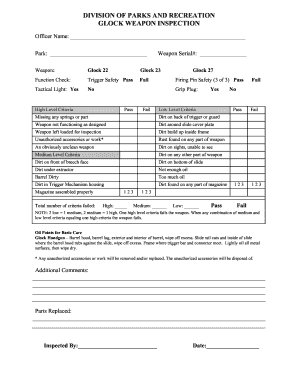
Glock inspection form
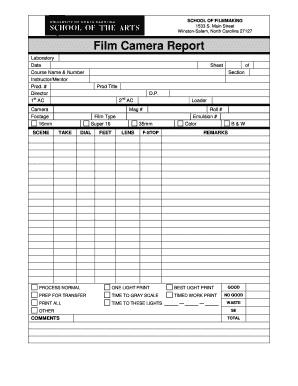
Camera report template
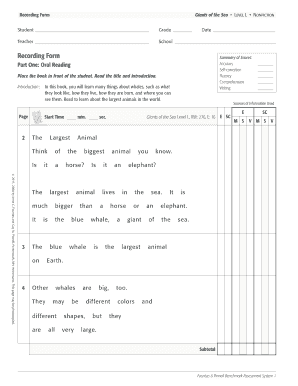
Giants of the sea running record
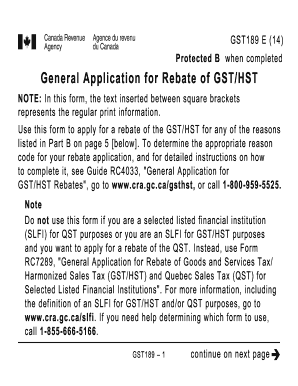
Gst 189e
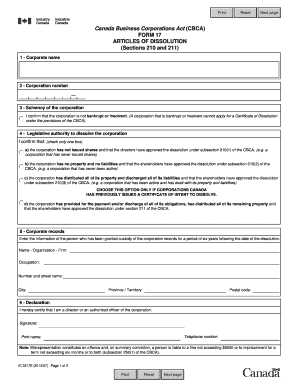
Form 17 articles of dissolution

Job application lippert
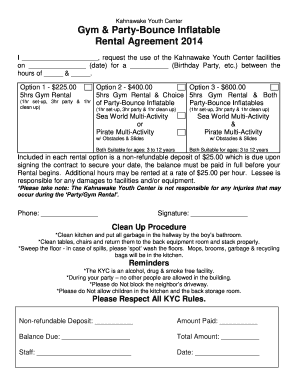
Gym amp Party-Bounce Inflatable Rental Agreement 2014
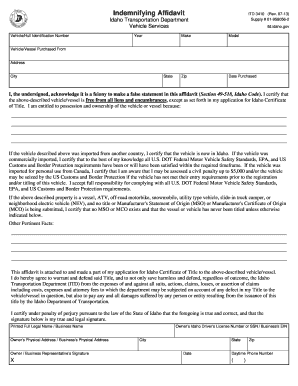
Indemnifying affidavit 2009 form

Non-resident tax remitter registration form ... - CCH Site...
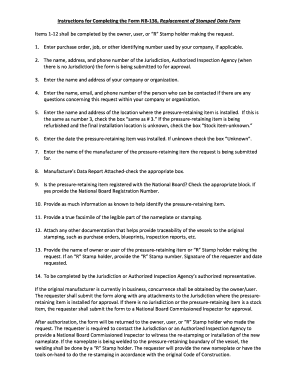
Form nb
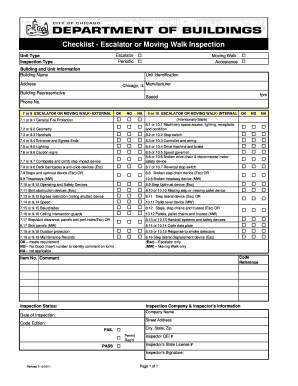
Escalator maintenance checklist
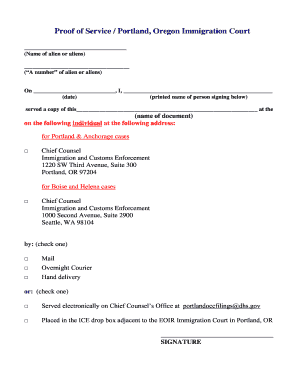
Proof of service by fax

Multimodal Dangerous Goods Form BOOKING NO - Maersk Line
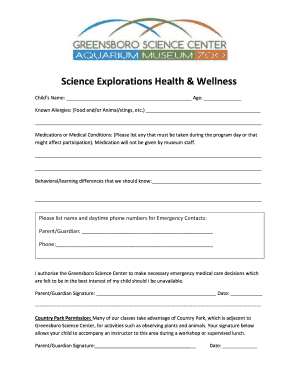
Health & Wellness Form - Greensboro Science Center

Form # B123 TAX YEAR CITY OF CHESAPEAKE, VIRGINIA Return of ... - cityofchesapeake

Printable lifeguard certificate

Confirmation of assignment

Lp203
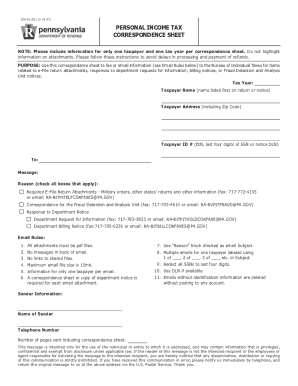
Dex 93
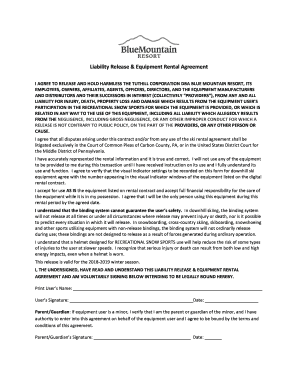
Blue mountain resort waiver
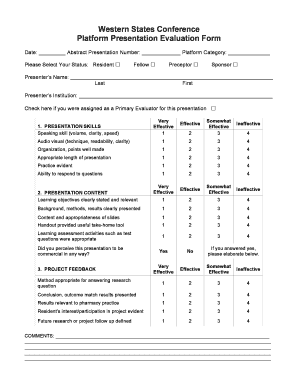
Presentation evaluation form

Food establishment permit nova scotia
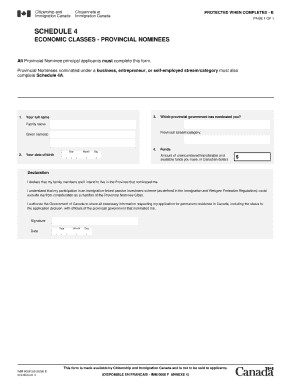
Imm 0008 sch4

Vertigo lighter warranty
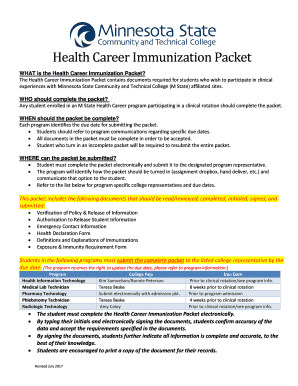
Health Career Immunization Packet
Handle Slide Canada Forms quickly online
Document management can overpower you when you can’t find all the documents you require. Luckily, with DocHub's considerable form collection, you can find everything you need and quickly take care of it without changing between software. Get our Slide Canada Forms and begin utilizing them.
How to use our Slide Canada Forms using these easy steps:
- Browse Slide Canada Forms and choose the form you require.
- Preview the template and then click Get Form.
- Wait for it to upload in our online editor.
- Alter your document: add new information and pictures, and fillable fields or blackout certain parts if required.
- Prepare your document, save alterations, and prepare it for delivering.
- When you are ready, download your form or share it with your contributors.
Try out DocHub and browse our Slide Canada Forms category with ease. Get your free account today!
Video Guide on Slide Canada Forms management

Related Templates

2016 1040cr form
The document is a guide for Michigan residents regarding the Homestead Property Tax Credit Claim for Veterans and Blind ...

662sf Mining License Tax Return Short Form
The document is the 2013 Mining License Tax Return-Short Form 662SF for Alaska, designed for taxpayers with a single min ...
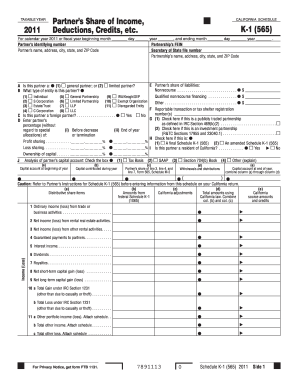
Irs k 1 565 form printable 2011
The document is a California Schedule K-1 (565) for the taxable year 2011, which provides detailed information about a p ...
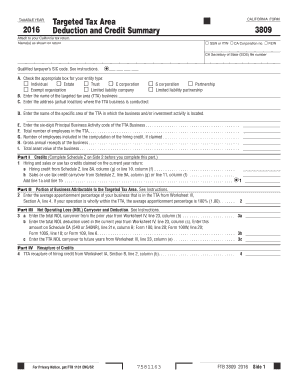
2016 Form 3809 -- Targeted Tax Area Deduction and Credit Summary 2016 Form 3809 -- Targeted Tax Area
2016 Form 3809 -- Targeted Tax Area Deduction and Credit Summary 2016 Form 3809 -- Targeted Tax Area
The document is the California Form 3809 for the taxable year 2016, which provides a summary of deductions and credits a ...

AMC Financial Aid Guide - Albany Medical Center - amc
The 2016-2017 Financial Aid Guide for Albany Medical College provides comprehensive information on financial aid options ...
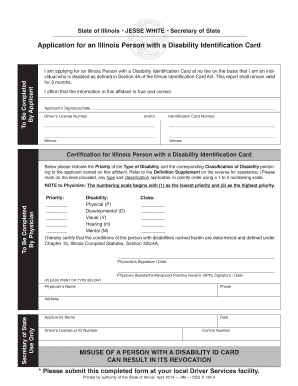
Form dsdx164
The document is an application form for an Illinois Person with a Disability Identification Card, allowing individuals w ...

2014 WA Case Type 2
The document is a comprehensive case information cover sheet used by the County Superior Court for indexing various type ...
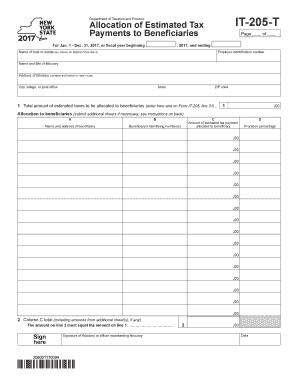
Form IT-205-T:2017:Allocation of Estimated Tax Payments to
The document IT-205-T is a form from the New York Department of Taxation and Finance used for allocating estimated tax p ...