




Here's how it works



How to use or fill out blue mountain resort waiver with our platform

- Click ‘Get Form’ to open the blue mountain resort waiver in the editor.
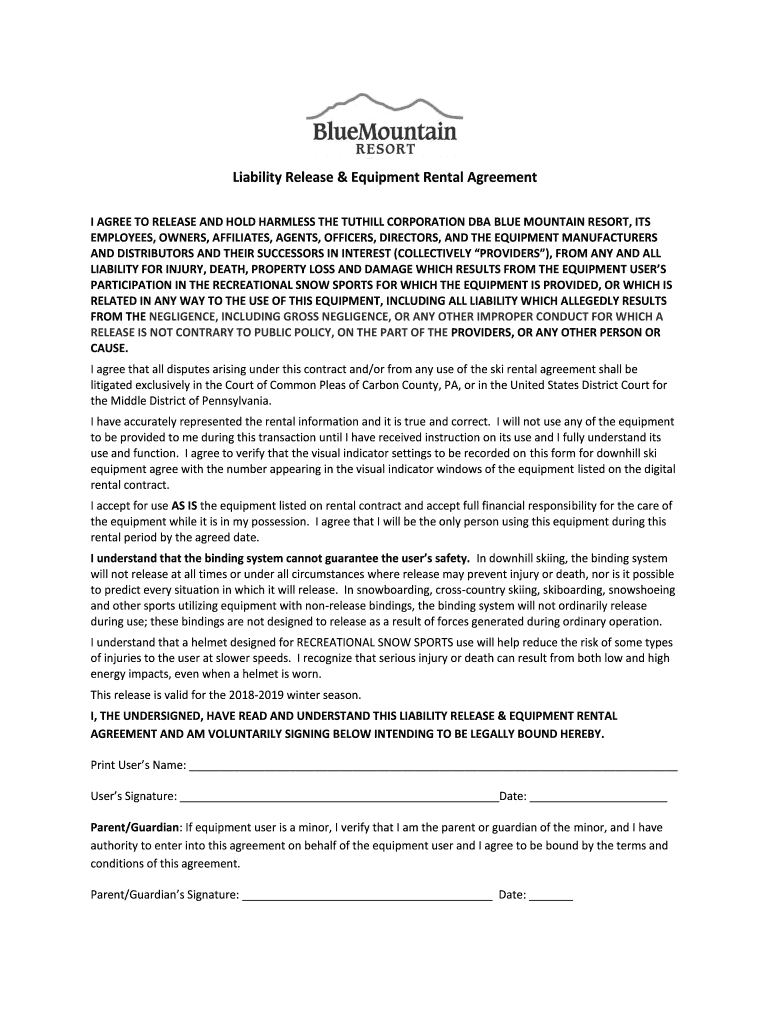
- Begin by entering your name in the 'Print User’s Name' field. Ensure that it is accurate as this will be used for identification.
- Next, review the liability release section carefully. This outlines your agreement to hold harmless the providers from any injuries or damages related to equipment use.
- In the 'User’s Signature' field, sign your name digitally. This confirms that you have read and understood the terms of the waiver.
- If you are a parent or guardian signing on behalf of a minor, complete the 'Parent/Guardian' section by providing your signature and date.
- Finally, ensure all information is correct before saving or exporting your completed waiver for submission.
Start using our platform today to easily fill out and manage your blue mountain resort waiver online for free!
It's free
See more blue mountain resort waiver versions
| Versions | Form popularity | Fillable & printable |
|---|---|---|
| 2018 | 4.9 Satisfied (51 Votes) |
Got questions?
What is the best way to electronically sign my blue mountain ski waiver?
A lot of software applications are available on the market for document modifying and signing. DocHub is one of the most in-demand online solutions that comply with all security and compliance requirements and guarantees your eSigned documentation is legally enforceable. All you need to give it a try is to create an account, add your blue mountain ski waiver, fill out the required information, and click Sign. Generate your electronic signature by typing, drawing it, uploading its picture to your template, or scanning a unique QR code.
How do you complete blue mountain online waiver on iOS?
You need only an internet connection and a web browser to complete your blue mountain online waiver by using an iOS phone. Open the DocHub website and authenticate. Then, add your file or choose it from the list in your dashboard. Then use our editing instruments to complete your form and preserve all your changes. You may also send it to a dedicated recipient straight away.
Is Blue Mountain for beginners?
What can you do at Blue Mountain if you dont ski?
How hard is Blue Mountain?
Security and compliance
At DocHub, your data security is our priority. We follow HIPAA, SOC2, GDPR, and other standards, so you can work on your documents with confidence.
Learn more


