
Get any PDF form from the DocHub library of ready-made templates - Page 313
Unit A Contract 16-19

Ls 1 form
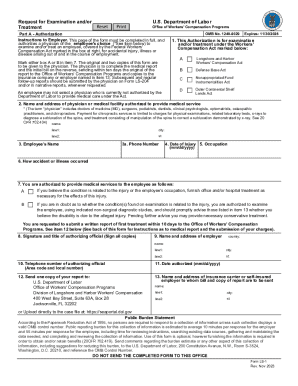
Form LS-1
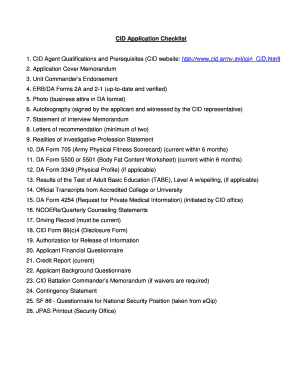
Army cid form 561 e
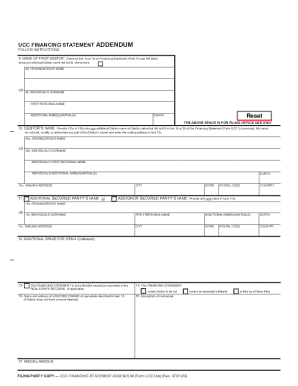
Ucc Financing Statement Addendum (form Ucc1ad)
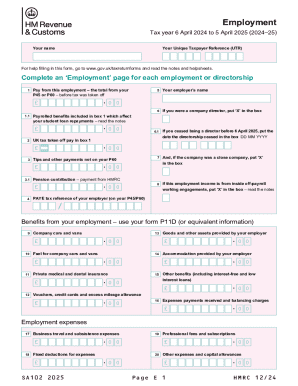
Employment (2025) Use the SA102(2025) supplementary pages to record your employment details when fil
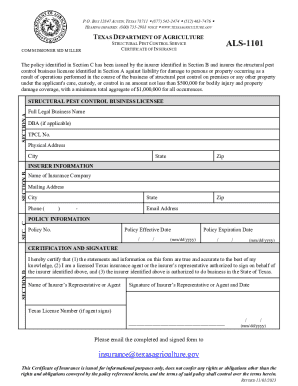
Als-1101
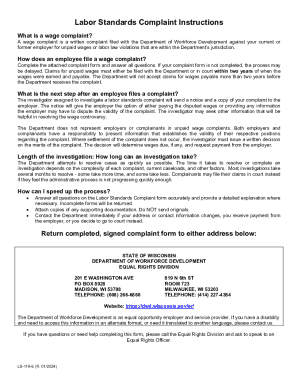
LS-119-E, Labor Standards Complaint

Out of Province Power Engineer Certificate Transfer
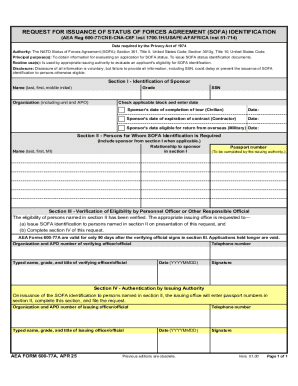
Request for issuance of status of forces agreement (sofa) identification

Tangible Personal Property Report

How to Use P87 HMRC Form to Claim Tax Relief?
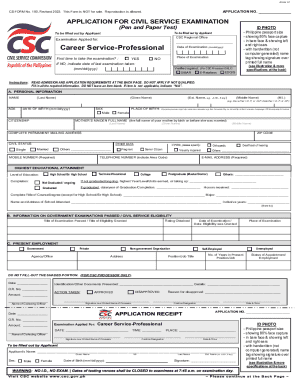
CSC Regional Office X - REGIONAL EXAMINATION

Reset
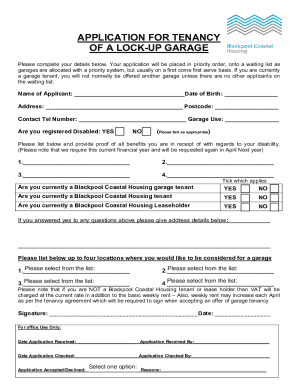
APPLICATION FOR TENANCY OF A LOCK-UP GARAGE
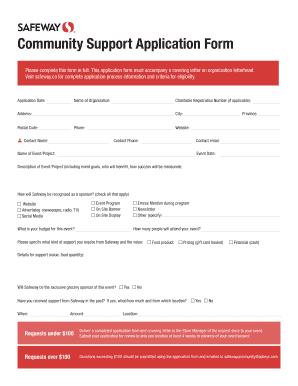
Community Support Application Form - Safeway

Surfaquarium
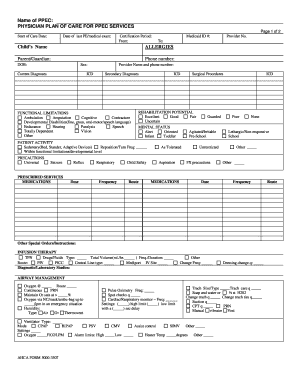
Name of PPEC PHYSICIAN PLAN OF CARE FOR PPEC SERVICES
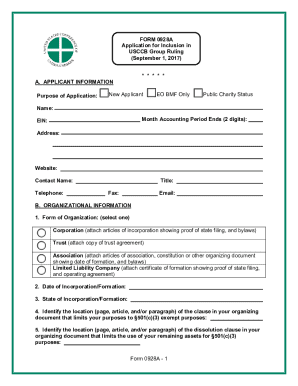
Form 0928a
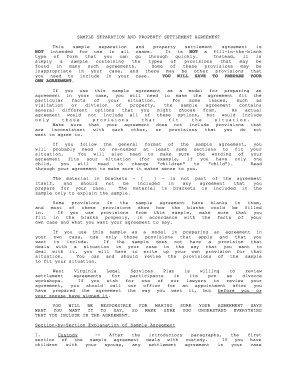
Virginia property settlement agreement pdf
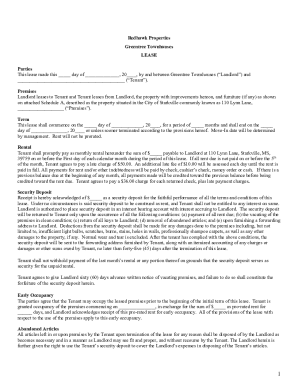
Redhawk Properties Greentree Townhouses Lease
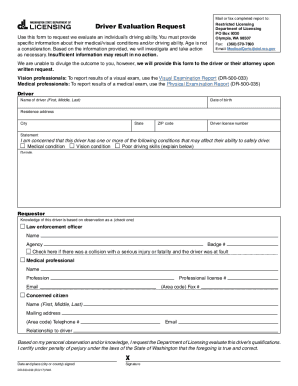
Driver Evaluation Request - DOL WA

Wa dol motor vehicle claim for damages
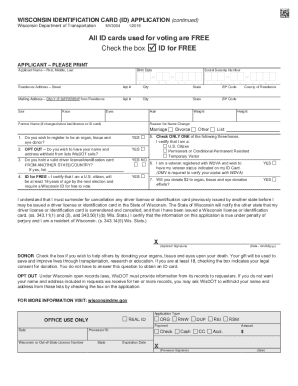
Apply for a New Wisconsin Identification CardDMV
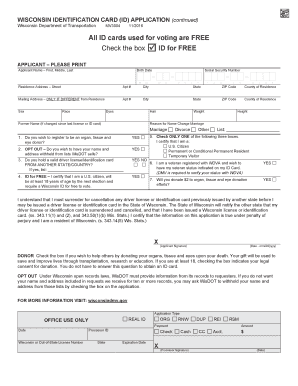
If you have a Social Security number, you must provide it

Wisconsindmv gov dl docs

Kentucky Motor Vehicle Power of Attorney

Verification for reduced fee identification card dl 937

Agency completing property use verification form

International Fuel Tax Agreement (IFTA)Georgia Department

Mn crash record request
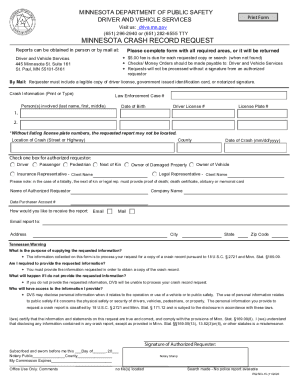
Crash Record Request For citizens to request a copy of crash record request
Vehicle Page

Instructions for completing the florida uniform traffic crash report forms - flhsmv

Form no 275 020 28
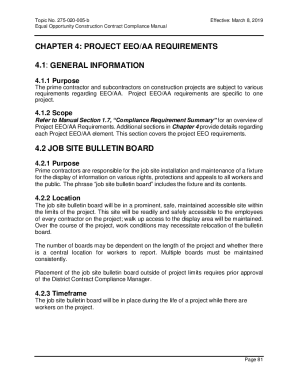
FL DOT Chapter 4: Project EEO AA Requirements

Medical certificate format for cara adoption
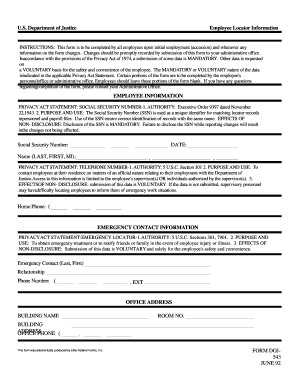
SFO Template - Office of Construction and Facilities

Project Abstract Template
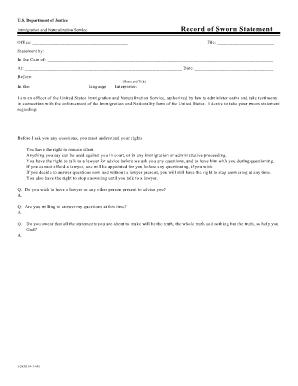
Sample sworn statement for lost naturalization certificate

Da form 7574

Unfair Immigration-Related Employment
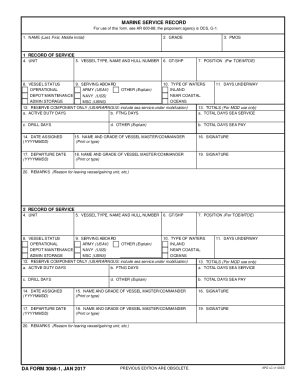
Da form 3068

ARCENT MEDICAL WAIVER POLICY

Da 5138

Da 5248
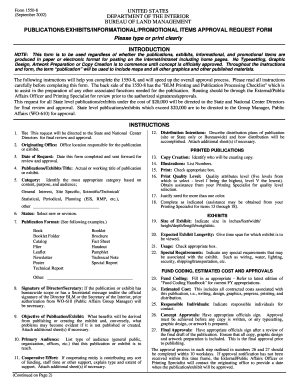
1550 8

AR 95-1 and DA PAM 738-751 - Publications Required in the Aircraft

DA FORM 7650-R, SEP 2008 - armypubs army

Da form 3988
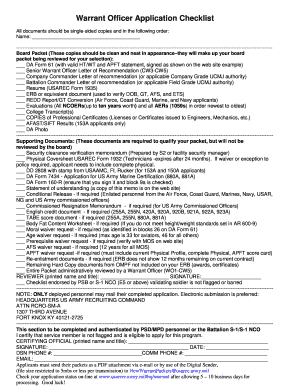
Form 1935 fillable
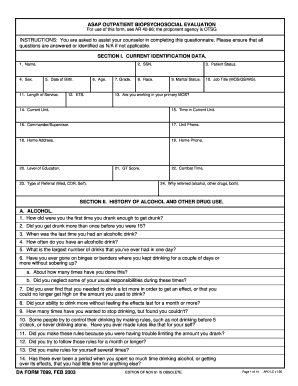
ASAP OUTPATIENT BIOPSYCHOSOCIAL EVALUATION DA FORM 7099, FEB 2003 - armypubs army

MULTIPLACE LIFE RAFT INSPECTION AND MAINTENANCE RECORD DA FORM 2408-21, MAR 2014 - armypubs army

Marsgram form
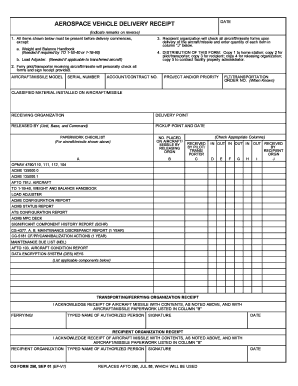
Delivery letter for car

Da form 5515

Da form 5225 r

Electrical cable inspection checklist

IAW Fort Bragg Regulation 200-1 and Fort Bragg ECO ECA Guide - bragg army

What is ea 212r form

Summary of Changes - mepcom army mil

Da form 4755
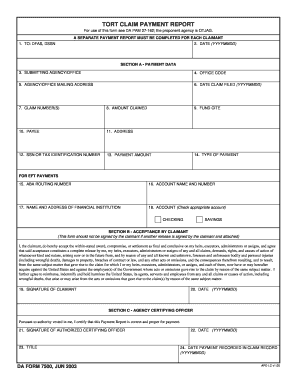
7500 form
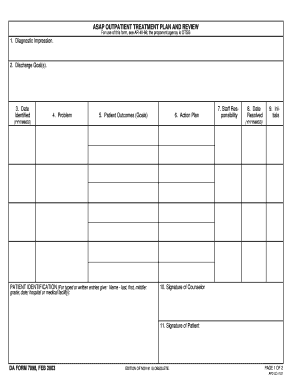
ASAP OUTPATIENT TREATMENT PLAN AND REVIEW DA FORM 7098, FEB 2003 - armypubs army
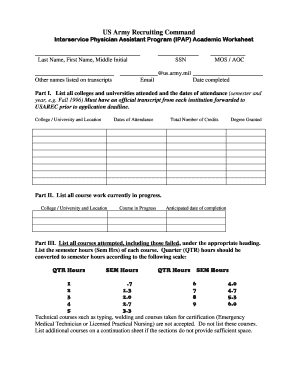
Ipap academic worksheet

Ea form 189 e

Dd 250 1
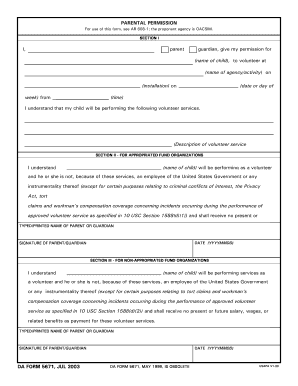
Da form 5671 july 2003

Cbp 4815
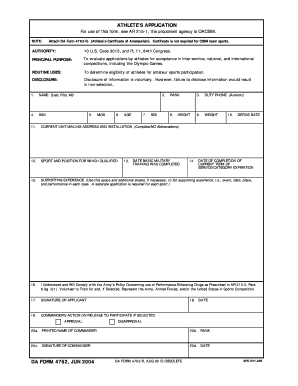
Ap31 da 4762 form
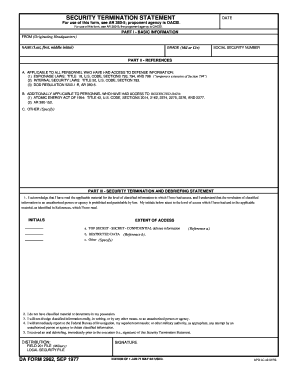
Da form 2962
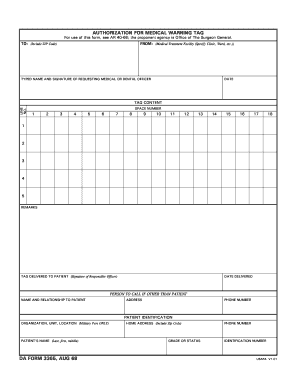
Da form 3365 fillable

Army da form 3068

Da 2188 r form

CG-6000-1 PDF Acute Exposure Information Form
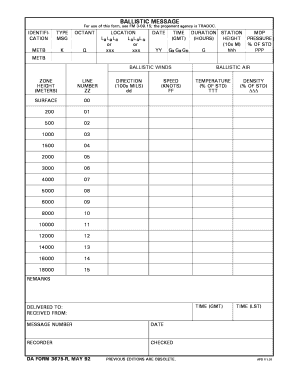
Da form 3675

Dd form 2857
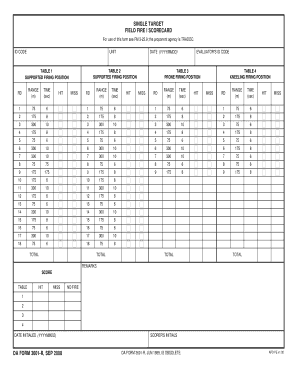
Form 3601

Ngb form 713 5 r

Ea form 333 r e
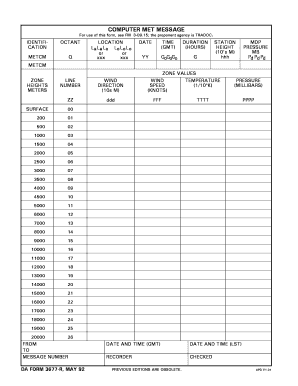
DA FORM 3677, MAY 92
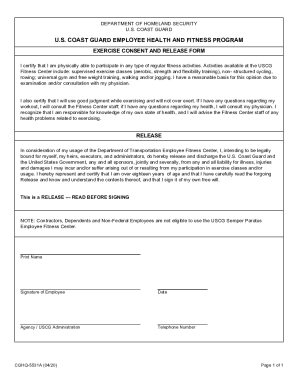
CGHQ- 5531A U S Coast Guard Employee Health and Fitness Program
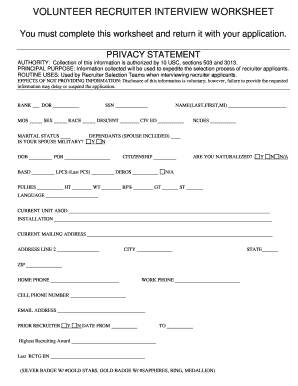
Volunteer recruiter interview worksheet

Florida state employees form 15
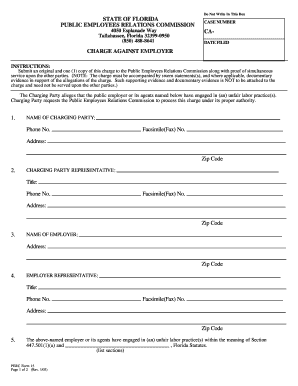
Charge Against Employer - Form 15 doc
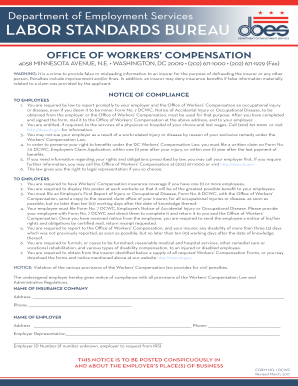
Department Of Employment Services LABOR STANDARDS BUREAU

Dc workers comp compliance form

Victorville transit
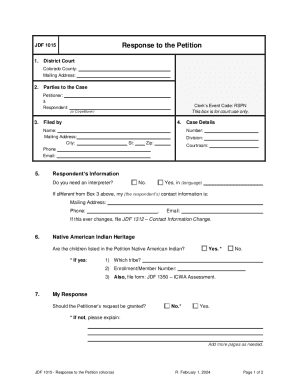
JDF 1015 - Response to the Petition (divorce)
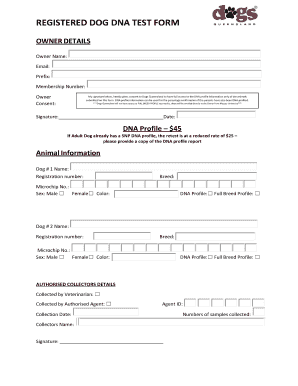
REGISTERED DOG DNA TEST FORM
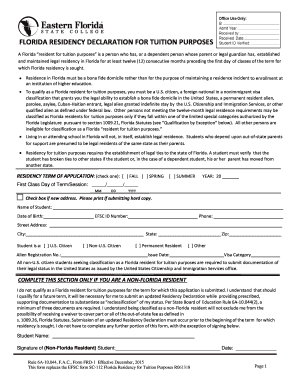
Florida residency declaration for tuition purposes - Eastern
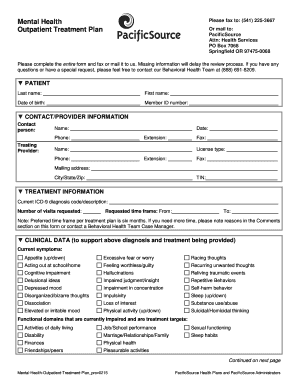
Mental Health Outpatient Treatment Plan - PacificSource
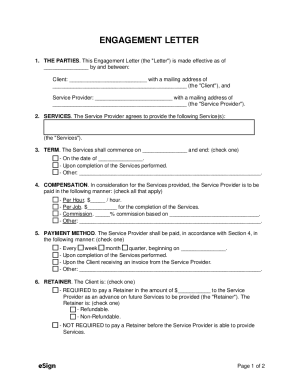
Lawyer Attorney Engagement Letter - eForms

Sample German cockroach Treatment Preparation Checklist
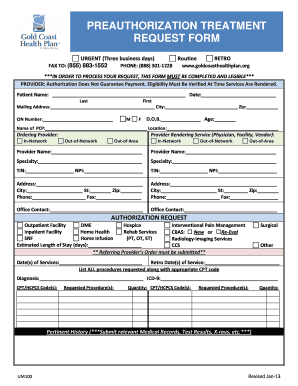
Gold coast authorization form
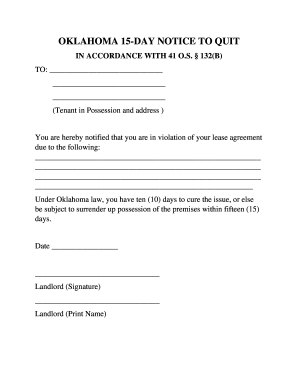
Oklahoma 10 15 Day Notice to Quit Form Non-Compliance

Permission to leave the State of Michigan Request Form

Work permit guyana

Personal reference questionnaire form
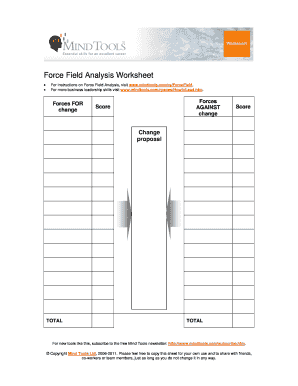
Force field analysis template word
Benefit from the DocHub online library of fillable PDF forms
Searching the PDF forms doesn't have to be a tedious and time-consuming process. With the DocHub online library, it has become easier to find the fillable PDF forms and modify them in your browser. The service allows you to adjust the document to your needs using powerful editing tools.
You can use online document editing features to modify almost any type of document with ease. You just need to find the template of your choice, open it in the editor, and use the toolbar to make the necessary corrections.
Follow this guide to get your document done with DocHub:
- Find the PDF template you need.
- Click the Get Form button to open the file in the editor.
- Use the toolbar to fill out and edit the document.
- Easily add and highlight text, insert images, checkmarks, and symbols.
- Drop new fillable fields, and rearrange or delete pages from your file.
- Save changes and download your record.
DocHub empowers everyone to streamline document editing, signing, and distribution, and form completion. Create an account and benefit from our well-organized PDF Forms library and comprehensive editor.