
Get any PDF form from the DocHub library of ready-made templates - Page 1770

Maryland Residential Property Disclosure and Disclaimer Form
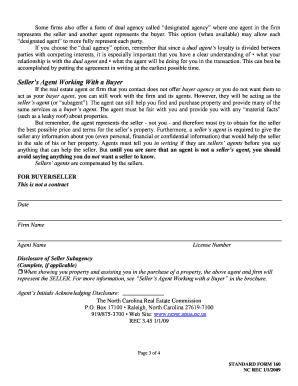
Rules for Home Buyers Working With Real Estate Agents
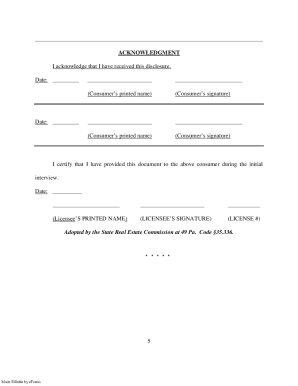
Consumer Notice - Century 21 Jack Ruddy Real Estate
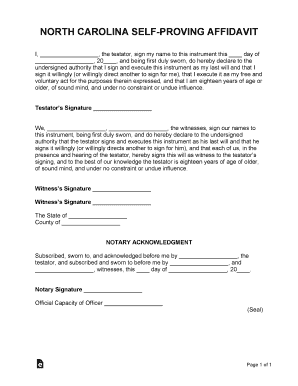
North Carolina Self-Proving Affidavit Form
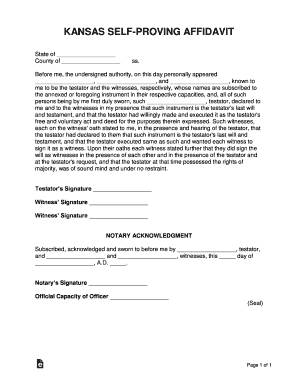
Kansas Self-Proving Affidavit Form
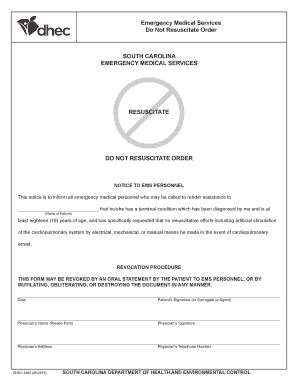
Dhec dnr form
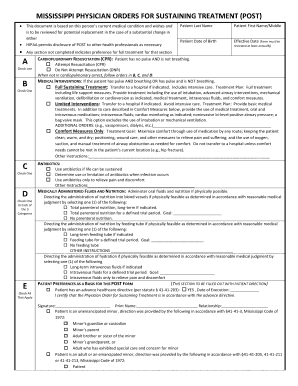
Ms post form
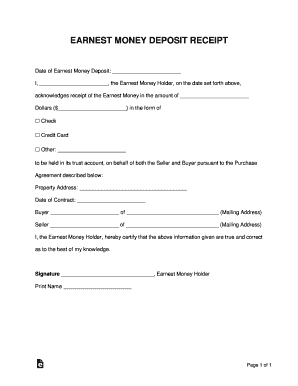
Earnest money deposit form download
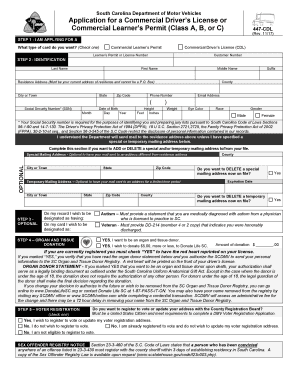
Scdmv form 447
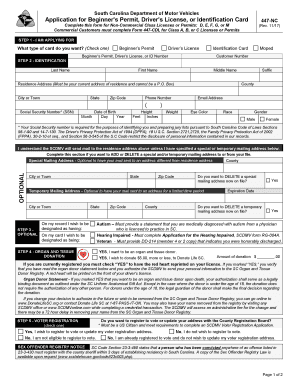
447-NC.pdf - South Carolina Department of Motor Vehicles ...
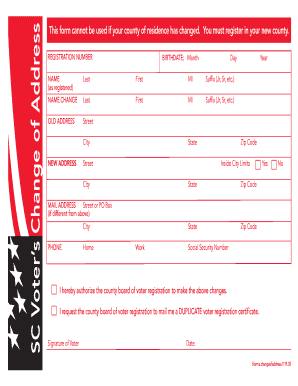
Sc voter change of address
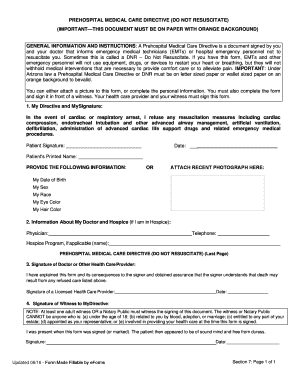
Arizona Do Not Resuscitate Form
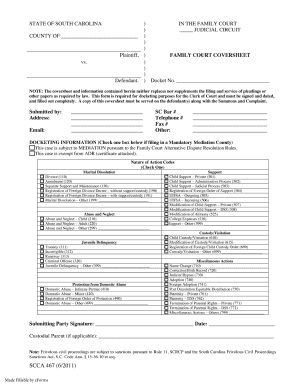
STATE OF SOUTH CAROLINA IN THE FAMILY COURT ... - eforms.com

Massachusetts mail in ballot

South carolina name change affidavit

Medical insurance verification form printable
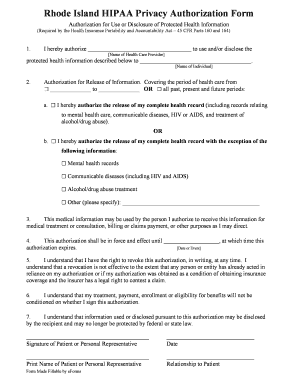
Rhode island hipaa form
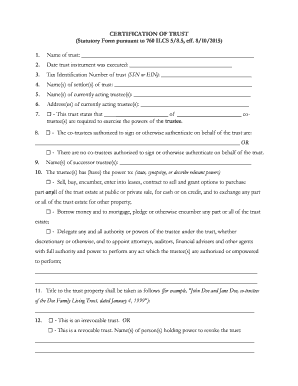
Certification of trust - Attorneys' Title Guaranty Fund, Inc.
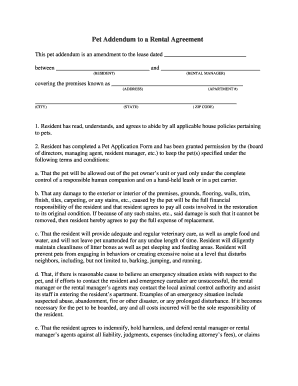
Pet rental form
Notary, State-at-Large Application - Kentucky Secretary of State
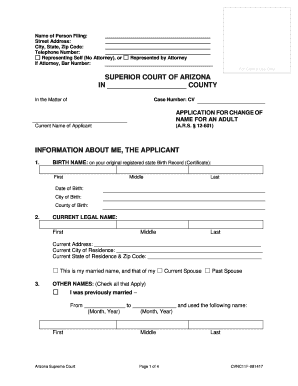
Arizona Application for Change of Name for an Adult
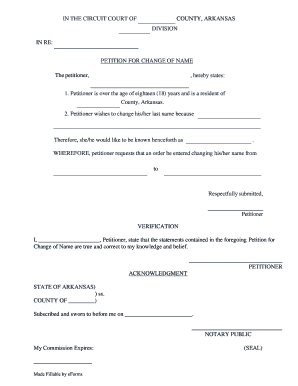
Arkansas petition change name
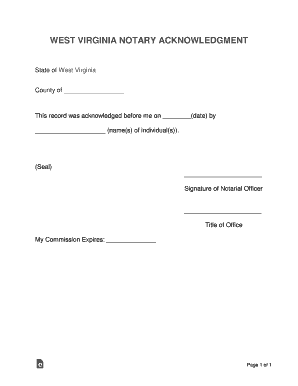
Wv form notary

Certificate of mailing and/or delivery - Tulsa Lawyers for Children

Massachusetts notary public form
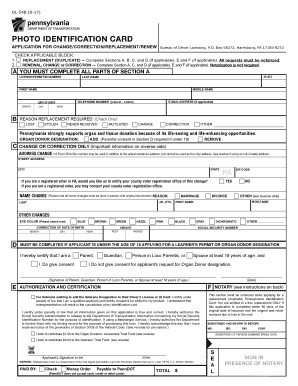
PennDOT - Photo Identification Card Application For Change ...

Pool and Spa Lease Addendum

PennDOT - NON-COMMERCIAL LEARNER'S PERMIT APPLICATION TO ADD/EXTEND/REPLACE/CHANGE/CORRECT
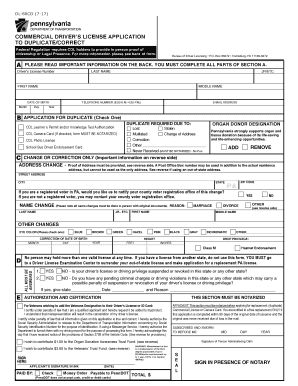
WA State Licensing (DOL) Official Site:CDL approved ...
Tn notary public service
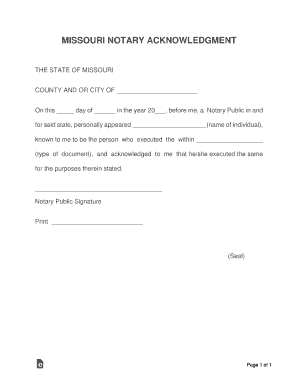
Mo notary form
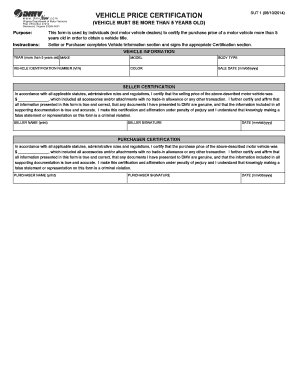
Va sut 1
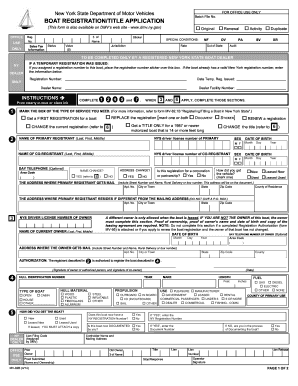
Boat Registration/Title Application - New York DMV - NY.gov
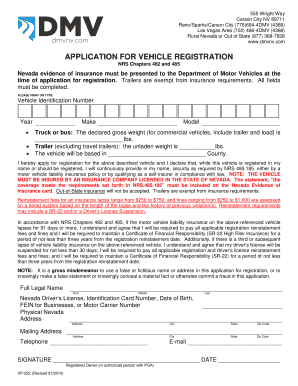
VP 265 Application for Expedited Title - Nevada DMV

Bill of Sale Form MV24 - Flathead County

Tc 891
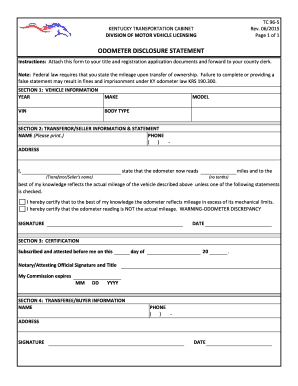
Ky form tc
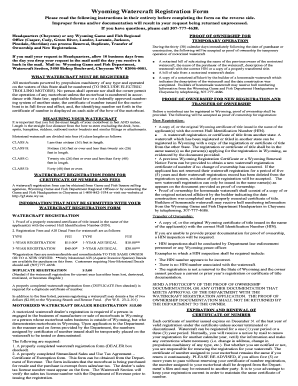
Wyoming watercraft registration

Housing fair form
Duplicate Registration, License Plate(s) or Tab, Division of ...
Nc short

California sublease agreement
Flood agreement form

Vermont pa1

Delegating parental

MPOA, Medical Power of AttorneyTexas Health and Human ...
Ct pharmacy manager
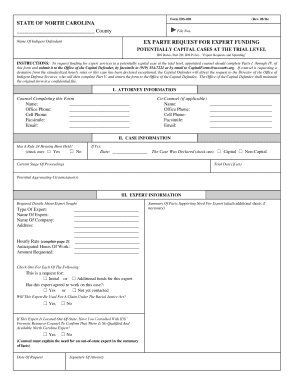
Form IDS-028
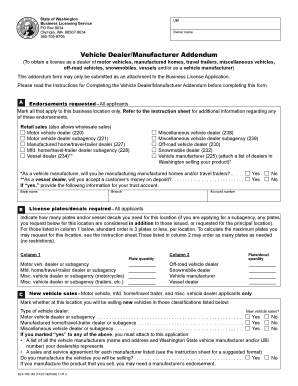
Washington revenue
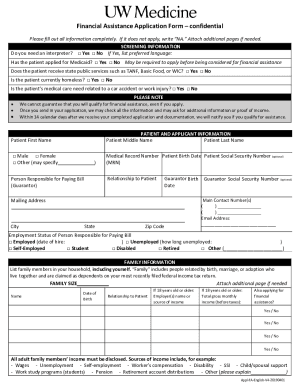
Medicine financial assistance application
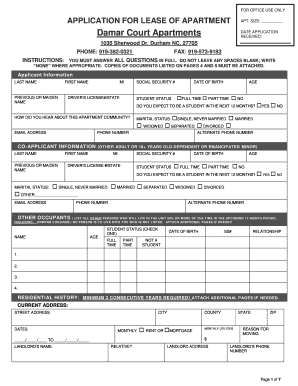
Damar court
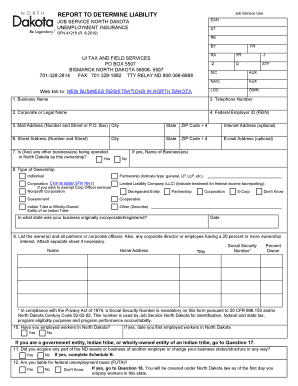
Nd sfn unemployment
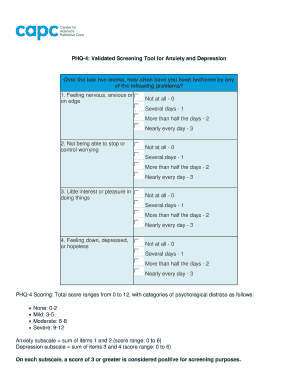
Phq-4: the four-item patient health questionnaire for anxiety ...
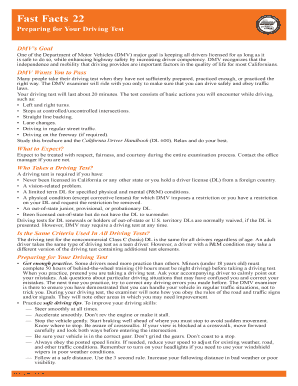
Preparing for your driving test ffdl 22
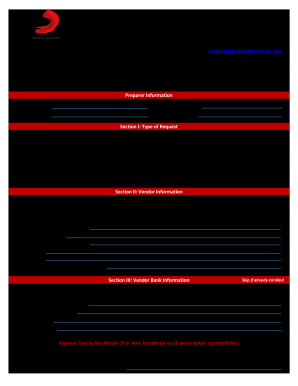
Artist Portal Sony - Fill Online, Printable, Fillable, Blank ...
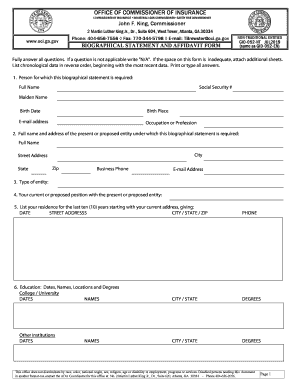
Gid 52 nt
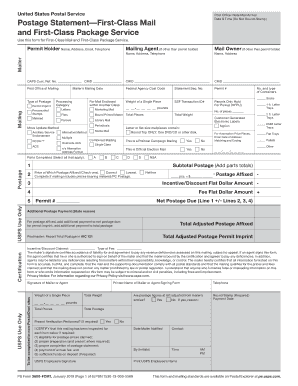
Ps form 3600 fcm

Form cms 408 printable

Grocery assistance program referral form application for food ...
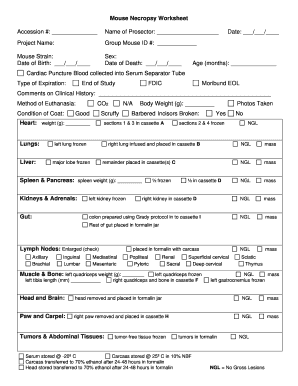
DD Form 1626, Veterinary Necropsy Report Checklist and ...
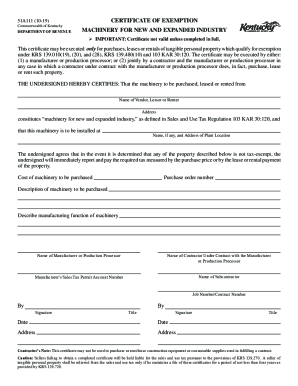
Ky certificate exemption

Jefferson Parish Schools Attendance Referral Form
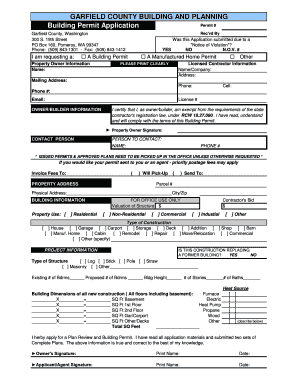
GARFIELD COUNTY BUILDING AND PLANNING Building Permit ...
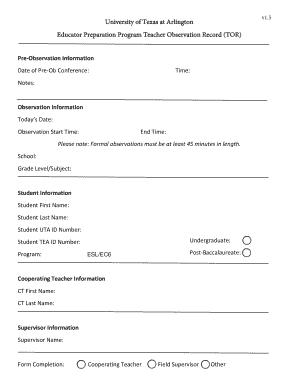
T-TESS TOR - Long Form.docx

SOURCES SOUGHT / REQUEST FOR INFORMATION (RFI ...
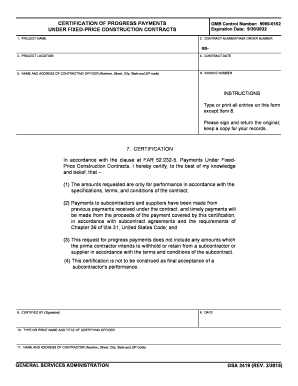
GSA 2419 - Certification of Progress Payments Under Fixed-Price Construction Contracts

GSA 1364 - Proposal to Lease Space

Verification of a Military Retiree's Service in Non-Wartime ...

See FAR 3
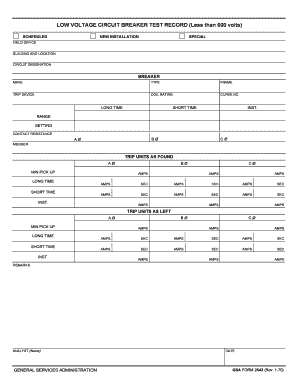
Circuit Breaker Tester - Circuit Breaker Test Equipment ...

PROPERTY CONDITION ASSESSMENT REPORT Property ...
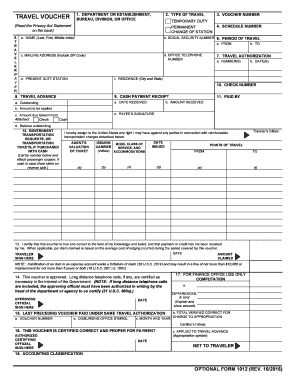
Optional Form 1012 - Travel Voucher
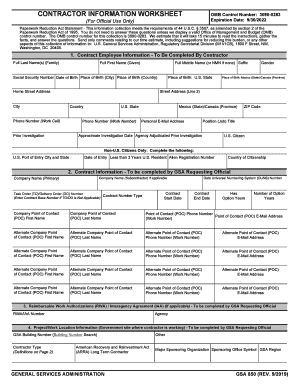
Gsa 850
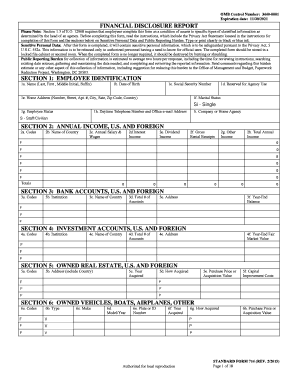
Executive Order 12968
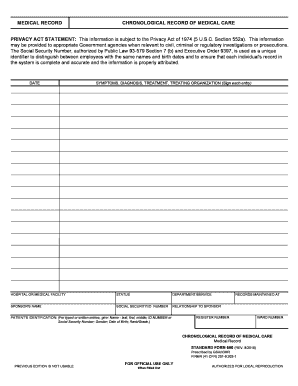
Af form 600 - OnlyOneSearch Results
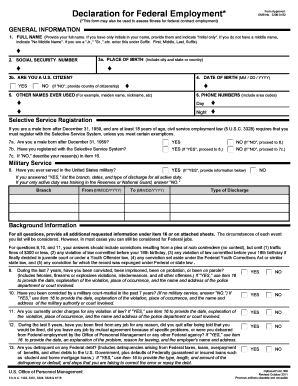
Of0306 (1) - Declaration for Federal Employment Form ...

Federal Property Pass Form 7 - HUD

PRECEPTORSHIP / CLERKSHIP AGREEMENT - Peninsula ...
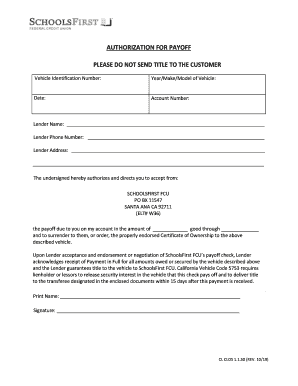
Authorization for Payoff - SchoolsFirst FCU

Functional Assessment Interview Form (FAI)
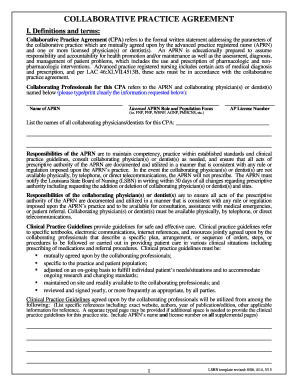
Nurse practitioner collaborative agreement template

GOVERNMENT AUDIT & BENEFICIARY LOCATOR
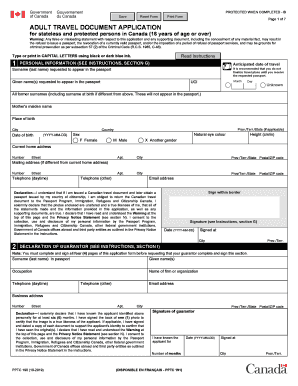
Travel document application form pdf
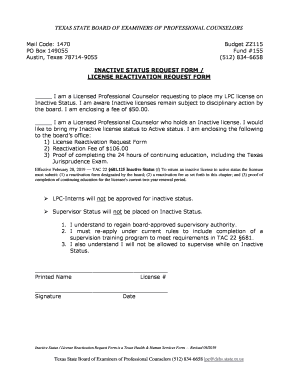
Texas inactive status license
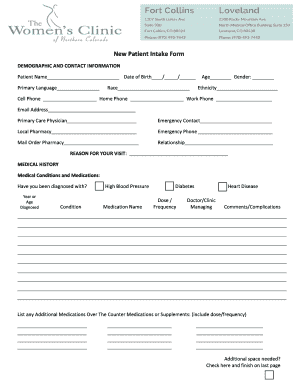
1. Introduction - Hi, may I speak with ? My name is...
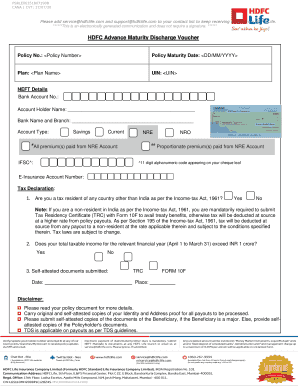
Hdfc life discharge voucher
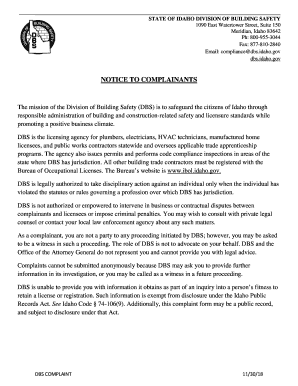
DBS Complaint Form - Idaho Division of Building Safety

Certificate moral

PER0118 Pre contract Binder Rev 11-19.doc
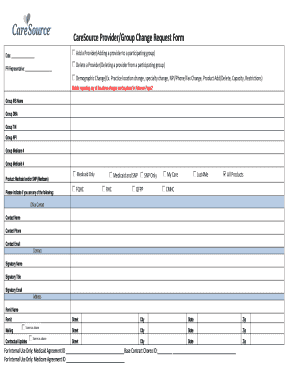
Caresource hierarchy form
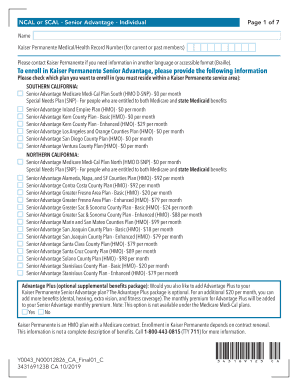
Ca kp senior
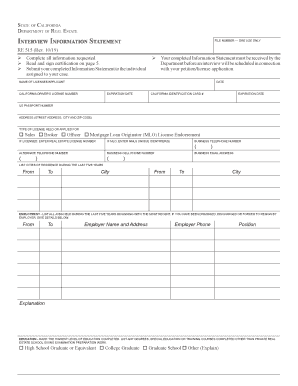
Ca 515 information
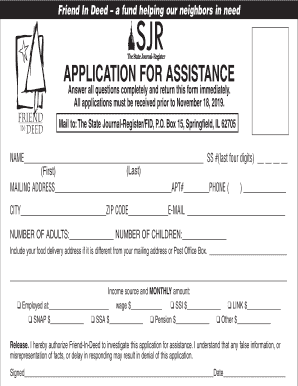
Friend in deed springfield il

MEDICAL LABORATORY ASSISTANT - ascp.org

Si 550 nc
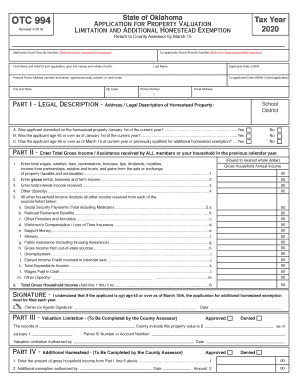
Oklahoma tax homestead exemption
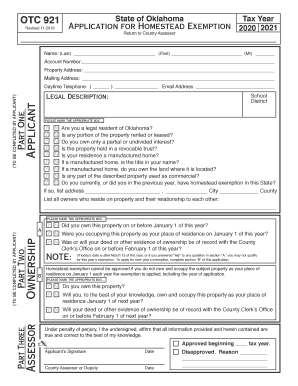
State of oklahoma application for homestead
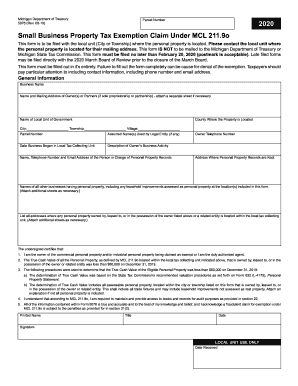
5076
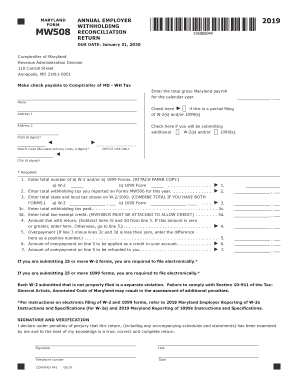
Mw508

I 912
Benefit from the DocHub online library of fillable PDF forms
Searching the PDF forms doesn't have to be a tedious and time-consuming process. With the DocHub online library, it has become easier to find the fillable PDF forms and modify them in your browser. The service allows you to adjust the document to your needs using powerful editing tools.
You can use online document editing features to modify almost any type of document with ease. You just need to find the template of your choice, open it in the editor, and use the toolbar to make the necessary corrections.
Follow this guide to get your document done with DocHub:
- Find the PDF template you need.
- Click the Get Form button to open the file in the editor.
- Use the toolbar to fill out and edit the document.
- Easily add and highlight text, insert images, checkmarks, and symbols.
- Drop new fillable fields, and rearrange or delete pages from your file.
- Save changes and download your record.
DocHub empowers everyone to streamline document editing, signing, and distribution, and form completion. Create an account and benefit from our well-organized PDF Forms library and comprehensive editor.