
Get any PDF form from the DocHub library of ready-made templates - Page 1772
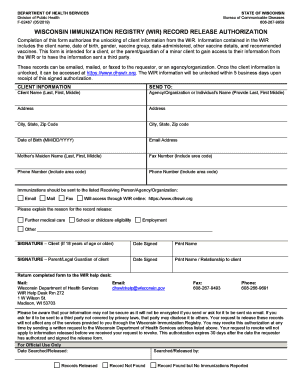
Wir record

Trap Grease Hauling Service Agreement - clean
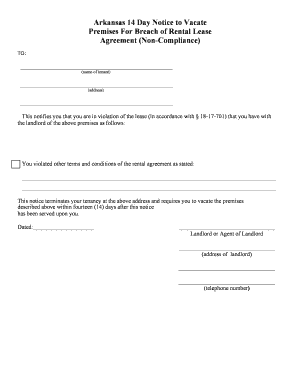
Arkansas eviction notice pdf

Mutual Of Omaha Simplified Issue Life Insurance

Patrol menu planning worksheet
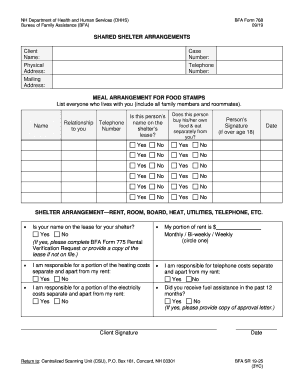
Dfa form 768

Section 1: Mortgagee Information.To be completed by ... - HUD

Inland career education center

Texas Association of Private and Parochial Schools - studyres.com

Kansas paternity

2018-2019 Texas FFA & 4-H Major Show Swine Tag Order Form
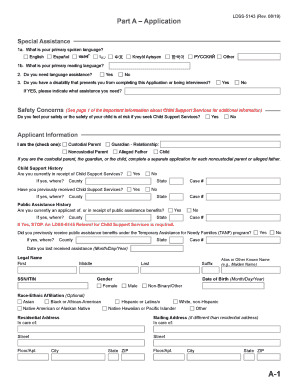
Ldss 5143
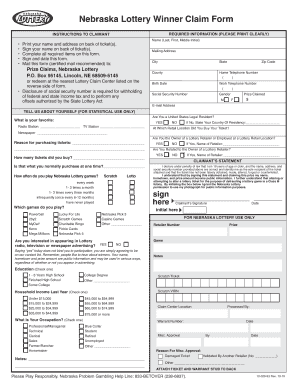
Nebraska lottery claim form
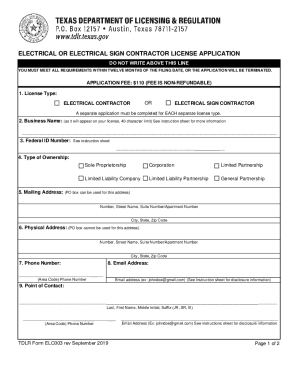
Texas licensing electrical contractor
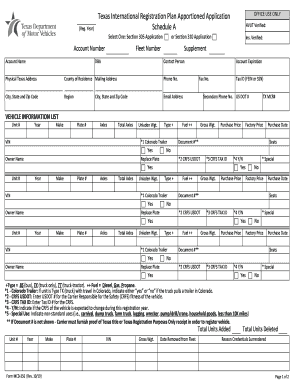
Texas International Registration Plan Apportioned Registration
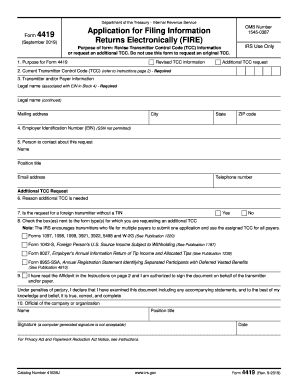
Form 4419

Hud 92448

REAL ESTATE PURCHASE AGREEMENT COMMERCIAL ...
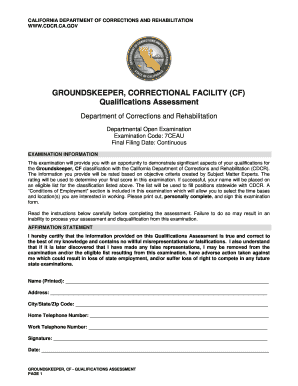
GROUNDSKEEPER, CORRECTIONAL FACILITY (CF)
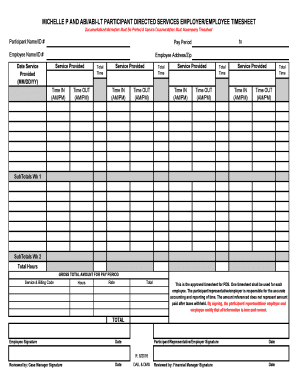
MICHELLE P AND ABI/ABI-LT PARTICIPANT DIRECTED SERVICES EMPLOYER/EMPLOYEE TIMESHEET
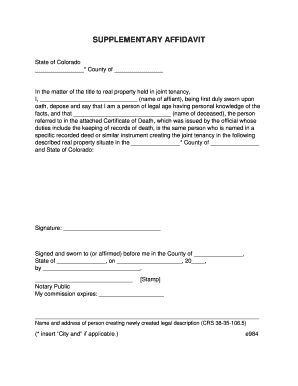
Supplemental affidavit colorado

Equiniti postal share dealing form
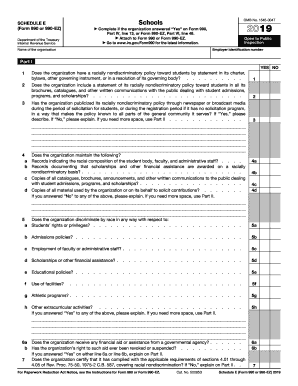
2019 990 e form
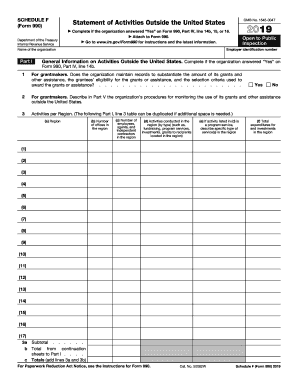
Schedule f
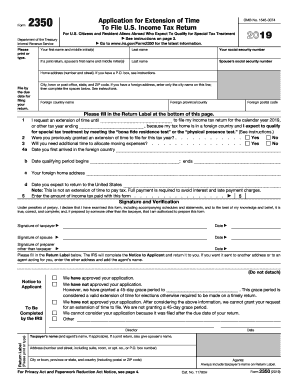
Tennessee form 2350
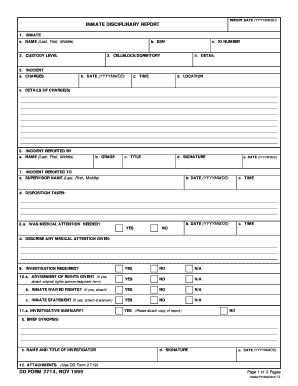
Dd form 2714
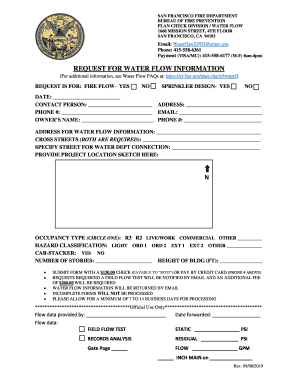
Plumbing Inspection DivisionDepartment of Building ...
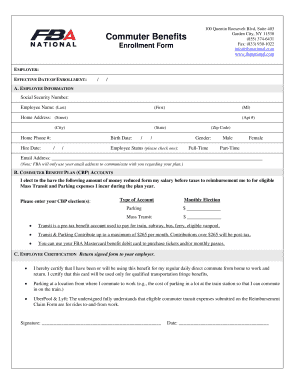
Fba national

Application for cardetts
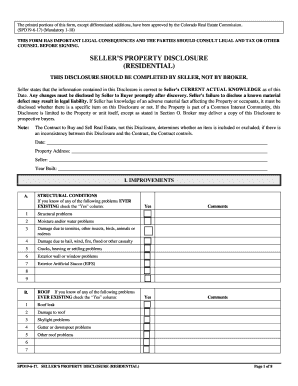
Colorado Sellers Residential Property Disclosure
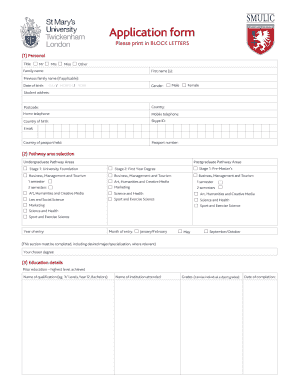
Application form - St Mary's University

FLUID INTAKE TRACKING FORM FOR.doc
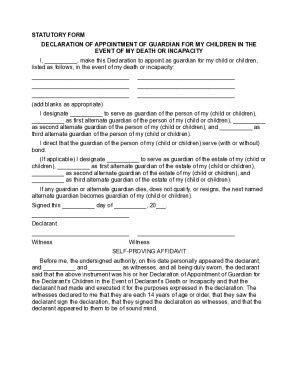
Guardian advance
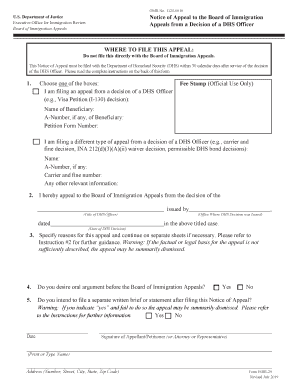
Eoir
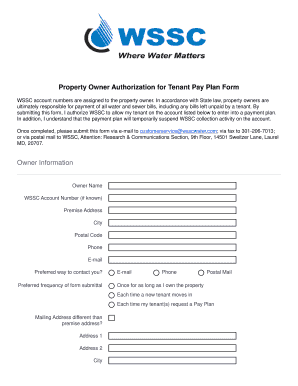
Wssc owner authorization form

AFFIDAVITPROOF OF FINANCIAL RESPONSIBILITY FOR ...
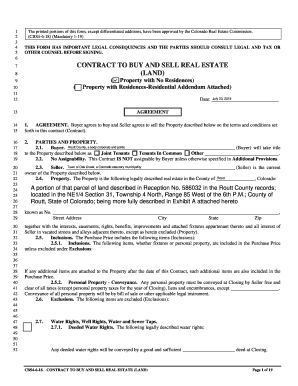
(CBS4-6-18) (Mandatory 1-19)
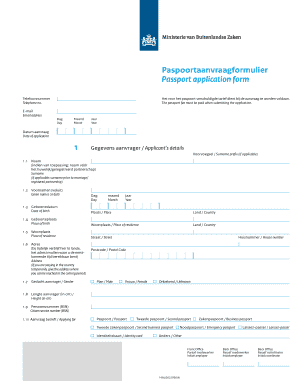
Paspoortaanvraagformulier

Skin Care Intake Form - Fill Online, Printable, Fillable, Blank ...

Va form 10 10163

Da form 2781
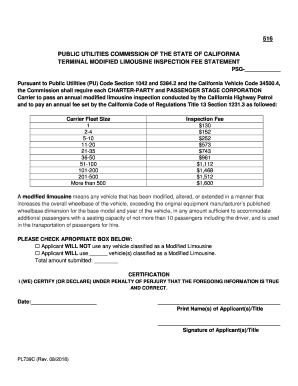
PL739-C Modified Limousine Inspection Fee Statement
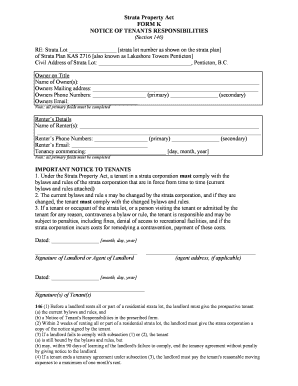
Strata Property Act Form K NOTICE OF TENANT'S ... - Associa
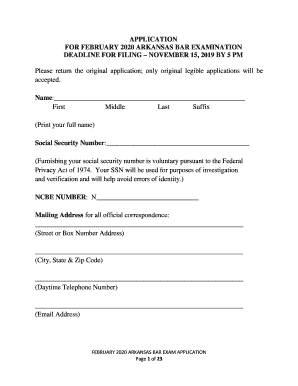
Arkansas bar application

Parent/athlete agreement - Aussie Gold Cheer & Dance
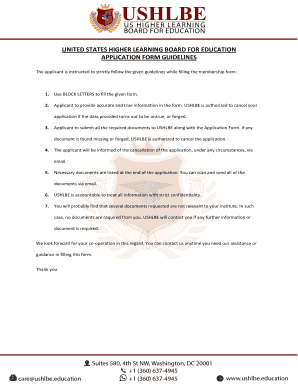
UNITED STATES HIGHER LEARNING BOARD FOR EDUCATION
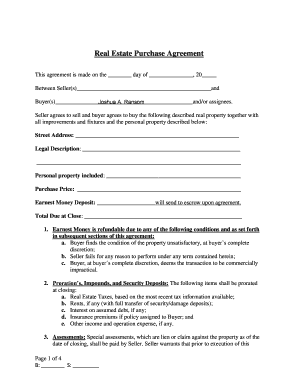
37 Simple Purchase Agreement Templates Real Estate, Business
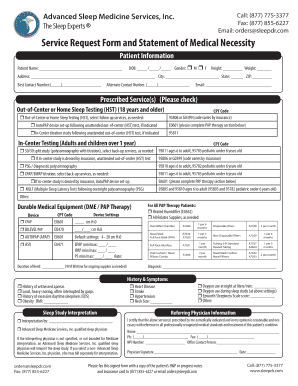
Service request form of

Form 417a

Pbctc form 105l

Mission Statement - Brent International School Subic

Dmo state of michigan

Service Center Locations & HoursConstitutional Tax ...

De 2504re
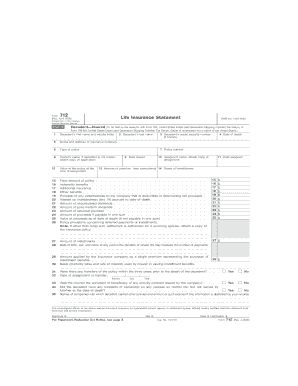
Irs form 712 pdf
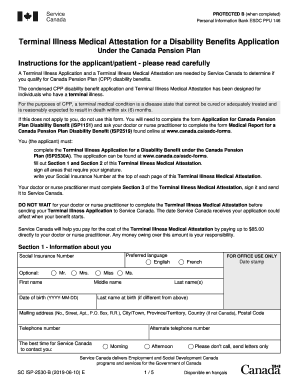
Terminal illness medical attestation
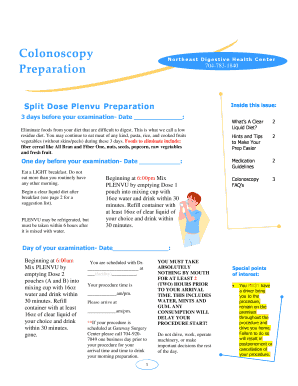
Plenvu reviews
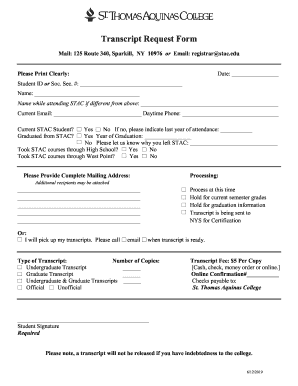
Transcript Request - St. Thomas Aquinas College
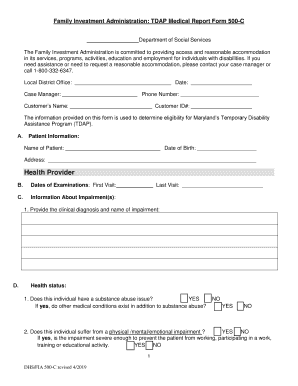
500 Medical Form - Sanco Trade International Ltd.

Black history crossword puzzle pdf
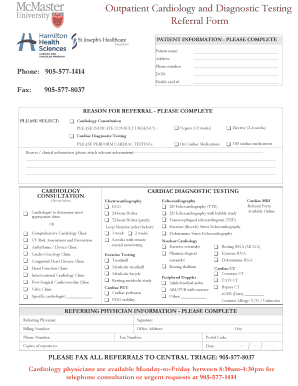
Outpatient Cardiology and Diagnostic Testing Referral Form
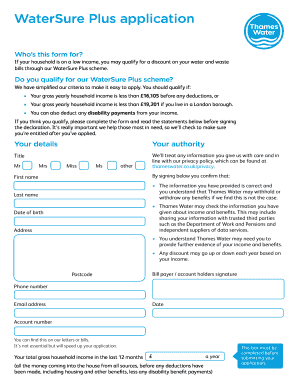
Thames water discount application
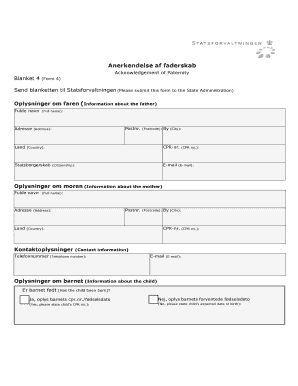
4. Anerkendelse af faderskab (blanket 4)
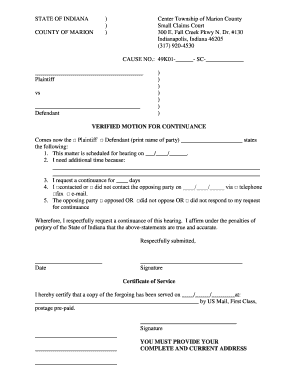
Marion county small claims court center township
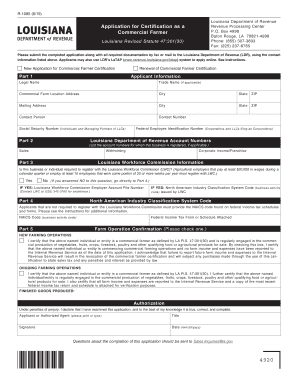
R 1085 form
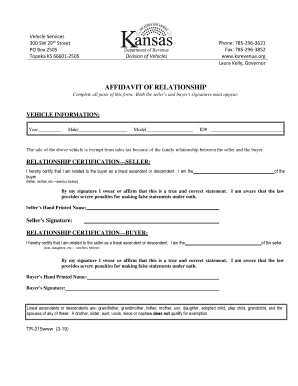
Kansas tr 215
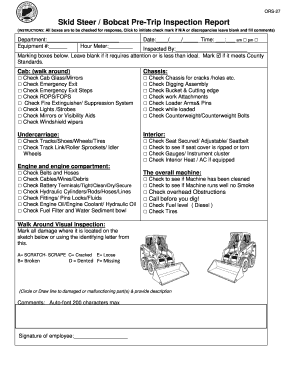
Pre inspection report form

EDRS Burial Transit Permit Fee Report - New York State ...
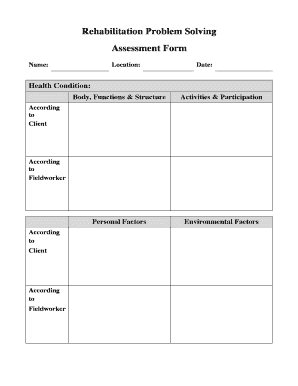
Fillable rps form
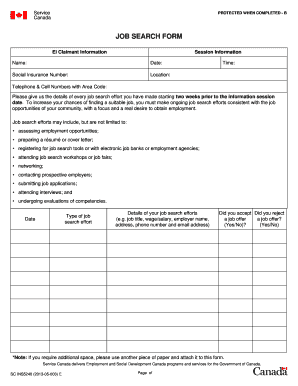
Job canada

Texas agency license
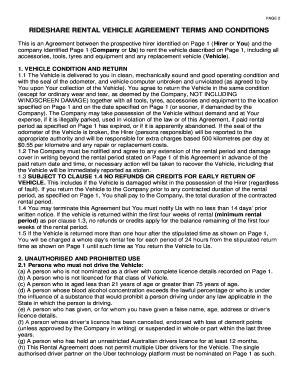
Car Rental Agreement Template. Get Free Sample. - PandaDoc

Independent living skills assessment
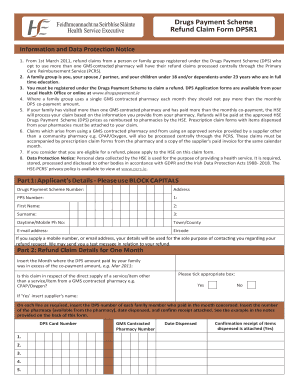
Dpsr1
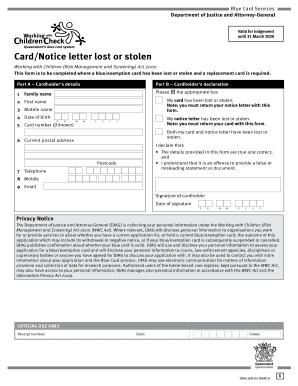
Blue card services form

Form 142C Local Union Supplies Requisition Form
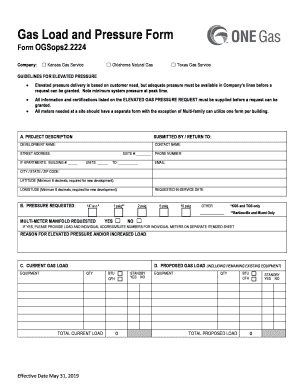
Elevated Gas Pressure Request Form (O&M ... - Texas Gas Service
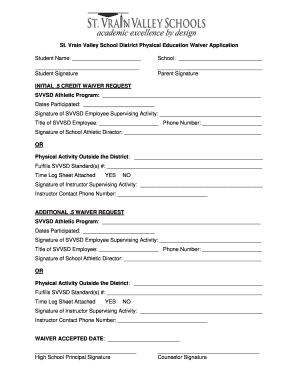
St. Vrain Valley School District Physical Education Waiver ...

Texas application
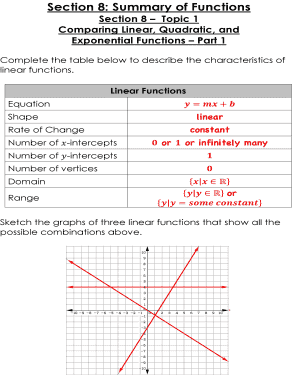
Section 8 summary of functions
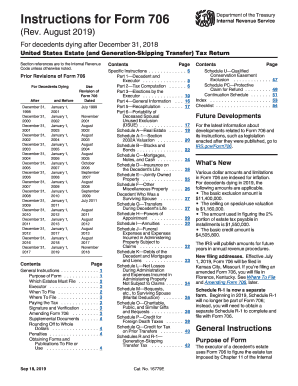
Instructions 706 tax
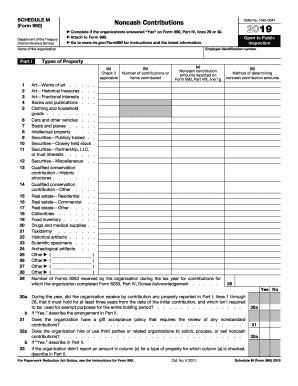
990 schedule m
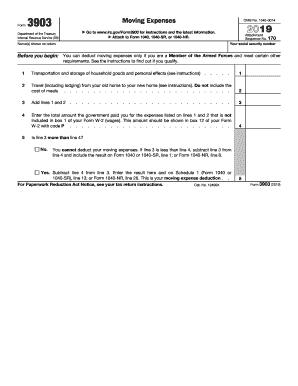
3903

8814
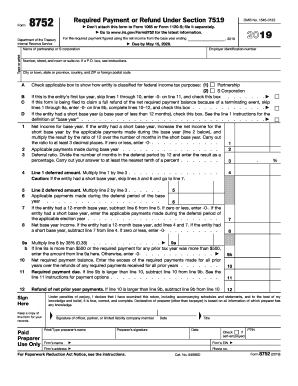
No refund policy for services
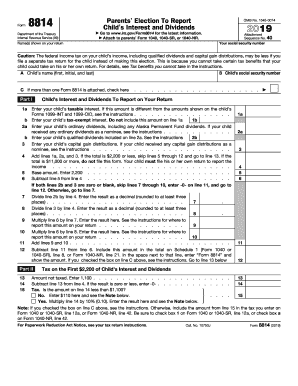
8814 form
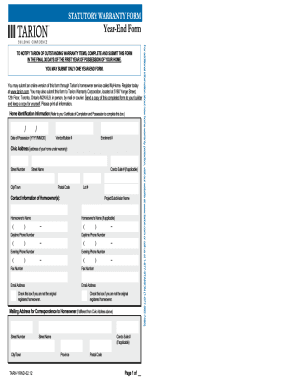
Tarion year end form
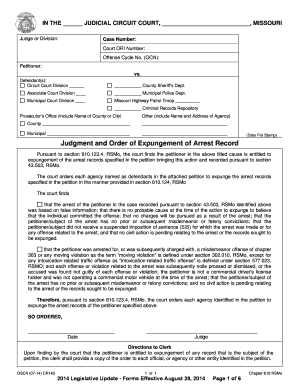
CR143 Judgment and Order of Expungement of Arrest Record.d
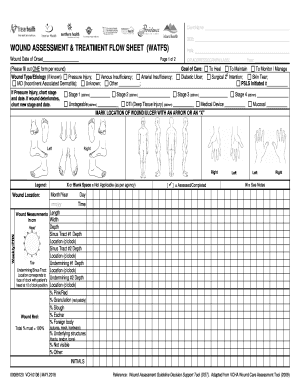
Wound care flow sheet
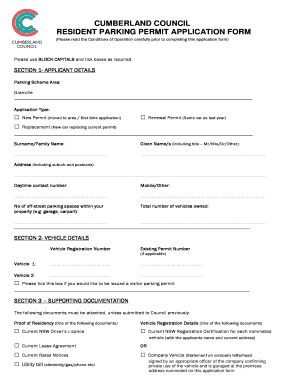
Cumberland council parking permit
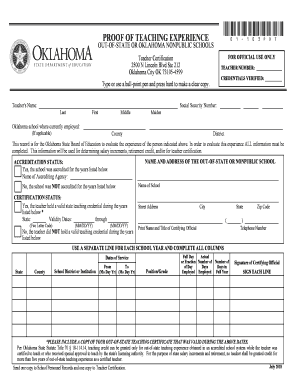
Teacher certification
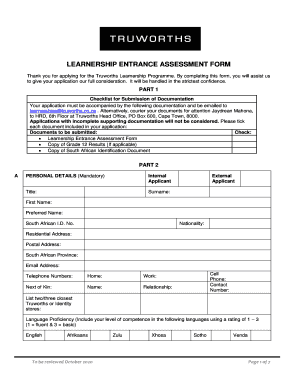
Truworths learnership 2020 application form pdf
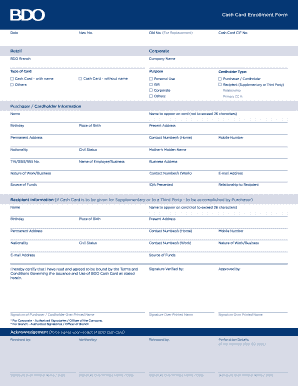
Cash card enrollment form
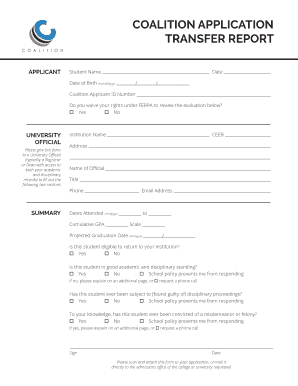
Coalition transfer report
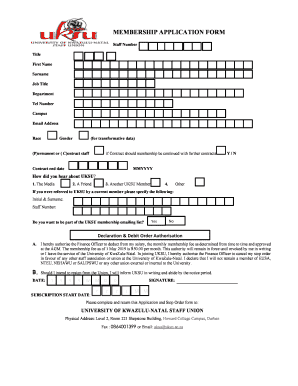
Uksu

Pnc billing inquiry form
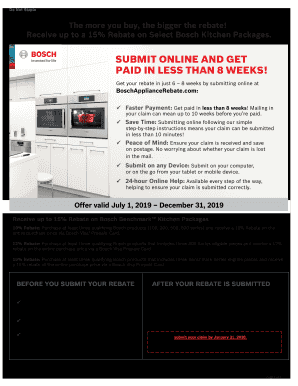
Bosch - Receive up to 15% Rebate on eligible Bosch Kitchen Packages
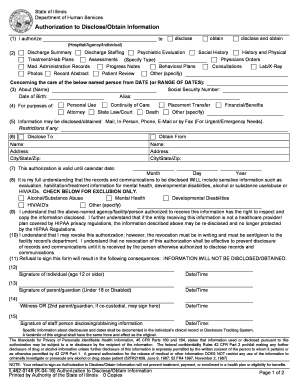
Illinois authorization blank
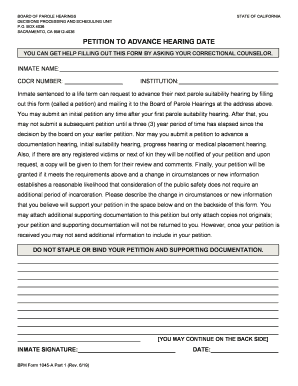
BPH Form 1045-A Part 1 (Rev. 6/19)
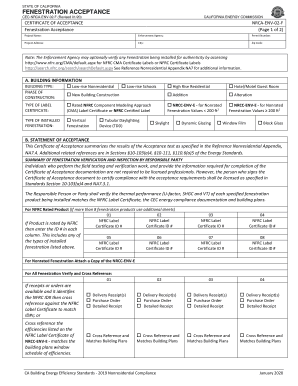
Nrca env 02 f
Benefit from the DocHub online library of fillable PDF forms
Searching the PDF forms doesn't have to be a tedious and time-consuming process. With the DocHub online library, it has become easier to find the fillable PDF forms and modify them in your browser. The service allows you to adjust the document to your needs using powerful editing tools.
You can use online document editing features to modify almost any type of document with ease. You just need to find the template of your choice, open it in the editor, and use the toolbar to make the necessary corrections.
Follow this guide to get your document done with DocHub:
- Find the PDF template you need.
- Click the Get Form button to open the file in the editor.
- Use the toolbar to fill out and edit the document.
- Easily add and highlight text, insert images, checkmarks, and symbols.
- Drop new fillable fields, and rearrange or delete pages from your file.
- Save changes and download your record.
DocHub empowers everyone to streamline document editing, signing, and distribution, and form completion. Create an account and benefit from our well-organized PDF Forms library and comprehensive editor.