
Get any PDF form from the DocHub library of ready-made templates - Page 1769
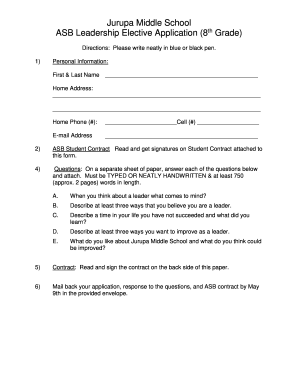
Jurupa Middle School ASB Leadership Elective Application (8th ...
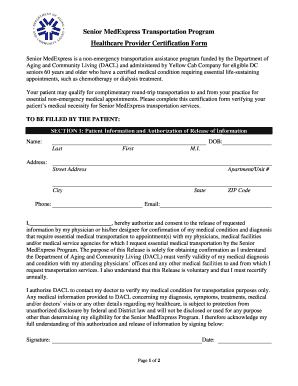
Senior med express

Cares 2 0 stipend
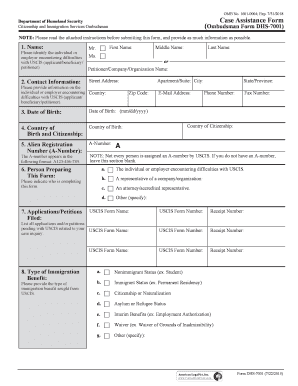
DHS Form 7001, CIS Ombudsman Case Problem Submission Form. Keywords- Ombudsman; USCIS; CISOMB; CIS Ombudsman; DHS; DHS Form 7001; Case Problem Submission Form; Immigration Problems; Immigration cases

Pra application form
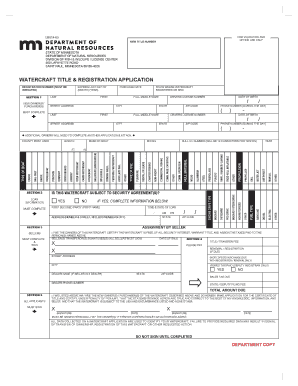
Minnesota watercraft application
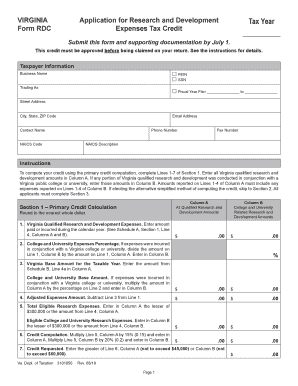
Form rdc
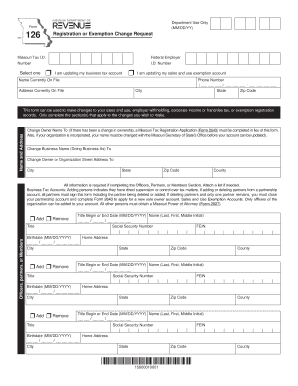
Form 126 missouri
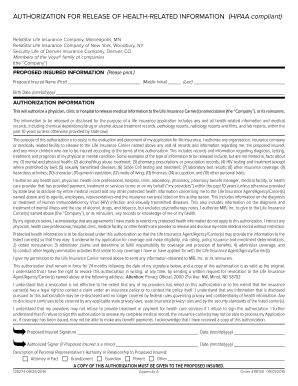
Individual Life Insurance Application for Reinstatement ... - Voya
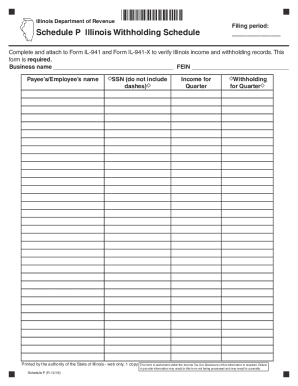
Form il schedule p
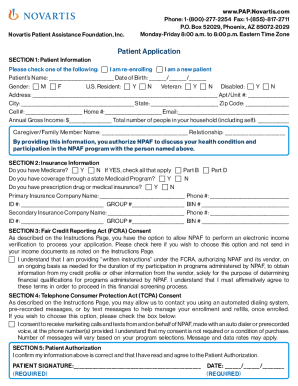
RxAssist - NOVARTIS PHARMACEUTICALS CORPORATION - Novartis ...
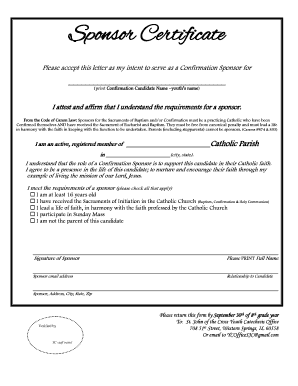
Sponsor certificate for confirmation

Rabies tag broward county
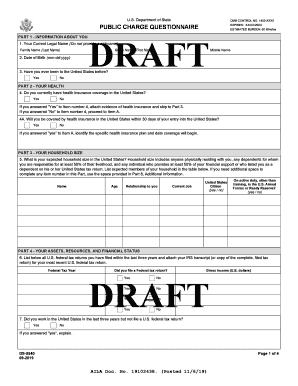
Ds 5540 form filler

Paint Color Application - Coral Springs, FL Home

Form 122E
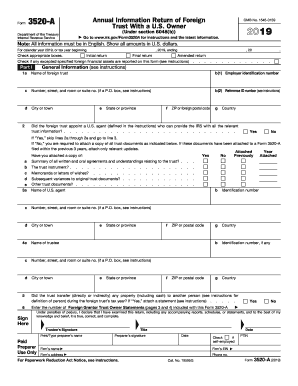
3520 form
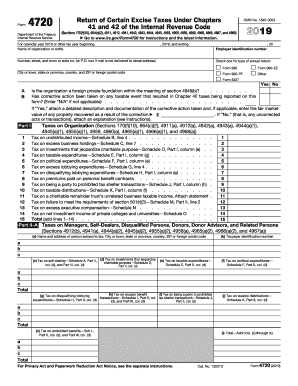
2019 Form 4720. Return of Certain Excise Taxes Under Chapters 41 and 42 of the Internal Revenue Code
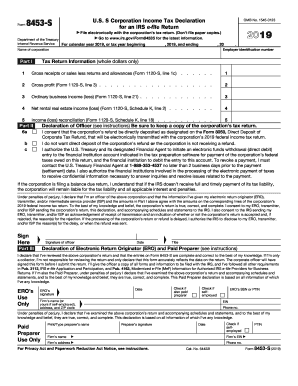
2018 8453 form
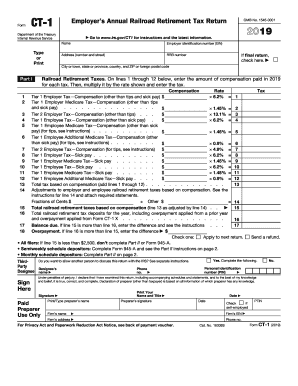
Irs ct 1 form
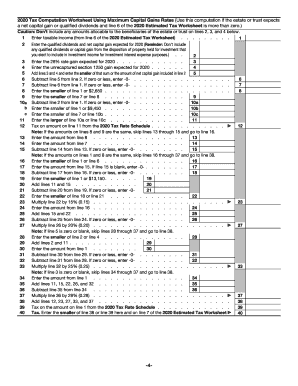
Tax estates
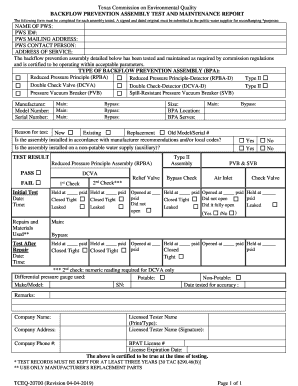
Tceq backflow form
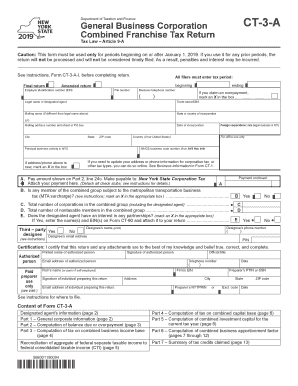
Ct 3a form
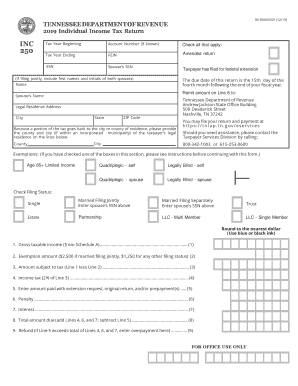
Tn inc 250
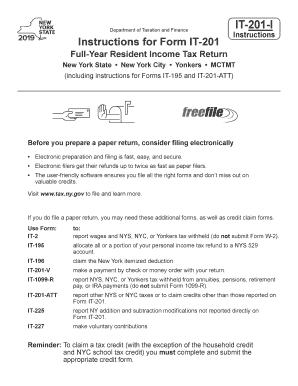
It 201 instructions
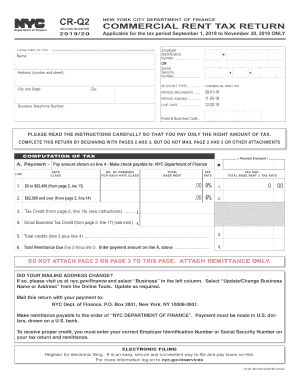
Cr q2
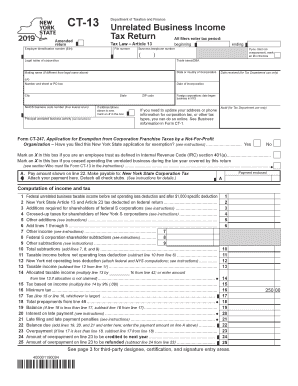
Ct 13
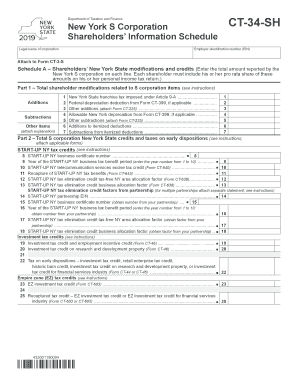
Ct34sh
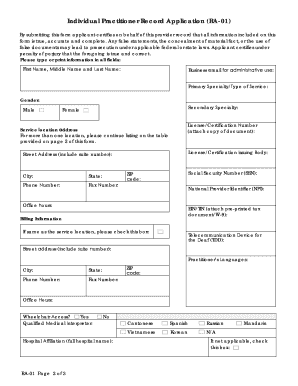
Shield form
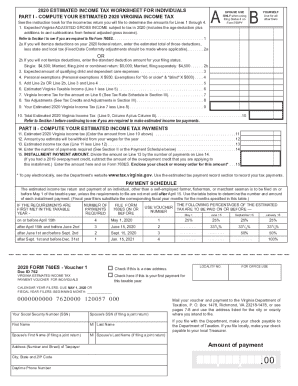
Virginia estimated tax forms
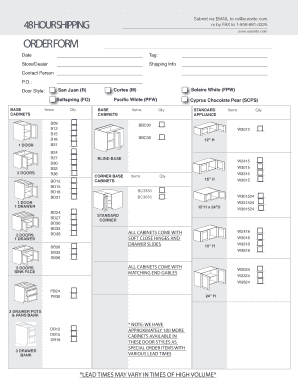
Fillable Online ORDER FORM - Kitchen Cabinetry Bathroom ...
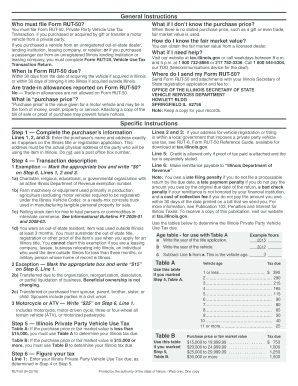
Sample Form RUT-50 "Vehicle Use Tax ... - TemplateRoller
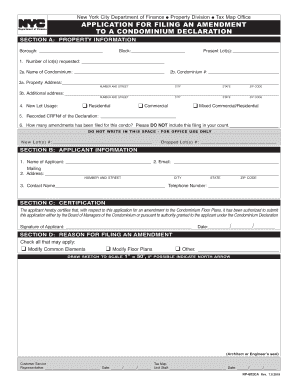
Filing condominium
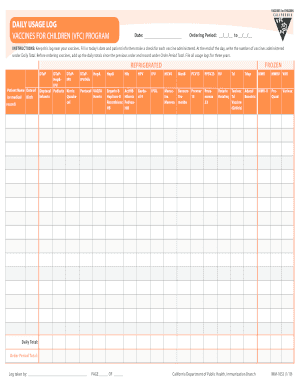
Imm 1053

Mvc oklahoma motor
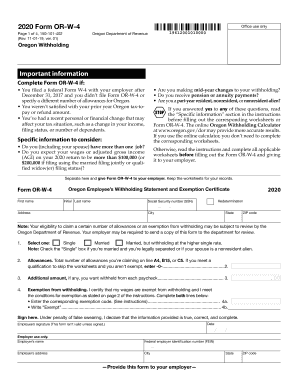
Or w4 form

2017 homestead form wisconsin online

Ct 1041 k
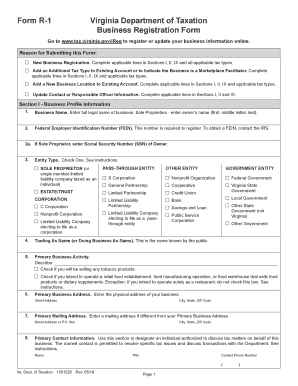
Form 1 virginia

84 wa
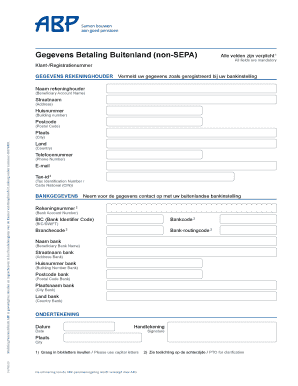
Gegevens Betaling Buitenland (non-SEPA)

584 instructions

Pc 504
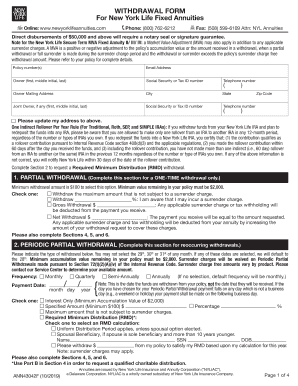
Direct disbursements of $50,000 and above will require a notary seal or signature guarantee
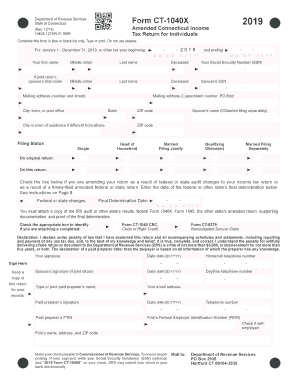
Ct pdf

Form 3953 (06-09-2019)
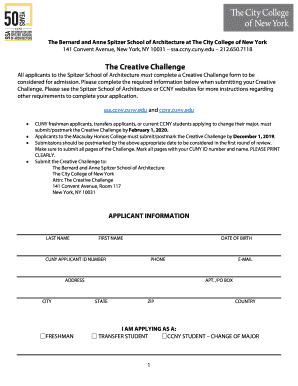
Ccny creative challenge
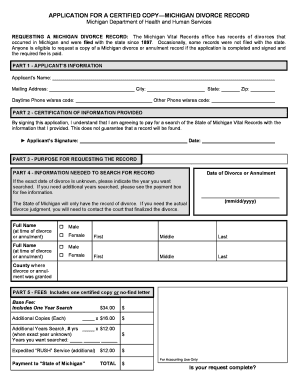
Divorce decree michigan
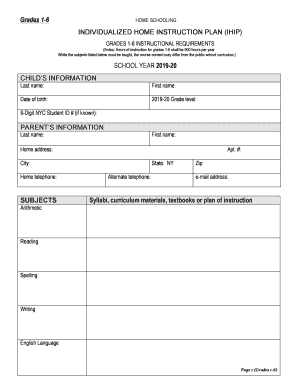
Individualized home instruction plan sample
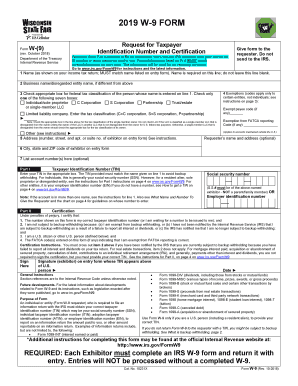
Wi w 9 form
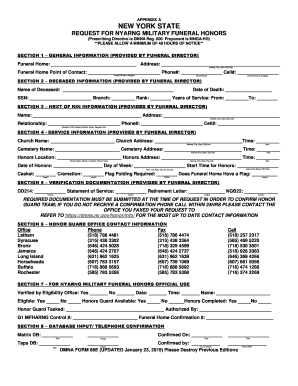
New york funeral
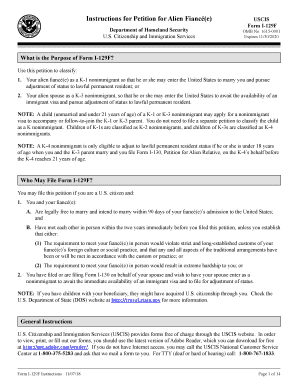
I 129f instructions
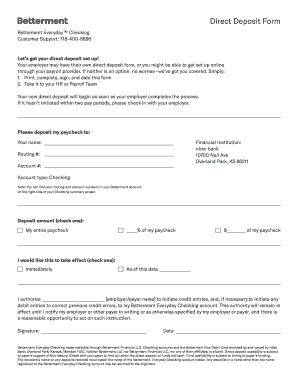
Direct Deposit Form - Betterment
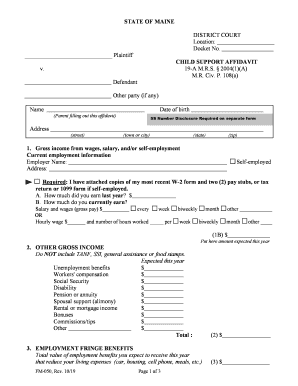
Maine form
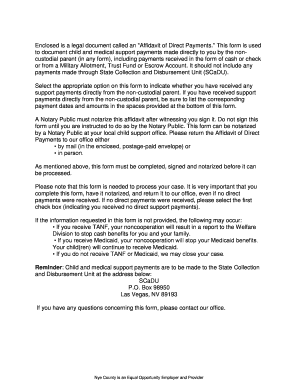
Affidavit of child support payments
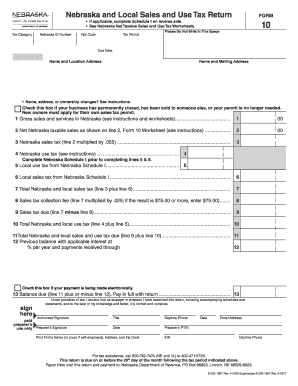
Ne form 10
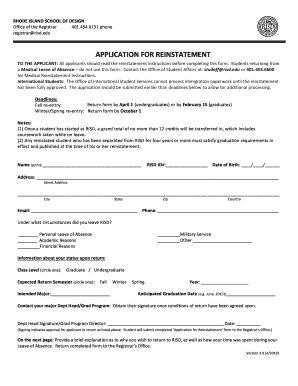
Reinstatement Application - Office of the RISD Registrar
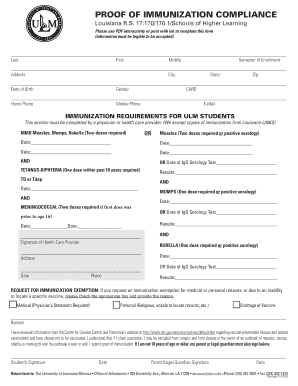
Proof immunization
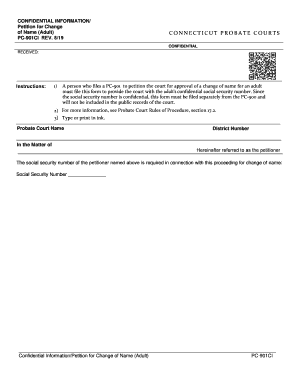
Pc 901ci
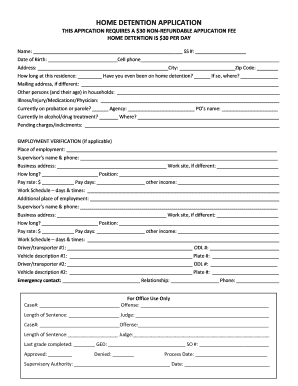
Sacramento home detention
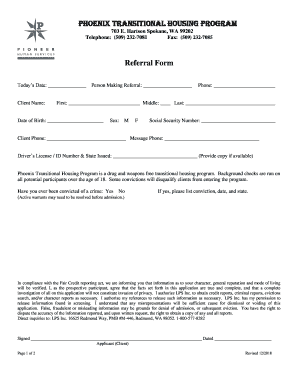
Phoenix transitional housing

Lic 700 8 08 confidential

Pcr testing form
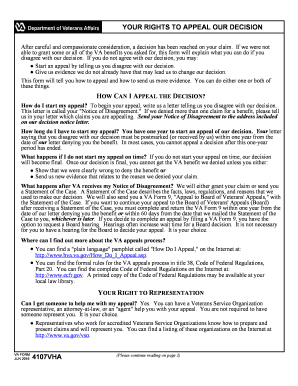
Appeal our letter sample
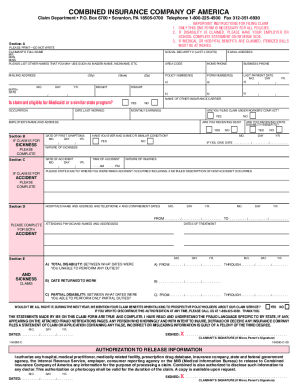
Combined insurance claim forms printable
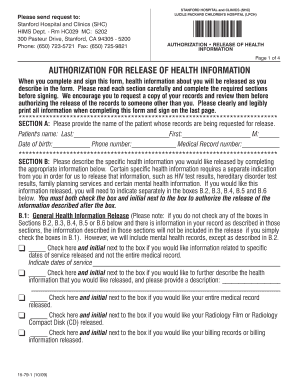
Stanford medical release form
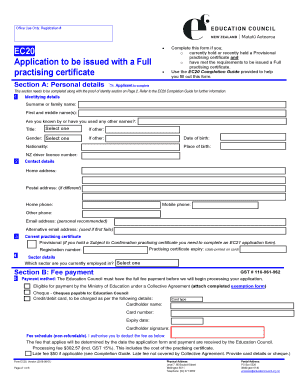
Ec20 application form
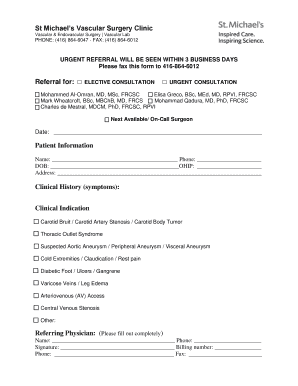
St. Michael's Vascular Surgery Clinic referral form
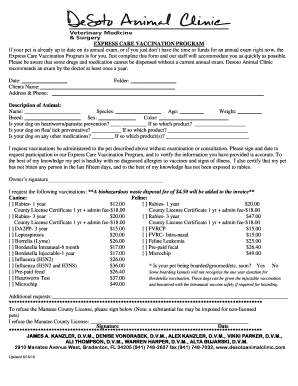
Get Answers about Pet Wellness Plans - Banfield Pet Hospital
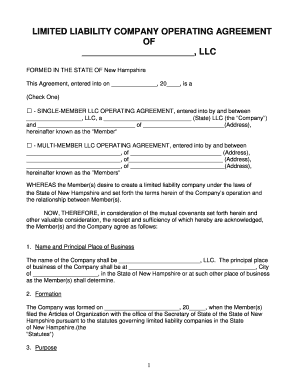
Free New Hampshire LLC Operating Agreement Templates - PDF ...
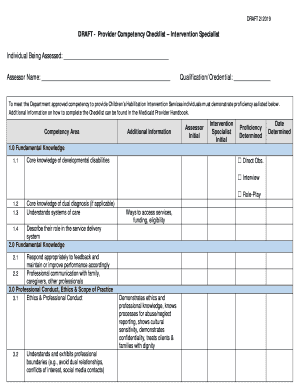
DRAFT - Provider Competency Checklist Intervention Specialist

Free Mississippi LLC Operating Agreement Templates - PDF ...
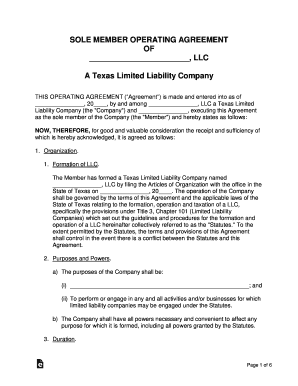
Texas Single Member LLC Operating Agreement

Limited liability company operating agreement form
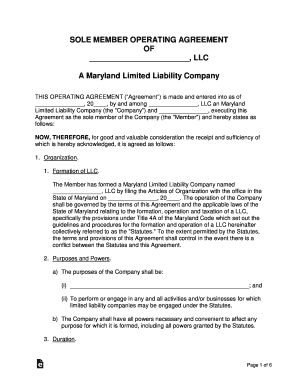
Maryland operating agreement template
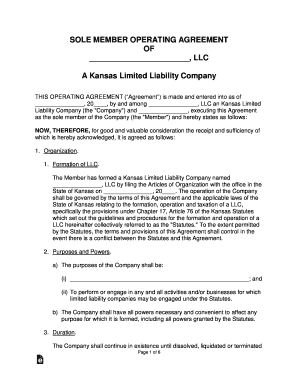
Free Kansas LLC Operating Agreement Templates - PDF ...
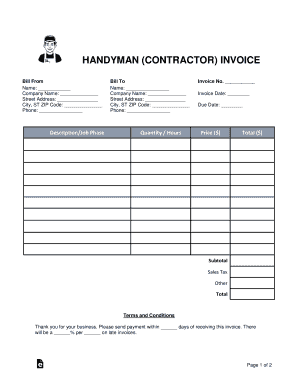
Free Service/Labor Invoice Template - WordPDFeForms ...
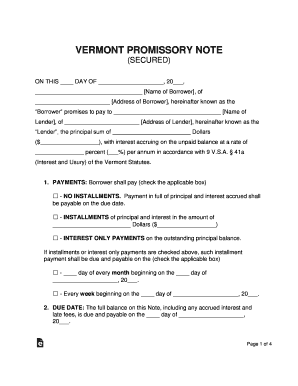
Free Vermont Promissory Note Templates (PDF & DOCX ...

Florida Standard Promissory Note Template
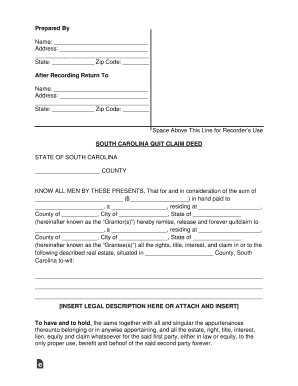
Quit claim deed sc pdf
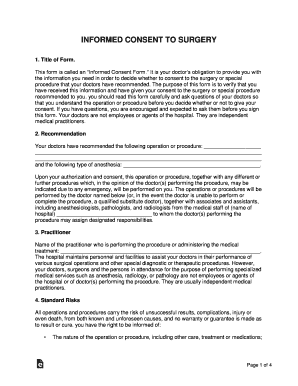
Informed surgery form
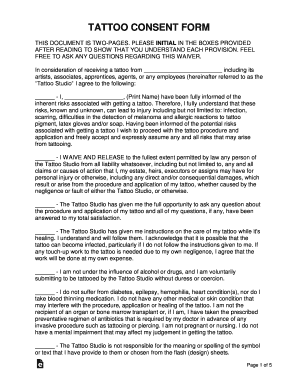
Free Tattoo & Body Piercing Consent Form - WordPDF ...
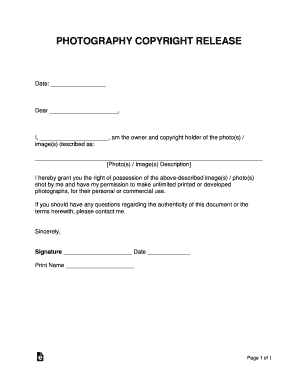
Photography Copyright Release Form

NYSBAThe Revocable Trust Revisited
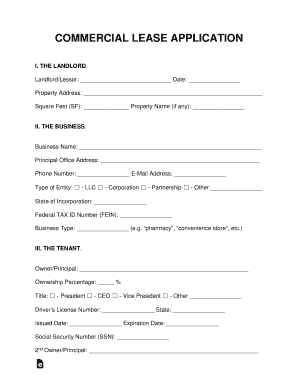
Commercial Lease Application - eforms.com

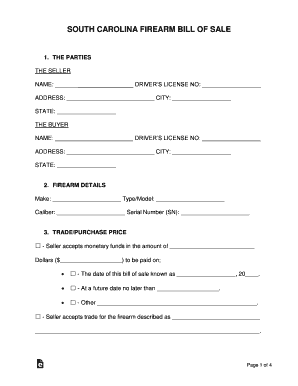
Virginia Firearm Bill of Sale
Bulletin Daily Paper 1-17-14 by Western ... - issuu
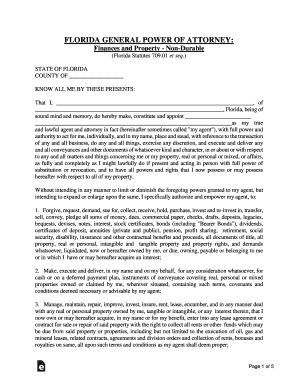
Florida General Power of Attorney Form
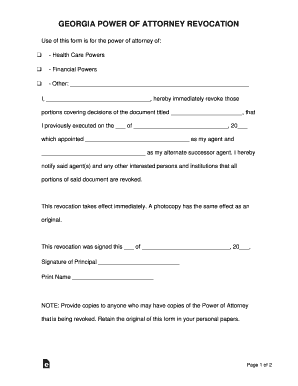
Free Georgia Revocation Power of Attorney Form - PDF ...
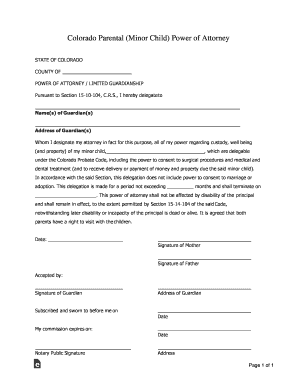
Colorado Parental Child Power of Attorney Form

Arizona termination month to month
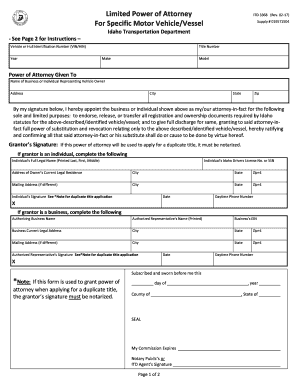
Idaho Motor Vehicle Power of Attorney Form (ITD-3368 ...

Foreign Registration Statement - Pennsylvania Department of ...
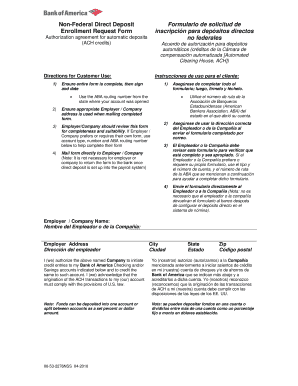
Free Bank of America Direct Deposit Form - PDF eForms ...
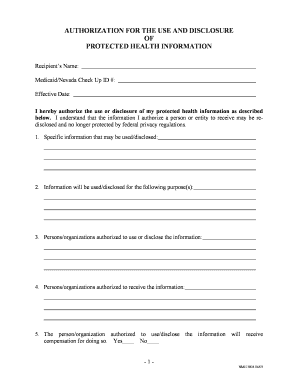
Nevada HIPAA Release Form
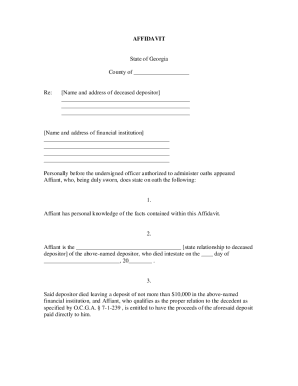
BANKING AFFIDAVIT

Distributee form

Petition for Change of Name (For Adult Individual) Form CAFC401

Supreme Court Rule 10-101 - Illinois Courts
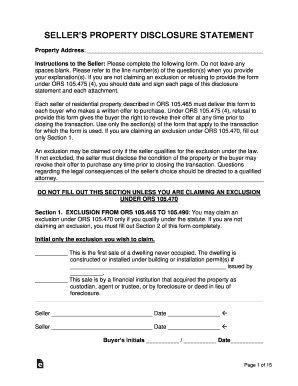
Oregon property disclosure form
Benefit from the DocHub online library of fillable PDF forms
Searching the PDF forms doesn't have to be a tedious and time-consuming process. With the DocHub online library, it has become easier to find the fillable PDF forms and modify them in your browser. The service allows you to adjust the document to your needs using powerful editing tools.
You can use online document editing features to modify almost any type of document with ease. You just need to find the template of your choice, open it in the editor, and use the toolbar to make the necessary corrections.
Follow this guide to get your document done with DocHub:
- Find the PDF template you need.
- Click the Get Form button to open the file in the editor.
- Use the toolbar to fill out and edit the document.
- Easily add and highlight text, insert images, checkmarks, and symbols.
- Drop new fillable fields, and rearrange or delete pages from your file.
- Save changes and download your record.
DocHub empowers everyone to streamline document editing, signing, and distribution, and form completion. Create an account and benefit from our well-organized PDF Forms library and comprehensive editor.