



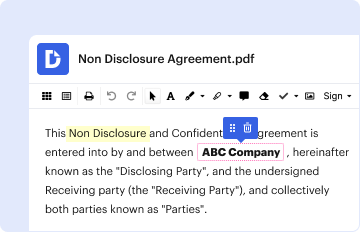
01. Edit your form online
Type text, add images, blackout confidential details, add comments, highlights and more.

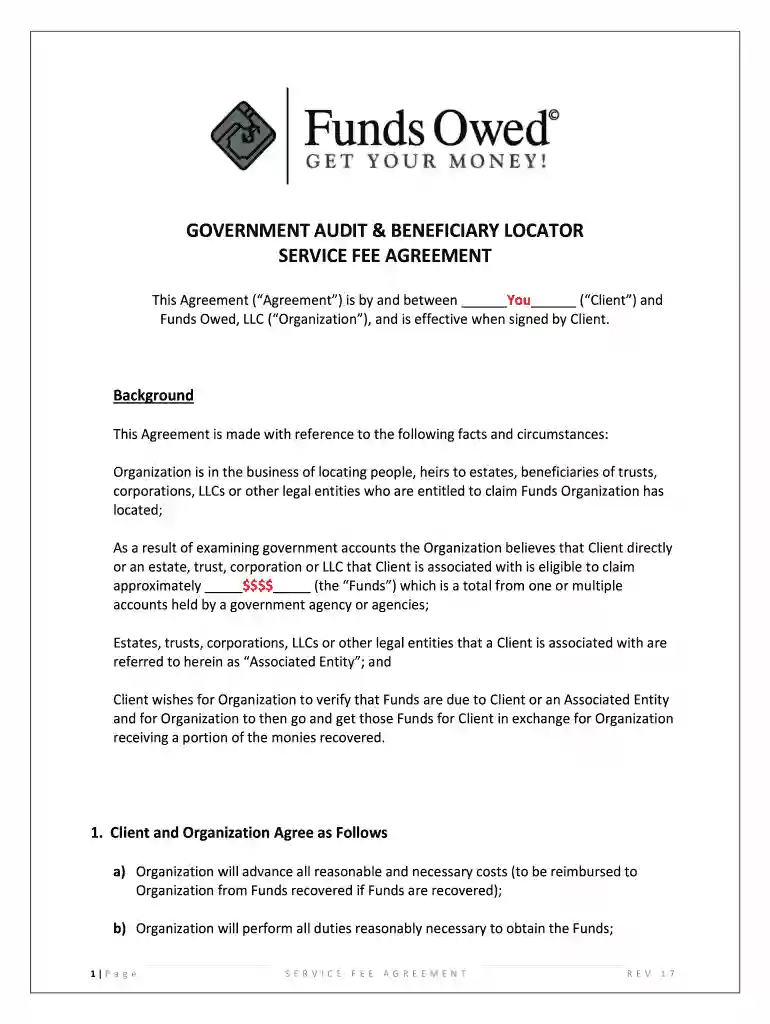
Type text, add images, blackout confidential details, add comments, highlights and more.
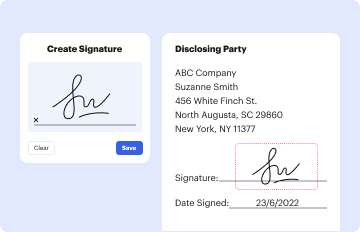
Draw your signature, type it, upload its image, or use your mobile device as a signature pad.
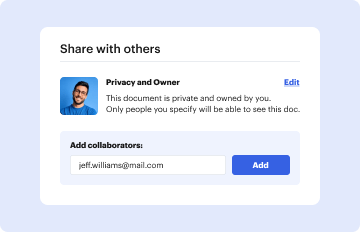
Send it via email, link, or fax. You can also download it, export it or print it out.

Start using our platform today to streamline your form completion process!
At DocHub, your data security is our priority. We follow HIPAA, SOC2, GDPR, and other standards, so you can work on your documents with confidence.
This database serves as a centralized location to find lost or forgotten benefits and get information on how to obtain those funds.Read more
Oct 10, 2025 Certified Government Auditor Grants Management L.E.A.D Emerging Location. In-Person in Washington, DC. 1050 Connecticut Ave NW SteRead more
Feb 28, 2026 We are no longer subject to U.S. federal tax audit through fiscal 2013. Foreign taxes associated with the repatriation of earnings ofRead more


