
Get any PDF form from the DocHub library of ready-made templates - Page 1734
Dhcs 6208
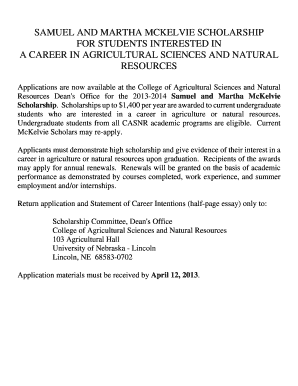
SAMUEL AND MARTHA MCKELVIE SCHOLARSHIP
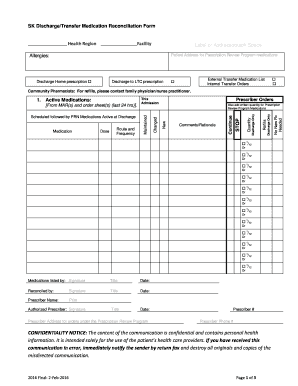
SK Discharge/Transfer Medication Reconciliation Form

Bujo rpg

Special power money

Bullfrogs and Bumblebees Daycare
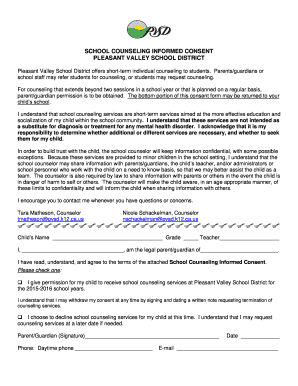
SCHOOL COUNSELING INFORMED CONSENT
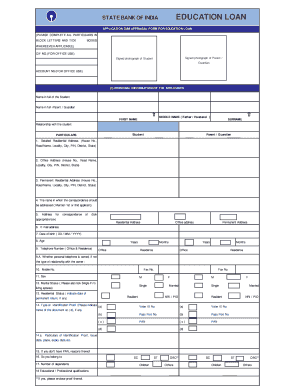
Application cum appraisal form for education loan
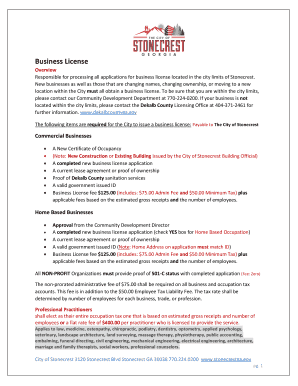
City of stonecrest business license

Disclosure capitarvs co uk nereo
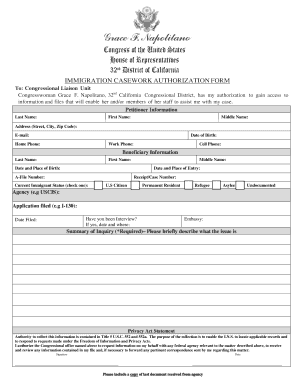
Dc authorization
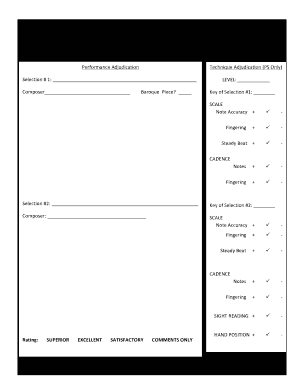
NFMTA Fall Festival Adjudication Form - SOLO

47897

Syringe driver check chart
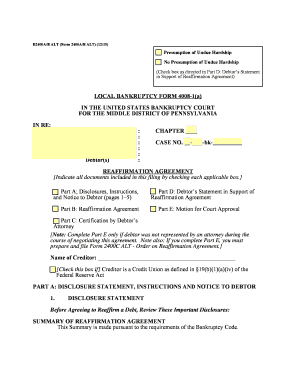
B2400a b alt form 2400a b alt 12 15

IEP Page 1 of 0

Oge 450

Missed time clock punch form
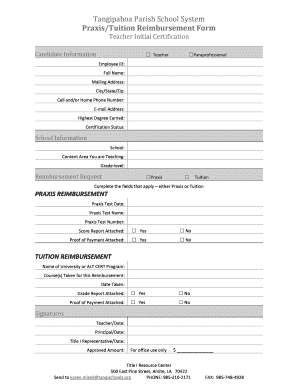
Praxis/Tuition Reimbursement Form
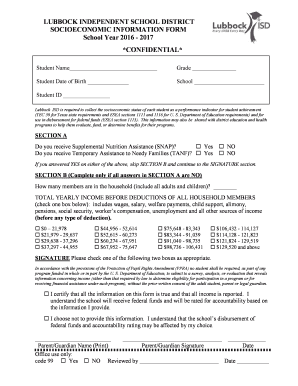
Socioeconomic information form
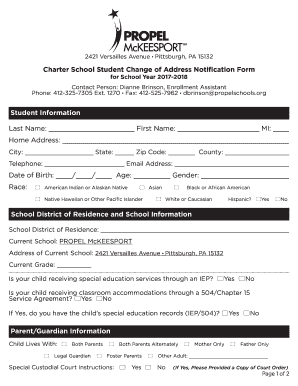
2421 Versailles Avenue Pittsburgh, PA 15132
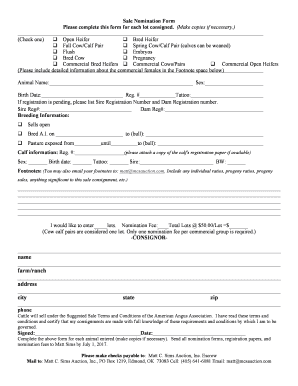
Sale Nomination Form
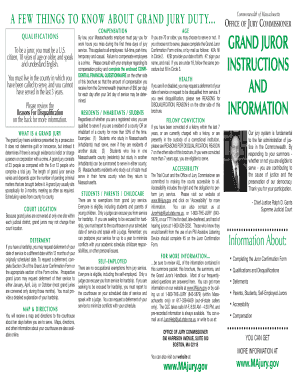
Majury gov login

Request for Supervisory Approval to Travel on Official University Business

Intent to hire oregon

Registration for e-services

Emergency custody order mn form
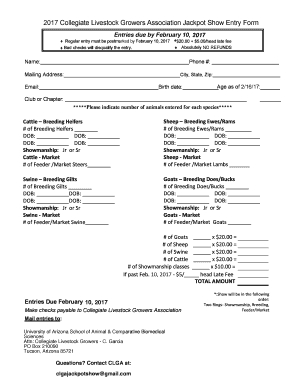
2017 Collegiate Livestock Growers Association Jackpot Show Entry Form
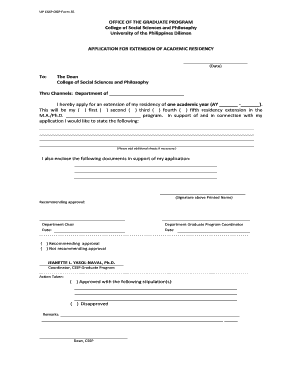
UP CSSP OGP Form 35
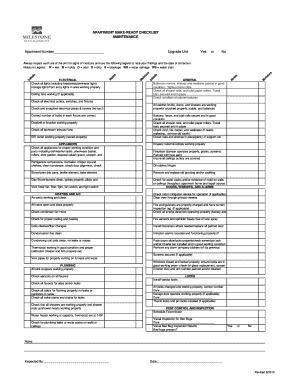
APARTMENT MAKE-READY CHECKLIST
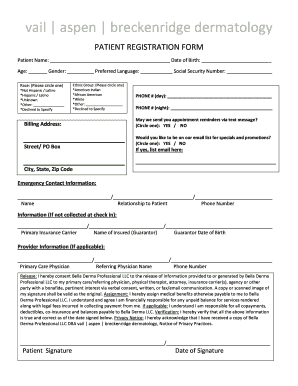
Age: Gender: Preferred Language: Social Security Number:
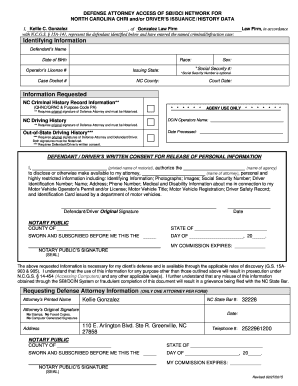
Nc defense attorney access to sbi form
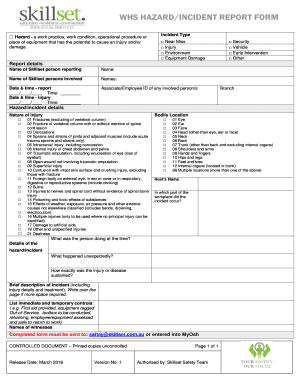
Whs incident report form
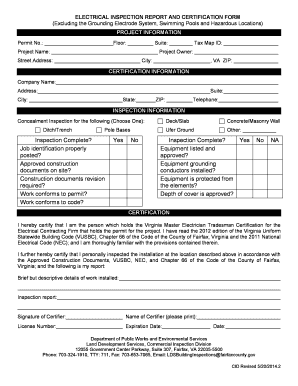
Electrical inspection report

Claimant Request for Hearing - New York State Department of Labor

Georgia mv 20
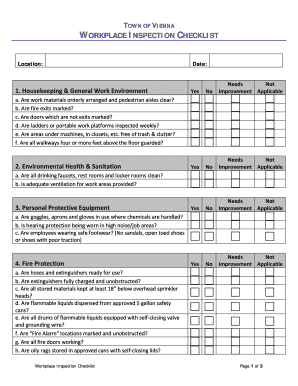
WORKPLACE INSPECTION CHECKLIST

Apostille certificate of authentication request form
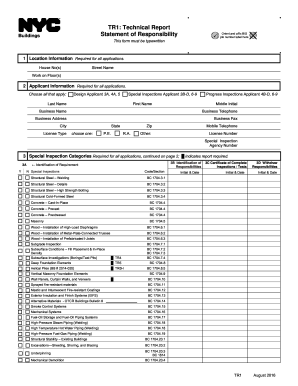
Tr1 form

Indiana form medical

Applications - New York State Department of State - NY State

California Department of Corrections & Rehabilitation
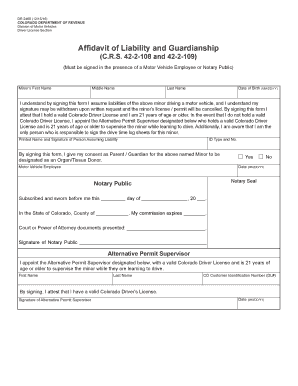
Dr 2460

41720 - County Formed Ag
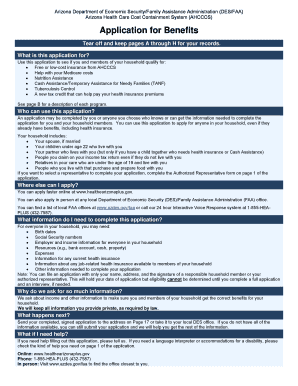
Healthearizonaplus
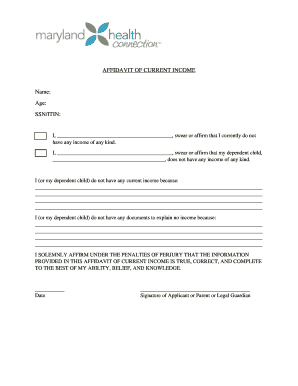
What documents can I use to verify my income? - Maryland Health ...

Fire tornado emergency preparedness documentation form
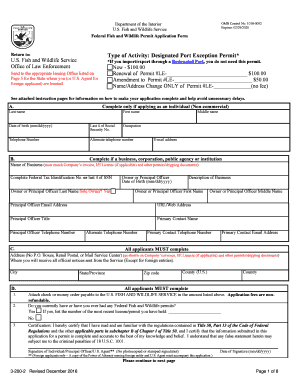
Wildlife permit
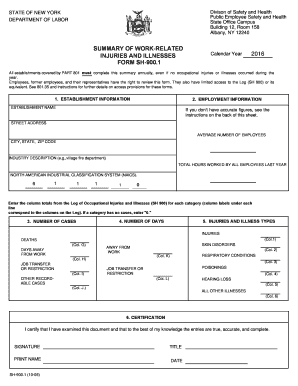
Building 12, Room 158
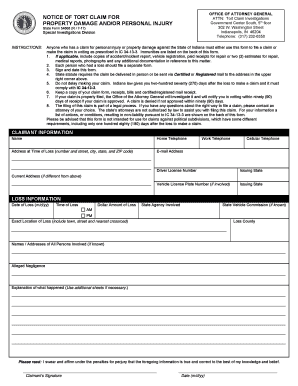
Indiana notice tort claim
Aiea eval 1
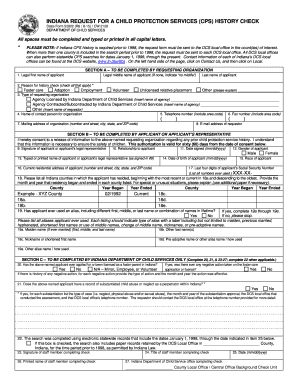
State Form 52802 (R6 / 8-15) / CW 2128
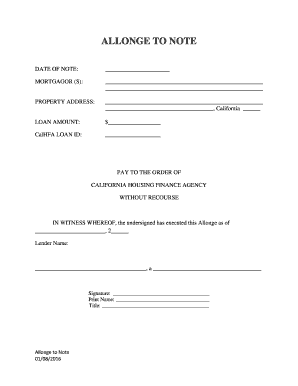
Allonge
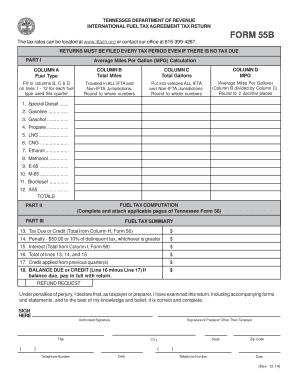
Tennessee tax ifta

Form I-129S
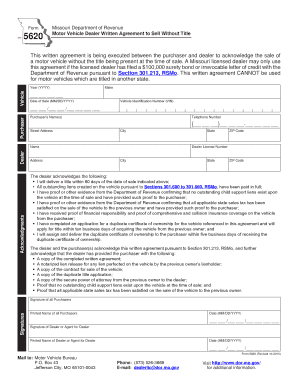
Form 5620
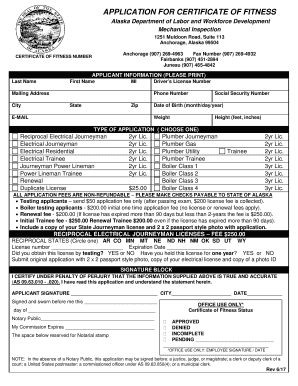
CERTIFICATE OF FITNESS - Alaska Department of Labor and ...
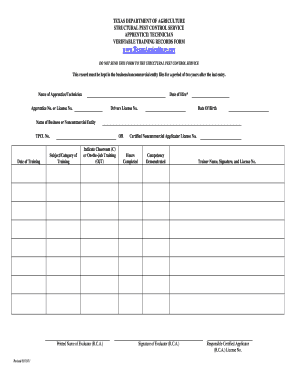
Texas training form
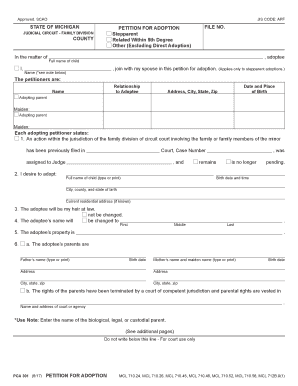
Pca 301
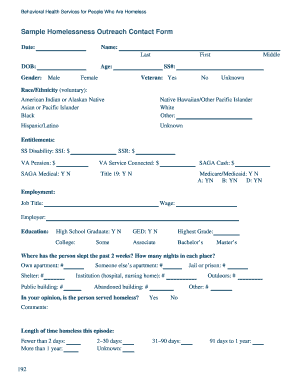
Sample Homelessness Outreach Contact Form
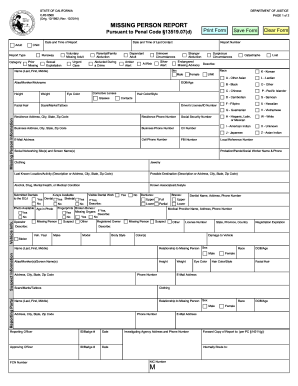
Khtbb
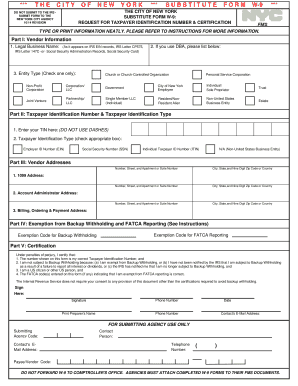
Taxpayer identification number

Notary Public Forms - Oregon Secretary of State - Oregon.gov
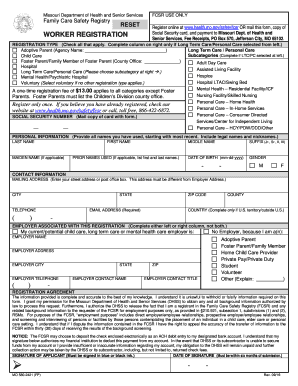
Family care registry form
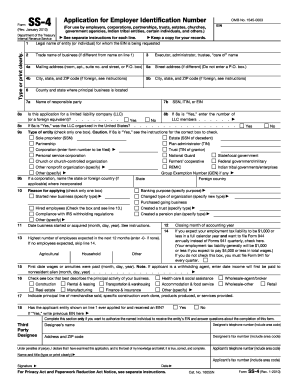
Form ss 4

Releasing form

Statement of Information (Form LLC-12)

Pi 1613 work experience verification
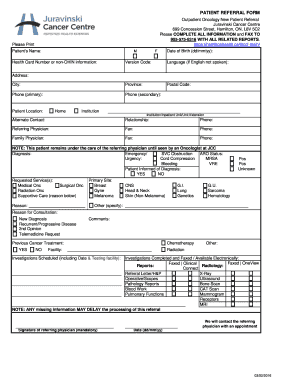
Juravinski cancer centre referral form
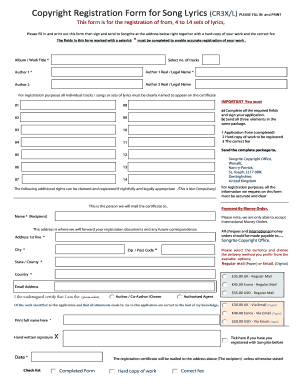
Copyright application form

Pnb rewards redemption form

1455 Butte House Road, Yuba City, CA 95993

Alabama contract review
Form 16874
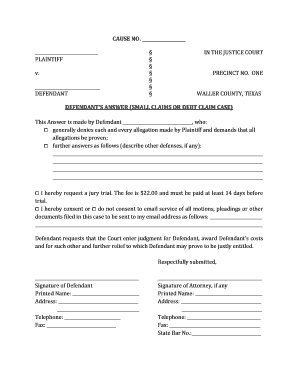
How to file an answer to a lawsuit in texas
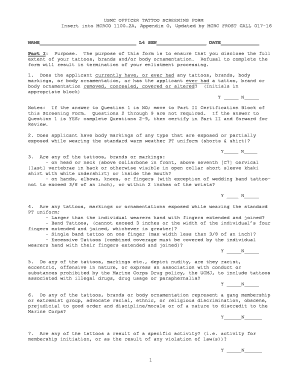
USMC OFFICER TATTOO SCREENING FORM
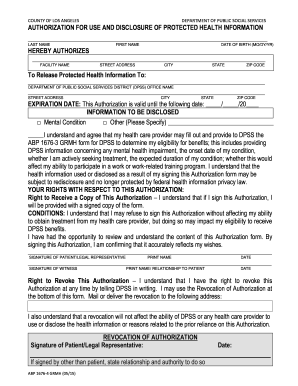
Dpss mental health assessment form

Medical daycare claim form
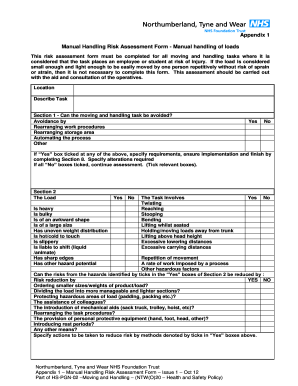
Manual Handling Risk Assessment Form - Manual handling of loads
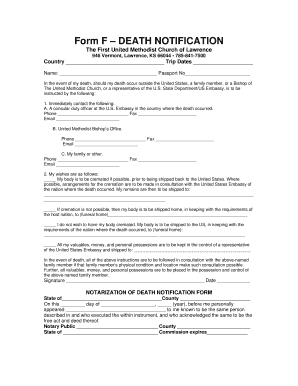
Form F DEATH NOTIFICATION
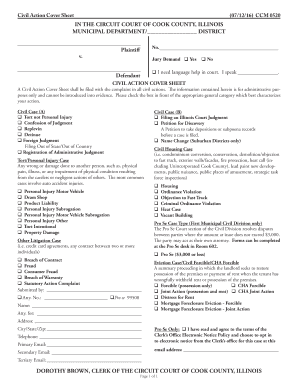
Ccm civil action sheet form

Marketing Strategy Questionnaire 1
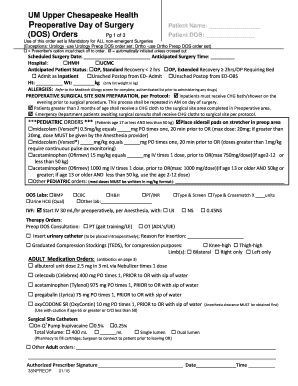
UM Upper Chesapeake Health
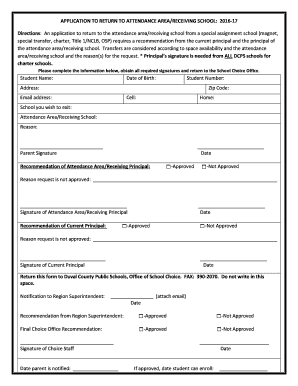
Application to return to attendance area receiving school
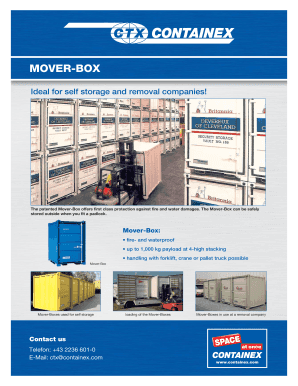
MOVER-BOX
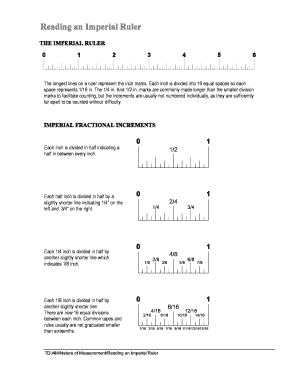
Reading an Imperial Ruler
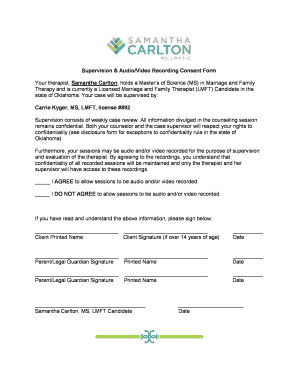
Supervision & Audio/Video Recording Consent Form
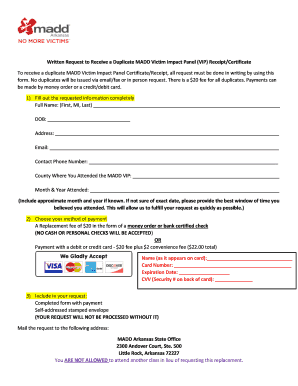
Madd certificate replacement
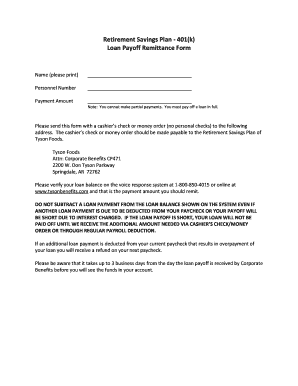
Tysonbenefits

411047 form
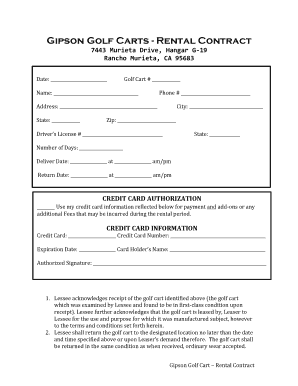
Gipson Golf Carts - Rental Contract
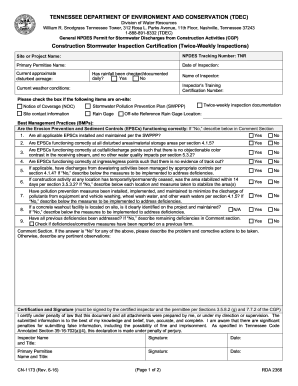
Printable swppp inspection form
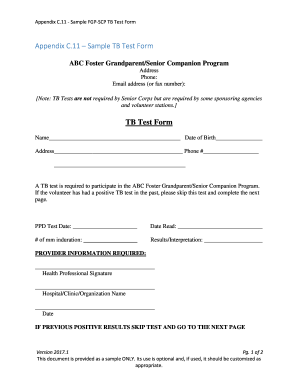
11 - Sample FGP-SCP TB Test Form
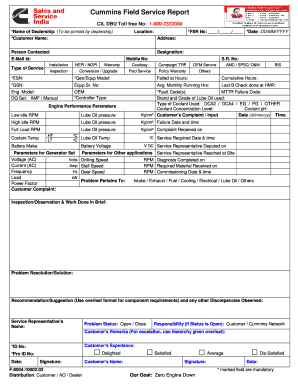
Generator service report format
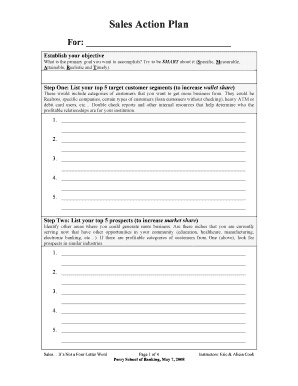
Sales Action Plan
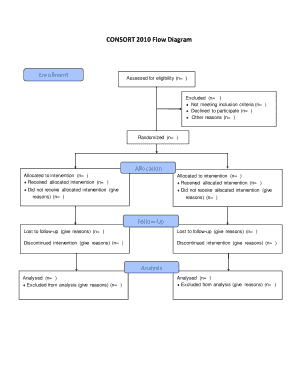
Consort diagram template ppt
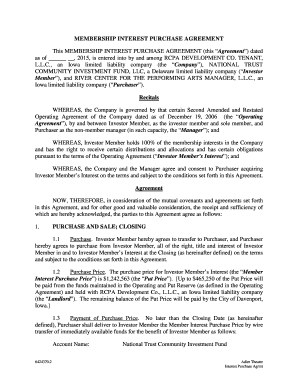
This MEMBERSHIP INTEREST PURCHASE AGREEMENT (this Agreement) dated
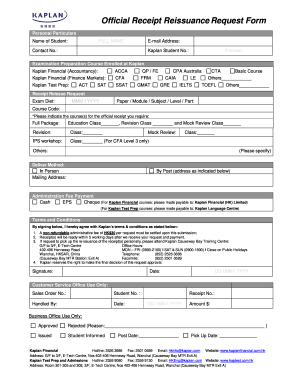
Official Receipt Reissuance Request Form
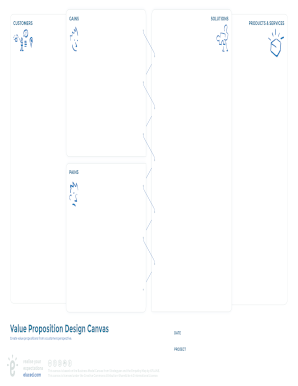
Value Proposition Design Canvas
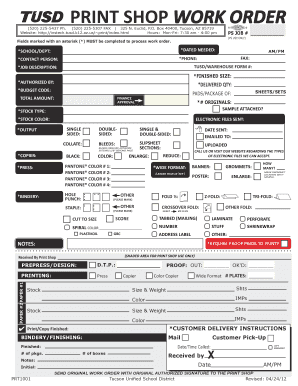
Tusd print shop
Benefit from the DocHub online library of fillable PDF forms
Searching the PDF forms doesn't have to be a tedious and time-consuming process. With the DocHub online library, it has become easier to find the fillable PDF forms and modify them in your browser. The service allows you to adjust the document to your needs using powerful editing tools.
You can use online document editing features to modify almost any type of document with ease. You just need to find the template of your choice, open it in the editor, and use the toolbar to make the necessary corrections.
Follow this guide to get your document done with DocHub:
- Find the PDF template you need.
- Click the Get Form button to open the file in the editor.
- Use the toolbar to fill out and edit the document.
- Easily add and highlight text, insert images, checkmarks, and symbols.
- Drop new fillable fields, and rearrange or delete pages from your file.
- Save changes and download your record.
DocHub empowers everyone to streamline document editing, signing, and distribution, and form completion. Create an account and benefit from our well-organized PDF Forms library and comprehensive editor.