




Here's how it works



How to use or fill out SAMUEL AND MARTHA MCKELVIE SCHOLARSHIP with our platform

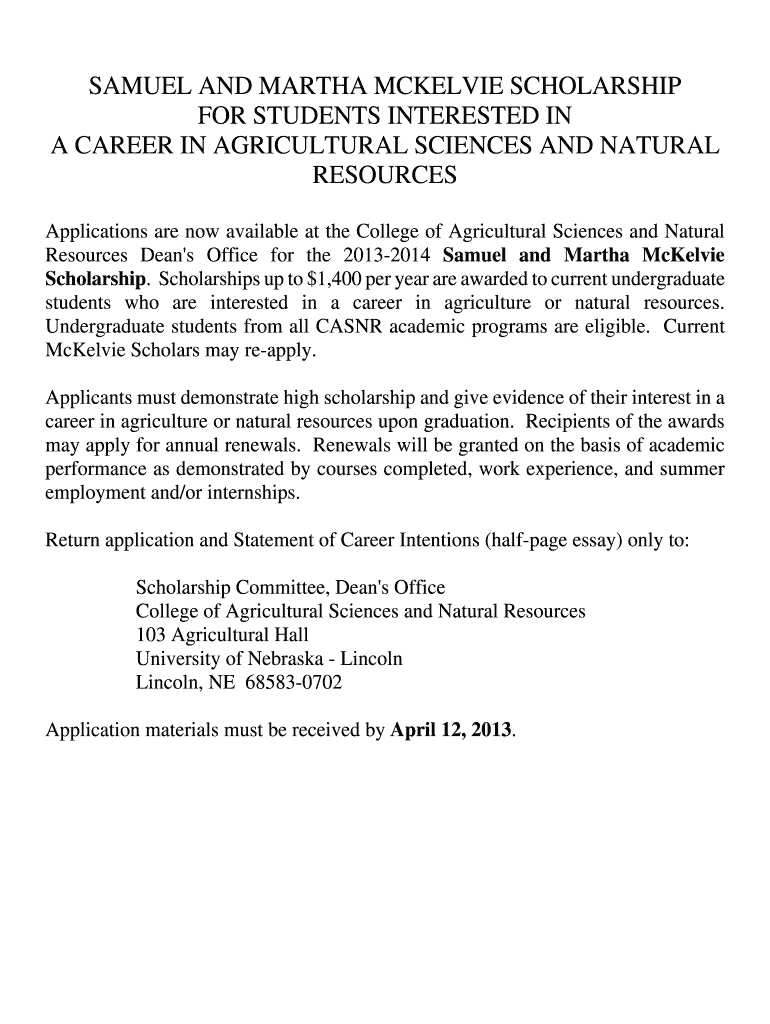
- Click ‘Get Form’ to open the SAMUEL AND MARTHA MCKELVIE SCHOLARSHIP application in the editor.
- Begin by filling in your personal information. Enter your name, student ID number, and local address including street address, city, state, and zip code.
- Next, provide your permanent home address in the same format as your local address. Ensure all details are accurate for effective communication.
- Indicate your department and degree program. Also, input the number of credit hours completed toward your degree and your cumulative GPA.
- Specify the number of credit hours you are currently enrolled in. Remember that the total of completed and in-progress hours must exceed 26.
- Answer whether you have received this scholarship in the past by selecting 'yes' or 'no'.
- Finally, sign and date the form at the bottom to validate your application before submission.
Start using our platform today to complete your scholarship application effortlessly!
It's free
See more SAMUEL AND MARTHA MCKELVIE SCHOLARSHIP versions
| Versions | Form popularity | Fillable & printable |
|---|---|---|
| 2013 | 4.8 Satisfied (234 Votes) |
Got questions?
Can I sign my SAMUEL AND MARTHA MCKELVIE SCHOLARSHIP on a mobile?
Of course, you’ll find numerous applications for this on the web. Nonetheless, if you need to eSign your SAMUEL AND MARTHA MCKELVIE SCHOLARSHIP without installing extra software, DocHub is the optimum choice you can make. This powerful editor works on mobile devices just like on desktops. Open our editor in your preferred internet browser, register or log in to your account, and start processing your forms.
How do you get SAMUEL AND MARTHA MCKELVIE SCHOLARSHIP for my state?
If you are searching for a state-specific SAMUEL AND MARTHA MCKELVIE SCHOLARSHIP sample, you can find it in our DocHub Forms & Templates catalog. Use the search field, enter your form’s name, and search through the results for your state. You may also filter out irrelevant results while exploring our catalog by groups.
Security and compliance
At DocHub, your data security is our priority. We follow HIPAA, SOC2, GDPR, and other standards, so you can work on your documents with confidence.
Learn more


