
Get any PDF form from the DocHub library of ready-made templates - Page 1735
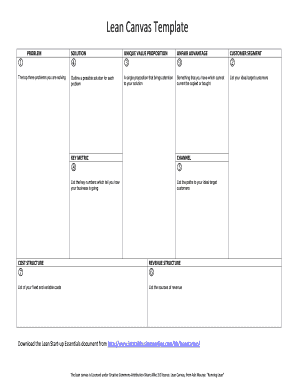
Lean Canvas Template
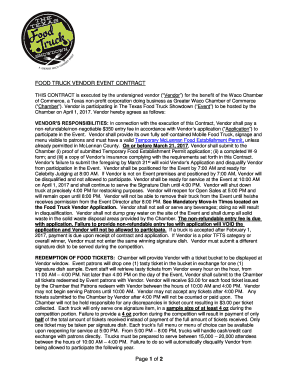
Food truck vendor event contract
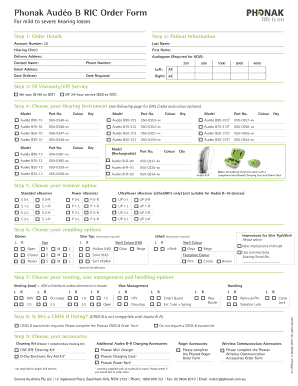
Phonak order forms

Stock Certificate Announcement
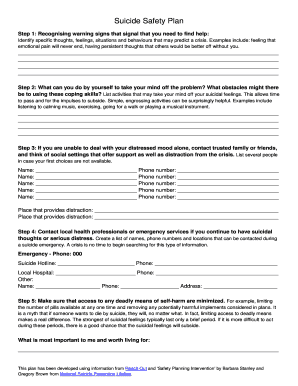
Safety plan
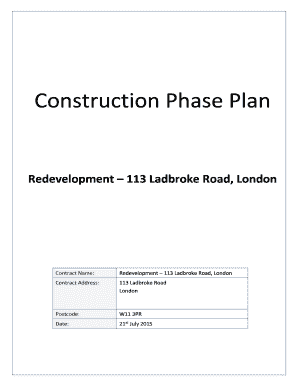
Redevelopment 113 Ladbroke Road, London
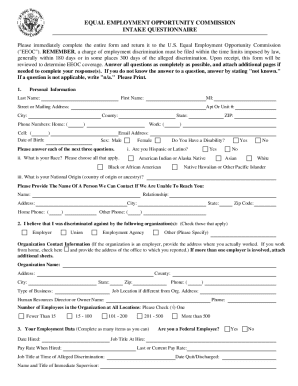
That you bring the completed questionnaire with you to this office to discuss your situation

Pa eye form

Tennessee lesson plan template
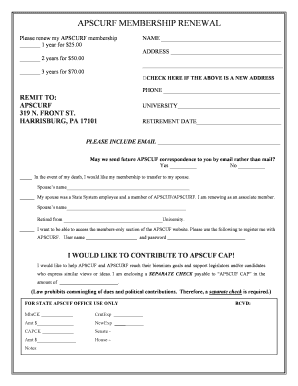
Apscurf
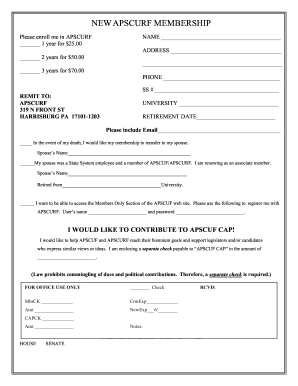
Apscurf
Editable calendar raffle template
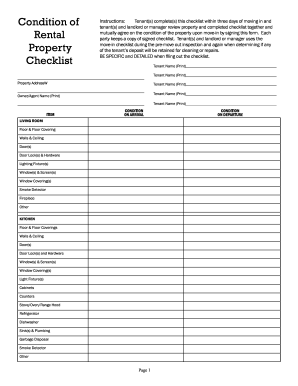
Instructions:Tenant(s) complete(s) this checklist within three days of moving in and
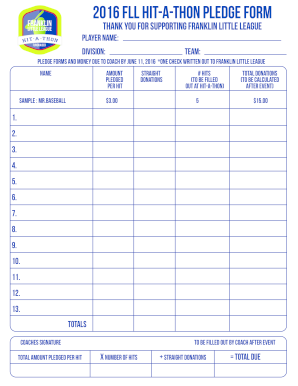
2016 FLL Hit-A-ThON PLEDGE FORM
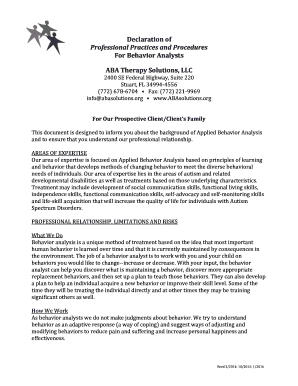
Declaration of professional practices and procedures for behavior analysts
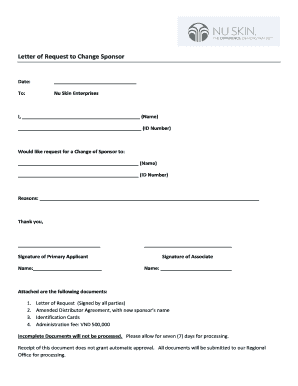
Letter of Request to Change Sponsor
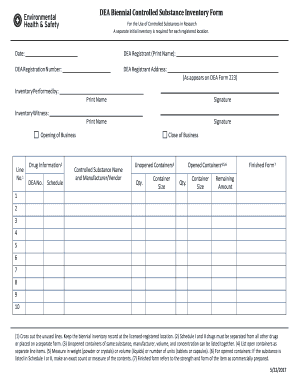
Dea inventory

SAMPLE LIVESTOCK PURCHASE CONTRACT
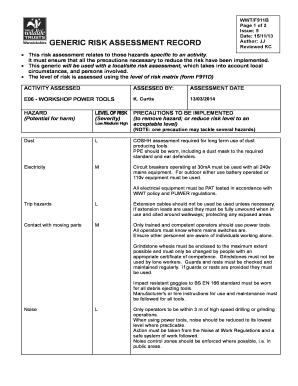
GENERIC RISK ASSESSMENT RECORD

Dss 5228
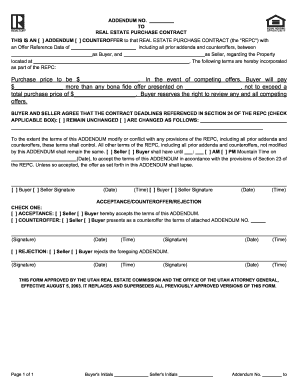
Addendum estate form
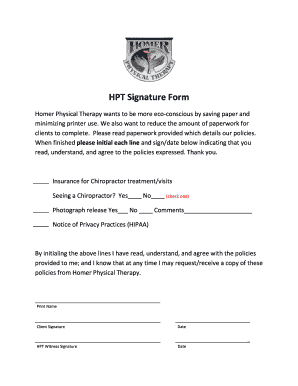
Patient History Intake Form - Bay Physical Therapy & Fitness...

LGC Associates Job Order Form / Timesheet
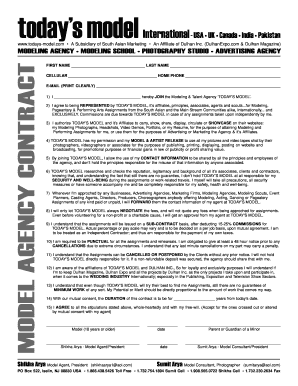
Todays model
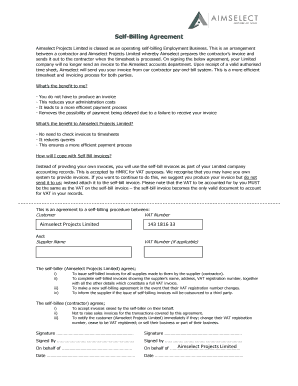
Self bill agreement template
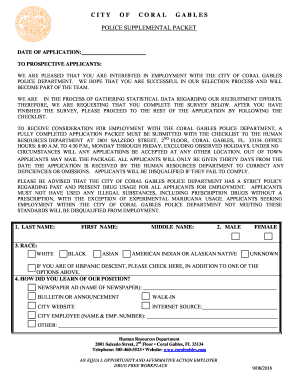
Police supplemental packe

Entity type
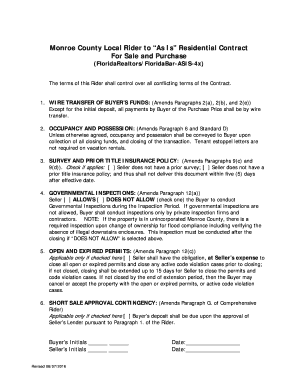
Monroe County Local Rider to As Is Residential Contract
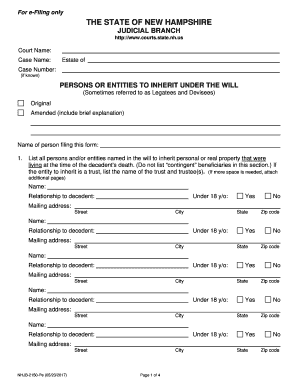
PERSONS OR ENTITIES TO INHERIT UNDER THE WILL

Indiana state

Weekly Behavior Report

LPC Supervision Master Checklist (example)

Sample letter to maybank

Temperature recording form printable
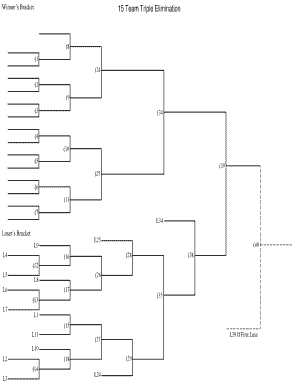
12 team 3 game guarantee bracket
Super bowl block page
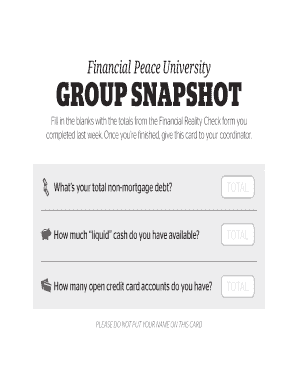
Financialpeace com financial snapshot
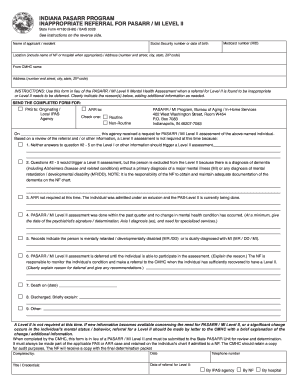
Form referral pasarr template
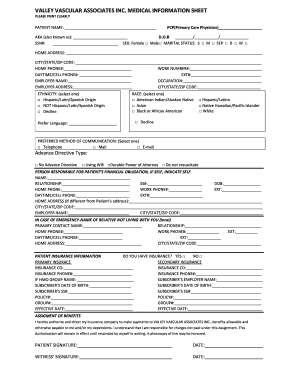
New-Patient-Info-Sheet-Use-this-Form
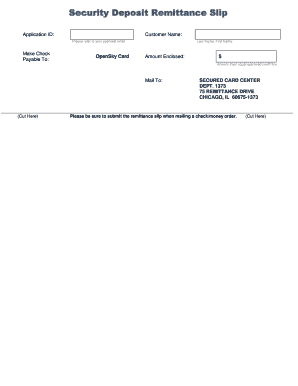
Opensky remittance slip
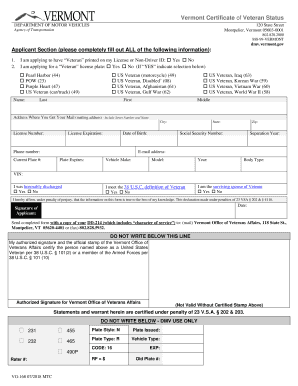
Vermont Certificate of Veteran Status
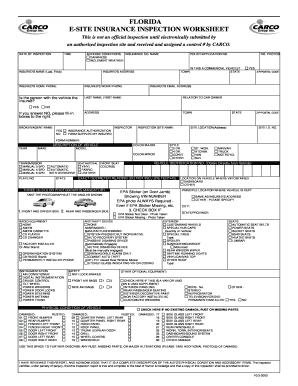
Carco inspection form

Ohio affidavit correction

Lowes business account
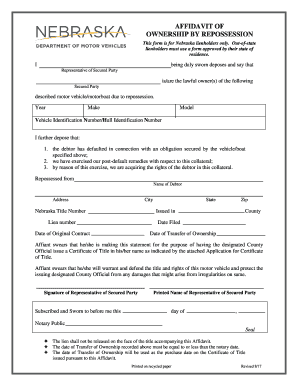
Affidavit of ownership by repossession - Nebraska DMV

Field day permission slip

Army emergency relief form
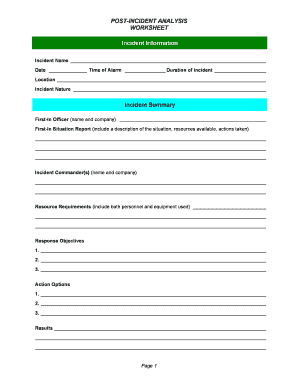
Post incident analysis template
Stranding form
Respite Inc. - Forms/Formas

Burlington Jaycees Arts, Crafts & Vendor Fair
ATF-013 (APP) Employer resource assessment - Apprentice (generic). ATF-013 (APP) Employer resource assessment - Apprentice (generic)
Adams radio group packet form
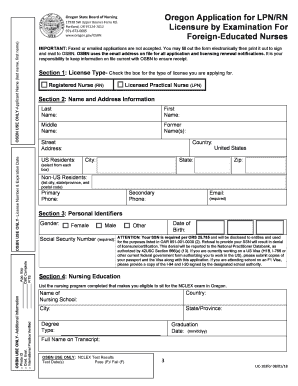
Lic jeevan arogya premium chart pdf

REINSTATE 2017142

Lidocaine patch () Prior Authorization Request Form
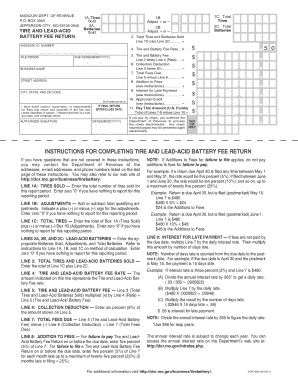
Tirebatteryfee dor mo gov

Rc521

Vidant form
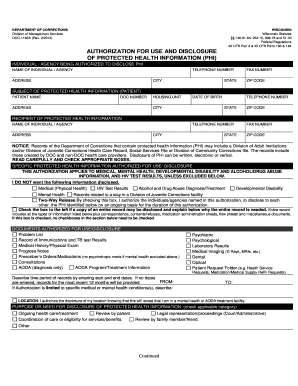
DOC-1163A Authorization for Use and Disclosure of Protected Health Information (PHI) (2)
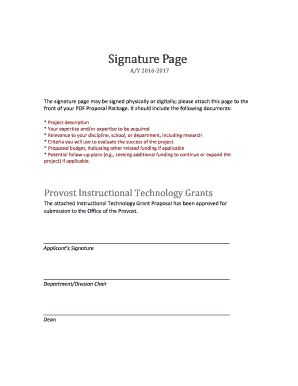
Signature page for proposal
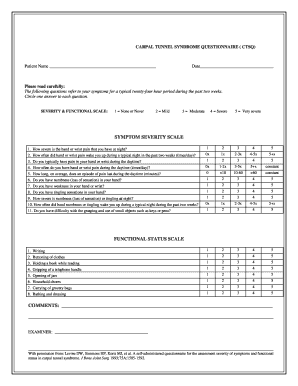
Carpal tunnel questionnaire form
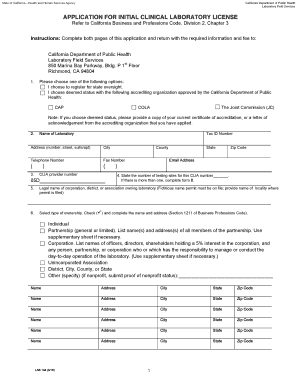
Lab144r 2016 form
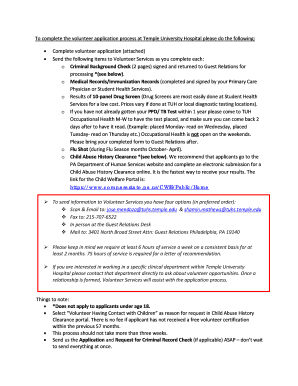
To complete the volunteer application process at Temple University Hospital please do the following:

Assignment.blank form
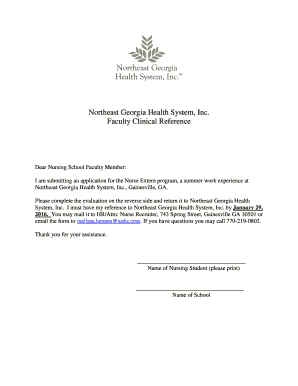
Northeast Georgia Health System, Inc
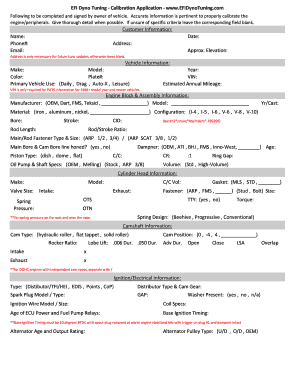
Efidynotuning
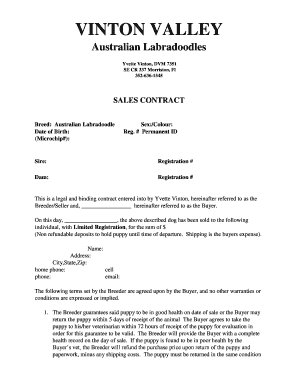
Vinton valley australian labradoodles
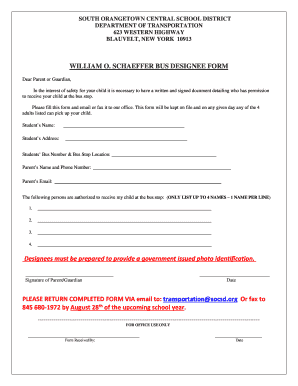
Universal WOS Bus Designee Form

INSTRUCTIONS FOR FILLING OUT FORM VA FORM 10-0423

Yukon drivers abstract
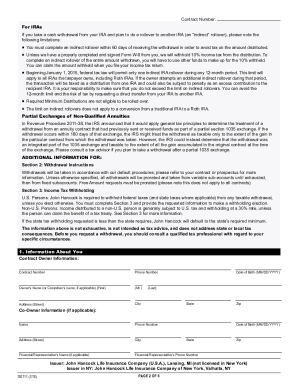
John hancock withdrawal form

Subject: Guarantor Agreement

Canada esdc form

Dd form 4

LICENSE TO PUBLISH AGREEMENT FOR CONFERENCE PROCEEDINGS

Avi employment form

DD Form 149, Application for Correction of Military Record, December 2014
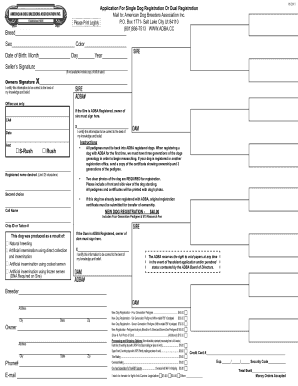
Adba single registration form
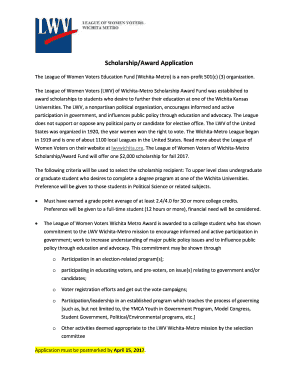
Scholarship/Award Application
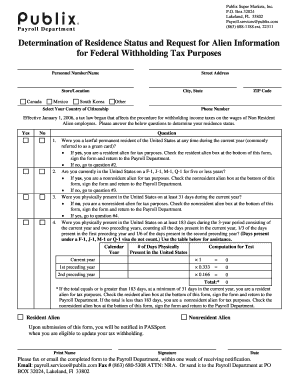
Publix Super Markets, Inc

Tsa shift trade form
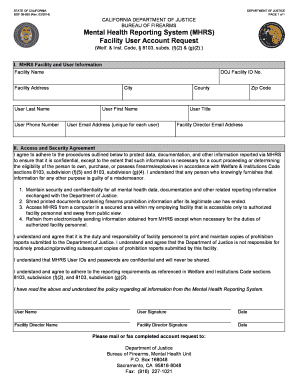
Mhrs bof 08 950

Exercise history and attitude questionnaire
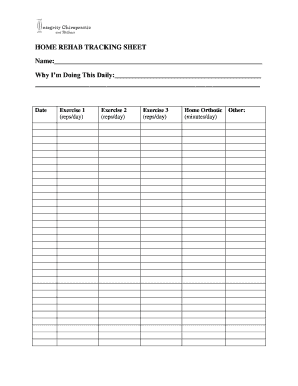
HOME REHAB TRACKING SHEET
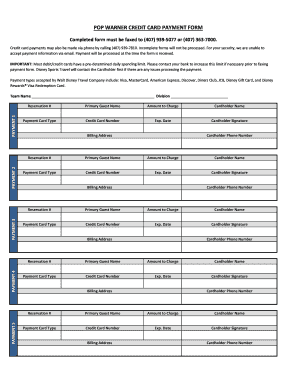
Warner credit card
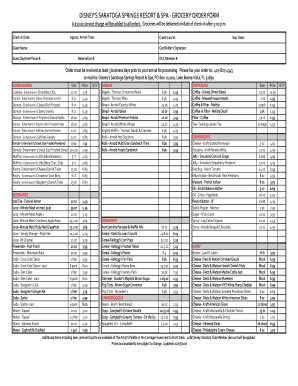
DISNEY'S SARATOGA SPRINGS RESORT & SPA - GROCERY ORDER FORM

Pilgrim Pines Campership Application & Instructions

Canada declaration form
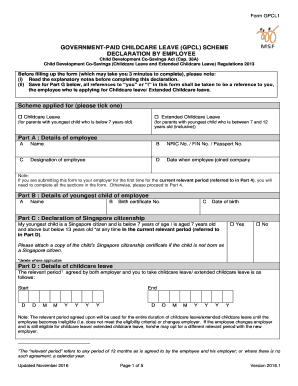
Childcare leave form
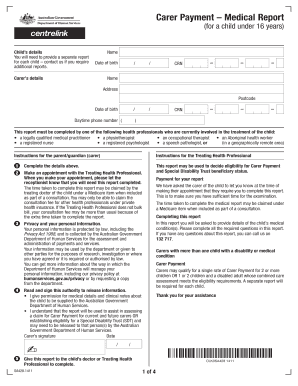
Sa428 form
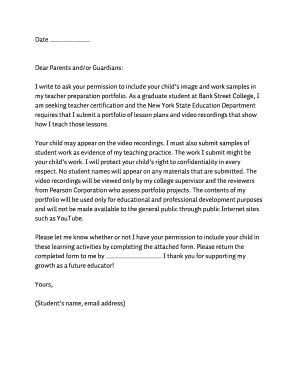
Sample permission to videotape for edTPA
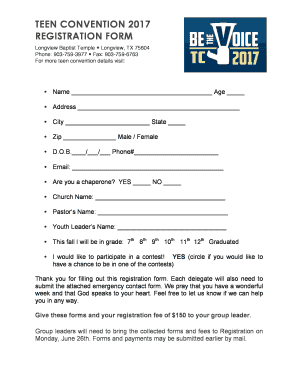
Teen convention 2017 registration form - Longview Baptist Temple

Proposta de seguro acidentes de trabalho ... - Fidelidade
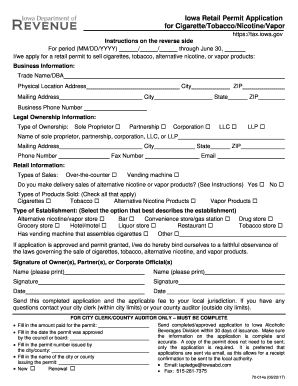
Iowa 70 014a form
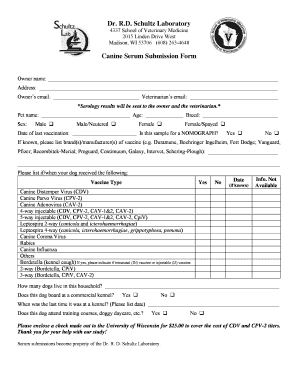
Ronald Schultz - University of Wisconsin School of Veterinary Medicine
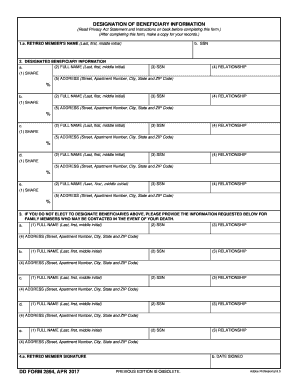
Dd form 2894
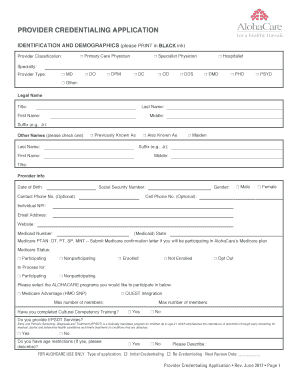
AC17 Provider Credentialing Application 3.docx

Usa national taekwondo dan promotion application - Team USA
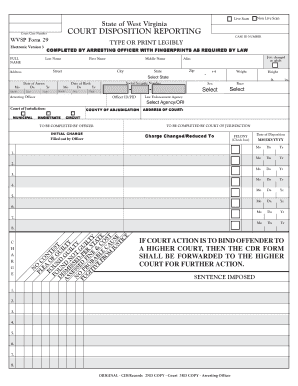
Wvsp cdr
Benefit from the DocHub online library of fillable PDF forms
Searching the PDF forms doesn't have to be a tedious and time-consuming process. With the DocHub online library, it has become easier to find the fillable PDF forms and modify them in your browser. The service allows you to adjust the document to your needs using powerful editing tools.
You can use online document editing features to modify almost any type of document with ease. You just need to find the template of your choice, open it in the editor, and use the toolbar to make the necessary corrections.
Follow this guide to get your document done with DocHub:
- Find the PDF template you need.
- Click the Get Form button to open the file in the editor.
- Use the toolbar to fill out and edit the document.
- Easily add and highlight text, insert images, checkmarks, and symbols.
- Drop new fillable fields, and rearrange or delete pages from your file.
- Save changes and download your record.
DocHub empowers everyone to streamline document editing, signing, and distribution, and form completion. Create an account and benefit from our well-organized PDF Forms library and comprehensive editor.