
Get any PDF form from the DocHub library of ready-made templates - Page 1736
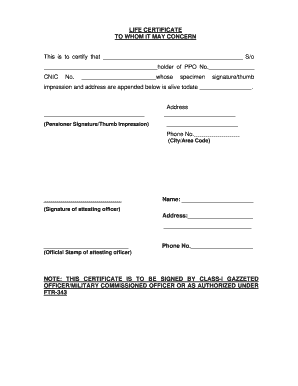
Life certificate to whom it may concern
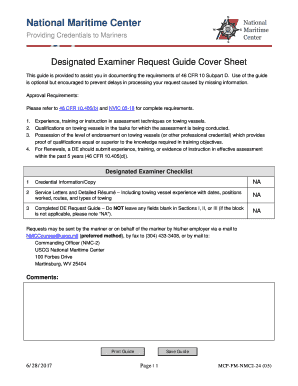
Uscg designated examiner application
Paramount claim form
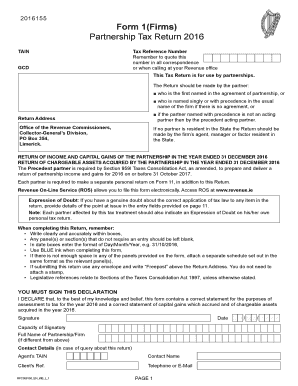
Form 1 (Firms) Partnership Tax Return 2016 - Revenue.ie
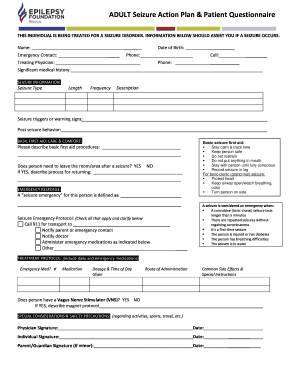
Seizure action plan form

JEFFERSON COUNTY FORM 40
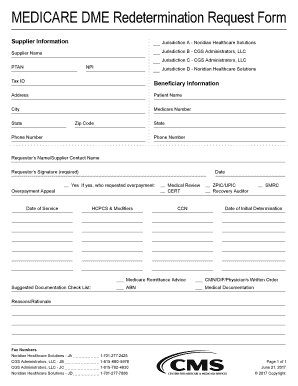
Redetermination Request Form. DME All Jurisdiction

Ptsd assessment
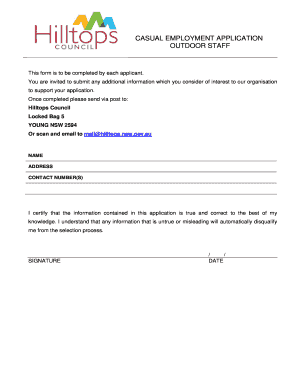
Casual Employment Application Form - Outdoor Staff - Hilltops Council
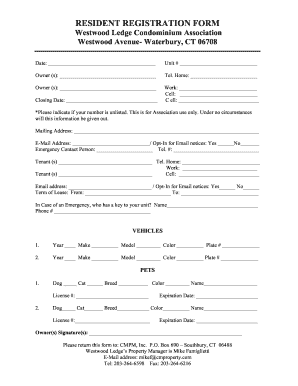
C m property management
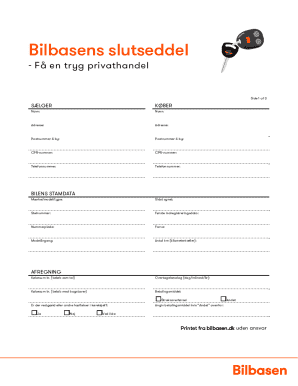
Online slutseddel
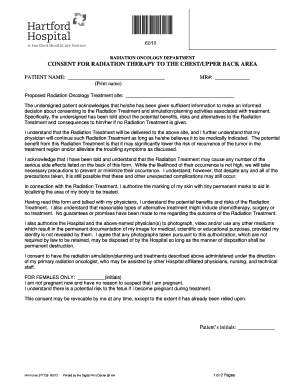
CONSENT FOR RADIATION THERAPY TO THE CHEST/UPPER BACK AREA, #577136. Hartford Hospital Consent Forms
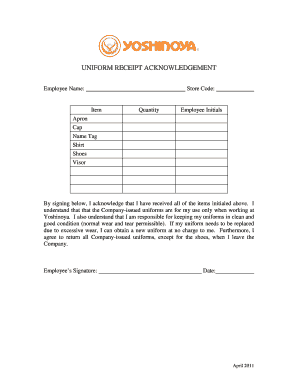
Uniform agreement form template
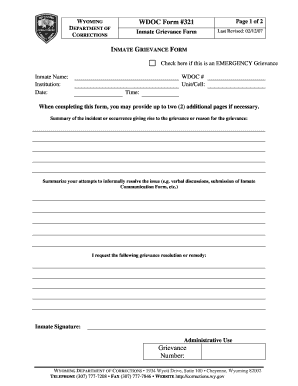
321 Inmate Grievance Form.doc
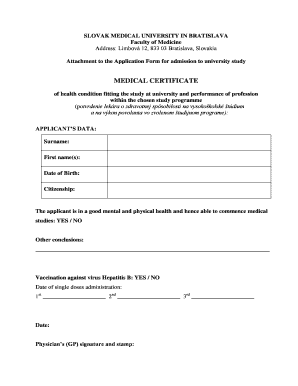
MEDICAL CERTIFICATE - SZU

Palco enrollment
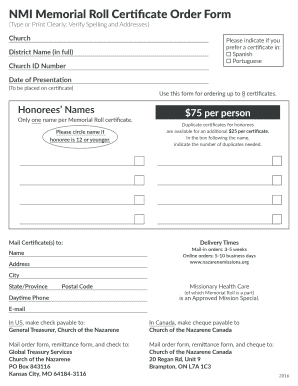
Nazarene memorial roll

Membership Renewal Form - British Driving Society
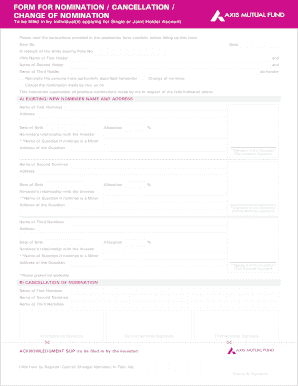
Mutual fund form nomination

Dunia finance
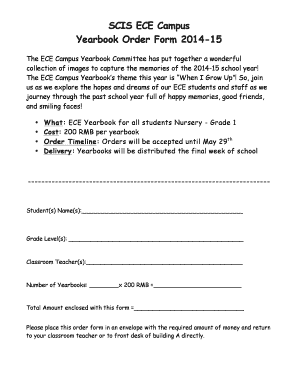
SCIS ECE Campus Yearbook Order Form 2014-15

Beneplan forms

Va form 10 0500
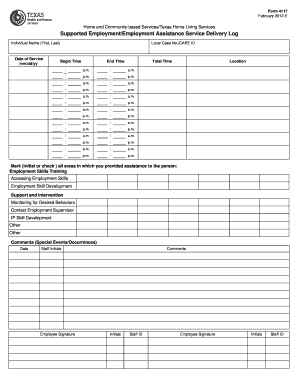
Supported Employment/Employment Assistance Service Delivery Log. Form 4117
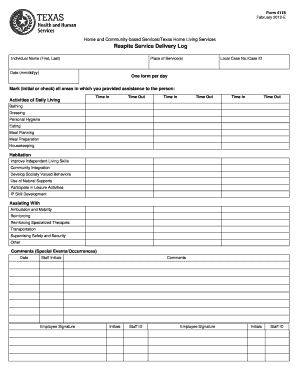
Service delivery log

Als 1101
Student records release authorization - Mainland High School
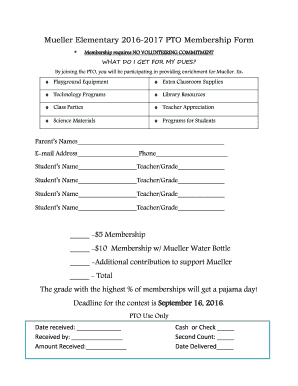
Mueller Elementary 2016-2017 PTO Membership Form -$5 ...
Kansas program application form
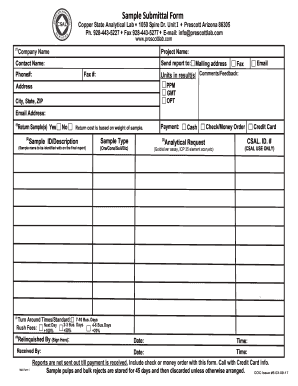
New Chain of Custody 03-09-17 - Copper State Analytical Lab
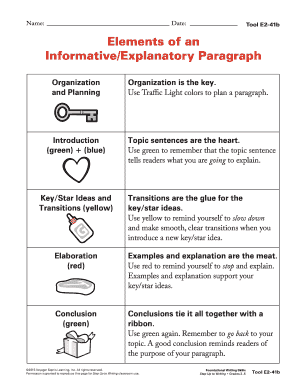
Explanatory paragraph
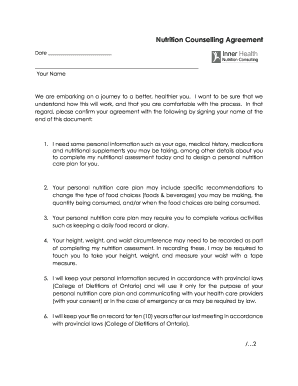
Consent Form New Clients - Inner Health Nutrition Consulting
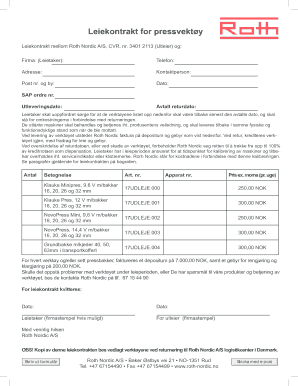
Leiekontrakt for pressvekt y - Roth Nordic AS

FERPA Release Form - Northern Arizona University
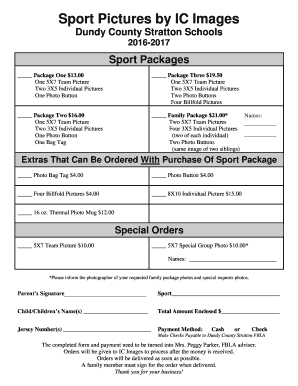
Sports photo packages order forms
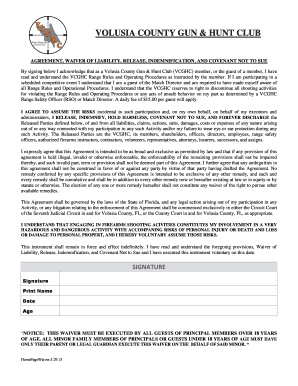
Waiver of liability form

Standard Reunification Process Form - Issaquah School District
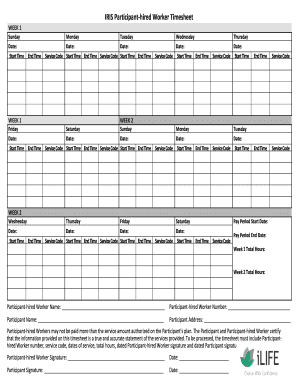
Ilife fillable timesheet

Pythagorean theorem word problem

Plagiarism activity
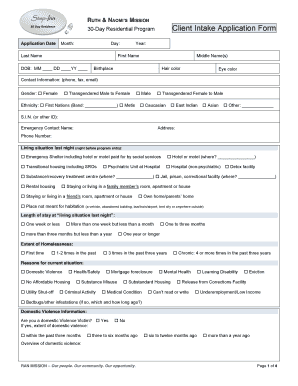
Ran application form

Tjx packing list form
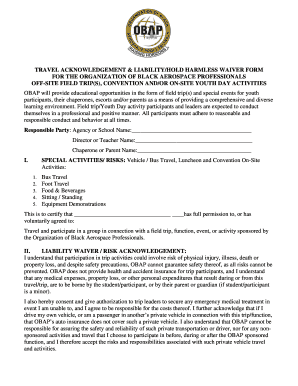
Travel acknowledgement form
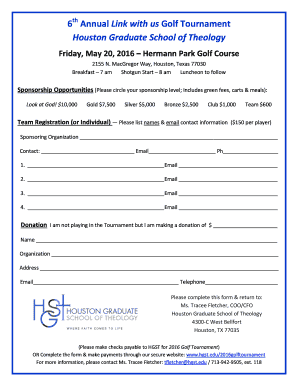
REGISTRATION FORM (pdf) - Houston Graduate School of Theology
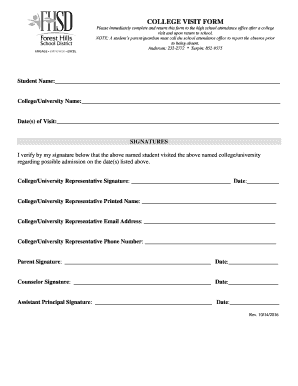
College visit form

Henry ford release of information
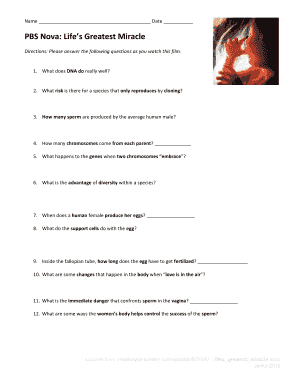
Life's greatest miracle worksheet
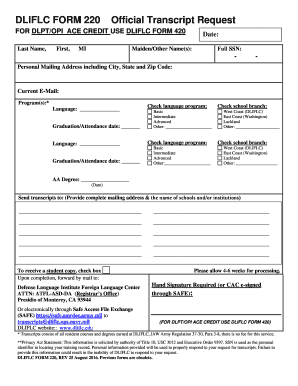
Dliflc transcripts
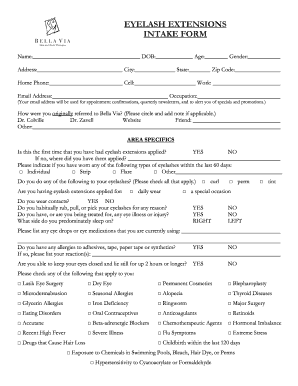
EYELASH EXTENSIONS INTAKE FORM
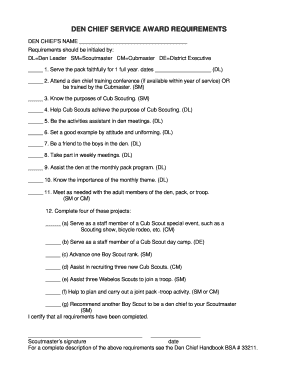
Den chief service award worksheet
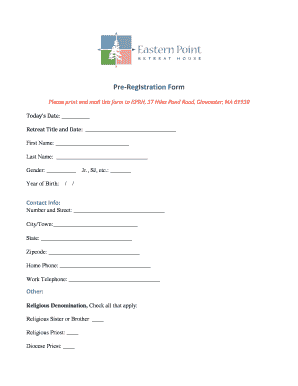
Eastern point retreat house registration
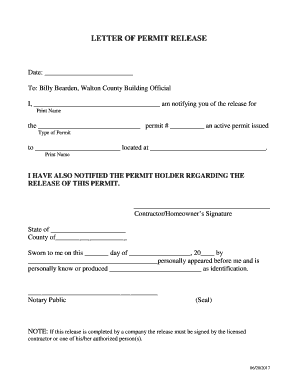
Letter of permit release - Walton County
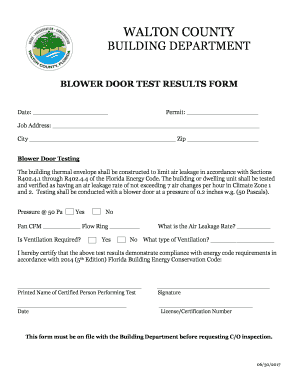
Blower door test results form
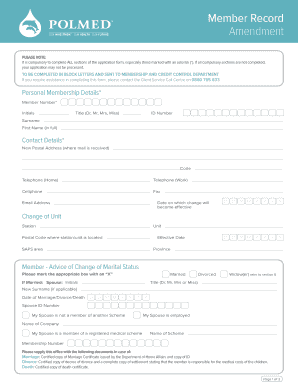
Polmed cancellation form
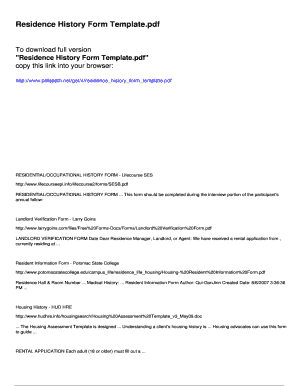
Residential history form

Oregon duii diversion forms
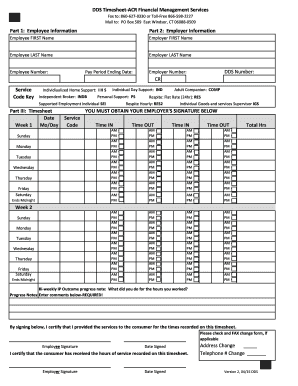
Acr timesheet
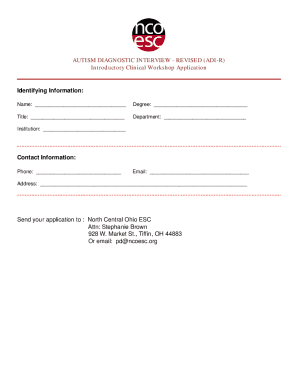
Adi r manual pdf
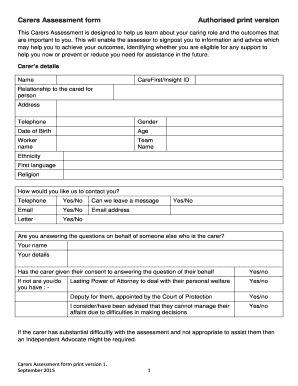
Carers assessment
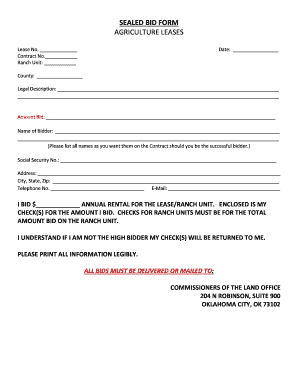
Sealed bid form agriculture leases - Commissioners of the Land Office

Condo questionnaire
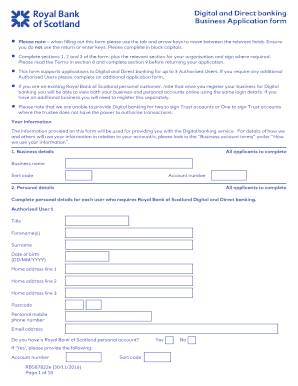
Digital and Direct banking Business Application form - RBS
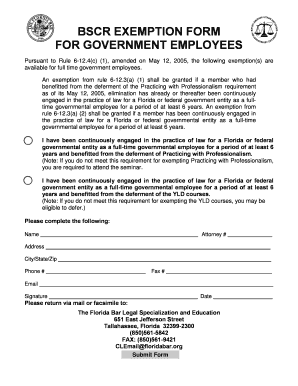
BSCR Exemption Form for Government Employees - The Florida Bar
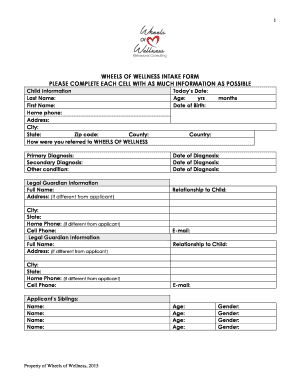
ABA Chicago Intake Form - Wheels of Wellness
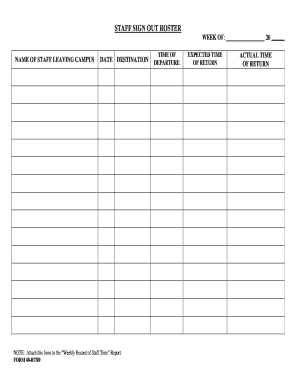
Sign out roster
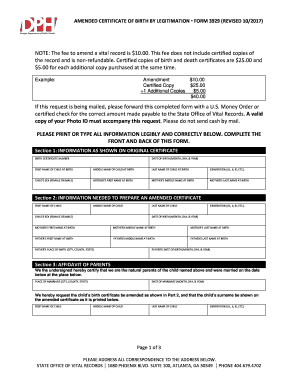
Application for an Amended Certificate of Birth by Legitimation Form ...
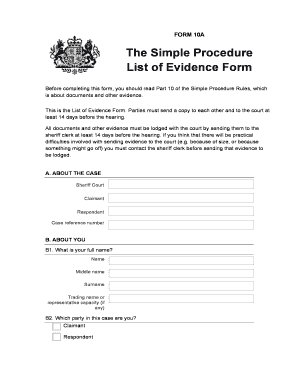
Procedure united kingdom
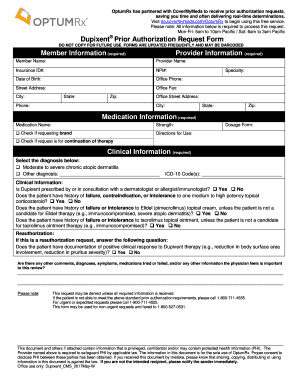
Optumrx dupixent prior auth form

My space housing

Scba youth grant application
Dasb flea market

Homeless verification letter florida
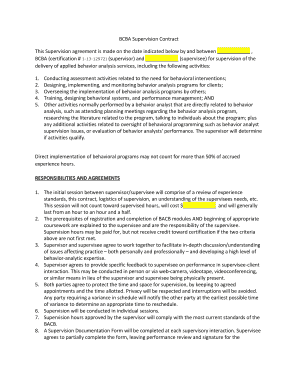
Supervision contract

UNSY 691 MSUS Capstone Project Rubric

Nh sandwich entry form

Ofcom business radio licence
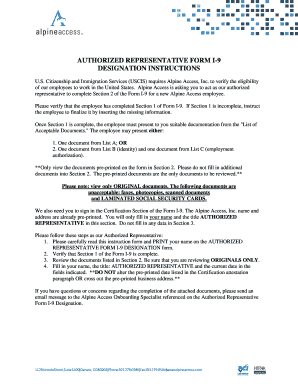
Authorized representative form i-9 designation instructions - Sykes

Eu2 form
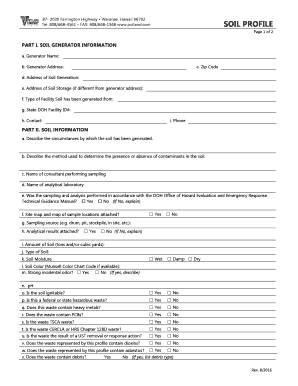
Soil profile - PVT Land Company, LTD

One Time Credit Card Payment Authorization Form - ACFAS.org

Lab 144a

Win/Loss Statement Request Form - Station Casinos
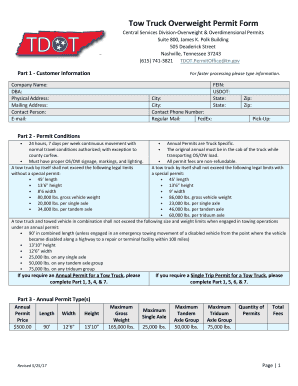
Tennessee overweight permit
Landlord statement rochester ny
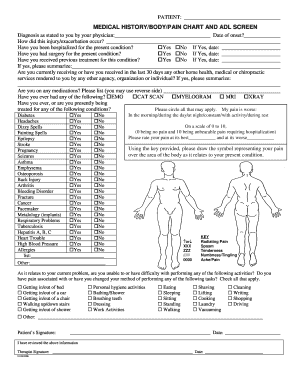
Med HX Body Pain ADL Form.doc

Mb3 form maternity
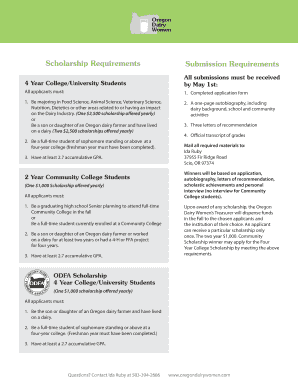
Oregon Dairy Women Scholarship Form
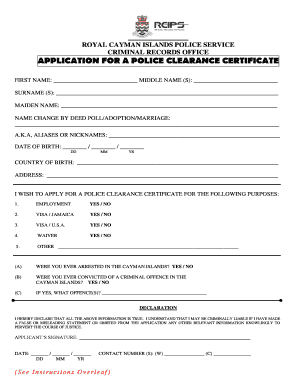
ROYAL CAYMAN ISLANDS POLICE SERVICE
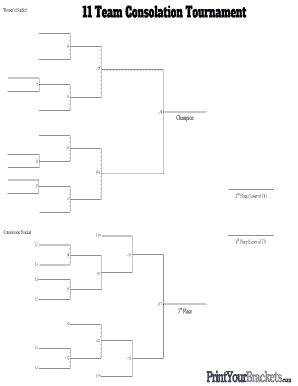
11 team single elimination bracket

Work Search Activity Log - the Mass.gov Pilot
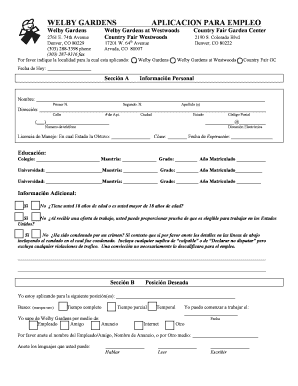
APLICACION DE EMPLEO - welbygrdn.com

Co load letter
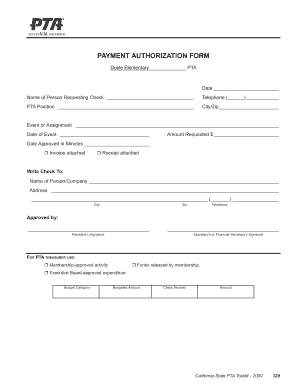
Pta authorization
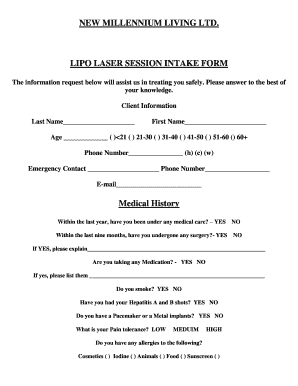
Lipo laser form

Ultrazone alhambra ca
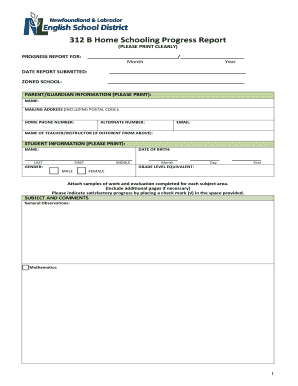
Canada home
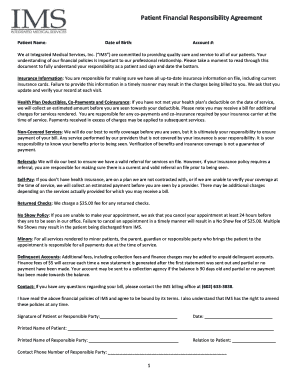
Patient financial agreement template
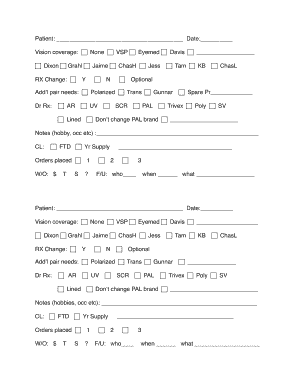
Eye routing slip template

Criminal History Disclosure Form - WSU College of Nursing
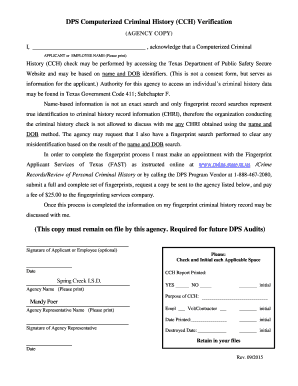
Dps computerized criminal history verification form
Benefit from the DocHub online library of fillable PDF forms
Searching the PDF forms doesn't have to be a tedious and time-consuming process. With the DocHub online library, it has become easier to find the fillable PDF forms and modify them in your browser. The service allows you to adjust the document to your needs using powerful editing tools.
You can use online document editing features to modify almost any type of document with ease. You just need to find the template of your choice, open it in the editor, and use the toolbar to make the necessary corrections.
Follow this guide to get your document done with DocHub:
- Find the PDF template you need.
- Click the Get Form button to open the file in the editor.
- Use the toolbar to fill out and edit the document.
- Easily add and highlight text, insert images, checkmarks, and symbols.
- Drop new fillable fields, and rearrange or delete pages from your file.
- Save changes and download your record.
DocHub empowers everyone to streamline document editing, signing, and distribution, and form completion. Create an account and benefit from our well-organized PDF Forms library and comprehensive editor.