
Get any PDF form from the DocHub library of ready-made templates - Page 1733
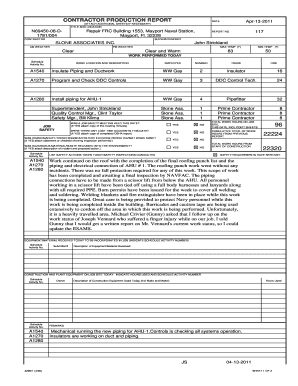
CONTRACTOR PRODUCTION REPORT

Jib crane inspection checklist

Internship log book pdf

VISUAL SITE INSPECTION REPORT

Michigan employer background check authorization

VEHICLE WORK SHEET: CONDUCTING A USED CAR INSPECTION
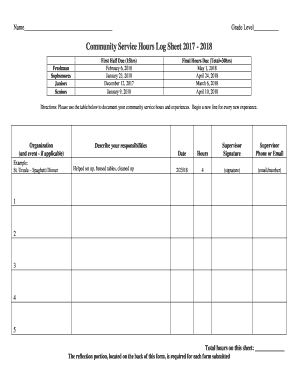
Community Service Hours Log Sheet 2017 - 2018

Wheel torque record sheet
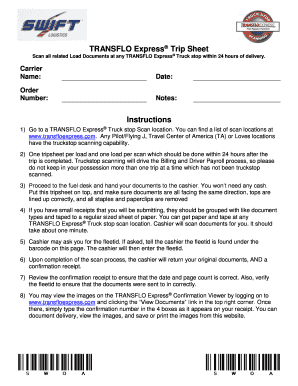
Transflo express

CAHAN (CAlifornia Health Alert Network) Enrollment Form
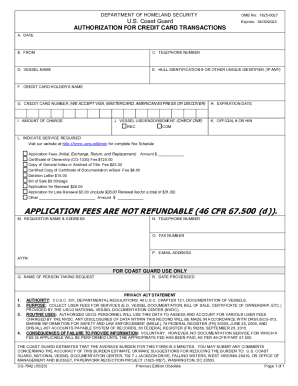
Cg 7042
APPROVAL OF THE APPLICATION TO FORM THE PIKKA UNIT
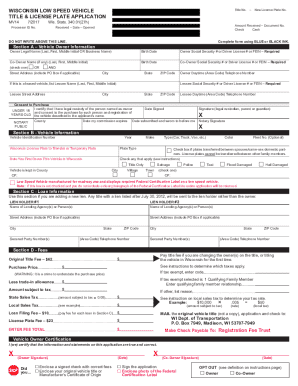
Wisconsin Low Speed Vehicle Title & License Plate Application

PCMO APPLICANT SKILLS SURVEY
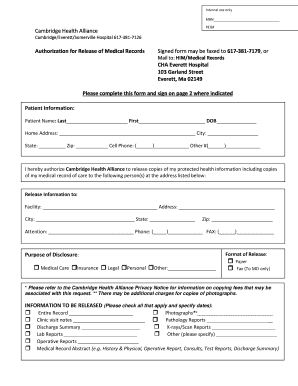
Medical Record Release form - Cambridge Health Alliance
Nonprofit Audit

Form 8009a
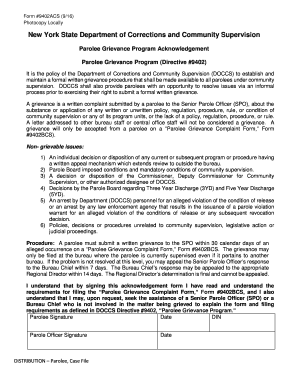
Form #9402ACS (9/16)
Current Events- Summary Graphic Organizer Name Number...

Ca care ontario cancer
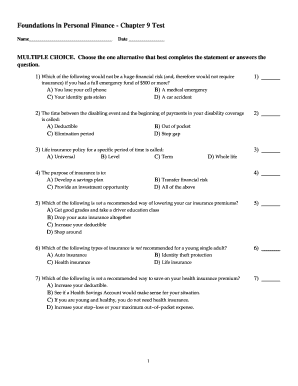
Personal finance chapter 9
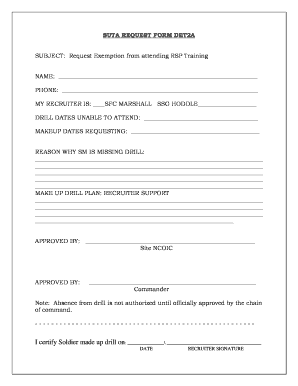
Army suta form pdf

Piedmont Towing
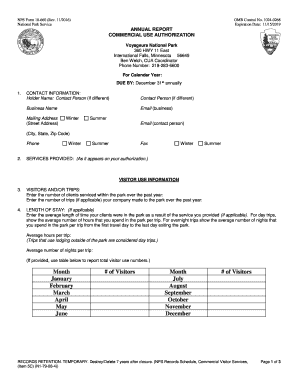
10 660
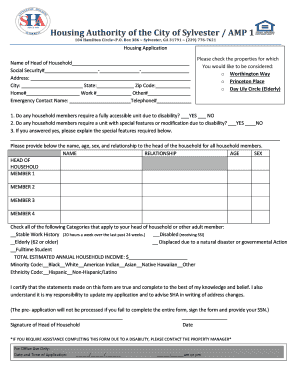
Housing Authority of the City of Sylvester / AMP 1
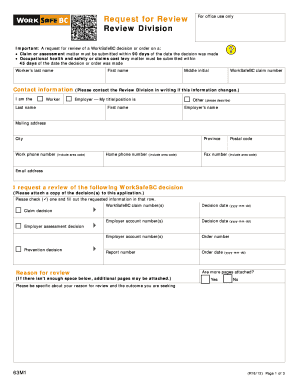
63m1
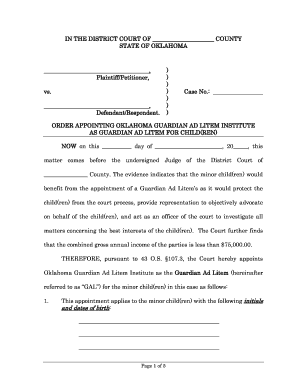
Guardian ad litem oklahoma
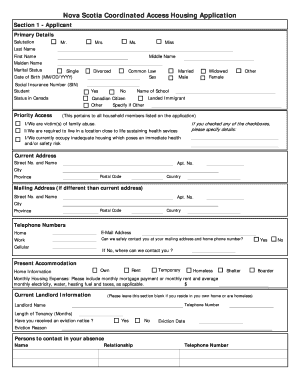
Nova scotia housing application
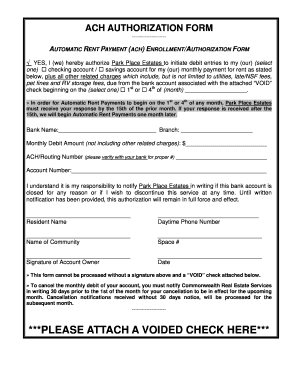
AUTOMATIC RENT PAYMENT (ACH) ENROLLMENT/AUTHORIZATION FORM
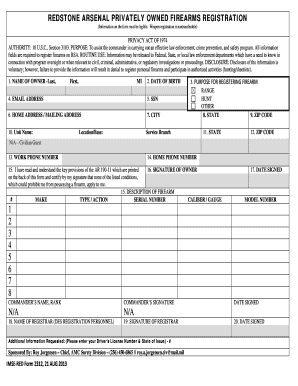
REDSTONE ARSENAL PRIVATELY OWNED FIREARMS REGISTRATION
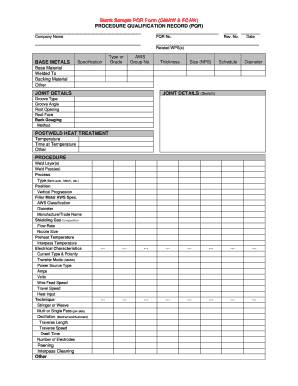
Blank Sample PQR Form (GMAW & FCAW)
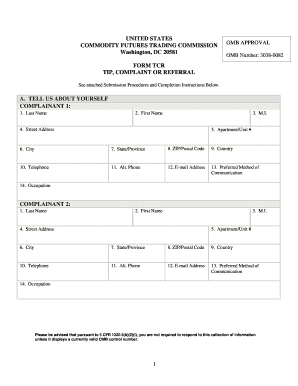
Tcr futures commission cftc
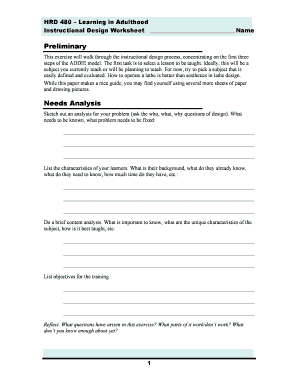
Instructional Design Worksheet
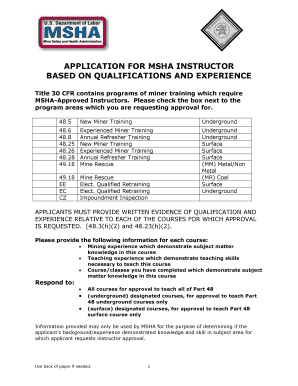
Msha instructor application

LOVE LANGUAGES MYSTERY GAME
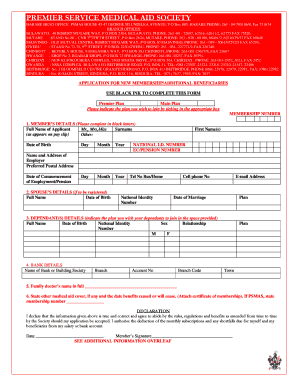
Psmas online registration
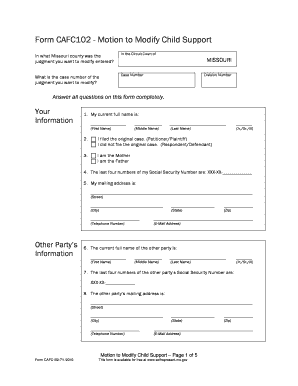
Form CAFC102 - Motion to Modify Child Support
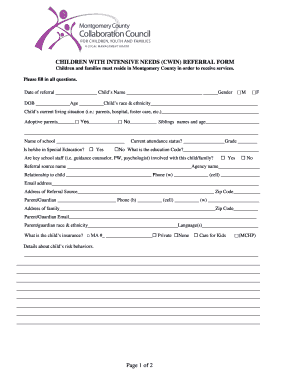
Cwin referral form
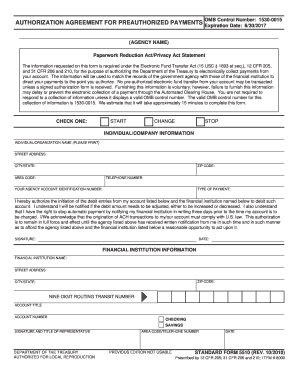
Form omb no 12100149 printable

SRI LANKA ENERGY MANAGERS ASSOCIATION

Virtual shoebox
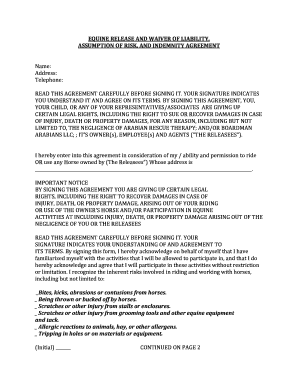
Equine waiver agreement
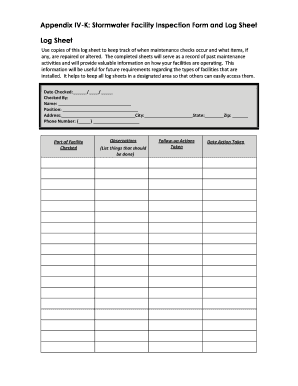
Appendix IV-K: Stormwater Facility Inspection Form and Log Sheet
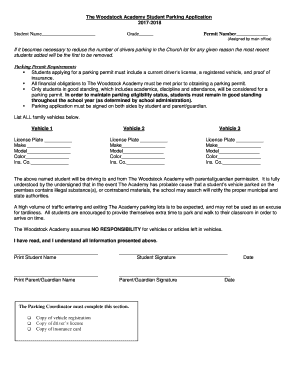
The Woodstock Academy Student Parking Application
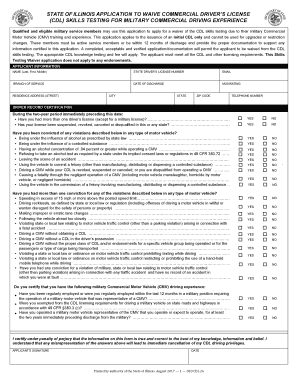
Drivers license renewal form illinois
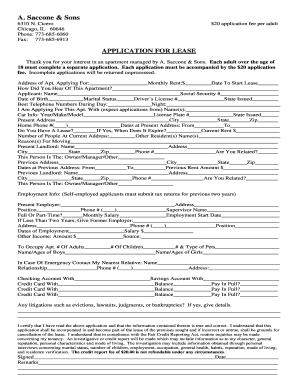
A saccone and sons
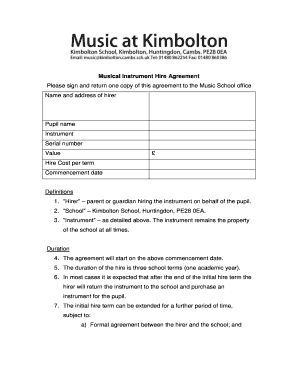
Musical Instrument Hire Agreement
Mazda employee pricing

Application for Transfer Out of North Kitsap School District
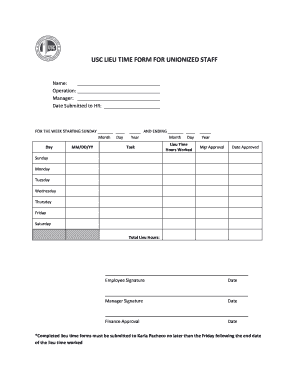
USC LIEU TIME FORM FOR UNIONIZED STAFF
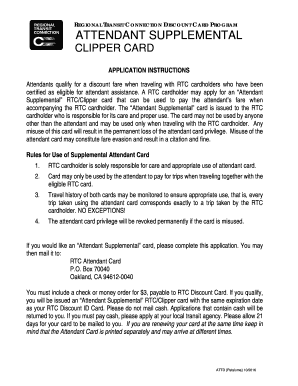
Attendant supplemental clipper card
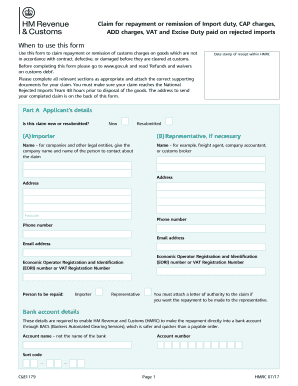
C285 form
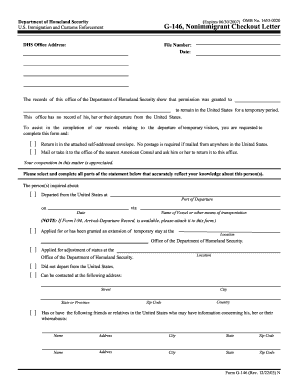
G 146

Exit form
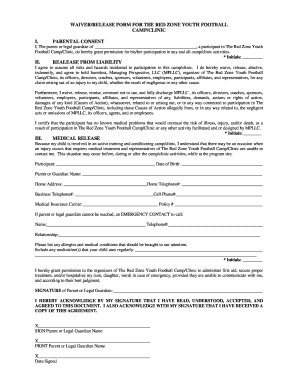
WAIVER/RELEASE FORM FOR THE RED ZONE YOUTH FOOTBALL
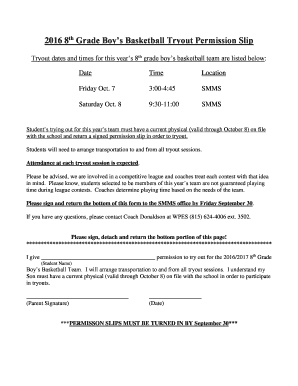
2016 8th Grade Boys Basketball Tryout Permission Slip
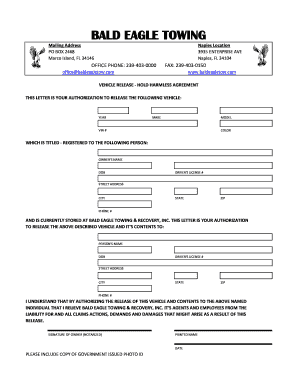
Release of Liability and Hold Harmless Agreement ACTIVITY: KU ...

Bounce house release
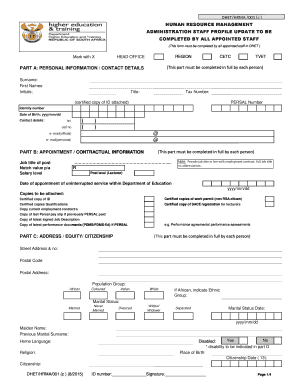
Hr supervisor01 twyfordtile com
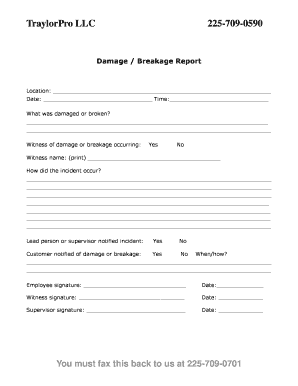
Breakage report

Vmia certificate of insurance application
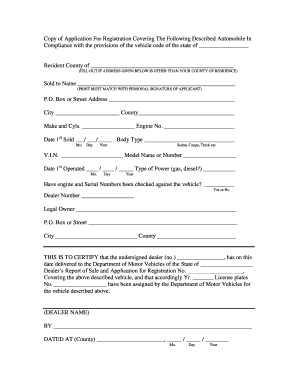
Application for registration
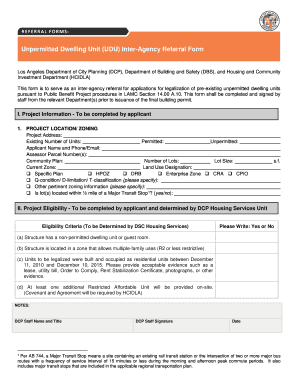
Ca unit inter agency online

Notice of privacy practices acknowledgement form
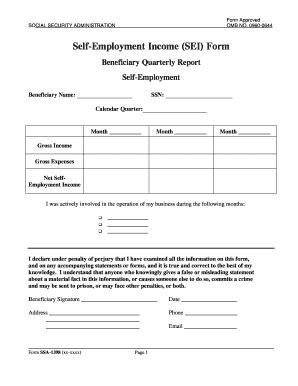
Social security self employment income

CHARLESTON PRO BONO LEGAL SERVICES

Master problem list
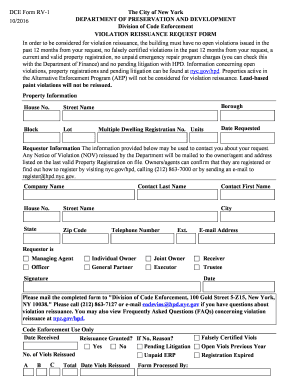
Hpd violation reissuance request form

STREETBEAT VOLUME 2 ISSUE 1
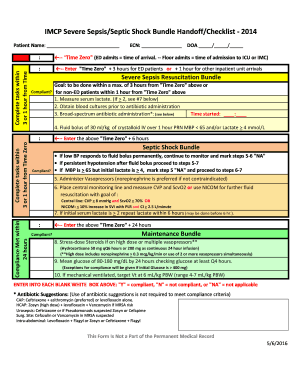
Sepsis checklist
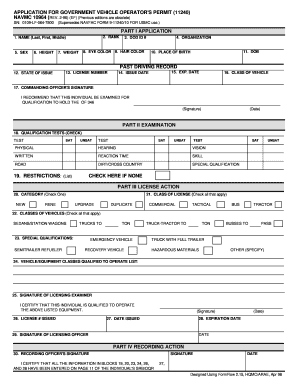
Navmc 10964

Equipment checkout form
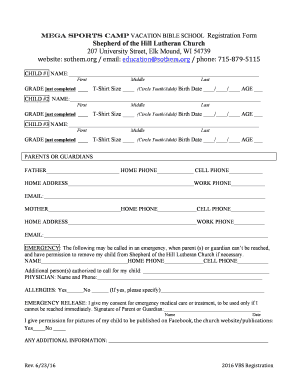
MEGA Sports camp VACATION BIBLE SCHOOL Registration Form
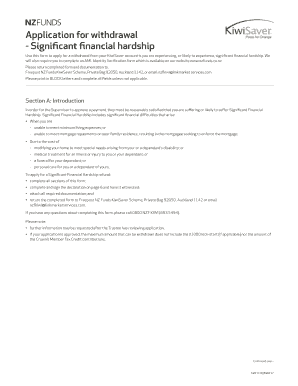
Significant financial hardship
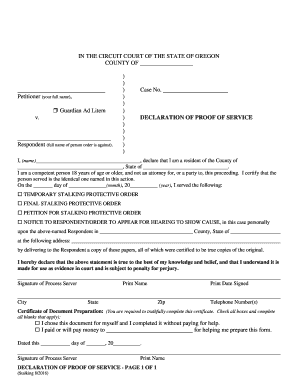
Proof of service form oregon

AFFIRMATIVE ACTION PRE-AUDIT SEARCH FORM
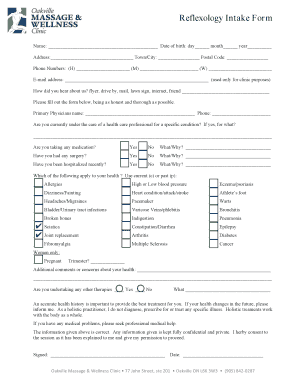
Reflexology Intake For m

Dd form 2910
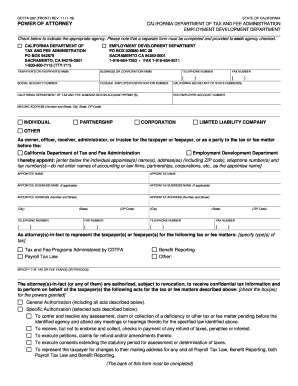
Power attorney poa form
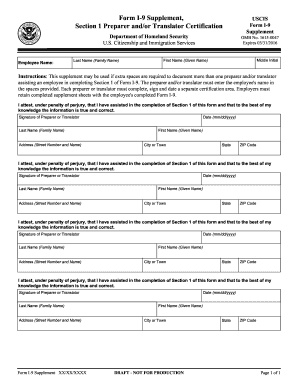
Form I-9 Supplement,

Subcontractor Direct Deposit (ACH FORM)
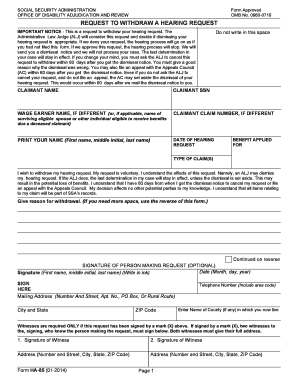
Ssa request withdraw hearing

Mime rubric

Drama performance rubric

Rubric writing
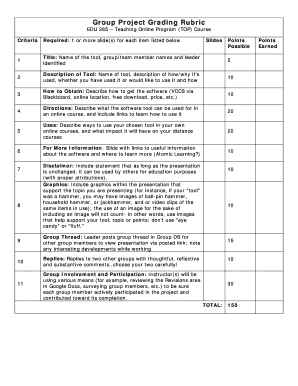
DocHub group work rubric
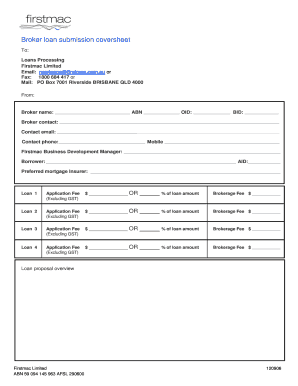
Broker loan submission coversheet
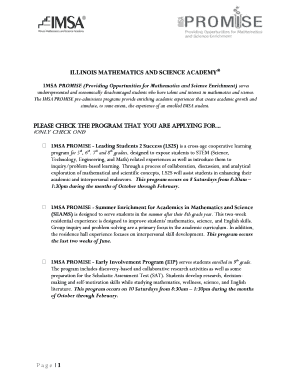
Imsa promise program
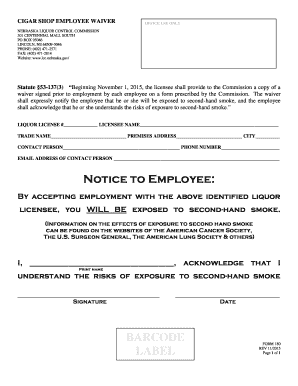
CIGAR SHOP EMPLOYEE WAIVER
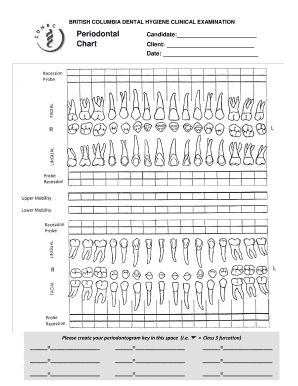
Periodontogram
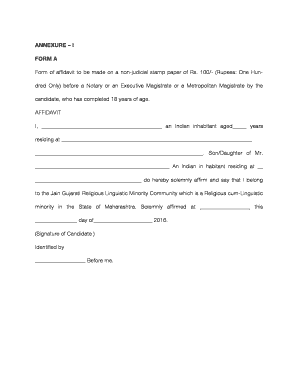
100 rs stamp paper pdf
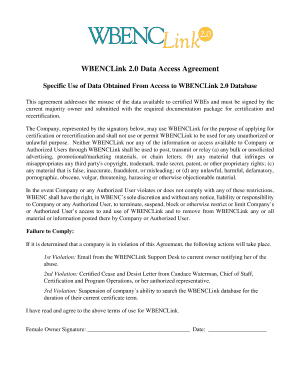
Wbenclink2 0
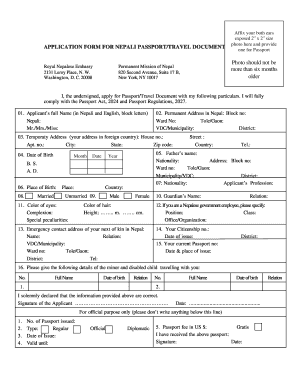
APPLICATION FORM FOR NEPALI PASSPORT/TRAVEL DOCUMENT
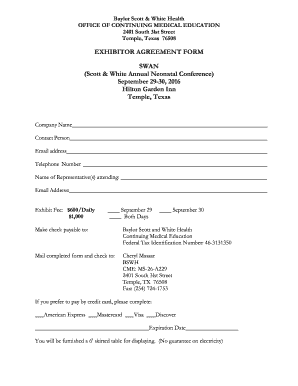
Baylor Scott & White Health
Application Form FA10MSNP
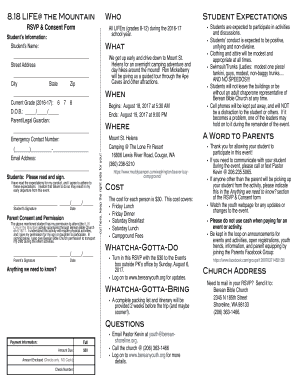
RSVP & Consent Form
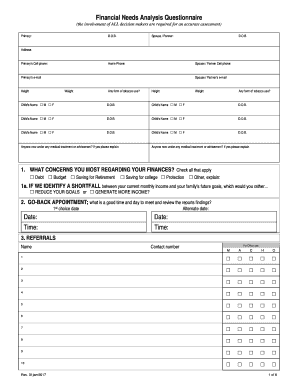
Financial needs analysis questionnaire

Application for extension of time to commence building work

Health coaching forms

CAREERS ON WHEELS DAY
Benefit from the DocHub online library of fillable PDF forms
Searching the PDF forms doesn't have to be a tedious and time-consuming process. With the DocHub online library, it has become easier to find the fillable PDF forms and modify them in your browser. The service allows you to adjust the document to your needs using powerful editing tools.
You can use online document editing features to modify almost any type of document with ease. You just need to find the template of your choice, open it in the editor, and use the toolbar to make the necessary corrections.
Follow this guide to get your document done with DocHub:
- Find the PDF template you need.
- Click the Get Form button to open the file in the editor.
- Use the toolbar to fill out and edit the document.
- Easily add and highlight text, insert images, checkmarks, and symbols.
- Drop new fillable fields, and rearrange or delete pages from your file.
- Save changes and download your record.
DocHub empowers everyone to streamline document editing, signing, and distribution, and form completion. Create an account and benefit from our well-organized PDF Forms library and comprehensive editor.