




01. Edit your form online
Type text, add images, blackout confidential details, add comments, highlights and more.

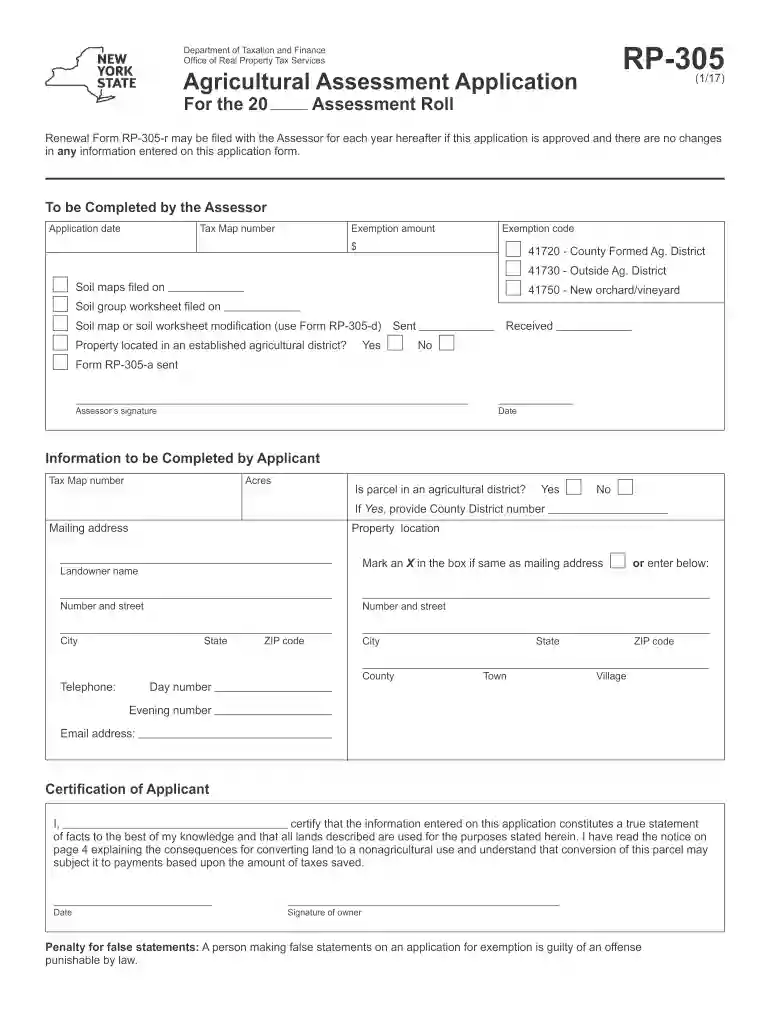
Type text, add images, blackout confidential details, add comments, highlights and more.

Draw your signature, type it, upload its image, or use your mobile device as a signature pad.

Send it via email, link, or fax. You can also download it, export it or print it out.

Start using our platform today for free to streamline your form completion process!
We've got more versions of the 41720 - County Formed Ag form. Select the right 41720 - County Formed Ag version from the list and start editing it straight away!
eSignatures are a perfect alternative to traditional signing, as they save time, effort, and money people spend on printing, scanning, and paper delivery. You can electronically sign your 41720 - County Formed Ag using a trustworthy and robust online document management services like DocHub. It complies with main eSignature regulations (ESIGN and UETA), so all documents approved there are legally binding and have the same validity as physically signed ones.
If you edit your 41720 - County Formed Ag with DocHub, you only need a stable internet connection and virtually any browser installed on your device. No need to install any third-party software or study guides. Simply open a tab with DocHub, drag and drop your file, and modify it on the spot.
At DocHub, your data security is our priority. We follow HIPAA, SOC2, GDPR, and other standards, so you can work on your documents with confidence.
The Town of Clarence Agricultural and Farmland Protection Plan was funded by a. Municipal Planning Grant through the New York State Department of AgricultureRead more
Feb 14, 2025 Section 4.08 - Ag-Mkts L Section 305: Agricultural Districts (formed by county or New York State). Exemption code(s):. 41720. Year originallyRead more


