
Get any PDF form from the DocHub library of ready-made templates - Page 1724

CENSUS DATA SPREADSHEET FOR PENSION AND 401(K) PLANS
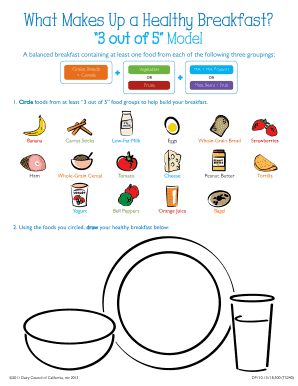
What Makes Up a Healthy Breakfast

Learning environment preferences lep

Prioritizing Tasks Worksheet

Steven Covey - 7 Habits of Highly Effective People

TECCA Handbook

CLUB TRAVEL EMERGENCY CONTACT FORM

CARDIAC MRI REQUEST FORM

ACA44 Deferred Examination Application Form
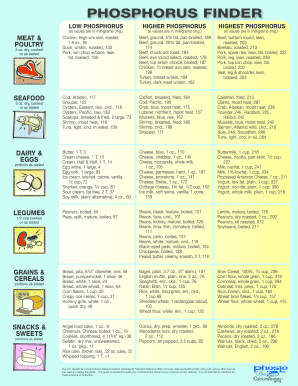
Phosphorus finder
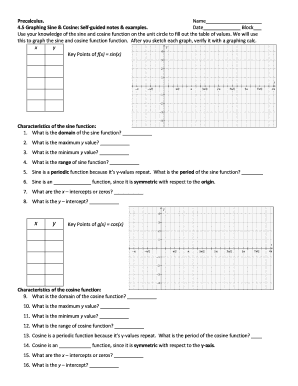
Graphing sine and cosine guided notes

This Affidavit must be completed by a disinterested third party (Affiant) who will not benefit from the

Food and Equipment Cooling Log

FOOD PRODUCT:COOLING METHOD:
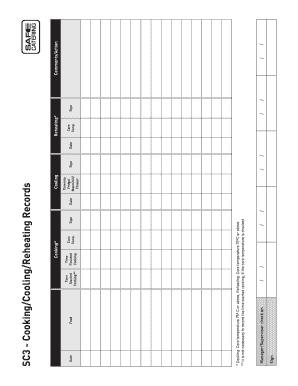
Manager/Supervisor check on
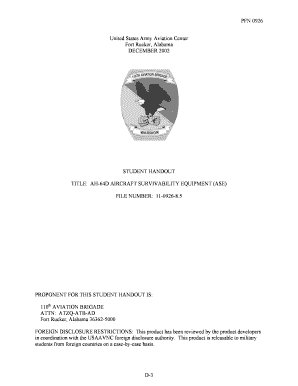
Ah64d student handout

Dor 82514
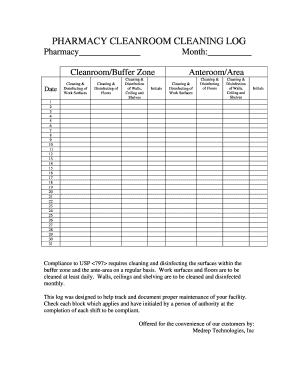
Pharmacy cleaning log

XXXX Police Use Only
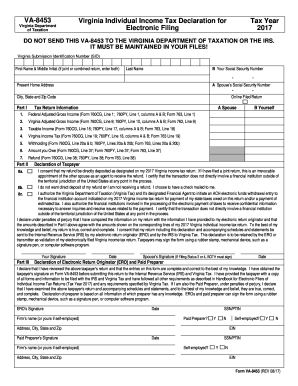
Form va 8453 c where to mail
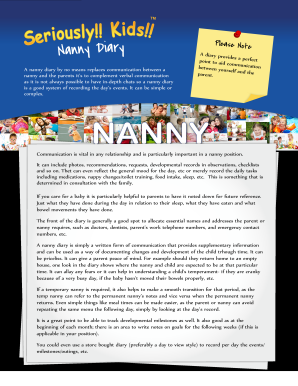
A nanny diary by no means replaces communication between a

Angus housing application
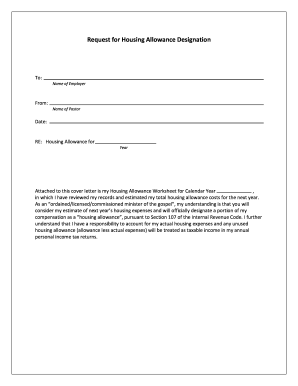
Request for allowance

Adoption contract for cats

Dog Owner Surrender Contract

Enclosed is a packet of information to help you re-home your pet(s)
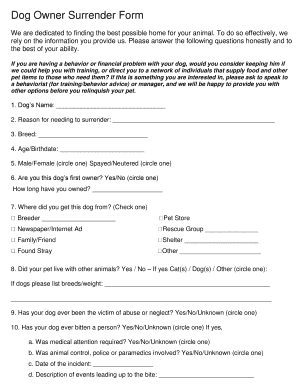
Dog Owner Surrender Form
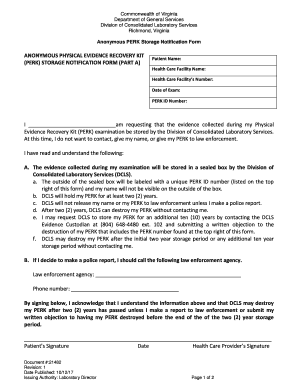
Anonymous PERK Storage Notification Form

Chain of Custody Documentation Form

For Desert Chapel UMC

Block Book Notice
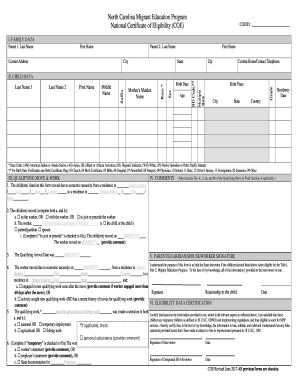
National Certificate of Eligibility (COE)
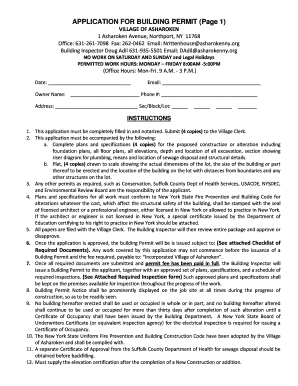
VILLAGE OF ASHAROKEN

Form tr 83 b

Nj renewal application online
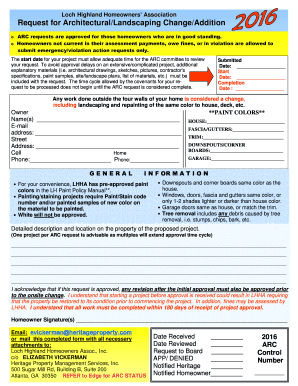
Loch highland hoa
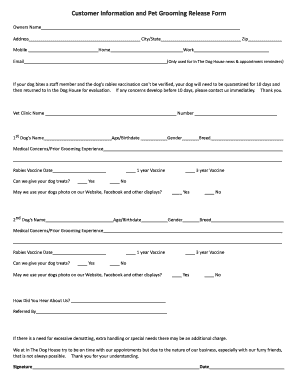
Dog grooming release form
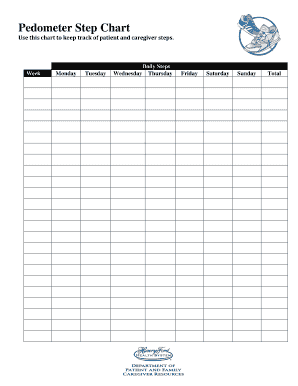
Pedometer Step Chart

DOG WALKING & DOG SITTING WAIVER FORM

Sf 182

STADIUM FLOWERS HOLIDAY FUNDRAISING

College Knowledge Assessment: Pre-Survey
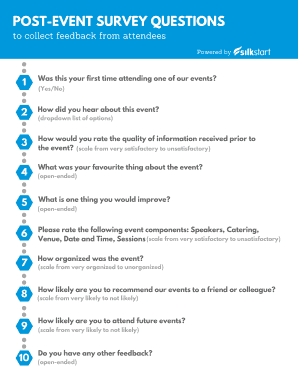
POST-EVENT SURVEY QUESTIONS
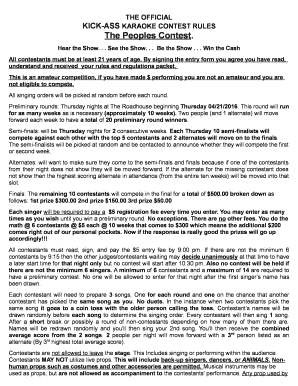
KICK-ASS KARAOKE CONTEST RULES

Kaukauna middle school dance team
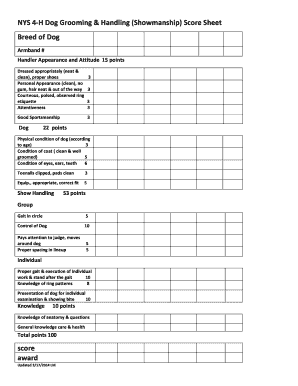
NYS 4-H Dog Grooming & Handling (Showmanship) Score Sheet

Htuc
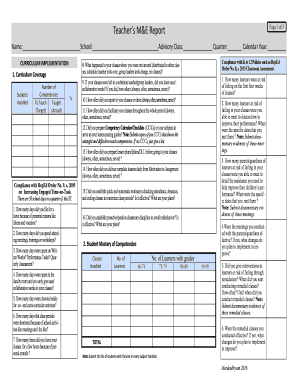
Deped m e report template
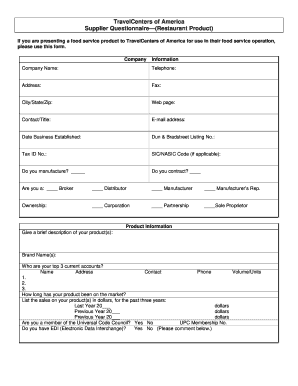
Travelcenters america product
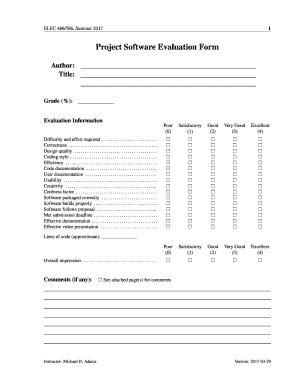
Project Software Evaluation Form
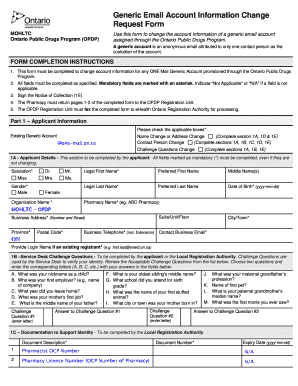
Email account change request

HOMEWOOD PARK DISC GOLF SCORECARDS
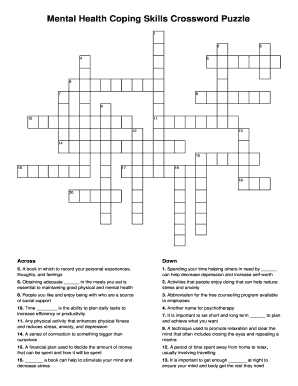
Mental health coping skills crossword puzzle

Weekly math review q1 5
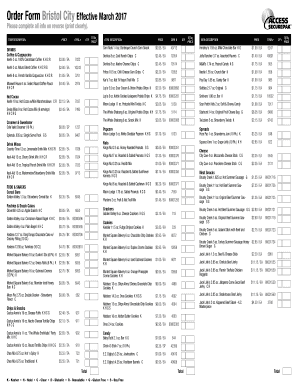
Vajailpackages
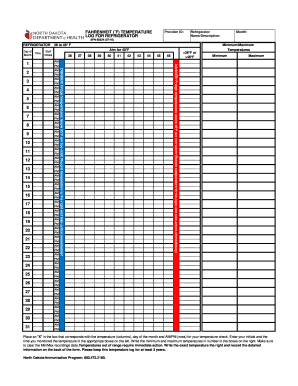
Min/Max Temperature Log for Refrigerator and Freezer (F)
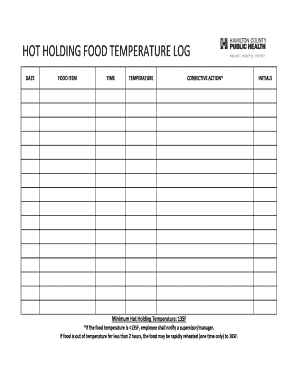
Hot Holding Temperatures - USDA Food Safety and Inspection Service
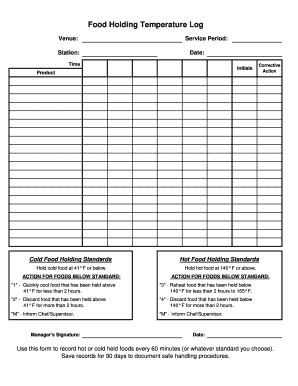
Food Holding Temperature Log
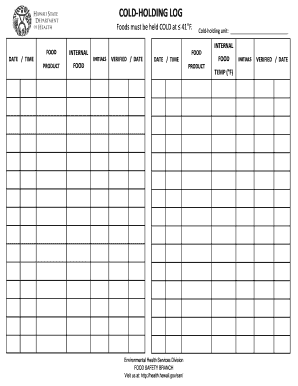
COLD-HOLDING LOG
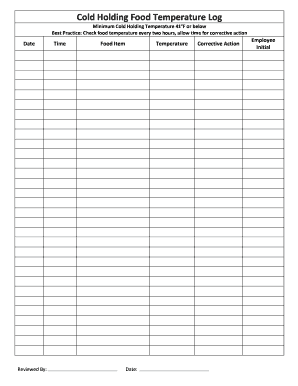
Co holding food
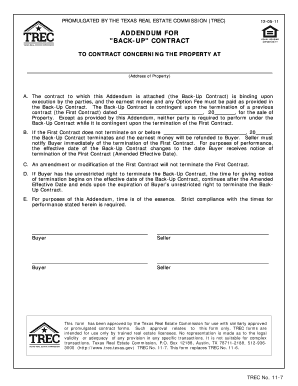
Trec back up contract
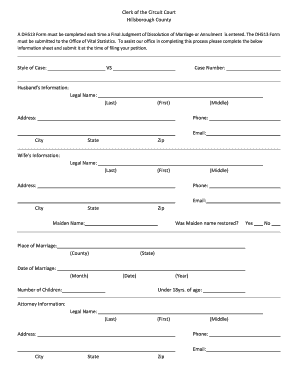
Dh513 form

Outgoing ACAT/Non-ACAT Security

Mood Assessment Questionnaire
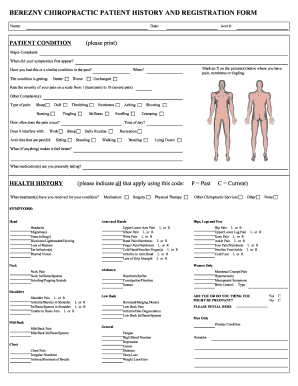
BEREZNY CHIROPRACTIC PATIENT HISTORY AND REGISTRATION FORM
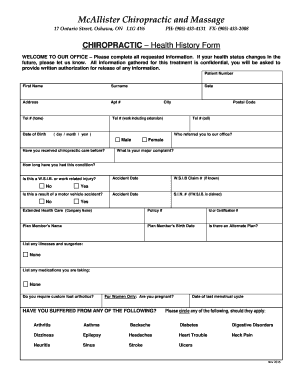
McAllister Chiropractic and Massage
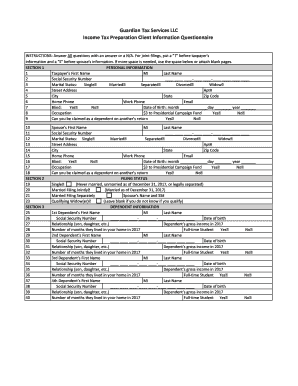
Income Tax Preparation Client Information Questionnaire

Massage Therapy Medical History Form

Influenza Vaccination Clinic Consent Form 2017-2018
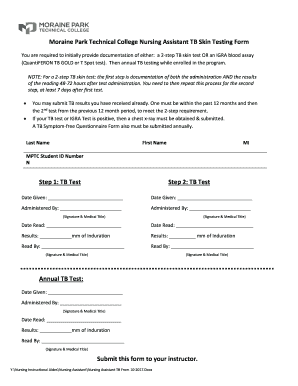
Moraine Park Technical College Nursing Assistant TB Skin Testing Form
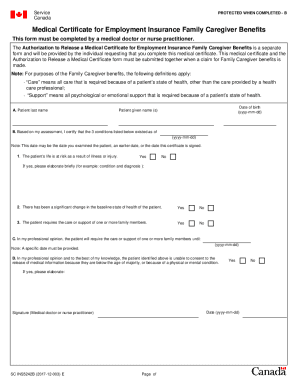
Certificate caregiver benefits
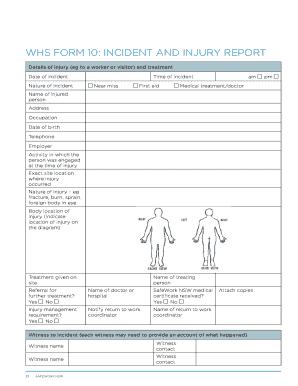
Whs form 10

Food Allergy True or False Quiz
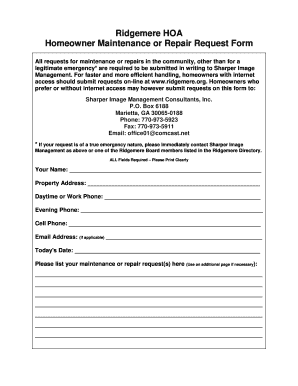
Homeowner Maintenance or Repair Request Form
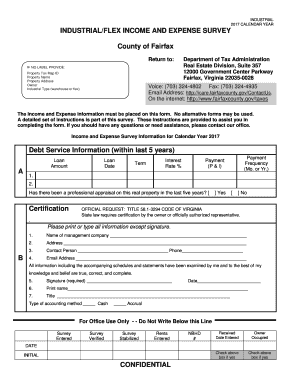
INDUSTRIAL/FLEX INCOME AND EXPENSE SURVEY
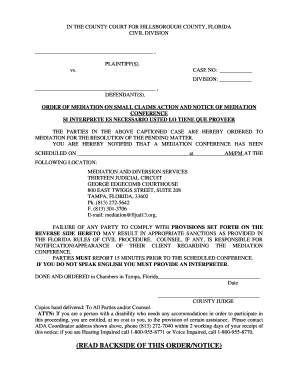
Of action notice form
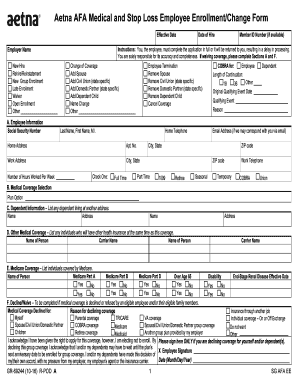
Aetna afa medical and stop loss application
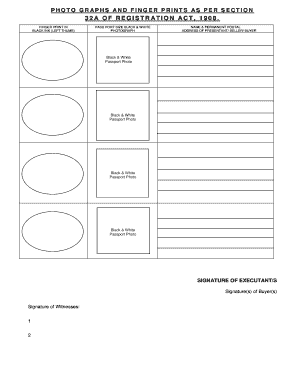
Photographs and fingerprints as per section 32a
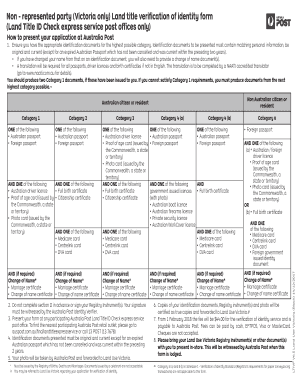
Victoria verification identity form
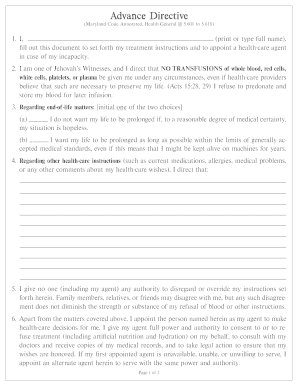
(Maryland Code Annotated, Health-General 5-601 to 5-618)
My Planner
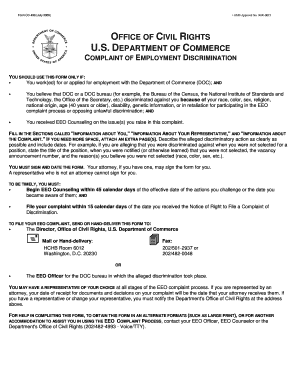
Cd 498

Delayed certification form
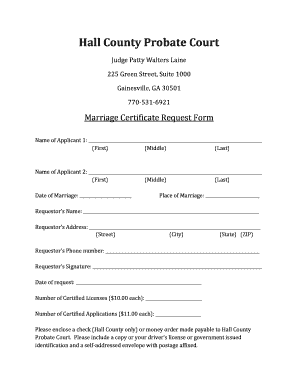
Hall county probate
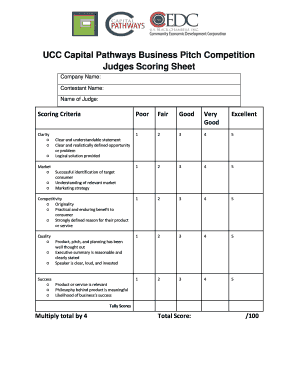
Name of Judge:
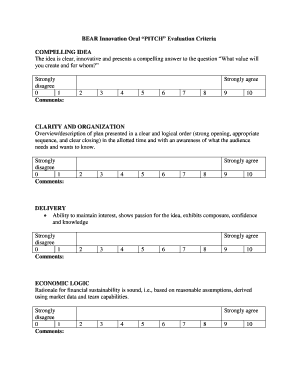
BEAR Innovation Oral PITCH Evaluation Criteria
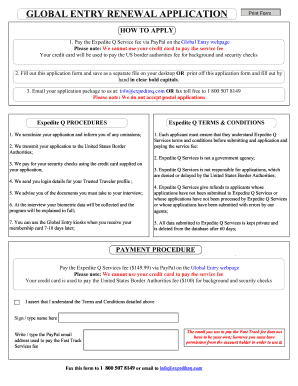
Global entry renewal application
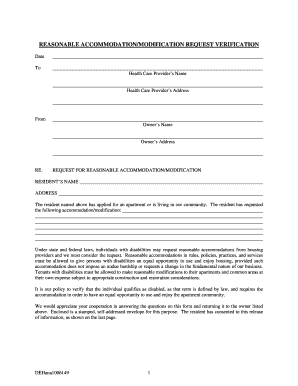
REASONABLE ACCOMMODATION/MODIFICATION REQUEST VERIFICATION

MEDICATION RECEIPT, TRANSFER & DISPOSITION FORM
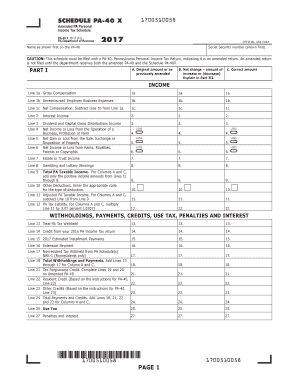
Pa 40x
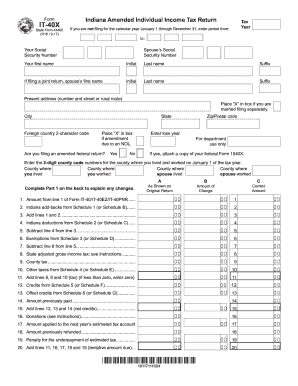
It40x

3rd through 5th grade Parent Survey
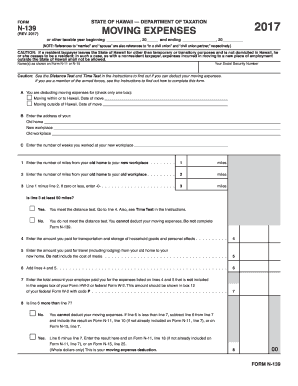
Hawaii 139
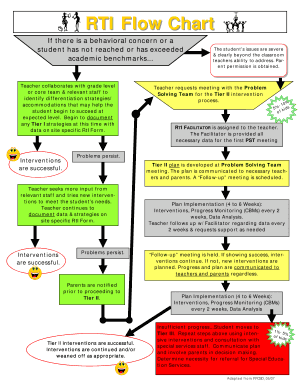
RTI Flow Chart
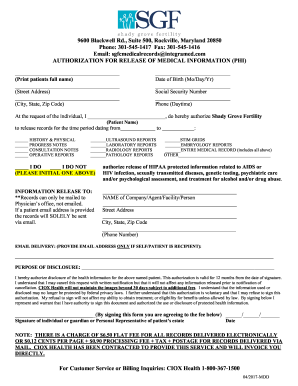
Phone: 301-545-1417 Fax: 301-545-1416
General Public & Product Liability Insurance
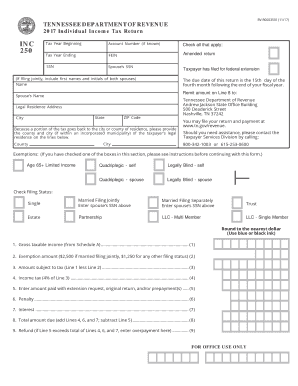
Tennessee Individual Income Tax Return - INC250 (2017). Individual Income Tax
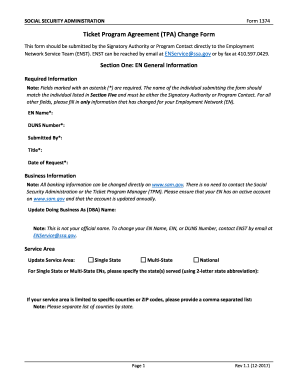
Form 1374
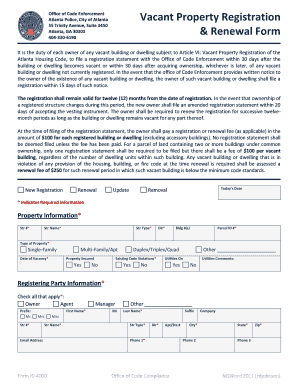
Atlanta Police, City of Atlanta
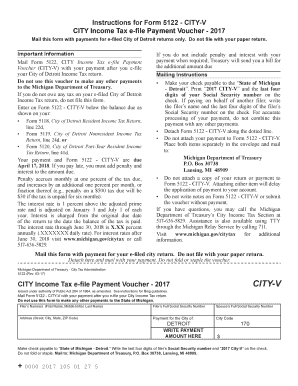
5122 city v
Benefit from the DocHub online library of fillable PDF forms
Searching the PDF forms doesn't have to be a tedious and time-consuming process. With the DocHub online library, it has become easier to find the fillable PDF forms and modify them in your browser. The service allows you to adjust the document to your needs using powerful editing tools.
You can use online document editing features to modify almost any type of document with ease. You just need to find the template of your choice, open it in the editor, and use the toolbar to make the necessary corrections.
Follow this guide to get your document done with DocHub:
- Find the PDF template you need.
- Click the Get Form button to open the file in the editor.
- Use the toolbar to fill out and edit the document.
- Easily add and highlight text, insert images, checkmarks, and symbols.
- Drop new fillable fields, and rearrange or delete pages from your file.
- Save changes and download your record.
DocHub empowers everyone to streamline document editing, signing, and distribution, and form completion. Create an account and benefit from our well-organized PDF Forms library and comprehensive editor.