
Get any PDF form from the DocHub library of ready-made templates - Page 1725
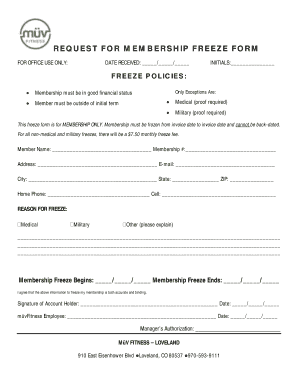
REQUEST FOR MEMBERSHIP FREEZE FORM

Form 1098 c instructions

DELIVERED TO:
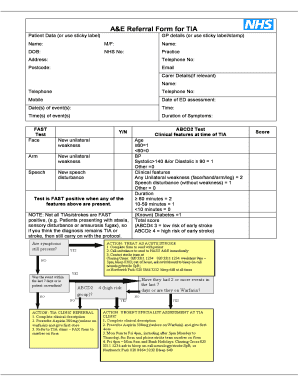
A&E Referral Form for TIA
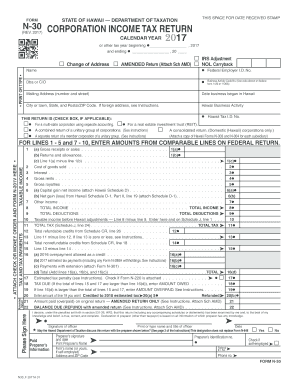
Form 30 hi

Nyc 4sez 2017 form
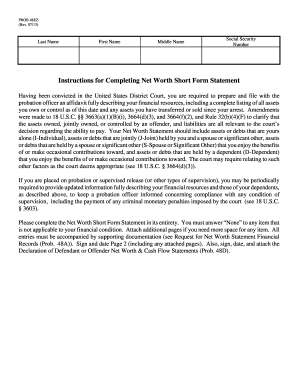
PROB 48EZ

Spending account claim form
WESTBOND MODEL K1200D SERIES INSTRUCTION MANUAL
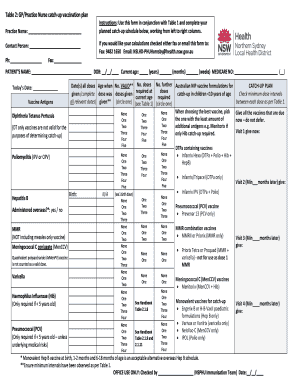
Catch up template
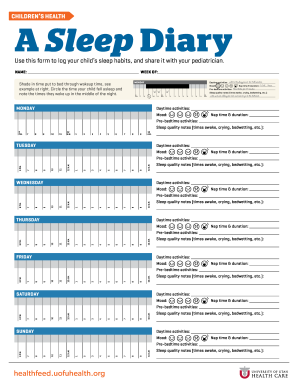
A Sleep Diary

SPECIALIST'S REFERRAL FORM

Return completed Immunization Record to:
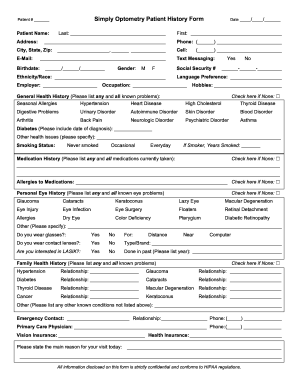
Simply Optometry Patient History Form

Bowel log printable

DOCUMENTATION OF PSYCHOLOGICAL CONDITION FOR UC SANTA BARBARA
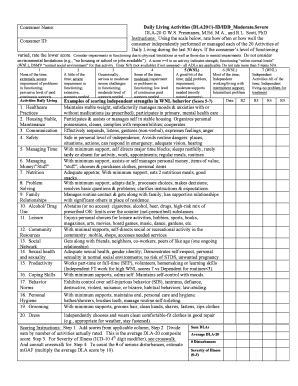
Dla 20 assessment pdf
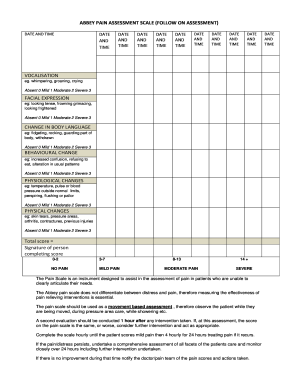
Abbey pain scale

Fuel tank inspection form

Lewisham hospital values

FIRST AID / OVER THE COUNTER (OTC) MEDICATION
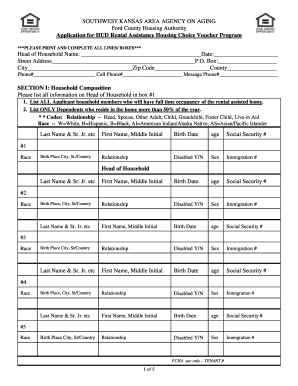
SOUTHWEST KANSAS AREA AGENCY ON AGING

United kingdom id

Your 2017 return and payment for the full amount of tax due must be mailed by the due date of your federal return

Separator sheet 2014 form
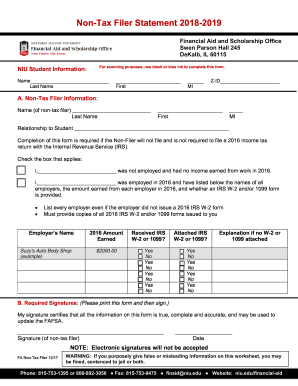
Non-Tax Filer Statement 2018-2019

First for schools trainer pdf
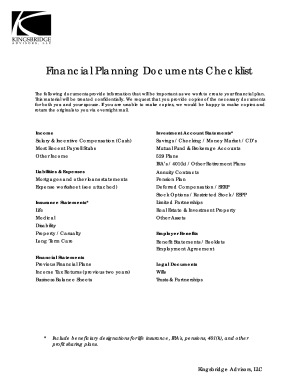
Financial Planning Documents Checklist

Refer a Friend - Credit Card Referral ProgramAmerican Express
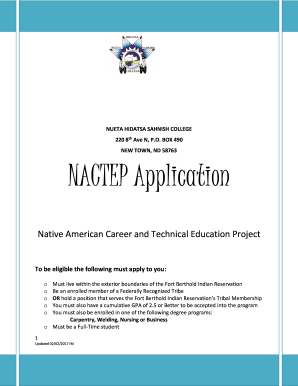
NACTEP Application

UniSpec II Civil (Master Site Specifications)

I 765 form sample
Ballot paper template

Pop up shop contract

Workers will be able to identify each component of their fall protection system that requires
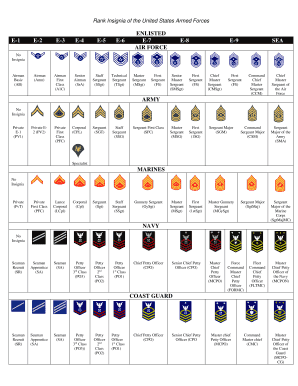
Airman rank insignia

Oklahoma abnormal involuntary edit

Cute Golden Doodle Dog Cake Template
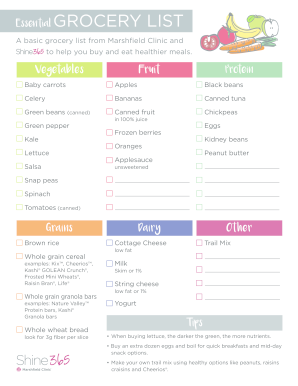
A basic grocery list from Marshfield Clinic and

Myuth

2015 utah form tc 20 2017
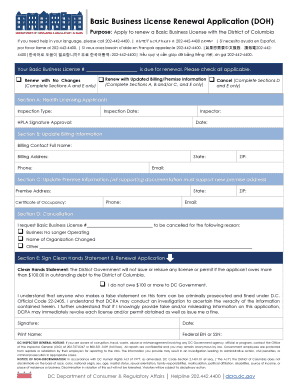
Basic Business License Renewal Application (DOH)
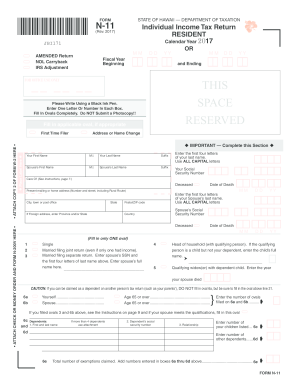
N11 fillable form 2017

Current Payer Unit Number:

Application form inward processing

Tx public
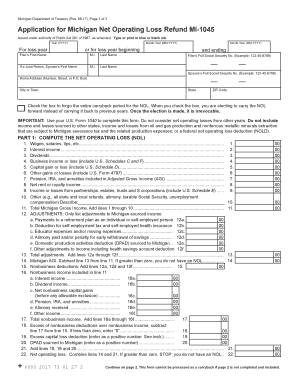
2017 Application for Michigan Net Operating Loss Refund MI-1045. 2017 Application for Michigan Net Operating Loss Refund MI-1045

Dui without injuries
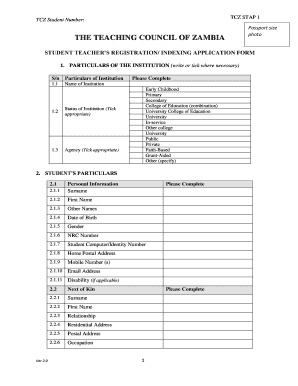
Tcz registration form

Gateway grocery and liquor

2013 npt 2017 form

2017 Form 540NR Long - California Nonresident or Part-Year Resident Income Tax Return. 2017 Form 540NR Long - California Nonresident or Part-Year Resident Income Tax Return
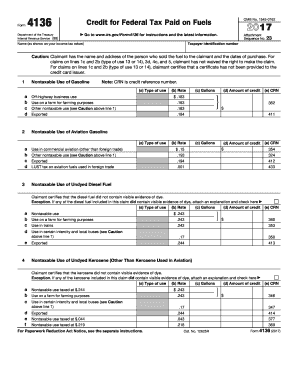
4136 2017 form
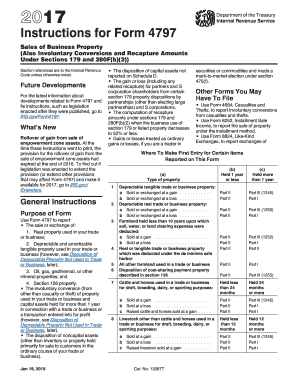
Fill out 4797 instructions 2017 form

Form 1120 c 2017
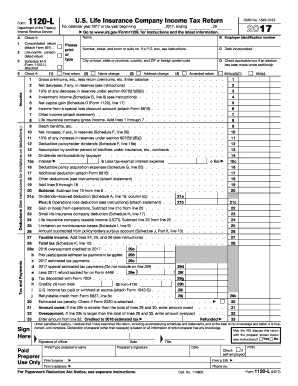
1120 l 2017-2019 form
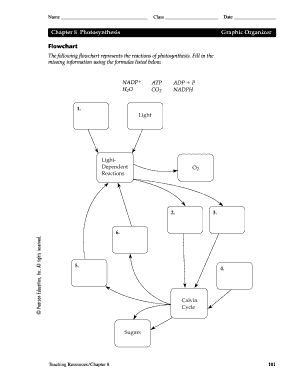
Photosynthesis flow chart answer key

Food truck lease agreement
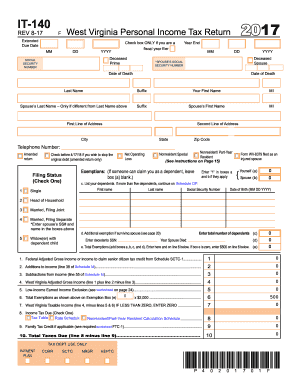
Wv state tax form 2015

Kevin stangl memorial scholarship
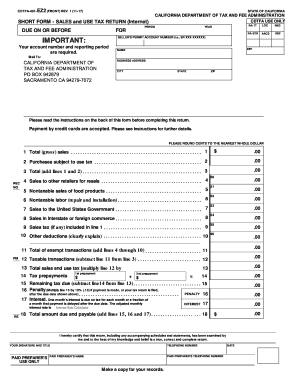
Sarmiento cdtfa
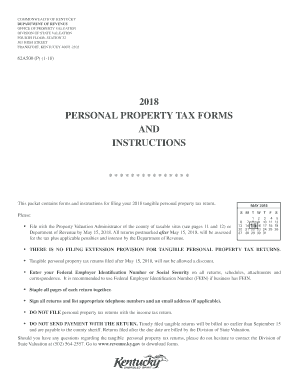
Form 62a500 2018-2019

New mexico extension
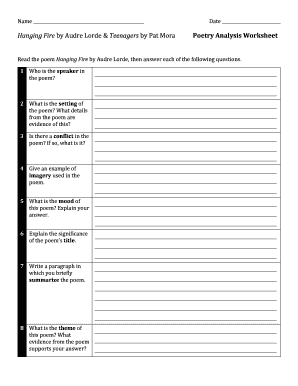
Teenagers by pat mora
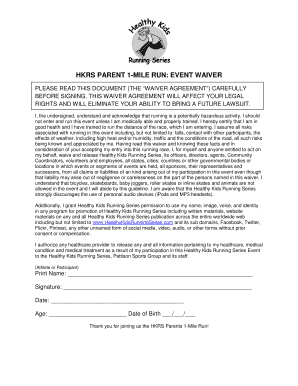
HKRS PARENT 1-MILE RUN: EVENT WAIVER
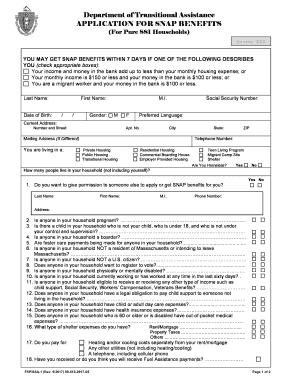
APPLICATION FOR SNAP BENEFITS
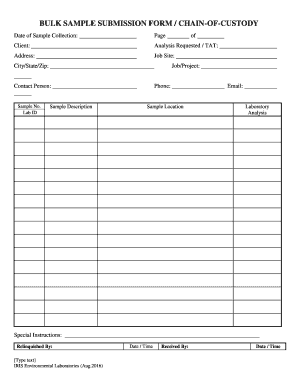
Bulk sample form chain of custody

Parkiteer refund

Sample letter from Service Provider

Vary license security
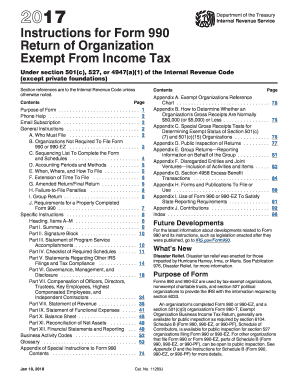
2017 990 instructions form

Catherine Alexander

Gv79g form

2502-0429 (Exp
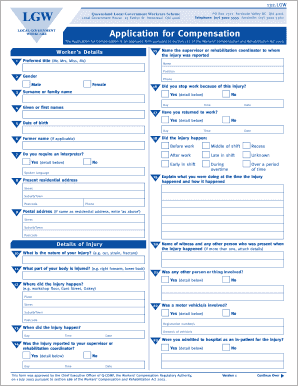
Lgw workcare
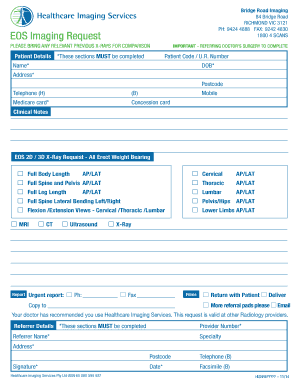
Bridge road imaging
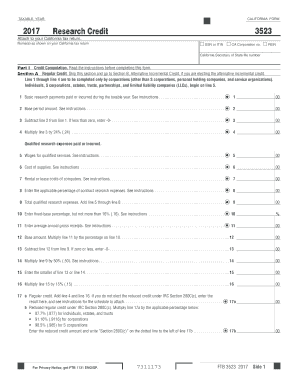
2017 California Form 3523 Research Credit
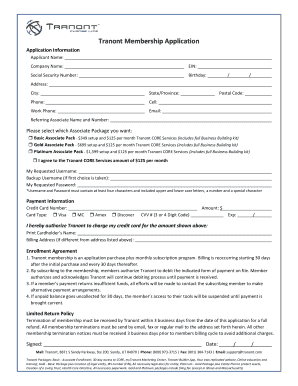
Tranont Membership Application
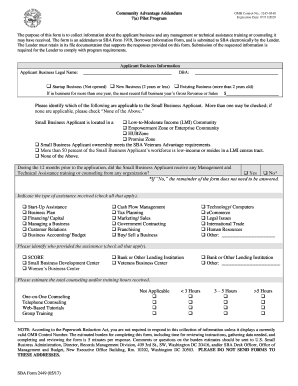
Form 2449

Favorite things form

Top Illinois Lake Michigan Association of Independent Schools Private ...
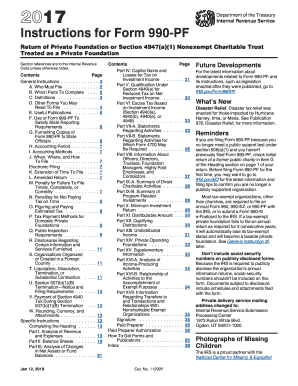
Irs 990 pf instructions 2017 form
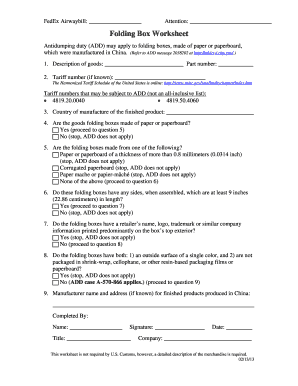
Folding Box Worksheet
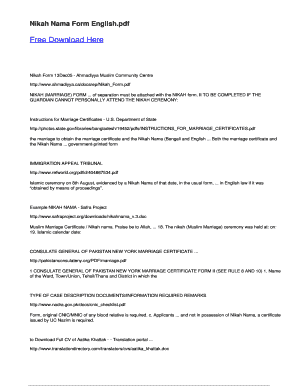
Ahmadiyya nikah form
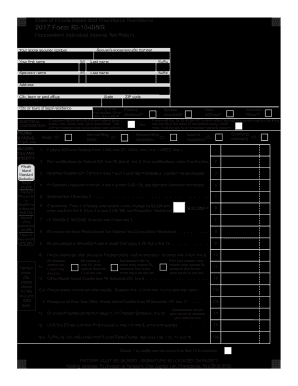
Form ri 1040nr 2017
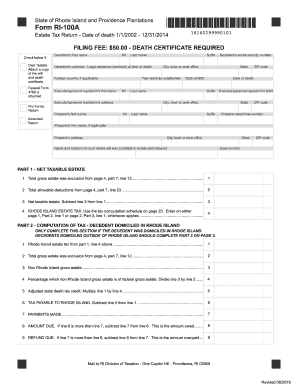
Ri form 100a 2016
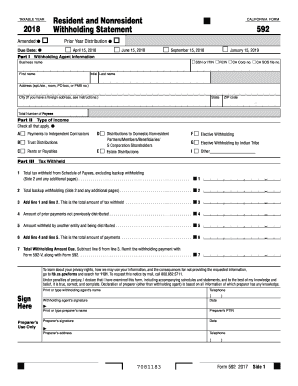
592 2018 form
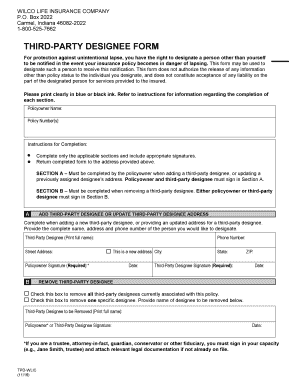
Wilco life insurance company login

FORM: SLS2

By Bob Grant, L
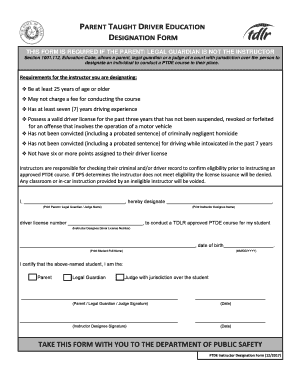
THIS FORM IS REQUIRED IF THE PARENT/ LEGAL GUARDIAN IS NOT THE INSTRUCTOR
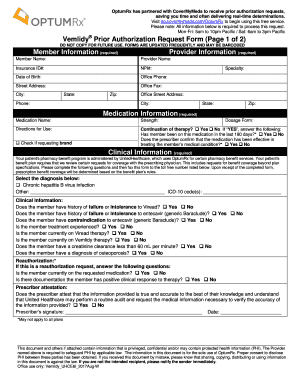
Vemlidy Prior Authorization Request Form (Page 1 of 2)

FUNDRAISER PERMISSION SLIP
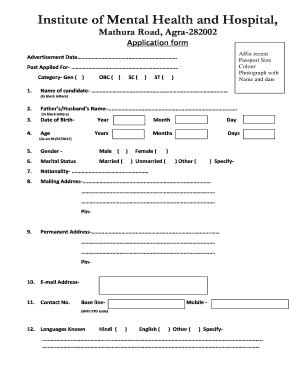
Mental hospital admission form
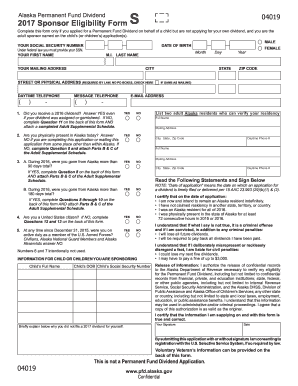
Pfd application form
Technician Attestation Document - Ohio Board of Pharmacy - Ohio.gov
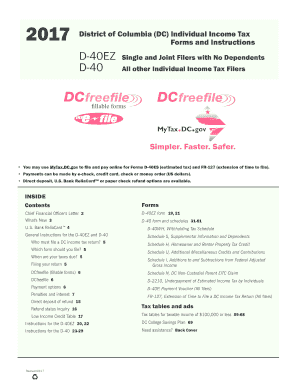
Dc 20015 d 40 form
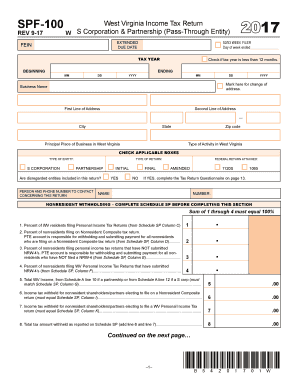
Wv spf 100
Ri tax forms
Keystone first vip choice otc catalog
Benefit from the DocHub online library of fillable PDF forms
Searching the PDF forms doesn't have to be a tedious and time-consuming process. With the DocHub online library, it has become easier to find the fillable PDF forms and modify them in your browser. The service allows you to adjust the document to your needs using powerful editing tools.
You can use online document editing features to modify almost any type of document with ease. You just need to find the template of your choice, open it in the editor, and use the toolbar to make the necessary corrections.
Follow this guide to get your document done with DocHub:
- Find the PDF template you need.
- Click the Get Form button to open the file in the editor.
- Use the toolbar to fill out and edit the document.
- Easily add and highlight text, insert images, checkmarks, and symbols.
- Drop new fillable fields, and rearrange or delete pages from your file.
- Save changes and download your record.
DocHub empowers everyone to streamline document editing, signing, and distribution, and form completion. Create an account and benefit from our well-organized PDF Forms library and comprehensive editor.