
Get any PDF form from the DocHub library of ready-made templates - Page 1722
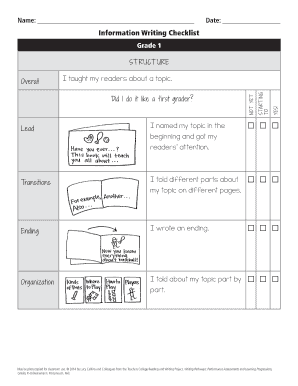
I taught my readers about a topic
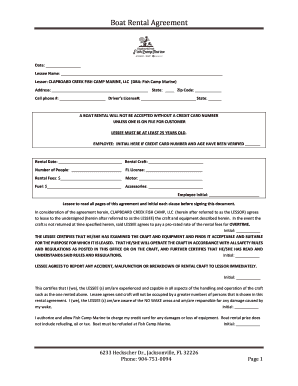
Boat Rental Agreement - Fish Camp Marine New & Used
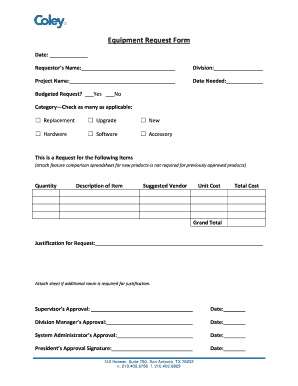
It equipment request form
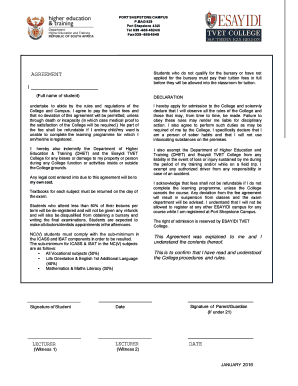
Oslo beach tvet college courses
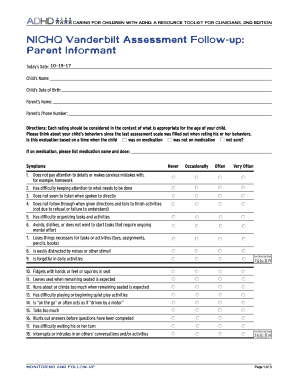
Vanderbilt follow up form

PLEASE REGISTER YOUR BIKE ONLINE iE Owners
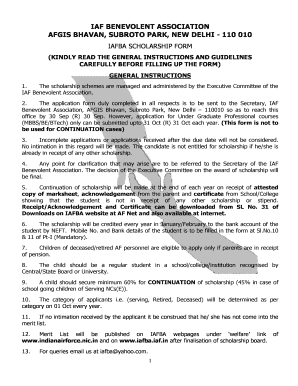
Iafba scholarship form
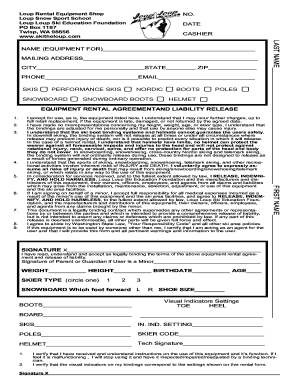
Rental Equipment Liability Release Form - Loup Loup Ski Bowl
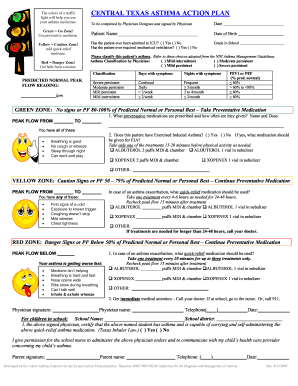
Texas asthma action plan pdf

High school course selection sheet
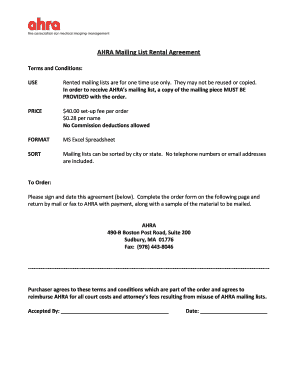
Mailing List Rental Agreement.Order Form.doc
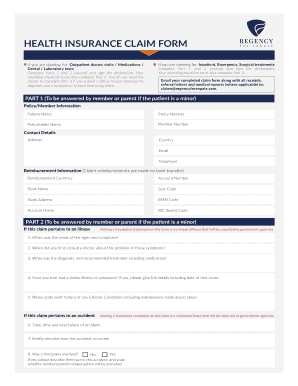
Regency for expats health insurance form

AEA Pre-Production Safety Form
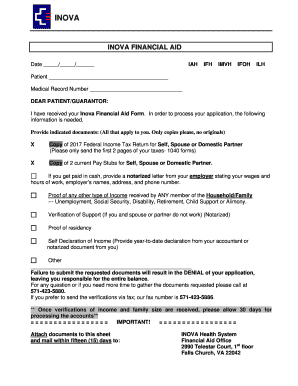
Inova financial aid form
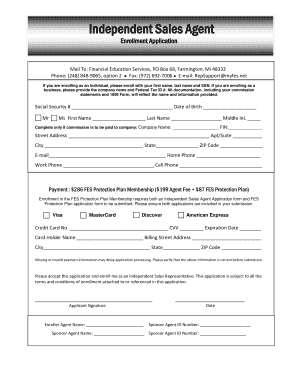
Enrollment Application - Financial Education Services
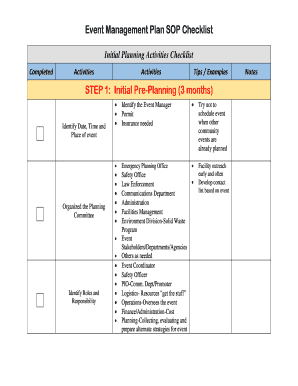
Event sop template
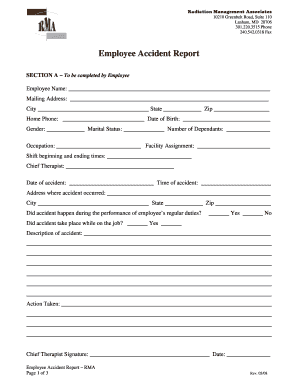
Rma claim form

Student Reference Form - Brookes Westshore
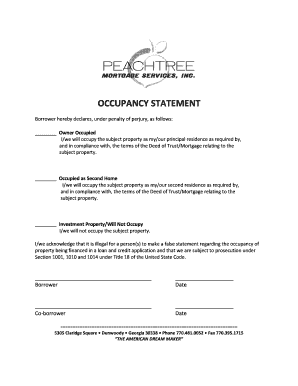
Occupancy statement - Peachtree Mortgage Services, Inc.
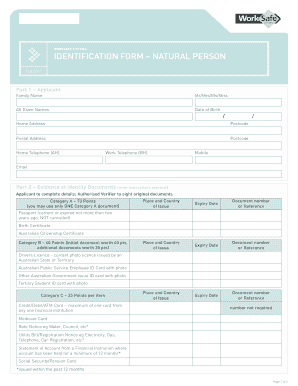
IDENTIFICATION FORM NATURAL PERSON
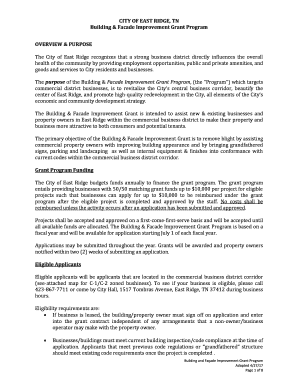
CITY OF EAST RIDGE, TN Building & Facade Improvement Grant ...
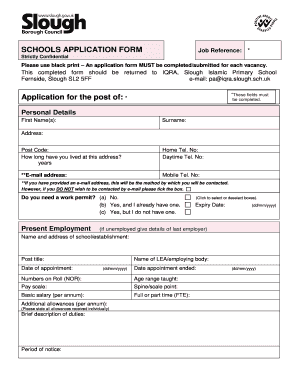
Iqra primary school slough
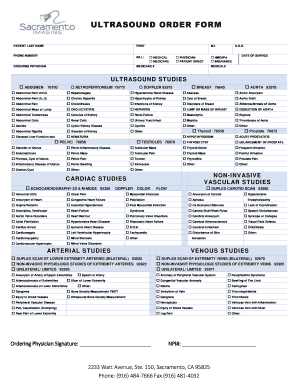
ULTRASOUND ORDER FORM

Kfc form 13

Va sworn statement form
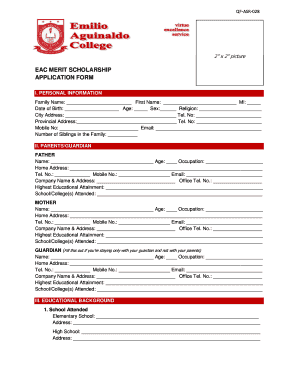
Eac online application
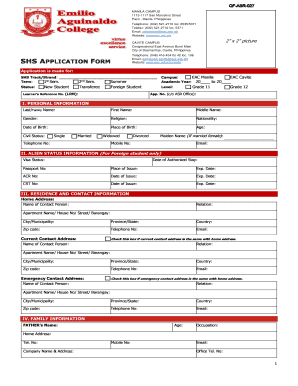
Eac online application
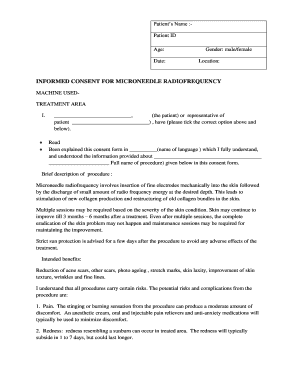
Iadvl consent forms

Mobile Food Establishments Maricopa County, AZ
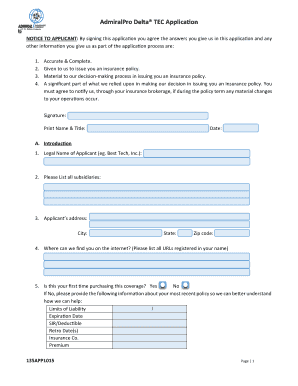
AdmiralPro Delta TEC Application - Admiral Insurance Group
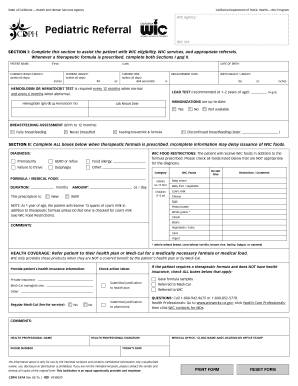
Wic pediatric referral form
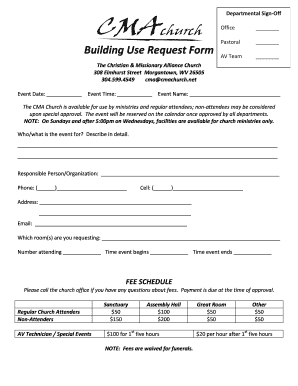
Building use form
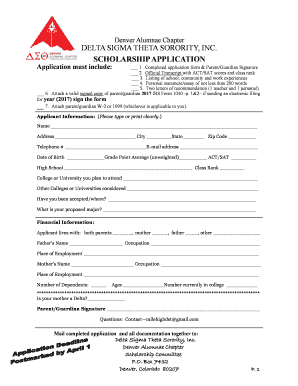
Delta sigma theta sorority, inc. scholarship application

Order Form - Terry's Comics
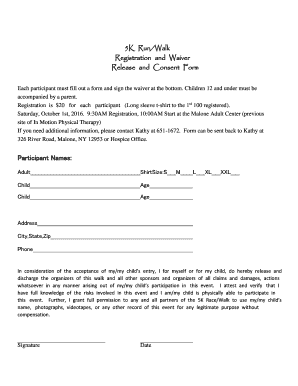
5k waiver template
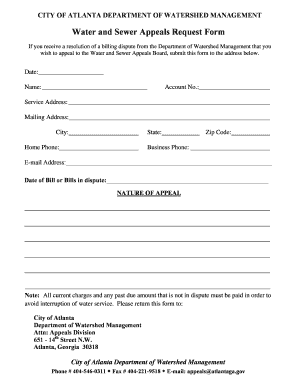
Atl311 water
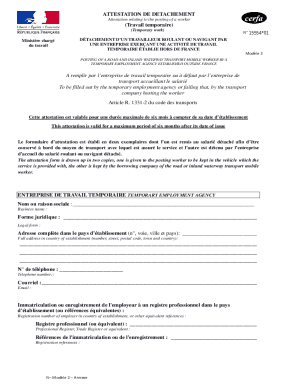
Attestation de detachement
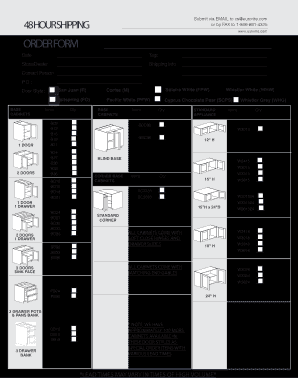
ORDER FORM - Kitchen Cabinetry Bathroom Cabinets
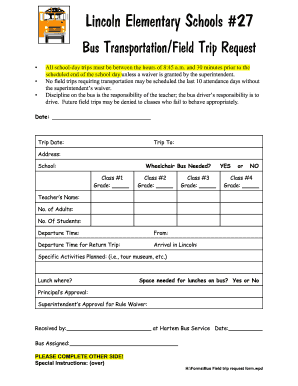
Illinois school bus trip

Deposit release form
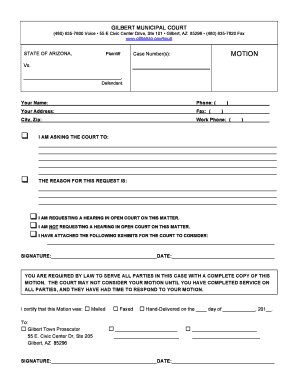
Gilbert municipal court

RN Texas Board of Nursing For Office Use Only: FB
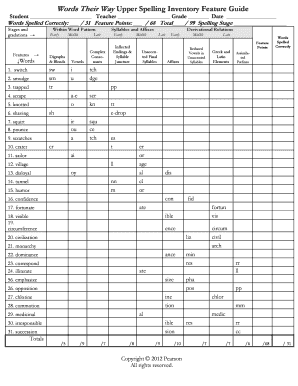
Words Their Way Upper Spelling Inventory ... - everythingliteracy
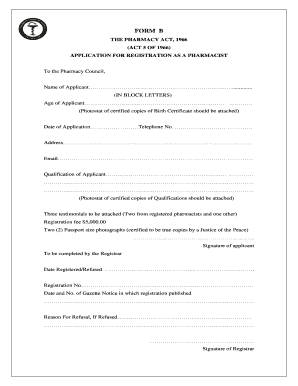
Pharmacy council of jamaica form d1
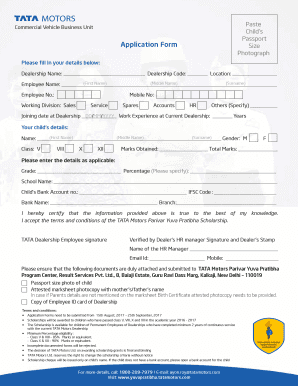
टाटा मोटर्स जॉब एप्लीकेशन फॉर्म
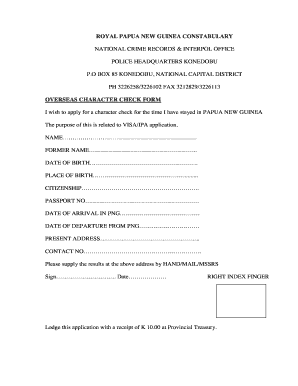
Character check form
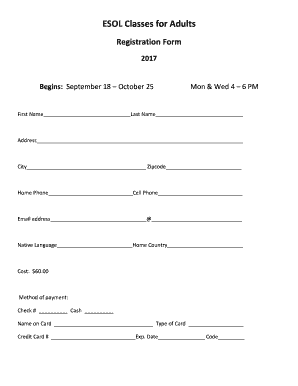
Berkmaronline

Virtual support group consent form
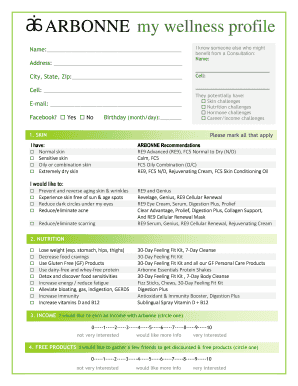
Arbonne my wellness profile
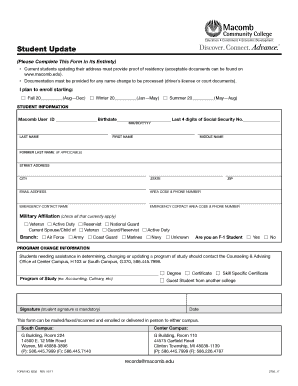
Student update

2018 entry form - USDF Region 1

Iep minor ucl

Sena 1 blm

Template borang maklumat diri

Form 33 109f4
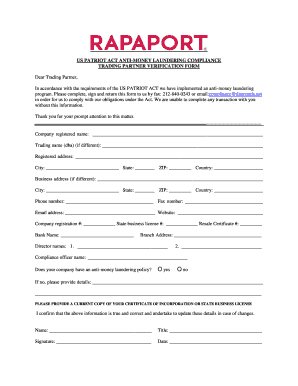
US PATRIOT ACT ANTI-MONEY LAUNDERING COMPLIANCE ...

Hartford Public Schools Kindergarten Report Card
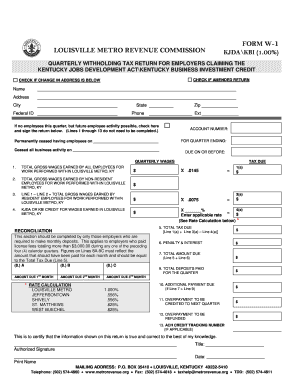
File a police report online louisville ky
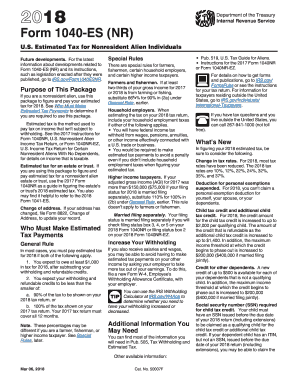
Irs gov tax form 2014
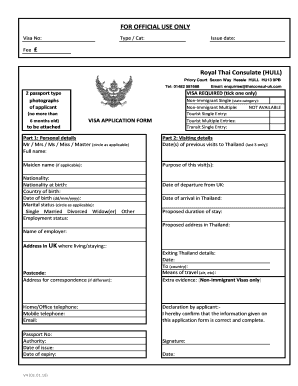
Visa Application Form - Thai Consulate, Hull
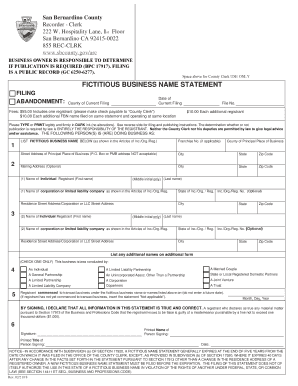
San bernardino fictitious business name search

Move-In/Move-Out Inspection Form - HUD
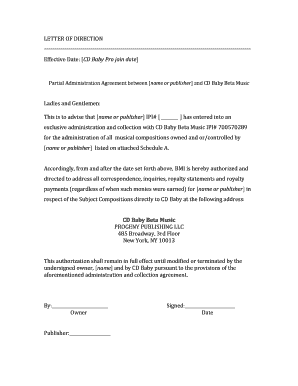
Letter of direction - CD Baby

Arkansas yates scholarship
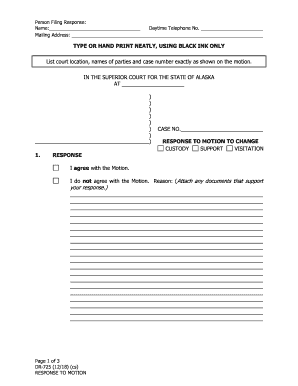
Dr725

Form mc100

Teacher-Teaching Assistant Sub Packet.docx

Fin 312
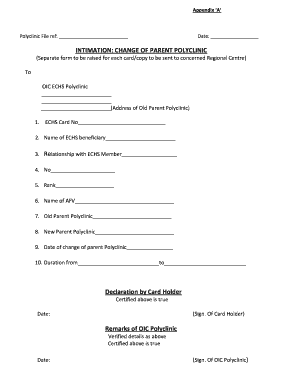
How to change parent polyclinic in echs

Geogebra student worksheet exploring transformations answers

Uk pharmacist
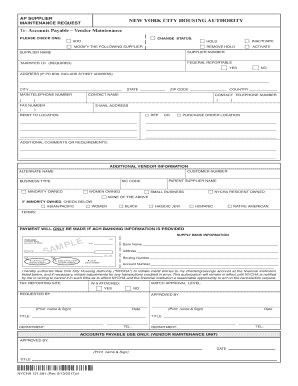
AP supplier form

(MERS) Patient Under Investigation (PUI) Short Form
Mmdp program form
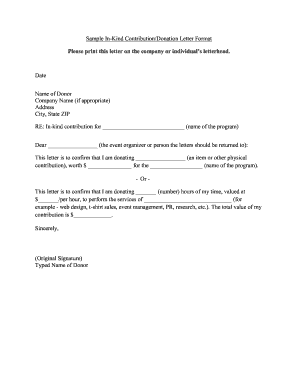
Contribution letter
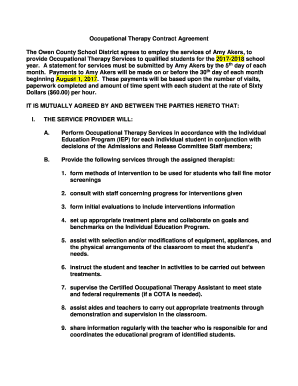
Therapy Therapy Contract Agreement
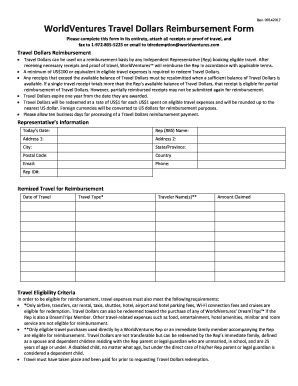
Travel dollars reimbursement form sample
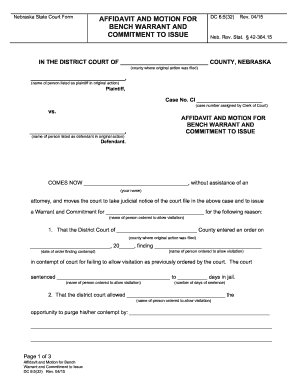
La puppet animation e la stop motion per la creazione ... -...
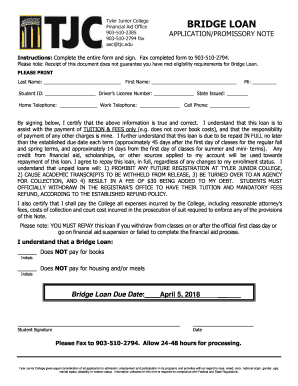
Bridge loan - TJC

Insurance takaful claim form

Form aar admission avoidance template
Veterans Day Chapel Nov
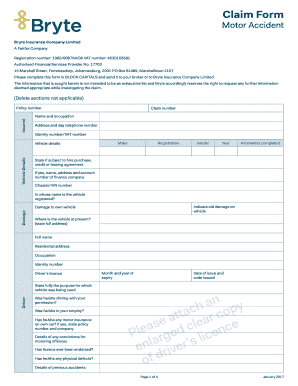
23) Claim Form Motor Accident.indd - Bryte
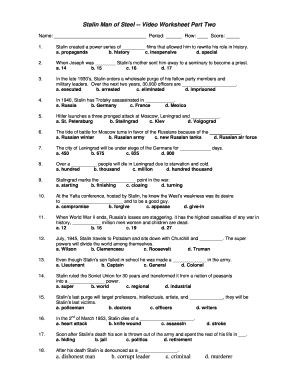
Stalin man of steel worksheet answers
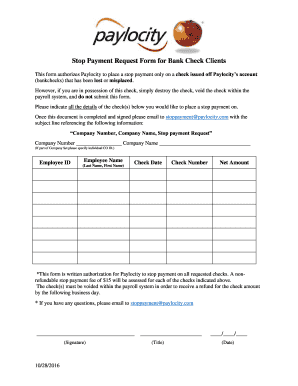
Stop Payment Confirmation - Paylocity Resource Documents
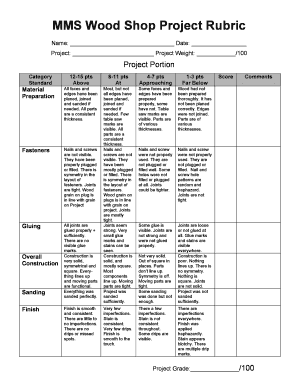
MMS Wood Shop Project Rubric

Masjid al wali

Hd1 form
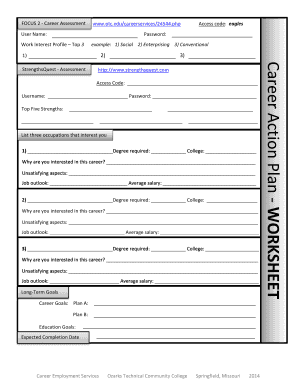
Career action plan worksheet
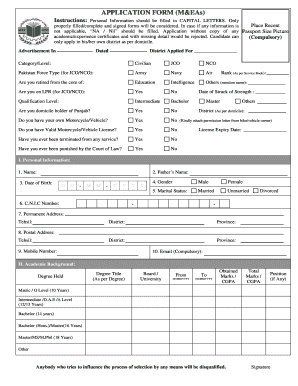
Pujab form
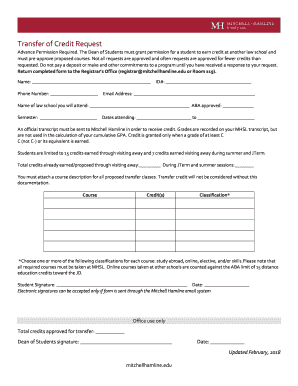
Transfer of Credit Request Form - Mitchell Hamline School of Law

Ssnv
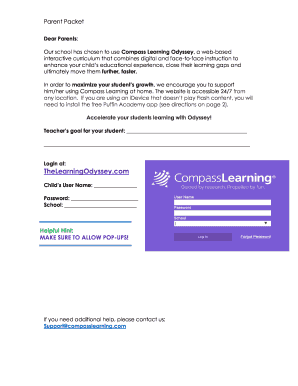
Compass Learning Parent Letter

Epic application
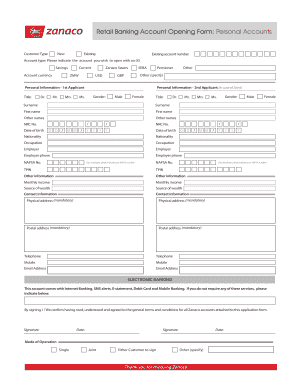
Zanaco application forms

The garden by anita nahta amin

Vitas hospice
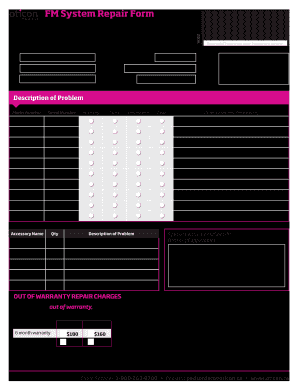
Oticon repair form
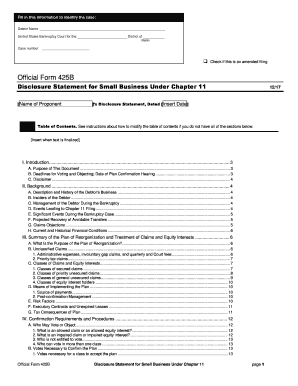
Disclosure Statement for Small Business Under Chapter 11
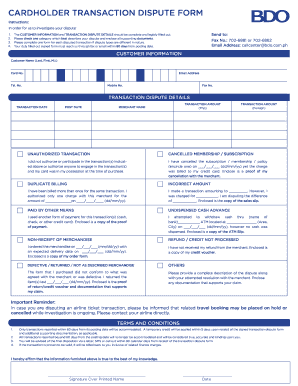
Bdo dispute form
Benefit from the DocHub online library of fillable PDF forms
Searching the PDF forms doesn't have to be a tedious and time-consuming process. With the DocHub online library, it has become easier to find the fillable PDF forms and modify them in your browser. The service allows you to adjust the document to your needs using powerful editing tools.
You can use online document editing features to modify almost any type of document with ease. You just need to find the template of your choice, open it in the editor, and use the toolbar to make the necessary corrections.
Follow this guide to get your document done with DocHub:
- Find the PDF template you need.
- Click the Get Form button to open the file in the editor.
- Use the toolbar to fill out and edit the document.
- Easily add and highlight text, insert images, checkmarks, and symbols.
- Drop new fillable fields, and rearrange or delete pages from your file.
- Save changes and download your record.
DocHub empowers everyone to streamline document editing, signing, and distribution, and form completion. Create an account and benefit from our well-organized PDF Forms library and comprehensive editor.