
Get any PDF form from the DocHub library of ready-made templates - Page 1726

92006 form hud
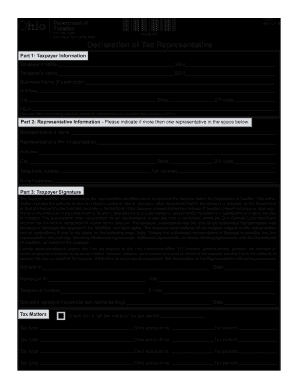
Tbor 1 2019 form
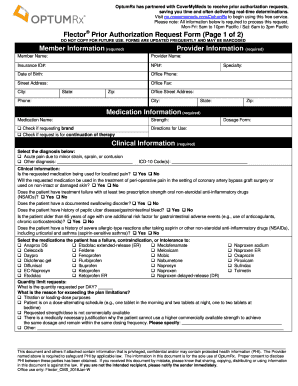
Flector Prior Authorization Request Form (Page 1 of 2)
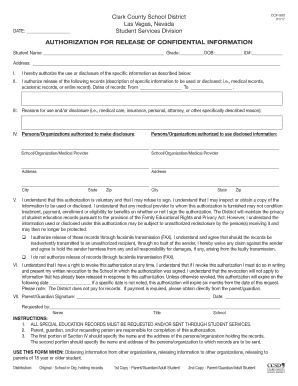
Ccsd release

IMM 5721 E
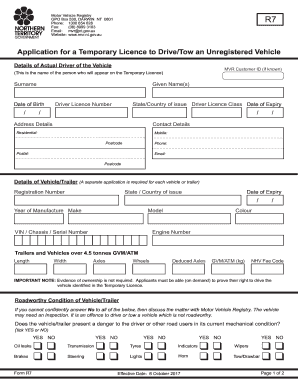
Unregistered vehicle permit nt
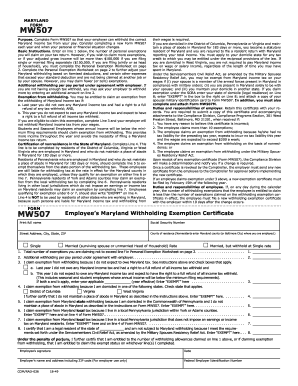
Form mw 507 2018
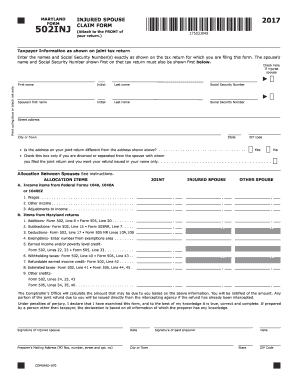
502INJ - the Comptroller of Maryland
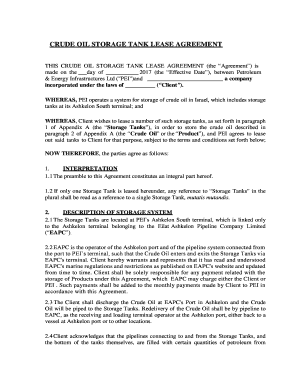
Tank storage agreement sample
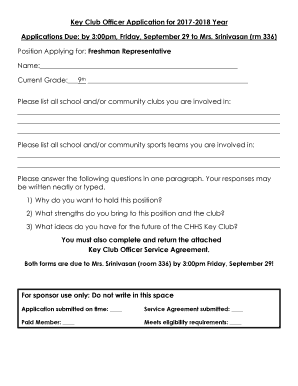
Key Club Officer Application for 2017-2018 Year
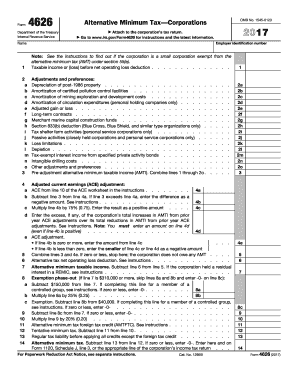
4626

Mn crisis housing

DIRECT DEPOSIT REVERSAL REQUEST FORM
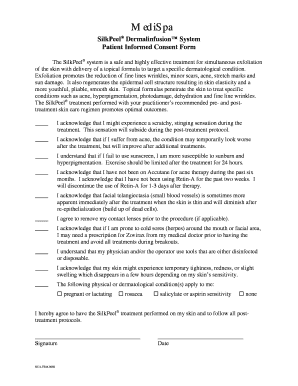
SilkPeel Dermalinfusion System
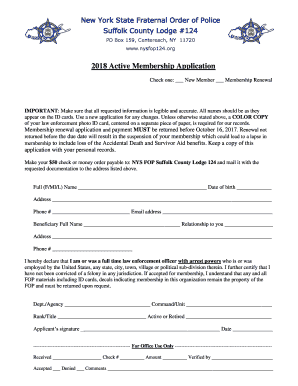
Suffolk county fop

12 month asq se
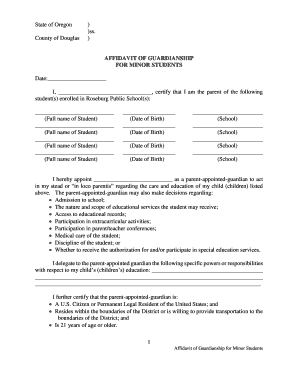
Affidavit of guardianship
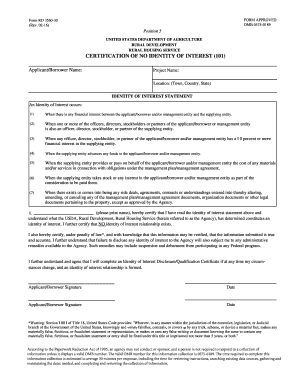
Rd 3560 30
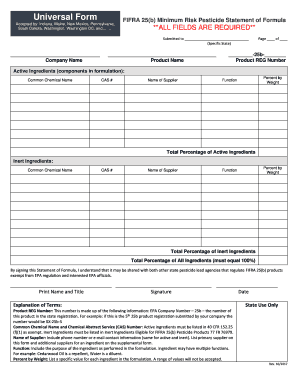
FIFRA 25(b) Minimum Risk Pesticide Statement of Formula
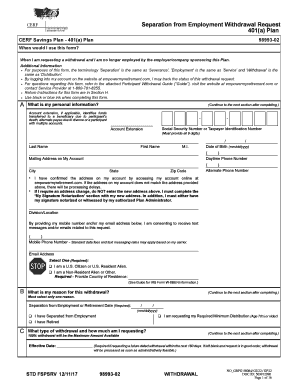
Empowermyretirement con
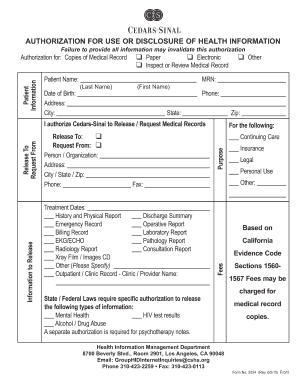
Form 2034
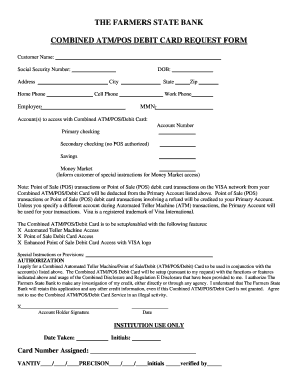
COMBINED ATM/POS DEBIT CARD REQUEST FORM
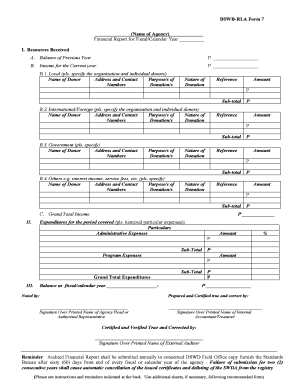
Dswd form

As part of your employment with our company, you have been issued an airport
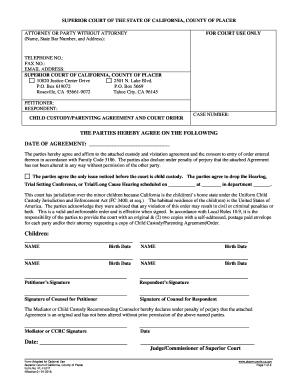
California pl parenting template

Elective Annuity payment option
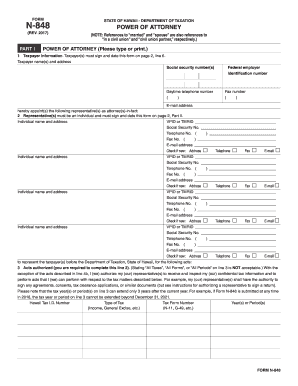
Hawaii tax form n 848

PAYG payment summary withholding

Arbeitsbescheinigung
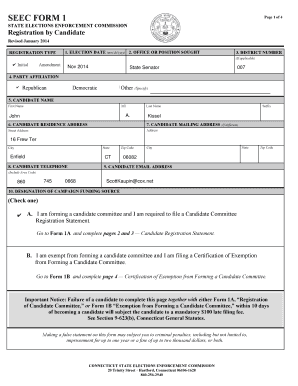
Seec form 1

Hawaii n 288c form
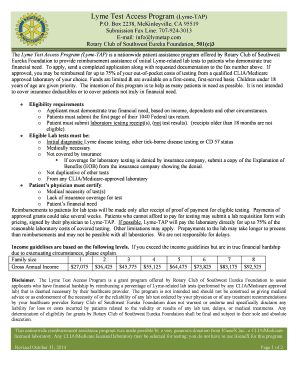
Lymetap
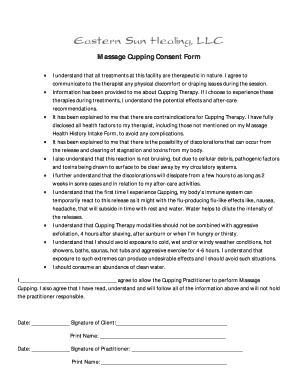
Cupping consent form

Psa pass application
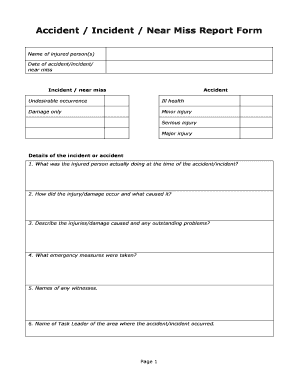
Near miss format
Texas gop data search
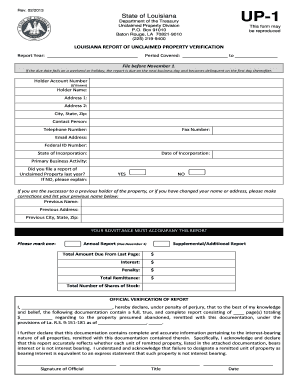
Louisiana report unclaimed property

Central housing registry

SAFETY VIOLATION DISCIPLINARY ACTION FORM

Fillable 2018 maine 700 sov

Permission Form for Float Riders

Rebeccas Birth Services : Rebecca Schulz, CPM 918
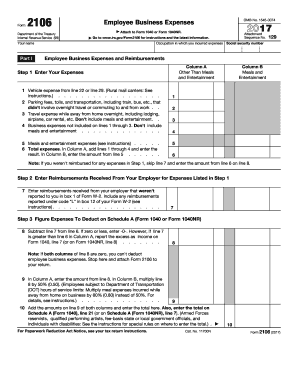
2017 irs form fillable
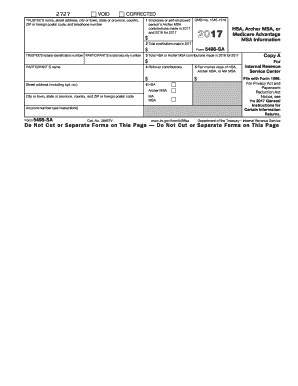
2017 5498 sa form
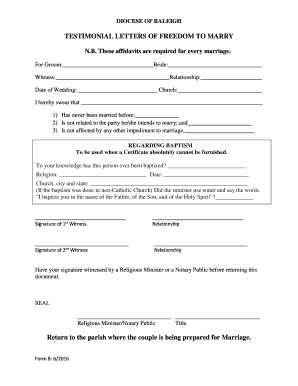
Letter of dom to marry catholic church example
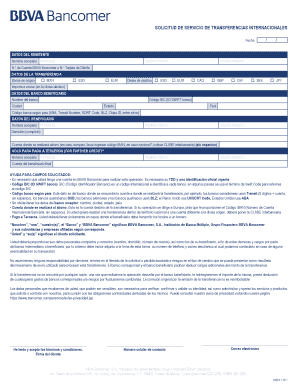
Solicitud de servicio de transferencia internacional bancomer
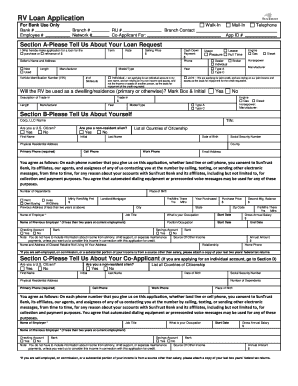
Suntrust rv loan
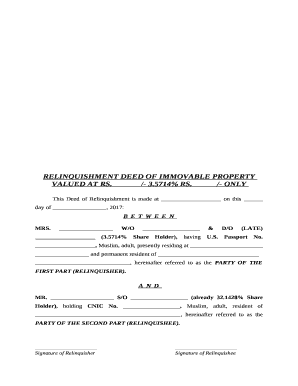
Relinquishment deed pdf
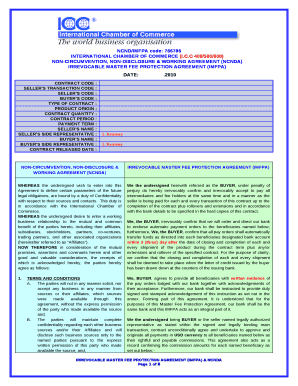
Imfpa template word
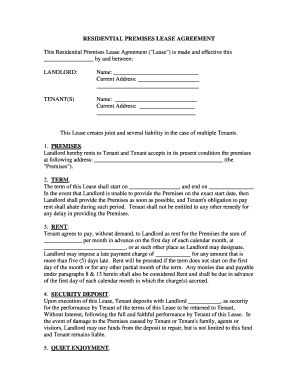
This Residential Premises Lease Agreement ("Lease") is made and effective this
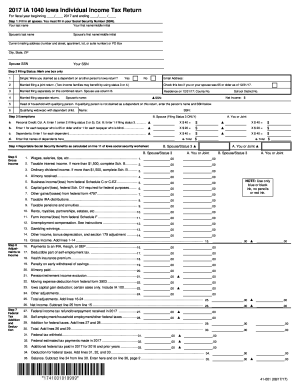
Iowa income tax forms fillable 2017
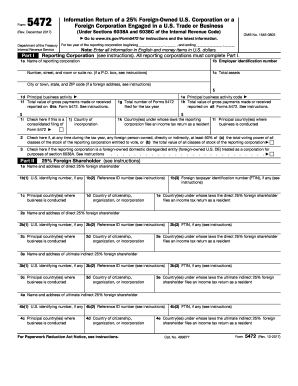
Form 5472DocHubcom 2017
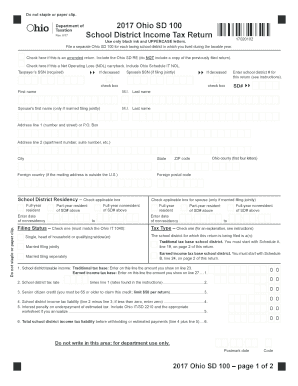
2017 Ohio SD 100 School District Income Tax Return
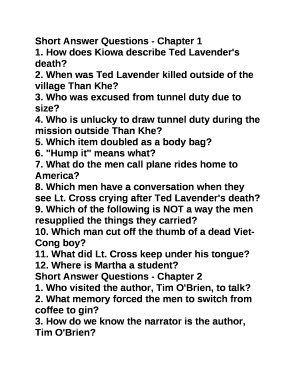
Short Answer Questions - Chapter 1
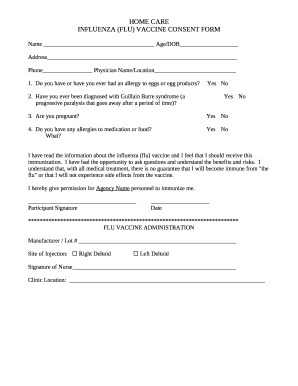
INFLUENZA (FLU) VACCINE CONSENT FORM
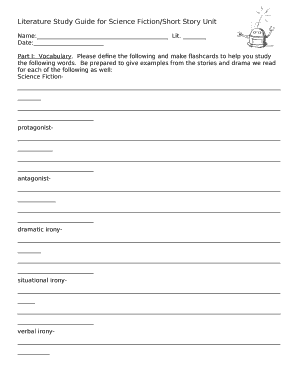
Blank study guide template
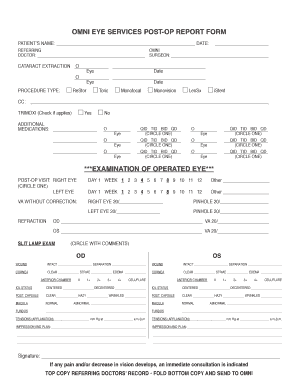
OMNI EYE SERVICES POST-OP REPORT FORM
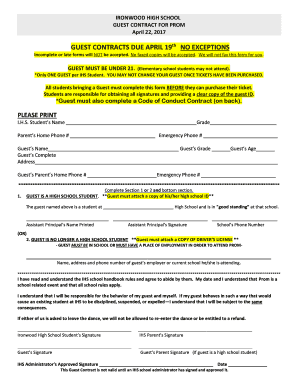
GUEST CONTRACT FOR PROM

Rehoming dogs

PRISMA (Preferred Reporting Items for Systematic Reviews and Meta-Analyses) Checklist

APPENDIX A1 - APPLICATION FORM

Telangana high court vakalatnama pdf
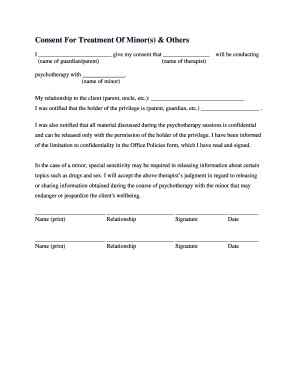
Consent For Treatment Of Minor(s) & Others
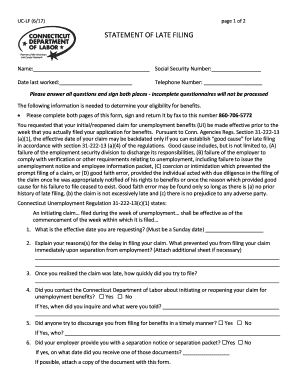
UC-LF (6/17)
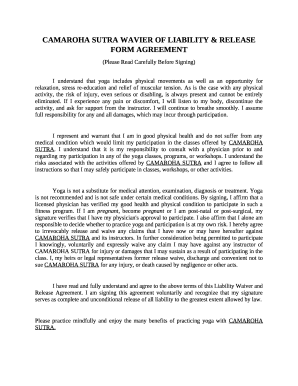
CAMAROHA SUTRA WAVIER OF LIABILITY & RELEASE FORM AGREEMENT
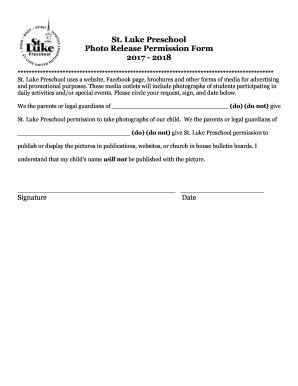
Luke Preschool
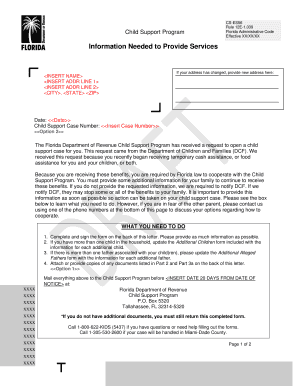
CS-ES56
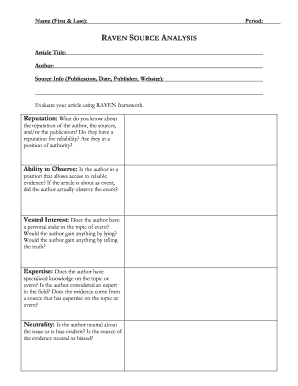
Raven source analysis

Photo Permissions
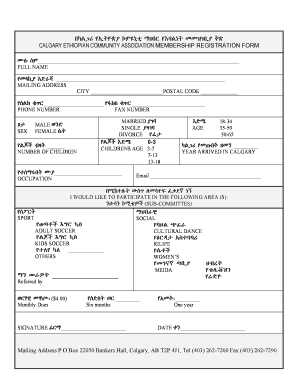
Calgary ethiopian community association
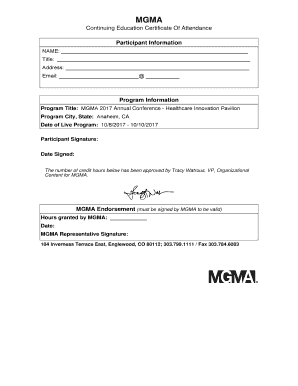
Program Title: MGMA 2017 Annual Conference - Healthcare Innovation Pavilion

Cat adoption contract
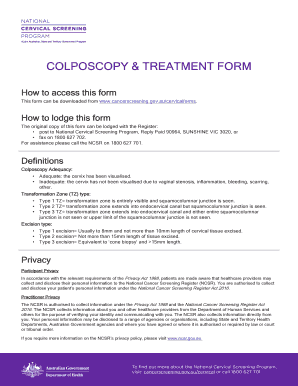
Colposcopy treatment form
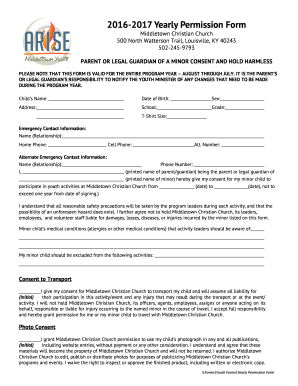
2016-2017 Yearly Permission Form
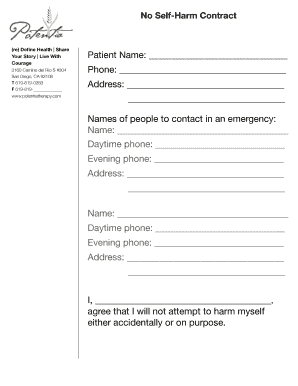
Self harm contract
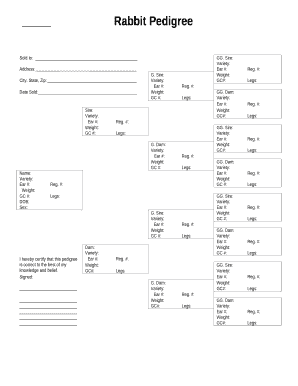
Rabbit pedigree form

Under New Zealand law, ANZ must collect a self-certification from you about your tax residency status

Nta wellness benefit claim form
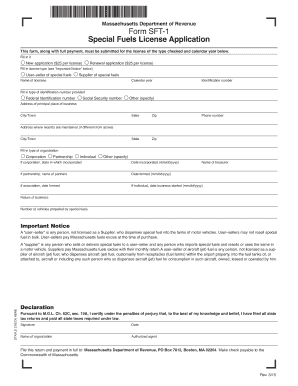
Form SFT-1
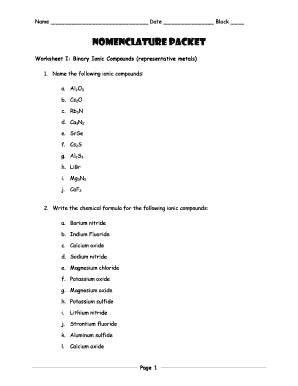
Binary ionic compounds worksheet
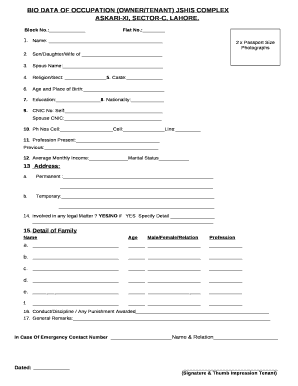
Bio for rental application
IBM Watson AI XPRIZE COMPETITOR AGREEMENT
My voice my choice idaho

Blank 100 rs stamp paper pdf download

2016 IL CCCR 0103
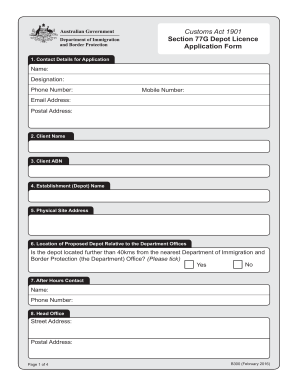
77g depot
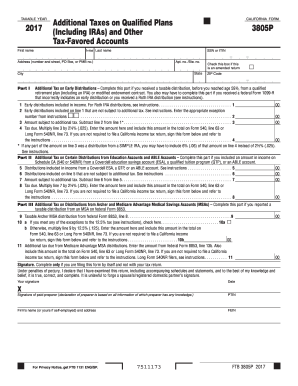
3805p
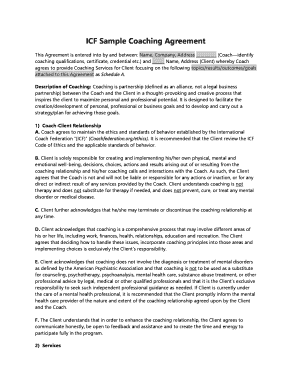
Coaching agreement
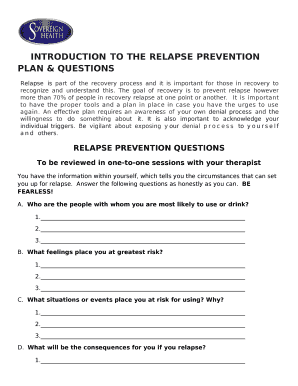
Relapse prevention questions
Karaoke sign up sheet pdf

Energy commission of nigeria act
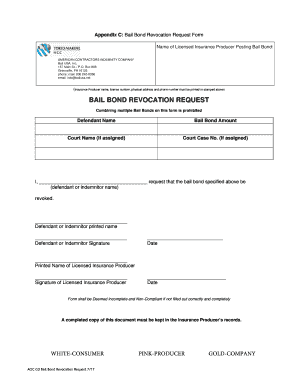
Appendix C: Bail Bond Revocation Request Form
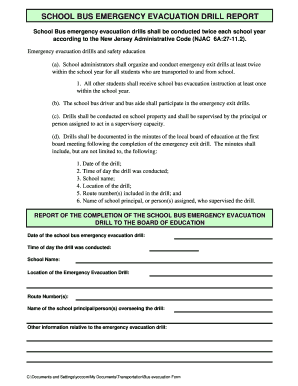
The school bus driver and bus aide shall participate in the emergency exit drills
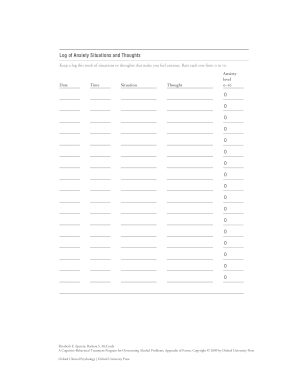
Log of Anxiety Situations and Thoughts

Automatic Though
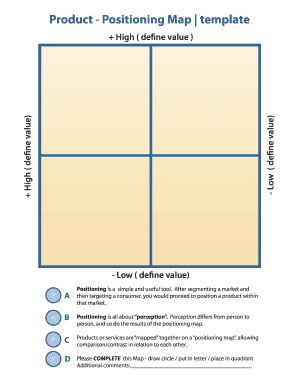
Positioning map template word
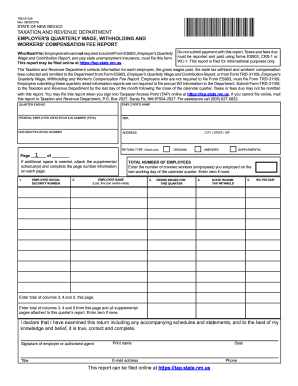
Trd form
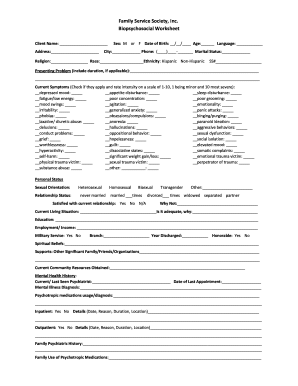
Biopsychosocial worksheet
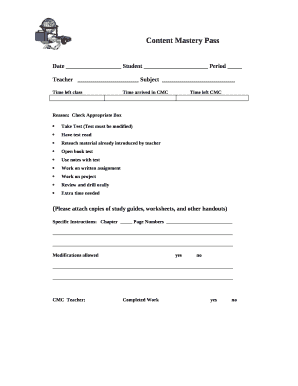
What is the mastery pass
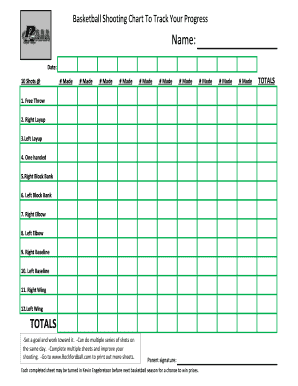
-Can domultipleseriesofshotson
Benefit from the DocHub online library of fillable PDF forms
Searching the PDF forms doesn't have to be a tedious and time-consuming process. With the DocHub online library, it has become easier to find the fillable PDF forms and modify them in your browser. The service allows you to adjust the document to your needs using powerful editing tools.
You can use online document editing features to modify almost any type of document with ease. You just need to find the template of your choice, open it in the editor, and use the toolbar to make the necessary corrections.
Follow this guide to get your document done with DocHub:
- Find the PDF template you need.
- Click the Get Form button to open the file in the editor.
- Use the toolbar to fill out and edit the document.
- Easily add and highlight text, insert images, checkmarks, and symbols.
- Drop new fillable fields, and rearrange or delete pages from your file.
- Save changes and download your record.
DocHub empowers everyone to streamline document editing, signing, and distribution, and form completion. Create an account and benefit from our well-organized PDF Forms library and comprehensive editor.