
Get any PDF form from the DocHub library of ready-made templates - Page 1723
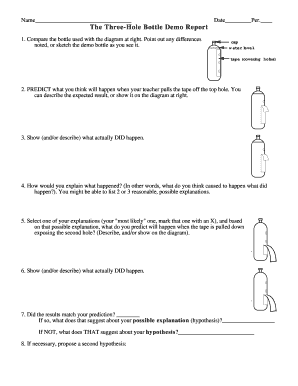
The Three-Hole Bottle Demo Report
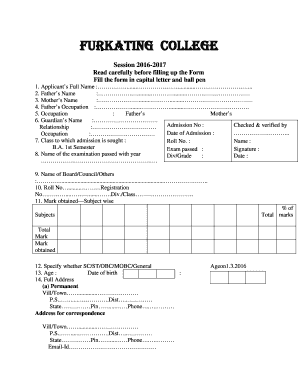
Ba form
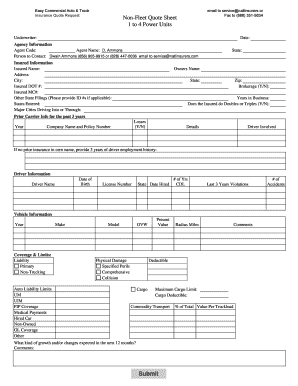
Commercial auto quote sheet
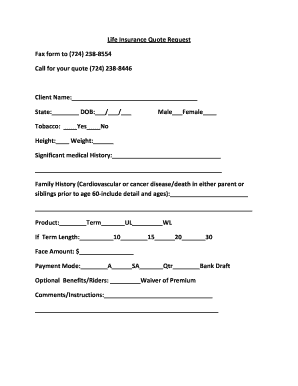
Individual Life Insurance Quote Request Form - Flexible Benefit ...
Ivr service request form - Safaricom
Integranet authorization form

Animal transport certificate template
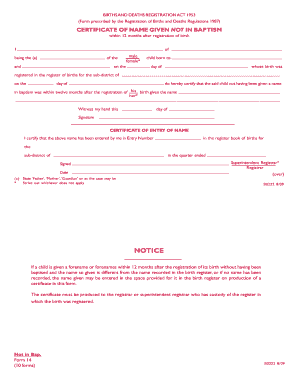
Name given not
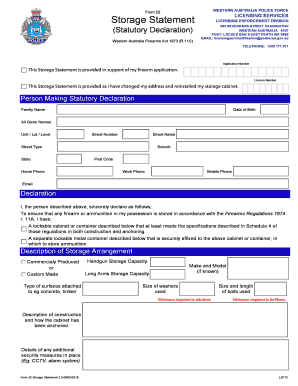
Storage statement
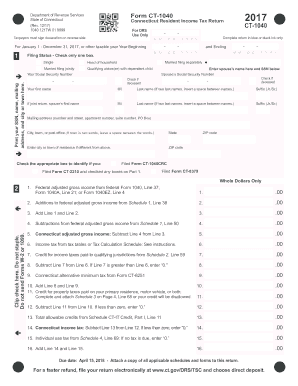
Ct 1040 2017 form
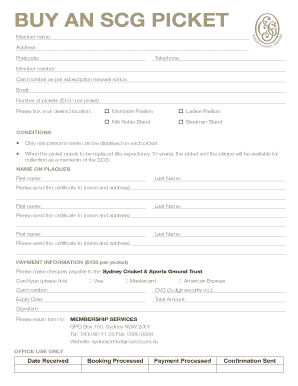
Scg buy a picket

Interim footwear invoice
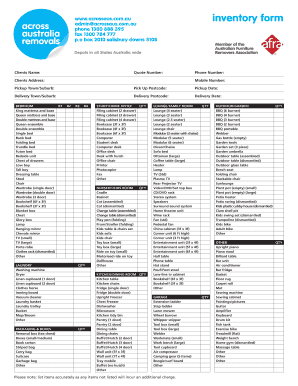
Inventory form - Across Australia Removals
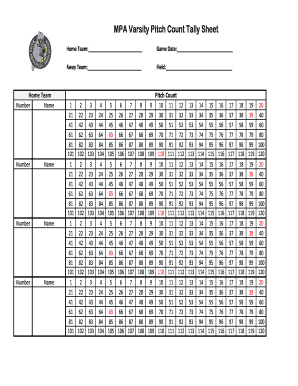
Pitch counter online
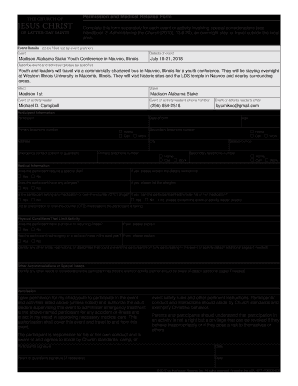
Lds permission slip

VA Form 10177, WHISTLEBLOWER COMPLAINT FORM. 10177, WHISTLEBLOWER, COMPLAINT

Permanent change of station orders example
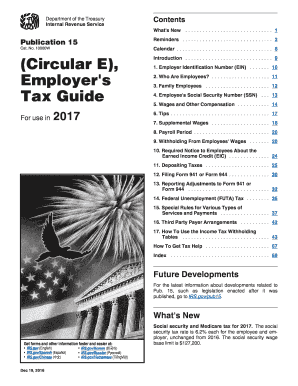
2018 Publication 15 - Internal Revenue Service

Ohio it 1041
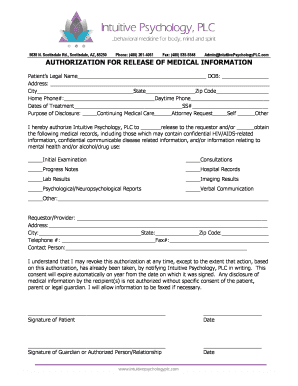
Authorization for release of medical information - Intuitive Psychology
Short Answer SampleTX188327-001EnglAD12
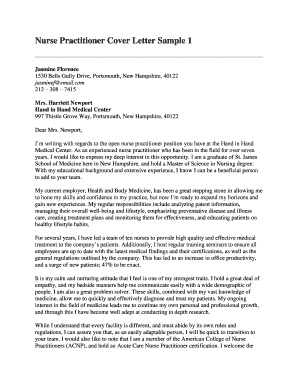
Nurse practitioner cover letter
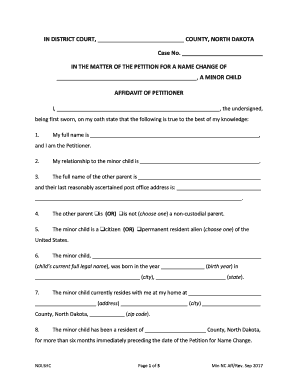
Affidavit format for name change of minor pdf
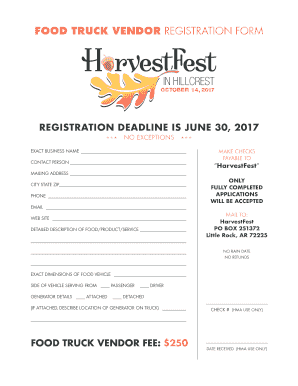
FOOD TRUCK VENDOR REGISTRATION FORM

DA No. Renewal Application for the Renewal of a Display Pilot ...
Self cert sick form
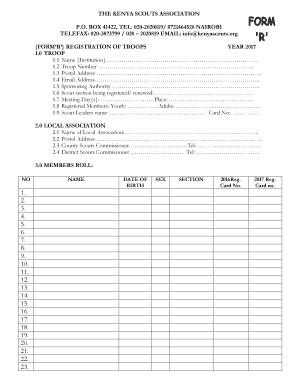
Kenya scouts association registration form
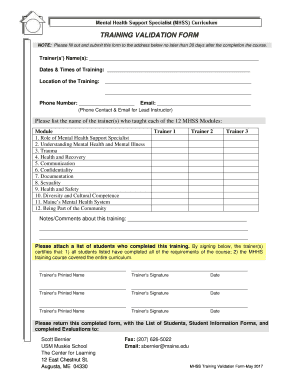
Training validation form sample
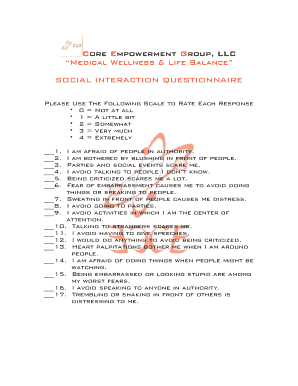
Social interaction questionnaire pdf
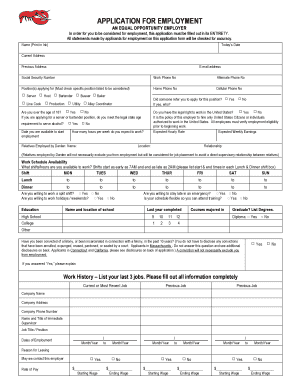
Lobster application job form

Fire alarm system maintenance checklist pdf

VERIFICATION OF OBSERVATION/JOB-RELATED EXPERIENCE

The Mermaid Centre for Renal Dialysis
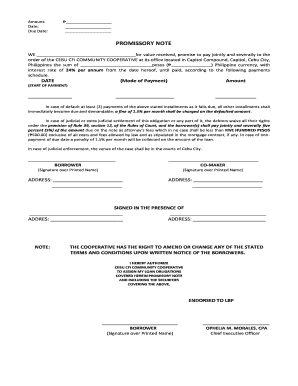
Cfi portal
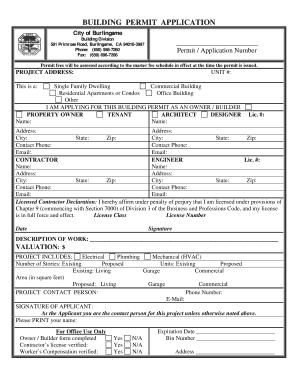
Burlingame building permit application
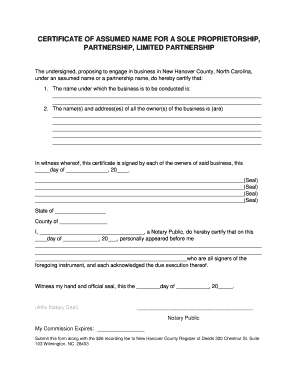
Sole proprietorship certificate
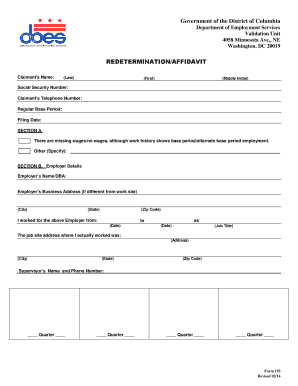
Redetermination services
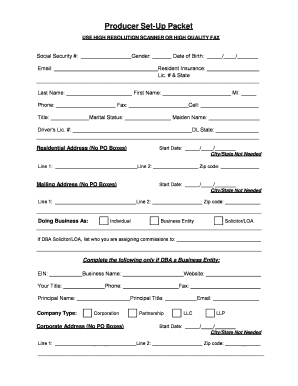
Producer Set-Up Packet - support.surancebay.com
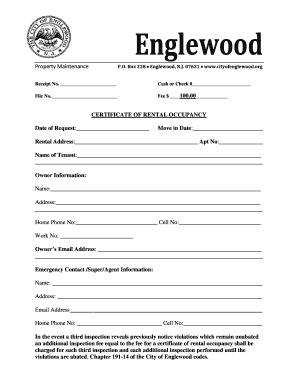
Certificate of Rental Occupancy - City of Englewood, NJ
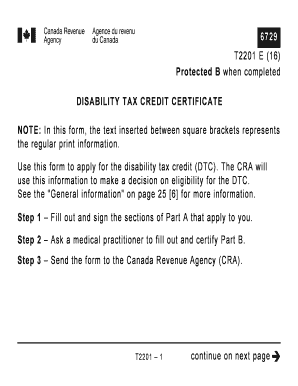
T2201 disability tax credit certificate
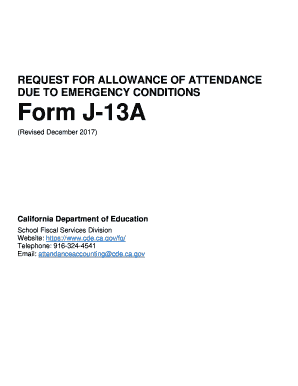
J 13a
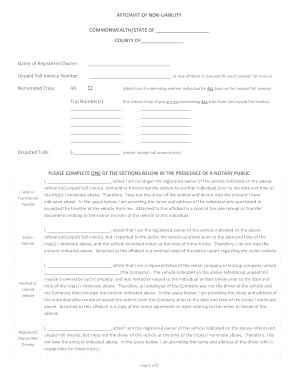
AFFIDAVIT OF NON-LIABILITY RE: 495 EXPRESS LANES ...
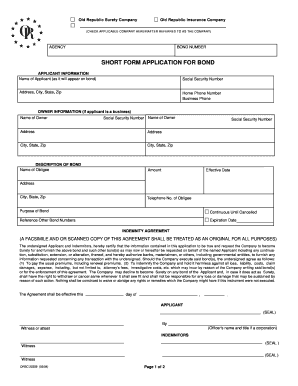
SHORT FORM APPLICATION FOR BOND - Old

6 1 dolphins worksheet answers
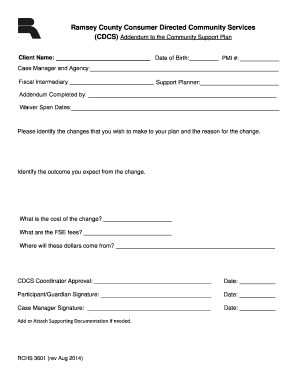
RCHS CDCS Addendum to CSP - Ramsey County
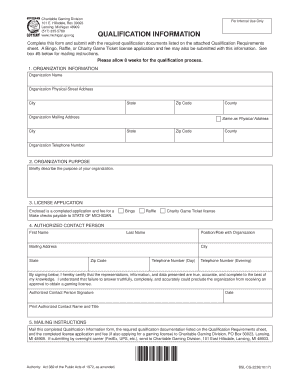
State of michigan raffle license
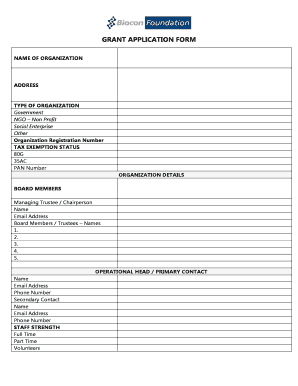
Grant application form - Biocon Foundation
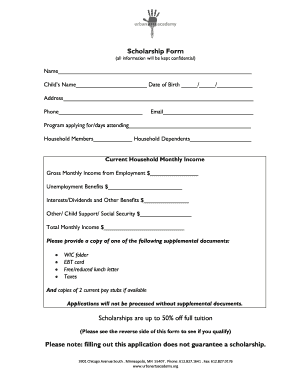
Scholarship Form Scholarships are up to 50% off full tuition

Phase 2 Checklist and Forms

Va medical exam
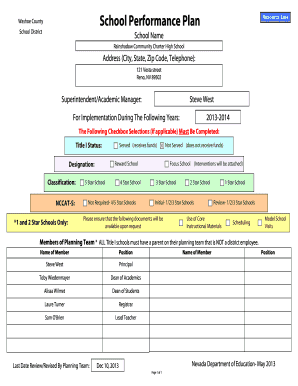
School Performance Plan - rainshadowcharterhs.weebly.com

Property transfer notification certification

Checkmate lending solutions

Roofing affidavit inspector

D999 Maintenance of Full-Time Status: Ph.D. Students - Stevens ...

RENTAL OF REAL PROPERTY (Fillable form with auto calculations)
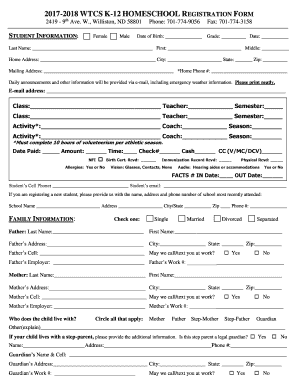
2017-2018 WTCS K-12 HOMESCHOOL REGISTRATION FORM
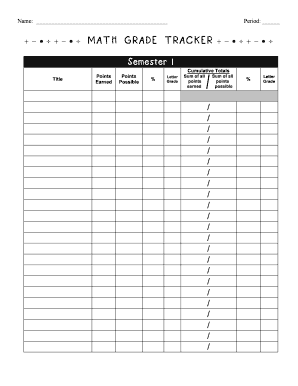
Grade tracker pdf
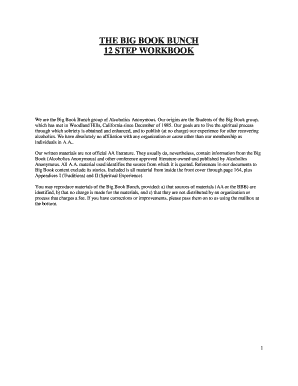
Big book bunch

Residential Care Admission Chart Audit Tool
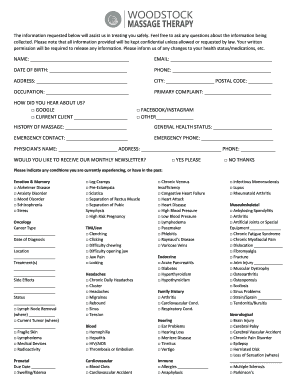
The information requested below will assist us in treating you safely
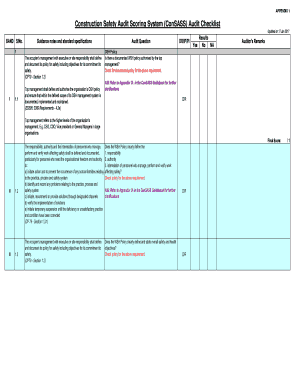
Construction Safety Audit Scoring System (ConSASS) Audit Checklist
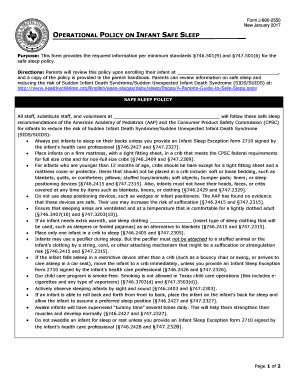
Form J-800-2550

Playground Daily Safety Checklist
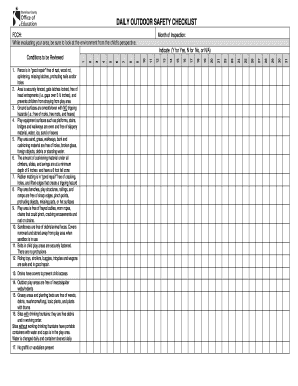
Outdoor checklist
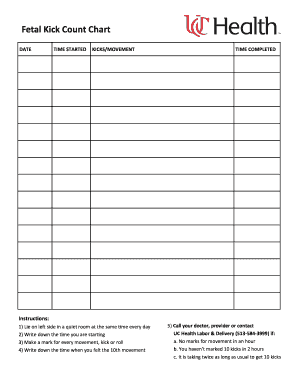
KICKS/MOVEMENT

Aetna over the counter
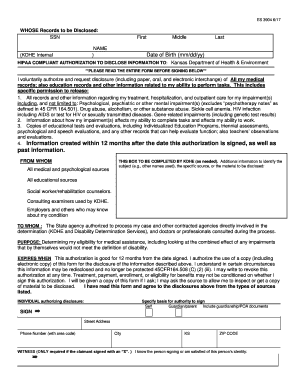
ES 3904 6/17
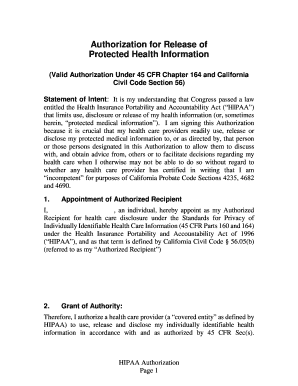
(Valid Authorization Under 45 CFR Chapter 164 and California
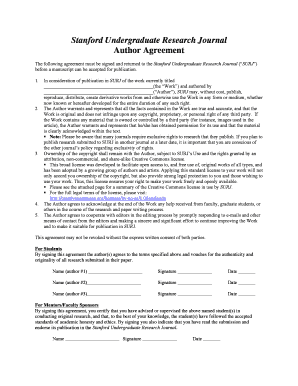
Stanford Undergraduate Research Journal
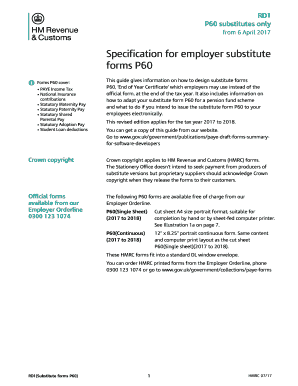
P60 substitutes only
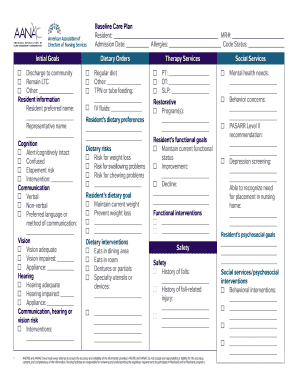
Aanac baseline care plan template
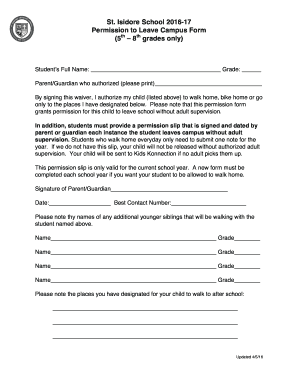
Permission to Leave Campus Form

Emma hartley
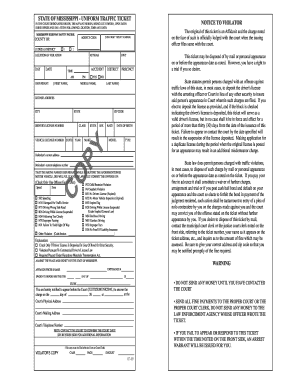
Uniform traffic ticket
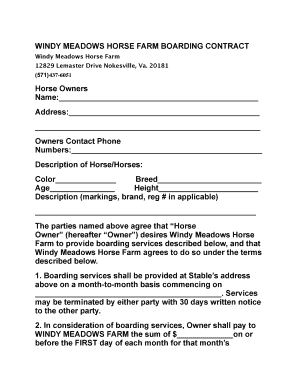
WINDY MEADOWS HORSE FARM BOARDING CONTRACT
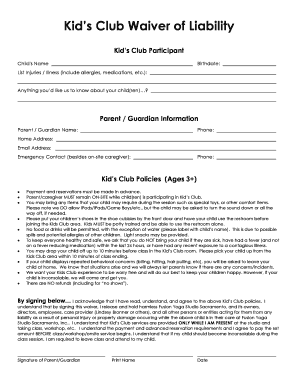
Kids Club Waiver of Liability
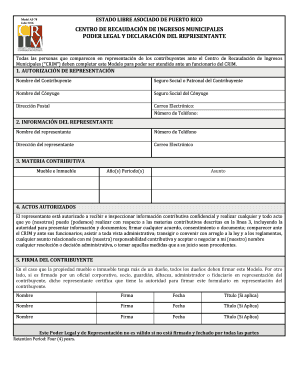
As 78 crim
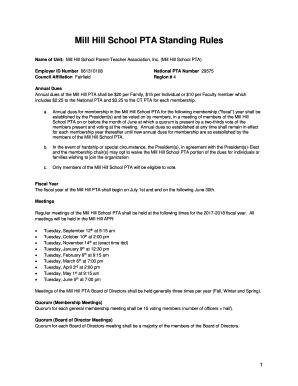
Mill Hill School PTA Standing Rules

Dhs 1179a

Form 502 b 2017

Nj training form
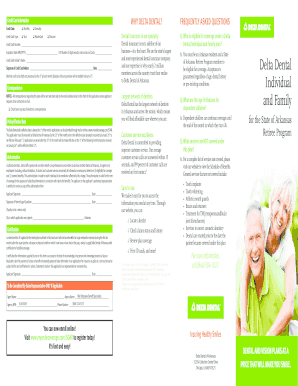
Mysmilecoverage
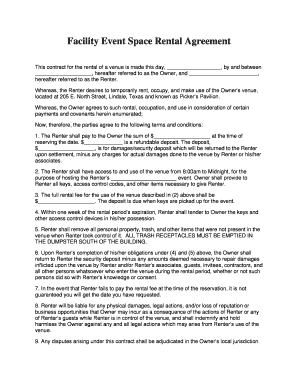
This contract for the rental of a venue is made this day, , by and between
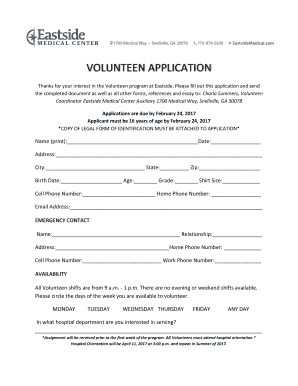
Eastside Medical Center - Medical Release Form
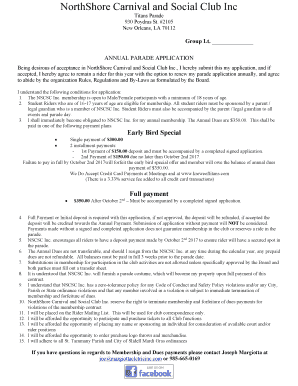
NorthShore Carnival and Social Club Inc
Wi z
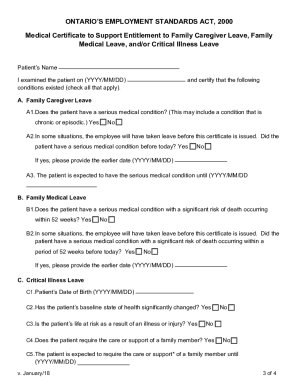
Medical certificate for family caregiver benefits
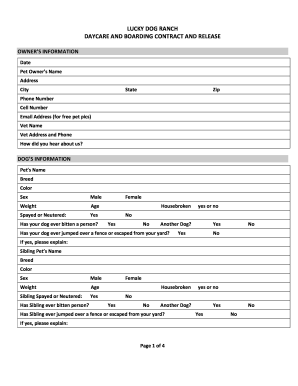
DAYCARE AND BOARDING CONTRACT AND RELEASE

North Carolina National Alliance of Black School Educators (NABSE) State Conference

Know the lingo answer key
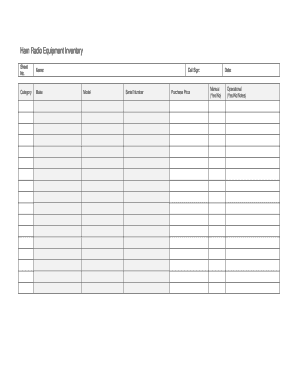
Ham Radio Equipment Inventory
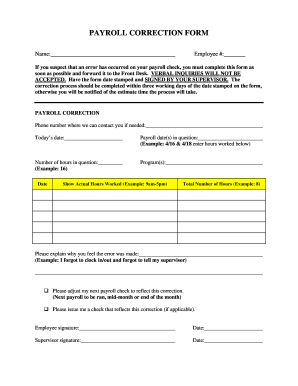
Payroll correction form
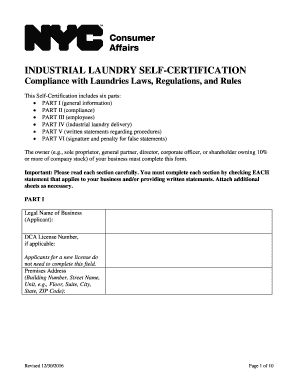
Self certification form

Mass gov dua schedulecallback
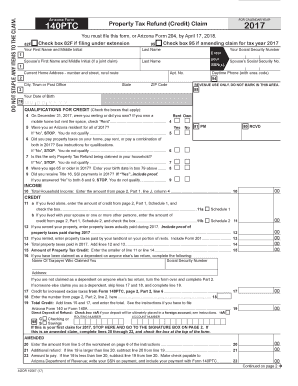
Check box 95 if amending claim for tax year 2017
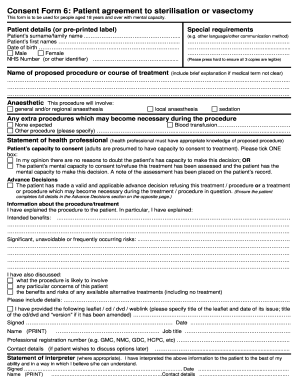
Case report consent form
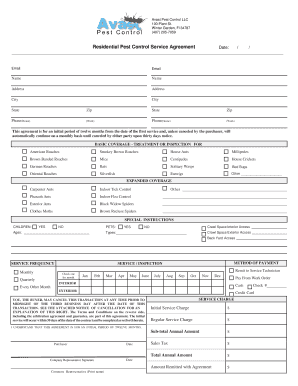
Avast Pest Control LLC
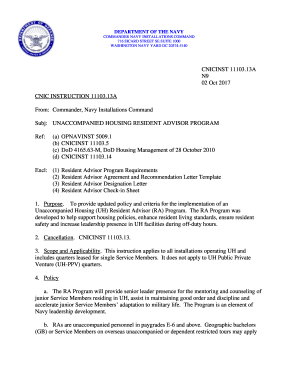
CNIC INSTRUCTION 11103
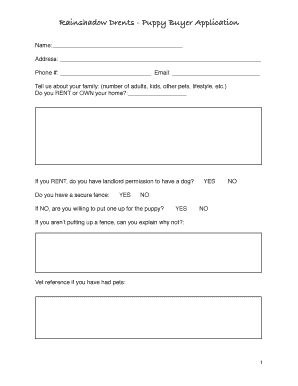
Rainshadow Drents - Puppy Buyer Application
Benefit from the DocHub online library of fillable PDF forms
Searching the PDF forms doesn't have to be a tedious and time-consuming process. With the DocHub online library, it has become easier to find the fillable PDF forms and modify them in your browser. The service allows you to adjust the document to your needs using powerful editing tools.
You can use online document editing features to modify almost any type of document with ease. You just need to find the template of your choice, open it in the editor, and use the toolbar to make the necessary corrections.
Follow this guide to get your document done with DocHub:
- Find the PDF template you need.
- Click the Get Form button to open the file in the editor.
- Use the toolbar to fill out and edit the document.
- Easily add and highlight text, insert images, checkmarks, and symbols.
- Drop new fillable fields, and rearrange or delete pages from your file.
- Save changes and download your record.
DocHub empowers everyone to streamline document editing, signing, and distribution, and form completion. Create an account and benefit from our well-organized PDF Forms library and comprehensive editor.