
Business using Balance Sheet Templates
Keep track of your Business using Balance Sheet Templates and enhance your data precision and relevancy. Maintain your business transparency and easily adjust, complete, and save your documents in your DocHub account.

Create a new Business using Balance Sheet Template

Personal financial statement template
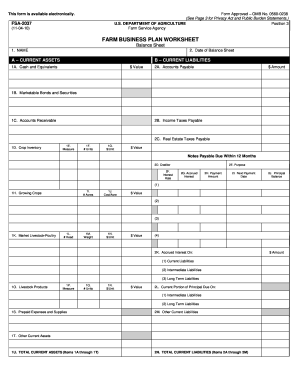
Fsa 2037
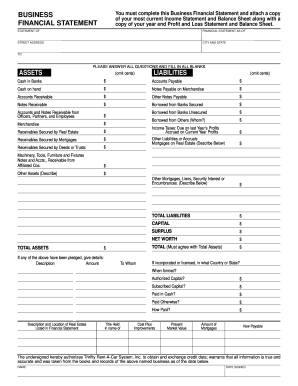
Business financial statement template
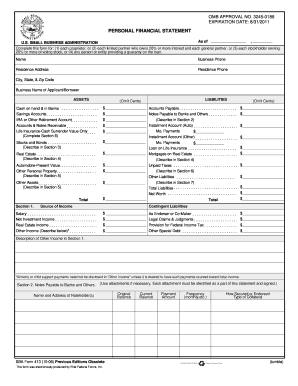
Personal financial statement template 2008 form
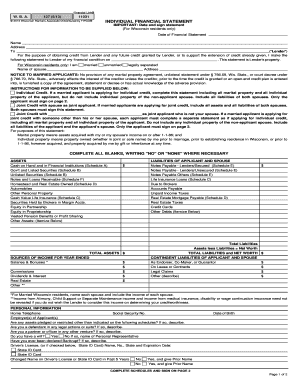
Individual financial statement
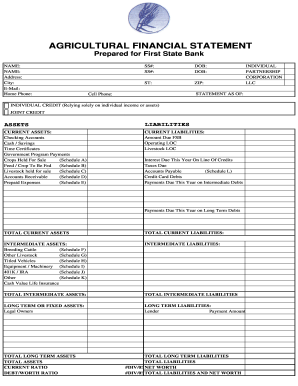
Agriculture financial statement excel
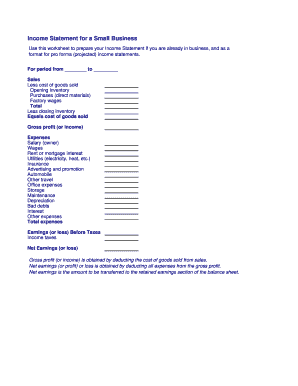
Business income statement

Business debt schedule template
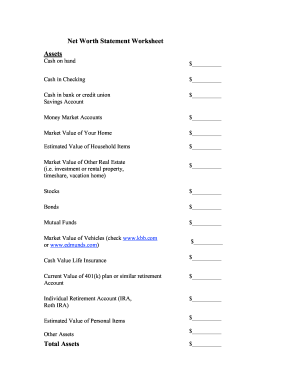
Net worth statement
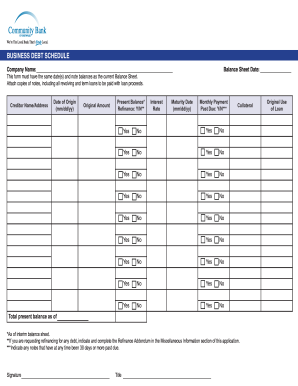
Debt schedule template excel
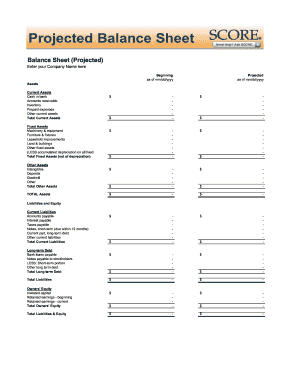
Balance sheet fill in the blank
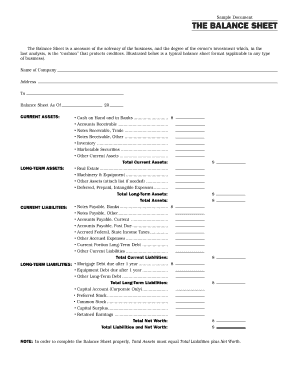
Interim ytd balance sheet pdf

Personal balance sheet pdf
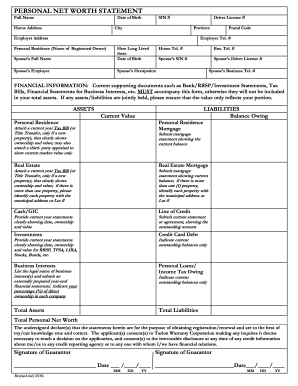
Net worth statement
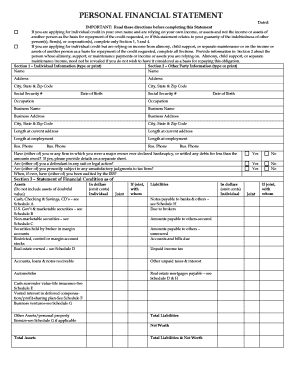
Personal financial statement form
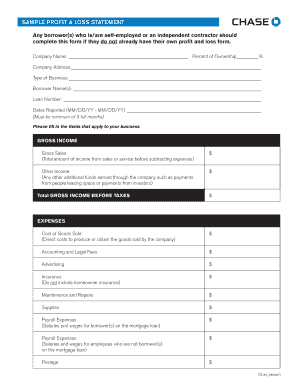
Sample Profit and Loss Statement PDF - Chase
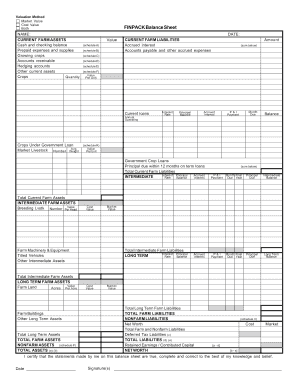
Finpack balance sheet
Printable financial forms
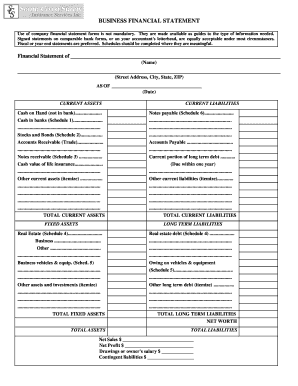
Business financial statement form
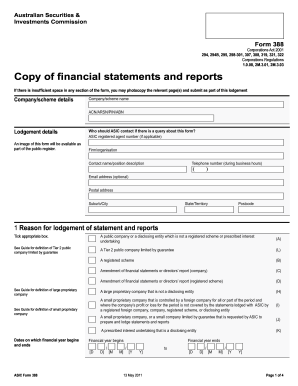
Form 388 - Australian Securities and Investments Commission - asic gov
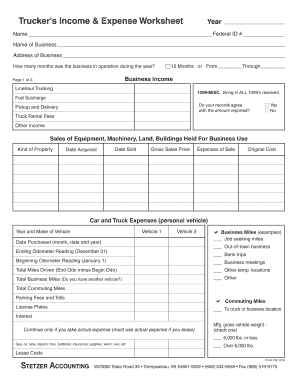
Profit and loss statement for trucking company pdf
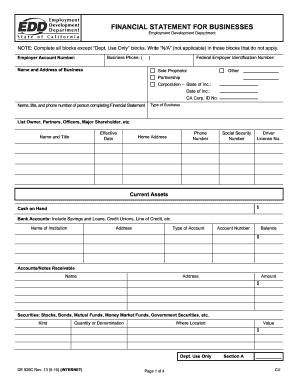
Financial Statement for Businesses (DE 926C) - edd ca
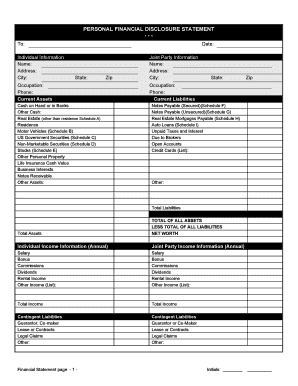
Financial statement form personal
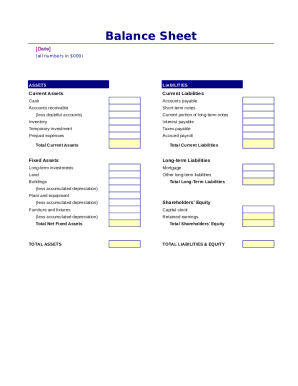
Simple balance sheet
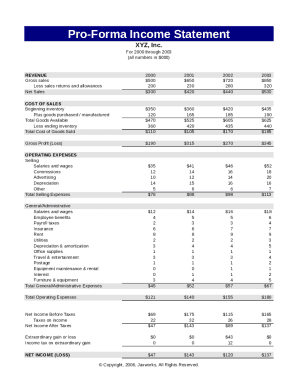
Pro forma income statement

Fillable personal financial statement form
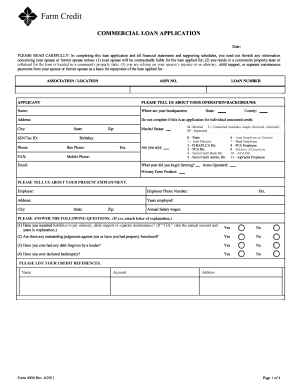
Farm credit form 4000
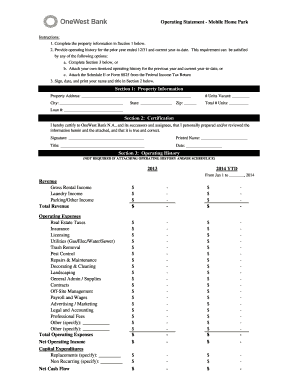
Project operating statement

Financial report template
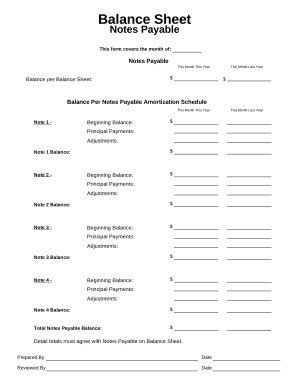
Balance sheet form
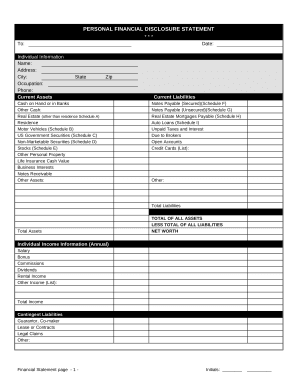
Financial statement form
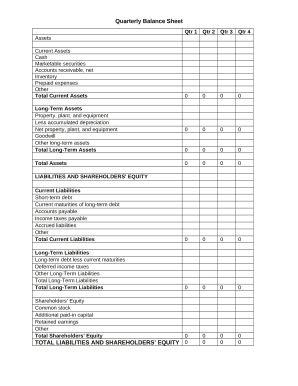
Quarterly Balance Sheet

Sba form 413
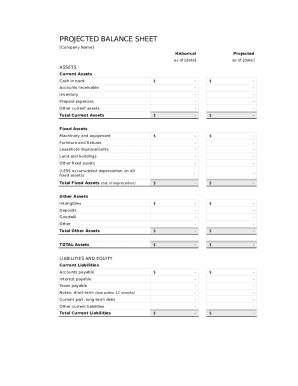
Balance sheet template fillable
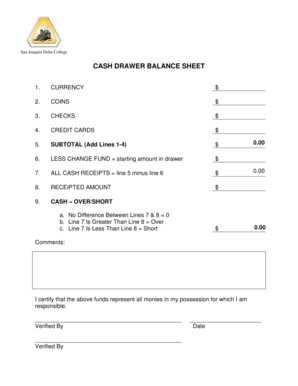
Cash drawer balance sheet

CODE REVISER USE ONLY PROPOSED RULE MAKING - dshs wa
Manage Business using Balance Sheet Templates effortlessly online
Document management can overpower you when you can’t locate all of the forms you need. Fortunately, with DocHub's extensive form categories, you can get all you need and easily deal with it without the need of switching between apps. Get our Business using Balance Sheet Templates and begin utilizing them.
Using our Business using Balance Sheet Templates using these easy steps:
- Check Business using Balance Sheet Templates and choose the form you need.
- Preview the template and click Get Form.
- Wait for it to upload in the online editor.
- Modify your form: add new information and pictures, and fillable fields or blackout certain parts if required.
- Prepare your form, preserve adjustments, and prepare it for delivering.
- When you are ready, download your form or share it with other contributors.
Try out DocHub and browse our Business using Balance Sheet Templates category with ease. Get your free account right now!
Video Guide on Business using Balance Sheet Templates management

Commonly Asked Questions about Business using Balance Sheet Templates
How to do a balance sheet template?
Follow these steps on how to prepare a balance sheet: Decide on the reporting period and timeframe. Identify the assets. Identify the liabilities. Identify shareholders equity. Check if the total liabilities and equity balance with assets. Assets. Liabilities. Equity shares.
How do I create a monthly balance sheet in QuickBooks?
Start with a Balance Sheet Standard report. On the Display tab, change the From and To dates to include the months you want to report on. Choose Month for the Display columns by field. Click OK to run the report.
How to do a balance sheet for a small business?
How to make a balance sheet in 8 steps Step 1: Pick the balance sheet date. Step 2: List all of your assets. Step 3: Add up all of your assets. Step 4: Determine current liabilities. Step 5: Calculate long-term liabilities. Step 6: Add up liabilities. Step 7: Calculate owners equity.
Does QuickBooks create a balance sheet?
QuickBooks does the math for you and can rapidly turn out accurate balance sheets so you dont have to spend all that time crunching numbers.
Does QuickBooks have a balance sheet by class?
Learn what transactions create unclassified, unbalanced, or other incorrect amounts on Balance Sheet by Class report in QuickBooks Desktop. Balance Sheet by Class lets you see your balance sheet by fund, location, or other classes that you set up.
Does QuickBooks have a balance sheet template?
The QuickBooks Online balance sheet template makes it easy The difference between assets and liabilities is displayed at the bottom as the equity or net worth of the business. Simply choose Reports Balance Sheet in QuickBooks Online and the pre-installed template is populated with your data in seconds.
How do I customize my balance sheet in QuickBooks desktop?
Go to the Reports menu, then select Company Financial Profit Loss Standard. Select Customize Report. Go to the Display tab: Set the From and To date fields to the years you want to display on the report.
How can a business use a balance sheet?
Assess your companys financial standing and health A balance sheet gives you a snapshot of your companys financial position at a given point in time. Along with an income statement and a cash flow statement, a balance sheet can help business owners evaluate their companys financial standing.
Related Templates

Costco volume
The document is a form for requesting volume sales quotes from Costco.com, requiring users to provide shipping and billi ...
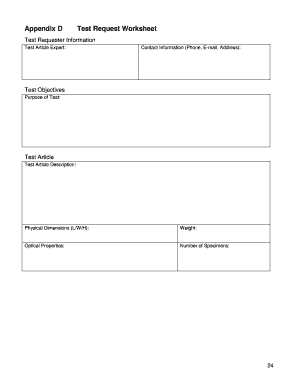
Planning guide form
The Radiant Heat Test Facility (RHTF) User Test Planning Guide outlines the procedures and requirements for conducting t ...

Ca 540nr instructions 2015 form
The document provides detailed instructions for completing the Long Form 540NR, California Nonresident or Part-Year Resi ...

2015 502b form
The document is a Maryland Form 502B for reporting dependents' information for tax purposes in 2015. It includes section ...
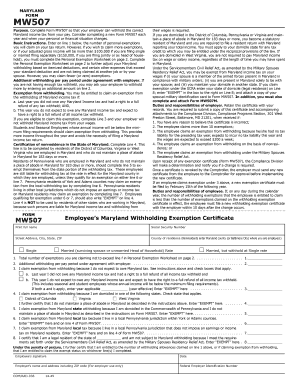
2015 mw 507 form
The document is the Maryland Form MW507, which is used by employees to determine the correct amount of Maryland income t ...
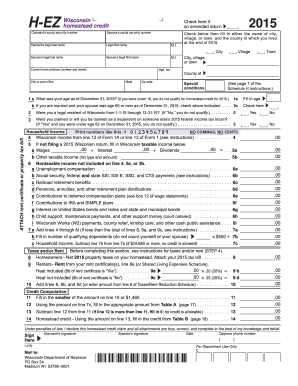
2015 h ez form
The document is a Schedule H-EZ form for claiming the Wisconsin homestead credit for the year 2015. It includes sections ...
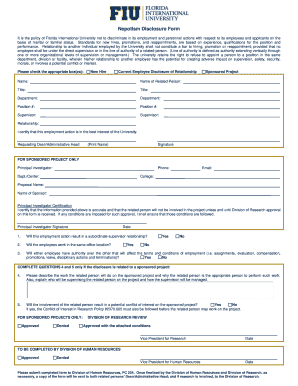
Nepotism form
The Nepotism Disclosure Form outlines Florida International University's policy against discrimination based on familial ...
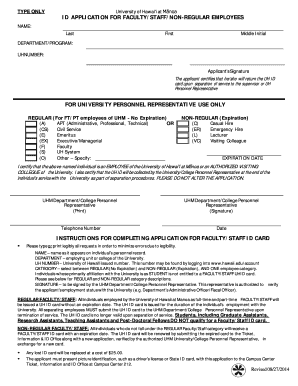
Id staff employees
The document is an application form for obtaining a University of Hawai'i at Mānoa ID card for faculty, staff, and non-r ...