
Service page Booking Templates
Obtain ready-made Service page Booking Templates and simplify your processes. Share the documents with your colleagues, collaborate on them in real-time, and safely store them in one place.

Create a new Service page Booking Template
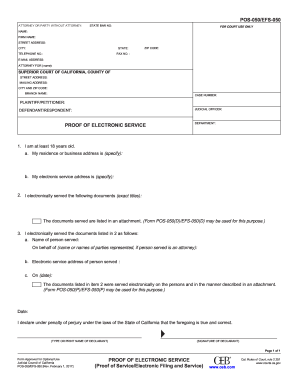
Pos 050

Makeup artist waiver form
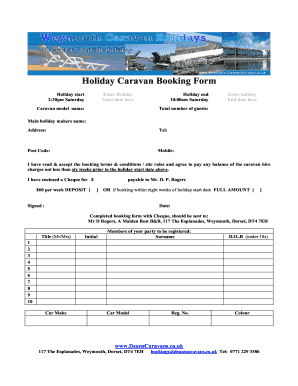
Caravan booking form template

Hillingdon maternity self referral

Stall booking form template
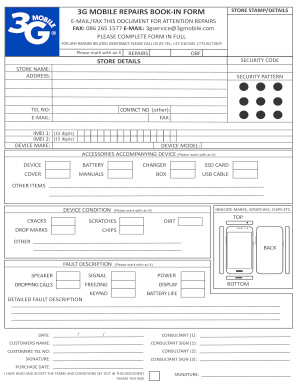
3G MOBILE REPAIRS BOOK-IN FORM
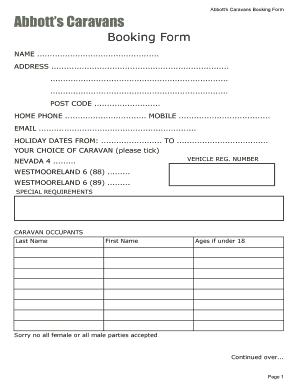
Caravan booking form template

Car service form
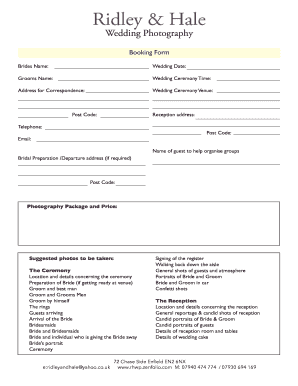
Wedding photography booking form

REQUEST FORM FOR NMR FACILITY TRAINING - NUS - chemistry nus edu
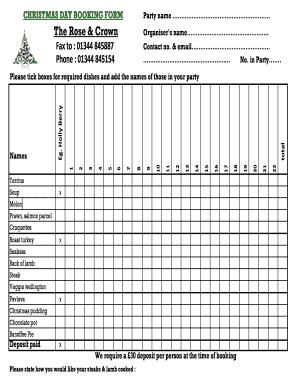
CHRISTMAS DAY BOOKING FORM Party name The Rose amp Crown
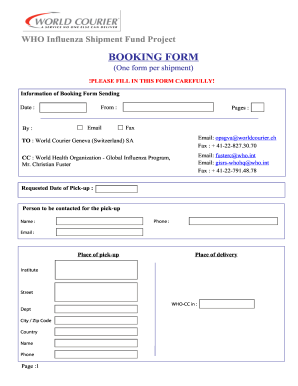
WHO Shipping Fund Booking form
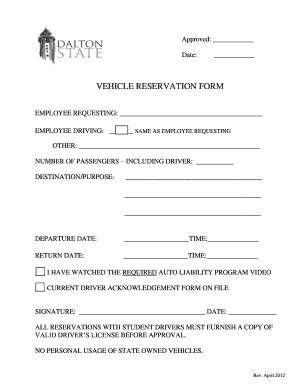
Vehicle reservation form

Reservation form in merriot hotel
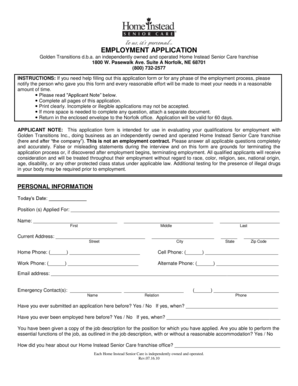
Home instead application form

Weddong booking forns form
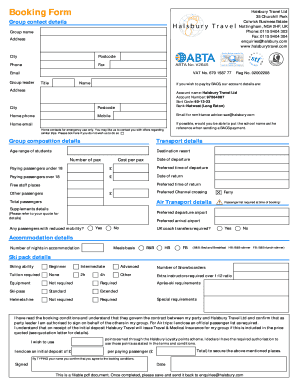
Booking Form - Halsbury Ski
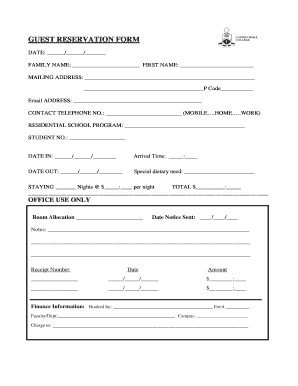
Guest reservations
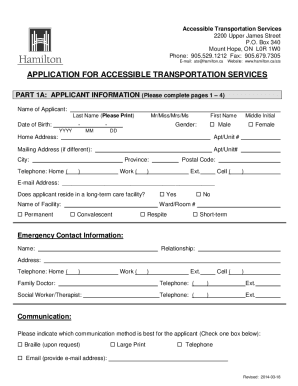
APPLICATION FOR ACCESSIBLE TRANSPORTATION SERVICES - hamilton
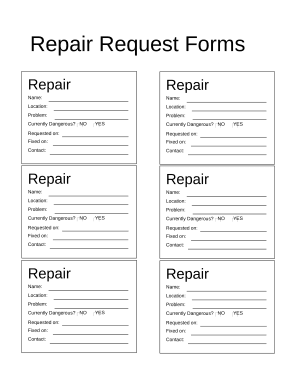
Repair request forms

Cleaning contract
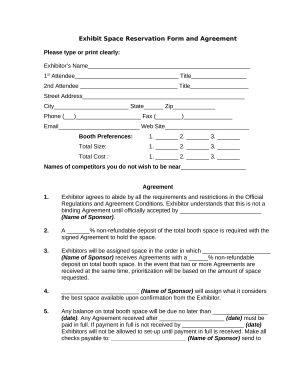
Reservation form
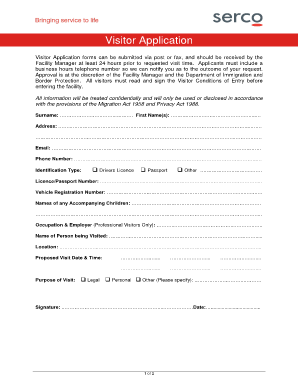
Villawood detention centre visitor booking form
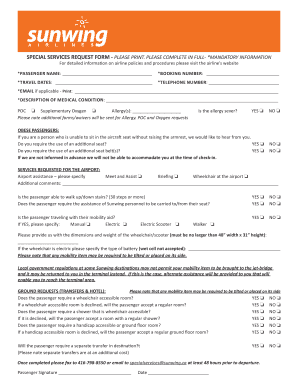
Sunwing special services request form

Monkey town booking form
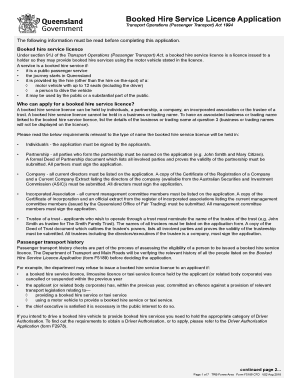
Australia booked hire service licence
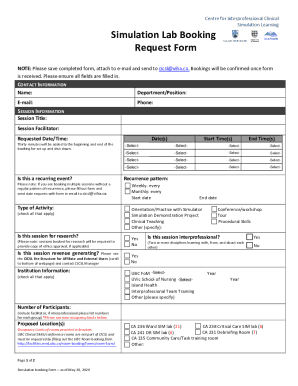
Simulation booking form

Australia booked hire service licence
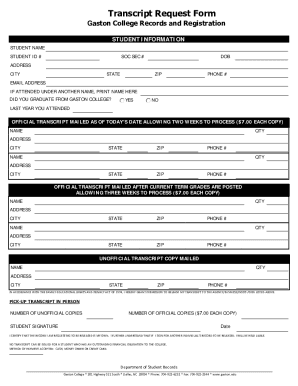
Studentclearinghouse transcriptservicesClearinghouse Transcript & Data Exchange Services
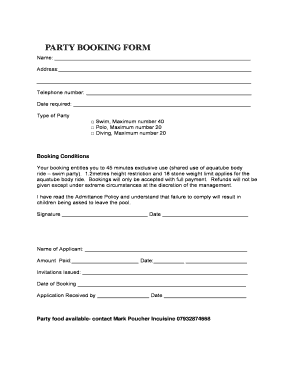
Pool Party Booking Form
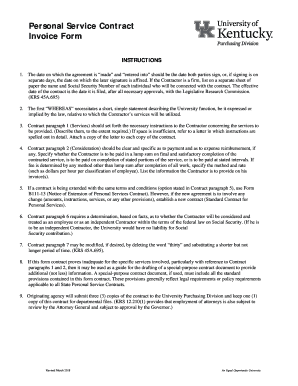
Personal Service Contract Invoice Form - uky
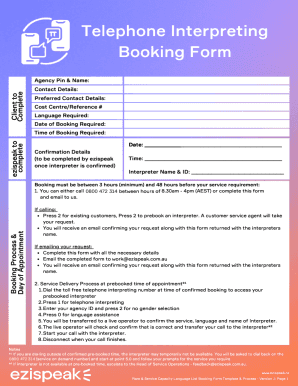
Ezispeak - Telephone Interpreter Booking Form
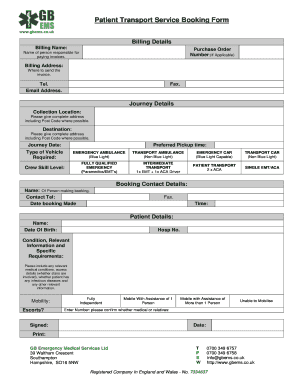
Patient transport service booking form

PDF MEDVANTX PHARMACY SERVICES PO Box 5736 Sioux Falls SD
Get and manage Service page Booking Templates online
Speed up your form administration using our Service page Booking Templates online library with ready-made document templates that meet your requirements. Access the document template, modify it, complete it, and share it with your contributors without breaking a sweat. Begin working more effectively together with your forms.
The best way to manage our Service page Booking Templates:
- Open our Service page Booking Templates and look for the form you require.
- Preview your document to ensure it’s what you want, and click on Get Form to start working on it.
- Edit, add new text, or highlight important information with DocHub tools.
- Complete your form and save the adjustments.
- Download or share your form with other people.
Explore all of the possibilities for your online file administration using our Service page Booking Templates. Get your totally free DocHub account today!
Video Guide on Service page Booking Templates management

Commonly Asked Questions about Service page Booking Templates
How to create a booking page in HTML?
How to add Booking Forms to HTML Website After editing your Booking Forms template, sign in to your Elfsight account. Get the unique form code. Enter the form code into your HTML editor. Congrats! You have added the Booking Forms widget to the HTML webpage successfully.
What does a booking sheet look like?
What should be on a Booking Request Form? The information that should be on a booking form depends on what type of booking youre collecting information for. Some common fields to include are customers contact details (name, email, phone number), date and time of booking, and payment information.
How to create an order page in HTML?
How to Create Your Own Simple Order Form Template for Html Choose from a catalog the Simple Order Form template specially made for Html. Open the picked template. Press the Use Template option. Tailor all the elements and features of the Simple Order Form to fit your Html aesthetic.
How to create a payment page in HTML?
First create the HTML structure starting with a main content div for the brand name (e.g., GeeksforGeeks). Create a central content div for displaying the course price and a short description. Add a section for payment options, such as buttons for applying coupons and paying with Netbanking.
How to create a book page in HTML?
Example Explained The beginning and the end of the document. The beginning and the end of document information. The title of the book (My Book) The character set used (UTF-8) The beginning and the end of the visible content.
Can you add a booking form to Wix?
To add a custom booking form: Scroll down to the bottom and click Show More next to Additional Settings. Click the Default Booking Form drop-down. Select Create a Custom Booking Form. Create your form and click Save Form.
Related Templates
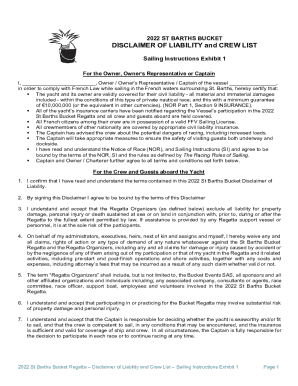
Bucketregatta wp-contentuploads2022 ST BARTHS BUCKET PURSUIT FLEET SAILING INSTRUCTIONS 17
Bucketregatta wp-contentuploads2022 ST BARTHS BUCKET PURSUIT FLEET SAILING INSTRUCTIONS 17
The document outlines the Disclaimer of Liability and Crew List for participants in the 2022 St Barths Bucket Regatta. I ...

14th Annual PDA Global Conference on Pharmaceutical
The document outlines the registration process for exhibitors at the 14th Annual PDA Global Conference on Pharmaceutical ...
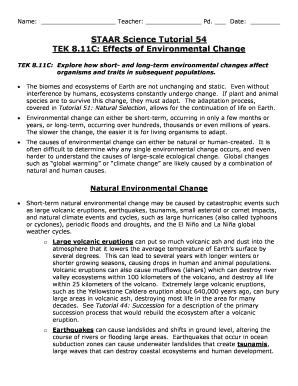
Staar science tutorial 54 answer key
The document discusses the effects of environmental change on organisms and their traits, emphasizing both short-term an ...
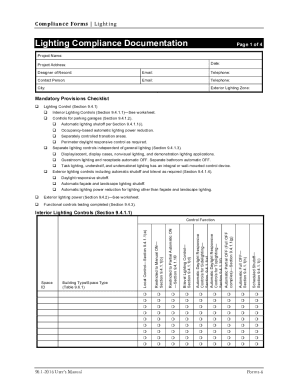
ASHRAE2016-sect9-lighting-SpxSp-compliance
The document outlines compliance forms for lighting, detailing mandatory provisions and checklists for both interior and ...

Zintellect Opportunity Request Form
The Zintellect Opportunity Request Form is a document used to request the posting of opportunities on ORAU's online appl ...
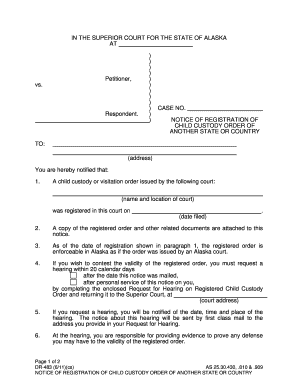
Dr 483 notice
This document is a legal notice from the Superior Court of Alaska regarding the registration of a child custody or visit ...
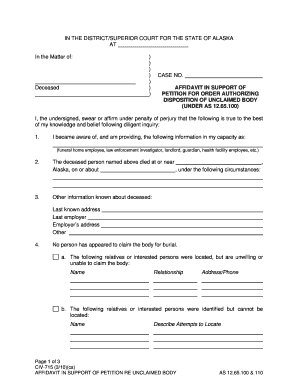
Alaska civ unclaimed
The document is an affidavit submitted to the District/Superior Court of Alaska regarding a deceased individual whose bo ...