
Get any PDF form from the DocHub library of ready-made templates - Page 614
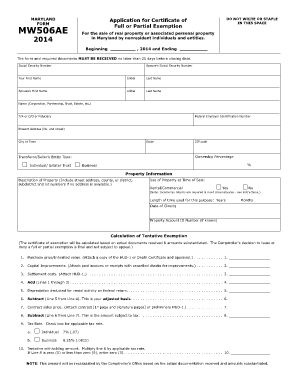
Mw506ae 2014 form
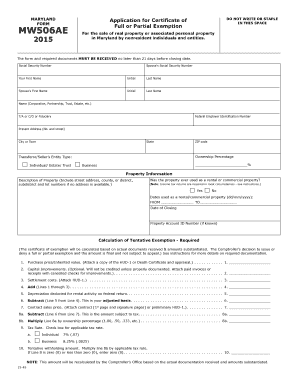
Md form mw506ae 2015

REVERSE SIDE MUST BE COMPLETED BY YOUR PHYSICIAN - dmv ri
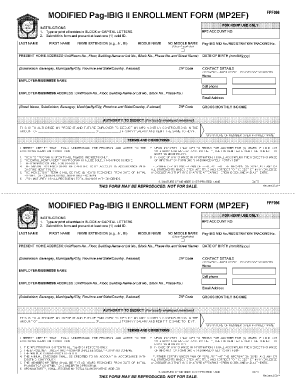
Modified pag ibig ii enrollment form
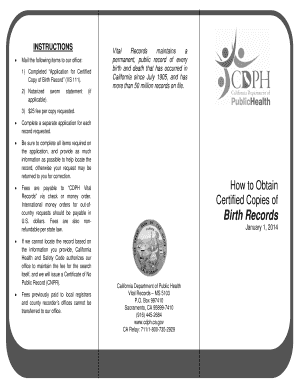
Copy of Birth Record (VS 111) - cdph ca

Da 5748 r fillable

Family law form 12903e 2015

Record of proceedings under article 15, ucmj da form 2627, aug 84

Dmv scdmvonlinecom form

APPLICATION FOR AMENDMENT TO FLORIDA BIRTH RECORD
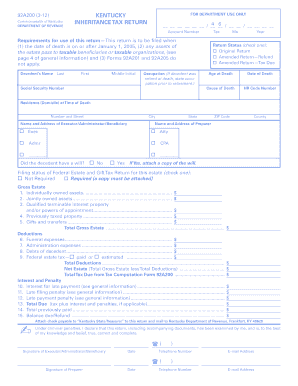
92a200 (3-12) - Kentucky: Department of Revenue

Sc form 8453

Request Copy of Certificate - South Carolina Department of Education
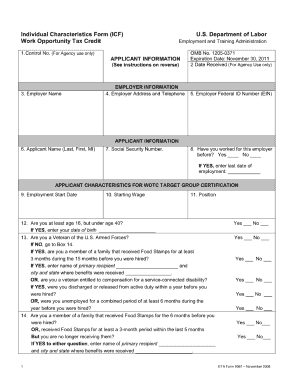
Eta form 9061 2016

De24 instructions 2011 form

Form set m

Vw credit application 2004 form

2009 ar1000 form
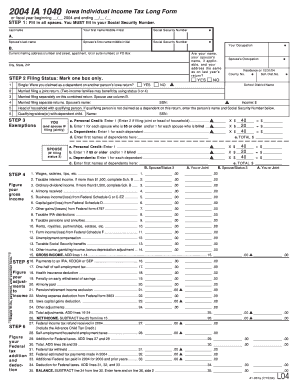
Iowa tax forms 2004
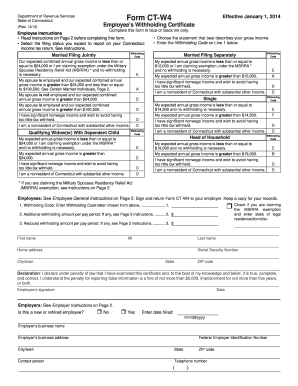
2013 connecticut form
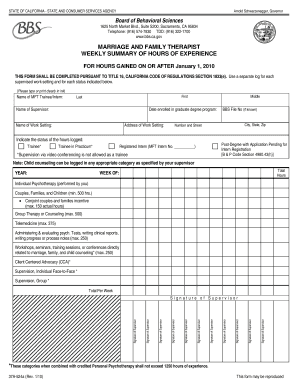
1625 North Market Blvd - ciis

Boe 502 a p1 rev 11 07 10 2013 form

Md form 2011

Coh texas form

Liste de contr le des documents (IMM 5558) - Citoyennet et - cic gc

SPCC1 - Claim for Single Person Child Carer Credit - Revenue
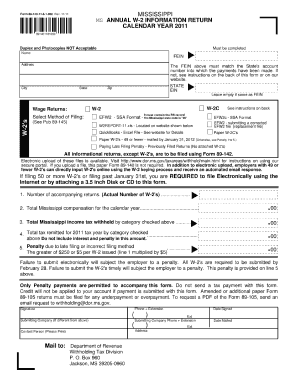
Form 89 140 14 8 1 000
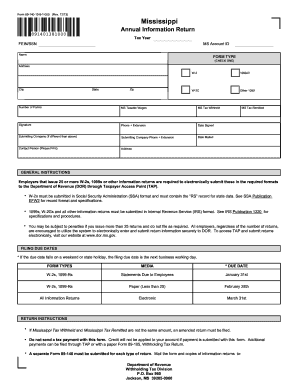
Form 89 140
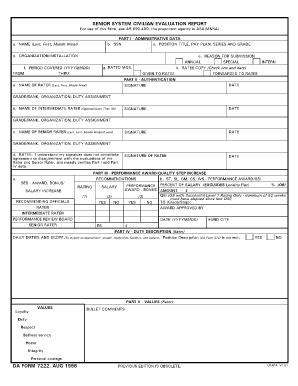
Da form 7222

Supplementary identification form

4797

Nc dor e 585
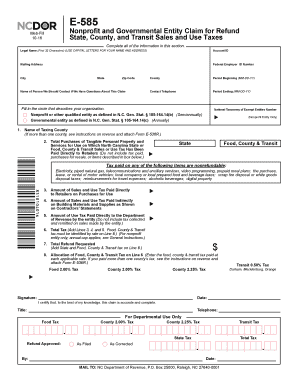
E 585 2016 form
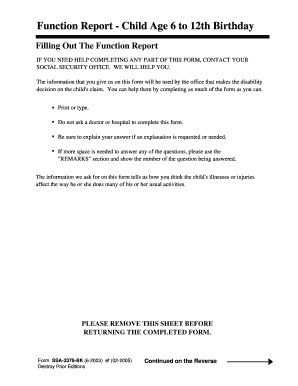
Ssa 3378 bk

Change Address or Account Status - Florida Department of Revenue
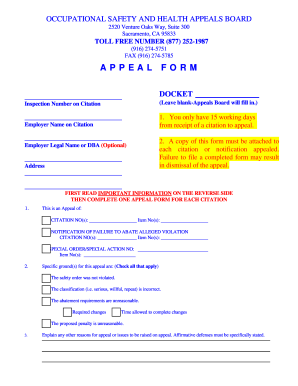
California osha appeal form
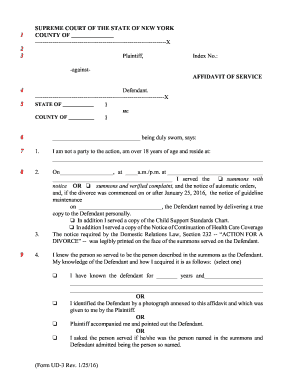
Nys uniform court forms ud 1 rev 2011
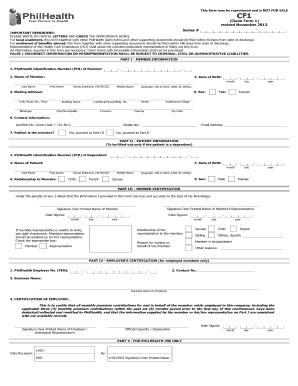
PhilHealth Claim Form - philhealth gov
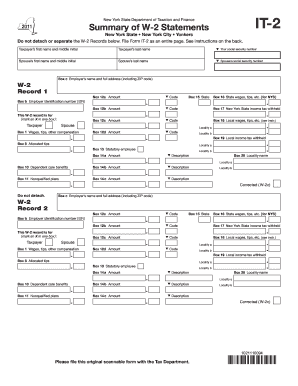
Form it 2 not showing correctly 2011

Petition Administration or

Eoir 33 ic

Nc vessel registration title application

Isp1401 form
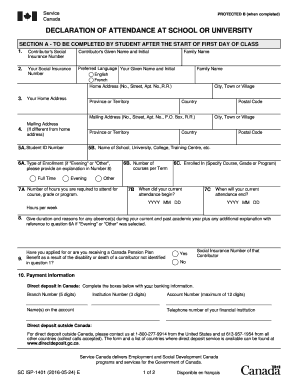
Contributor's Social

VTG10 DETAILS OF NOTIFIABLE ALTERATIONS OR APPLICATION FOR CHANGE OF PLATED DETAILS OF A GOODS MOTOR
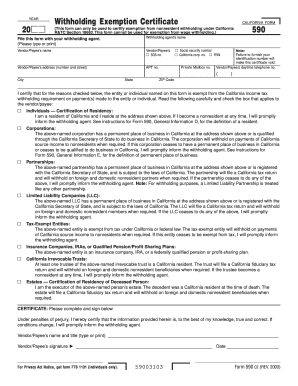
Ucla form 590 2003

IMM 5627E Document Checklist - Applying for a travel
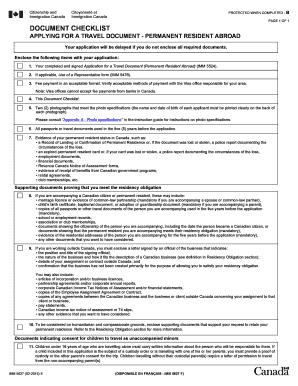
Document checklist
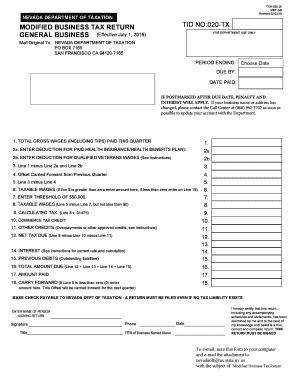
2016 NV DoT TID 020-TX
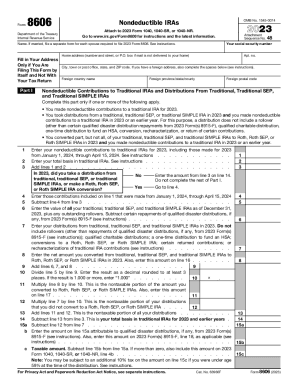
Irs form 8606
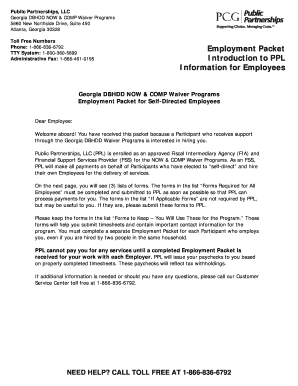
Georgia DBHDD NOW and COMP Waiver Programs For Self-Directing

Form dl 15 2015
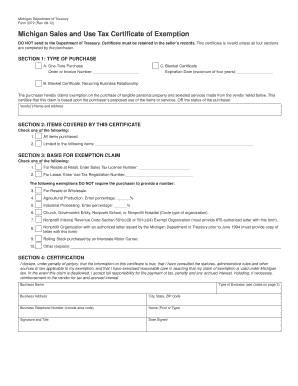
Form 3372 rev 11 09
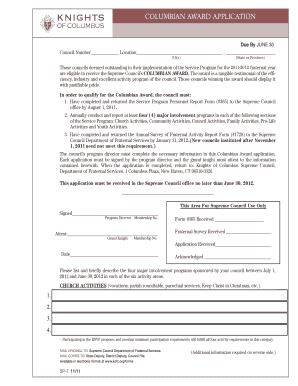
Columbian Award bApplicationb - Knights of Columbus Supreme bb - tkofc
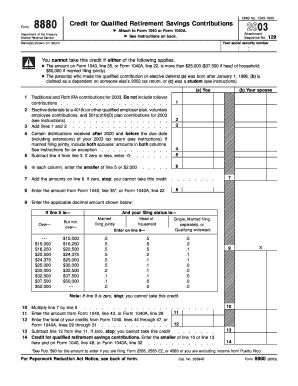
Form 8880 2003

DR 2285 (060509) Colorado department of revenue

Fl 210 form 2007
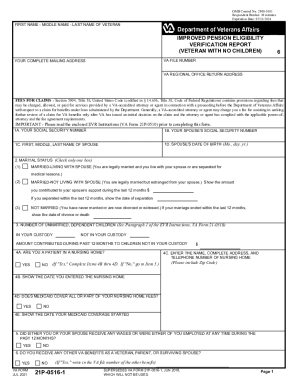
Va form 21p 0516 1
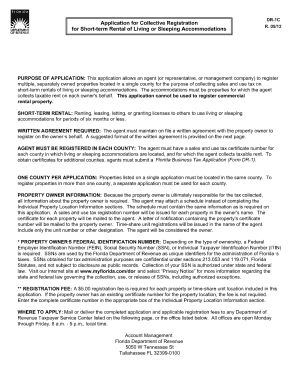
Application for collective registration 2012 form
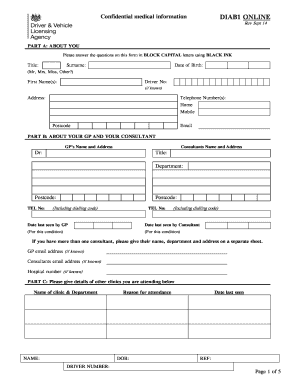
DIAB1 ONLINE MEDICAL QUESTIONNAIRE
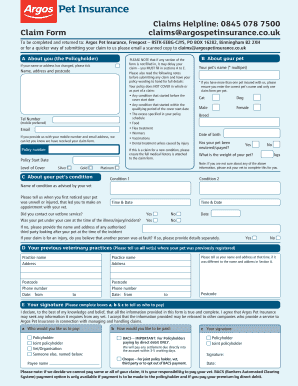
Argos Pet Insurance Claim Form - Fill Online, Printable
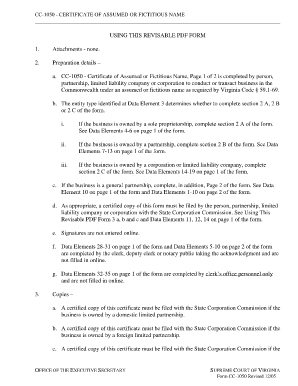
Fictitious name certificate va

PLANILLA CORTA DE CONTRIBUCION SOBRE CAUDAL RELICTO - pr
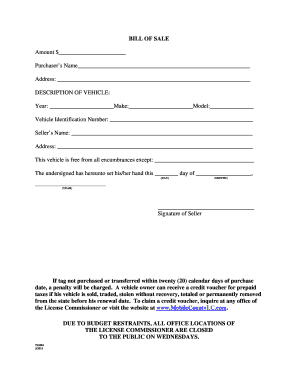
Application for Motor Vehicle Title and Registration

Purchaser s Name

2008 TX Comptroller 50-132
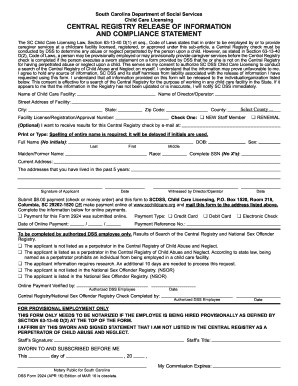
Dss form 2924
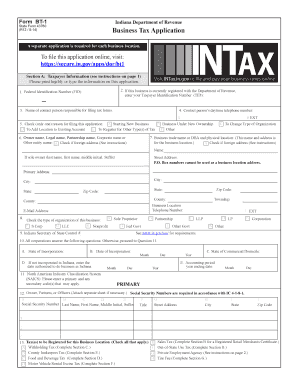
Bt 1 form 43760 2014

Dc 421
2005 FORM MO-PTC PROPERTY TAX CREDIT CLAIM - FormSend
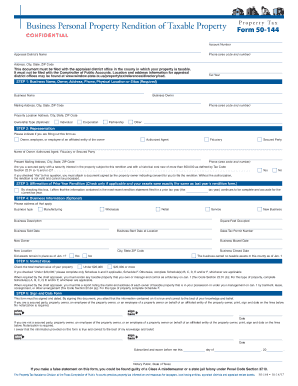
Texas form 50 144 fillable 2014

M1 mn state tax form 2001
Wa state ebt mid review 2016 form

Application for renewal of the guaranteed income supplement form instruction sheet 2012

TRANSFER REQUEST FORM Complete and return this form if you have purchased an airport transfer from u
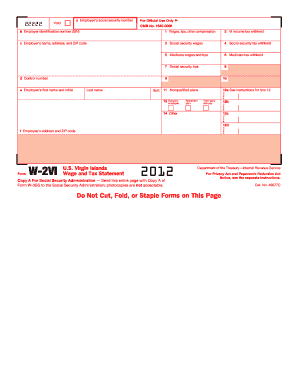
Printable doctors excuse for work 2013 form
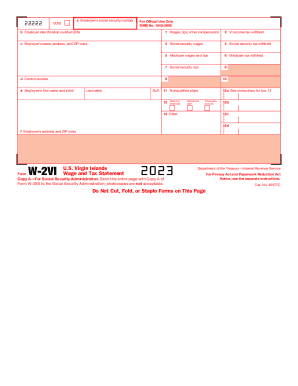
Sample agreement between two parties pdf
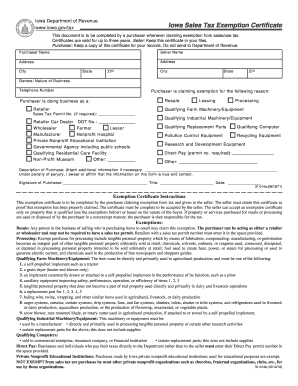
Ia sales tax exemption certificate form
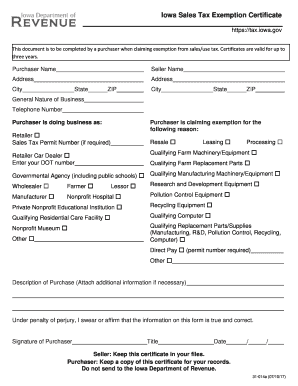
Exemption certificate sales 2017 form
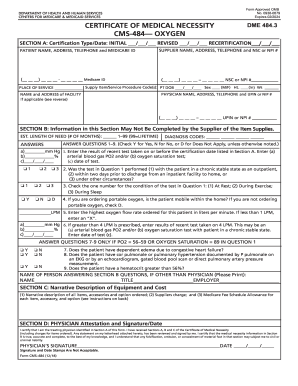
Form medical necessity oxygen

Important: Tax Form W-4 changes and Workday tax elections

Inz1015 2012 form

Ps form 6805
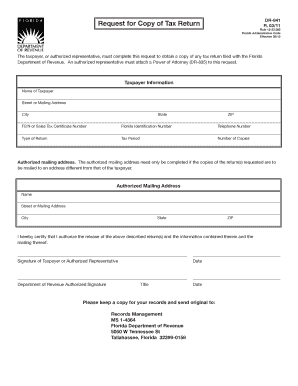
Request for Copy of Tax Return DR-841 R 03 11
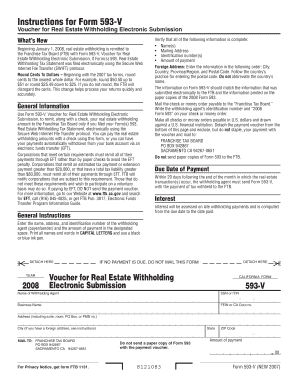
593-V Form - California Franchise Tax Board - ftb ca
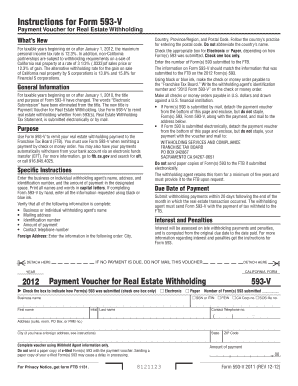
593 v form
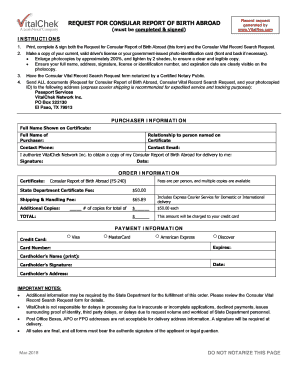
(must be completed and signed)

PATIENT ACCESS REQUEST FOR HEALTH - Allina Health
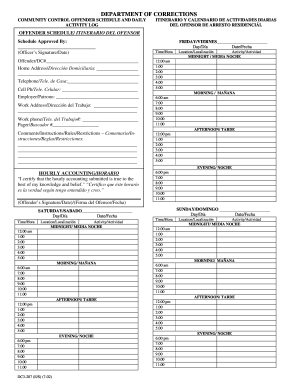
Reporte de supervision - Florida Department of Corrections - dc state fl
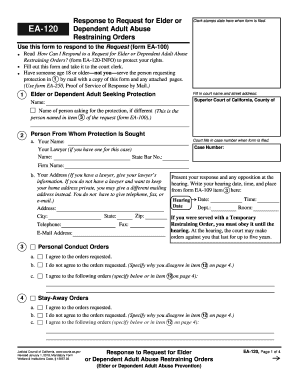
Form ea 120 notice of hearing and temporary restraining order 2012
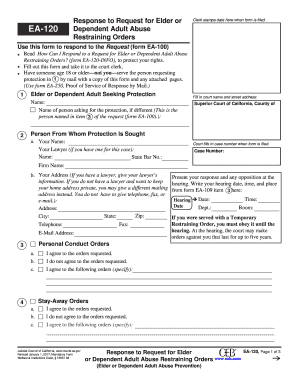
EA-100 Request for Elder or Dependent Adult Abuse Restraining Orders

Mv 9w
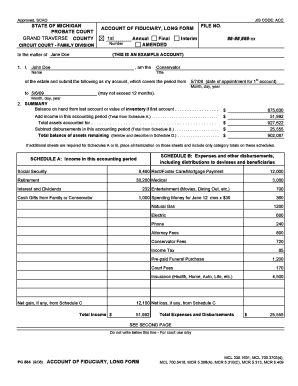
Account of fiduciary short form michigan 2008
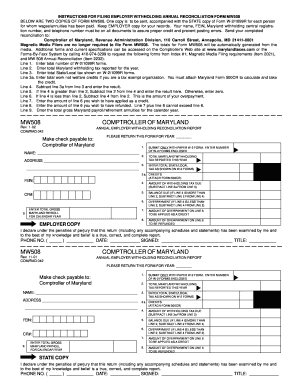
Mw508 2012 2002 form

Application Letter For Partnership Pdf - Ebooks Download - AvLib - immigration govt
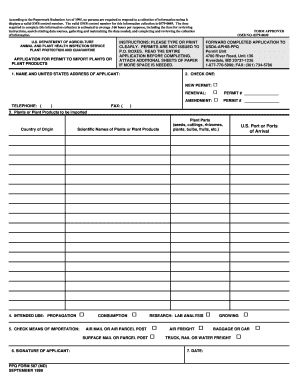
Ppq587 form
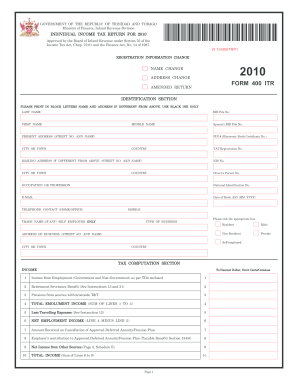
Tax return form trinidad and tobago 2010

Missouri tax clearance 2014 form

Ssa 1699 fillable 2010 form

Union Math, Union Myths
Benefit from the DocHub online library of fillable PDF forms
Searching the PDF forms doesn't have to be a tedious and time-consuming process. With the DocHub online library, it has become easier to find the fillable PDF forms and modify them in your browser. The service allows you to adjust the document to your needs using powerful editing tools.
You can use online document editing features to modify almost any type of document with ease. You just need to find the template of your choice, open it in the editor, and use the toolbar to make the necessary corrections.
Follow this guide to get your document done with DocHub:
- Find the PDF template you need.
- Click the Get Form button to open the file in the editor.
- Use the toolbar to fill out and edit the document.
- Easily add and highlight text, insert images, checkmarks, and symbols.
- Drop new fillable fields, and rearrange or delete pages from your file.
- Save changes and download your record.
DocHub empowers everyone to streamline document editing, signing, and distribution, and form completion. Create an account and benefit from our well-organized PDF Forms library and comprehensive editor.