
Get any PDF form from the DocHub library of ready-made templates - Page 612
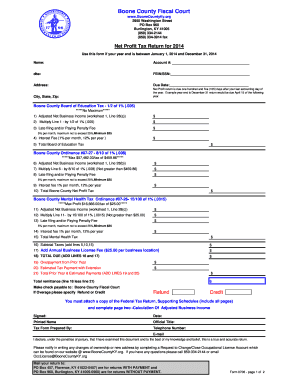
Ky boone county form 2014
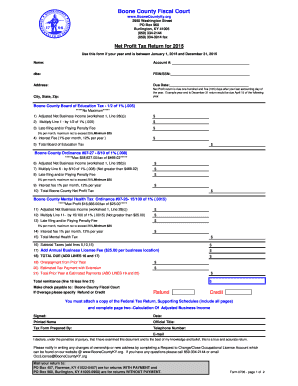
Burlington ky fair kissel entertainment 2015 form
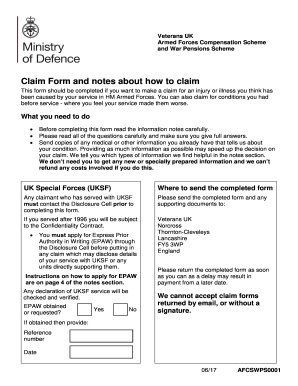
Afcs01 claim form 2017

Sugar reduction and wider reformulation: layman's summary
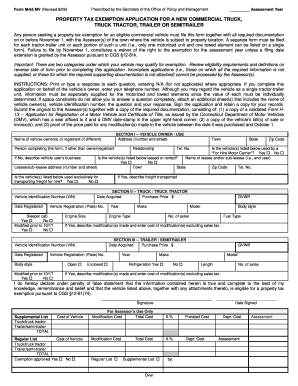
Opm form m65mv a commercial vehicles 2009
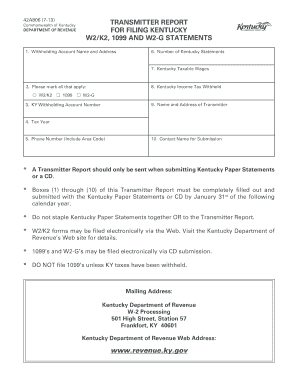
Ky transmitter instructions 2013 form

Fictitious Business Name Statement - Alameda County
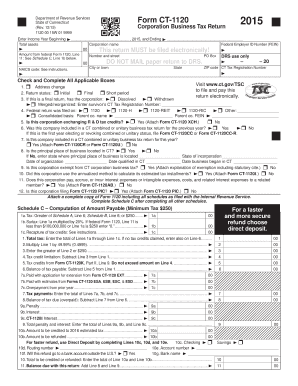
Form ct 1120 2015
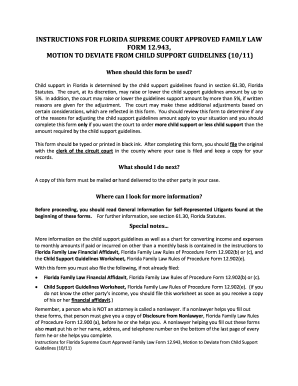
Florida child support guidelines worksheet fillable 2011 form

MOTION TO DEVIATE FROM CHILD SUPPORT GUIDELINES (03 15)

Tsp 19 fillable form
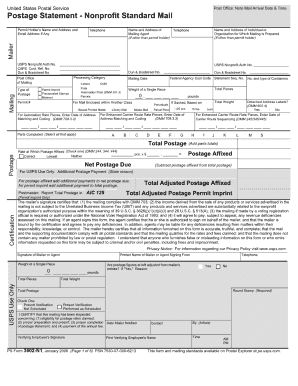
Ps3602n 2006 form
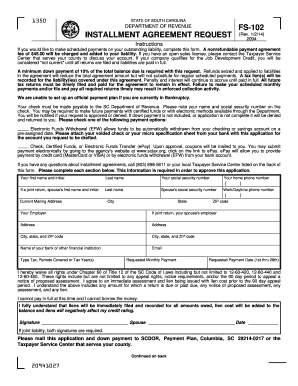
Fs 102 2014 form
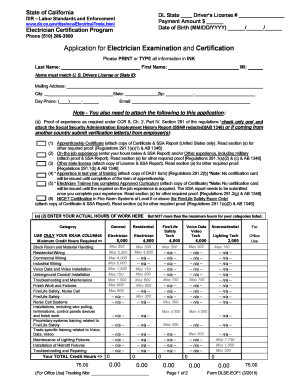
Please PRINT or TYPE all information in INK - dir ca

DD FORM 2947 SEP 2016 - esd whs mil
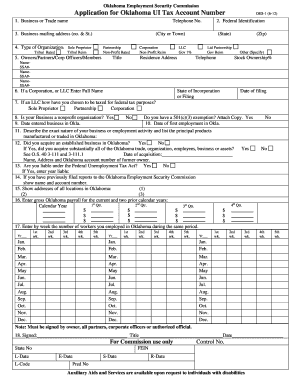
Oes 1 form 2012

Hpd dismissal request

Quick Reference Card - Providers Amerigroup

Water conservation cert
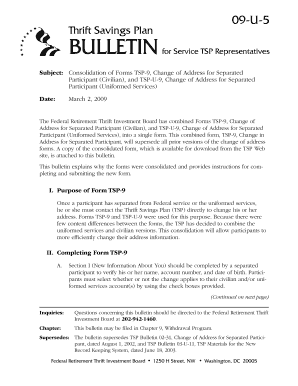
Tsp 9

Washington birth form
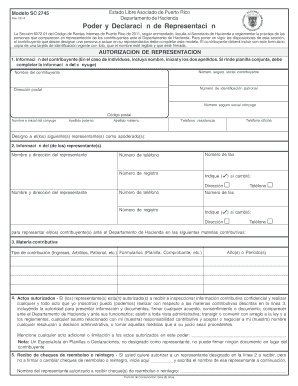
Forma c2745 2014

8110 14 instructions 2011 form

Form MN1 - Gio Legal Services

Mn1 form online
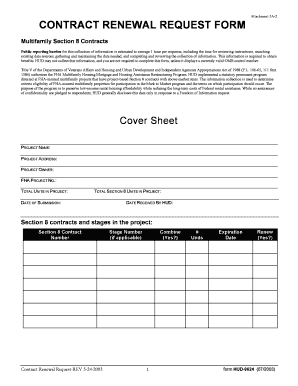
Hud 9624
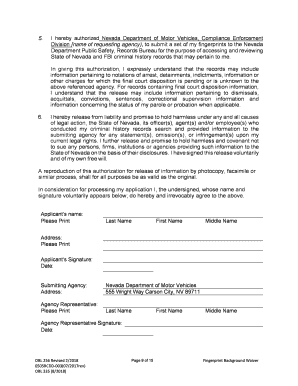
Nevada fingerprint background

Ask the Court to Waive or Lower Court Fees

Sde 0088 form pdf
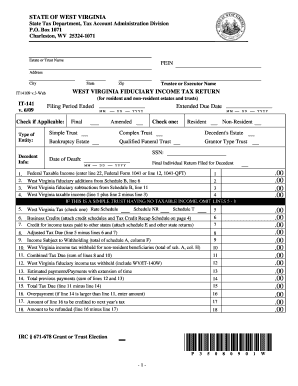
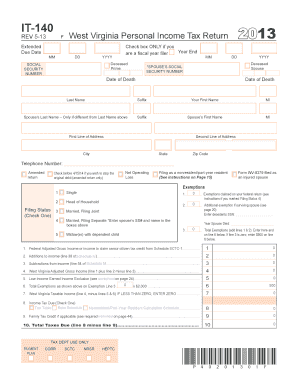
Wv state tax department fiduciary estate tax return forms 2009

It 141 2013 form
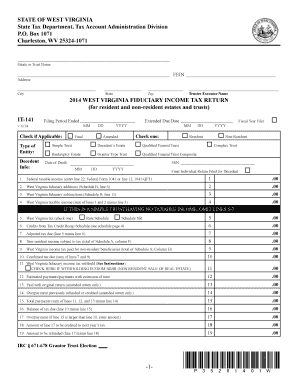
It 141 2014 form

It 141 2015 form
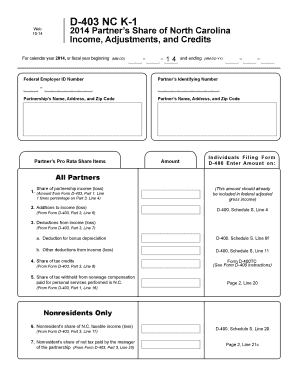
D 403 north carolina 2014 form

Sf 3113 form

Ct nr1040 fillable form 2014
What You Need to Know About Refurbished Technology
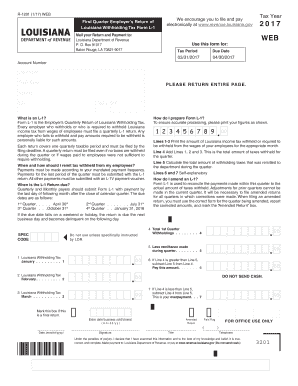
L 1 tax 2017 form

F0012CCP-Prior-Authorization-Request-Form doc
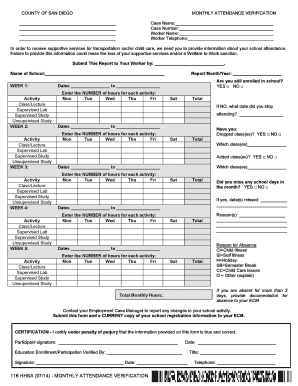
Worker Telephone - swccd

Cf2 philhealth
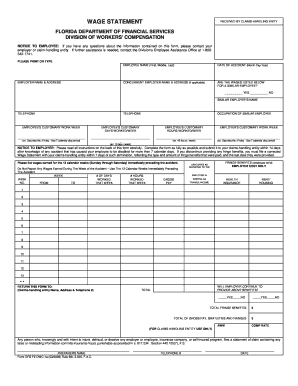
Wage dwc florida form
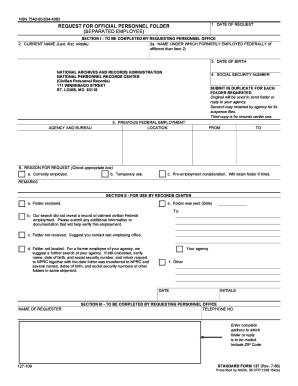
Nsn 7540 00 634 4083

8130 3 instructions
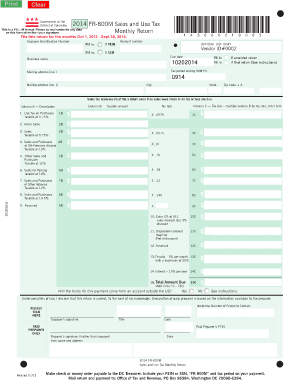
Dc form sales tax 2014
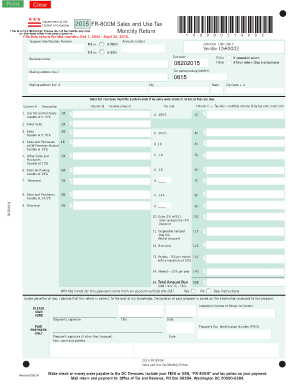
2015 dc form sales
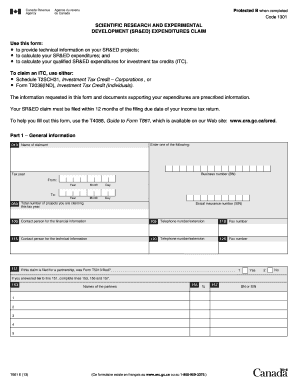
T66113 fillable form

South carolina state withholding form 2014
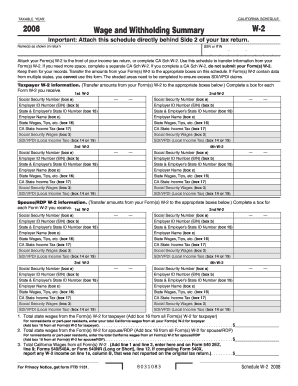
2008 Schedule W-2 -- Wage and Withholding Summary - ftb ca
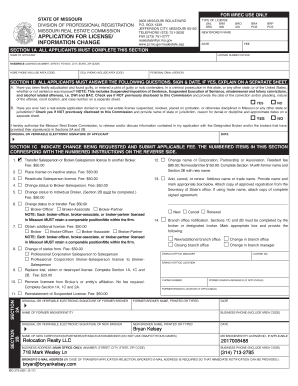
Application for license
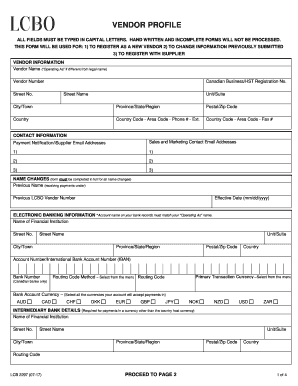
HAND WRITTEN AND INCOMPLETE FORMS WILL NOT BE PROCESSED

Medical abstract

Emblem - GM (23236301) GMPartsDirect
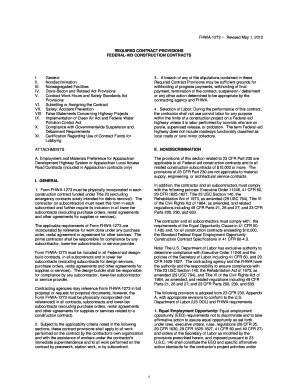
Fhwa 1273

Live plant license
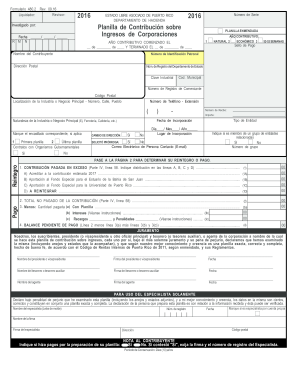
- hacienda pr

Pr 1391
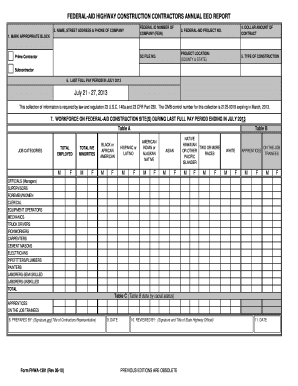
Fhwa 1391
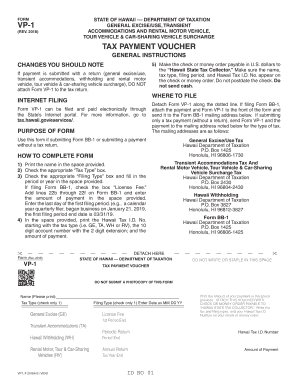
Form VP-1 Rev 2018 General Excise Use, Employer's Withholding, Transient Accommodations and Rental M
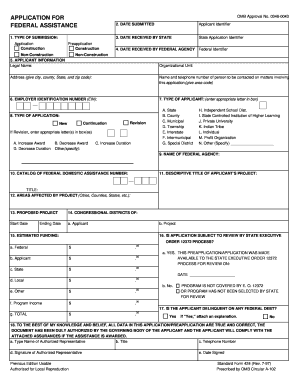
Sf 424 dot 1997 form
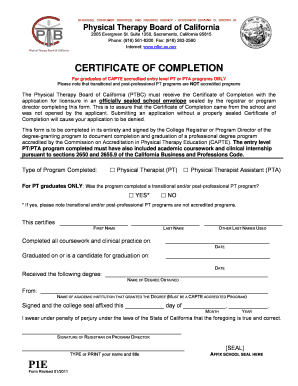
P1e
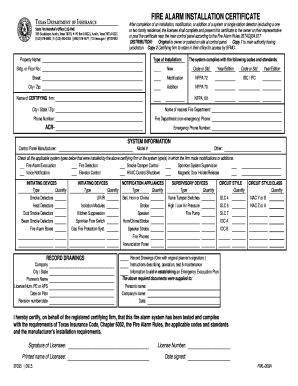
Fire Alarm Installation Certificate - Texas Department of Insurance - tdi texas

Aging department texas small assisted living type c form
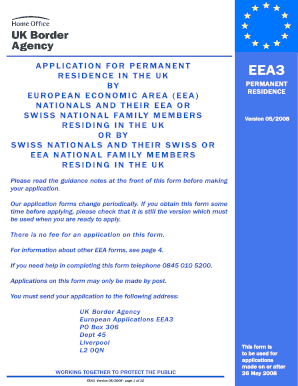
Eea3 form

Iowa title application pdf

HRSA NHSC Site Data Form 2018 NHSC Site Data Report

Travel and subsistence claim form Bruker- Vedleggsnr - nmbu

Guidelines on travelrelated venous thrombosis Request PDF
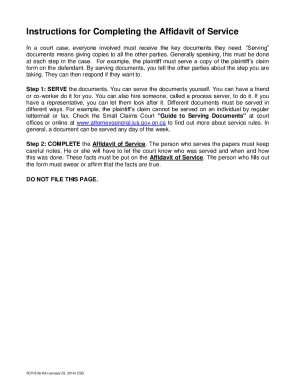
2014 Ontario SCR 8 06-8A
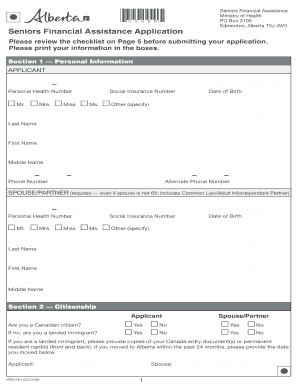
Sfa3784

Seniors' forms and publications - Alberta Seniors and Housing
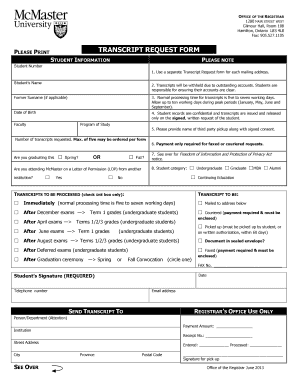
Mcmaster transcript request form

INTERNATIONAL FUEL TAX AGREEMENT - IFTA Tax and Revenue

Rc151 form 2014

TO REPORT ADDITIONAL INFORMATION CPD-11 383 (Rev 5 13
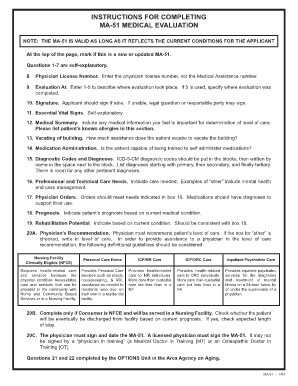
MA 51 qxd - Department of Public Welfare - temple

Self-employment (Short) (2014) If you're self-employed, have relatively simple tax affairs and your

Social Work Intake Form - Fill and Sign Printable Template

Cmps mai rodocumentsCarieraTabel nominal cu rudele i soul soia - Guvernul Romaniei
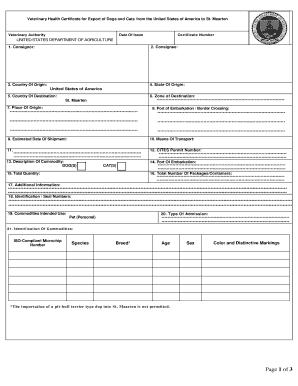
The Inspection Department TEZVT LVV St

Mylicensesite

Dtop dis 328

518, Michigan Business Taxes Registration Book - State of Michigan
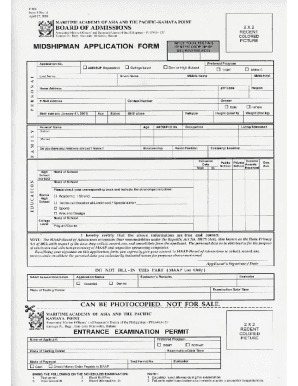
ApplicationForm

Vsa 529 2015 form
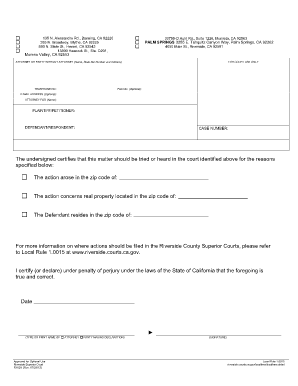
Los angeles superior court appear in court forms 2013

Florida injunction 2013 form

Form CG1 - 2003 - Capital Gains Tax Return for - revenue

PAYEE DATA RECORD - documents dgs ca - documents dgs ca
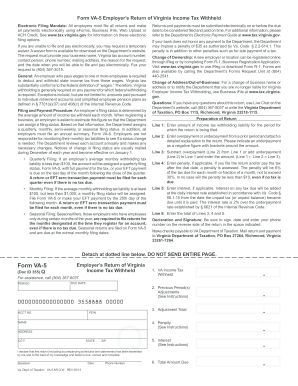
Va 5 2013 form

Foc case 2014 form
Colorado form 112 2013

Ri dmv tr1 form

Tr 1 Form Ri - Fill Online, Printable, Fillable, BlankDocHub

PTAX-340 2016 Senior Citizens Assessment Freeze Homestead Exemption Application and Affidavit JULY 1

2014 kansas k 120s form

Uc 1 delaware
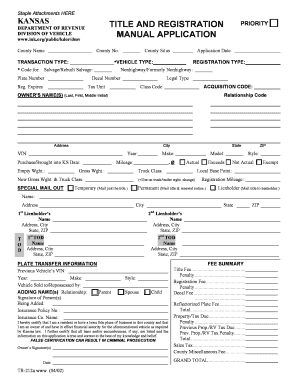
Kansas Department of Revenue Division of Vehicles - Vehicle
Forms - NJ Division of Taxation
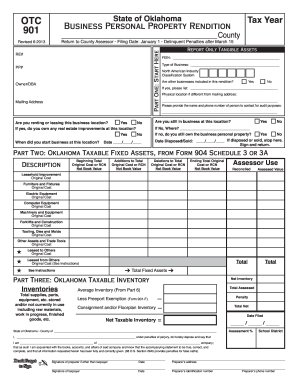
Otc 901 2013 form
Benefit from the DocHub online library of fillable PDF forms
Searching the PDF forms doesn't have to be a tedious and time-consuming process. With the DocHub online library, it has become easier to find the fillable PDF forms and modify them in your browser. The service allows you to adjust the document to your needs using powerful editing tools.
You can use online document editing features to modify almost any type of document with ease. You just need to find the template of your choice, open it in the editor, and use the toolbar to make the necessary corrections.
Follow this guide to get your document done with DocHub:
- Find the PDF template you need.
- Click the Get Form button to open the file in the editor.
- Use the toolbar to fill out and edit the document.
- Easily add and highlight text, insert images, checkmarks, and symbols.
- Drop new fillable fields, and rearrange or delete pages from your file.
- Save changes and download your record.
DocHub empowers everyone to streamline document editing, signing, and distribution, and form completion. Create an account and benefit from our well-organized PDF Forms library and comprehensive editor.