
Get any PDF form from the DocHub library of ready-made templates - Page 613
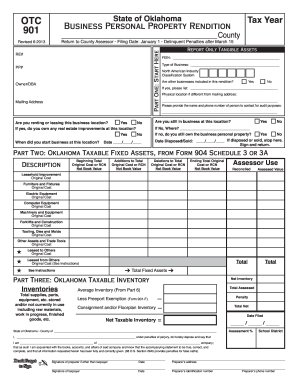
Otc 901 2013 form

OTC 901 2015 - Oklahoma Tax Commission - State of Oklahoma
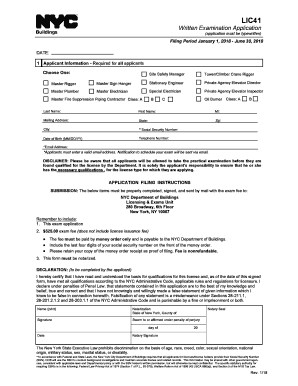
Lic41

LIC41 - Written Exam Application - NYC

Fiilable sc1041 online
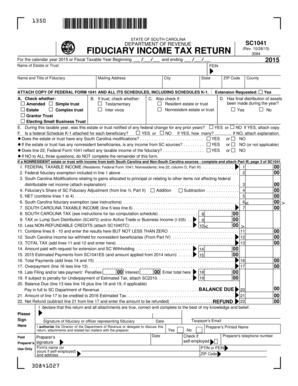
2015 sc form number 1041
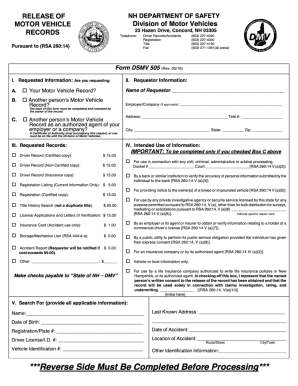
NH DSMV 505
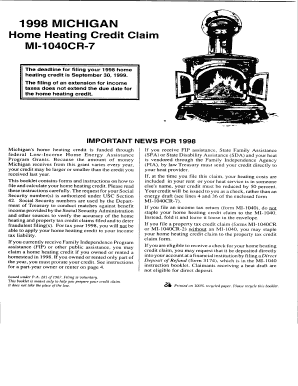
2009 michigan home heating credit form pdf
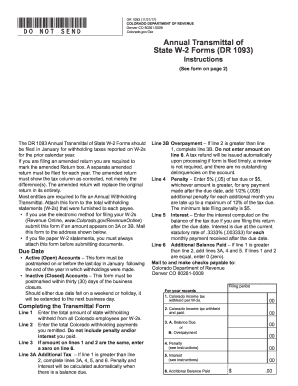
Form dr 1093 2014
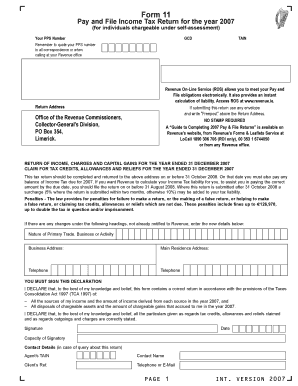
Revenue form 11

Dr1778
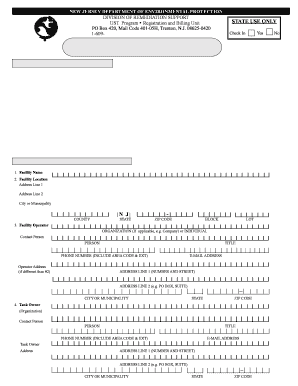
Tb questionnaire form nj in word format
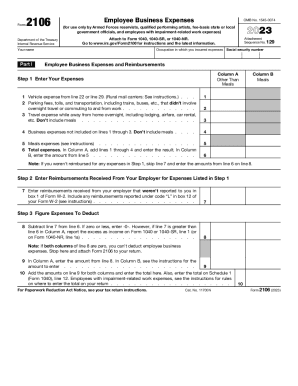
Form 2106
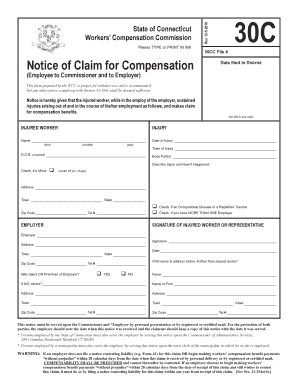
Information Packet - State of Connecticut Workers' Compensation - wcc state ct
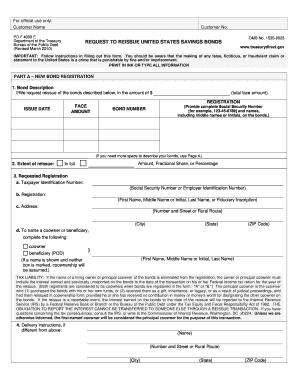
PD F 4000 E OMB No 1535-0023 REQUEST TO REISSUE UNITED

US DOD Form dod-bnavpersb-1910-31 - US Federal Forms
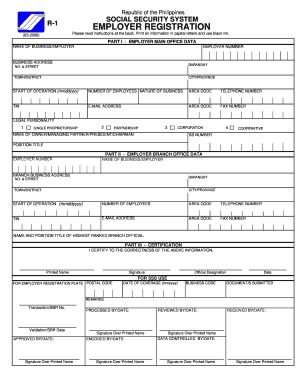
Sss r1a fillable form 2017

2014 Form 990-T Exempt Organization Business Income Tax Return and proxy tax under section 6033e - i

Oklahoma Form 511 (Individual Resident Income Tax Return)

6252 internal
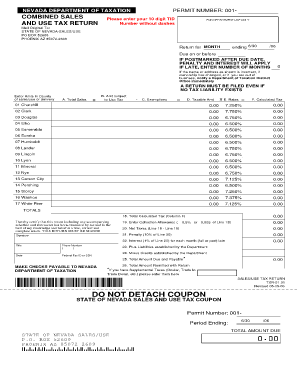
2006 NV TXR-01 01
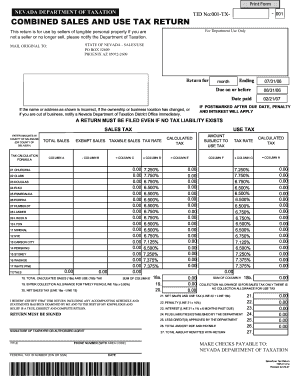
State of nevada tax forms 2007

Identification Waiver form - CITB

GRIEVANCE FORM OPSEU - newsite opseu

Taxpayer annual local earned income tax return form
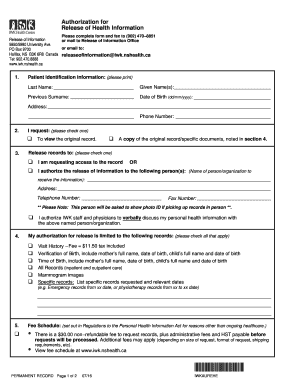
SCA,TEST Visit
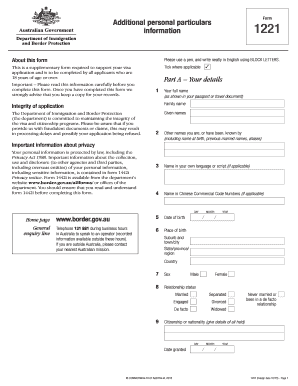
Australia 1221

Navy will worksheet 2012 form

A "driver abstract" is the product name under which Alberta Government Services releases specific

Tc 95 38

Teacher loan forgiveness application william d ford exp 2007 form
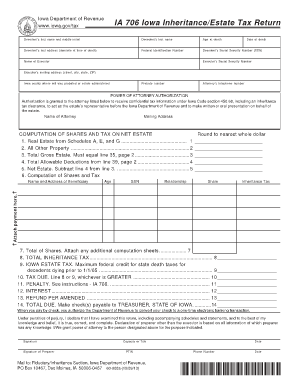
706 iowa inheritance estate tax return 2013 form
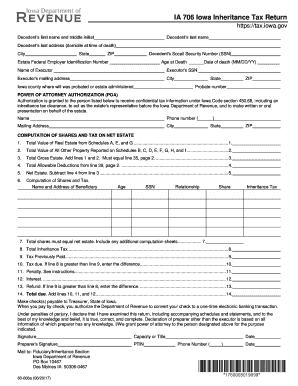
Inheritance Tax Checklist - Iowa Department of Revenue - Iowa

Sf 700 fillable 2007 form

Fppc ca form 700 2015

De 4 form how to fill out
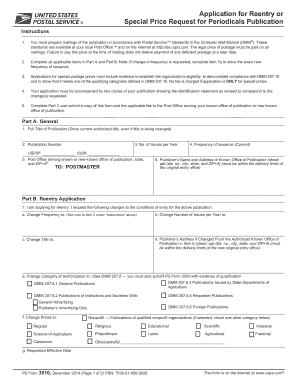
2006 USPS PS 3510

Periodic Report
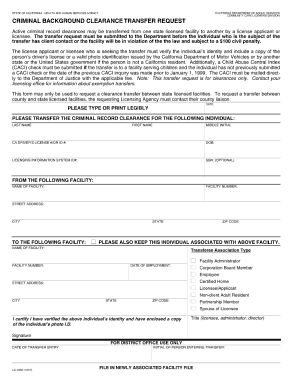
Lic 9182 form
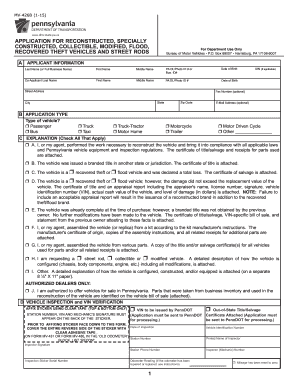
Mv426b
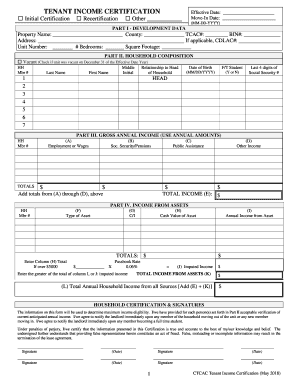
CTCAC Compliance Monitoring - State Treasurer's Office
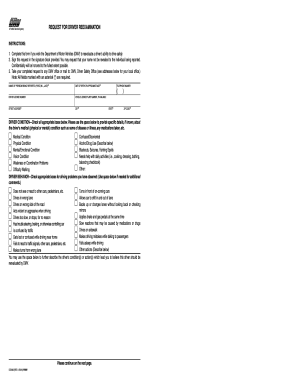
Ds 699 Request for Driver Re-examination - ocbike
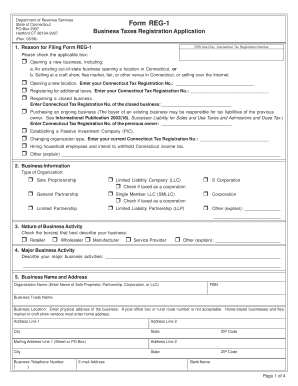
REG-1 , Business Taxes Registration Application - Intuit

Government form 7507
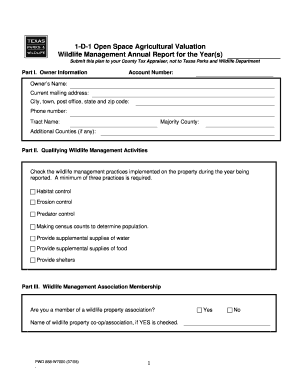
Pwd 888 w7000
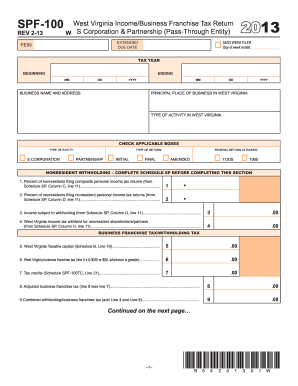
2013 spf 100 form

Nc mvr 615 2008 form

Nyc rpiecom 2012 form
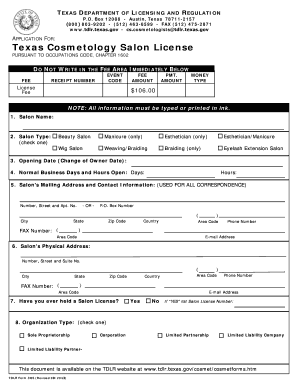
Cosmetology salon license online

SNEM Phase 2a

Chick-fil-a contact-supportCustomer ServiceChick-fil-A

Maryland net tangible benefit worksheet

Utah tc 40 2011 form
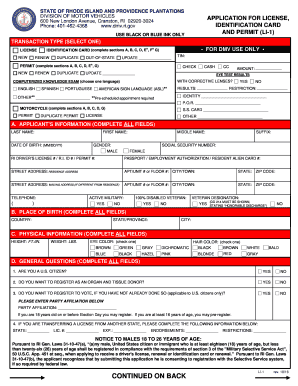
State of Rhode Island: Division of Motor Vehicles - RI
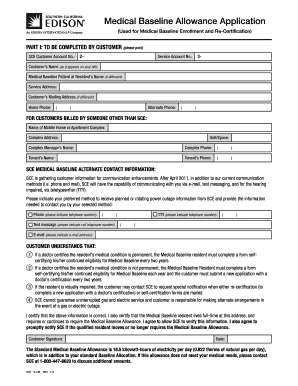
Medical Baseline Application PDF - Southern California Edison

NCEL prize claim form - North Carolina Education Lottery

Nv dept of taxation 2012 form
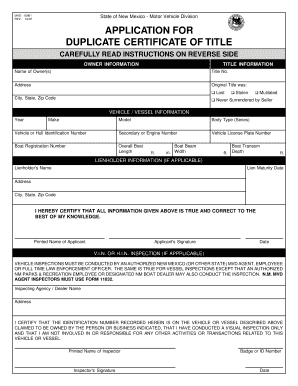
Mvd 10901
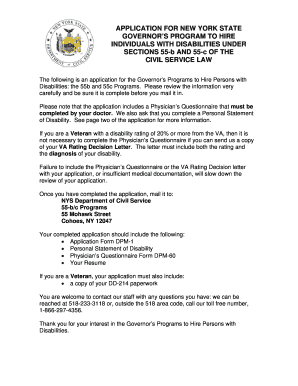
55 b c federal application packet pdf 2009 form

55 b c federal application packet pdf 2015 form

Application for Personalized License Plate - Marion County Tax

Dss 2435 form 2016

IMM 5483 - Document Checklist for a Study Permit

G:CD-DCDIR CO 1E672DRAFT4E FRP Printing - cbsa-asfc gc ca - cbsa-asfc gc

Vehicle Certificate of Ownership (Title) Application

E 1098
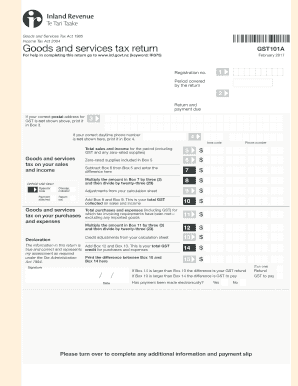
Income Tax Act 2004 - ird govt

General complaint form - Fair Trading NSW

SOUTH CAROLINA 2010 Individual Income Tax
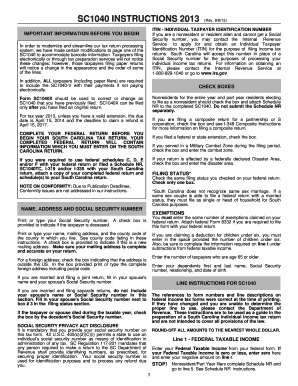
Sc1040 2013 form
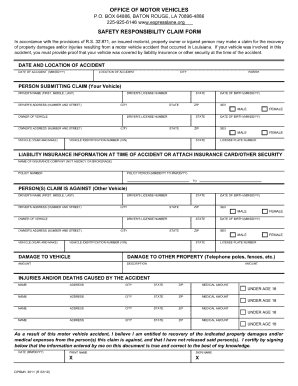
Louisiana omv delinquent debt

Standard disclosure form 2003

Fo 247

Application For Sales and Use Tax Certificate of - formuPack

Chapter C Application for Replacement Title, Form 735-515 - oregon

Application for Replacement Title, Form

Child incident report example

DOR Form 82162 Affidavit of Property Value - Arizona
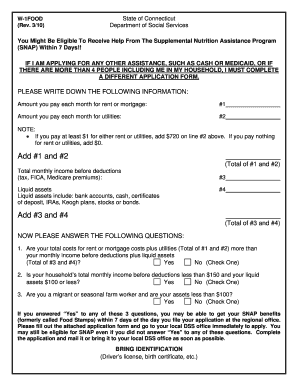
Form w 1471
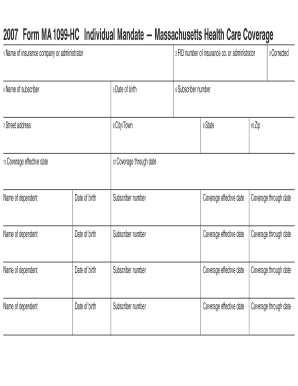
1099 hc
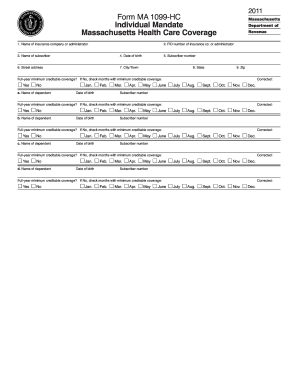
Form ma 1099 hc 2011

Philhealth claim form 1 filler 2010

Fillable ct247

Form ct 247 811 2011
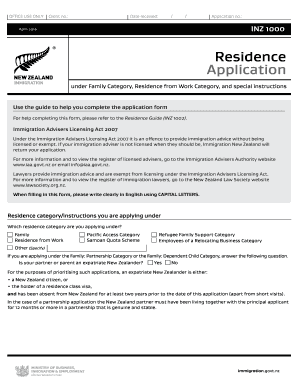
Inz 1000 form april 2016

Form 37

CD-401S sCorporation Tax Return 2008 - N C Department of

Download p50 tax form uk pdf 2011

Determination of Employment Work Status for Purposes of State of CA Employment Taxes and Personal In

Ct 245

State of california application for veterans points fillable form 2006

2011 wh 530 fill

IRS Schedule R (1040 form)
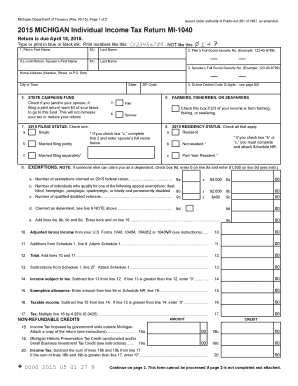
2015 fillable form 1015 michigan
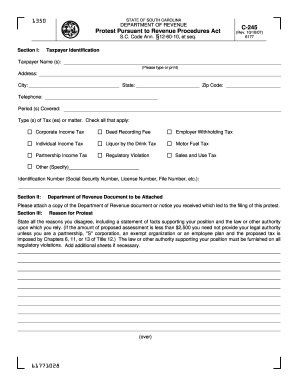
Sc dor form c 245 2007

St 125 tax form 2000
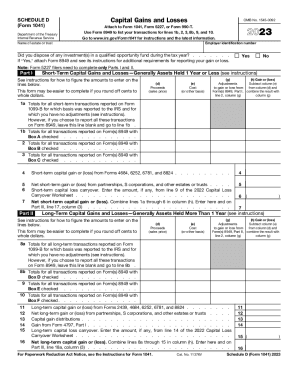
Irs schedule d

Fields identified with an (*) must be completed
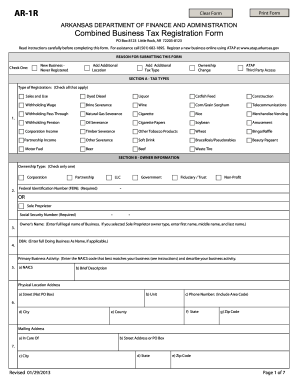
Ar 1r 2013 form

Policy on Preventing Discrimination Based on Mental Health ns
Benefit from the DocHub online library of fillable PDF forms
Searching the PDF forms doesn't have to be a tedious and time-consuming process. With the DocHub online library, it has become easier to find the fillable PDF forms and modify them in your browser. The service allows you to adjust the document to your needs using powerful editing tools.
You can use online document editing features to modify almost any type of document with ease. You just need to find the template of your choice, open it in the editor, and use the toolbar to make the necessary corrections.
Follow this guide to get your document done with DocHub:
- Find the PDF template you need.
- Click the Get Form button to open the file in the editor.
- Use the toolbar to fill out and edit the document.
- Easily add and highlight text, insert images, checkmarks, and symbols.
- Drop new fillable fields, and rearrange or delete pages from your file.
- Save changes and download your record.
DocHub empowers everyone to streamline document editing, signing, and distribution, and form completion. Create an account and benefit from our well-organized PDF Forms library and comprehensive editor.