
Get any PDF form from the DocHub library of ready-made templates - Page 26
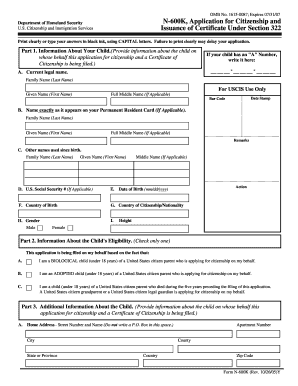
USCIS Form N-600K
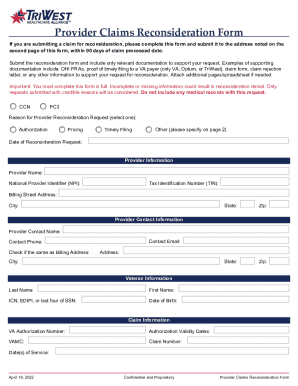
Provider Claims Reconsideration Form
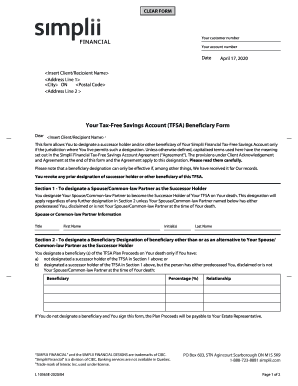
Simplii Financial TFSA Beneficiary Form

Virginia Lease Addendum
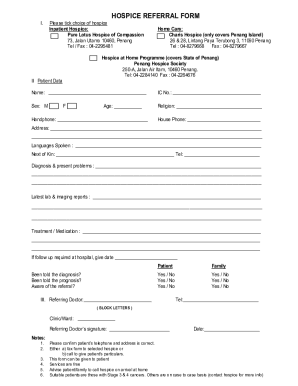
Hospice Referral Form
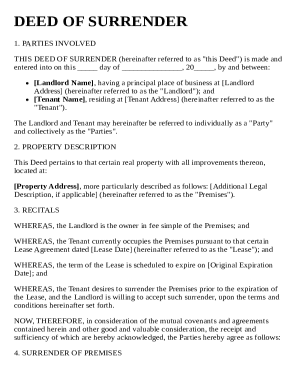
Deed of Surrender Template

Letter of Medical Necessity for Oral Appliance Therapy
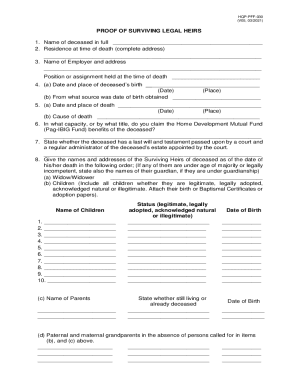
Proof of Surviving Legal Heirs Form
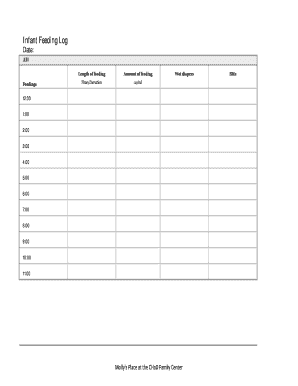
Infant Feeding Log
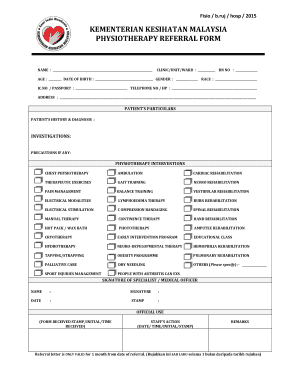
Physiotherapy Referral Form

Florida Rule 1 360 Examination Order
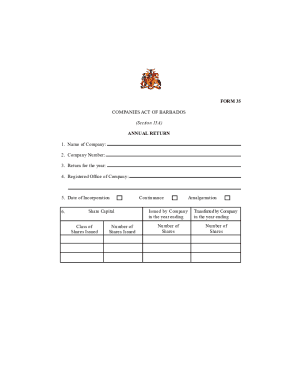
Barbados Annual Return Form 35

Michigan Work Permit for Minors
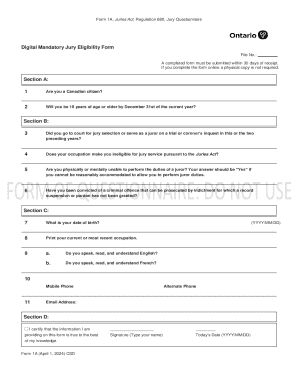
Canadian Jury Eligibility Form
California Handicap Placard Application

PhilGEPS Sworn Declaration of Compliance

Custodial Services Summer Cleanup Checklists

South Dakota CNA Registry Application

Nevada Medicaid SNAP Application
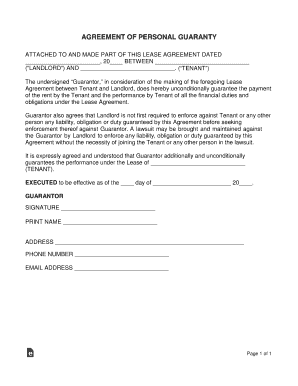
Personal Guaranty Agreement

Medical Source Statement of Ability to Do Work-Related Activities
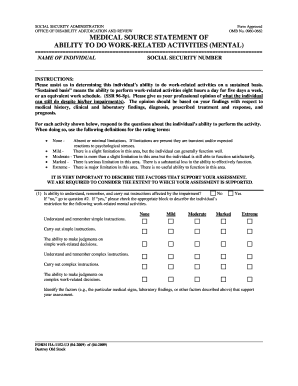
Medical Source Statement of Ability to Do Work-Related Activities (Mental)

Educational Field Trip Parental Consent Form
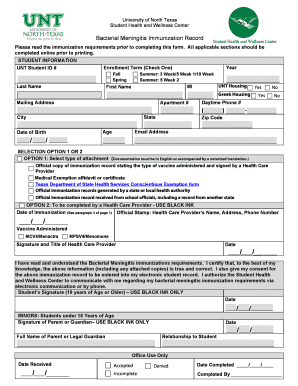
Bacterial Meningitis Immunization Record

Real Estate Referral Form
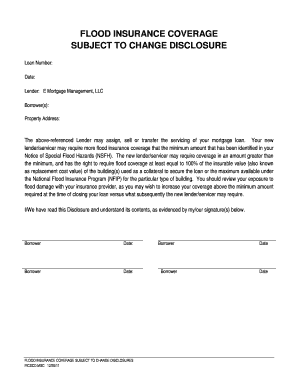
Flood Insurance Coverage Disclosure

Adverse Event Form

Sample Resume for Visa Interviews

COSHH Risk Assessment Form
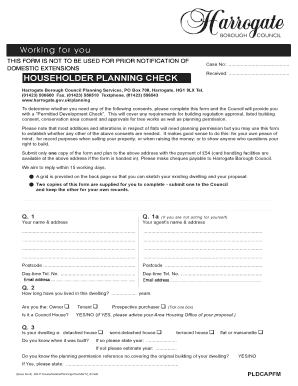
Householder Planning Check
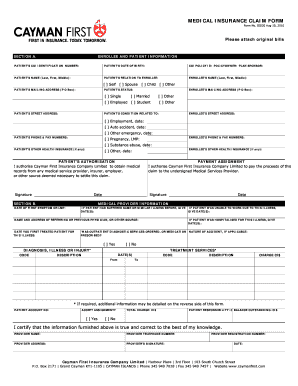
Medical Insurance Claim Form
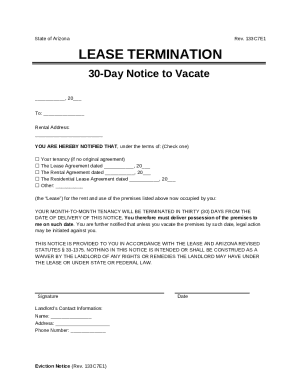
Arizona 30-Day Notice to Vacate

Physics Lab Report Template

DAYC-2 Developmental Assessment Form

Baptism Permission Request Form

Option to Purchase Real Estate Agreement

New York Food Stamp Benefits Application
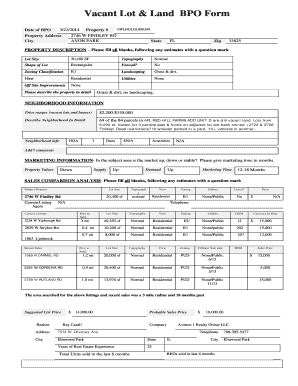
Vacant Lot and Land BPO Form

South Carolina 30-Day Notice to Vacate

Alaska Prisoner Grievance Form

California Application for Cash Aid, Food Stamps, and Medi-Cal

Juror Questionnaire Form
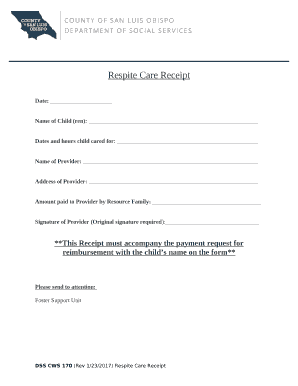
Respite Care Receipt
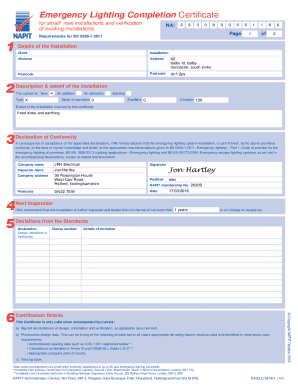
Emergency Lighting Completion Certificate
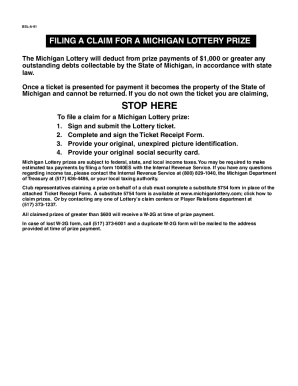
Michigan Lottery Prize Claim Form

Karnataka State Law University Degree Certificate Application
USMC Combat Reports Smart Pack

Texas VTR-34 Certified Copy of Title Application
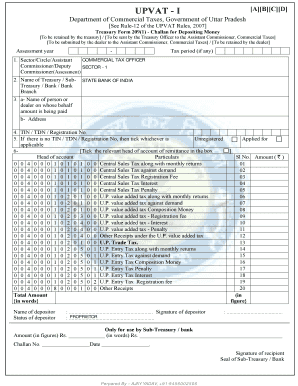
UPVAT Treasury Form 209(1)

Kansas Notice of Security Interest
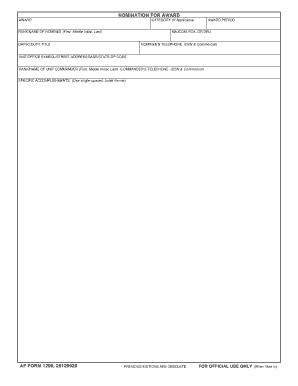
AF Form 1206 Nomination for Award

Arizona CHAMP Permit Application
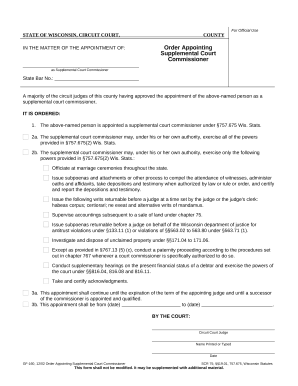
Order Appointing Supplemental Court Commissioner
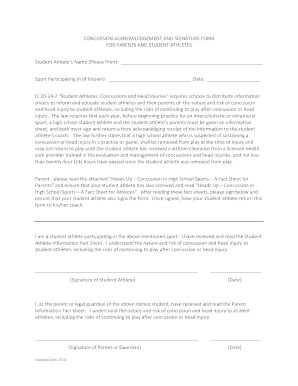
Concussion Acknowledgement Form

Bloodborne Pathogens Training Attendance Sheet

Confidential Information Form (INFO)

NJPMA Diving Championships Score Sheet

Visitors Permit Application
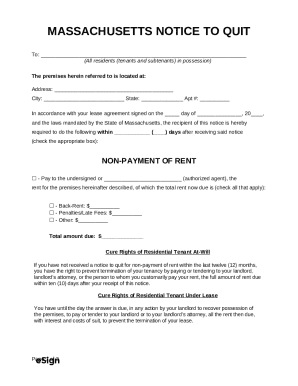
Massachusetts Notice to Quit
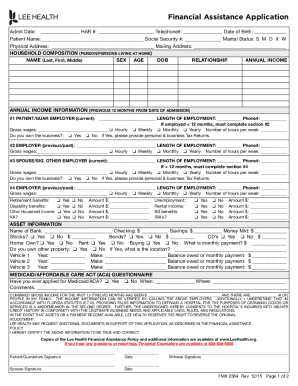
Financial Assistance Application

Robbery Suspect Description Form

Direct Deposit Authorization Agreement
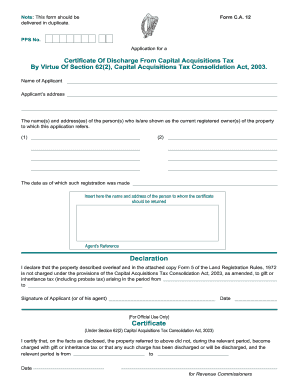
Certificate of Discharge from Capital Acquisitions Tax
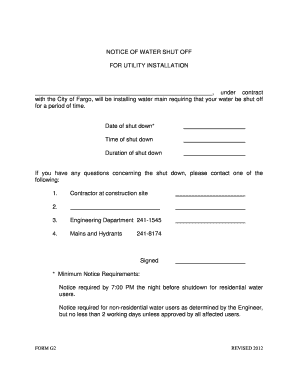
Notice of Water Shut Off
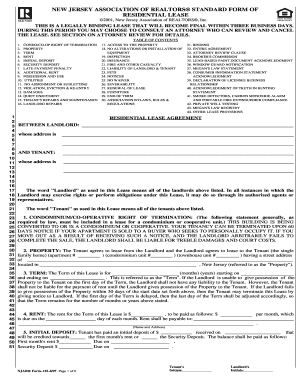
New Jersey Residential Lease Agreement
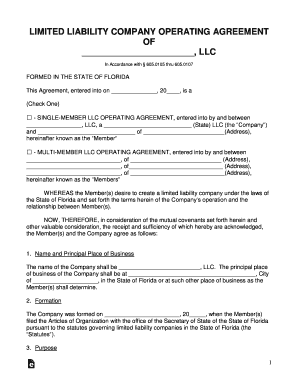
Florida LLC Operating Agreement
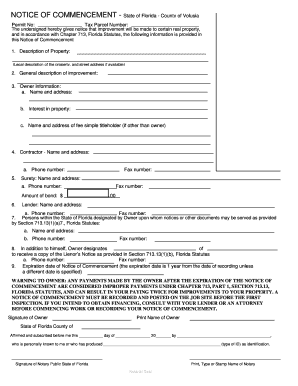
Florida Notice of Commencement
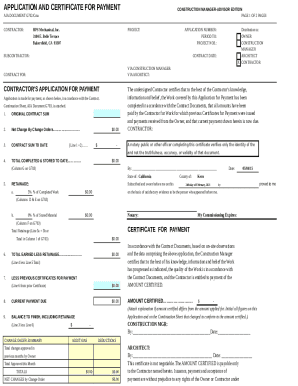
AIA G702 CMA Application and Certificate for Payment

Common App College Report

Lurie Children's Hospital Lab Requisition Form

Boat Passenger Waiver

Navy Air III Dive Computer Operator's Manual

Vehicle Fuel Log Template

Cosigner Rental Agreement
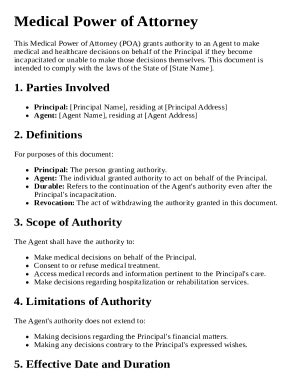
Medical Power of Attorney Template
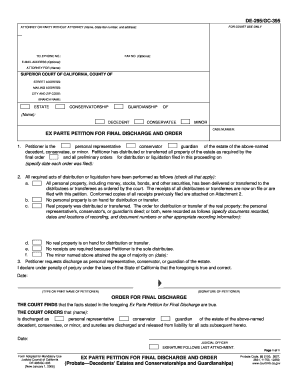
California Ex Parte Petition for Final Discharge and Order

Massachusetts Annual Physical Examination Form
New York Notary Public Renewal Form
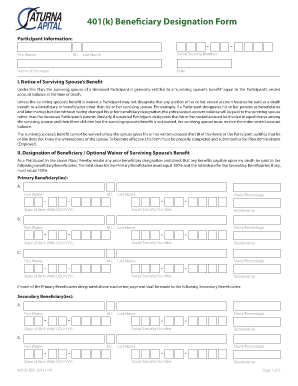
401(k) Beneficiary Designation Form

USDA Volunteer Timesheet
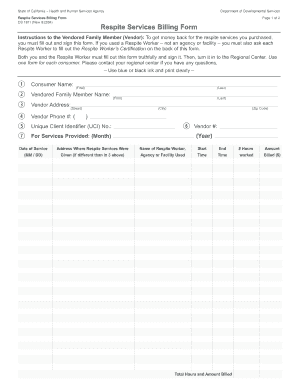
California Respite Services Billing Form
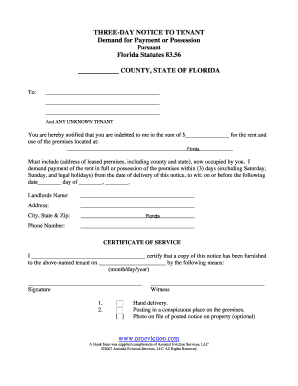
Three-Day Notice to Tenant Florida
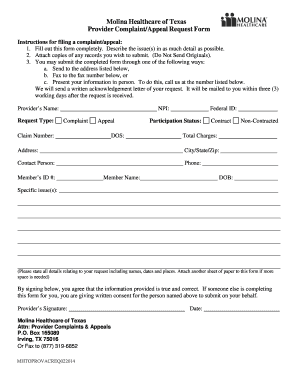
Molina Healthcare Provider Complaint Appeal Request Form
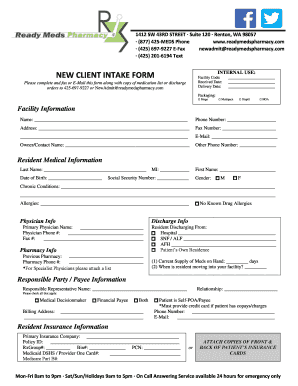
New Client Intake Form

Home Loan Application Form
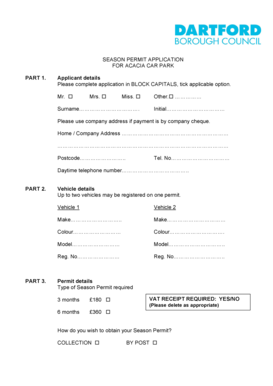
Acacia Car Park Season Permit Application
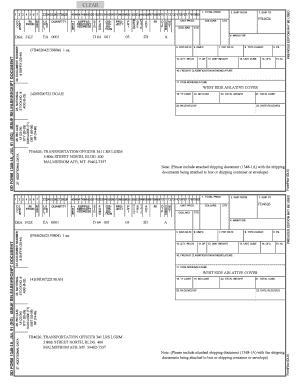
DD Form 1348-1A

Florida AandM University Roster Form Waiver of Liability

TSA Tort Claim Package

YMCA Professional Reference Form
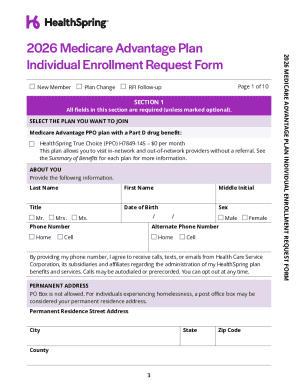
2026 Medicare Advantage Plan Individual Enrollment Request Form

VAT Certificate Reprint Request
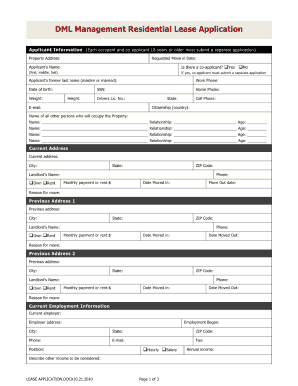
Texas residential lease application

Initial Disability Claim Form
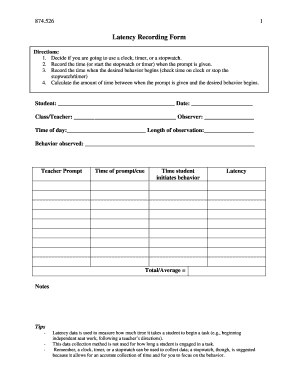
Latency Recording Form
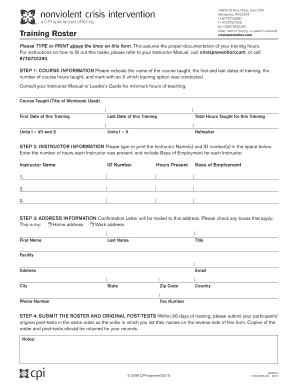
Training Roster Form

MOD Form 731 Equipment Conditioning Label
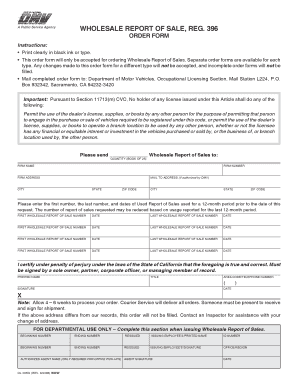
California Wholesale Report of Sale Order Form

National Park Trip Intentions Form
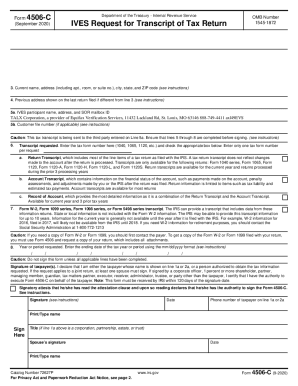
IRS Form 4506-C
Benefit from the DocHub online library of fillable PDF forms
Searching the PDF forms doesn't have to be a tedious and time-consuming process. With the DocHub online library, it has become easier to find the fillable PDF forms and modify them in your browser. The service allows you to adjust the document to your needs using powerful editing tools.
You can use online document editing features to modify almost any type of document with ease. You just need to find the template of your choice, open it in the editor, and use the toolbar to make the necessary corrections.
Follow this guide to get your document done with DocHub:
- Find the PDF template you need.
- Click the Get Form button to open the file in the editor.
- Use the toolbar to fill out and edit the document.
- Easily add and highlight text, insert images, checkmarks, and symbols.
- Drop new fillable fields, and rearrange or delete pages from your file.
- Save changes and download your record.
DocHub empowers everyone to streamline document editing, signing, and distribution, and form completion. Create an account and benefit from our well-organized PDF Forms library and comprehensive editor.