
Get any PDF form from the DocHub library of ready-made templates - Page 27

Marriage Notice Form M10 Scotland
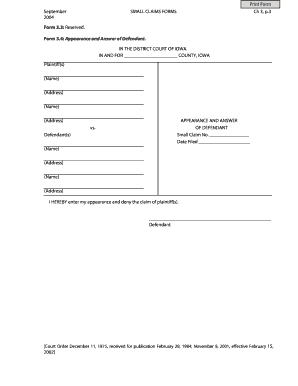
Iowa Small Claims Appearance and Answer Form
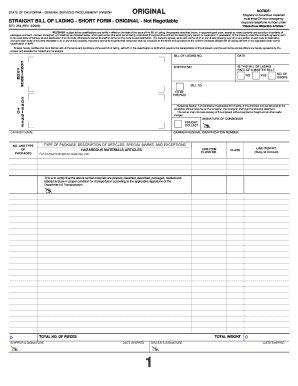
California Straight Bill of Lading Short Form

Custom Design Revision Form

Standard form apartment lease (fixed term) - BostonApartments

Wholesale Buyer Questionnaire

Maimonides Medical Center Patient Procedure Notice
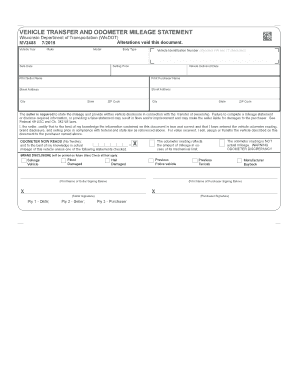
Wisconsin Vehicle Transfer and Odometer Mileage Statement

GXG Medical Information Form

Texas Affidavit of Lien

ADR Transport Document Dangerous Goods

Drug Screen Result Form

Lease Addendum for Drug-Free Housing
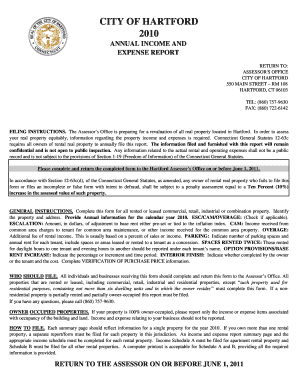
City of Hartford Annual Income and Expense Report

Sunscreen Permission Form
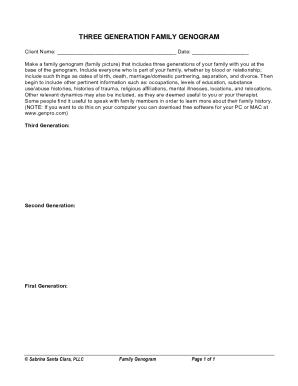
Three Generation Family Genogram

Deposit and Escrow Agreement
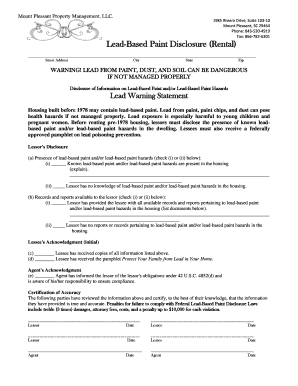
Lead-Based Paint Disclosure Rental Form
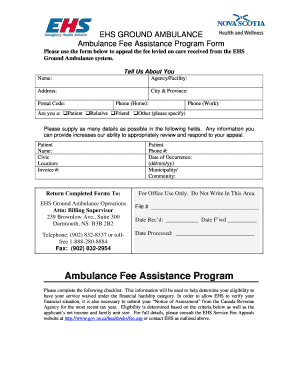
EHS Ground Ambulance Fee Assistance Program Form

Employee ADA Medical Certification
KPERS Withdrawal Application

Wisconsin Articles of Incorporation
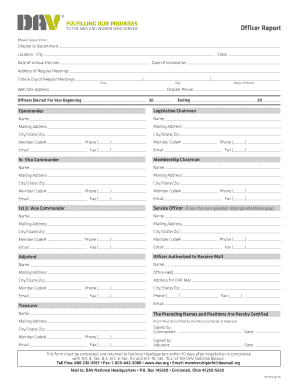
Officer Report Form
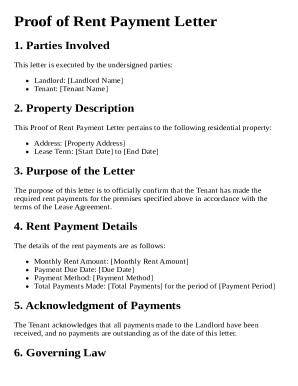
Proof of Rent Payment Letter Template

RE-13 Counter Offer Form

CareFirst Reinstatement Request Form
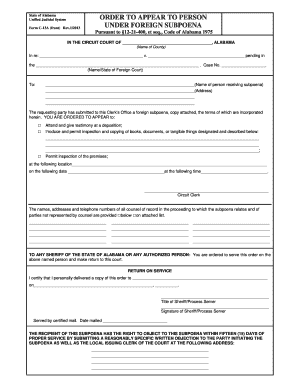
Alabama Order to Appear Under Foreign Subpoena

Certificate of Service

SIS Ambulant Form

PreK4 Quick Look Recording Sheet

Court Attendance Sheet

ICICI Bank RTGS NEFT Form
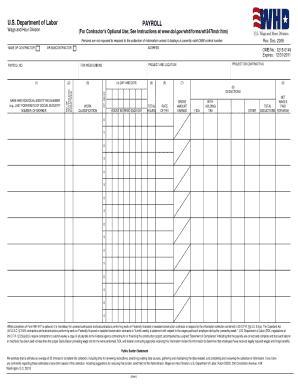
Public works fillable wh 347 payroll form

Affidavit of Unauthorized Online Wire Transfer

Request for Social Security Earnings Information

Family Chore Chart Template
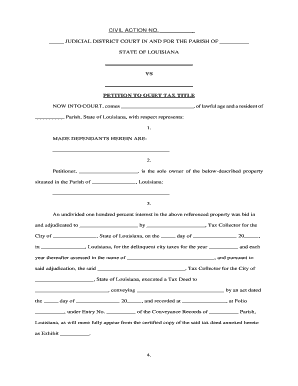
Quiet title form

Oral Health Assessment Tool
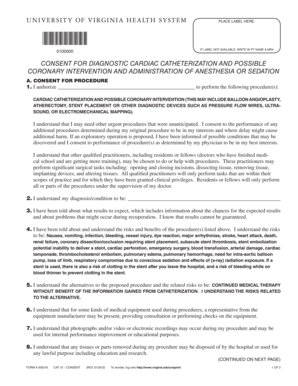
Consent for Diagnostic Cardiac Catheterization
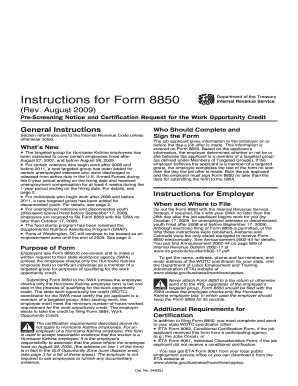
Form 8850 Instructions
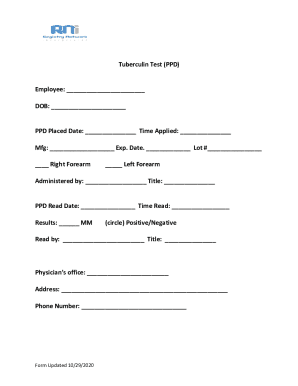
Tuberculin Test PPD Form

Thai Airways Credit Card Payment Consent Form

Lethal Dose Worksheet
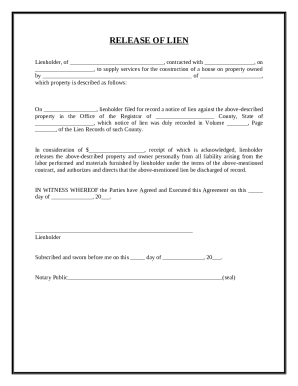
Release of Lien Form

Form 14 317 Affidavit Of Motor Vehicle Gift Transfer
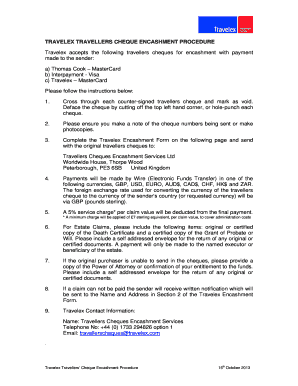
Travelex Travellers Cheque Encashment Form

UK RP01 Form

Presidential Memorial Certificate Request Form

Ontario Form 14A Affidavit

Queensland Domestic Violence Order Variation Application

USPS Customs Declaration CN 22

TIAA-CREF 1035 Exchange Authorization Form
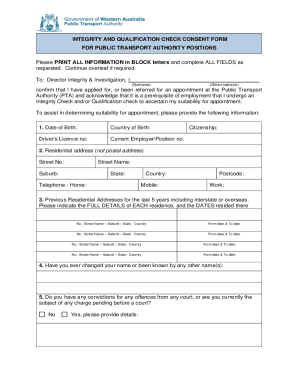
Integrity and Qualification Check Consent Form

Statement of Living Arrangement
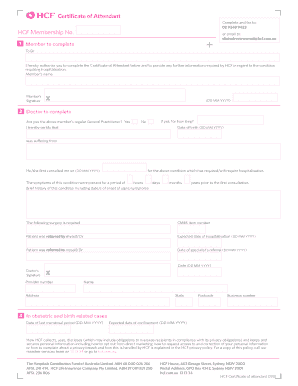
HCF Certificate of Attendant

Application for Loan Term Adjustment

UK SH08 Notice of Share Class Designation

PA Duplicate Title Application
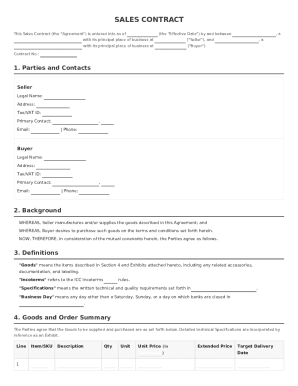
Sales Contract
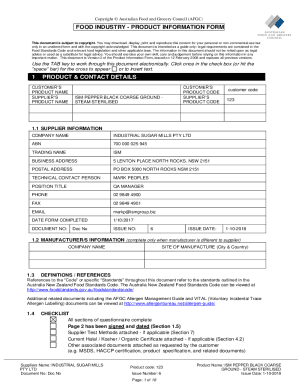
Food Industry Product Information Form
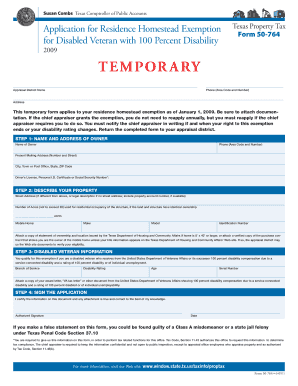
Texas Disabled Veteran Homestead Exemption Form 50-764

Georgia Open Records Act Request Form
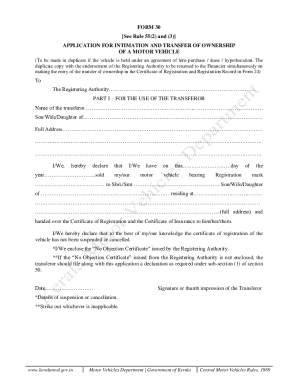
Kerala Motor Vehicle Ownership Transfer Form 30

Sample Resignation Letter Template

New York State Retirement Application

Earnest Money Promissory Note

Spousal Consent to Agreement

IRS Notice LT11
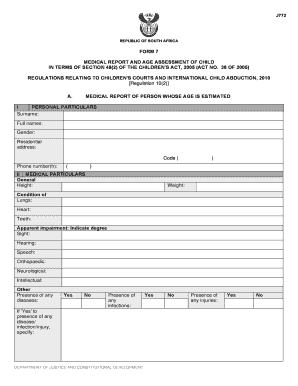
South Africa Form 7 Medical Report and Age Assessment of Child

Building Permit Application Form for Single and Two Family Dwellings
Mississippi Title Application Form 78 002
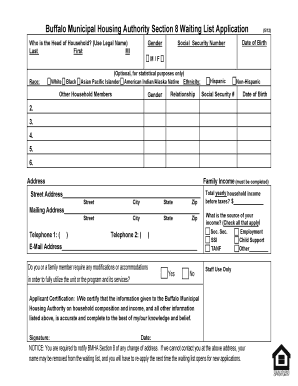
BMHA Section 8 Waiting List Application

Letters of Administration Form
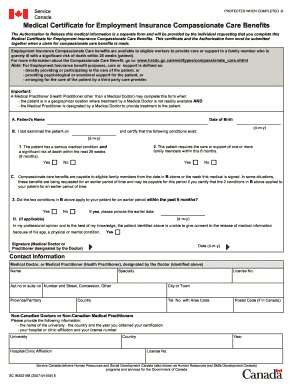
Medical Certificate for Employment Insurance Compassionate Care Benefits
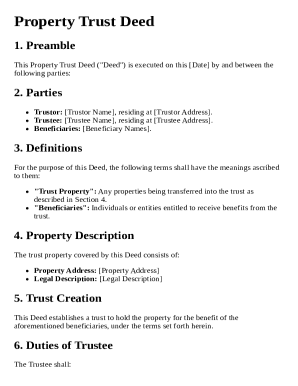
Property Trust Deed Template
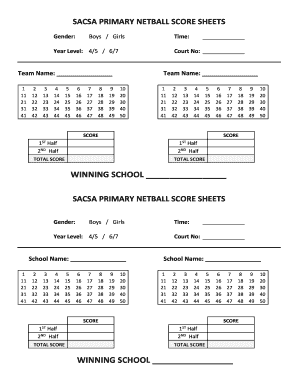
SACSA Primary Netball Score Sheets
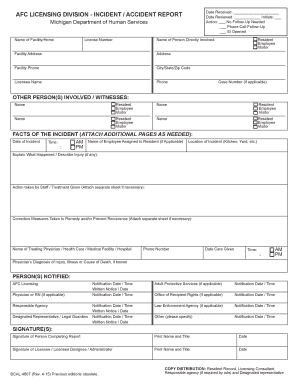
Michigan Incident Accident Report Form

Form 10-Q
EOIR-27 - Notice of Entry of Appearance as Attorney or
Medical Certificate SU415
Separation Notification Form
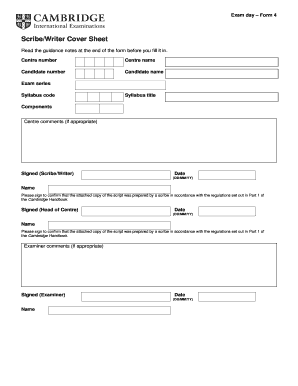
Exam Day Scribe Writer Cover Sheet

Sanitary Sewer Easement Agreement

Davis-Bacon Fringe Benefit Summary Form #654

Cayman Islands Permanent Resident Annual Declaration

Counseling Informed Consent Form

Test Alternate Form B Enlarged
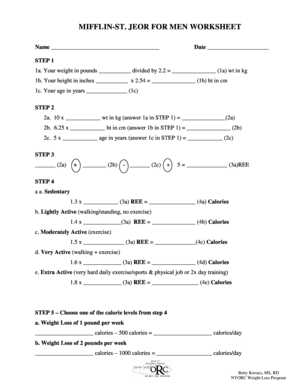
MIFFLIN-ST JEOR FOR MEN WORKSHEET
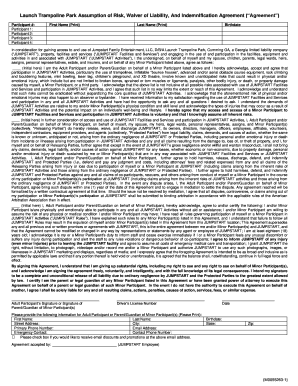
Launch Trampoline Park Waiver of Liability
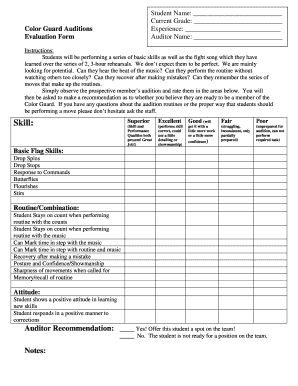
Color Guard Audition Evaluation Form

No Trespass Order
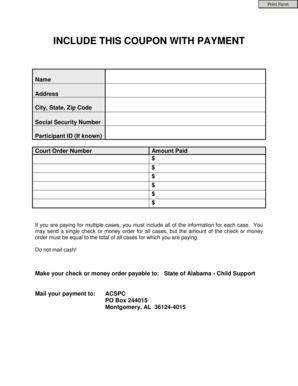
Alabama Child Support Payment Coupon

LPL Advisory Non-Retirement Account Application
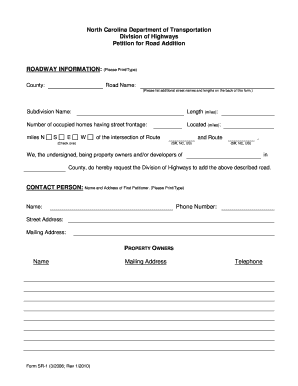
North Carolina Road Addition Petition
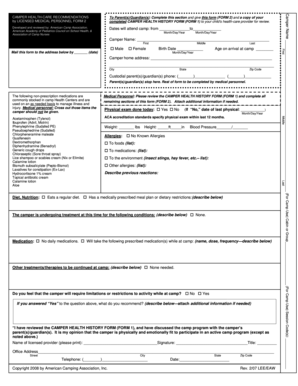
Camper Health-Care Recommendations Form

Bargain and Sale Deed with Covenants
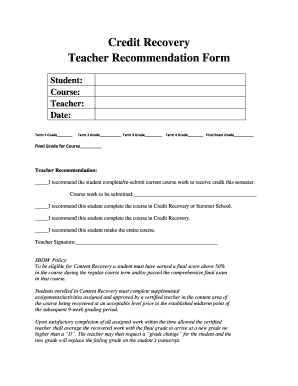
Teacher Recommendation Form

Authorized Representative Form
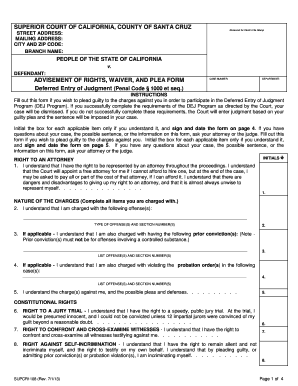
California Deferred Entry of Judgment Form

Bar Spills and Wastage Sheet
Benefit from the DocHub online library of fillable PDF forms
Searching the PDF forms doesn't have to be a tedious and time-consuming process. With the DocHub online library, it has become easier to find the fillable PDF forms and modify them in your browser. The service allows you to adjust the document to your needs using powerful editing tools.
You can use online document editing features to modify almost any type of document with ease. You just need to find the template of your choice, open it in the editor, and use the toolbar to make the necessary corrections.
Follow this guide to get your document done with DocHub:
- Find the PDF template you need.
- Click the Get Form button to open the file in the editor.
- Use the toolbar to fill out and edit the document.
- Easily add and highlight text, insert images, checkmarks, and symbols.
- Drop new fillable fields, and rearrange or delete pages from your file.
- Save changes and download your record.
DocHub empowers everyone to streamline document editing, signing, and distribution, and form completion. Create an account and benefit from our well-organized PDF Forms library and comprehensive editor.