
Get any PDF form from the DocHub library of ready-made templates - Page 24

Form W-8BEN-E Certificate of Status of Beneficial Owner
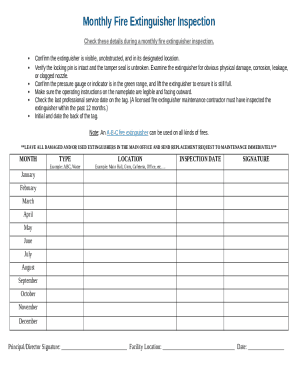
Monthly Fire Extinguisher Inspection Form

Synchrony Financial Merchant Application

Delaware Child Protection Registry Consent Form
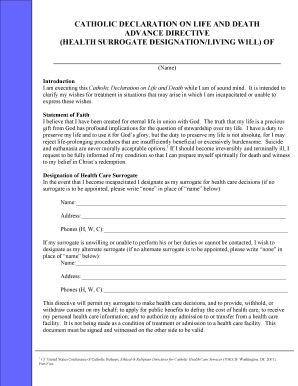
Catholic Advance Directive
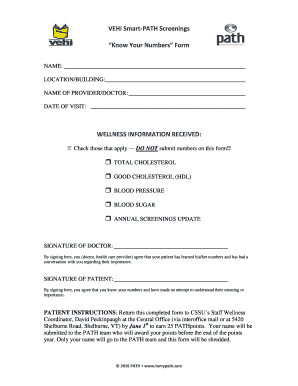
VEHI Smart-PATH Screenings Form
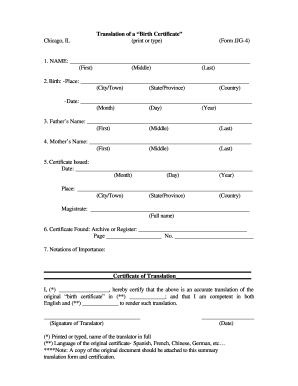
Birth Certificate Translation Form

Chemical Dependence Outpatient Discharge Plan
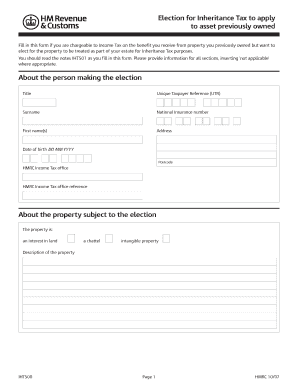
UK Inheritance Tax Election Form

CPAP Callback Follow Up Form

Louisiana Subterranean Termite Treatment Contract

Texas Mixed Beverage Gross Receipts Tax Report

PDPM Triple Check Checklist
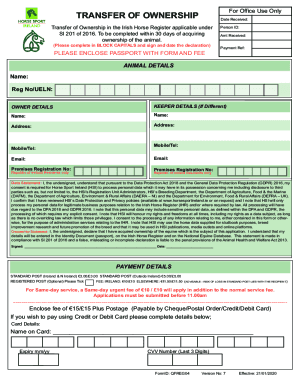
Transfer of Ownership Form

Personal Training Medical Clearance Form

Waterloo Police Collision Report Request

Cultural Formulation Interview Template

Rock Paper Scissors Probability Form
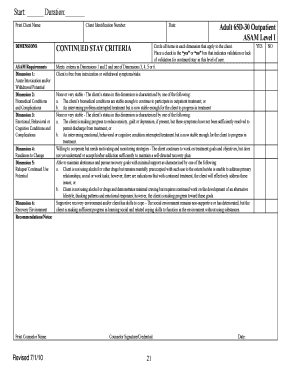
ASAM Level I Outpatient Treatment Criteria Form
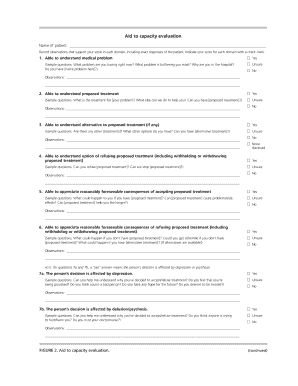
Aid to Capacity Evaluation Form

MetLife Change of Address Form
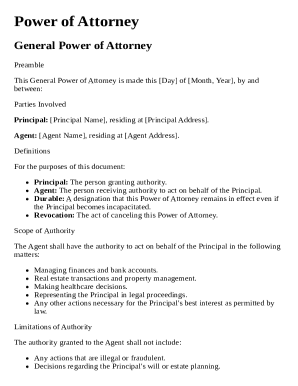
International Power of Attorney Template
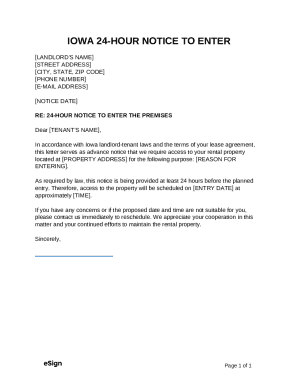
Iowa 24-Hour Notice to Enter

Common Account Opening Form for Public Sector Banks (Non Individual)
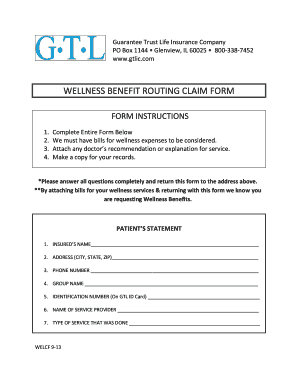
Wellness Benefit Routing Claim Form

Maryland Duplicate Security Interest Filing
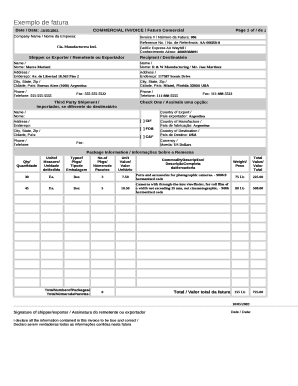
Commercial Invoice Template

24 Hour Notice of Intention to Enter Dwelling

Kansas Medicine and Surgery License Renewal
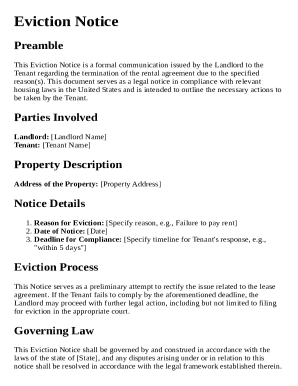
Eviction Notice Template
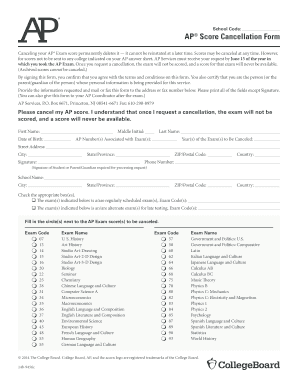
AP Score Cancellation Form
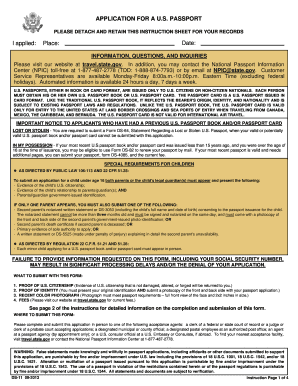
US Passport Application Form DS-11

Arizona POLST Form

Income Withholding for Support Form

Hunter Jumper Show Checklist
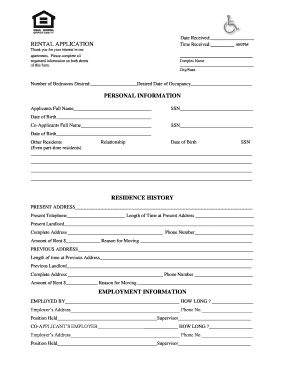
Rental Application Form
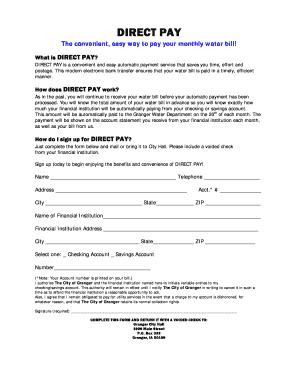
Direct Pay Water Bill Form
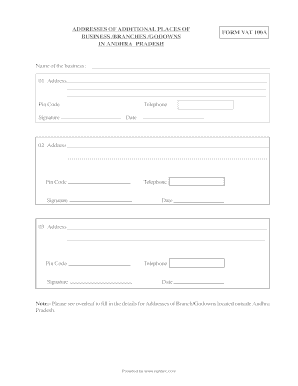
VAT 100A Form
World Financial Group Canada Associate Membership Agreement

Adventist Health Referral Request

Preceptor Clinical Timesheet
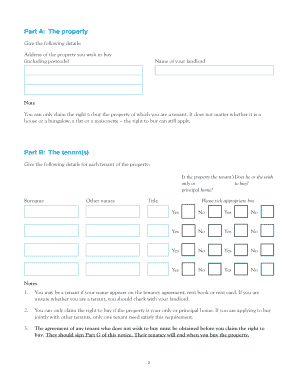
RTB1 Right to Buy Application Form

California Annual Treasurer's Report
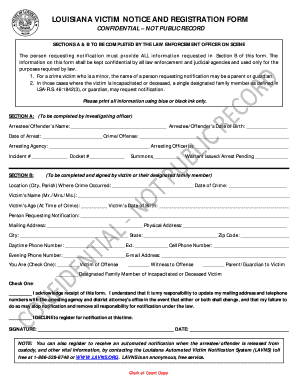
Louisiana Victim Notice and Registration Form

Florida Release and Cancellation of Contract
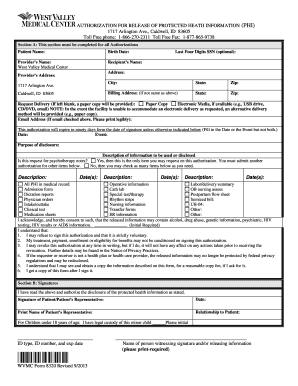
Authorization for Release of Protected Health Information (PHI)
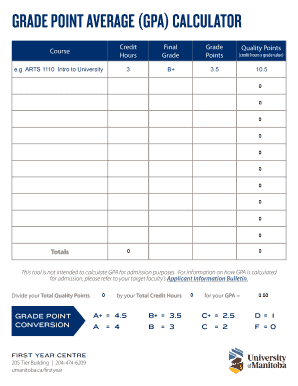
GPA Calculator Form

Western Australia Firearm Application Support Form
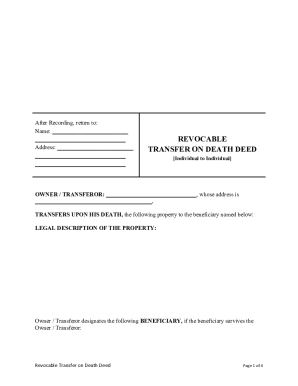
Transfer on death deed nebraska form
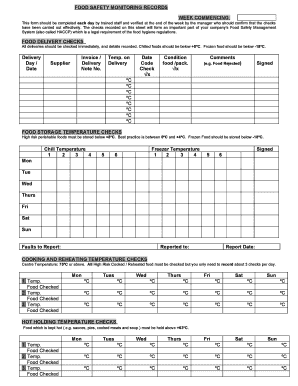
Food Safety Monitoring Records Form
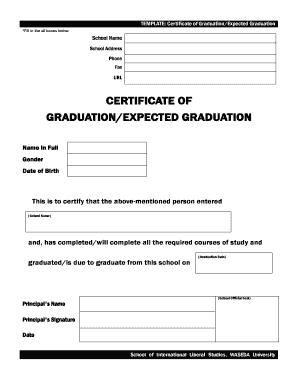
Certificate of Graduation Expected Graduation

US Customs and Border Protection Identification Card Application

Reservation Transfer Request Form
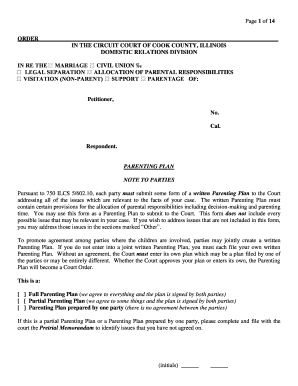
Illinois Parenting Plan Form

RUCOR Road User Charges Application
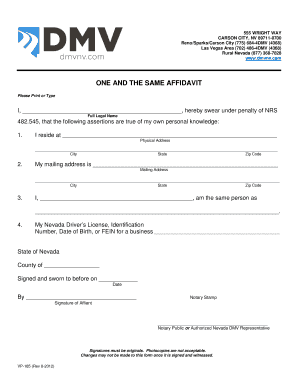
Nevada One and the Same Affidavit
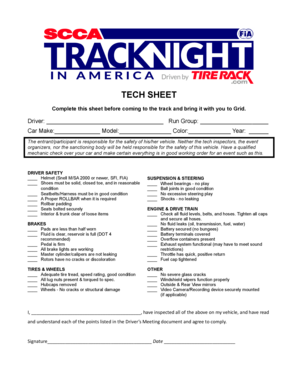
Driver Safety Tech Sheet
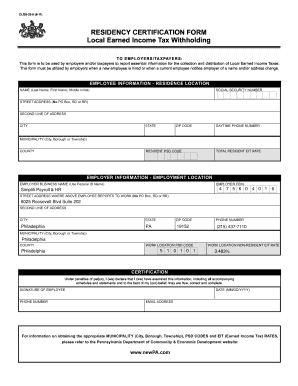
Pennsylvania Residency Certification Form
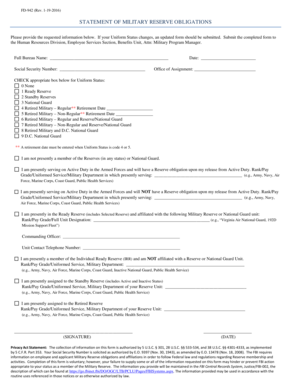
Statement of Military Reserve Obligations
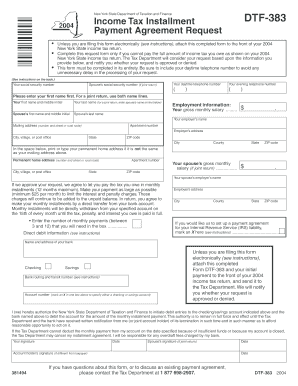
New York State Income Tax Installment Payment Agreement

Risk Assessment Template
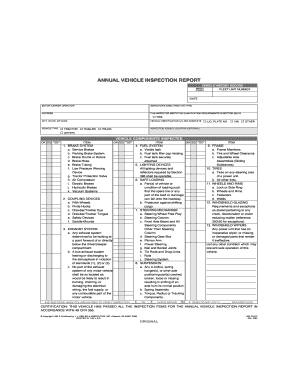
Annual Vehicle Inspection Report
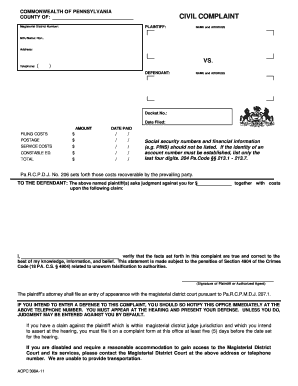
Pennsylvania Civil Complaint Form
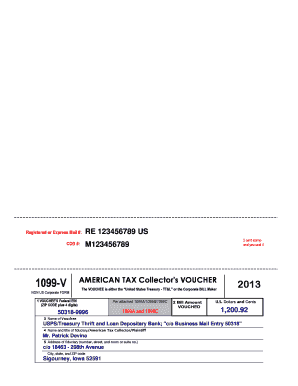
1099-V American Tax Collector's Voucher

TDCJ FanDirect Order Form
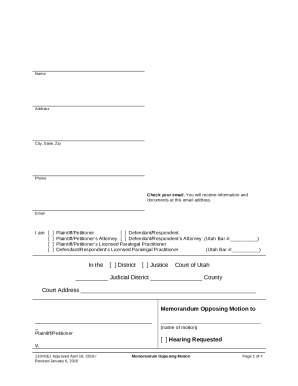
Utah Memorandum Opposing Motion
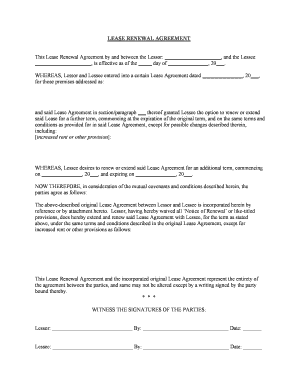
Lease Renewal Agreement

Georgia Preparticipation Physical Examination Form
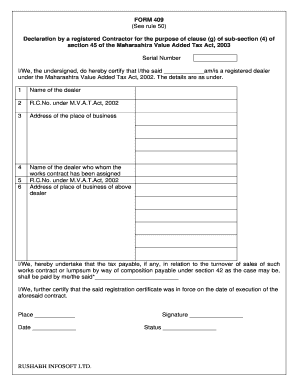
Maharashtra VAT Contractor Declaration Form 409
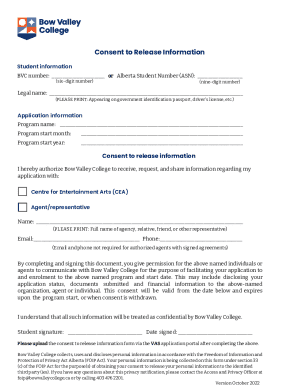
Bow Valley College Consent to Release Information

Family Loan Agreement

Pag-IBIG Refund Application Form
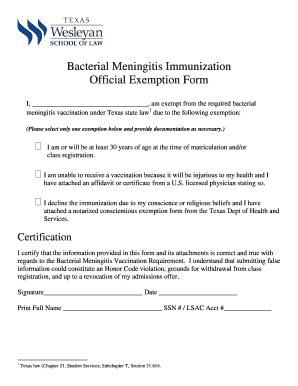
Texas Bacterial Meningitis Exemption Form
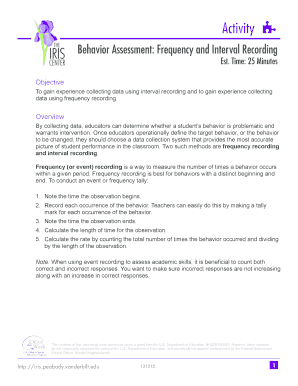
IRIS Behavior Assessment Form
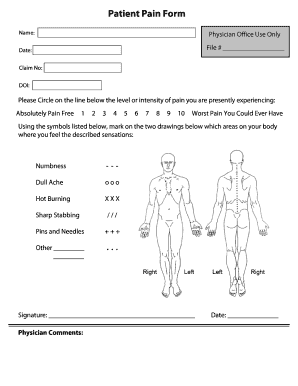
Patient Pain Form

Patient Authorization for Use or Disclosure of Protected Health Information
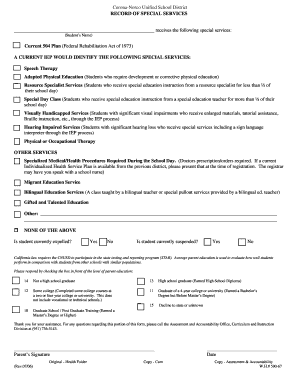
Corona-Norco Unified School District Special Services Record

CASC Registration Form

Utah Small Claims Affidavit and Summons
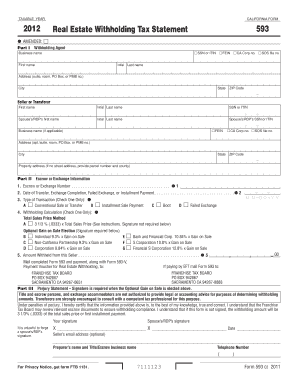
California Form 593

Certified Pre-Owned Vehicle Inspection Checklist

Joint Declaration of Taxi Use
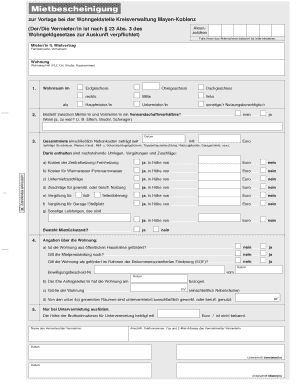
German Tenant Certificate
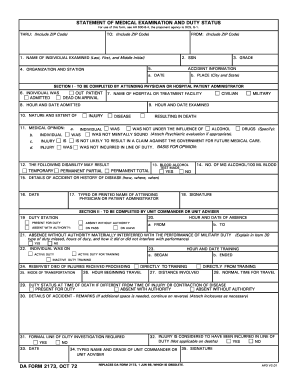
Da form 2173

Louisiana Eviction Notice
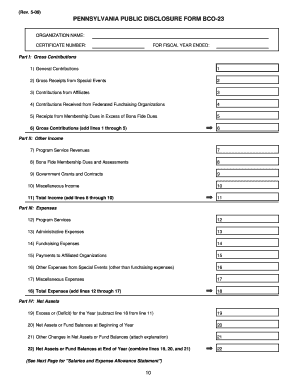
Pennsylvania Public Disclosure Form BCO-23

AGD Expense Reimbursement Report

Fillable panel schedule template
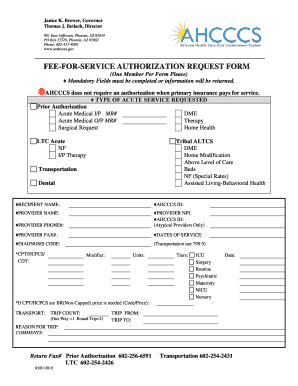
Arizona Fee-For-Service Authorization Request Form

UK Student Finance PFF2 Form 2026 27

Blank Calendar Template

Deed-in-Lieu of Foreclosure Agreement
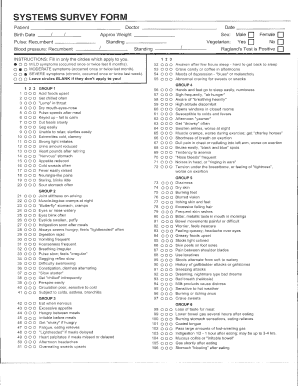
Systems Survey Form
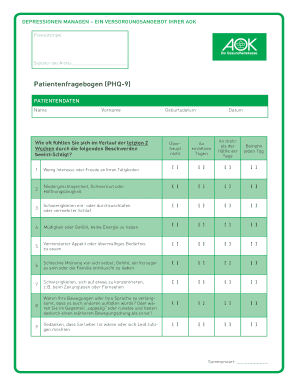
Patientenfragebogen (PHQ-9)
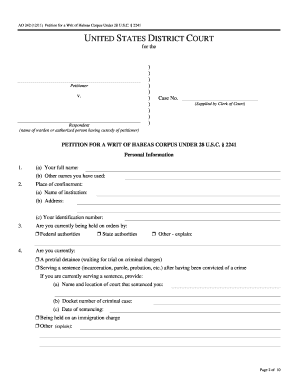
Petition for a Writ of Habeas Corpus Under 28 U S C 2241

Schwab One Estate Account Application

Alabama Motor Vehicle Bill of Sale
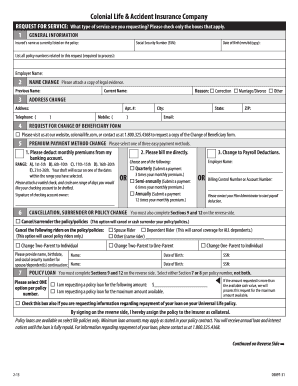
Colonial Life Request for Service Form
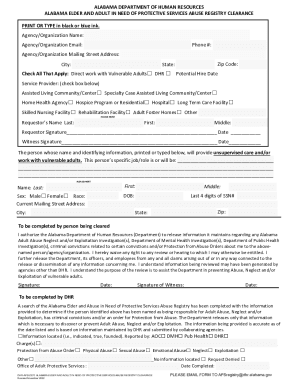
Alabama Elder and Adult Abuse Registry Clearance Form
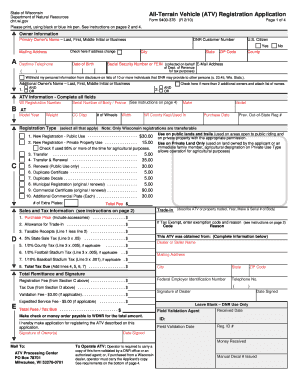
Wisconsin ATV Registration Application
Benefit from the DocHub online library of fillable PDF forms
Searching the PDF forms doesn't have to be a tedious and time-consuming process. With the DocHub online library, it has become easier to find the fillable PDF forms and modify them in your browser. The service allows you to adjust the document to your needs using powerful editing tools.
You can use online document editing features to modify almost any type of document with ease. You just need to find the template of your choice, open it in the editor, and use the toolbar to make the necessary corrections.
Follow this guide to get your document done with DocHub:
- Find the PDF template you need.
- Click the Get Form button to open the file in the editor.
- Use the toolbar to fill out and edit the document.
- Easily add and highlight text, insert images, checkmarks, and symbols.
- Drop new fillable fields, and rearrange or delete pages from your file.
- Save changes and download your record.
DocHub empowers everyone to streamline document editing, signing, and distribution, and form completion. Create an account and benefit from our well-organized PDF Forms library and comprehensive editor.