
Get any PDF form from the DocHub library of ready-made templates - Page 2264
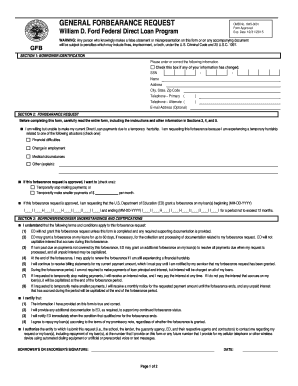
Forbearance form
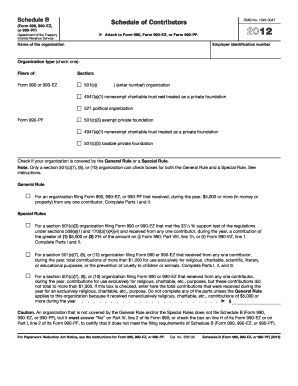
Greater kansas city community foundation form 990 tax year public ...

Application to carry firearms in luzerne county pennsylvania 2007 form
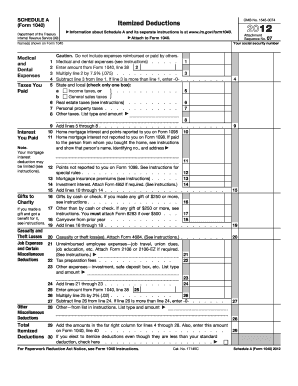
Schedule a 2012 form

Chip perinatal
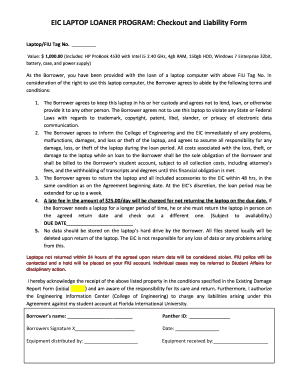
Laptop checkout form template

Pretzelmaker application
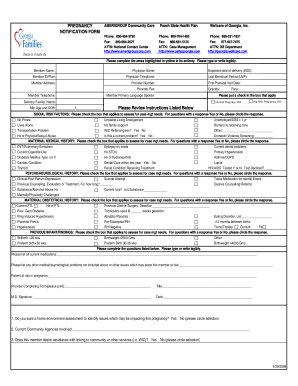
Pregnancy notification peach state
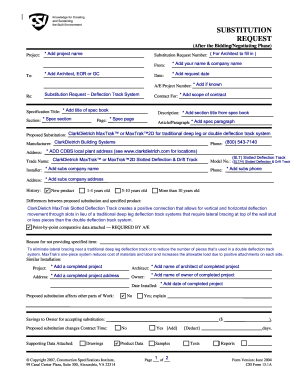
Cs 1 form

Dps transcripts
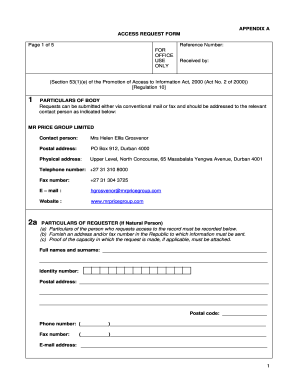
Mr price model application 2022
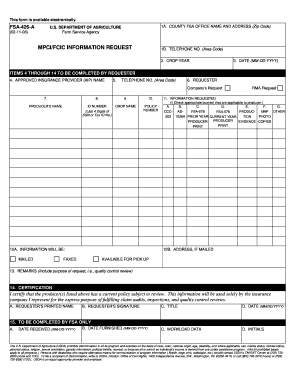
Fsa 426
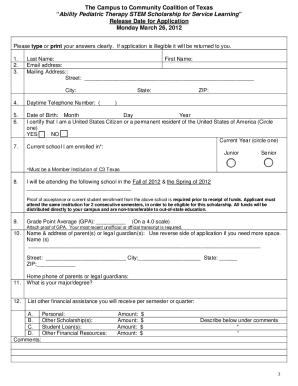
Sample scholarship application template
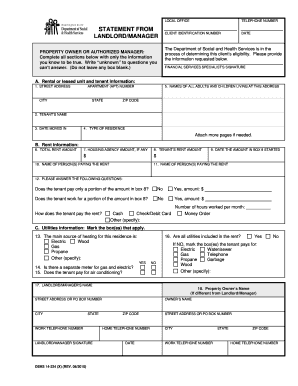
Landlord statement forms

1998 Form 540 - California Resident Income Tax Return
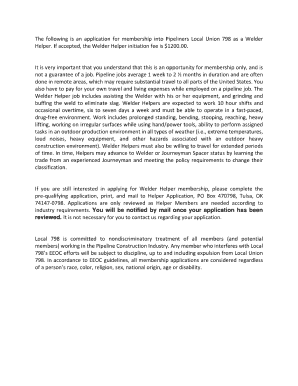
798 pipeliners union
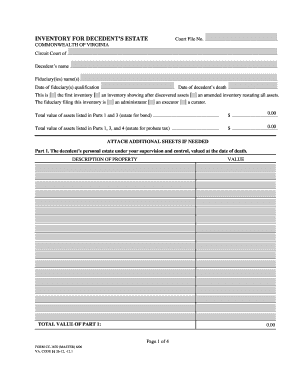
Form cc 1670 2006
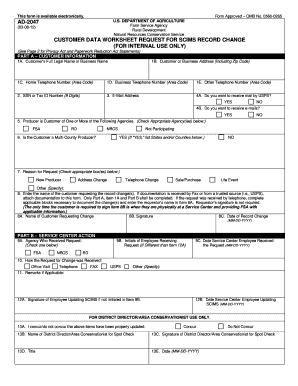
Fsa form ad 2047 2012
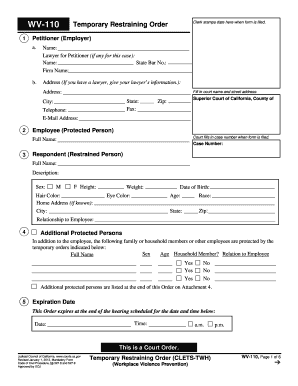
Restraining order form 2012
Metlife evidence of insurability form
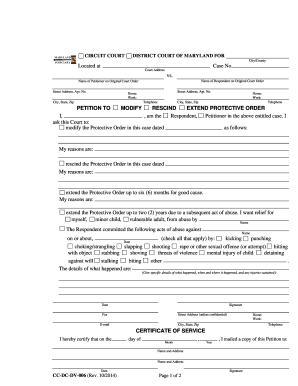
Rescind protective order maryland
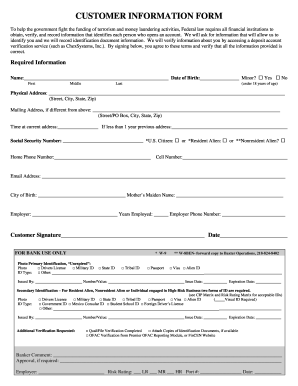
Customer information form
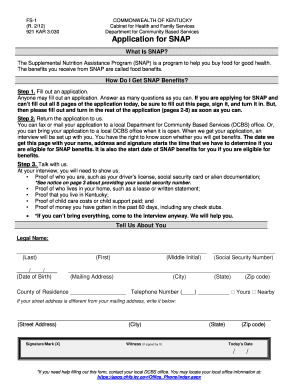
Snap verification documents ky

Application for restricted license

Time of hire pamphlet spanish
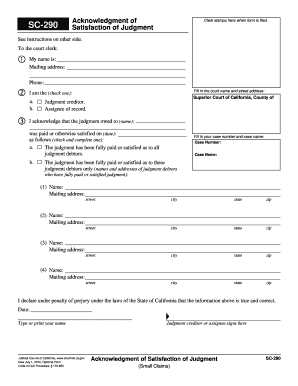
Sc 290 form
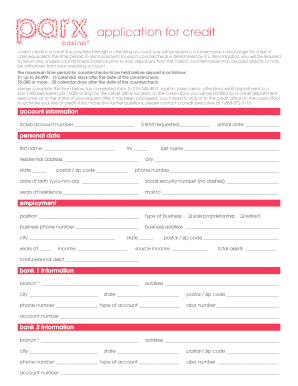
Parx credit

Motion to dismiss injunction florida

Sample letter for early termination of federal probation
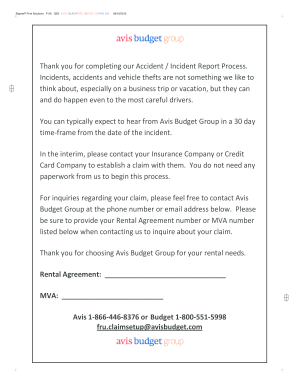
Avis accident report
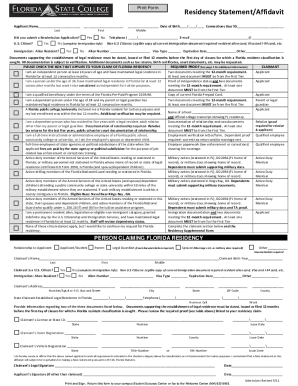
How to florida fscj residency
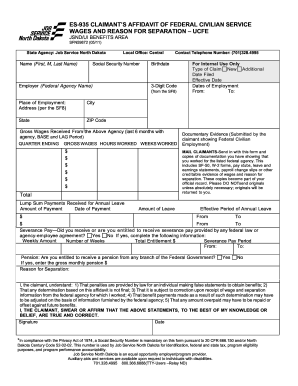
Es 935 form

Kentucky unemployment back pay form
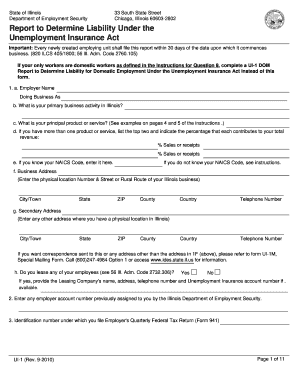
Ui 1 form 2010
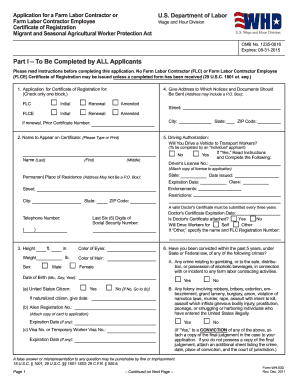
Wh 530
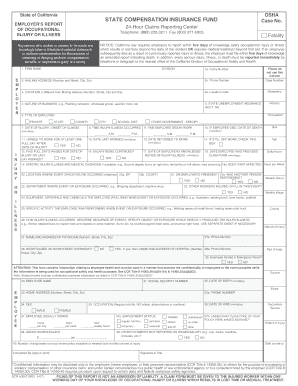
Scif claim form

Utah advanced health care directive
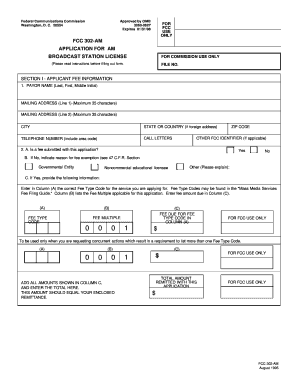
Fcc am license
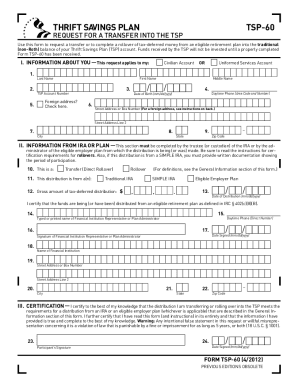
Tsp 60
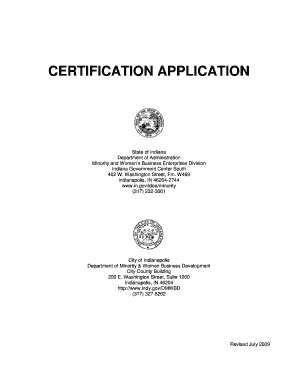
Indianapolis minority certification
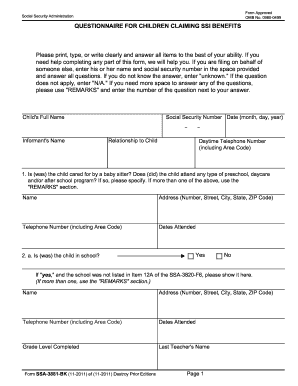
3881 2011 form
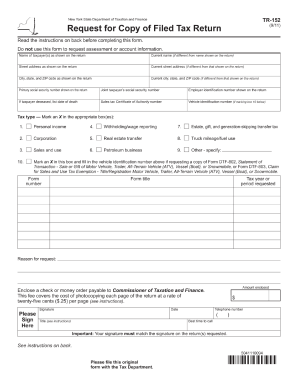
Form tr 960
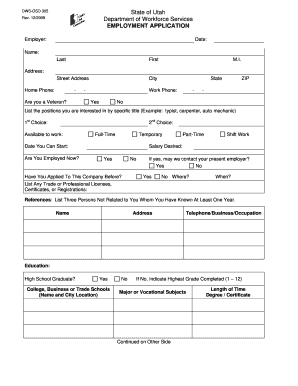
State of utah employment application 305
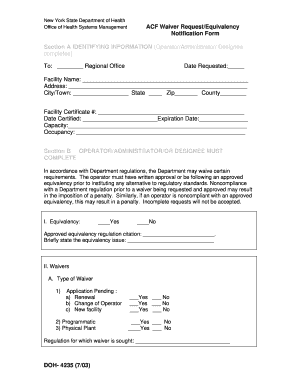
Doh 4235

Computershare direct credit form
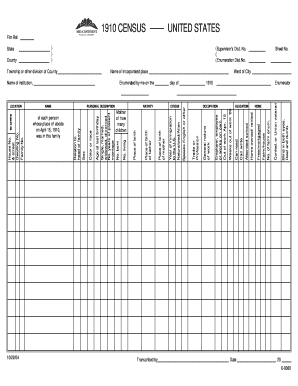
1910 census form
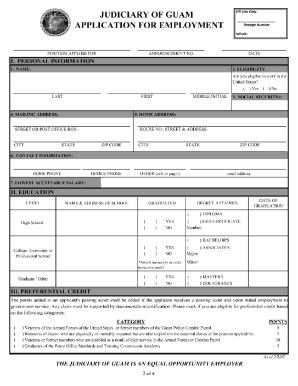
Guam application
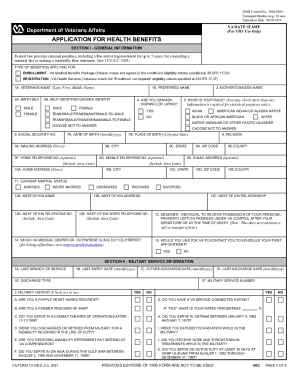
Va form 10 10ez printable
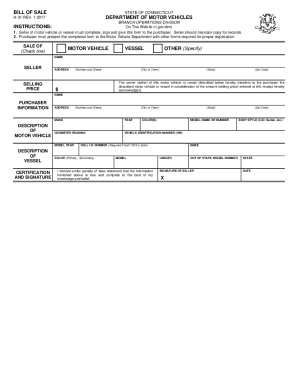
Ct dmv bill of sale
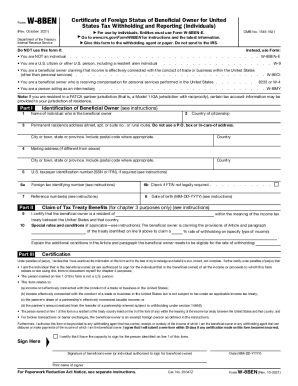
W 8ben
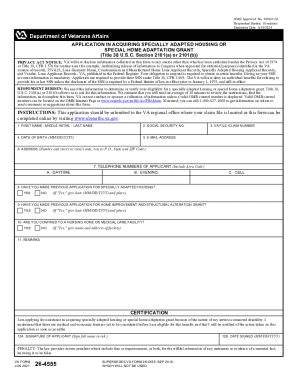
Va form 26 4555

Va form 27 2008

Uscg documentation
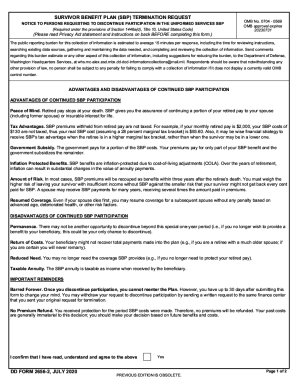
Dd form 2656 march 2022
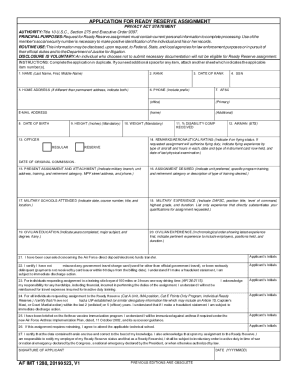
Af form 1288

Veterans affairs 21p online

Treaty annuity payment form
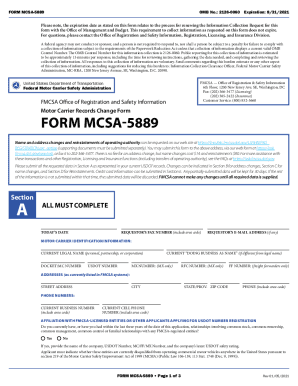
Form mcsa 5889
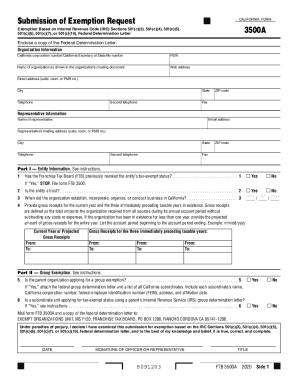
Form california exemption
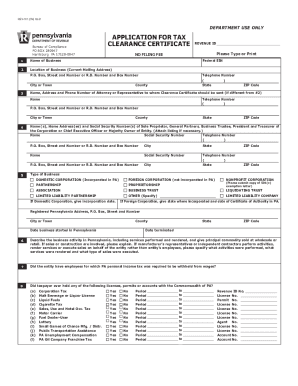
Clearance certificates
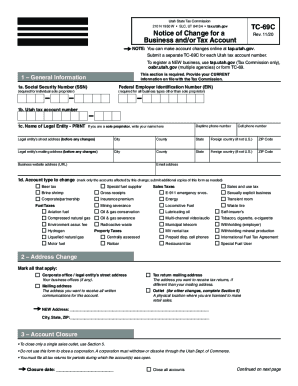
Ut tc of tax
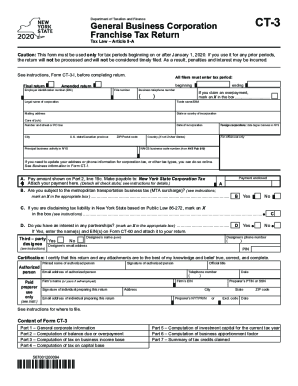
Ct 3
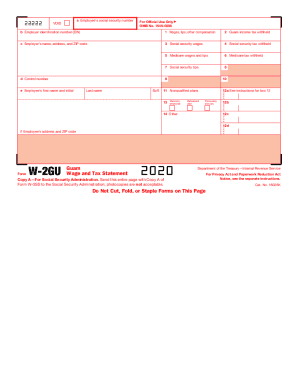
My guam tax

Health self declaration form

Form vtr 271
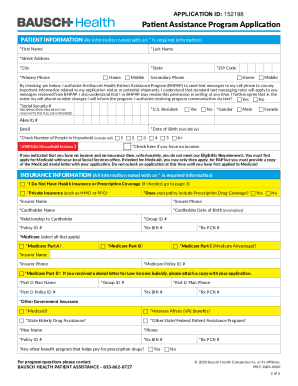
Bausch patient assistance program application pdf

Oklahoma frx 200 instructions 2020
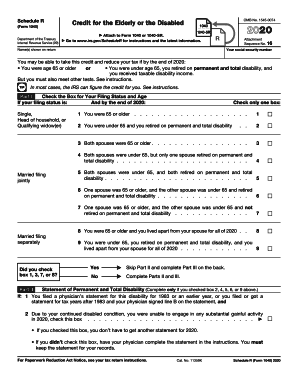
What is schedule r
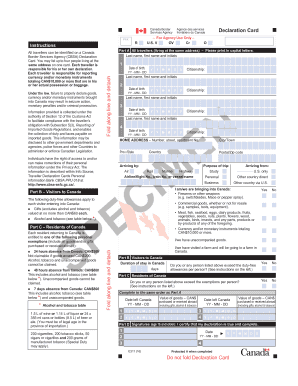
Canada customs declaration form 2022
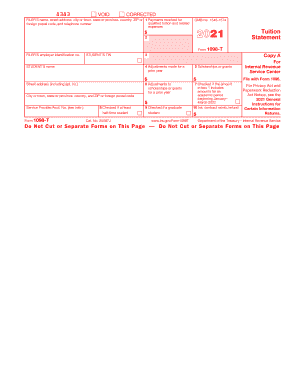
1098 t form
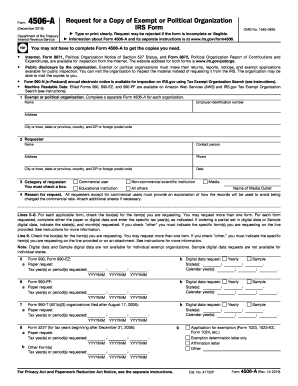
Form 4506-A (Rev. 12-2019). Request for a Copy of Exempt or Political Organization IRS Form
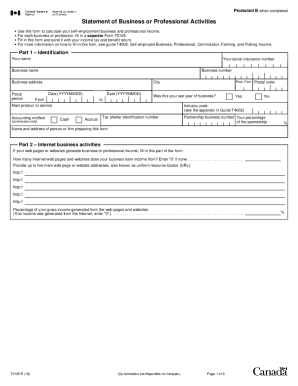
T2125
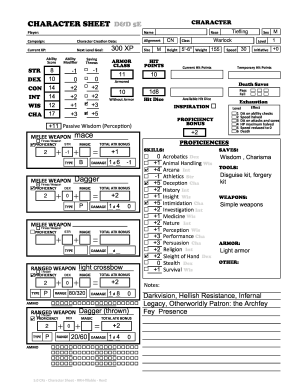
Character sheet
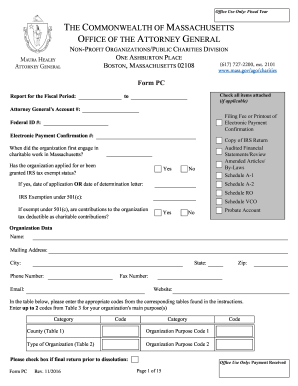
Form pc massachusetts
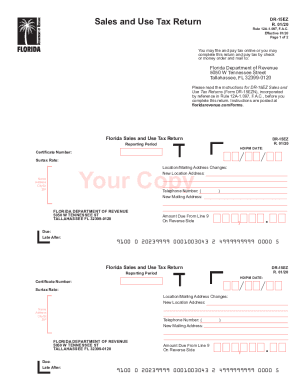
Dr 15ez
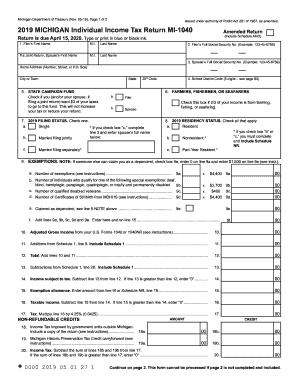
Mi 1040 form
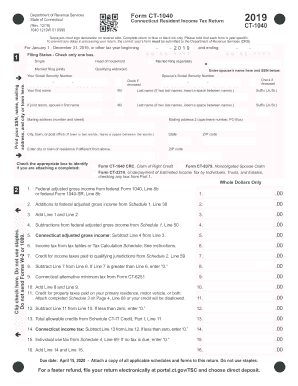
2019 ct 1040
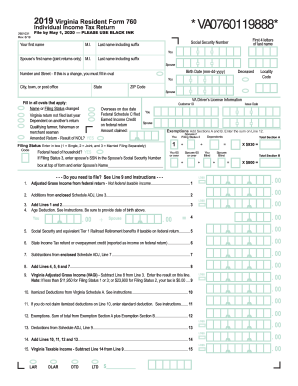
Virginia state 760 form
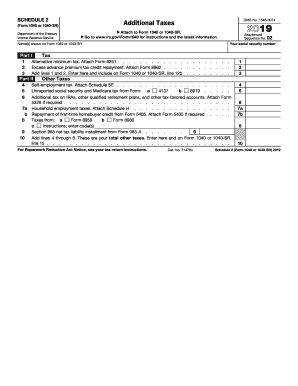
1040 2019 schedule 2
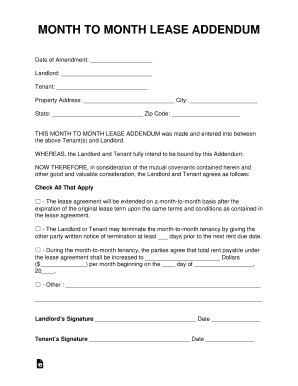
Month to month addendum
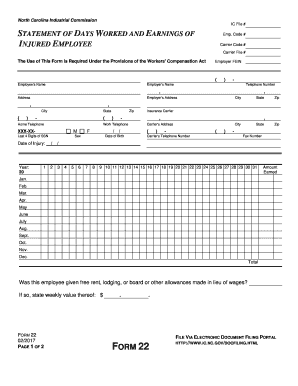
Form 22
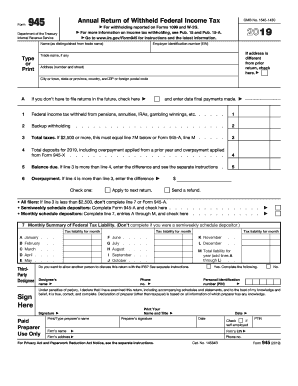
Form 945
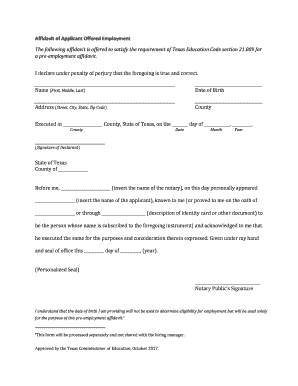
Pre employment affidavit
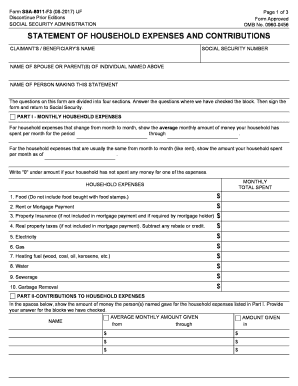
Ssa 8011 form
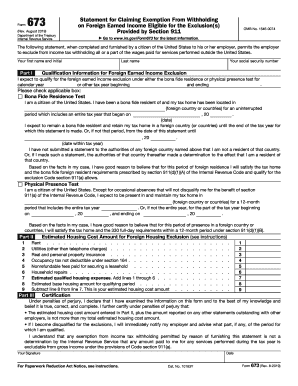
673
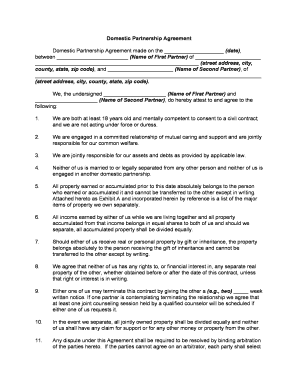
Domestic partnership
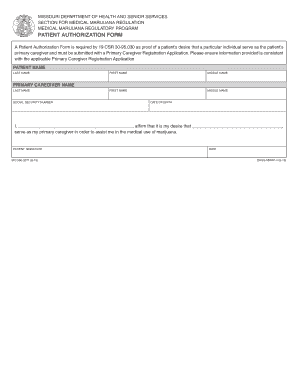
Patient authorization form missouri
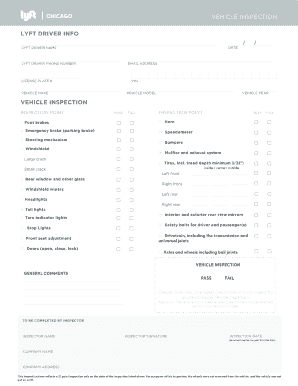
Lyft inspection form
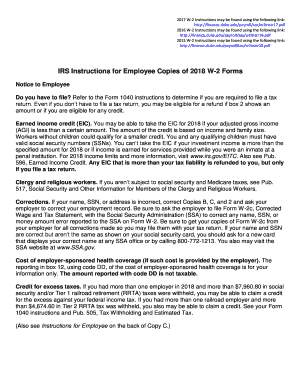
The w 2 form
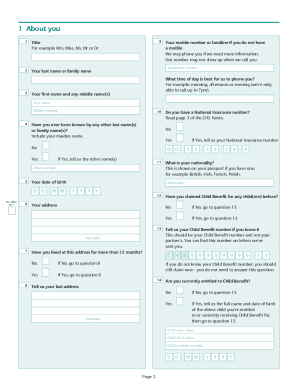
Child benefit ch2 form
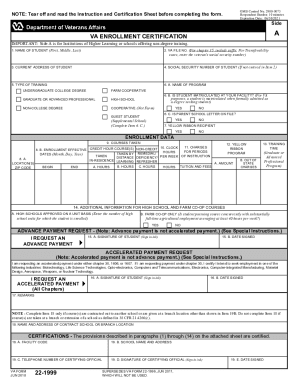
Va form 22 1999

Oklahoma replacement title
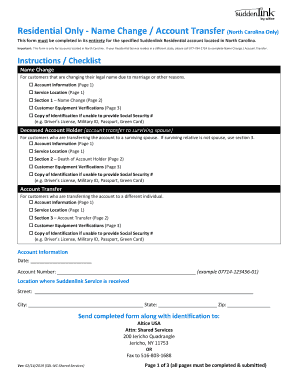
Help suddenlink com name change
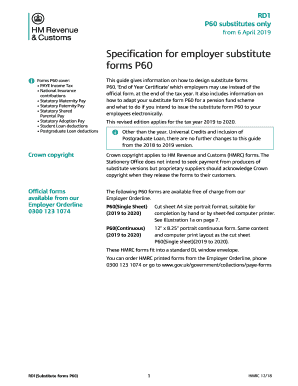
P60 forms
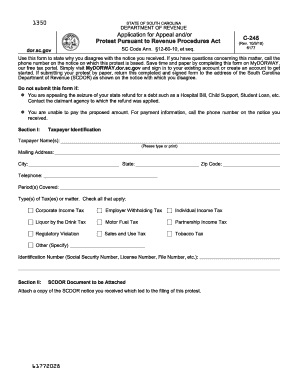
Sc form c 245

Cf2r form
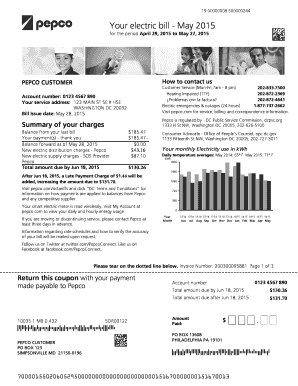
Pepco add name to account
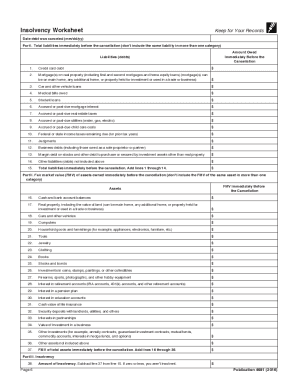
Publication

Massachusetts resident tax form 2018

Colorado dr2219 form
Benefit from the DocHub online library of fillable PDF forms
Searching the PDF forms doesn't have to be a tedious and time-consuming process. With the DocHub online library, it has become easier to find the fillable PDF forms and modify them in your browser. The service allows you to adjust the document to your needs using powerful editing tools.
You can use online document editing features to modify almost any type of document with ease. You just need to find the template of your choice, open it in the editor, and use the toolbar to make the necessary corrections.
Follow this guide to get your document done with DocHub:
- Find the PDF template you need.
- Click the Get Form button to open the file in the editor.
- Use the toolbar to fill out and edit the document.
- Easily add and highlight text, insert images, checkmarks, and symbols.
- Drop new fillable fields, and rearrange or delete pages from your file.
- Save changes and download your record.
DocHub empowers everyone to streamline document editing, signing, and distribution, and form completion. Create an account and benefit from our well-organized PDF Forms library and comprehensive editor.