Type text, add images, blackout confidential details, add comments, highlights and more.
02. Sign it in a few clicks
Draw your signature, type it, upload its image, or use your mobile device as a signature pad.
03. Share your form with others
Send neuro exam sample via email, link, or fax. You can also download it, export it or print it out.
How to use or fill out avis accident report with our platform
Ease of Setup
DocHub User Ratings on G2
Ease of Use
DocHub User Ratings on G2
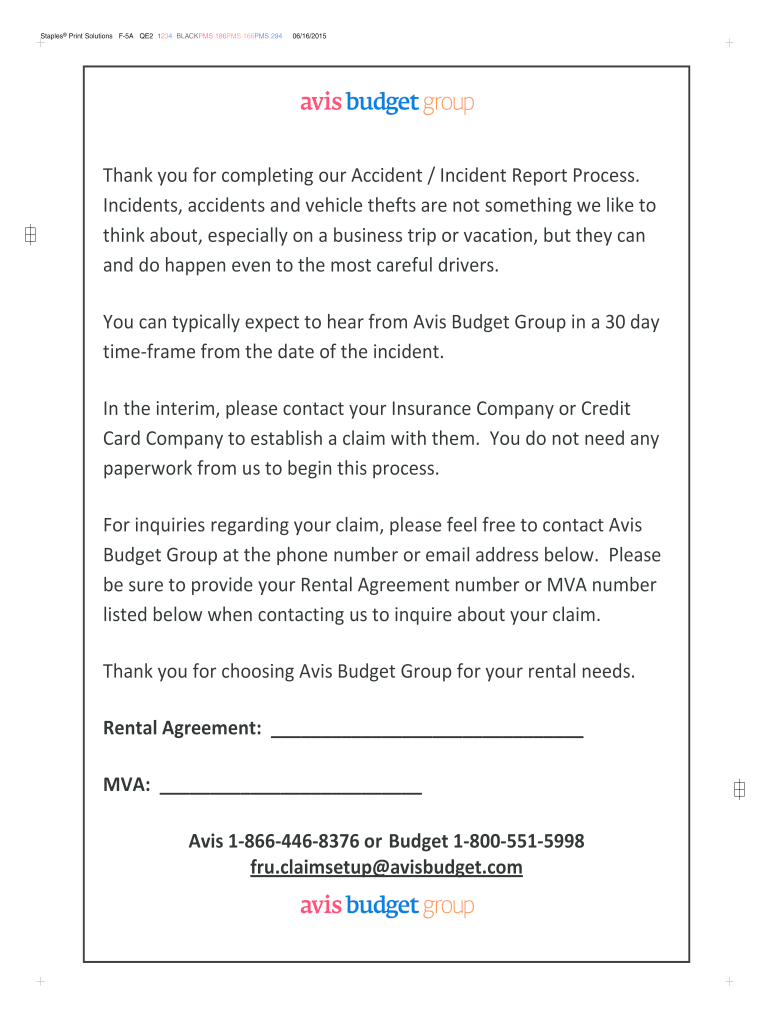
Click ‘Get Form’ to open the avis accident report in the editor.
Begin by filling in your personal information in the 'RENTER INFORMATION' section, including your name, address, and email.
In the 'INCIDENT DETAILS' section, provide the date and time of the incident. Be sure to specify whether police were called and include any relevant report numbers.
If other vehicles were involved, check 'YES' and fill in their details such as owner/driver name and contact information.
Indicate how the rental vehicle was used (business or personal) and provide details about the vehicle's make, model, and insurance information.
If there were any injuries, check 'YES' and provide details about the injured party along with their contact information.
Describe the incident in detail in the 'INCIDENT DESCRIPTION' section. Include specifics about how it occurred.
Finally, print your name and date of completion at the bottom of the form before saving or submitting it through our platform.
Start using our platform today for free to easily complete your avis accident report!
We've got more versions of the avis accident report form. Select the right avis accident report version from the list and start editing it straight away!
by MJ Huller Plaintiff alleged that she sustained two herniated discs as a result of the I subject automobile accident. MRI report was insufficient in Nitti.36. SomethingRead more
NHTSA Has Options to Improve the Safety Defect Recall
Jun 15, 2011 These reports check for information on a vehicles history such as title information; accident indicators, including air bag deployment; and.Read more
Cookie consent notice
This site uses cookies to enhance site navigation and personalize your experience.
By using this site you agree to our use of cookies as described in our Privacy Notice.
You can modify your selections by visiting our Cookie and Advertising Notice.