
Get any PDF form from the DocHub library of ready-made templates - Page 2136

Direction convey sample
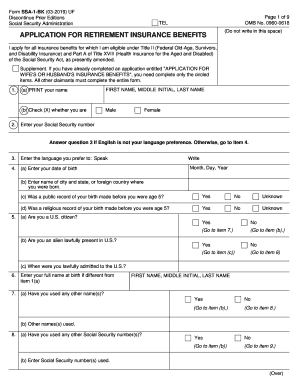
Social security retirement application

Form 990 ez instructions
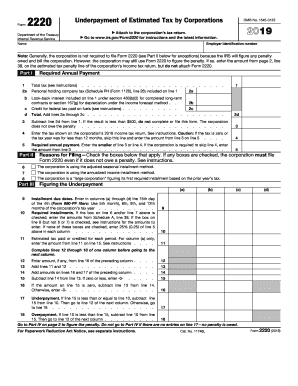
Form 2210

South carolina estimated tax payments 2020
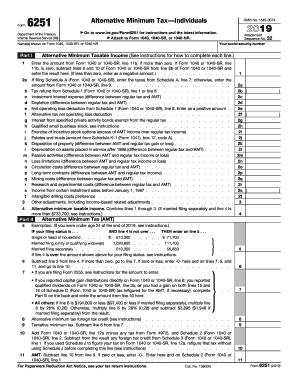
2018 6251 pdf

Maine Real Estate Transfer Tax Form Fillable
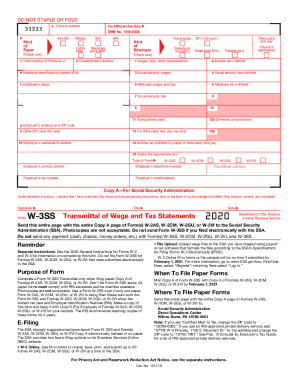
W 3ss

2020-2022 Form NJ DoT NJ-1040x Fill Online, Printable ...

Tx 05 158 instructions

State form 50 132 2020 application
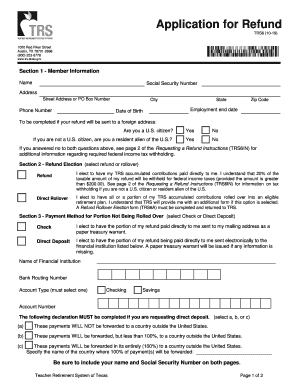
Teacher retirement system of texas withdrawal

Ecfmg form 182
Mississippi withholding form

Form 775
Instructions for 2019 990
Form 1120 f
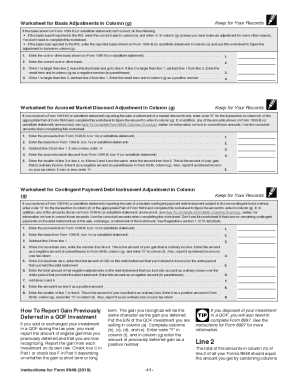
Form 8949 instructions

Cdtfa ca
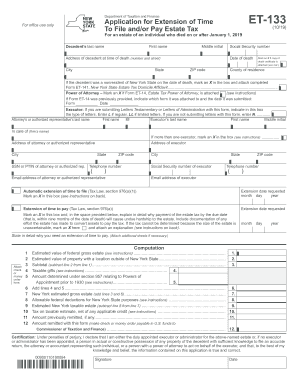
Et 133

Ok form 512e

Notice to vacate vic
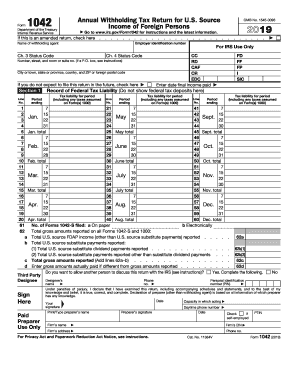
Form 1042
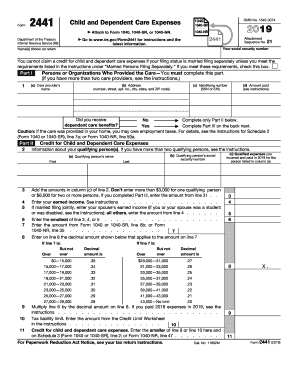
2441 2012
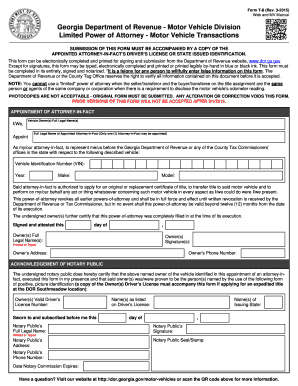
Georgia form t 8
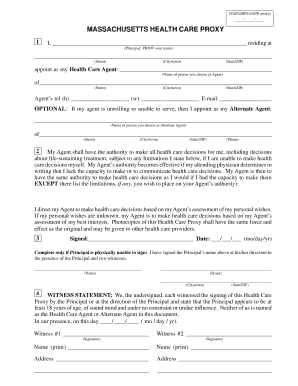
Health proxy form

I 783
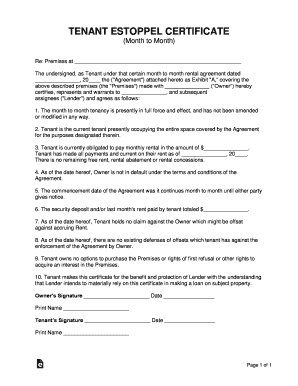
Tenant estoppel certificate month to month
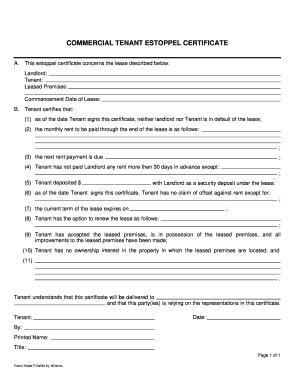
Commercial estoppel form
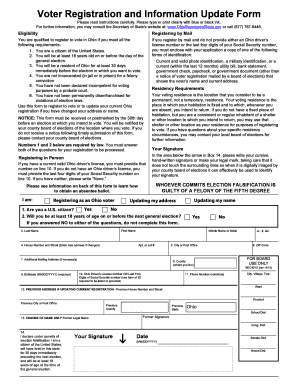
Ohio voter registration form
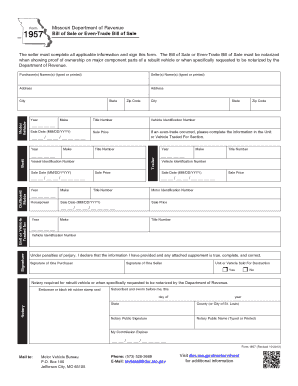
Free Missouri Motor Vehicle Bill of SaleForm 1957 - PDF ...
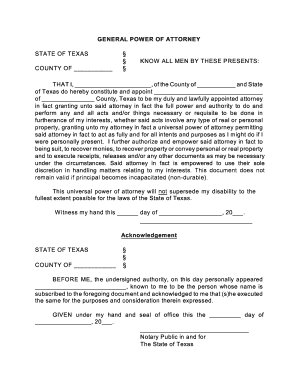
Texas general poa

Interior design questionnaire
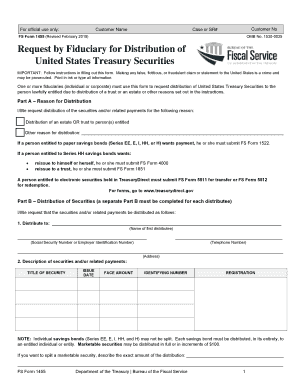
Fs form 1455

Vp202
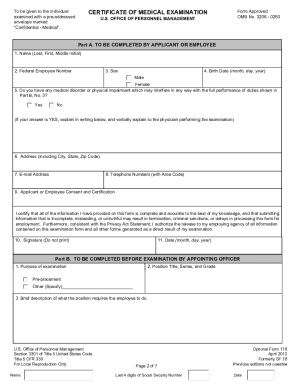
Opm

Sc tax exemption form
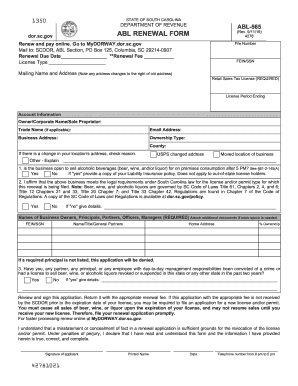
South carolina abl renewal
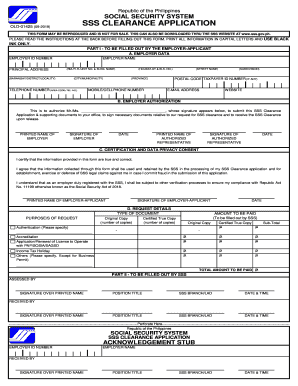
Sss clearance application form
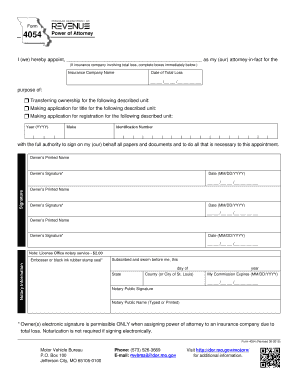
Missouri 4054 power attorney form

Phq9 and gad7

Paychex beneficiary designation form
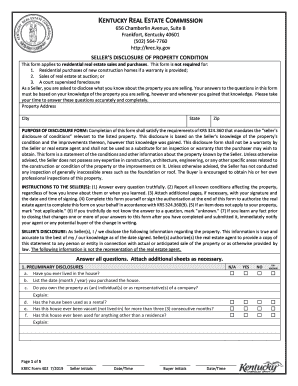
Krec form 402
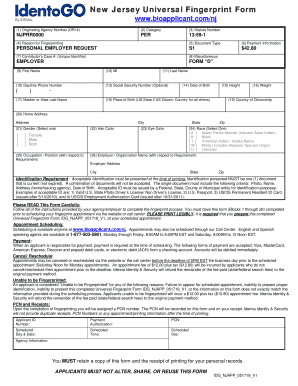
Idg njapp 051719 v1
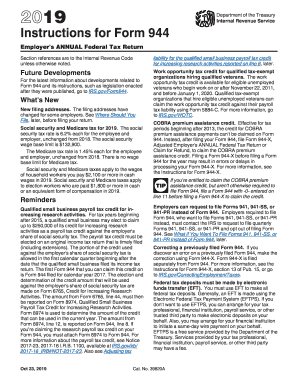
944 fill

Ri 030 form

Car rental receipt pdf
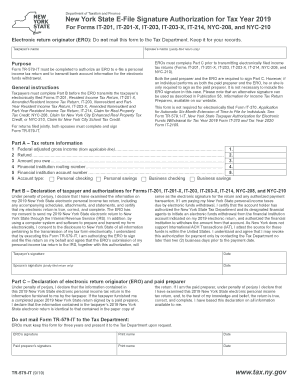
Ny form tr 579 it
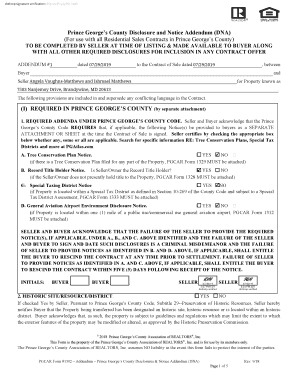
Prince george's county disclosure and notice addendum
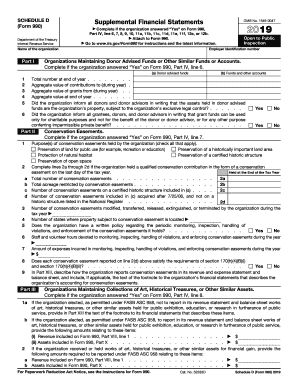
2019 form 990 schedule d
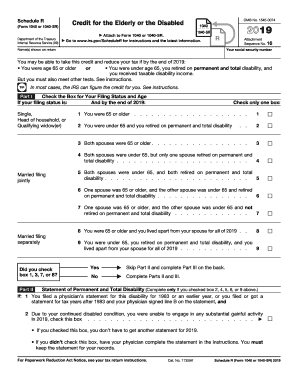
Schedule 1040 2019
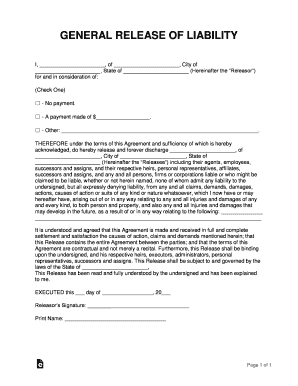
General release
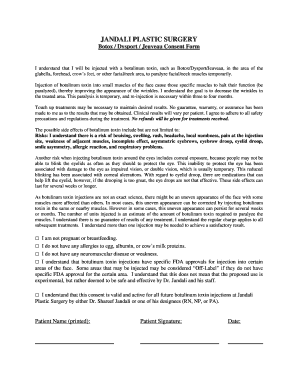
Jeuveau consent form
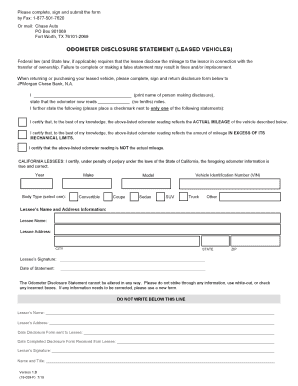
Chase odometer statement
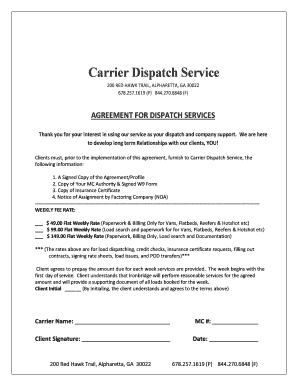
Dispatcher contract template

Gro185 part form
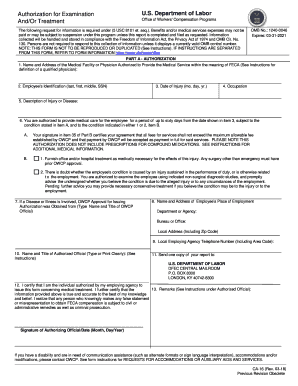
Ca 16

Vehicle non use form
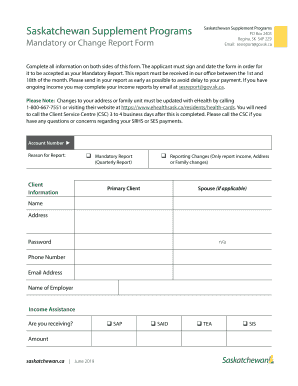
Rental supplement

Af form 4380
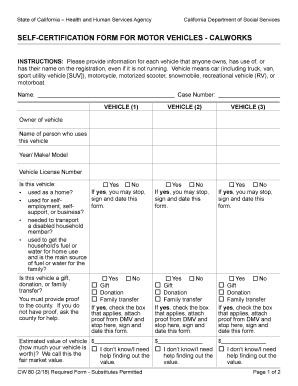
Cw 80 form
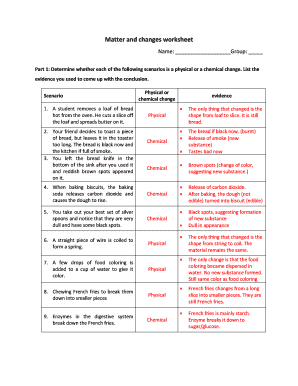
Changes worksheet physical chemical
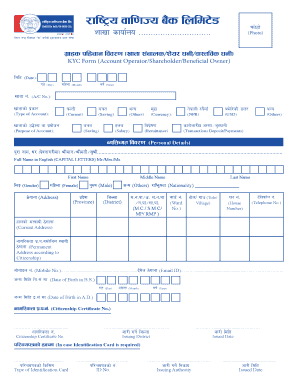
Rastriya banijya bank kyc form
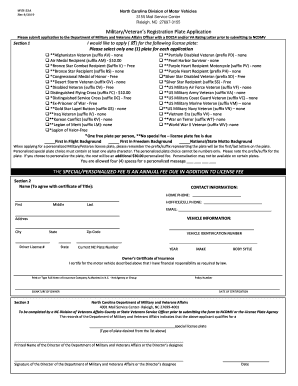
Mvr 33a
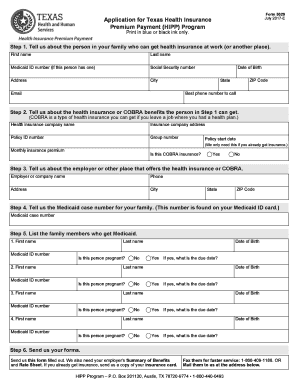
Hipp 5020 form
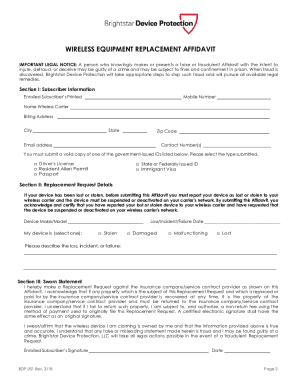
Brightstar claim affidavit
Aoc fc 3
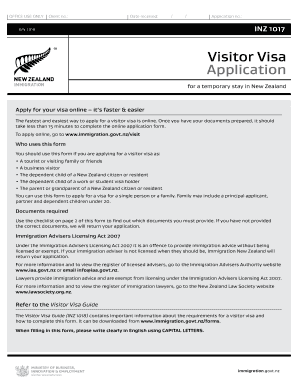
New zealand visitor visa
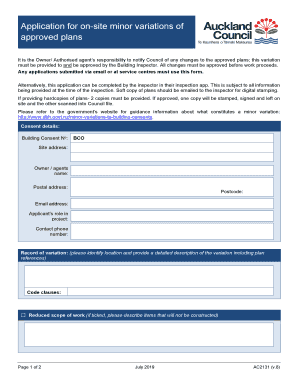
Ac2131
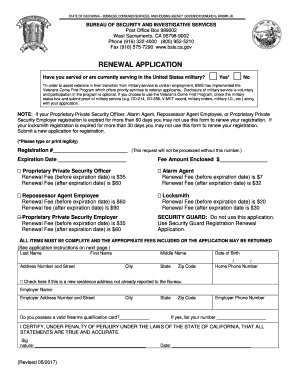
Bureau of security and investigative services
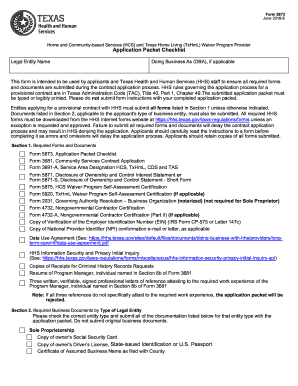
Form 5873
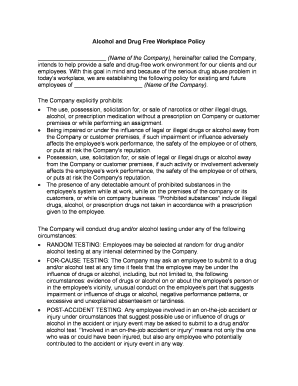
Work drug policy

Charter agreement template
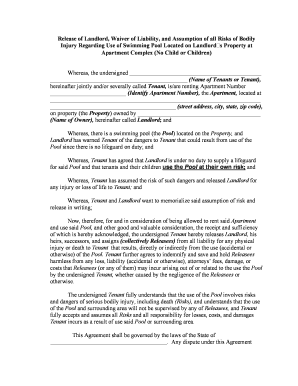
Liability swimming pool
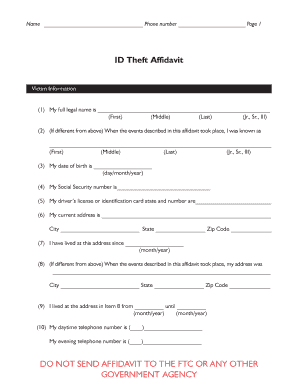
Federal trade commission complaint form

Work hire agreement
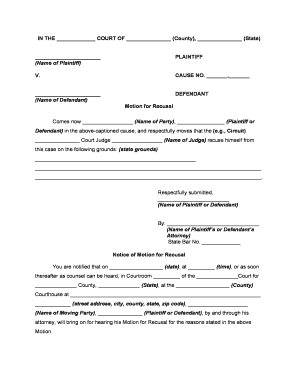
Recusal

Minnesota health care directive printable

Va final inspection form
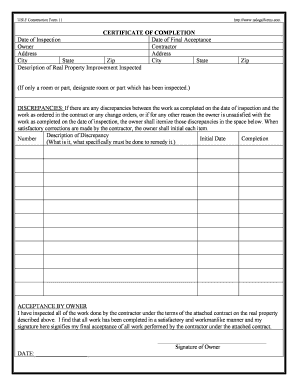
Completion certificate
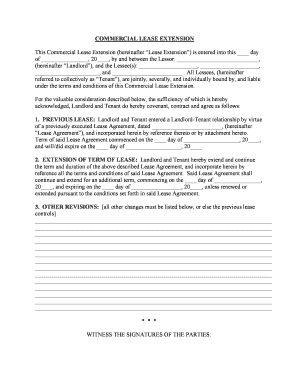
Lease extension agreement

Rental form

Agreement sale property
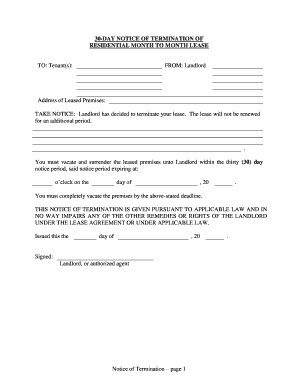
30 day notice terminate contract
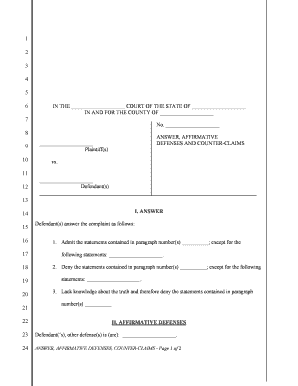
Civil answer template
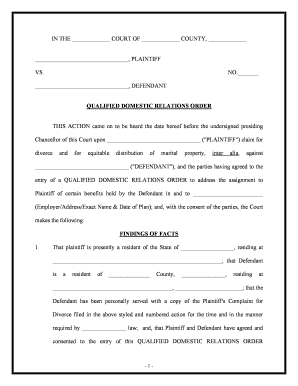
Qdro

Lease renewal agreement pdf
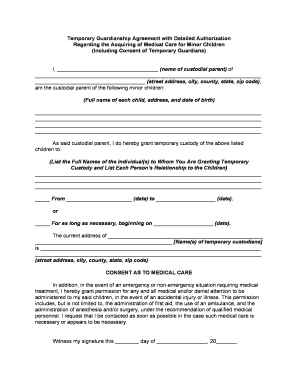
Temporary guardians

Postnuptial agreement form
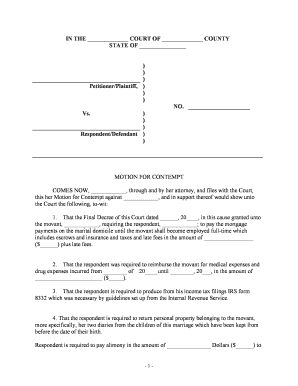
Contempt form
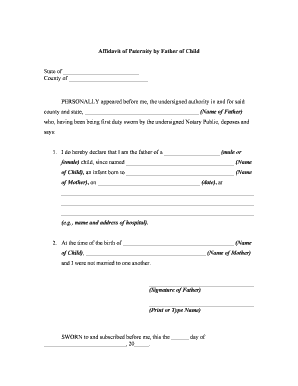
Paternity affidavit

Nj elec forms
Tpt 2 form
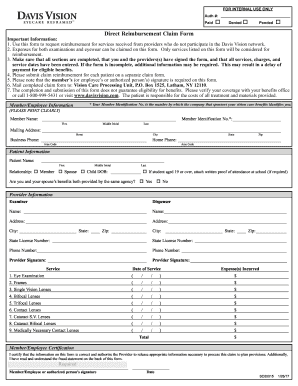
File a claim with davis and vision

Justice ufms
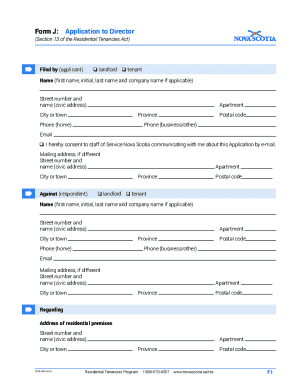
Form j tenancy board
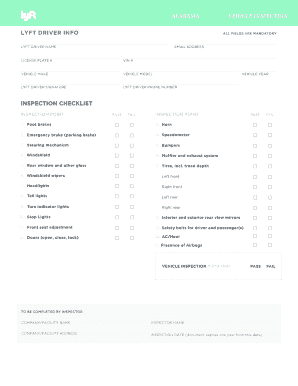
Lyft inspection form pdf

Compaint form
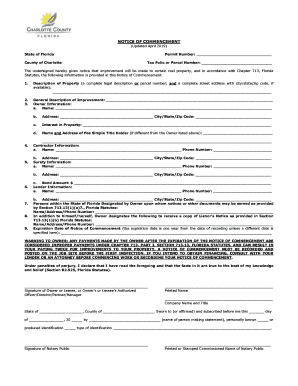
Charlotte county noc

Dte 1 form
Benefit from the DocHub online library of fillable PDF forms
Searching the PDF forms doesn't have to be a tedious and time-consuming process. With the DocHub online library, it has become easier to find the fillable PDF forms and modify them in your browser. The service allows you to adjust the document to your needs using powerful editing tools.
You can use online document editing features to modify almost any type of document with ease. You just need to find the template of your choice, open it in the editor, and use the toolbar to make the necessary corrections.
Follow this guide to get your document done with DocHub:
- Find the PDF template you need.
- Click the Get Form button to open the file in the editor.
- Use the toolbar to fill out and edit the document.
- Easily add and highlight text, insert images, checkmarks, and symbols.
- Drop new fillable fields, and rearrange or delete pages from your file.
- Save changes and download your record.
DocHub empowers everyone to streamline document editing, signing, and distribution, and form completion. Create an account and benefit from our well-organized PDF Forms library and comprehensive editor.